PayPal's fraud detection has gotten scary good at spotting users running multiple accounts from the same device or network. One wrong move triggers account restrictions, frozen funds, or permanent bans that can wipe out all your linked accounts. If you're running legitimate business operations that require multiple PayPal accounts - whether for different ventures, clients, or regions - standard browsing just won't cut it anymore.
Why PayPal Flags Multiple Accounts
PayPal tracks user behavior through advanced fingerprinting technology that monitors dozens of data points - browser fingerprints, IP addresses, device characteristics, and behavioral patterns. When these signals align across multiple accounts, PayPal's algorithms mark them as potentially fraudulent activity.
The fallout goes well beyond account warnings. PayPal can lock funds for 180 days, ban accounts permanently, and blacklist payment methods. For businesses running legitimate multi-account operations, these penalties disrupt cash flow and strain client relationships.
Antidetect browsers create completely separate browsing environments where each session gets its own unique digital fingerprint. While regular browsers share cookies, cache, and device data between tabs, antidetect browsers isolate each profile so they look like totally different users to PayPal's tracking systems.
They change the fingerprint details that matter most - canvas fingerprints, WebGL parameters, screen resolution, timezone, language settings, and hardware specs. Each profile maintains the same fingerprint every time you log in, which prevents the red flags that inconsistent data usually triggers.
Antidetect browsers go beyond surface-level fingerprinting. They completely isolate cookies, local storage, and session data between profiles. This means PayPal can't trace connections between your different accounts through shared tracking data.
Top Antidetect Browsers for PayPal Management
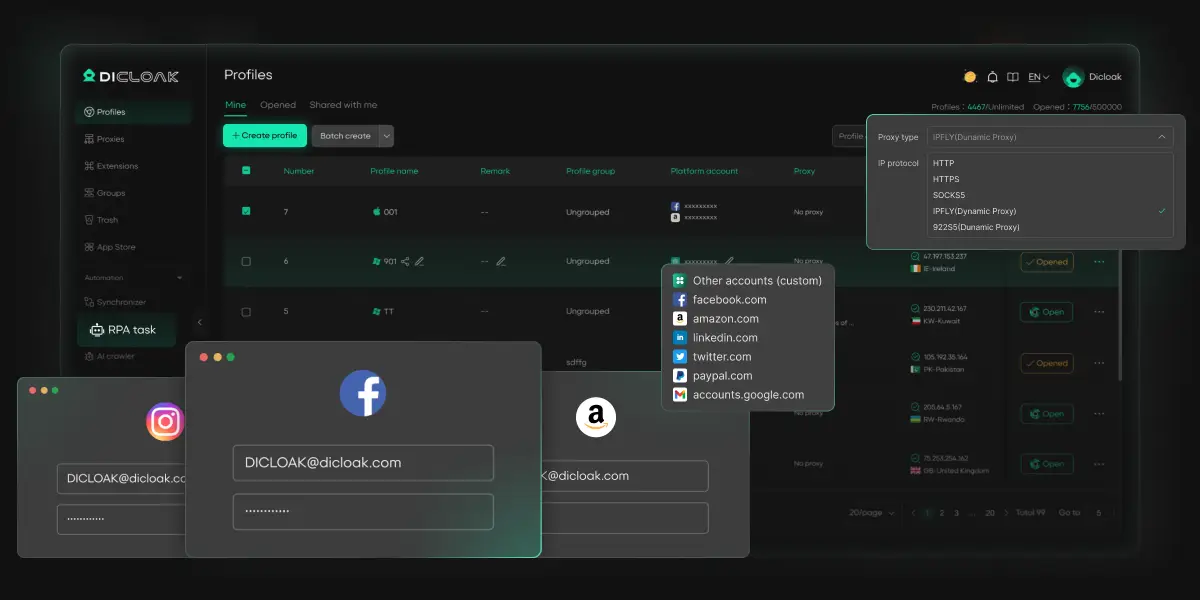
DICloak works particularly well for PayPal multi-account management. The platform offers a genuine free plan with multiple profiles, which is perfect if you want to test antidetect functionality before committing. DICloak includes built-in RPA automation designed specifically for account management workflows, so you won't need separate automation tools.
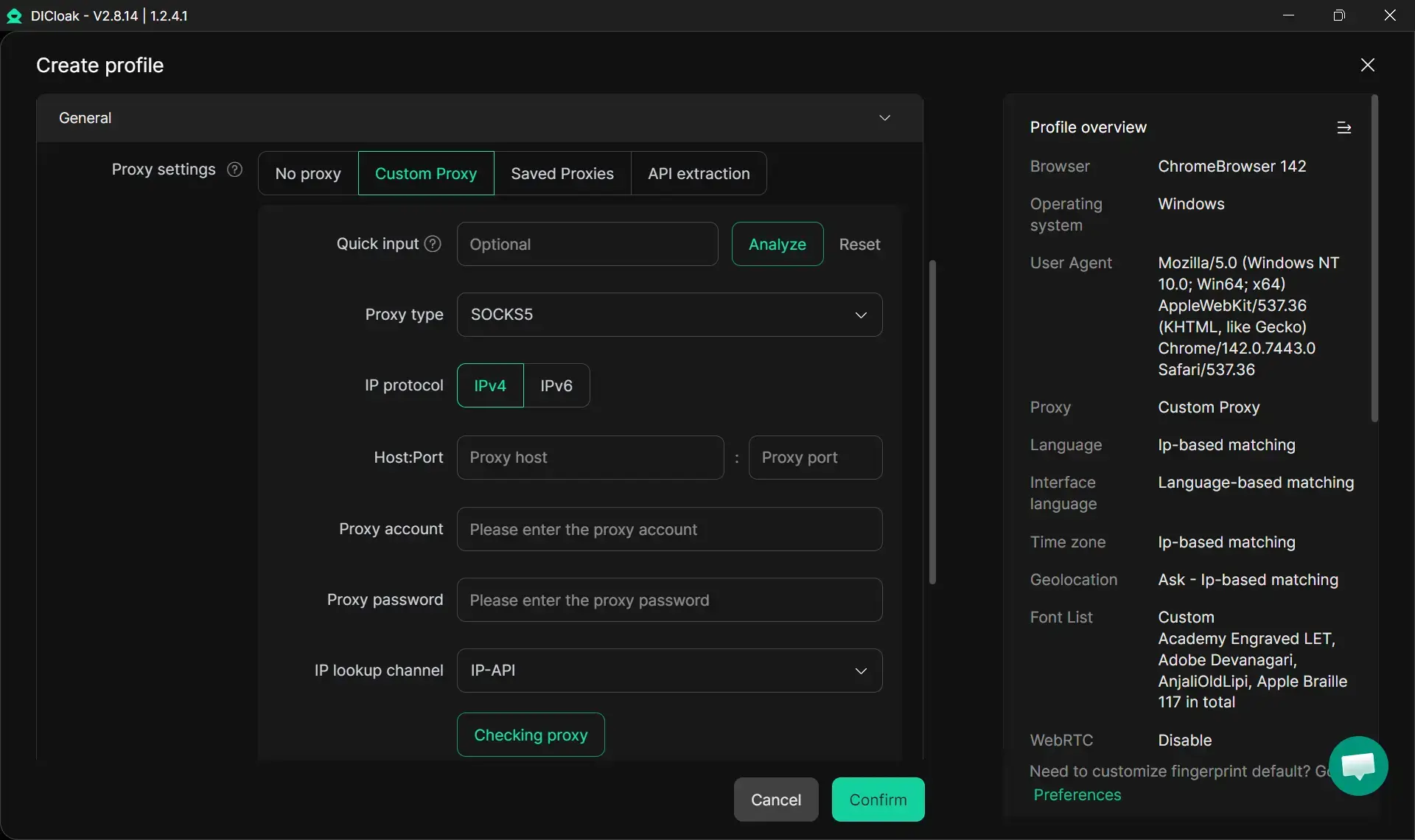
The proxy system integrates seamlessly with profile creation, automatically rotating IP addresses while maintaining geographic consistency for each PayPal account. Team collaboration features let you share accounts securely without exposing credentials - crucial for agencies handling client PayPal accounts. DICloak maintains reliable fingerprint consistency across sessions, avoiding the detection risks that plague other antidetect browsers during extended PayPal use.
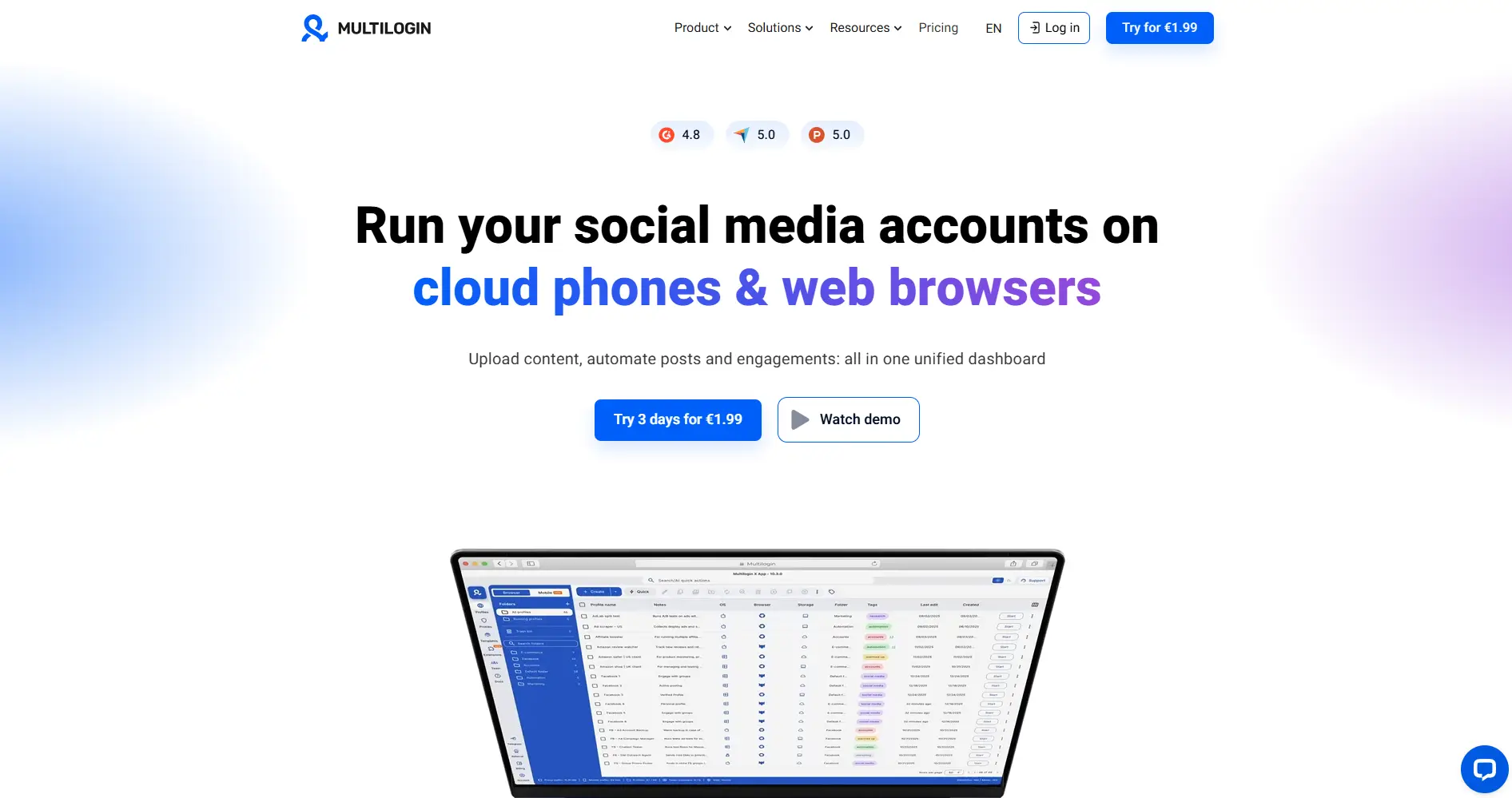
Multilogin delivers enterprise-level browser isolation supporting both Chromium and Firefox engines. The platform creates rock-solid fingerprints and gives you detailed control over session management. The downside? Pricing starts at $99 monthly, which hits smaller operations hard. Plus, the interface throws a lot at you when you might just want simple account management.
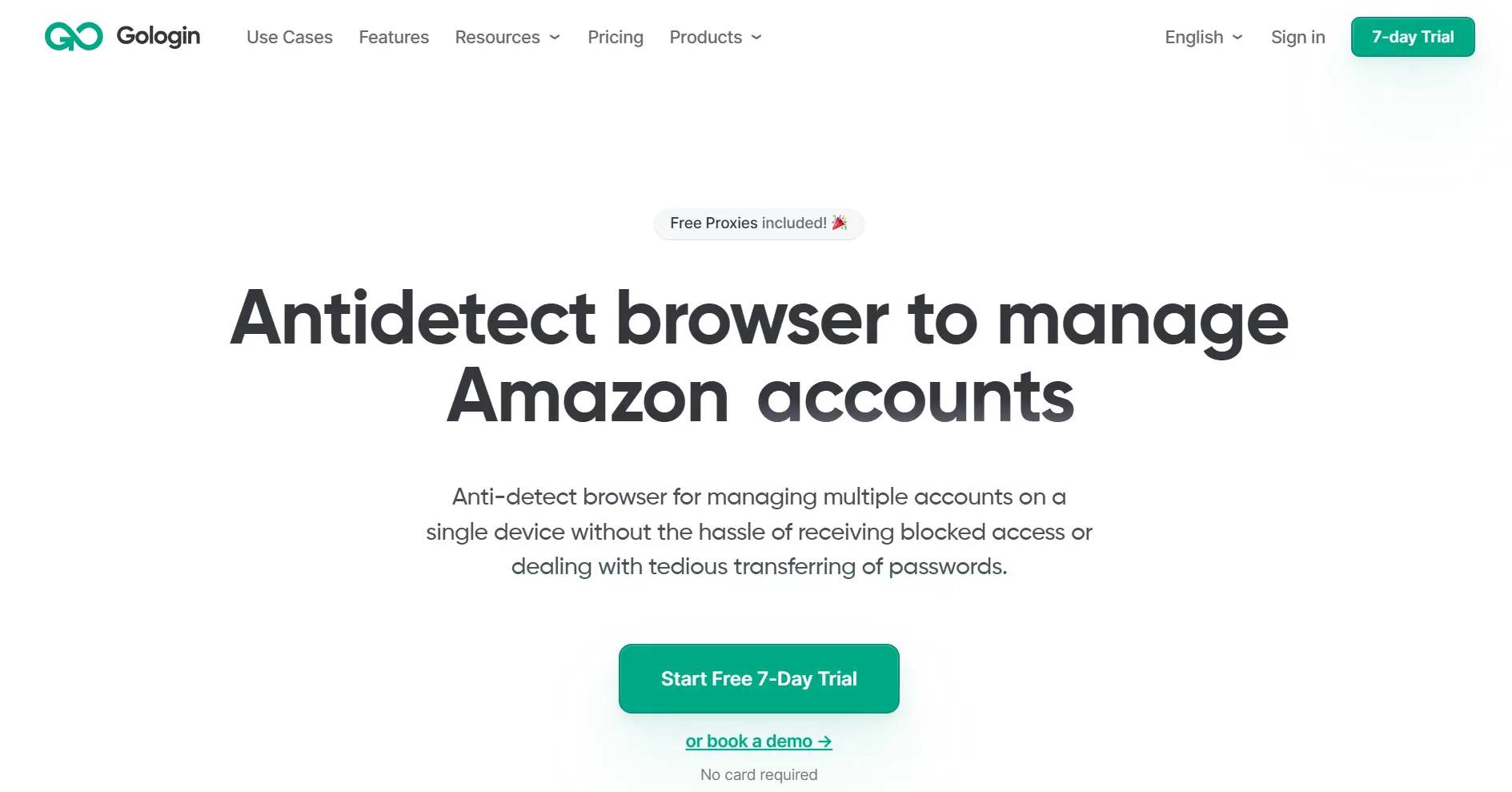
GoLogin combines user-friendly design with solid fingerprinting and built-in proxy integration. It handles basic PayPal account separation well at reasonable pricing around $24 monthly. The main drawback is limited automation features and occasional fingerprint inconsistencies that can trigger platform suspicion during extended use.
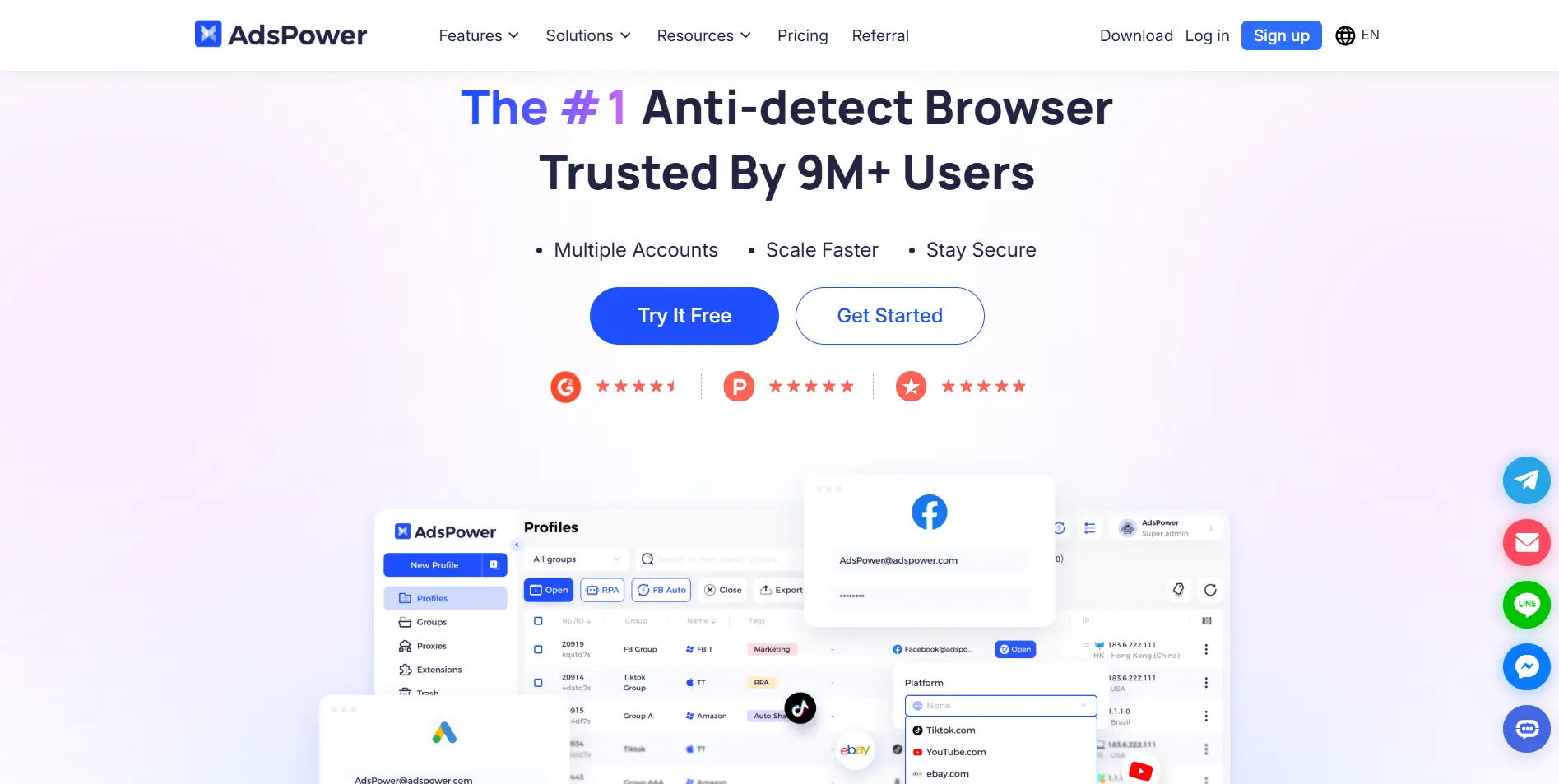
AdsPower targets social media and advertising account management with robust automation tools. It handles PayPal accounts well and includes team collaboration features, starting around $9 monthly. The downside? It's built for complex operations, so if you're just managing PayPal accounts, you might find it overwhelming. Customer support can also be slow to respond.
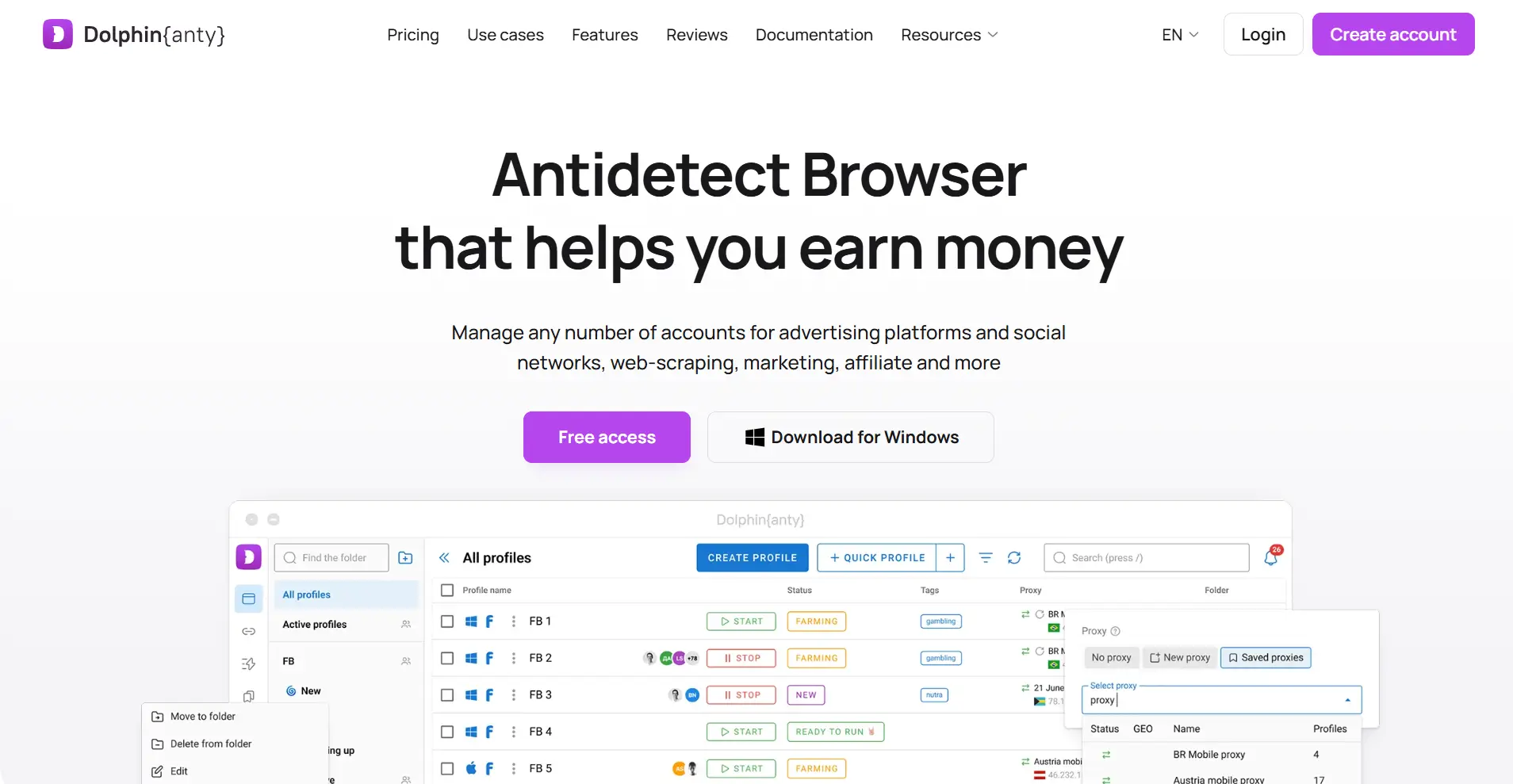
Dolphin Anty offers competitive pricing with a free tier and paid plans from $89 monthly. The browser provides decent fingerprint isolation and basic automation. However, it struggles with fingerprint consistency over time, and the interface feels less refined than competitors. Advanced features typically require higher-tier subscriptions.
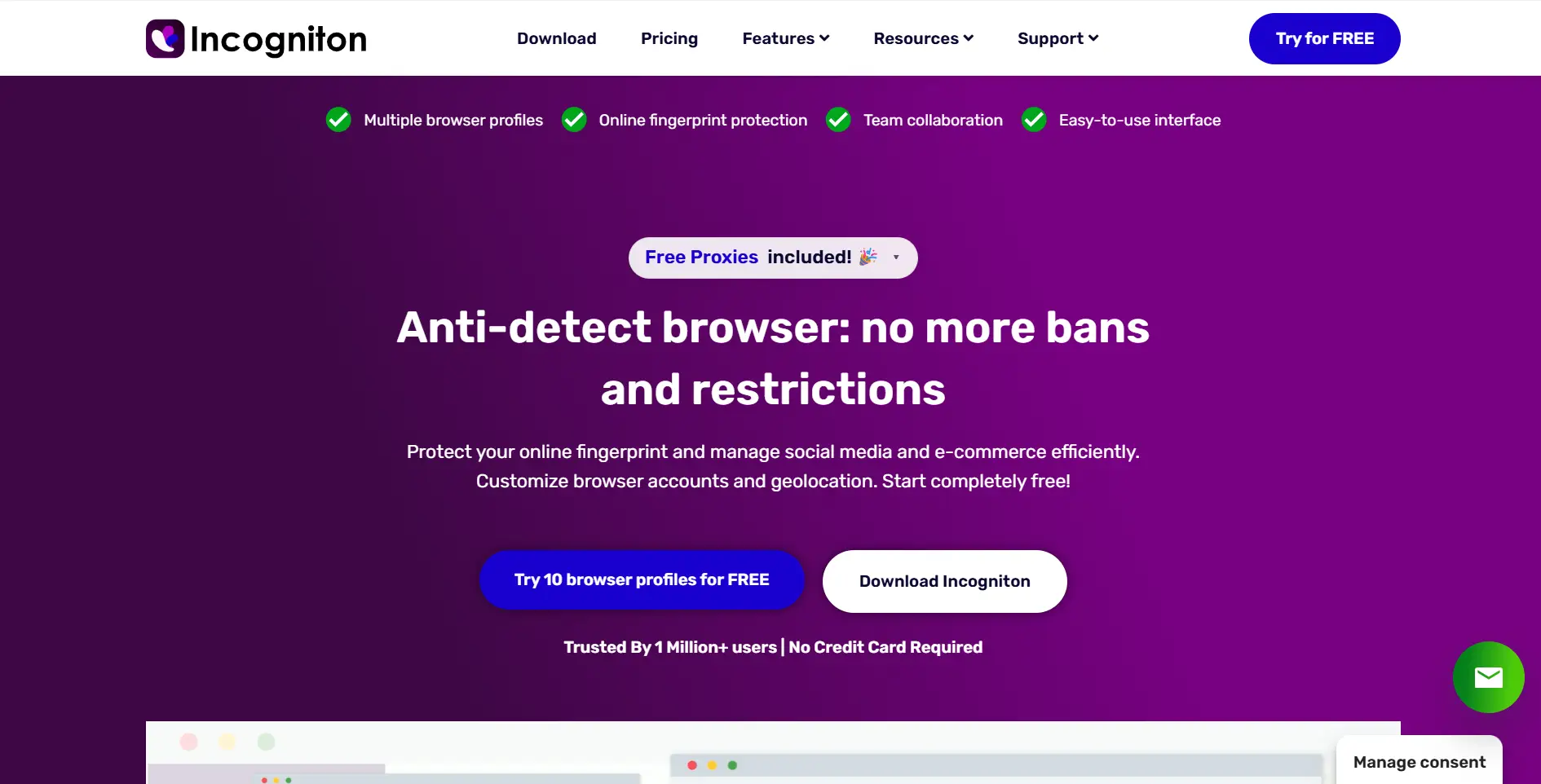
Incogniton provides solid browser isolation starting around $29.99 monthly. It handles PayPal account management adequately with proxy integration. The platform has a smaller proxy network and fewer automation features for businesses running high-volume PayPal operations.
Setting Up Profiles for PayPal Accounts
Effective PayPal profiles demand careful geographic and demographic consistency. Each profile should represent a believable user from a specific location with matching timezone, language, and cultural settings. Mixing geographic signals - like US timezone with European language settings - creates inconsistencies PayPal's algorithms easily catch.
Start by picking a specific city for each PayPal account - not just a country or region. Once you've chosen that location, make sure everything else matches: timezone, language preferences, currency settings, even local cultural details. This geographic consistency is what makes your profiles believable.
Your browser fingerprint needs to tell the same story within each profile while being completely different between profiles. Don't use the same screen resolution, canvas fingerprints, or hardware specs across accounts. You're building separate digital identities that should never cross paths in PayPal's tracking systems.
Proxy Integration Best Practices
Residential proxies offer the most reliable IP addresses for PayPal account management. These proxies route traffic through real residential connections, making them much harder for PayPal to identify and block compared to datacenter proxies. Each PayPal account should maintain a dedicated IP address throughout its operational lifetime.
Geographic consistency between proxy location and profile settings is critical. A PayPal account configured for New York operations should consistently use New York-based IP addresses. Sudden geographic shifts in IP addresses trigger immediate suspicion and often result in account limitations.
Don't rotate IP addresses frequently within the same PayPal session. While IP rotation works for web scraping, PayPal expects users to maintain relatively stable connection patterns. Establish dedicated proxy assignments for each account and maintain those assignments across multiple sessions.
Managing Multiple PayPal Business Operations
Different business models need different approaches to PayPal account separation. Online sellers might run separate accounts for different product lines or markets. Affiliate marketers often manage accounts for various traffic sources or advertiser partnerships. Service businesses frequently maintain accounts for different client projects or separate business entities.
Keep detailed records of what each PayPal account is for and how it should operate. This documentation helps maintain consistent account behavior and gives team members clear guidelines when they access the accounts. PayPal's fraud detection picks up on erratic usage patterns quickly, so having a clear purpose for each account matters.
Set up structured workflows for switching between accounts and managing profiles. Never let team members jump between multiple PayPal accounts in the same browser session without proper profile isolation. Create standard procedures that prevent accidental mixing of account data.
Practical Workflow Implementation
Running multiple PayPal accounts smoothly means creating workflows that cut down on mistakes while keeping everything secure. Most businesses get bogged down in the manual work of switching profiles, managing login credentials, and coordinating team access across different accounts.
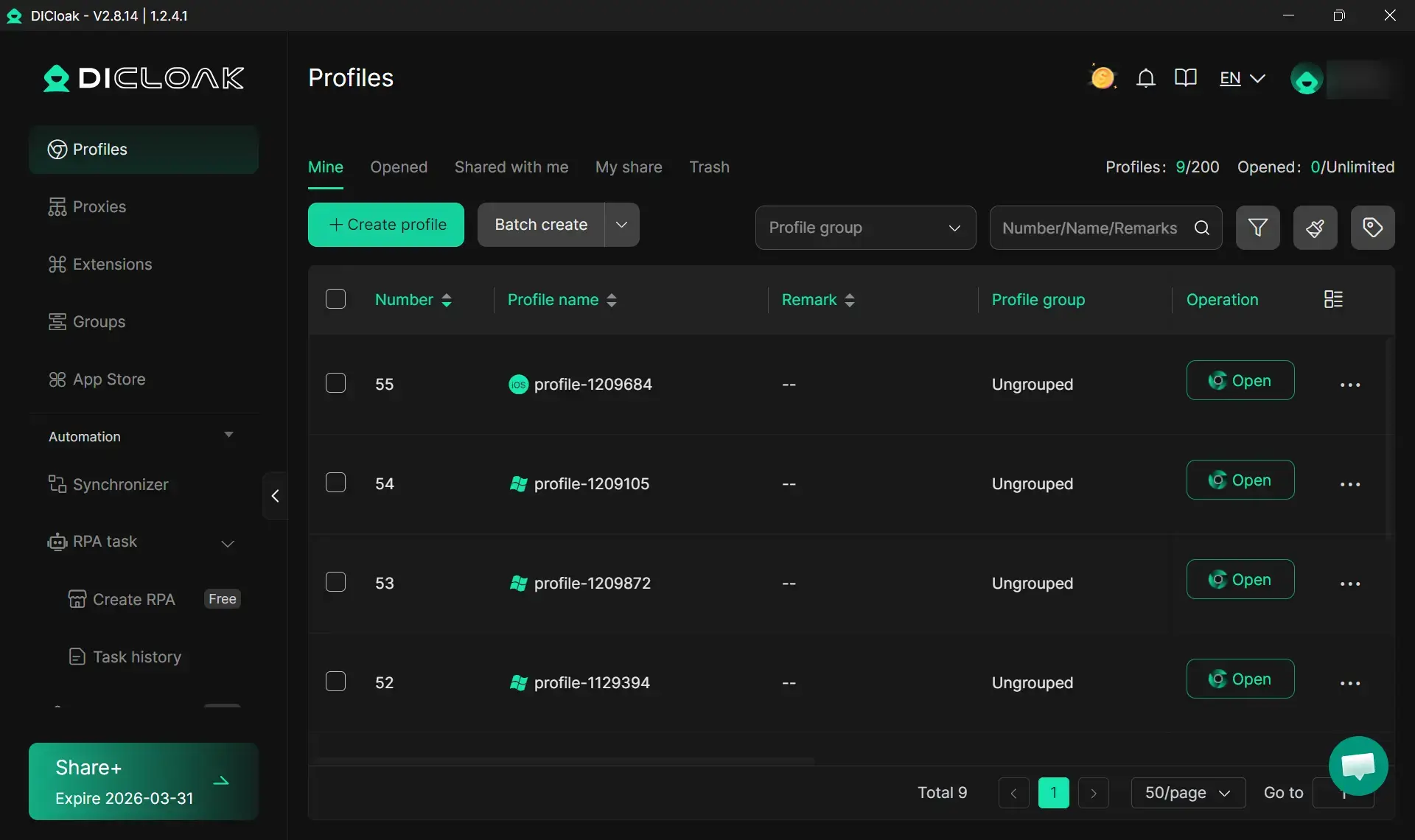
DICloak addresses these operational challenges through specific workflow optimizations:
- Automated profile switching with saved PayPal credentials eliminates manual login processes while maintaining security through encrypted storage
- Proxy configuration ensures each PayPal account maintains consistent geographic identity
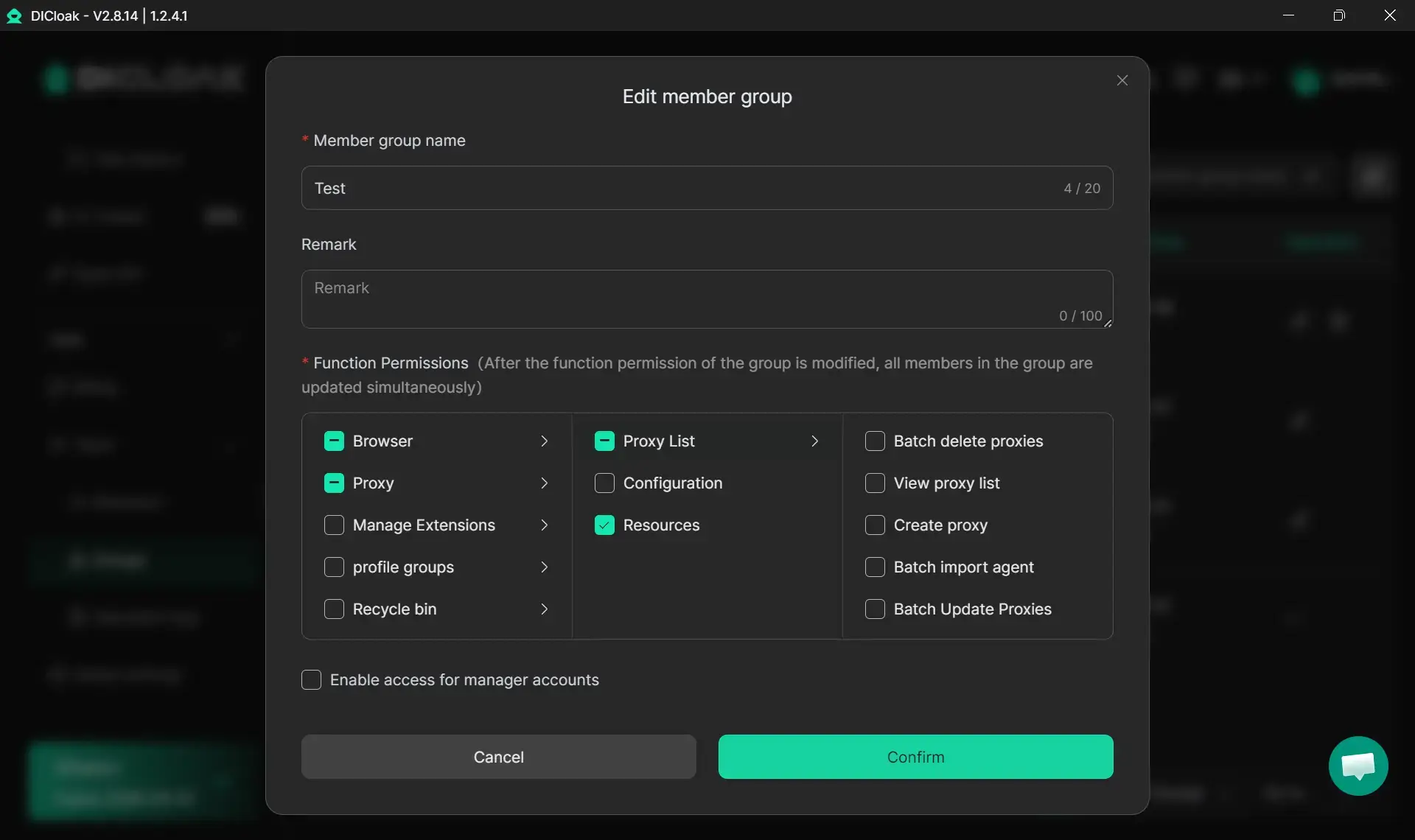
- Team workspace features allow secure credential sharing and access logging, so multiple team members can manage different PayPal accounts without security risks
Common Mistakes That Trigger PayPal Detection
Browser fingerprint inconsistencies cause the most frequent PayPal account flags. Users often modify profile settings mid-session or fail to maintain consistent fingerprints across multiple logins. PayPal's systems detect these variations and flag accounts for suspicious activity.
Sharing cookies or session data between profiles creates immediate detection risks. This typically happens when users access multiple PayPal accounts from the same browser without proper isolation, or when antidetect browsers fail to completely separate profile data.
IP address patterns also trigger suspicion when managed poorly. Rapid IP changes, geographic inconsistencies, or using the same IP address across multiple PayPal accounts all create detection risks. Maintaining dedicated, geographically consistent IP addresses for each account prevents these issues.
Behavioral patterns matter as much as technical fingerprints. Accessing multiple PayPal accounts in rapid succession, using identical transaction patterns across accounts, or maintaining unrealistic activity schedules can trigger algorithmic detection even with perfect technical isolation.
Legal and Compliance Considerations
PayPal's terms typically allow one personal account plus multiple business accounts if you have legitimate business reasons. Running accounts outside these guidelines might violate platform policies, no matter how well you hide the technical connections.
Different countries have varying rules about multi-account management and digital identity practices. You should check with legal counsel to make sure your specific situation complies with local laws and platform terms of service.
Keep detailed records of legitimate business reasons for each PayPal account. This documentation becomes crucial if accounts get reviewed or limited, as it demonstrates compliance with platform policies and business necessity.
Frequently Asked Questions
Can PayPal detect antidetect browsers?
PayPal cannot directly detect antidetect browser usage, but they can identify inconsistencies in fingerprints, behavioral patterns, or technical implementations that suggest artificial profile creation.
Is it legal to use antidetect browsers with PayPal?
Using antidetect browsers is legal in most jurisdictions, but operating multiple PayPal accounts may violate platform terms of service depending on the specific use case and business justification.
How many PayPal accounts can I safely manage?
The number depends on legitimate business needs rather than technical limitations. Focus on maintaining proper separation and business justification rather than maximizing account quantity.
Do I need different devices for each PayPal account?
Antidetect browsers eliminate the need for separate devices by creating isolated environments that appear as distinct users to PayPal's detection systems.
What happens if PayPal detects linked accounts?
PayPal may limit account access, freeze funds for up to 180 days, permanently ban accounts, or blacklist associated payment methods and personal information.
Should I use VPNs instead of antidetect browsers?
VPNs only mask IP addresses while antidetect browsers provide comprehensive fingerprint isolation. When managing PayPal accounts, antidetect browsers give you much stronger protection against detection.
Final Verdict
Managing multiple PayPal accounts successfully isn't about finding the perfect technical workaround. It's about building believable digital identities that make business sense. Focus on legitimate business reasons for each account, keep your geographic and behavioral patterns consistent, and create solid operating procedures that prevent human mistakes rather than just technical detection.
 Web Proxy Tools
 Free Tools
 Cookie Plugin
 UA Generator
 MAC Address Generator
 IP Generator
 IP Address List
 2FA Code Generator
 World Clock
 Anonymous Check
 WebRTC Leak Test
 UUID Generator
 Free Web Proxy Site
 Proxy Checker
 FB Ad Checker
 AI Web Scraping
 Free SMM Tools
 Twitter Shadowban Checker
 Instagram Name Checker
 UTM Generator
 Username Generator
 AI Hashtag Generator
 LinkedIn Headline Generator
 Social Media Image Resizer