Over 43 million WhatsApp accounts were compromised in 2025, mostly through browser session leaks and weak privacy settings according to Cybernews. Many users trust the default setup, but the real issue starts when you log in with WhatsApp Web or use Chrome extensions. Private chats get exposed through browser fingerprint tracking, shared devices, or misconfigured WhatsApp privacy add-ons. Even a popular WhatsApp privacy extension can make things worse if it ignores proxy settings or leaves session tokens open for recovery attacks.
Here’s what usually gets missed: browser fingerprinting lets tracking scripts identify your device even after you clear cookies. If you run WhatsApp Web on a company laptop, the risk jumps, team members might access chats, or a single malware extension can scrape all session data. A WhatsApp chat protection extension sounds safe, but attackers often target plugin APIs or exploit browser profile overlaps to steal account control.
You’re probably not searching for a generic plugin. What you really need is a workflow that keeps chats private even when sharing devices, using multiple accounts, or letting teammates access messages. This guide breaks down what to check before installing any privacy extension, where the main risks show up, and safer ways to protect WhatsApp chats, including how tools like DICloak isolate browser fingerprints and proxy settings for real privacy. Here’s how to spot weak spots and build a safer setup.
What Should You Check Before Installing a WhatsApp Privacy Extension?
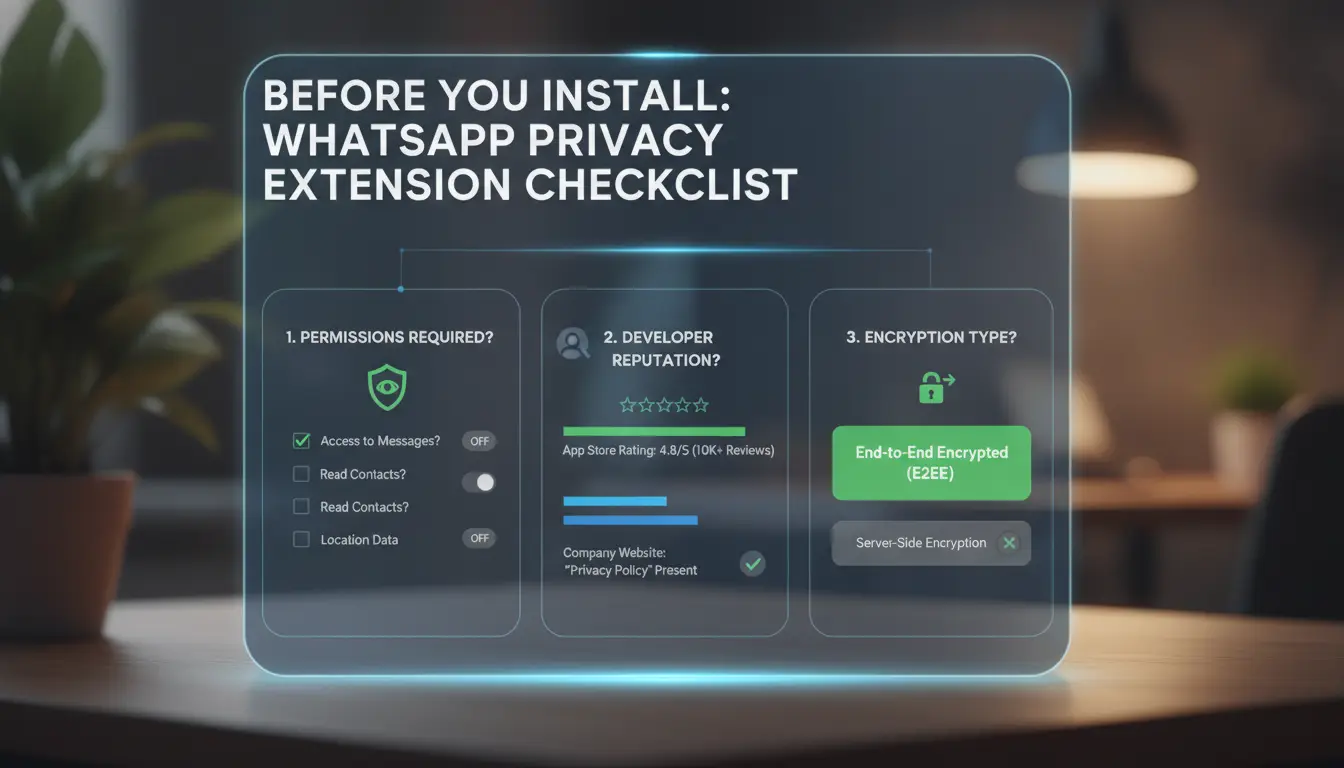
Not all privacy tools offer the same level of safety. Before you add any WhatsApp privacy extension, it’s smart to check who made it, what data it touches, and whether its features actually block the leaks you care about. A risky add-on can expose your chats, show your activity to outsiders, or let attackers grab your session with one click.
How to Spot Genuine vs. Risky Extensions
The first step is to check the source. Only install a WhatsApp Web privacy plugin from the official Chrome Web Store, Mozilla Add-ons, or direct links from trusted developers. Avoid extensions that ask you to sideload or download “patches.” A real developer will have a clear profile, update logs, and user reviews.
Next, look at permissions before you click install. If an extension asks for “read and change all your data on all websites,” that’s a red flag. Safer WhatsApp privacy add-ons only need access to web.whatsapp.com, not your entire browsing history. Never skip the permission popup, most scams hide in broad access requests.
What Privacy Features Actually Matter
It’s easy to get distracted by long feature lists, but only a few options truly protect your chats. Message blurring hides chat previews when sharing your screen, helpful in meetings or open offices. Some extensions let you blur sender names or media too. Screen privacy is even more important if you use WhatsApp Web on shared devices.
Blocking read receipts and online status is another must-have. This stops contacts from seeing when you read messages or logged in. But not all extensions block these features cleanly. Test with a friend or use a second account to confirm. If an extension promises “full privacy” but skips these basics, it’s not worth the risk.
Why Some WhatsApp Privacy Extensions Fail to Protect Your Data
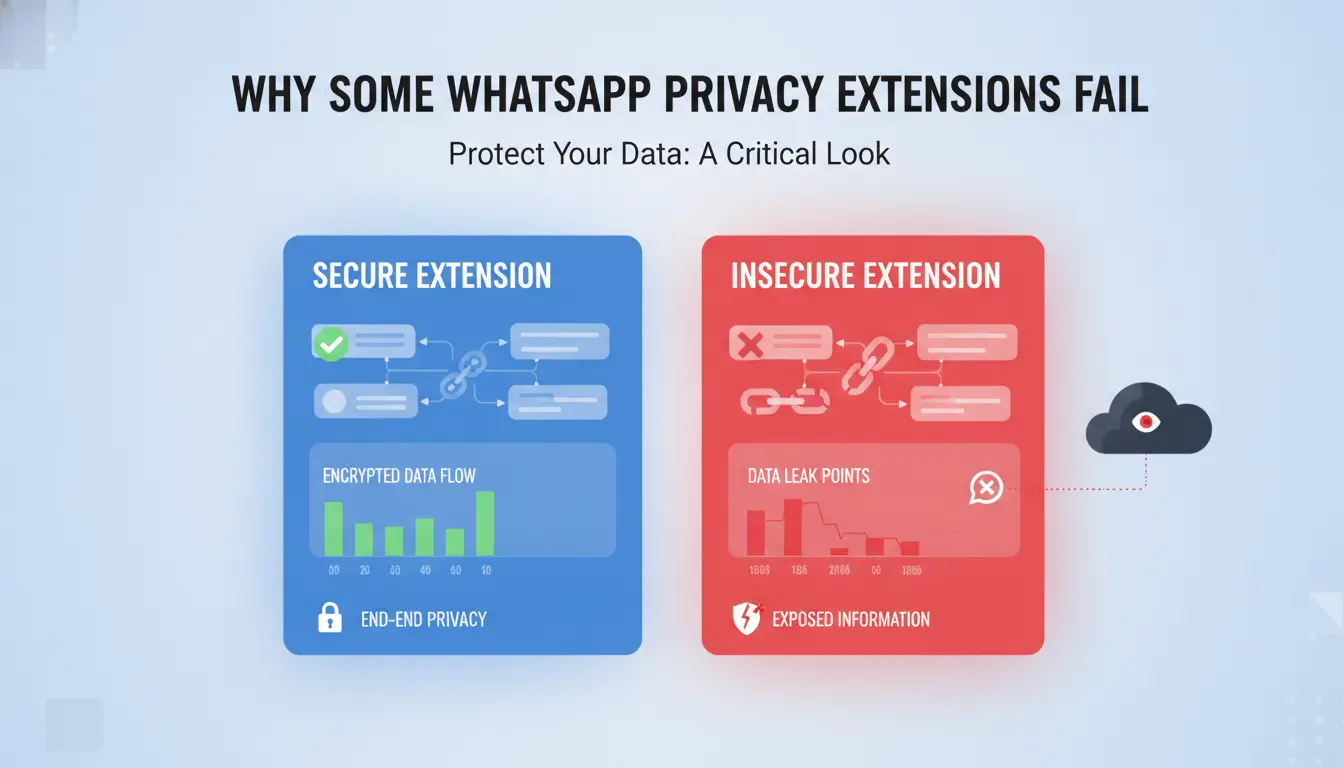
Even the best-looking WhatsApp privacy extension can leave you exposed if you miss a few technical blind spots. Most users expect a plugin to keep chats private, but browser-level risks and common mistakes often punch holes in your setup. Here’s where things go wrong, and what to check before trusting any WhatsApp privacy add-on.
Hidden Data Leaks and Browser Risks
Browser fingerprinting is a subtle threat that many WhatsApp Web privacy plugin users ignore. Your browser collects dozens of tiny details, like screen size, language, installed plugins, and fonts, to build a unique fingerprint. If your privacy extension doesn’t isolate these signals, attackers can still link your WhatsApp session back to you or your team. This is especially risky when multiple people use the same device or profile. Even if you clear cookies, your fingerprint remains.
Extension-level leaks are another weak spot. Some WhatsApp chat protection extensions store session tokens or chat previews inside local browser storage. Malware or a rogue plugin can scrape these details in seconds. If your extension uses weak encryption or doesn’t sandbox its data, a single bad actor on your team’s laptop can access private chats without logging in.
Common Mistakes That Undermine Privacy
Screen sharing is a classic mistake. If you share your screen for troubleshooting or demos, private chats and account details can be exposed unless you use masking tools or dedicated profiles. Many users forget that browser tabs or popup notifications can also leak sensitive messages.
Using outdated or unsupported WhatsApp privacy extensions is another blind spot. Old plugins often miss crucial security updates or fail to handle new browser changes. This leaves hidden vulnerabilities, attackers know which versions are easiest to exploit. Always check for reliable updates, and consider tools like DICloak that isolate browser profiles and proxy settings for safer WhatsApp use.
The real risk isn’t just the extension, it’s how your browser, plugins, and habits combine to create gaps attackers can exploit.
How to Use WhatsApp Privacy Extensions Safely: Step-by-Step Guide
Installation and Setup Best Practices
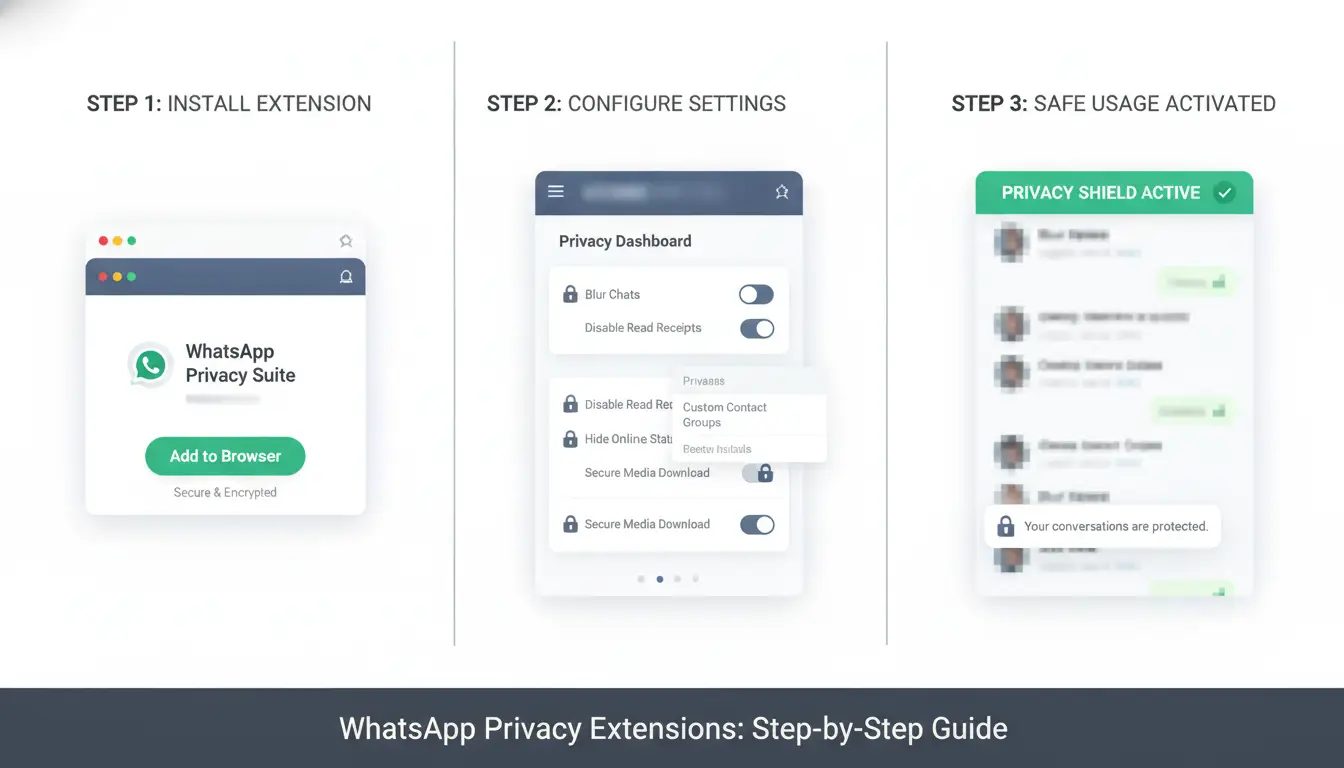
A safe start with any WhatsApp privacy extension begins with picking a trusted browser. Chromium-based browsers like Google Chrome or Microsoft Edge are the most common choice. Avoid little-known browsers or those with weak update cycles, outdated browsers mean unpatched security holes.
Only download WhatsApp Web privacy plugins or chat protection add-ons from official stores, like the Chrome Web Store. Check recent reviews with real use cases, not just star ratings. Before installing, read the permissions list. Block any extension that asks for full access to "All websites" or wants to read browser history. A real WhatsApp privacy extension should only need permission on web.whatsapp.com, not every site you visit.
After installing, open the extension’s settings. Turn off features you won’t use, like automatic screenshots or clipboard monitoring. Set privacy modes to the strictest level by default. If the extension lets you set up profiles or isolated environments, use them for each WhatsApp account, this keeps logins and cookies separate from your main browsing. For advanced isolation, you can use tools like DICloak to assign unique browser fingerprints and proxy configurations for each session, reducing cross-account leaks.
Daily Usage Tips to Avoid Exposure
Once set up, don’t just trust that the extension covers every risk. Blur or hide message previews in the browser, especially if you share your screen or device. Good WhatsApp privacy add-ons offer a "blur chat" feature, always turn it on before meetings or shared work sessions.
Manage notifications tightly. Set the extension to mute or hide message pop-ups when your device is unlocked. If you access WhatsApp Web on a shared computer, always log out after use and clear recent sessions in both the browser and WhatsApp. For teams, assign separate browser profiles to each member using profile management tools or DICloak, so chat data never crosses between users. The real weak point is shared access, one careless device can expose every chat.
What Are the Main Risks When Using Privacy Extensions for WhatsApp Web?
Many users install a WhatsApp privacy extension or privacy add-on hoping for quick protection. But these tools can backfire. The main risks come from how extensions interact with WhatsApp’s security checks and how your browser profile leaves traces that attackers or automated systems can spot.
When Extensions Trigger WhatsApp Restrictions
WhatsApp’s automated systems watch for actions that look different from normal use. Some extensions inject scripts or change how the page loads. This can make your account stand out. For example, if a WhatsApp Web privacy plugin tries to block trackers or automate tasks, WhatsApp may detect the change and flag your session as risky. Accounts using such tools see more frequent re-verification requests or temporary bans.
Problems get worse when you use multiple logins or switch devices often. WhatsApp links each session to a unique device fingerprint. If an extension changes browser behavior or your IP address jumps (such as when using a proxy poorly), WhatsApp’s backend may see this as account sharing or bot activity. Users have reported being locked out after trying several privacy add-ons while logging in from different browsers.
How Your Browser Environment Can Affect Privacy
Your browser leaves a unique fingerprint, details about your device, plugins, and settings. Even with a WhatsApp chat protection extension, fingerprinting can let WhatsApp or attackers link your sessions together. If you skip proper isolation, private chats or business accounts can be traced back to the same person.
IP tracking is another hidden risk. If your proxy is not set up for each browser profile, one click can expose your true location. That’s why safer workflows use tools like DICloak to isolate browser fingerprints and proxies for every account. The biggest risk is false confidence, thinking an extension alone makes you invisible, when your browser and network setup still leak identity.
How Teams and Multi-Account Users Can Protect WhatsApp Privacy with Advanced Tools
Why Standard Extensions Aren't Enough for Teams
A typical WhatsApp privacy extension or WhatsApp Web privacy plugin promises to keep chats hidden, but real-world team setups introduce more trouble than most plugins can handle. When multiple people use the same browser profile, even with a privacy add-on, sessions, cookies, and chat logs mix together. That means one mistake, like clicking the wrong link or leaving an account logged in, exposes every WhatsApp chat to whoever has access. Permission controls in standard extensions rarely stop a team member from snooping or a malware plugin from scraping messages.
Shared devices make this even riskier. If everyone logs into WhatsApp Web using the same browser or profile, session overlap becomes a weak point. Hackers target browser plugin APIs, and profile settings often leak info across accounts. It’s not just about hiding chats, it’s about preventing cross-account leaks that standard WhatsApp privacy add-ons can’t block.
How DICloak Antidetect Browser Solves Multi-Account Privacy Problems
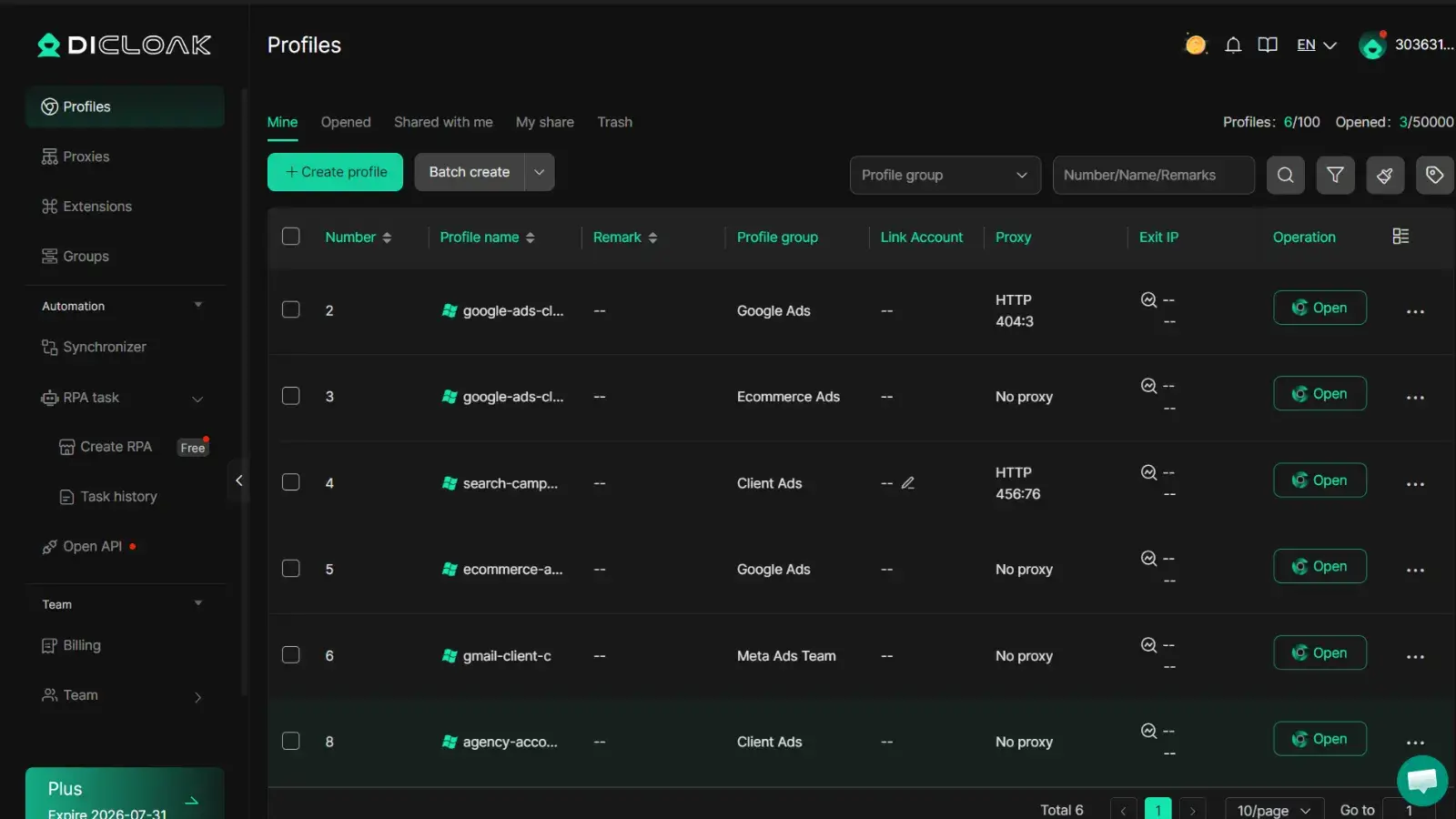
A safer workflow starts with strict profile isolation. Instead of installing a WhatsApp chat protection extension and hoping for the best, you can use DICloak to create a separate browser profile for each WhatsApp account. Each profile has its own cookies, sessions, and storage, so even if one profile gets hijacked, the others stay secure.
DICloak also lets you set a custom proxy for every profile, masking IP addresses and making it harder for attackers to link accounts. Fingerprint isolation means your browser’s technical details (like fonts, screen size, and installed plugins) don’t cross over, stopping common detection tricks. For teams, you can assign access to profiles and control permissions, so only trusted users handle sensitive accounts.
Isolating browser profiles and custom proxy settings is the real fix for multi-account privacy risks, plugins alone can’t do this.
How to Compare WhatsApp Privacy Extensions: What Features and Risks to Prioritize
Feature Checklist for Safe Privacy Extensions
Not all WhatsApp privacy extensions are equal. Focus on features that control what others can see, not just look polished. Blurring chat previews, masking incoming messages, and notification filters stop shoulder surfing in open offices. Make sure the extension doesn’t store chats in plain text, local encryption is key. Some WhatsApp privacy add-ons claim end-to-end protection but still leave visible data in browser storage. For shared devices, check that the extension can limit access to old sessions.
| Extension Name |
Blur Chats |
Notification Control |
Local Encryption |
Session Lock |
| PrivacyGuard |
Yes |
Yes |
Yes |
No |
| ChatMasker |
Yes |
Yes |
No |
Yes |
| DICloak |
Yes |
Yes |
Yes |
Yes |
Table: Product feature details, extension store docs
Risk Factors to Watch Out For
Random plugin updates can break features or open new holes. Extensions for WhatsApp Web privacy plugins with unclear privacy policies risk moving your data off-device. Always check update history and how the team handles disclosures.
You can use DICloak to run each WhatsApp account in a separate browser profile. This setup cuts fingerprint leaks and makes session theft less likely. DICloak's custom proxy integration blocks cross-account tracking, while team permission controls let each member access only their assigned accounts. These features remove the need to trust third-party WhatsApp chat protection extensions, solving privacy at the browser profile level.
When a Privacy Extension Isn't Enough: Alternative Ways to Secure WhatsApp Web
A WhatsApp privacy extension or plugin can block some trackers, but it won't solve deeper risks, especially if you share browsers or devices. Attackers can still grab session data by linking your IP, browser fingerprint, or cookies. Even a well-known WhatsApp privacy add-on won't protect you if the browser profile is reused or your IP never changes.
Using Proxies to Mask IP and Location
Proxies hide your real IP and make it harder for WhatsApp to link different accounts or sessions. This is key when you use several accounts or work from shared Wi-Fi. With a proxy, your connection looks like it comes from a separate place, even if you’re on the same laptop as someone else.
To use proxies with WhatsApp Web, set up a browser profile that supports custom proxy settings. For example, DICloak lets you assign a unique proxy to each profile, so account data stays separated. This helps avoid accidental logouts or risk of two accounts being flagged for the same IP.
Browser Isolation and Fingerprint Management
Sharing a browser means your WhatsApp Web privacy plugin can’t block all risks. Isolated browser profiles stop cookies and extensions from leaking between accounts. Tools like DICloak manage browser fingerprints, so WhatsApp can’t easily detect account reuse. The safest workflow keeps each account in a fully separate browser profile, proxy, fingerprint, and storage all split. This stops most plugin-based attacks cold.
Common Mistakes That Can Compromise WhatsApp Privacy Even with Extensions
Even if you install a well-rated WhatsApp privacy extension, small mistakes or overlooked habits can put your chats and account at risk. Here’s where users slip up most, and what to do instead.
Overlooking Extension Updates and Permissions
A surprising number of attacks start with outdated extensions. If your WhatsApp Web privacy plugin hasn’t been updated in months, it may have bugs hackers already know how to exploit. Developers patch vulnerabilities, but if you ignore updates, those fixes never reach you.
Another issue comes from ignoring permission changes. Some WhatsApp privacy add-ons ask for new permissions after an update, like access to all your browser tabs, clipboard, or even file storage. If you just click "Accept" without reading, you might grant access far beyond what the extension really needs. Attackers have used fake updates or malicious forks to sneak in data-stealing code.
The safest habit: review extension permissions after every update, and only keep extensions that are actively maintained. For a quick check, open your browser’s extension list, look for the last update date, and check permission details. The Mozilla Add-ons site explains each requested permission.
Mixing Personal and Work Accounts on One Device
Using one browser profile for both your personal and work WhatsApp accounts sounds convenient but is a trap for privacy. When you install a WhatsApp chat protection extension in a shared environment, cookies, session data, and even saved logins can mix. That means a co-worker with access to the same device could open your private chats, or a malware-infected extension could lift both sets of messages.
A safer option is to split work and personal sessions into separate browser profiles. For teams, you can use a tool like DICloak to build isolated browser profiles with unique fingerprints and proxies. This reduces the risk of accidental data leaks or cross-account access, a key step many users miss when relying on extensions alone.
Frequently Asked Questions
Is a WhatsApp privacy extension safe for sensitive business chats?
A WhatsApp privacy extension can protect business chats, but safety depends on the extension’s reputation, your browser’s security, and your team’s habits. Choose well-reviewed extensions, keep your browser updated, and avoid sharing login details. Even with a WhatsApp privacy add-on, never click unknown links or download files from untrusted contacts.
Can I use a WhatsApp privacy extension on multiple browsers or devices?
Most WhatsApp privacy extensions or plugins are browser-specific, like for Chrome or Firefox. Some offer sync features, but switching devices can break protection or cause errors. Always check the extension’s site for multi-device compatibility, and log out if you switch devices to keep your WhatsApp chat protection extension working safely.
Will WhatsApp block my account for using privacy extensions?
WhatsApp may block accounts if it detects suspicious plugins or scripts. Most WhatsApp Web privacy plugins are safe if they don’t spam, automate actions, or scrape data. To avoid bans, use well-known extensions, follow WhatsApp’s terms, and don’t use tools that change how messages are sent or received.
How do proxies improve WhatsApp privacy with extensions?
A proxy server hides your real IP address and location when using a WhatsApp privacy extension. This makes it harder for anyone to link your account to your device or network. Proxies add a layer of privacy, especially if you use WhatsApp Web from shared computers or public Wi-Fi.
What should I do if a privacy extension stops working or gets removed?
If your WhatsApp privacy add-on fails, switch to another trusted extension right away. Always back up your chats and privacy settings. Check the extension’s website or support page for updates. Remove any broken plugins to avoid security risks and restore your privacy tools as soon as possible.
Protecting your personal conversations on WhatsApp is more important than ever, and privacy extensions offer an effective way to safeguard your data from unwanted access. By integrating advanced features like message encryption and metadata protection, these tools empower users to take control of their digital privacy. Try DICloak For Free
 Web Proxy Tools
 Free Tools
 Cookie Plugin
 UA Generator
 MAC Address Generator
 IP Generator
 IP Address List
 2FA Code Generator
 World Clock
 Anonymous Check
 WebRTC Leak Test
 UUID Generator
 Free Web Proxy Site
 Proxy Checker
 FB Ad Checker
 AI Web Scraping
 Free SMM Tools
 Twitter Shadowban Checker
 Instagram Name Checker
 UTM Generator
 Username Generator
 AI Hashtag Generator
 LinkedIn Headline Generator
 Social Media Image Resizer