If you've tried to download a GIF from Twitter before, you've likely found it's not as simple as it should be. You tap, right-click, look for a "Save GIF" possibility... and encounter nothing. This is because Twitter (or X, as some call it) doesn't actually store GIFs as GIF files. Each animated meme, reaction, or looping clip you see is delivered as a small MP4.
So, to save these files, you'll need specific utilities – whether you just want one meme for your replies or you're managing a process to download hundreds of GIFs for content development, user-generated content, ad creatives, or social media archives.
This guide presents the most dependable, current Twitter GIF downloader choices, and explains how advanced users leverage DICloak to expand extraction safely across numerous accounts without getting flagged.
Let's get started.
The Necessity of a Twitter GIF Downloader
Twitter (now X) lacks a built-in "Download GIF" feature. All GIFs are transformed into MP4s upon upload to enhance performance and loading speed.
This implies:
- Right-clicking will not save the animated GIF; instead, you'll get a static image or a broken link.
- If you want the animated file, you require tools that can retrieve or convert the MP4 file back into a GIF.
If your goal is to build a media repository, archive memes, or gather content for marketing, a more robust setup for your Twitter GIF downloader becomes crucial.
Top Twitter GIF Downloader Utilities in 2026
Here are some of the most dependable utilities for saving GIFs (or native MP4s) from Twitter currently:
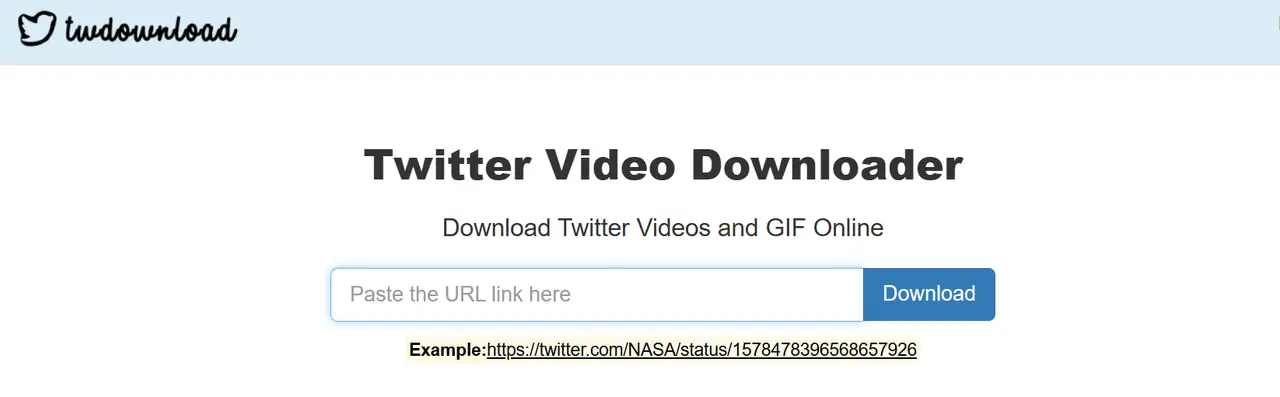
1. TWDownload (Web) — Straightforward and Quick
This option is excellent for fast saves on a desktop computer and is very easy to use:
- Get the app
- Insert the tweet's URL
- Select MP4 or GIF
- Download immediately
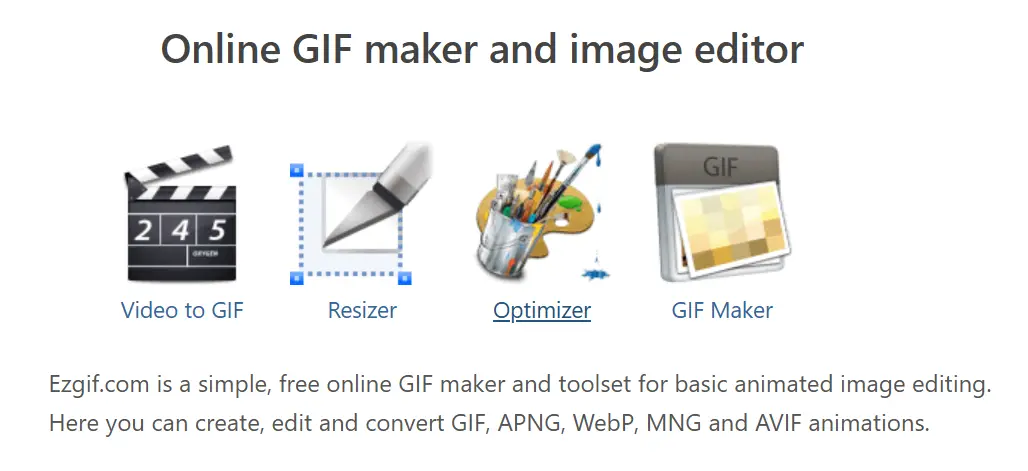
2. EZGIF (Web) — Best for Transformations
If you need to change the MP4 back into a looping GIF:
- Upload or paste the link
- Adjust length, edit, and scale
- Output as GIF
It's one of the most adaptable solutions available.
3. TwiMate (Android) — Comprehensive Media Saver
TwiMate is a popular choice for Android users:
- Manages GIFs, still images, and videos
- Supports downloading multiple items at once
- Minimal advertisements
It's superb if you frequently save content for posts or reaction collections.

4. GIFwrapped (iOS) — Seamless Apple-Compatible Process
iOS presents challenges for media saving, but GIFwrapped assists:
- Input the tweet's URL
- Automatically identifies the file
- Saves to your GIF collection
This app is clean, stable, and works within Apple's limitations.

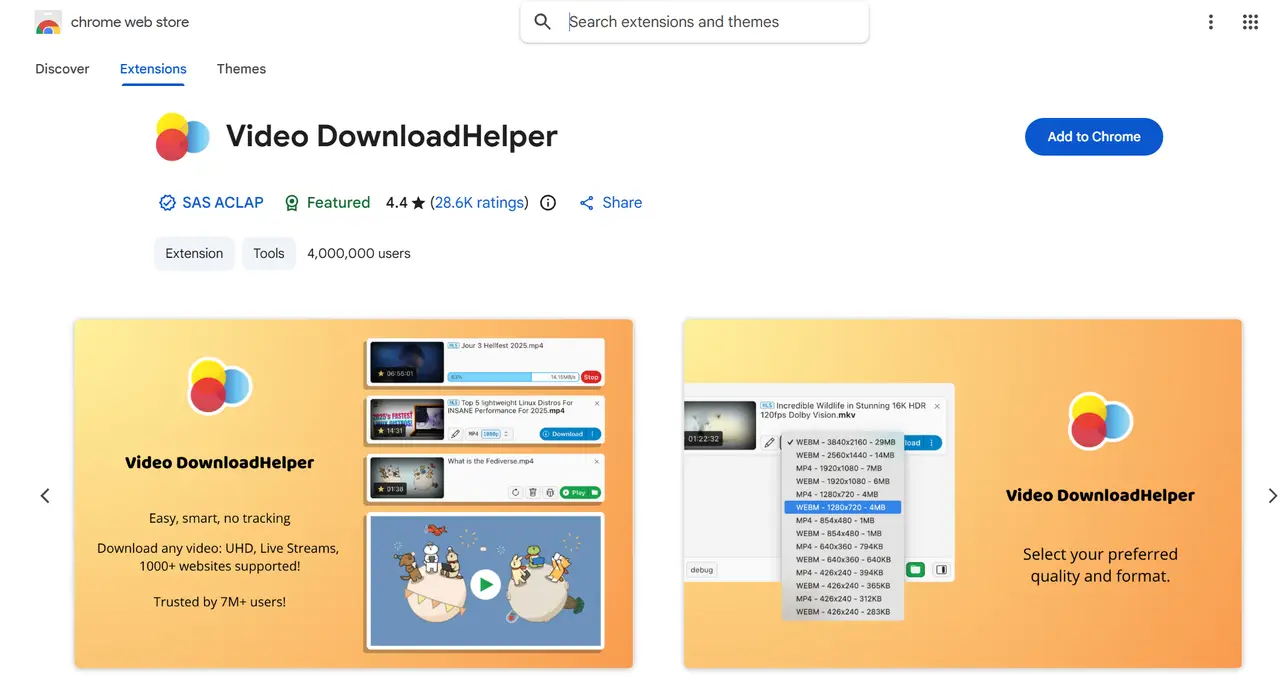
Browser extensions automatically detect media on a webpage:
- Open the tweet
- Click the extension icon
- Download the MP4
- Convert to GIF if necessary
Ideal for desktop users who capture GIFs often.
Scaling GIF Retrieval Safely with DICloak
Performing numerous downloads from the same browser signature is a quick way to hit rate limits or get flagged. Doing this from multiple Twitter accounts without separation? Even riskier.
DICloak resolves all these issues.
Why Choose DICloak Antidetect Browser for Your Business?
⚡The DICloak Antidetect Browser has become a global favorite for its unparalleled ability to efficiently and securely manage multiple accounts. Designed for professionals in social media management, DICloak offers powerful features like RPA automation, bulk operations, and synchronizer. Additionally, it allows you to customize fingerprints and integrate proxies for each profile, ensuring top-level security and operational efficiency. It’s the ultimate tool for seamless, secure, and scalable operations.

What Makes DICloak Stand Out?
✅ Manage 1,000+ Accounts on One Device: Stop wasting money on extra hardware! DICloak allows you to manage multiple accounts on a single device, cutting costs and boosting efficiency.
✅ Guaranteed Account Safety, No Ban Risks: Every account gets its own isolated browser profile with custom fingerprints and IPs, drastically reducing the risk of bans. Your accounts, your control!
✅ Flexible Proxy Configuration for Maximum Performance: Seamlessly integrate with all major proxy protocols (HTTP/HTTPS, SOCKS5) and manage your proxy pool with bulk operations. No more struggling with IP management—DICloak has you covered.
✅ Streamlined Team Collaboration for Better Results: Easily manage your team with advanced tools like profile sharing, permission settings, data isolation, and operation logs. Your team works smarter, not harder.
✅ Automate the Grind with RPA: DICloak's built-in RPA saves you hours of manual work. Automate repetitive tasks, streamline workflows, and focus on what really matters—growing your business.
✅ Powerful Bulk Tools to Scale Your Operations: Create, import, and launch multiple browser profiles in one click. DICloak makes scaling your business as easy as it gets.
✅ Compatible with All Major Operating Systems: Based on the Chrome core, DICloak supports simulating Windows, Mac, iOS, Android, and Linux operating systems. No matter what platform you need, DICloak has you covered.
🔗 Ready to Get Started?
Visit the DICloak website to explore more details and choose the plan that’s right for you. Start for free today and experience the power of secure, efficient, and scalable multi-account management!
Common Inquiries
Why can't I download GIFs directly from Twitter/X?
Because Twitter doesn't store GIFs as GIF files. Every animated image is converted to an MP4 file for better performance. That's why right-clicking only yields a static picture or an unusable link.
What's the simplest method to download a GIF from Twitter?
Use a Twitter GIF downloader that retrieves the MP4 file and converts it back into GIF format if necessary. Some of the best Twitter GIF downloaders include TWDownload, EZGIF, and GIFwrapped.
Which are the premier Twitter GIF downloaders in 2025?
Top picks for the best Twitter GIF downloaders include:
- TWDownload for fast downloads on desktop
- EZGIF for MP4-to-GIF conversions
- TwiMate (Android) for saving all media types
- GIFwrapped (iOS) for a smooth iPhone routine
- Video DownloadHelper and comparable Chrome extensions for frequent desktop use
Why are MP4 downloads important even if I only want GIFs?
Twitter delivers all "GIFs" as MP4s. Therefore, Twitter GIF downloaders must first fetch the MP4, which you can then convert into a looping GIF if desired.
Is it possible to download GIFs from Twitter in batches?
Yes, tools like TwiMate (Android) and Chrome extensions allow you to download GIFs in bulk. For larger efforts involving multiple accounts, you’ll need additional protection against rate limits—this is where DICloak helps as an advanced Twitter GIF downloader tool for multiple accounts.
Summary
Acquiring GIFs from Twitter/X has never been direct—the platform serves MP4s instead of true GIFs. This is why utilizing the correct tools is important. Whether you need a single reaction meme or are building an entire media archive for content creation, the Twitter GIF downloaders in this guide will help you obtain GIFs or MP4s quickly and with ease.
Standard browsers quickly hit their constraints if you need to use more than one Twitter account, download content frequently, or gather a large volume of assets at once. Rate limitations, signature mismatches, and IP-based triggers can slow you down or even compromise your accounts.
This is where DICloak becomes indispensable.
By enabling you to create fully isolated browser profiles, DICloak ensures each account appears to be running on a real, independent device. And with integrated support for automation, you can expand downloads, account nurturing, testing, and data collection safely and effectively.
In brief: Use a Twitter GIF downloader to get the GIFs. Use DICloak to scale the operation without triggering flags.
 Web Proxy Tools
 Free Tools
 Cookie Plugin
 UA Generator
 MAC Address Generator
 IP Generator
 IP Address List
 2FA Code Generator
 World Clock
 Anonymous Check
 WebRTC Leak Test
 UUID Generator
 Free Web Proxy Site
 Proxy Checker
 FB Ad Checker
 AI Web Scraping
 Free SMM Tools
 Twitter Shadowban Checker
 Instagram Name Checker
 UTM Generator
 Username Generator
 AI Hashtag Generator
 LinkedIn Headline Generator
 Social Media Image Resizer