The Root Problem: Why High-Trust Accounts Get Banned on macOS
You changed your IP address. You bought expensive residential proxies. Yet, you still wake up to the nightmare of account bans sweeping through your operation. This is the "Chain Ban" effect, where one small mistake destroys dozens of high-value accounts instantly.
The problem is not your IP address. The problem is browser tracking. In 2026, platforms like Meta and TikTok rely on deep hardware inspection, not just your location. They look at your specific device hardware to verify you are a real user. If you run a business on macOS, you face unique risks because Apple hardware is very distinct. To survive, you must understand the invisible traps set by ad networks.
Canvas Fingerprinting: How Sites Identify Your Mac
Websites use a technique called Canvas Fingerprinting to identify you without cookies. The website secretly asks your browser to draw a hidden image or text. How your computer renders this image depends on your specific graphics driver, operating system, and screen.
This creates a unique ID called device entropy. Even if you clear your cookies, this ID stays the same. For Mac users, this is dangerous. If you try to spoof a different device but your screen renders the image like a MacBook Pro, the platform detects a lie. You need advanced browser fingerprinting protection macos tools to add "noise" to this image. This noise makes your device look unique but consistent, preventing the platform from linking your accounts together.
WebGL and AudioContext Profiling: The Invisible Trackers
Beyond the screen, sites check your internal components. WebGL reveals your graphics card model, and AudioContext analyzes how your sound card processes audio signals. This is where most generic antidetect browsers fail on macOS.
If you create a profile that claims to be a Windows PC but you are actually using a MacBook M3, the WebGL readout will often leak your real "Apple M3" chip data. This is a failed digital fingerprint consistency check. The ad platform sees the mismatch immediately: "User claims Windows, but Hardware is Apple." This results in an instant trust score drop. You must ensure your software can mask these hardware signals natively on Apple Silicon chips.
Behavioral Analysis: AI Heuristics in 2026
Modern security bots do not just look at your hardware. They watch how you move. Platforms use AI to track your mouse curve, typing speed, and click rhythm. Real humans are imperfect; they hesitate and make small erratic movements.
If you use basic automation or low-quality multi-accounting rpa scripts, your behavior looks robotic. A bot that clicks the exact same pixel every time is a red flag. High-trust account farming requires tools that inject human-like "jitter" and varying speeds into automated actions. To keep your operation safe, your digital behavior must match the high-value consumer profile you are trying to emulate.

The Diagnosis: Technical Failures in Browser Fingerprinting Protection macOS
Behavioral analysis is just one part of the puzzle. The most common reason for immediate bans is actually a failure in your browser fingerprinting protection macos software. Many generic privacy tools claim to hide your identity, but they fail to mask the deep hardware signals specific to Apple computers. If your software does not fully understand the unique architecture of macOS, it leaves open doors for trackers to see your real device.
The Danger of Hardware Mismatch on M1/M2/M3 Chips
Apple's transition to M-Series chips (M1, M2, M3) completely changed the security landscape. Older privacy tools were built for Intel-based processors. This creates a fatal flaw for modern Mac users.
If you try to create a "Windows 10" profile while running on a MacBook Pro M3, you create a hardware contradiction. The browser header tells the website, "I am a Windows PC," but the WebGL readout from your graphics card reveals an "Apple M3" renderer. This combination is physically impossible. Security bots detect this mismatch instantly. To survive, you must use software that supports native spoofing for Apple Silicon, ensuring your hardware profile matches your software claims.
WebRTC Leak Prevention Mac: Closing the Local IP Gap
Your local network connection reveals more than you think. WebRTC is a technology browsers use for real-time audio and video communication. On macOS, this feature is aggressive and can accidentally leak your real Local IP address, even if you are using a high-quality residential proxy.
This is why webrtc leak prevention mac protocols are critical. Without this specific protection, a website can see that your profile—which claims to be in New York—is actually connecting from a local network setup common in a different region. This leak bypasses your proxy tunnel entirely. You need a browser that modifies the WebRTC handling at the core level to report an IP that matches your external proxy, keeping your tunnel secure.
Digital Fingerprint Consistency Check: Why 'Random' Isn't Enough
Amateurs often think that "randomizing" their data makes them safe. They use tools that scramble every data point hoping to confuse the tracker. This strategy triggers a digital fingerprint consistency check failure.
Imagine a profile that claims to be an iPhone 15 but has the screen resolution of an old Windows laptop. That device simply does not exist. Advanced detection algorithms do not just look for unique IDs; they look for logical errors. A valid canvas fingerprint spoofer does not just create random noise. It creates a mathematical match that makes sense for the specific device model you are emulating. To scale your business safely, your fingerprint must be consistent and logical, not just random.
The Selection Framework: Choosing the Right Antidetect Browser for macOS
Understanding technical flaws is step one. Step two is selecting a tool that fixes them. Not every Antidetect Browser for macOS handles M-Series chips correctly. You need specific selection criteria to filter out low-quality software. Your choice determines if your accounts survive or get banned instantly. For agencies, the goal is not just privacy; it is operational stability. You need a platform that supports scale, automation, and team access without leaking your identity.
Multi-Accounting RPA Scripts for Automated Warm-up
Time is your most expensive asset. Manually browsing websites to "warm up" new ad accounts is a waste of human labor. It is slow and prone to errors. To scale effectively, you need a browser that includes multi-accounting rpa scripts.
RPA stands for Robotic Process Automation. These are built-in bots that browse the web for you. You can program them to visit news sites, scroll through pages, and click internal links. This activity builds a natural history of cookies and cache data. Platforms like Facebook and Google trust accounts with this history more than empty, brand-new profiles. A good tool allows you to run these scripts on hundreds of profiles simultaneously in the background. This turns a 5-day manual grind into a zero-touch automated task.
Team Profile Sharing Workflow: Seamless Agency Handoffs
Agency operations rarely happen in isolation. Usually, one team member (the "Farmer") creates and warms the account. A different member (the "Media Buyer") runs the ads. If you transfer these accounts incorrectly, you trigger a security lockout.
You must look for a robust team profile sharing workflow. The software should sync the entire browser profile—cookies, tabs, local storage, and history—to the cloud. When your media buyer opens the profile on their Mac, the website sees the exact same digital fingerprint and session data. It does not look like a new login from a new device. It looks like the same user resuming a session. This continuity is vital for preventing "Suspicious Login" checkpoints that kill ad accounts.
Granular Fingerprint Control: API Integration for Operations
Basic tools often rely on "Auto" settings. While convenient, enterprise teams often need more precision. You might need to emulate a specific version of macOS or a particular graphics card driver to match a physical device farm.
High-end software offers Granular Fingerprint Control. This allows you to manually adjust deep technical parameters like AudioContext noise, WebGL renderer strings, and media device enumerations. Furthermore, look for strong API (Application Programming Interface) support. An API allows your developers to create, update, and launch profiles using code instead of clicking buttons. This level of control is necessary for integrating the browser into your larger business infrastructure.
The Tools: 8 Best Antidetect Browser for macOS Options in 2026
We have established the strict criteria for high-trust farming. Now, we apply those rules to market leaders. Below is our objective review of the top software available today. We tested these tools specifically to find the best Antidetect Browser for macOS in 2026.
Our testing focused on three things: native Apple Silicon support, automation capabilities, and team safety. For an agency, the software must protect your ROI, not just hide your IP address.
Comparison Matrix: Top MacOS Antidetect Browsers
| Tool |
Best For |
M-Series Support |
Starting Price |
| DICloak |
Overall Best & High-Trust Scaling |
Native (High Performance) |
$8/mo |
| AdsPower |
Bulk Automation (RPA) |
Native |
$9/mo |
| Dolphin Anty |
Affiliate Media Buying |
Native |
$10/mo |
| Incogniton |
Small Teams & Starters |
Rosetta 2 / Native |
$19.99/mo |
| Browser.lol |
Quick Cloud Sandboxing |
Cloud-Based (No Install) |
$9/mo |
| Octo Browser |
Real Device Fingerprints |
Native |
€10/mo |
| MoreLogin |
Mobile & Cloud Phone Ops |
Native |
$9/mo |
| Hidemium |
MMO & E-commerce |
Native |
$15/mo |
DICloak: Precision Customization for High-Trust Accounts

DICloak is currently the standout choice for agencies running high-value ad accounts on macOS. It does not just mask your identity; it ensures browser fingerprinting protection macos protocols are followed strictly. The platform is built to handle the subtle hardware differences of Apple M1, M2, and M3 chips. This prevents the "hardware mismatch" flags that often ban accounts on other platforms.
For teams, the Synchronizer is a game-changer. It allows you to control multiple windows simultaneously. If you type in one window, it replicates in others. This is critical for efficient farming without relying entirely on bots.
Key Features:
- Deep Fingerprint Customization: Adjusts parameters like WebGL and AudioContext to match real macOS hardware.
- Team Collaboration: Granular permission settings for sharing profiles without leaking passwords.
- Built-in RPA: Automate warm-up tasks without coding knowledge.
Pricing:
- Free Plan: 5 Profiles.
- Base Plan: $8/month (20 Profiles).
- Plus Plan: $28.8/month (100 Profiles).
- Share+ Plan: $138/month (200 Profiles, Unlimited Members).
Pros:
- Native Apple Silicon optimization reduces lag.
- High success rate for Facebook and TikTok account creation.
- Cost-effective scaling for growing agencies.
Cons:
- Advanced API features have a learning curve for non-developers.
Verdict: This is the "Business Infrastructure" choice. If your goal is to build a long-term asset (like a verified Business Manager), DICloak offers the stability you need.
AdsPower: RPA and Bulk Automation
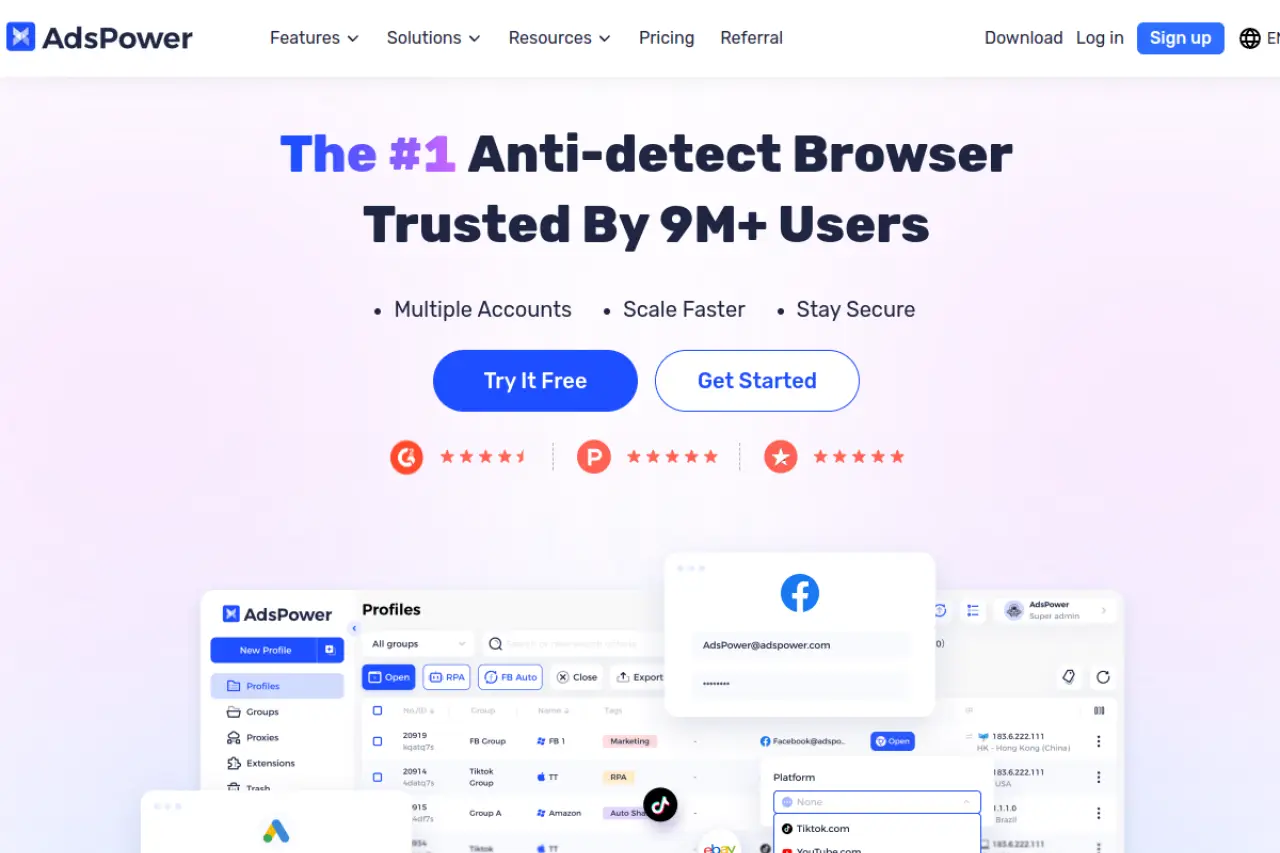
AdsPower is famous for its automation. If you need to manage thousands of low-value accounts rather than a few high-value ones, this is a strong contender. Its standout feature is the library of multi-accounting rpa scripts. You do not need to know how to code. You simply select a template like "Facebook Warm-up" or "Amazon Browse," and the browser does the work for you.
Key Features:
- No-Code RPA Robot: Drag-and-drop automation builder.
- Synchronizer: Sync actions across opened windows.
- Proxy Management: Bulk import and auto-match proxies to profiles.
Pricing:
- Free: 2 Profiles.
- Professional: Starts at $9/month (10 profiles).
- Business: Starts at $61/month (200 profiles).
Pros:
- Massive library of pre-made automation scripts.
- Very flexible pricing model based on exact profile count.
Cons:
- The UI can be cluttered for new users.
- Slightly heavier resource usage on older MacBooks.
Verdict: Best for "Volume" players. If your strategy relies on quantity and automation, AdsPower saves you the most manual labor.
Dolphin{anty}: Optimized for Affiliate Media Buyers
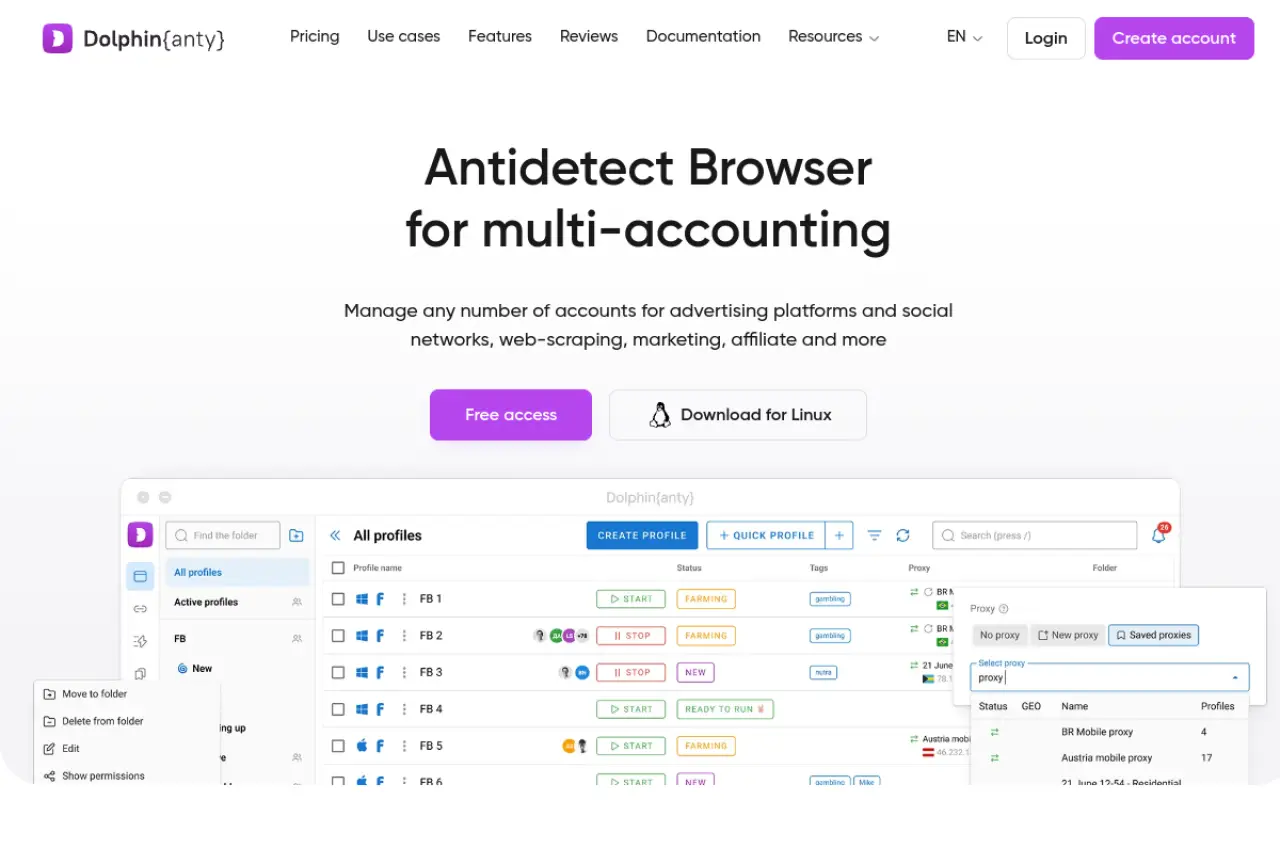
Dolphin{anty} was built specifically by and for affiliate marketers. The interface is clean and focuses on ad campaign statuses. It excels at team profile sharing workflow. You can tag profiles with statuses like "Ready," "Banned," or "Warming," which helps large media buying teams stay organized. It handles cookie injection very well, making it easy to buy accounts and start running ads immediately.
Key Features:
- Status Tags: Visual organization for ad accounts.
- Scenario Builder: Basic automation for routine tasks.
- Real Fingerprints: Updates its database of fingerprints frequently.
Pricing:
- Free: 10 profiles (Generous free tier).
- Base: $89/month (100 profiles).
- Team: $159/month (300 profiles).
Pros:
- The interface is very intuitive for ad agencies.
- Fast support response times.
Cons:
- More expensive than competitors at the 100-profile tier.
- Automation is less powerful than AdsPower.
Verdict: The choice for Facebook and Google affiliates who need a clean, organized workflow for ad management.
Incogniton: User-Friendly Isolation for Small Teams
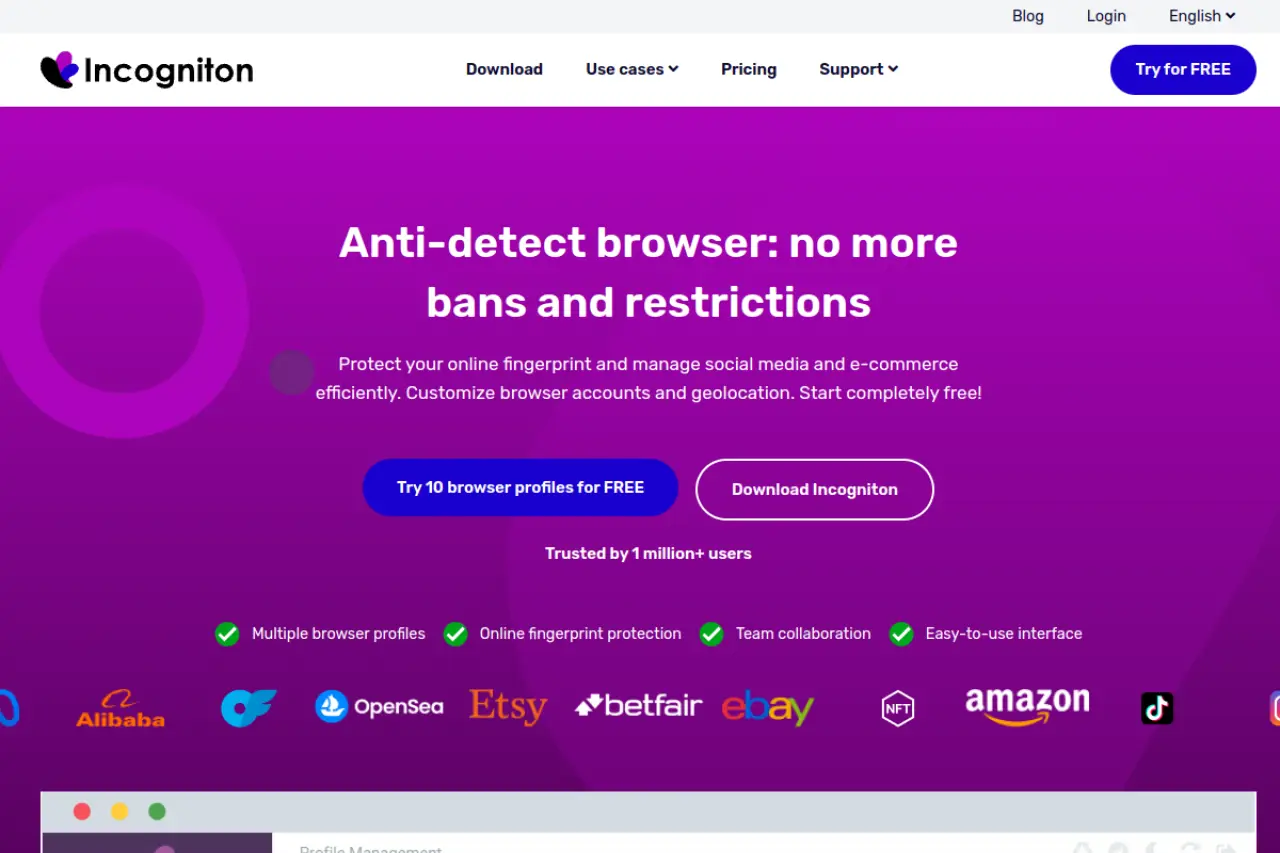
Incogniton is a solid, reliable workhorse. It is often the entry point for users moving away from standard browsers. It focuses on webrtc leak prevention mac settings, ensuring your real IP address never leaks through browser plugins. While it lacks some of the advanced automation of competitors, it is very easy to use. It supports Selenium integration for those who do know how to code.
Key Features:
- Cookie Collector: automated history generation.
- Team Seats: Add members to your workspace easily.
- Data Sync: Cloud storage of profile data.
Pricing:
- Starter: Free (10 profiles).
- Starter Plus: $19.99/month (10 profiles).
- Entrepreneur: $29.99/month (50 profiles).
Pros:
- A very generous free tier for testing.
- Simple, no-nonsense interface.
Cons:
- Slower to update the browser core compared to DICloak.
- Syncing can sometimes be slow with large cookie files.
Verdict: Ideal for freelancers or small teams just starting out who need a reliable, easy-to-understand tool.
Browser.lol: Cloud-Based Instant Sandboxing
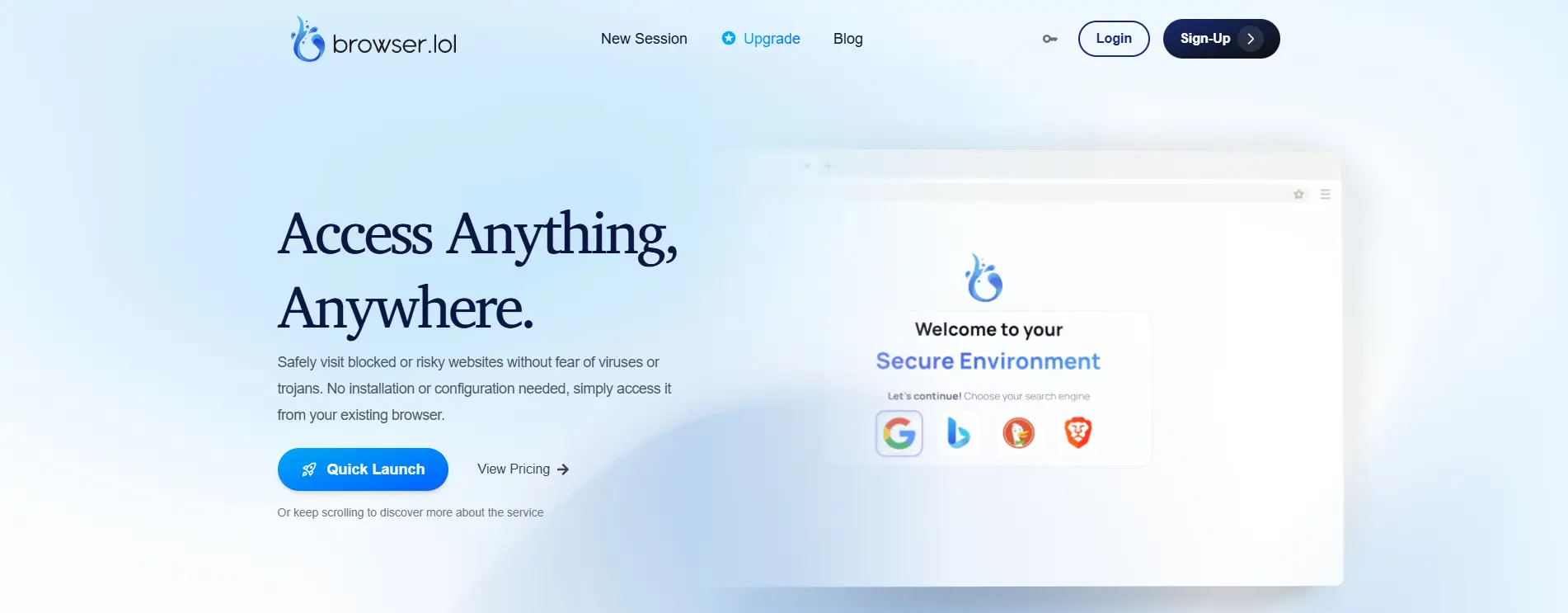
Browser.lol is unique. It is not installed on your Mac. Instead, it streams a browser from the cloud to your screen. This means complete isolation. No malware or trackers can ever touch your real device. However, it is ephemeral, meaning the session disappears when you close it (on the free plan). It is not for long-term farming, but excellent for quick verification tasks or checking suspicious links.
Key Features:
- No Installation: Runs entirely in your web browser.
- Sandboxed Security: Zero risk to your local machine.
- Disposable Sessions: Great for one-time tasks.
Pricing:
- Free: Ad-supported, limited sessions.
- Premium: $9/month.
Pros:
- Ultimate security against malware.
- Instant access from any device.
Cons:
- Not suitable for maintaining long-term ad accounts.
- Latency (lag) can occur depending on your internet connection.
Verdict: A utility tool. Keep this in your arsenal for testing and safety, but do not use it for your main business accounts.
Octo Browser: Real Device Fingerprints for Maximum Trust
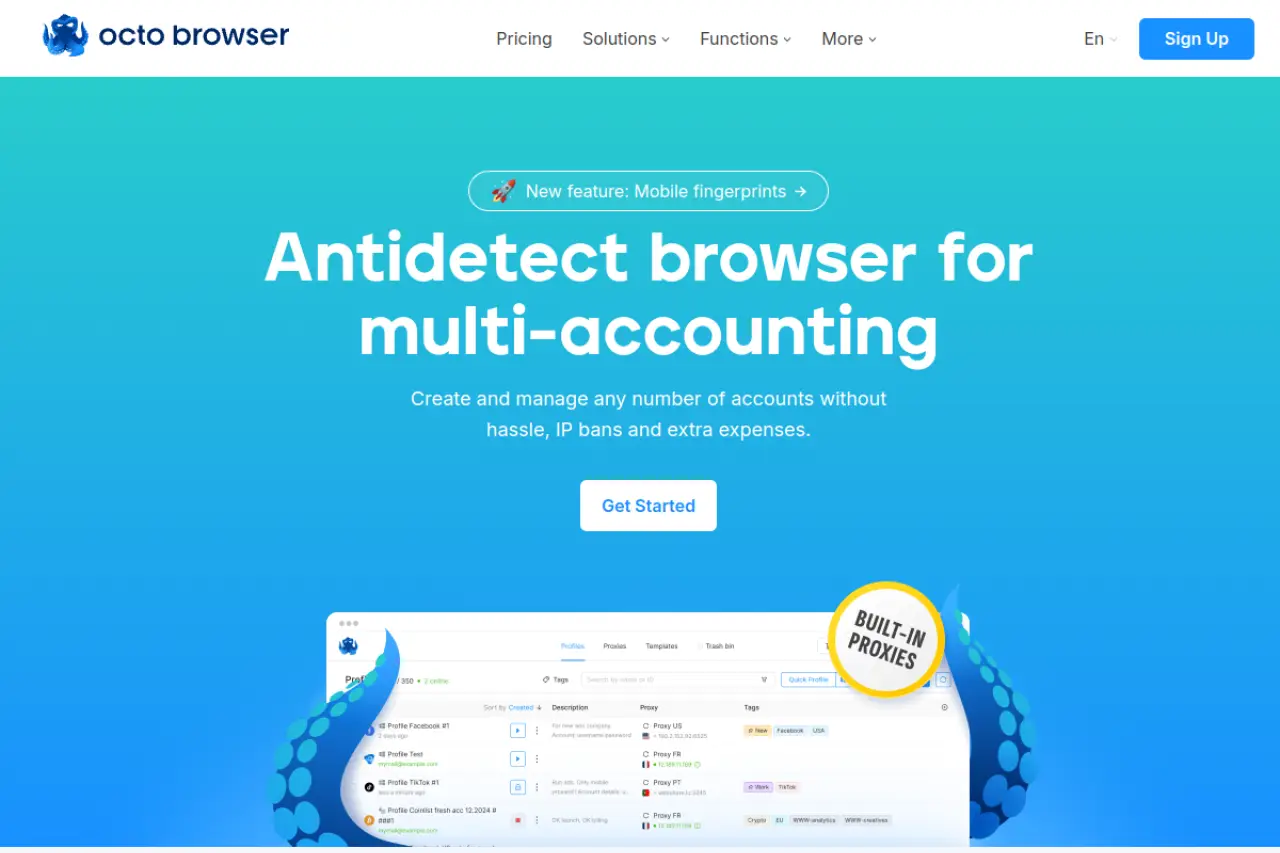
Octo Browser markets itself on the quality of its "Real Device Fingerprints." Instead of generating random noise, they capture fingerprints from real devices and apply them to your profile. This passes the digital fingerprint consistency check that advanced AI detection systems use. It feels very premium and runs natively on macOS with high performance.
Key Features:
- Real-world Fingerprint Database: High trust scores.
- API Automation: extensive documentation for developers.
- Tag System: Organizing large lists of profiles.
Pricing:
- Lite: €10/month (3 profiles).
- Starter: €29/month (10 profiles).
- Base: €79/month (100 profiles).
Pros:
- Extremely high pass rate for "pixelscan" and other checkers.
- Fast and modern interface.
Cons:
- Pricing is in Euros and is higher than average.
- No free plan (only trial upon request).
Verdict: For users who have faced "Chain Bans" and need the absolute highest quality fingerprint masking, regardless of cost.
MoreLogin: Combining Browser Stealth with Cloud Phones
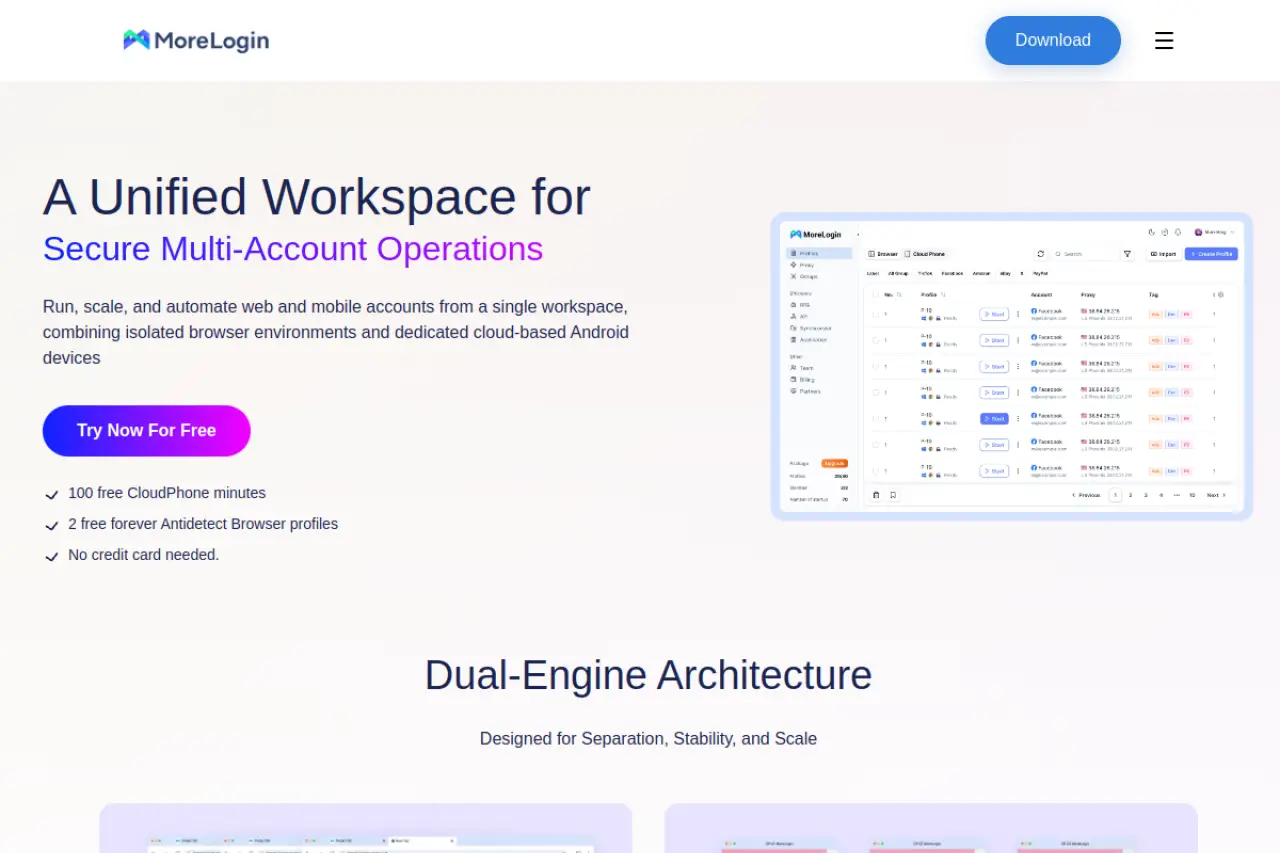
MoreLogin offers a hybrid approach. It provides a standard antidetect browser but also integrates Cloud Phone capabilities. This allows you to manage mobile-only apps (like TikTok or Instagram) more naturally. It includes a canvas fingerprint spoofer that is highly effective for social media platforms that rely heavily on mobile data signals.
Key Features:
- Cloud Phone: Emulate Android devices in the cloud.
- Synchronizer: Control multiple profiles at once.
- Canvas Spoofing: Advanced noise injection technology.
Pricing:
- Free: 2 profiles.
- Pro: Starts at $9/month (10 profiles).
Pros:
- Unique mobile device features are great for TikTok.
- Competitive pricing.
Cons:
- Cloud phone features cost extra.
- Interface can be complex due to the dual nature (Browser + Phone).
Verdict: The great choice if your business model relies heavily on mobile apps like TikTok, Instagram, or Telegram.
Hidemium: Specialized for MMO and E-commerce Workflows
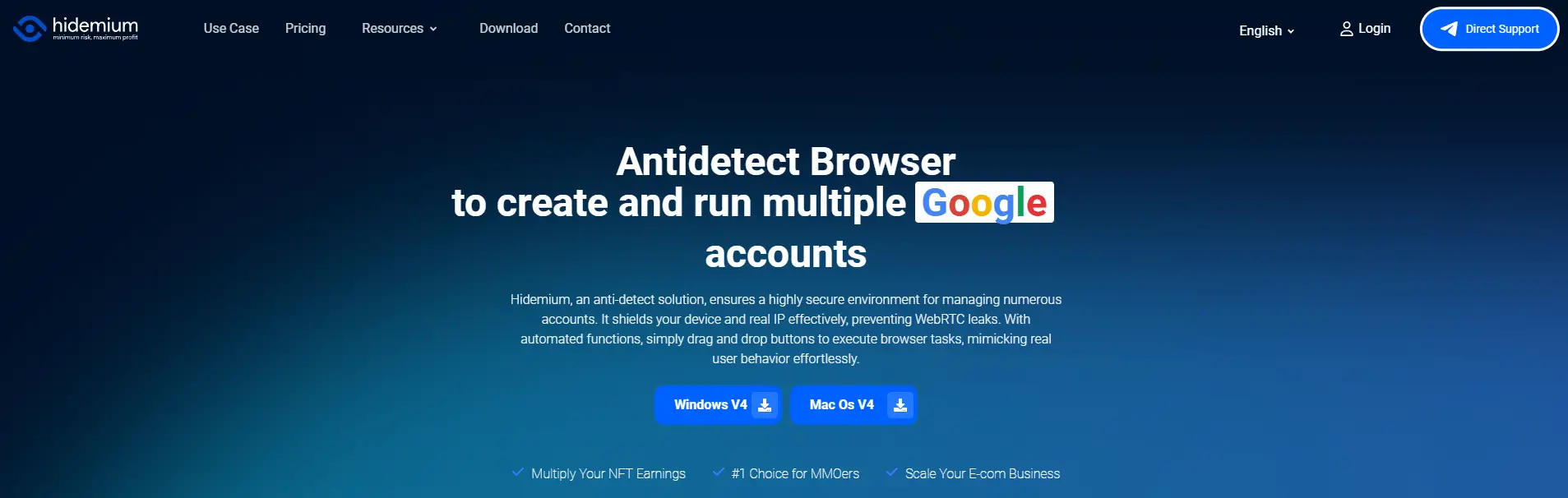
Hidemium is a newer player that targets the MMO (Massively Multiplayer Online) gaming and E-commerce markets. These sectors often require holding hundreds of accounts that are active simultaneously. Hidemium is optimized to run light, allowing you to open more profiles on a single Mac without crashing. It also includes features to mimic mobile devices on a desktop.
Key Features:
- Mobile Emulation: Touch events and mobile user agents.
- Automation: Built-in macros for repetitive gaming/shopping tasks.
- Resource Optimization: Uses less RAM per profile.
Pricing:
- Free: 5 profiles.
- Basic: $15/month (30 profiles).
- Advanced: $20/month (100 profiles).
Pros:
- Excellent value for the number of profiles (100 profiles for $20).
- Good for running many light tasks at once.
Cons:
- Less proven in the high-stakes ad account market compared to DICloak or Dolphin.
- Documentation is still growing.
Verdict: A strong budget option for users who need volume (100+ profiles) for gaming or simple e-commerce tasks but want to keep costs low.
Operational Strategy: Scaling with an Antidetect Browser for macOS
Selecting the software is only the first step. To generate revenue, you need a strict business SOP (Standard Operating Procedure). Without a plan, even the best tools will not stop bans. This section outlines the specific workflows successful agencies use to scale their operations using an Antidetect Browser for macOS.
The Mac-Native Farming SOP: Building 10-Day Trust
The most common mistake business owners make is mixing operating systems. If your physical computer is a MacBook Pro M3, your virtual profile must also be a Mac.
If you choose "Windows" in your profile settings while running on a Mac, websites detect a digital fingerprint consistency check failure. They see Mac hardware (fonts, GPU) but hear a Windows software signal. This mismatch flags your account instantly.
Follow this "Mac-Native" schedule to build high-trust accounts:
- Configuration: Set your profile to macOS 15.x with the Apple Silicon renderer. Ensure browser fingerprinting protection macos settings are active to mask your real IP.
- Days 1-3 (Gestation): Visit popular, neutral sites like Wikipedia, CNN, or Reddit. Do not log into business tools yet.
- Days 4-5 (Identity): Log into a satellite email account (Gmail or Outlook). This establishes a persistent session cookie.
- Days 6-10 (Engagement): Scroll through social feeds. Click non-ad links. This builds a behavioral history that looks human, not robotic.
Proxy Injection: Residential vs. Mobile IP Strategies
Your IP address is the "passport" for your digital profile. Using the wrong type of proxy will ruin your trust score immediately.
| Proxy Type |
Trust Score |
Best Use Case |
| Datacenter |
Low |
Web scraping, bulk data collection. |
| Static Residential |
High |
Long-term ad accounts (Facebook, Google). |
| Mobile 4G/5G |
Very High |
Account creation, bypassing strict blocks. |
Key Rule: For managing ad accounts, use Static Residential IPs. These IPs belong to real home internet connections (like Verizon or AT&T). They allow you to log in from the same "location" every time.
Security Tip: Always enable webrtc leak prevention mac in your browser settings. This ensures your real local IP address does not leak through the proxy connection, which is a common vulnerability on Apple devices.
Cookie Import/Export: Transferring Valid Sessions
Buying "aged" accounts is faster than farming them from scratch. However, logging into a new account with a username and password often triggers a verification checkpoint.
To bypass this, you must transfer the session cookies. Professional tools allow you to import cookies in JSON or Netscape format.
- Export: The seller exports the active session cookies from their browser.
- Import: You paste this code into your antidetect browser profile before launching it.
- Result: When you open the browser, you are already logged in. The website thinks it is the same session, just continued on a "new" Mac device.
This method is essential for a smooth team profile sharing workflow. It allows you to pass accounts from a farming team to a media buying team without ever logging out.
Efficiency Hacks with Multi-Accounting RPA Scripts
Scaling to hundreds of accounts requires automation. You cannot manually warm up 50 profiles a day.
Leading tools like DICloak offer Robotic Process Automation (RPA). This allows you to record a set of actions and replay them across all your profiles.
Top Automation Workflows:
- The "Cookie Builder": A script that visits the top 100 US websites randomly, scrolls for 30 seconds, and clicks one link.
- The "Activity Keep-Alive": A script that logs into Facebook, likes two posts, and closes the browser.
Using multi-accounting rpa scripts ensures every profile stays active and "green" without wasting valuable employee hours. This turns your operation from a manual job into a scalable business system.
FAQ: Frequently Asked Questions about Antidetect Browser for macOS
Switching your agency infrastructure to an Antidetect Browser for macOS solves many security problems, but it also raises technical questions. Apple hardware is unique, and mistakes here can cost you valuable ad accounts. This antidetect browser FAQ clarifies the most common issues business owners face when scaling operations in 2026.
Can I use an Antidetect Browser for macOS on a MacBook Air M3?
Yes, and it is actually a major advantage. High-value consumer traffic often comes from Apple devices, so using an M3 chip helps you blend in. You must ensure your software supports Apple Silicon natively to avoid performance lag and detection.
Is account warming necessary for macOS browser profiles?
Yes, warming is critical for trust. If you launch ads from a fresh profile with no history, platforms like Meta will flag you immediately. You should use multi-accounting rpa scripts to visit neutral websites automatically for a few days before you start spending money.
Does an antidetect browser hide my identity from my ISP?
No, the browser only alters your digital fingerprint (device ID). Your Internet Service Provider (ISP) can still track your connection activity. To be fully anonymous, you must pair the browser with a high-quality residential proxy.
Can I run Windows-based fingerprints on my macOS host?
You should never do this. Faking a Windows PC while using a Mac creates a "hardware mismatch." Websites can detect the difference in how fonts and graphics render. This failure in browser fingerprinting protection macos triggers immediate bans.
How does team profile sharing workflow prevent session drops?
Cloud synchronization saves your cookies and active sessions to a secure server. When a team member opens the profile on a different computer, the website sees the exact same "device." This team profile sharing workflow prevents "Suspicious Login" checkpoints that usually occur when handing off accounts.
Why is WebRTC leak prevention important on a Mac?
MacOS devices are known to leak local IP addresses through media connections. Reliable software includes WebRTC controls to mask your real IP address. Without webrtc leak prevention mac settings enabled, your real location could be exposed even if you are using a proxy.
 Web Proxy Tools
 Free Tools
 Cookie Plugin
 UA Generator
 MAC Address Generator
 IP Generator
 IP Address List
 2FA Code Generator
 World Clock
 Anonymous Check
 WebRTC Leak Test
 UUID Generator
 Free Web Proxy Site
 Proxy Checker
 FB Ad Checker
 AI Web Scraping
 Free SMM Tools
 Twitter Shadowban Checker
 Instagram Name Checker
 UTM Generator
 Username Generator
 AI Hashtag Generator
 LinkedIn Headline Generator
 Social Media Image Resizer