Web scraping in 2026 is more about scraper longevity than just functionality. Modern websites use advanced defenses like browser fingerprinting to identify and block automated scripts, making it difficult for scrapers to operate reliably over time. Antidetect browsers are the essential solution to this problem, allowing scrapers to appear as unique, human visitors. This article will review the most effective antidetect browsers for web scraping, evaluate their strengths and weaknesses, and provide a clear guide to choosing the right tool for your specific needs.
Why You Need Antidetect Browsers for Web Scraping
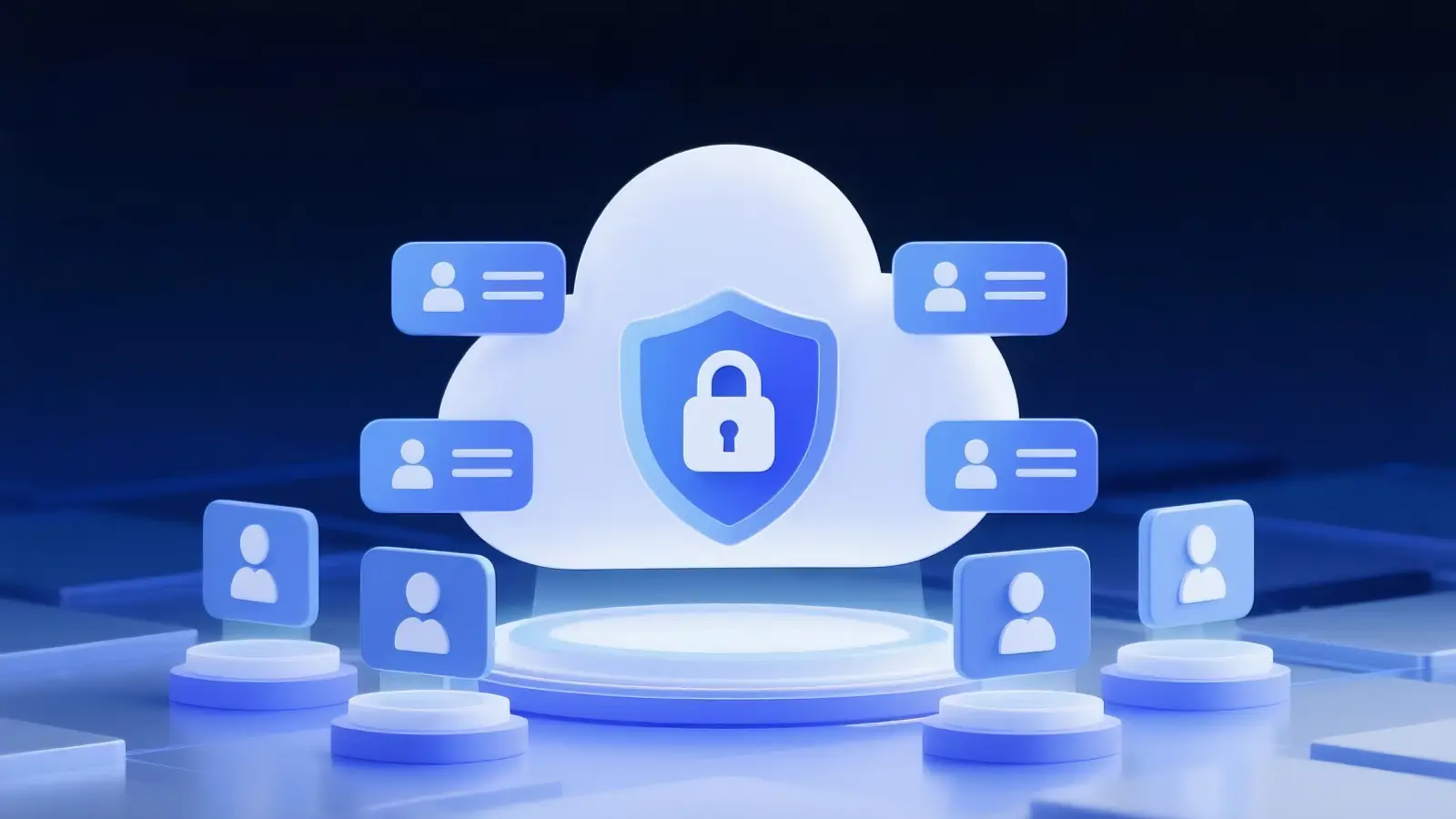
An antidetect browser is a specialized browser designed to mask or control a user's digital fingerprint. Instead of revealing the standard signals of an automated tool, it presents a realistic and consistent profile that mimics a real user on a unique device. Modern anti-bot systems analyze combinations of factors—including IP address, cookies, user-agent, screen resolution, fonts, WebGL, and Canvas rendering—to detect automation. When these signals are inconsistent, the system flags the traffic as suspicious.
This inconsistency is precisely where standard automation tools like headless browsers often fail. They tend to expose incomplete or unusual fingerprints that detection systems quickly learn and block. This forces scrapers into a cycle of solving CAPTCHA puzzles and rotating proxies instead of collecting data. Antidetect browsers solve this by isolating each scraping session into its own profile, complete with a unique fingerprint, cookies, local storage, and a dedicated proxy. This approach makes traffic from a single scraper look like it is coming from many different real users.
The Limits of Antidetect Browsers
Let's be clear: antidetect browsers are not a magic bullet. They cannot fix poor scraping logic, unrealistic request rates, or bad proxy management. The primary function of these browsers is to remove a major layer of detection—the browser fingerprint. This gives a well-designed and responsibly managed scraping strategy a chance to succeed where it would otherwise fail.
Key Criteria for Evaluating Antidetect Browsers for Web Scraping
Not all antidetect browsers are designed with web scraping as their primary purpose. To choose the right tool, it's important to understand the key evaluation criteria from a scraping perspective.
Fingerprint Spoofing Quality
High-quality fingerprint spoofing is about presenting a consistent set of browser signals. Detection systems can easily flag inconsistencies, such as a Windows user-agent combined with macOS font rendering. The best tools automate the creation of realistic and consistent fingerprints to avoid manual configuration errors that lead to detection.
Your takeaway: Prioritize browsers that automate the generation of consistent, realistic fingerprints over those requiring complex manual adjustments.
Proxy and Network Integration
Fingerprint spoofing is useless without high-quality proxies. A good antidetect browser must seamlessly support common proxy types like HTTP, HTTPS, and SOCKS5. It should also provide efficient management features, such as the ability to assign a unique proxy to each profile and rotate them as needed.
Your takeaway: The browser must offer robust integration with residential, datacenter, or mobile proxies and allow for easy management on a per-profile basis.
Profile and Cookie Isolation
Session leakage, where cookies or local storage data from one profile bleed into another, can instantly link separate identities and get them blocked. For scraping logged-in pages or running concurrent jobs, complete isolation between profiles is a non-negotiable feature.
Your takeaway: Each browser profile must have its own completely separate cookies, local storage, and cache to prevent cross-contamination.
Automation and API Integration
For any serious web scraping operation, automation is essential. A suitable antidetect browser must have robust API access and be compatible with common automation frameworks like Puppeteer or Selenium. Some tools market automation as an afterthought, which becomes evident when integrating them into a scraping workflow. Without these capabilities, scaling operations beyond a few manual runs is nearly impossible.
Your takeaway: A strong local or cloud API and compatibility with standard automation libraries are critical for scaling scraping workflows.
Scalability and Performance
A browser might work well with a handful of profiles but struggle when managing hundreds. Key performance factors include resource usage (CPU and RAM), profile startup time, and overall stability under a heavy load. It's crucial to assess how a browser performs at the scale you intend to operate.
Your takeaway: For large-scale projects, evaluate the browser's resource consumption, crash frequency, and performance over extended periods.
Usability and Profile Management
When managing dozens or hundreds of profiles, usability features become critical for efficiency. A clumsy interface can slow down workflows and lead to costly configuration errors. Look for features like bulk profile creation, templates, quick proxy assignment, and clear status indicators.
Your takeaway: An intuitive interface with strong profile management tools saves time and reduces the risk of mistakes.
Price and Licensing Model
Pricing models range from per-profile charges to tiered subscriptions with varying feature sets. For professional scraping, the value of reliability and automation often outweighs the lowest monthly price. The key is to choose a model that matches your project's scale and technical requirements.
Your takeaway: Evaluate pricing based on the overall value it provides to your workflow, not just the monthly fee.
Comparing the Top Antidetect Browsers for Web Scraping in 2026
| Browser |
Fingerprint Spoofing Quality |
Proxy Support |
Automation/API Capabilities |
Price/Tier |
Ideal Use Case |
| DICloak |
High-fidelity isolation (Canvas, WebGL, WebRTC) |
HTTP / HTTPS / SOCKS5, Proxy group management |
RPA Automate, Local API |
Free (5 profiles). Paid from ~$8/mo. |
Scalable Web Scraping, Account sharing, E-commerce & social account management. |
| Multilogin |
Deep manual control (Canvas, WebGL) |
HTTP/SOCKS5/SSH tunneling |
Robust Local API (Selenium/Puppeteer) |
~€99/mo. (Scale Plan). No free tier. |
Enterprise Security, Large Agencies, High-Value Account Management. |
| Octo Browser |
Real-device fingerprint database |
HTTP/SOCKS5/SSH |
Fast lightweight API |
~€29/mo (Starter). Volume discounts available. |
Speed-Critical Tasks, Betting/Crypto, Mid-Scale Scraping. |
| AdsPower |
Solid but higher detection risk |
Vendor-integrated proxy APIs |
RPA + basic Local API |
~$9/mo. (Base). Flexible “Pay-per-profile” model. |
Non-Coders, E-commerce Automation, Marketing. |
| Dolphin {Anty} |
Platform-focused fingerprints |
Built-in proxy manager |
Basic scripting, limited API |
Free (10 Profiles). Paid starts ~$10/mo. |
Affiliate Marketing, Social Media Scraping, Beginners. |
Overview of the Top Antidetect Browsers for Web Scraping in 2026
Here are the capable antidetect browsers for web scraping that serve different needs and use cases.
DICloak

DICloak is a robust antidetect browser designed to provide users with a seamless and scalable solution for web scraping. It stands out in the market by offering cloud-based infrastructure, advanced fingerprint isolation, and automation support, making it ideal for web scraping operations that require undetectability, scalability, and efficiency. Unlike traditional browsers, DICloak allows users to manage multiple profiles with distinct fingerprints, ensuring that web scraping activities stay undetected and don't trigger anti-bot measures commonly found on modern websites.
DICloak’s ability to handle large-scale scraping jobs while maintaining account privacy and profile stability sets it apart from competitors. Its custom proxy configuration and team collaboration features make it a powerful tool for users needing a secure, scalable, and easy-to-use antidetect browser for scraping, especially in e-commerce, digital marketing, and market research sectors.
Pros:
- DICloak's cloud infrastructure scales scraping tasks without taxing local resources.
- It effectively masks browser fingerprints, ensuring undetectable scraping.
- DICloak offers flexible proxy management to avoid IP blocks during scraping.
- The RPA automate high-volume scraping tasks across profiles.
- DICloak enables smooth team collaboration with multi-profile management.
- Designed for ease of use, making it accessible for both beginners and experts.
Cons:
- Supports only desktop devices (no mobile apps)
- Only the Chromium-based Orbita browser
Ideal use cases:
- Professional web scraping projects
- Data teams and developers running automated scraping pipelines
- Medium to large-scale scraping where stability matters
Multilogin
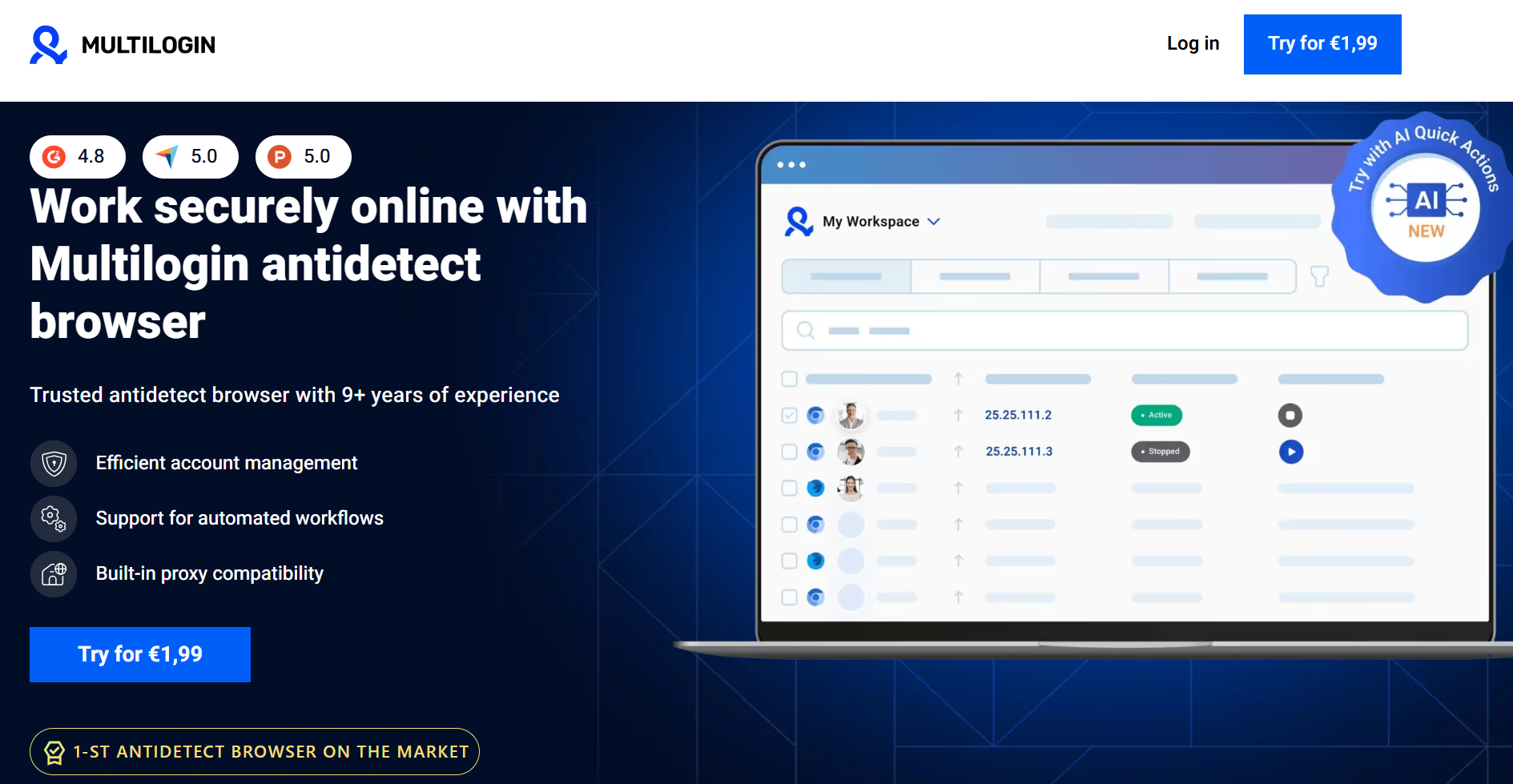
Multilogin is a long-standing and powerful option for large-scale scraping operations. It offers deep, granular control over fingerprint parameters like Canvas and WebGL and supports both Chromium and Firefox-based browser engines. Its strength lies in handling thousands of profiles with robust session isolation, making it a top choice for enterprise-level projects. However, its power comes with a higher price point and a steeper learning curve. Unlike DICloak, which offers a cloud-based browser to offload resource consumption, Multilogin's operations are typically reliant on local system resources, which can be a significant factor when running hundreds of profiles.
Pros:
- Very strong fingerprint masking with granular control
- Supports multiple browser engines (Chromium, Firefox)
- Proven stability for large-scale scraping
- Solid automation and API support
Cons:
- Expensive compared to most competitors
- Steeper learning curve for new users
- Heavier local resource usage at scale
Ideal use cases:
- Enterprise-level scraping operations
- Teams scraping high-security or high-value targets
- Users who need deep manual fingerprint customization
Octo Browser
Octo Browser is a popular choice for mid-scale scraping tasks, occupying a middle ground between entry-level and enterprise solutions. It provides reliable fingerprint spoofing without overwhelming users with complex settings. Octo Browser offers API access and supports common automation workflows, delivering stable performance with moderate resource usage on standard hardware.
Pros:
- Good fingerprint quality for most scraping scenarios
- Reasonable pricing compared to enterprise tools
- Clean interface and simple profile management
- Suitable for automation with common frameworks
Cons:
- Less advanced automation features than top-tier tools
- May struggle against the most aggressive detection systems
Ideal use cases:
- Freelancers and small teams
- Mid-scale scraping and data extraction projects
- Users who want solid features without enterprise pricing
AdsPower
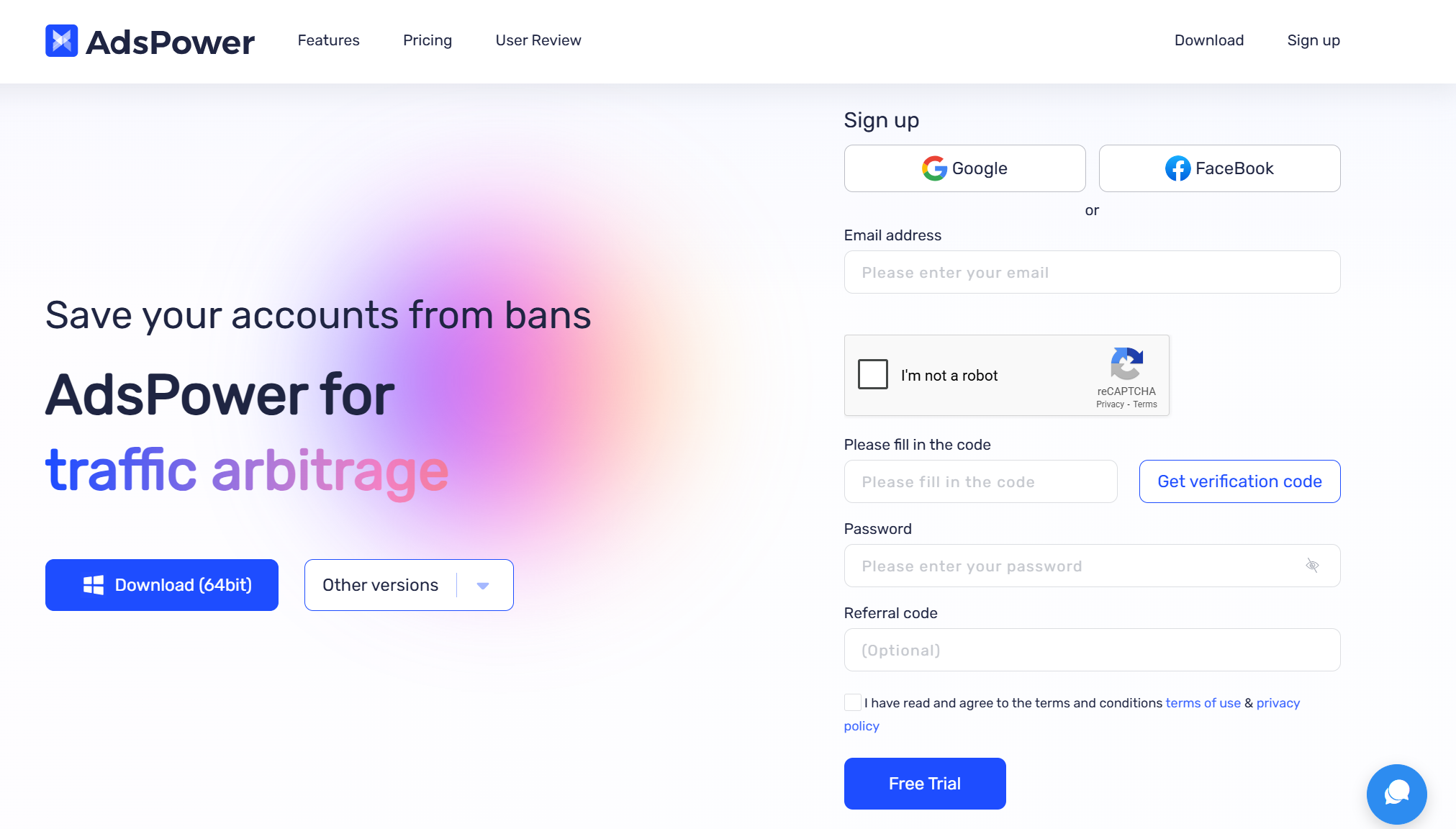
AdsPower is primarily known for multi-account management but is also used for scraping, especially where profile organization is a priority. It has a user-friendly interface and supports standard fingerprint masking techniques. Its main limitation for scraping is its automation depth, which is not as flexible as tools designed specifically for data extraction. This makes it better suited for lighter or semi-automated scraping tasks, such as E-commerce (Amazon/eBay) automation.
Pros:
- Easy-to-use interface with strong profile management
- Broad proxy support and vendor integrations
- Affordable pricing with flexible plans
Cons:
- Automation features are more limited for large-scale scraping
- Fingerprint spoofing is solid but not industry-leading
Ideal use cases:
- Small to medium scraping projects
- Users combining scraping with multi-account workflows
- Teams prioritizing usability over deep automation
Dolphin{Anty}
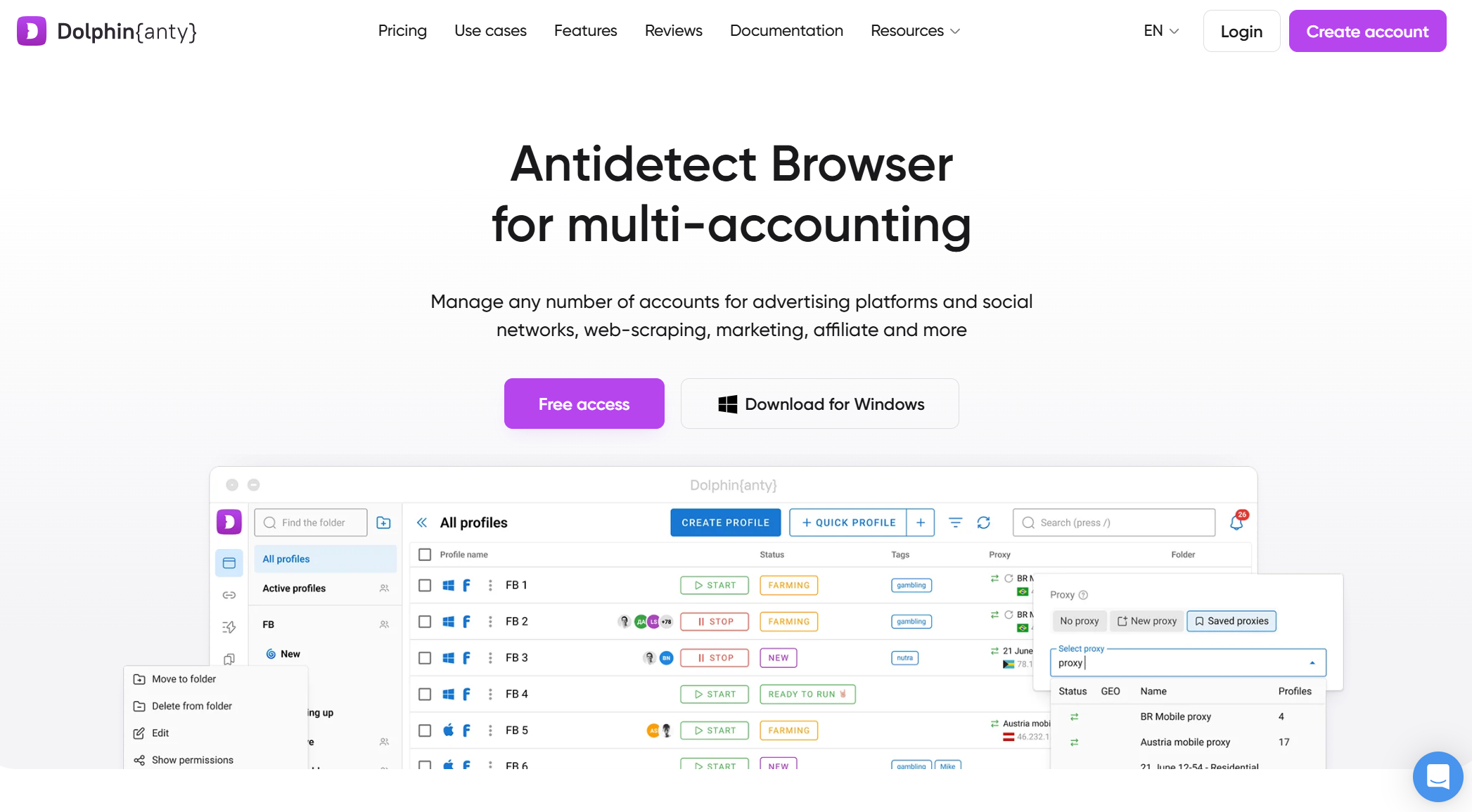
Dolphin{Anty} is an excellent choice for beginners or users on a tight budget. It offers a generous free tier, basic fingerprint masking, and lightweight performance, making it accessible for experimentation on less powerful machines. However, its fingerprinting is less sophisticated than premium tools, and its automation options are limited, making it unsuitable for heavy or large-scale scraping against advanced bot protection systems.
Pros:
- Generous free tier and low entry cost
- Simple setup and lightweight performance
- Suitable for learning and experimentation
Cons:
- Limited automation and API capabilities
- Weaker fingerprint spoofing compared to premium tools
- Not ideal for high-security targets
Ideal use cases:
- Beginners learning web scraping
- Small, low-risk scraping projects
- Budget-constrained users
Best Practices for Using Antidetect Browsers for Web Scraping
An antidetect browser is most effective when used as part of a comprehensive scraping strategy. The following best practices are essential for achieving reliable and long-lasting results.
- Pair with High-Quality Proxies
An antidetect browser masks your device, but a proxy is needed to mask your network identity. Each profile should be paired with a dedicated, high-quality proxy (residential or datacenter) to avoid being flagged. Managing IP rotation carefully on a per-session basis is critical to avoid appearing unnatural.
- Use Unique Browser Fingerprints
The main goal of an antidetect browser is to ensure each session appears unique. Avoid cloning profiles without letting the browser generate new, realistic fingerprint variations. Reusing the same fingerprint elements across different profiles creates a pattern that detection systems can easily identify.
- Isolate Cookies and Sessions
Ensure that cookies, local storage, and cached data are completely separate for each profile. This isolation is crucial for preventing websites from linking your different scraping identities, especially when working with logged-in accounts or running multiple scrapers concurrently.
- Combine with Automation Libraries
For any task beyond manual browsing, integrate your antidetect browser with automation libraries like Puppeteer or Selenium. This allows you to programmatically manage profiles, proxies, and scraping logic, which increases efficiency and reduces human error.
- Mimic Human-like Behavior
Even with a perfect fingerprint, bot-like behavior can get you blocked. Scraping logic should be designed to appear natural. Introduce randomized delays between clicks, vary mouse movement patterns, and avoid navigating through a website with the exact same path every time.
Common Pitfalls When Using Antidetect Browsers for Web Scraping
Even the best setups can fail if you're not aware of common pitfalls. Here are several issues to watch out for.
Sending too many requests in a short period, hitting the same endpoints repeatedly, or using predictable timing can trigger detection systems, regardless of your fingerprint quality. This often results in CAPTCHAs or temporary blocks.
- Low-Quality or Free Browsers
Free or very cheap anti-detect browsers may use recycled or limited fingerprint templates. Over time, detection systems learn to recognize these common fingerprints, causing a setup that once worked to start failing.
- Over-Reliance on the Browser Alone
Treating an antidetect browser as a standalone solution is a mistake. A pristine fingerprint is useless if it's broadcast from a flagged IP or exhibits robotic behavior. A holistic approach that integrates the best practices of proxy management and human-like timing is non-negotiable.
- Ethical and Legal Considerations
Technical capability does not override a website's terms of service or local laws. Before scraping, understand what data you are collecting, how it will be used, and whether any platform rules or legal regulations apply.
How to Choose the Right Antidetect Browsers for Web Scraping
Choosing the right browser is about matching a tool to your specific workflow. Use this checklist to guide your decision.
A small, one-time project has very different needs than a continuous, large-scale data collection system. For limited tasks or initial experiments, a tool like Dolphin{Anty} with its generous free tier is a practical starting point. For continuous, large-scale scraping where stability and automation are paramount, you should be evaluating options like DICloak or Multilogin.
Evaluate cost in terms of reliability and time saved, not just the monthly subscription fee. Frequent blocks and unstable performance can cost far more in lost data and developer time than a more expensive but reliable tool.
- Match Features to Your Workflow
Identify your must-have features before you start looking. Do you need a robust API, cloud execution, or team collaboration features? Choose a browser that excels at what you need and avoid paying for features you won't use.
- Assess Your Technical Profile
Developers will appreciate the robust API and automation capabilities for seamless integration, while teams prioritizing ease of use over deep automation may find other solutions more accommodating. Additionally, consider platform compatibility and whether mobile emulation is a key requirement for your scraping needs.
- Look Beyond Features to Stability and Reputation
A good antidetect browser must be updated regularly to keep up with new detection methods. Check community feedback, documentation quality, and update frequency to gauge a tool's long-term reliability. Stability is often more valuable than a long list of features.
Conclusion: Final Recommendations for Antidetect Browsers for Web Scraping
Antidetect browsers for web scraping have become essential tools for any serious web scraping operation in 2026. Because modern websites use layered detection systems, traditional automation methods are no longer reliable. There is no single "best" browser for everyone; the right choice depends entirely on your project's scale, budget, and technical needs. By clearly defining your use case, you can select a tool that improves the reliability and longevity of your scraping operations.
Quick recommendations:
- Beginners or small projects: DICloak or Dolphin Anty provide accessible entry points with their effective free tiers.
- Professional scraping workflows: DICloak offers a strong balance of reliability, automation, and scalability when paired with high-quality proxies.
- Large-scale or enterprise scraping: Multilogin is well-suited for complex environments that require deep fingerprint control and stability, though it comes at a higher cost.
Frequently Asked Questions about Antidetect Browsers for Web Scraping
What is the difference between antidetect browsers for web scraping and a standard headless browser?
A standard headless browser often exposes default or incomplete fingerprint signals that are easily detected as automation. Antidetect browsers for web scraping are specifically designed to create and manage unique, realistic fingerprints to appear as a normal human user, ensuring that your web scraping operations are undetectable.
Can I use a free antidetect browser for a serious scraping project?
While excellent for learning, most free tiers are risky for serious projects due to limitations on fingerprint quality and automation. They often rely on recycled fingerprint templates, which are more likely to be recognized and blocked over time, as mentioned in the common pitfalls of antidetect browsers for web scraping.
Do I still need to worry about CAPTCHAs when using antidetect browsers for web scraping?
Yes. An antidetect browser for web scraping significantly reduces the chance of encountering CAPTCHAs by masking your fingerprint, but it cannot prevent them entirely. Unnatural behavior, such as very high request rates, can still trigger CAPTCHA challenges, even when using antidetect browsers for web scraping.
Is it possible for a website to detect antidetect browsers for web scraping?
Yes, it is an ongoing cat-and-mouse game. As websites develop new detection techniques, antidetect browsers for web scraping developers must update their software to counter them. This is why choosing a browser with regular updates and a strong reputation is crucial for long-term success in web scraping.
How many profiles can I run at once with antidetect browsers for web scraping?
The number of profiles you can run concurrently depends on your computer's hardware (CPU and RAM) and the resource efficiency of the antidetect browsers for web scraping themselves. Some browsers are more lightweight than others, so it's important to test performance based on your specific setup and the demands of your web scraping operation.
 Web Proxy Tools
 Free Tools
 Cookie Plugin
 UA Generator
 MAC Address Generator
 IP Generator
 IP Address List
 2FA Code Generator
 World Clock
 Anonymous Check
 WebRTC Leak Test
 UUID Generator
 Free Web Proxy Site
 Proxy Checker
 FB Ad Checker
 AI Web Scraping
 Free SMM Tools
 Twitter Shadowban Checker
 Instagram Name Checker
 UTM Generator
 Username Generator
 AI Hashtag Generator
 LinkedIn Headline Generator
 Social Media Image Resizer