Every time you go online, your device carries a digital tag. That tag is called an IP address. An IP address helps the Internet know where to send data — like a letter needs a mailing address. But your IP address can also share clues about you. It can hint at where you live, or what kind of connection you use. Understanding IP addresses helps you see what you share — and how to protect your online privacy.
Understanding IP Addresses
What is an IP Address?
An IP address — short for Internet Protocol address — is a unique label for a device on the internet.
When you open a website or send a message, your data travels from your device to a server. The server sees your IP address and sends data back to that address. In simple terms: your IP address works like a mailing address for the internet.
For example, an IP might look like 192.168.1.100. Another might use a longer code (if it's a newer type). Which kind you get affects what others can learn about your connection.
Types of IP Addresses
IPv4 vs. IPv6
IPv4 is the older, more common format. It uses four groups of numbers separated by dots — like 203.0.113.45. But there are only about 4.3 billion unique IPv4 addresses.
As more devices join the internet, that number is not enough. So now there is IPv6. IPv6 uses longer codes. It can support a huge number of devices.
If you use an older home router, you likely use IPv4. If your network supports the modern Internet, you may use IPv6.
Public vs. Private IP Addresses
A public IP address is visible on the internet. It is unique across the whole internet. Your home router usually has a public IP.
A private IP address is used inside local networks — like your home or office. Examples are 192.168.x.x, or 10.x.x.x. These addresses do not show up on the public internet.
For example: your laptop at home might have a private IP like 192.168.0.5. But when you visit a website, the world sees your public IP — the one assigned to your router.
Static vs. Dynamic IP Addresses
A static IP address stays the same over time. It is set manually and does not change. This kind is often used for servers or special devices that need a stable address.
A dynamic IP address is assigned automatically by a service called DHCP. It may change each time you connect to the internet. Most home users get dynamic IPs from their Internet Service Provider (ISP).
For example: most people at home get a dynamic IP. The next time they reconnect — or after some time — the IP may change. But a web server or company might use a static IP so its address stays the same for all visitors.
What Does IP Address Tell You?
Geolocation Information
To understand what does IP address tell you, we can start with location. Your IP often shows your country, region, and sometimes your city. This is why some websites change language or block videos based on where your IP seems to be.
How Accurate Is Geolocation?
IP location is not exact. It gives a general area, not your home address.
For example, an IP lookup may show “Los Angeles” even if the user is 30 miles away in a small town. Many people in the same region can share similar IP locations.
Online Behavior and Activities
Your IP can also show patterns in what you do online.
Tracking Browsing History
Websites log your IP each time you visit. If many visits come from the same IP, the site can connect those actions.
For example, a whole family using one home Wi-Fi shares the same public IP. A website may link all visits—shopping, games, news—because they appear to come from one “user.”
Personal Information Exposure
Your IP can reveal basic network details.
Identifying Your Internet Service Provider (ISP)
Most IP lookups show your ISP name.
For example, if you use Spectrum or Singtel, an IP search will display that provider. This does not give your name, but it shows who supplies your internet connection.
How Can You Check Your Public IP Address?
If you want to see what your IP address tells you, the easiest way is to look up your public IP online. A quick Google search for “my IP address” will show your current address at the top of the page. You can also use tools like WhatIsMyIP.com or IP Chicken. These sites often display extra details, such as your city, region, ZIP code, and the name of your Internet Service Provider (ISP).
You can also find your IP address directly on your device. The method depends on the system you use:.
On Windows:
1.Open Settings
2.Go to the Network & Internet
3.Click Properties to see your IPv4 and IPv6 You can also type ipconfig in Command Prompt for a fast result.
On macOS:
1.Open System Preferences
2.Select Network to view your IP information
On Android:
1.Go to Settings
2.Tap About Phone → Status Information to see both IP versions
On iPhone:
1.Open Settings
2.Tap the blue “i” next to your Wi-Fi network to view your IP
Knowing how to check your IP helps you understand what’s an IP address and what information it may reveal about your online presence.
Can Someone Find Your IP Address and What Happens If They Do?
Many people worry about who can discover their IP and what does IP address tell you once they have it. In reality, several groups can access your IP address in different ways, and each can use it for different purposes.
1.People Who Use Your Device If someone has your phone or laptop in hand, they can easily check your IP through settings. Example: A coworker borrowing your laptop could see your network details without special tools.
2.Online Connections Some apps—like multiplayer games, video calls, or peer-to-peer services—may expose your IP to others in the same session. Example: A gamer on the same server could see your IP if they use advanced network tools.
3.Tricks and Phishing Links A malicious person might send you a link that logs your IP when you open it. Example: Clicking a “free gift” link in a suspicious message could reveal your IP to the sender.
4.Cybercriminals and Their Intentions Your IP alone does not reveal your name, but it can show your general area and ISP. A skilled attacker may use this to try network attacks. Example: A hacker might target your home router with repeated connection requests to overload your network.
5.Law Enforcement Agencies Police can use IP addresses to trace illegal activity. With a warrant, they can ask your ISP for the account linked to that IP. Example: Investigators tracking online fraud often start by locating the suspect’s IP region.
6.Advertisers and Trackers Advertisers use your IP to understand your location and show you location-based ads. They then combine it with cookies or device IDs to build a profile of your interests. Example: If your IP shows you are in New York, you may see ads for local restaurants or services.
7.Employers and Workplace Networks When you use company Wi-Fi, your employer can monitor online activity through IP logs. Example: A workplace may check which websites are visited during work hours.
How to Protect Your IP Address
When you know what does IP address tell you, you also understand why it needs protection. Here are simple ways to keep your real location and identity safer online.
Using Proxy Servers
A proxy server sits between you and the website you visit. It shows the proxy’s IP, not yours.
Example: If you use a proxy in another state, a website thinks you are there.
This makes it harder for strangers to connect your activity to your real IP or learn what’s an IP address revealing about you.
Other Security Practices
1.Keep Software Updated
Old software has risks. Hackers often target known flaws.
Example: Many users who skipped browser updates later found malware that tracked their IP and browsing habits. Updates help close these holes.
2.Use Firewalls
A firewall watches traffic entering your device. It blocks unknown or unsafe requests.
Example: A company once stopped a bot attack because its firewall flagged repeated requests coming to the same IP.
3.Using Anti-Detect Browsers
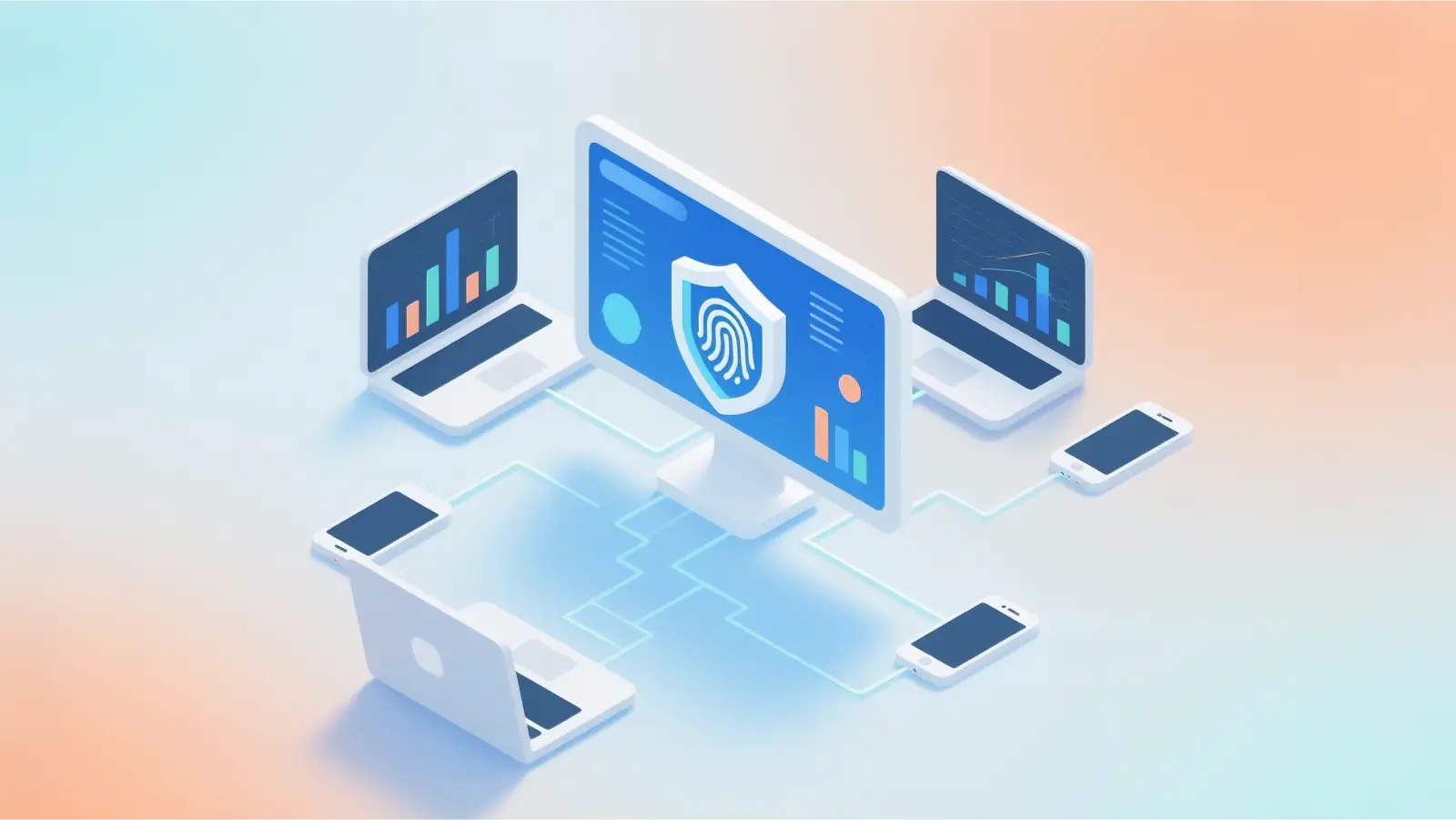
Another helpful tool is an anti-detect browser. It works like a normal browser, but it is designed with stronger privacy features. When you go online, you reveal more than your IP—your device also leaves a “digital fingerprint,” such as system settings, screen size, and browser details.
Anti-detect browsers like DICloak change these fingerprints. This makes it harder for tracking tools or harmful actors to link your actions to your real identity. For example, marketers trying to profile your behavior will see mixed or random data instead of a clear pattern tied to your IP address.
Why Choose DICloak Antidetect Browsers for Your Business?
⚡The DICloak Antidetect Browser has become a global favorite for its unparalleled ability to efficiently and securely manage multiple accounts. Designed for professionals in social media management, affiliate marketing, traffic arbitrage, e-commerce, account farming, airdrops, and more, DICloak offers powerful features like RPA automation, bulk operations, and a window synchronizer. Additionally, it allows you to customize fingerprints and integrate proxies for each profile, ensuring top-level security and operational efficiency. It’s the ultimate tool for seamless, secure, and scalable operations.

What Makes DICloak Stand Out?
✅ Manage 1,000+ Accounts on One Device: Stop wasting money on extra hardware! DICloak allows you to manage multiple accounts on a single device, cutting costs and boosting efficiency.
✅ Guaranteed Account Safety, No Ban Risks: Every account gets its own isolated browser profile with custom fingerprints and IPs, drastically reducing the risk of bans. Your accounts, your control!
✅ Flexible Proxy Configuration for Maximum Performance: Seamlessly integrate with all major proxy protocols (HTTP/HTTPS, SOCKS5) and manage your proxy pool with bulk operations. No more struggling with IP management—DICloak has you covered.
✅ Streamlined Team Collaboration for Better Results: Easily manage your team with advanced tools like profile sharing, permission settings, data isolation, and operation logs. Your team works smarter, not harder.
✅ Automate the Grind with RPA: DICloak's built-in RPA saves you hours of manual work. Automate repetitive tasks, streamline workflows, and focus on what really matters—growing your business.
✅ Powerful Bulk Tools to Scale Your Operations: Create, import, and launch multiple browser profiles in one click. DICloak makes scaling your business as easy as it gets.
✅ Compatible with All Major Operating Systems: Based on the Chrome core, DICloak supports simulating Windows, Mac, iOS, Android, and Linux operating systems. No matter what platform you need, DICloak has you covered.
🔗 Ready to Get Started?
Visit the DICloak website to explore more details and choose the plan that’s right for you. Start for free today and experience the power of secure, efficient, and scalable multi-account management!
Frequently Asked Questions (FAQs)
What Does IP Address Tell You About Location?
Your IP address can show your general area, such as your city or region. This is because IP ranges are linked to locations. But it cannot show your exact home address. So what does IP address tell you is only a rough location, not your full physical details.
Can You Change Your IP Address?
Yes. You can often get a new IP by restarting your router or reconnecting to your network. Some people also use tools like proxy servers or anti-detect browsers to mask their real IP. These tools make websites see a different address instead of yours.
What Are Common Misconceptions About IP Addresses?
A common myth is that an IP address shows your exact identity. It does not. Another myth is that an IP alone can track everything you do. In reality, tracking also needs cookies, logins, and device data. So an IP is only one small part of the picture.
Is Hiding Your IP Address Legal?
Yes. It is legal in most countries. Many people hide their IP to protect privacy or reduce tracking. What matters is how you use it. Doing illegal things is still illegal, even if your IP is hidden.
Can an IP Address Reveal My Identity?
Not by itself. An IP does not show your name or who you are. But if someone combines your IP with other data from apps or services, they may link activity to you. This is why knowing what’s an IP address and how it works helps you stay safer online.
Conclusion
Understanding what’s an IP address helps you see how the internet identifies your device and what information you may share without noticing. Your IP can show your general location, your ISP, and parts of your online behavior. It cannot reveal your full identity, but it still offers clues that websites, advertisers, or attackers may use. Knowing what does IP address tell you helps you spot risks earlier and take smarter steps to stay private — from using proxy servers to keeping your devices updated. When you stay aware of how your IP works, you gain more control over your online presence and build a safer, more confident digital life.
 Web Proxy Tools
 Free Tools
 Cookie Plugin
 UA Generator
 MAC Address Generator
 IP Generator
 IP Address List
 2FA Code Generator
 World Clock
 Anonymous Check
 WebRTC Leak Test
 UUID Generator
 Free Web Proxy Site
 Proxy Checker
 FB Ad Checker
 AI Web Scraping
 Free SMM Tools
 Twitter Shadowban Checker
 Instagram Name Checker
 UTM Generator
 Username Generator
 AI Hashtag Generator
 LinkedIn Headline Generator
 Social Media Image Resizer