Talking-head videos used to mean booking a studio, hiring a presenter, and waiting days for edited footage. That era is fading fast. Today, a growing category of tools lets you generate a lifelike on-screen presenter from a text script alone — no camera, no actor, no production crew.
I've spent time testing four of the most talked-about platforms in this space. Each takes a different approach to avatar-led video creation. Here's what I found.
What Is an AI Avatar Video Generator — and Why Does It Matter Now?
An AI Avatar Video Generator creates realistic digital presenters that speak your script, sync their lips to your audio, and appear in customizable scenes. The output looks like a filmed video. The process takes minutes.
According to Wyzowl's 2025 Video Marketing Report, 91% of businesses use video as a marketing tool — yet production cost and speed remain the top barriers for smaller teams. That's exactly the gap these tools are designed to close.
The four platforms below represent different philosophies: some are built for ad performance, others for enterprise training, creative experimentation, or content repurposing. None of them is the "best" in every situation. The right choice depends on what you're actually making.
1.Nextify.ai — Built for Ad Performance at Scale
Overview
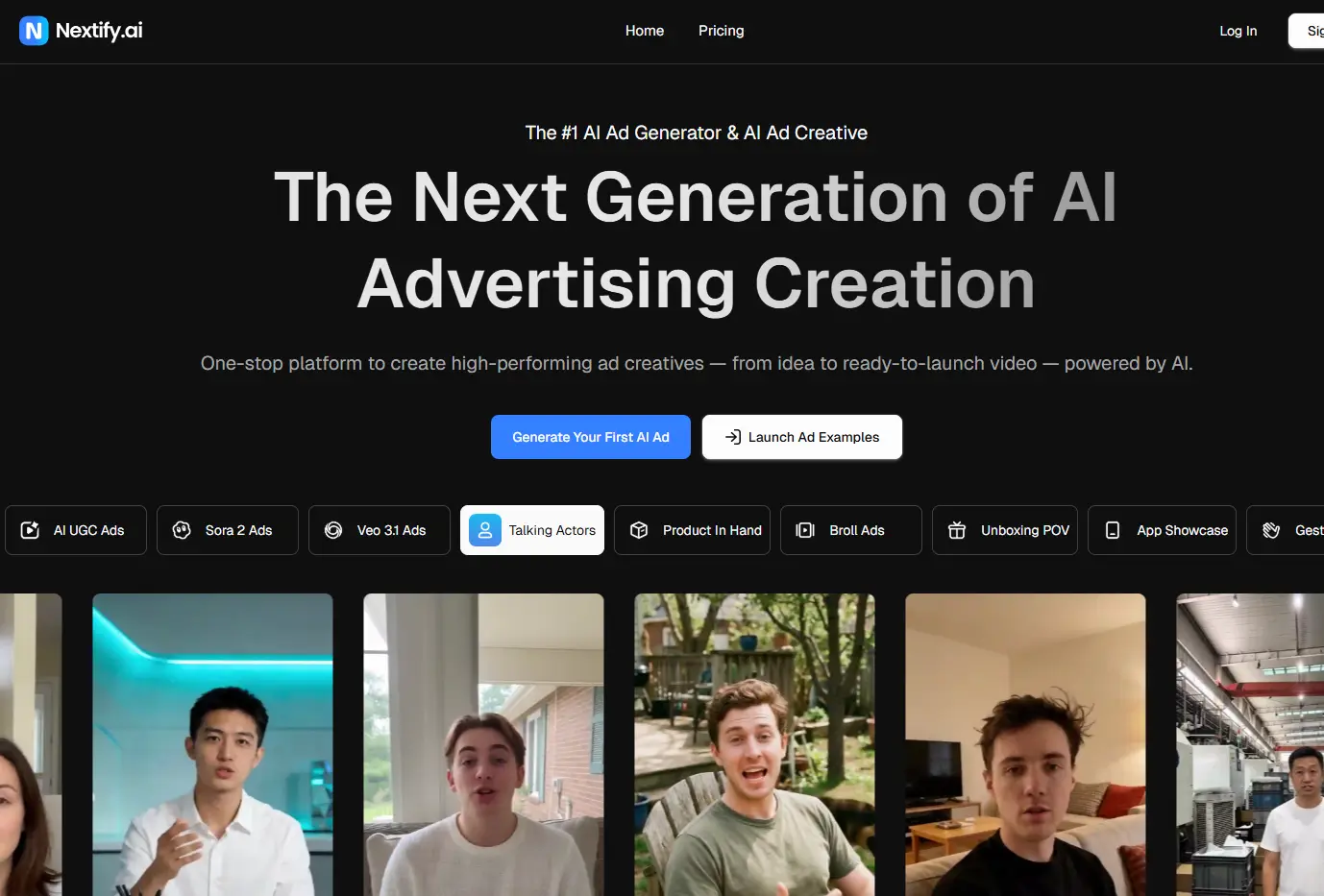
Nextify.ai positions itself as an all-in-one AI advertising studio. The core promise is simple: go from product image to finished video ad in minutes. It's clearly aimed at e-commerce brands, performance marketers, and anyone running paid social campaigns who needs high creative volume without a production team.
The platform covers the full ad creation pipeline — scripts, avatars, voiceovers, B-roll, product demos, and static creatives — inside a single workflow. That breadth is unusual. Most tools do one or two of these things well. Nextify attempts to do all of them.
Key Features
Avatar Library & Localization
Nextify offers 1,000+ AI avatars across diverse categories — beauty, fitness, skincare, lifestyle, and more. Each avatar supports 40+ languages with lip-synced delivery. For brands running multilingual campaigns, this removes a significant production bottleneck.
Ad-Specific Toolset
Beyond talking-head videos, the platform generates product-in-hand demos, unboxing videos, app showcases, and 360° B-roll from a single product image. These aren't generic video features — they're built specifically for ad formats that perform on TikTok, Instagram, and YouTube.
Batch Creation & A/B Testing
One input can generate multiple creative variations simultaneously, formatted for different platforms. For performance marketers who test creative at scale, this is a meaningful workflow advantage.
Clone Winning Ads
Users can replicate the structure of top-performing ad formats and swap in their own product. It's a practical feature that respects what conversion data actually shows.
Best for: E-commerce brands, DTC marketers, paid social advertisers who need high creative volume fast.
2.Synthesia— The Enterprise Standard for Avatar Video
Overview
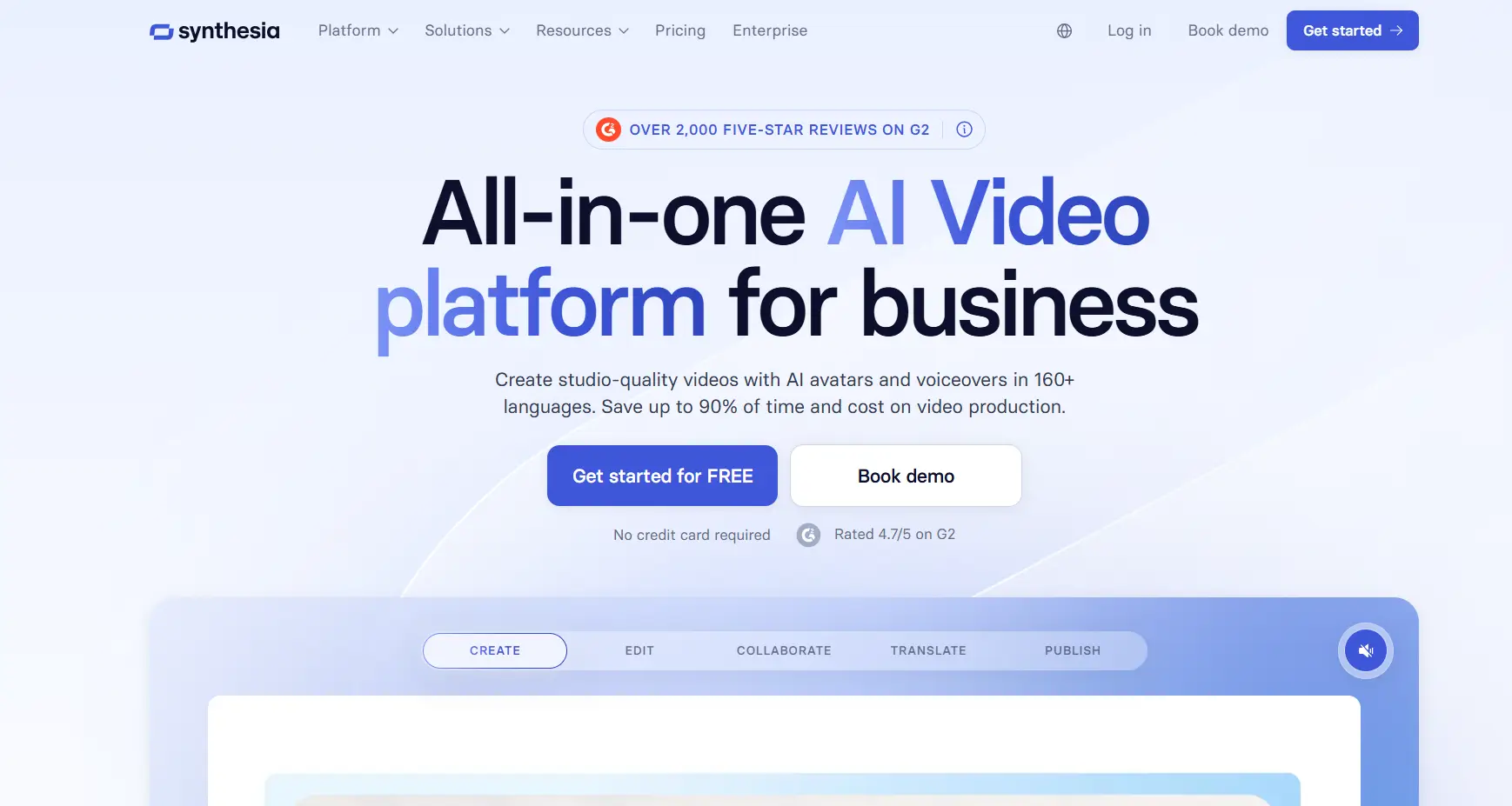
Synthesia is one of the most established names in AI avatar video generation. Trusted by over 50,000 companies — including 90% of the Fortune 100 — it's built primarily for corporate use cases: training videos, compliance content, internal communications, and product walkthroughs.
Where Nextify is optimized for ad output, Synthesia is optimized for professional, scalable video communication inside organizations. The two tools serve genuinely different audiences.
Key Features
240+ Stock Avatars with Full-Body Motion
Synthesia's ready-made avatars don't just talk — they gesture, move, and present like professional speakers. The lip-sync quality is consistently strong, and the avatars convey emotional intent through voice and expression.
Personal & Studio Avatars
Users can record themselves once and generate a personal AI avatar that replicates their voice, delivery, and presence. For executives or trainers who need to scale communication without constant re-recording, this is a compelling feature. A premium studio avatar option is also available for enterprise clients.
Scene Generation Powered by Veo 3
Synthesia recently integrated Veo 3 for AI-generated scene backgrounds. Avatars can now be prompted to act and move within immersive, AI-created environments — a significant upgrade from static background options.
Multilingual Support & Localization Tools
With AI dubbing, video translation, and a multilingual player, Synthesia handles global content distribution at a level few competitors match.
Best for: Corporate L&D teams, HR departments, enterprise marketing, and anyone producing training or compliance videos at scale.
3.ImagineArt — Creative Flexibility for Individuals and Creators
Overview
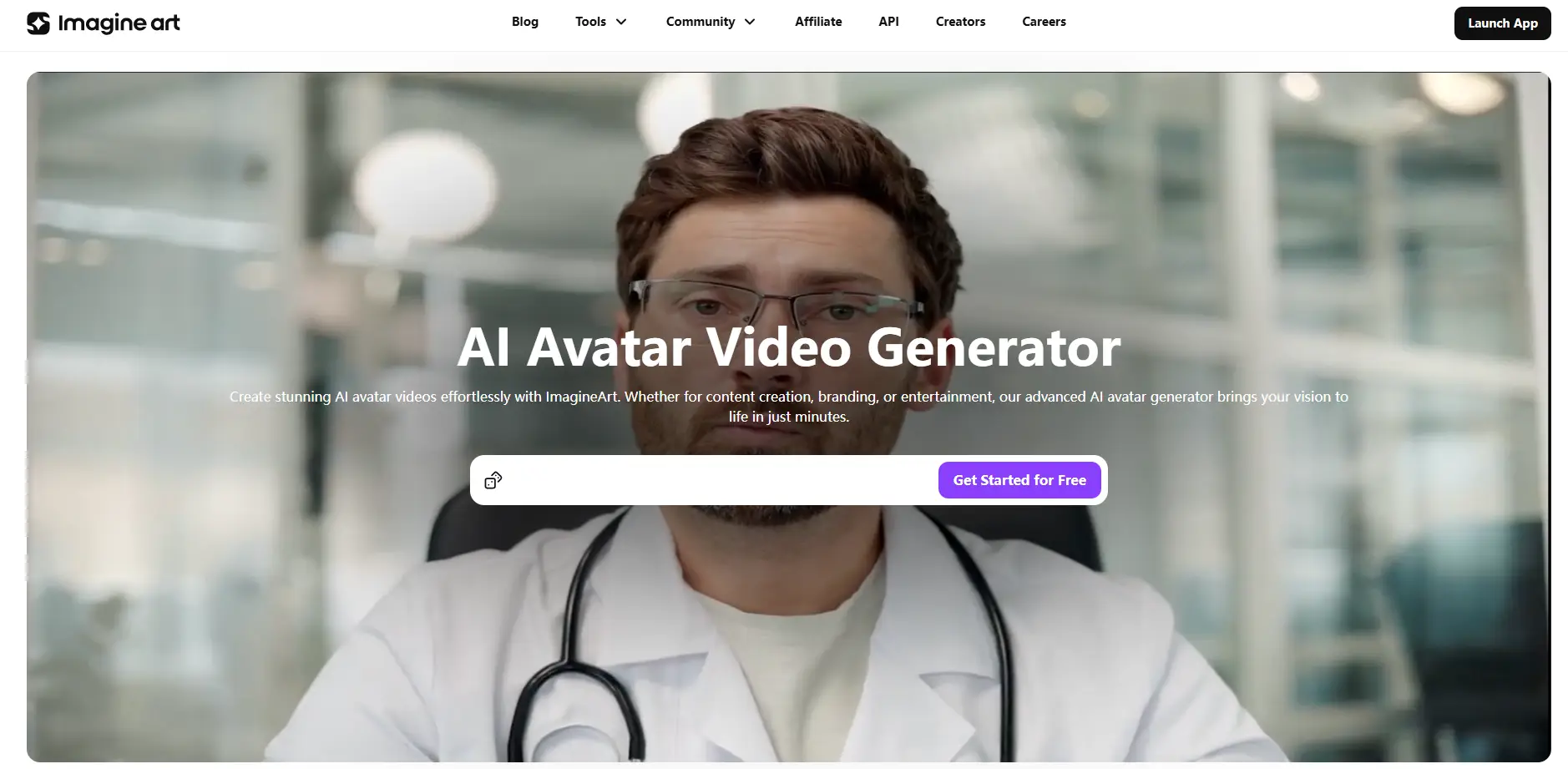
ImagineArt's AI avatar video generator takes a more creator-focused approach. It's less about production pipelines and more about expressive, visually interesting avatar content — for social media, storytelling, branding, and entertainment.
The platform is notably accessible. It offers a free tier with 50 tokens refreshed every 12 hours, which makes it one of the more genuinely usable free options in this category. Results are typically delivered in 3–5 minutes.
Key Features
Multi-Model Support
ImagineArt lets users choose from multiple underlying AI video models — including Hailuo, Kling, Luma, PixVerse, and VEO 2. This is unusual. Most platforms lock you into a single generation engine. Having model choice gives creators flexibility to match animation style to content type.
Upload or Generate Your Avatar
Users can upload a reference image to personalize their avatar, or generate one from scratch. The output is a fully animated avatar with smooth motion and lifelike expressions.
Predefined Styles, Lighting & Camera Effects
The platform offers style presets and camera angle controls that give creators more visual variety without requiring technical expertise. For content creators who care about aesthetics, this matters.
Flexible Aspect Ratios
Videos can be formatted for different platforms — vertical for Reels and TikTok, horizontal for YouTube, square for feeds. It's a small feature that saves real time.
Best for: Independent creators, social media content producers, small brands experimenting with avatar-led video on a budget.
4.Pictory — Avatar Video as Part of a Broader Content Workflow
Overview
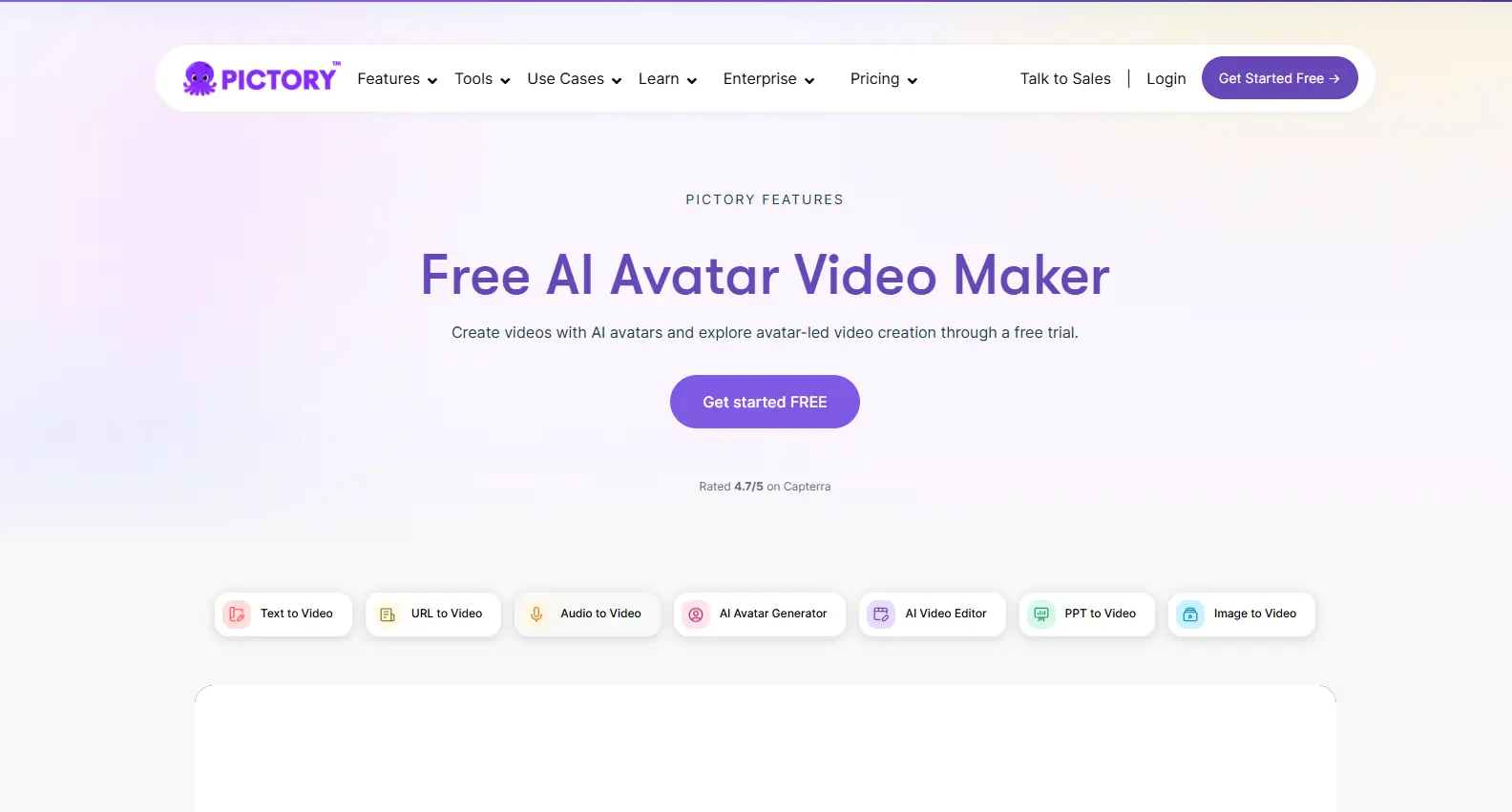
Pictory approaches avatar video differently from the other three. Rather than leading with avatar creation, it integrates AI avatars into a broader content repurposing workflow. The platform is trusted by over 20,000 companies and rated 4.7/5 on Capterra.
The core use case: turn existing content — blog posts, URLs, audio files, PowerPoint decks — into narrated videos with an AI avatar presenter. If you have a library of written or audio content and want to convert it into video at scale, Pictory is designed for exactly that.
Key Features
Multi-Format Input
Pictory accepts text, URLs, audio recordings, images, and PowerPoint files as video inputs. The avatar is added as a presenter layer on top of the generated video. This makes it uniquely suited for content repurposing workflows.
Scene-Level Avatar Control
Unlike platforms where the avatar appears throughout, Pictory lets you show or hide the avatar on a per-scene basis. You can also resize and reposition the presenter freely within each scene. It's a granular level of control that editors appreciate.
Automated Narration with Lip Sync
Avatars narrate scene text automatically using AI voices. Lip sync is applied during export. The workflow is designed to minimize manual steps between script and finished video.
Free Trial Access
Pictory offers a free trial that includes avatar features, letting teams evaluate the workflow before committing to a plan. This is a low-friction entry point for teams that are new to avatar-led video.
Best for: Content marketers, bloggers, podcast producers, and teams who want to repurpose existing content into video without starting from scratch.
Side-by-Side Comparison
Here's a quick reference across the four platforms:
| Tool |
Primary Use Case |
Avatar Count |
Language Support |
Free Option |
Standout Feature |
| Nextify.ai |
Ad creative & performance marketing |
1,000+ |
40+ languages |
Free tier available |
Full ad production pipeline in one tool |
| Synthesia |
Enterprise training & communications |
240+ stock + personal |
120+ languages |
Free trial |
Personal & studio avatar cloning |
| ImagineArt |
Creative & social media content |
Generated on demand |
Multiple |
50 free tokens/12hrs |
Multi-model AI engine selection |
| Pictory |
Content repurposing & narrated video |
Library-based |
Multiple |
Free trial |
Scene-level avatar control |
What These Tools Have in Common — and Where They Diverge
All four platforms share a few fundamentals. They eliminate the need for on-camera talent. They support lip-synced narration. They're designed to reduce production time significantly compared to traditional video workflows. And they all offer some form of free access to lower the barrier to entry.
The differences are more revealing than the similarities.
Nextify is the most ad-native of the four. Its feature set is built around conversion — scripts, product demos, batch variations, and performance templates. If your primary output is paid social ads, it's the most purpose-built option here.
Synthesia leads on enterprise credibility and personal avatar fidelity. The ability to clone yourself as an avatar — and reuse that avatar across dozens of videos — is a genuine differentiator for professionals who communicate at scale.
ImagineArt offers the most creative flexibility, particularly through its multi-model approach. It's the right tool when visual variety and aesthetic experimentation matter more than production efficiency.
Pictory fills a niche that the others don't fully address: turning existing content into video. If you have a blog, a podcast, or a slide deck and want to give it a video presence, Pictory's workflow is the most direct path.
Final Thoughts
The AI avatar video generator category has matured quickly. A year ago, most outputs had an obvious artificial quality that made them feel like novelties. Today, the best tools produce results that are genuinely hard to distinguish from filmed video — at a fraction of the cost and time.
None of these four platforms is universally superior. Each has a clear strength and a clear audience. The most useful question isn't "which one is best?" — it's "which one matches the type of video I'm actually trying to make?"
Start with the free tier of whichever tool aligns with your use case. The gap between reading about these tools and using them is smaller than it's ever been.
 Web Proxy Tools
 Free Tools
 Cookie Plugin
 UA Generator
 MAC Address Generator
 IP Generator
 IP Address List
 2FA Code Generator
 World Clock
 Anonymous Check
 WebRTC Leak Test
 UUID Generator
 Free Web Proxy Site
 Proxy Checker
 FB Ad Checker
 AI Web Scraping
 Free SMM Tools
 Twitter Shadowban Checker
 Instagram Name Checker
 UTM Generator
 Username Generator
 AI Hashtag Generator
 LinkedIn Headline Generator
 Social Media Image Resizer