Why You Need to Know How to Change Taobao to English for Global E-commerce
Driven by rising tariffs and escalating operational costs in Western markets, professional resellers are pivoting toward direct Chinese sourcing. Recent data indicates a massive shift, with Taobao topping app store download charts in 16 countries and North American iOS downloads surging by 483%.
However, for the Senior Cybersecurity Analyst, localization is not merely about readability—it is the initial vulnerability point. A casual shopper seeks a bargain; a professional operator seeks to bridge the gap between high-overhead Western sourcing and high-margin Chinese manufacturing through rigorous navigational and security protocols.
To maximize ROI, professionals must align their sourcing cycles with Taobao's primary sales events:
| Event Name |
Date |
Platform Mechanism |
| 618 Mid-Year Sale |
June 18 |
Massive platform-wide subsidies |
| Double 11 (Singles' Day) |
November 11 |
The world's largest 24-hour shopping event |
| Double 12 (Year-End Sale) |
December 12 |
Focus on niche brands and local clearing |
Success in these high-traffic windows requires both a localized interface and a hardened digital infrastructure to avoid account restrictions.
Step-by-Step Instructions on How to Change Taobao to English for Mobile Users
The Taobao mobile application provides the only native localization toggle. While the desktop site requires external translation layers, the mobile app allows for internal interface adjustments.
Navigation Path:
- Open the Application: Access your profile page.
- Access System Settings: Select the Gear Icon located in the top right corner.
- Define Regional Parameters: Tap "Country & Region" . You must select your specific country and tap Confirm. Note: The language setting menu often only appears after this regional definition is set.
- Execute Language Toggle: Return to the settings menu. A new option, "Country/Region, Language & Currency" , will be visible. Select "Language" and set it to English.
Technical Detail: While primary navigation and categories will now be localized, product descriptions are frequently embedded within images by sellers. For these elements, users must utilize the integrated "image search" or OCR translation tools.

How to Change Taobao to English via Desktop Browsers and Translation Logic
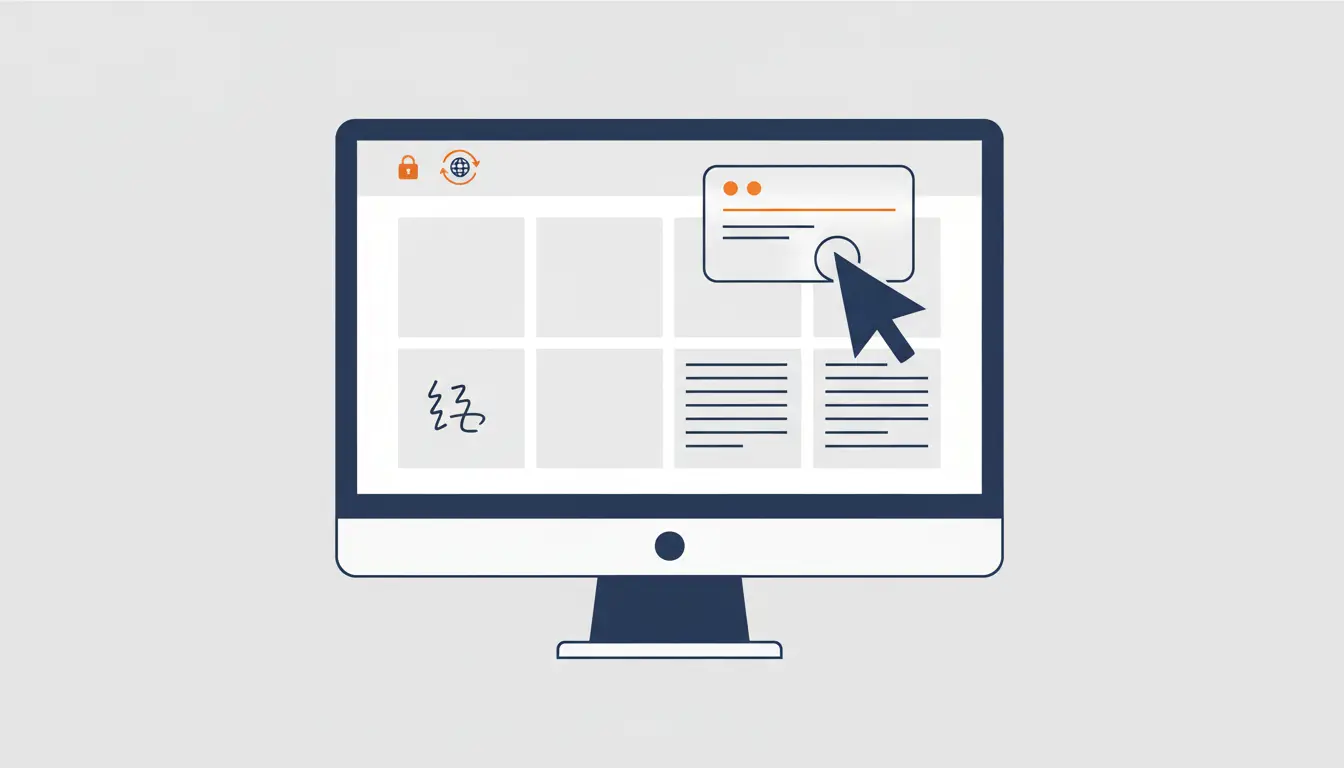
The desktop environment (Taobao.com) lacks a native English toggle, requiring the implementation of browser-side translation logic.
Action Steps:
- Chrome Native Translation: Google Chrome typically detects the Chinese simplified encoding and offers an automatic translation prompt.
- Manual Override: If the prompt fails, right-click any non-image element and select "Translate to English."
Technical Warning: Automated translation relies on DOM-parsing. It often fails on dynamic elements such as AJAX-loaded reviews or text rendered via Canvas.
Pro-Tip: Desktop sessions are significantly more susceptible to "login walls" and account flagging. If your browser's digital fingerprint does not align with your localized IP, Taobao's security modules will trigger a "suspicious activity" flag, leading to immediate account lockout.
Technical Risks of Scaling Operations After You Learn How to Change Taobao to English
Simply localizing the UI is the "visual layer" of the operation. For professional scaling, the "identity layer" is far more critical.
E-commerce platforms utilize sophisticated tracking beyond IP addresses to link and ban multiple accounts.
- Mechanism: Platforms harvest Canvas Fingerprinting and WebGL signatures. These provide high-entropy identifiers based on how your specific hardware and GPU drivers render graphics. Unlike cookies, these hardware-level attributes persist even if you change your network or clear your cache.
- Operational Scenario: Managing 10 sourcing accounts on a single laptop via standard browsers creates 10 accounts with identical hardware signatures. This triggers a "bulk-ban" protocol, as the platform identifies a single actor controlling multiple identities.
The Danger of Shared Network Identities
- Proxy Management: Professional scaling mandates "Network Isolation." Standard VPNs are often insufficient because their exit nodes are flagged as data centers.
- Condition for Success: Security protocols require residential proxy protocols (SOCKS5/HTTPS). These IPs appear as standard home users, reducing the risk of the account being flagged as a bot or a non-mainland commercial entity.
Implementing How to Change Taobao to English Workflows with Multi-Account Isolation
To professionalize the workflow, practitioners utilize antidetect browsers to manage the identity layer.
Achieving Hardware Simulation and Profile Isolation
Tools like DICloak allow for the simulation of multiple operating systems, including Windows, Mac, iOS, Android, and Linux, on a single machine.
- Mechanism: DICloak intercepts and spoofs API calls (like Canvas and WebGL) at the browser core level. Each profile operates in a hermetically sealed environment with a unique digital fingerprint, preventing cross-account contamination.
Streamlining Sourcing with Flexible Proxy Configuration
- Protocol Integration: User can setup utilize SOCKS5 and HTTP/HTTPS proxy to ensure each account has a distinct, localized network identity.
- Operational Efficiency: Managing these identities through bulk configuration prevents the manual entry errors that lead to account linking.
Pro-Tip: Utilize bulk proxy management to ensure that your localized language settings match the Geolocation data of your IP. A mismatch between "English UI" and a "Chinese IP" is a high-risk indicator for platform security algorithms.
Advanced Strategies: Monetizing Your Knowledge of How to Change Taobao to English
Local Reselling and Multi-Platform Arbitrage
Taobao serves as the primary sourcing hub for eBay, Shopify, and Etsy.
- Mechanism: Using a Multi-Windows Synchronizer, a professional can monitor prices across multiple accounts and sellers simultaneously. This allows for real-time arbitrage detection and rapid execution during sales like Double 11.
Professional Dropshipping and Fulfillment Logic
- Team Management: As operations scale, professionals use Profile Sharing and Permission Settings. This allows virtual assistants to handle order placement without ever accessing sensitive payment credentials or the master account's security settings.
Automating the Grind: RPA and Bulk Operations for Taobao Sellers
Robotic Process Automation (RPA) is used to mitigate the labor-intensive nature of scaling.
- Mechanism: RPA handles repetitive, rule-based tasks such as status monitoring, price scraping, and basic seller engagement.
- Constraint: In a professional context, RPA is an efficiency tool. It must never be used for fraudulent activities or to bypass legal restrictions; its value lies in operational streamlining.
Methodological Comparison: Standard Methods vs. DICloak
| Feature |
Standard Browser |
DICloak Antidetect Browser |
| Account Limit |
1-2 (High ban risk) |
1,000+ per device |
| Fingerprint Protection |
None (Leaked Canvas/WebGL) |
Intercepted & Spoofed (Isolated) |
| OS Simulation |
Limited to host OS |
Windows, Mac, iOS, Android, Linux |
| Proxy Management |
System-wide/Manual |
Bulk SOCKS5 / HTTP / HTTPS |
| Automation (RPA) |
Manual execution |
Built-in RPA frameworks |
| Team Collaboration |
Credential sharing (Risk) |
Secure Profile Sharing & Data Isolation |
Objective Pros and Cons of Professional Antidetect Solutions
Pros:
- Scalability: Manage 1,000+ accounts from a single workstation.
- Identity Control: Ability to customize unique hardware fingerprints per account.
- Operational Security: Isolated profiles ensure that a ban on one account does not propagate to the entire fleet.
- Efficiency: Bulk profile creation and RPA integration reduce manual overhead by up to 80%.
Cons:
- Technical Threshold: Requires an understanding of proxy protocols and fingerprint entropy.
- Provider Dependency: Reliability is tethered to the quality of third-party residential proxies.
- Overhead: Professional-grade tools require subscription-based investment.
FAQ: Common Challenges When Navigating Taobao in English
Q1: Why does Taobao revert to Chinese even after I change the settings?
This is often caused by session expiration or cookie clearing. On mobile, ensure your "Country/Region" remains fixed, as language settings are often stored as a subset of regional preferences.
Q2: Is it safe to use my credit card on Taobao?
Yes, provided you use the secure payment gateway. Professional users should select the "International User" preference to access gateways specifically optimized for non-mainland credit and debit cards.
Q3: Can I use RPA to automate my entire store?
RPA is for repetitive, high-volume tasks like checking logistics or price data. It is an efficiency tool, not a replacement for human strategic oversight and seller negotiation.
Q4: Does changing the language help with shipping to the USA?
Language is only a UI layer. To view international shipping options and localized pricing, you must first set the "Country/Region" correctly. Changing the region is often a prerequisite for the English language option to appear in the menu.
Final Technical Summary
Succeeding on Taobao at scale begins with "how to change Taobao to English," but the core of the business rests on Digital Infrastructure and Risk Control. While browser translation suffices for a single purchase, global scaling requires an antidetect solution like DICloak to manage the identity layer, isolate fingerprints, and secure your digital growth.
 Web Proxy Tools
 Free Tools
 Cookie Plugin
 UA Generator
 MAC Address Generator
 IP Generator
 IP Address List
 2FA Code Generator
 World Clock
 Anonymous Check
 WebRTC Leak Test
 UUID Generator
 Free Web Proxy Site
 Proxy Checker
 FB Ad Checker
 AI Web Scraping
 Free SMM Tools
 Twitter Shadowban Checker
 Instagram Name Checker
 UTM Generator
 Username Generator
 AI Hashtag Generator
 LinkedIn Headline Generator
 Social Media Image Resizer





