Pinterest is full of useful images, videos, and ideas. So it is no surprise that many people look for a Pinterest Downloader to save content quickly. But not every tool works the same way. Some are easy and safe to use, while others can bring problems with quality, privacy, or account security. In this guide, we will look at how Pinterest Downloader tools work, how to choose a good one, what risks to watch for, and how to download Pinterest content more safely in 2026.
Why Do Pinterest Downloads Sometimes Fail?
Using a Pinterest Downloader looks simple. You copy a link, paste it, and expect the file to save. But that is not always what happens. Sometimes the link is wrong. Sometimes the network is weak. In other cases, the file starts to download and then stops halfway. These problems are common, especially on mobile, where people switch between apps, tabs, and Wi-Fi more often. Pinterest itself tells users to use the share icon to copy a Pin link, which shows how important the correct link is from the start.
Common Mistakes When Copying Pinterest URLs
One common mistake is copying the wrong page instead of the Pin itself. Some users copy a board link, profile link, or search page link, then paste it into a Pinterest Downloader and wonder why nothing works. Pinterest’s help pages show that you need to open the Pin and use the share icon to send it or copy its link. That means the downloader usually works best when you copy the direct Pin URL, not a general Pinterest page.
Another easy mistake happens on mobile. A person may tap “Share,” switch apps too fast, and copy an incomplete or shortened link without noticing. For example, someone may want to save a recipe video Pin, but they copy the board URL instead of the video Pin URL. The downloader then fails because it cannot find the exact media source. A small link mistake like that is enough to break the whole process. This is one reason a Pinterest Downloader may seem broken even when the real issue is just the wrong URL.
How Internet Speed Affects Download Success
Internet speed matters more than many people think. A slow or unstable connection can stop the Pinterest Downloader from loading the file source, especially for video Pins, which are larger than images. Pinterest’s own troubleshooting for its Save Extension says users should clear cache, enable JavaScript, and update the browser when things do not work. While that page is about the browser tool, it still shows that normal browser performance and connection quality affect Pinterest-related actions.
A real example is easy to picture. You tap a long video Pin while riding the train. The page opens, but your signal drops for a few seconds. The downloader starts, then freezes at 40%. In that case, the tool may not be the main problem. The network may be too weak to finish the request. This is even more likely when you move from Wi-Fi to mobile data in the middle of the process.
What to Do If Your Download Stops Midway
Start with the simple checks first. Reopen the Pin, copy the link again, and test whether the page loads fully in your browser before using the Pinterest Downloader one more time. If the Pin itself loads slowly, the download will likely fail too. Then check your connection, refresh the page, and try again on stable Wi-Fi. If you are on desktop, clearing cache and cookies or updating the browser can also help, since Pinterest recommends these steps for fixing browser-side problems.
If the file still stops halfway, try a smaller step-by-step check. First test another Pin. Then test the same Pin in another browser or device. For example, if one image Pin downloads fine but one video Pin keeps failing, the issue may be file size, browser memory, or connection stability rather than the downloader itself. In short, when a Pinterest Downloader fails, do not assume the tool is always the problem. In many cases, the real issue is the link, the browser, or the network.
How to Download Pinterest Images Without Watermarks
A Pinterest Downloader can make saving images feel quick and easy, but the steps matter. If you copy the right Pin link and use a tool that keeps the original file clean, you can usually save Pinterest images without extra marks added by the downloader.
Step-by-Step Guide for Mobile Devices
First, open the Pinterest app and find the image Pin you want to save. Tap the Pin, then use the share option to copy the Pin link. After that, open a mobile browser and paste the link into a Pinterest Downloader that says it supports image downloads without watermarks. Tools like PinLoad and KlickPin publicly say they offer no-watermark Pinterest downloads and work on phones.
Then wait for the image preview to load and choose the download option. Before saving, check that the preview looks like the original Pin and does not show a new logo or site mark added by the tool. For example, if you are saving a room design image for offline inspiration, the clean result should match the original Pin image, not a compressed or branded version. If the page looks crowded with pop-ups or asks for app installs, leave and try another option.
Step-by-Step Guide for Desktop Users
On desktop, the process is similar but usually easier because you can see the full page more clearly. Open Pinterest in your browser, click the image Pin, and copy the direct Pin URL. Then paste that link into a Pinterest Downloader in a new tab. Web-based tools like PinLoad, Publer’s downloader tool, and KlickPin all describe browser-based downloading, which is helpful if you do not want to install software.
Once the image appears, choose the clean download option and save the file to your computer. If nothing loads, recheck the URL and make sure you copied the Pin page, not a board or profile page. Pinterest also notes that browser issues like old cache, outdated browsers, or private browsing mode can cause problems with Pinterest-related tools, so a normal browser window usually works better.
Which Tools Offer No Watermark Downloads?
Based on their public pages, PinLoad says it offers free Pinterest image and video downloads with no watermark, and KlickPin also says its Pinterest downloader works without watermark. Publer’s Pinterest video downloader says downloads come with no ads, no watermarks, and no registration, though it is mainly presented as a video tool rather than an image-first downloader. These claims come from the tool providers themselves, so it is still smart to test with one non-sensitive Pin before relying on any Pinterest Downloader regularly.
If you want the safest choice, prioritize tools that are web-based, require no login, and clearly explain what they support. That usually lowers risk and makes the download process simpler. A good Pinterest Downloader should ask for only the Pin link and nothing more.
What Are the Risks of Using Pinterest Downloaders?
A Pinterest Downloader can look simple, but it is not always risk-free. The main issues are usually legal rights and data access. Before you save anything, it helps to ask two questions: Do I have the right to download this content? And what is this tool asking to access on my device or browser? Pinterest’s copyright policy makes clear that creators keep important rights in their original images, and Pinterest allows copyright owners to report infringing content for removal.
Are There Legal Concerns with Downloading Content?
Yes. There can be. Downloading a Pin for private viewing is not the same as reusing that image in a blog post, ad, shop listing, or social post. Copyright law protects the original image itself, and Pinterest says copyright owners can report content that copies their work without permission. A simple example is a small online store saving a product photo through a Pinterest Downloader and then using it in an ad. Even if the image was easy to download, that does not mean the store had the legal right to reuse it. If the creator files a complaint, the content may be removed, and the business could face a legal dispute.
There is also a trust issue. If a brand, creator, or affiliate marketer reposts downloaded Pinterest images without clear permission, that can damage credibility fast. In marketing, using other people’s content without proper rights or disclosure can create compliance problems too. That is why the safer rule is simple: use a Pinterest Downloader only for content you own, content that is clearly licensed for reuse, or content where the creator gave direct permission.
What Permissions Do Downloaders Require?
That depends on the tool. A web-based Pinterest Downloader may only ask for the Pin link. But a browser extension can ask for much more, such as access to page data, host permissions for websites, or the ability to read activity across tabs. Chrome’s developer guidance explains that extensions must declare permissions in their manifest, and broader permissions can trigger stronger user warnings. In simple terms, if a downloader asks to “read and change all your data on all websites,” that is much more access than a basic image-saving tool should usually need.
A good real-world habit is to check permissions before you click install. For example, if you only want to save one Pinterest image, but the tool also wants access to all browsing activity, downloads, and site data, that is a red flag. A safer Pinterest Downloader should ask for the smallest level of access needed to do its job. When permissions look too wide, it is better to stop and choose another tool.
How to Choose the Best Pinterest Downloader in 2026
Picking a Pinterest Downloader is not just about speed. It is about safety, quality, and trust. In 2026, a good tool should download clean files, ask for limited permissions, and have real user feedback. If a downloader looks fast but asks to read all your browsing data, that is a warning sign. Chrome’s extension guidance shows that broader permissions create stronger user warnings, and Google Play treats broad file access as sensitive because it can affect user privacy.
Key Features to Look For in a Downloader
Start with the basics. A strong Pinterest Downloader should be easy to use, support image and video downloads, and keep the original quality when possible. It should also work without forcing you to sign in, install extra software, or give wide device access for a simple task. If it is a browser extension or app, check what permissions it asks for before you install it. Broad access to site data, files, or media should make you pause and look closer. Official Chrome and Google Play guidance both show that sensitive permissions need stronger review because they can expose user data.
Comparing Free vs. Paid Downloaders
Free Pinterest Downloader tools work well for many casual users. They are useful when you only need to save a few Pins now and then. But free tools often come with trade-offs. You may see more ads, lower speed, fewer format options, or weak customer support. Some also push users toward browser extensions or app installs that request more access than expected. Google Play Protect warns users that apps from outside trusted channels or apps with risky behavior can affect device safety and privacy.
Paid tools can make sense for people who download often, need batch features, want better output quality, or care about support. But price alone does not mean a tool is better. A paid downloader with poor privacy practices is still a bad choice. The real question is whether the paid version gives you something useful, like cleaner downloads, fewer ads, better file control, or more reliable updates. In other words, choose based on value, not just on whether it is free or paid. That is usually the smarter long-term test.
User Reviews: What to Consider
User reviews can help, but they can also mislead you. The FTC says people should check different sources, look at how recent the reviews are, and watch for a sudden burst of reviews in a short time, because that can be a sign of fake feedback. The FTC also warns businesses about fake or paid reviews that misrepresent real user experience.
So when you review a Pinterest Downloader, do not just look at the star score. Read what users actually say. Do they mention broken downloads, pop-ups, forced redirects, or strange permission requests? Do recent reviews sound natural, or do they all repeat the same praise? For example, if a downloader has hundreds of short five-star reviews posted in two days, but longer recent reviews complain about privacy and failed downloads, that is a strong reason to be careful. Looking at patterns like that can help you avoid weak tools and choose one that feels more reliable in real use.
Best Pinterest Downloader in 2026
If you are trying to pick the best Pinterest Downloader in 2026, the right choice depends on what you need most. Some tools are better for simple image saves. Others focus more on video, HD quality, or extra format options. The safest option is usually a tool that works from a copied Pinterest link, does not force login, and keeps the process simple. Here are five Pinterest Downloader tools worth looking at in 2026 based on their public feature pages.
SavePin
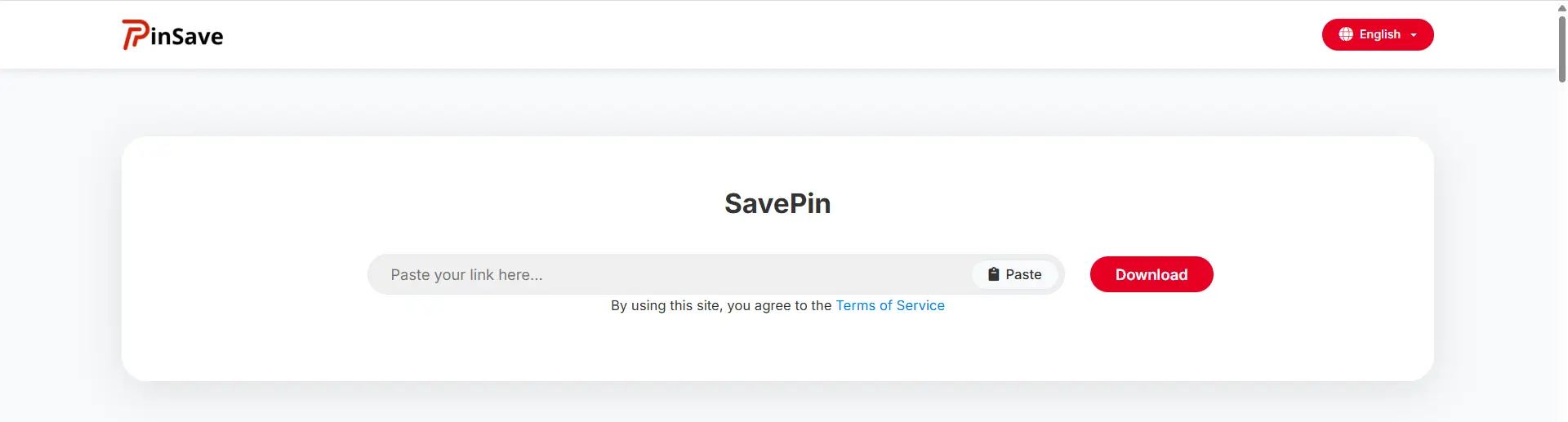
SavePin is one of the more visible Pinterest Downloader tools right now. Its public pages say it supports Pinterest videos, images, GIFs, and reels, and it also mentions quality options for some downloads. That makes it a practical choice for users who want more than basic image saving.
Pros
- Supports videos, images, GIFs, and reels.
- Simple paste-link workflow.
- Mentions format or quality choices for some video downloads.
Cons
- Public pages focus more on convenience than on detailed privacy or security explanation.
- Quality may still depend on the original Pin source. This is implied rather than fully explained.
PPIN
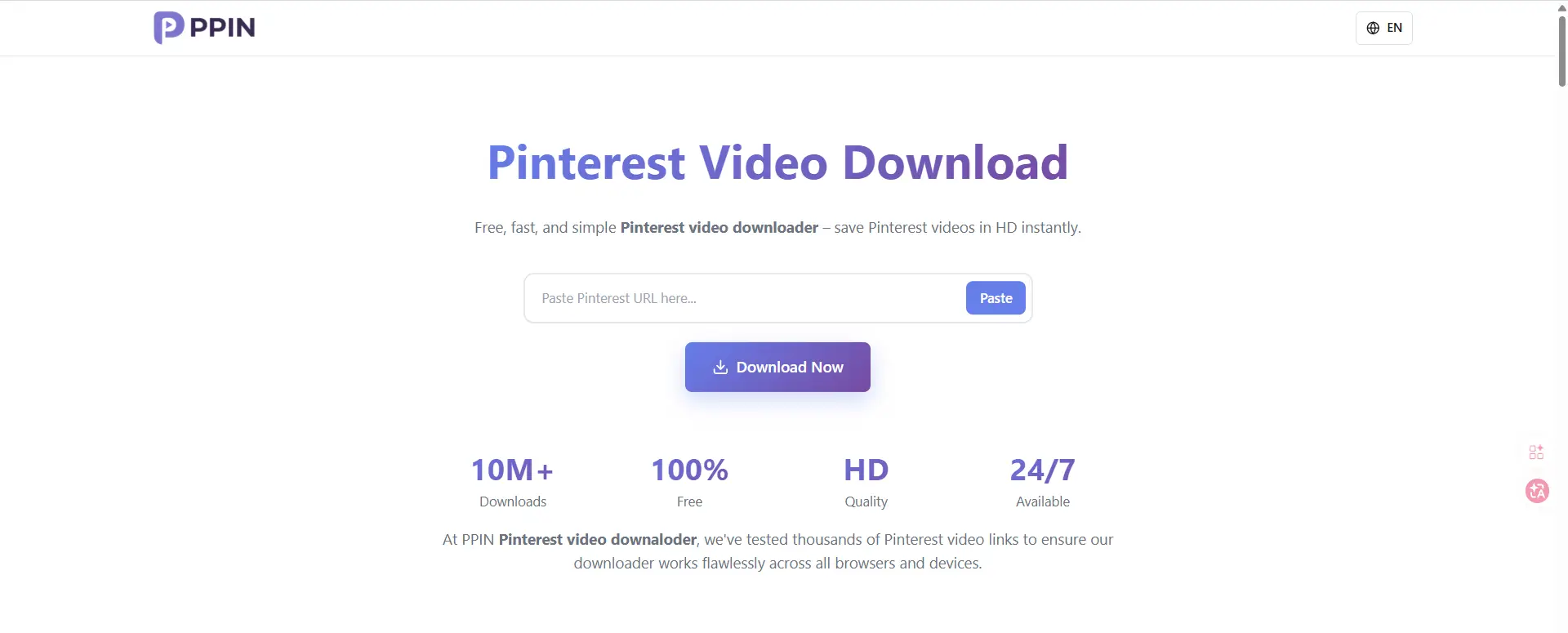
PPIN presents itself as a free Pinterest video downloader for public Pinterest videos, images, GIFs, and reels. It also says downloads can be available in HD and Full HD 1080p, which makes it appealing for users who care more about video quality. Its terms also say the service is for public Pinterest content and personal use.
Pros
- Supports multiple content types, not just videos.
- Stronger quality positioning, including HD and 1080p claims.
- Publicly states a personal-use and public-content scope, which is a helpful clarity point.
Cons
- Best fit seems to be public Pins only.
- Like many web downloaders, it relies heavily on link parsing, so results may vary by Pin type. This is a practical limitation, even if the homepage keeps the process simple.
PasteDownload
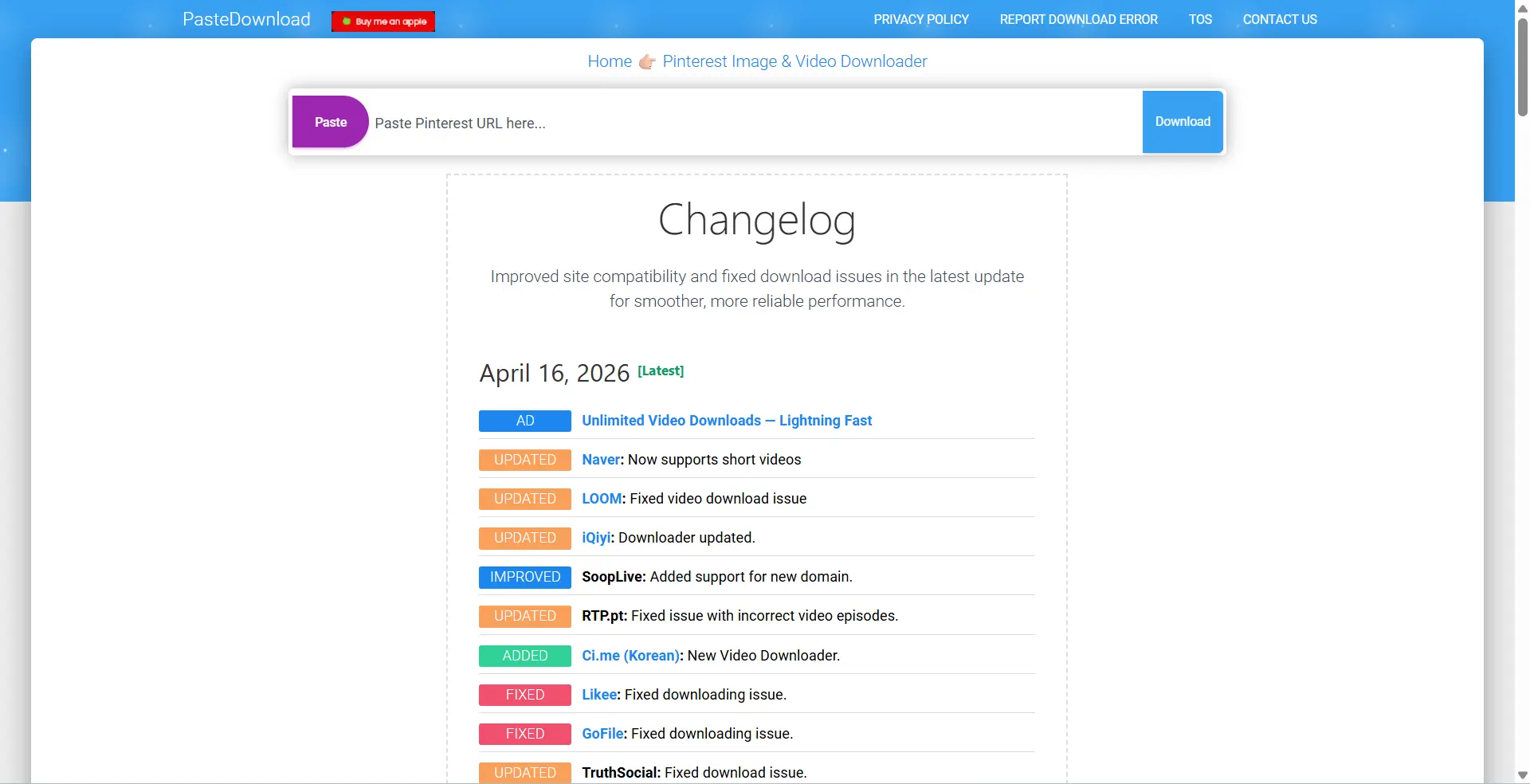
PasteDownload offers a dedicated Pinterest downloader page and says it can download images and videos in original quality. It also says there is no need to install software, which may feel safer for users who do not want extensions or apps.
Pros
- Claims original quality support.
- No software installation required.
- Supports more than one kind of Pinterest content source, including pin, board, or profile links.
Cons
- The public description is broad, so it is not very clear how consistent results are across all Pinterest link types.
- The site also positions itself as a general downloader platform, so Pinterest is only one part of the product. That can be fine, but it may feel less specialized.
KeepOffline
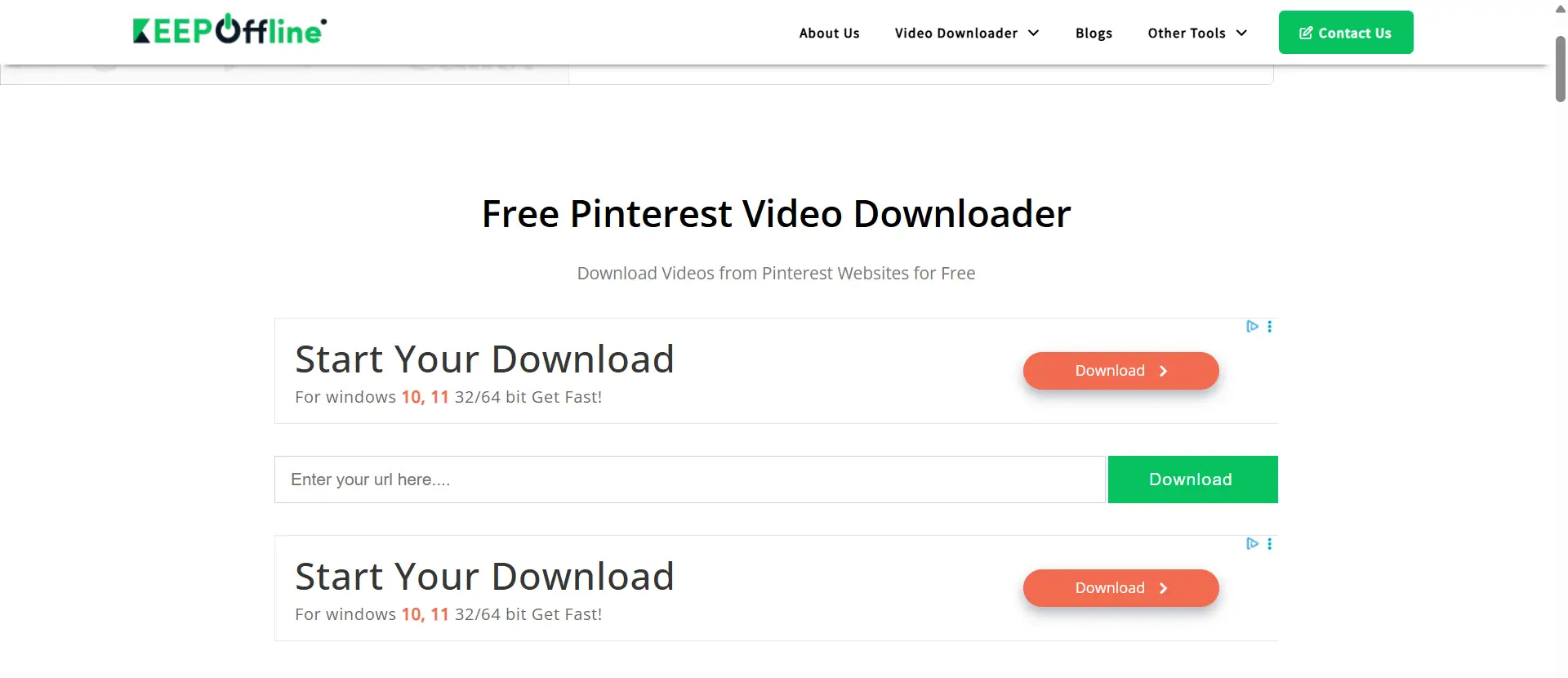
KeepOffline is a long-running general downloader site with a Pinterest video downloader page. It highlights a free, simple workflow and mentions format choices such as MP4 HD and 720p. This makes it useful for users who mainly want a fast video-saving tool without extra setup.
Pros
- Free and easy to use.
- Mentions common video formats and HD options.
- No app install is required on its public workflow.
Cons
- Focus appears to be mostly on Pinterest video, not full Pinterest media coverage.
- As a multi-site downloader, it does not give much Pinterest-specific depth beyond the basic process.
Catch.Tube
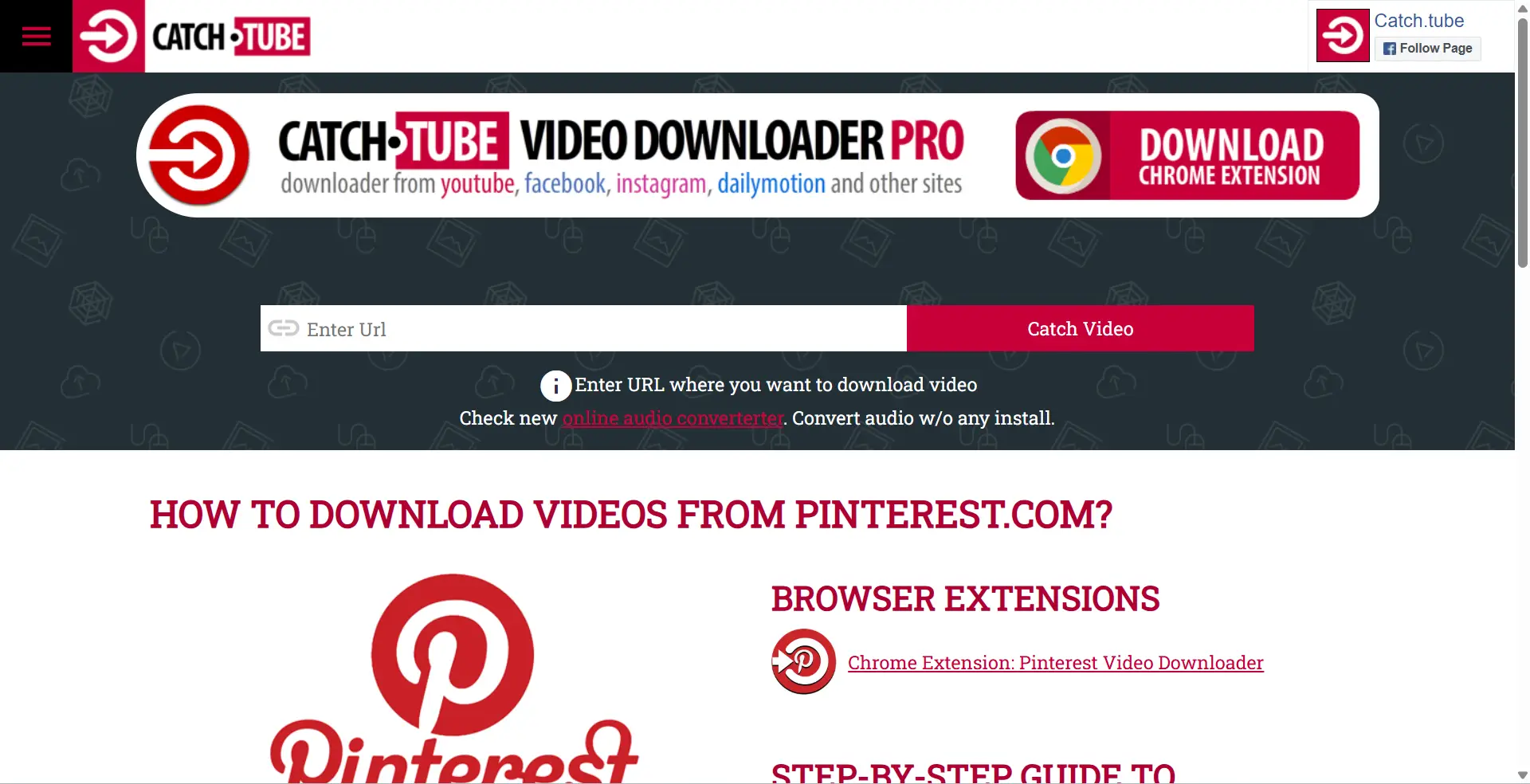
Catch.Tube offers Pinterest downloading through both an online workflow and browser extension support. That gives users more than one way to save content, which may be useful for frequent downloaders. Still, extension-based tools usually deserve extra caution because browser permissions matter.
Pros
- Offers both web-based use and extension-based use.
- Simple step-by-step process on its help page.
- Good for users who want a repeat-use workflow.
Cons
- Extension-based downloading can introduce more browser access risk than a simple paste-link tool. This is an important practical caution.
- Public Pinterest-specific details are lighter than some more dedicated Pinterest pages.
Which One Is Best?
For simple use, SavePin and PPIN look like the most Pinterest-focused choices. For users who want a no-install web tool, PasteDownload and KeepOffline are easier to try. For frequent users who prefer extension support, Catch.Tube may be useful, but it needs more caution because browser extensions can involve more access and more risk. So the best Pinterest Downloader in 2026 is not just the one with the most features. It is the one that matches your needs while keeping the process simple and low-risk.
How to Download Pinterest Videos Effectively
Using a Pinterest Downloader for videos sounds easy, but small details matter. The right format, file quality, and download method can change the result a lot. If you want a clean video that plays well on most devices, it helps to know what Pinterest already supports and what usually causes download problems. Pinterest’s own specs list .MP4, .MOV, and .M4V as supported video file types, with H.264 or H.265 encoding.
Which Formats Are Best for Video Downloads?
For most people, MP4 is the best choice. It is widely supported across phones, laptops, browsers, and editing tools. Pinterest supports MP4 for web and mobile, and it is usually the easiest format to open, share, and store. MOV can also work well, especially on Apple devices, but MP4 is often the safer pick when you want fewer playback issues across different platforms. Pinterest’s help pages list MP4 among its supported video types, while Apple notes that MOV is the QuickTime movie format and that MOV files are often converted to MP4 for broader use.
How to Ensure High-Quality Video Downloads
The best quality usually comes from downloading the original file format without extra conversion. If a Pinterest Downloader gives you several choices, pick the highest available resolution and avoid tools that heavily compress the file. Pinterest’s video specs support modern encoding like H.264 and H.265, which are commonly used to keep quality strong while controlling file size. That means a downloader should preserve the source as much as possible instead of shrinking it too much.
It also helps to use a stable internet connection. Video files are larger than images, so weak Wi-Fi, overloaded browser tabs, or device memory issues can interrupt the process. If the finished video looks blurry, too small, or broken, that can mean the tool compressed the file or the download did not finish correctly. In real use, a good Pinterest Downloader should keep the original clarity, especially for short tutorial clips, product demos, or cooking videos where details matter. Pinterest’s own specs allow fairly large files, up to 2GB in some business video formats, which shows that high-quality video files are normal on the platform.
Troubleshooting Video Download Issues
When a Pinterest video download fails, start with the basics. Reload the page, try the Pin again, and check your internet connection. Google’s Chrome help says connection problems, extensions, memory use, antivirus, firewall settings, or router issues can all affect downloads and page loading. So if your Pinterest Downloader stops midway, the problem may not be the Pin itself. It may be your browser, network, or another tool running in the background.
What to Do If Your Pinterest Downloader Isn't Working
If your Pinterest Downloader is not working, do not panic. In many cases, the problem is simple. The link may be broken, the browser may have an extension conflict, or your network may be unstable. Pinterest’s Help Center says users can go there for answers and support, and Chrome’s support pages note that downloads can fail because of connection problems, software conflicts, or browser issues.
When to Contact Customer Support
Contact customer support when the problem does not go away after basic checks. For example, you tried a new link, refreshed the page, switched browsers, and the Pinterest Downloader still fails every time. It also makes sense to contact support if the tool charged you, but the download feature does not work, or if you think your Pinterest account has a login or access issue. Pinterest’s Help Center includes a contact option for users who still need help.
Alternative Solutions for Persistent Issues
If the issue keeps coming back, try simple alternatives. Open the Pin again, test another browser, turn off unneeded extensions, and check whether your internet is stable. If one downloader keeps failing, try a different trusted tool with fewer permissions or save the content only from material you own or have permission to use. Chrome’s help also notes that unwanted software or browser problems can block downloads, so the issue may be on your device, not the Pin itself.
Can Downloading Affect Your Pinterest Account?
Yes, it can. A Pinterest Downloader does not always harm your account, but the way you use it matters. The bigger risks are usually account security, suspicious activity, and unsafe third-party tools. Pinterest says it may protect accounts when it sees strange activity, such as unusual logins, many logins in a short time, or spammy behavior.
How Downloading Impacts Your Account Security
The main danger is not the download itself. It is the tool you use. Some downloader extensions or apps may ask for broad browser permissions. Chrome’s developer docs explain that permissions are meant to limit damage if an extension is compromised, and some permissions trigger warning messages because they can give access to more data. So if a Pinterest Downloader asks to read or change data across websites, that can put your account and browsing data at risk.
What to Avoid to Prevent Account Restrictions
Avoid anything that looks unnatural or unauthorized. Pinterest’s Terms say users must not scrape, collect, copy, or otherwise access Pinterest content in unauthorized ways, including by automated means without permission. Pinterest also says it may lock down an account when it sees strange activity or spam-like behavior. That means repeated automated actions, strange login patterns, or aggressive third-party tools can create problems.
How to Safely Use Downloaders Without Risks
The safest approach is simple. Use trusted tools, avoid giving your Pinterest password to third-party services, and check permissions before installing anything. Pinterest recommends steps like using a strong password and turning on two-factor authentication to protect your account. Those steps matter even more if you use outside tools.
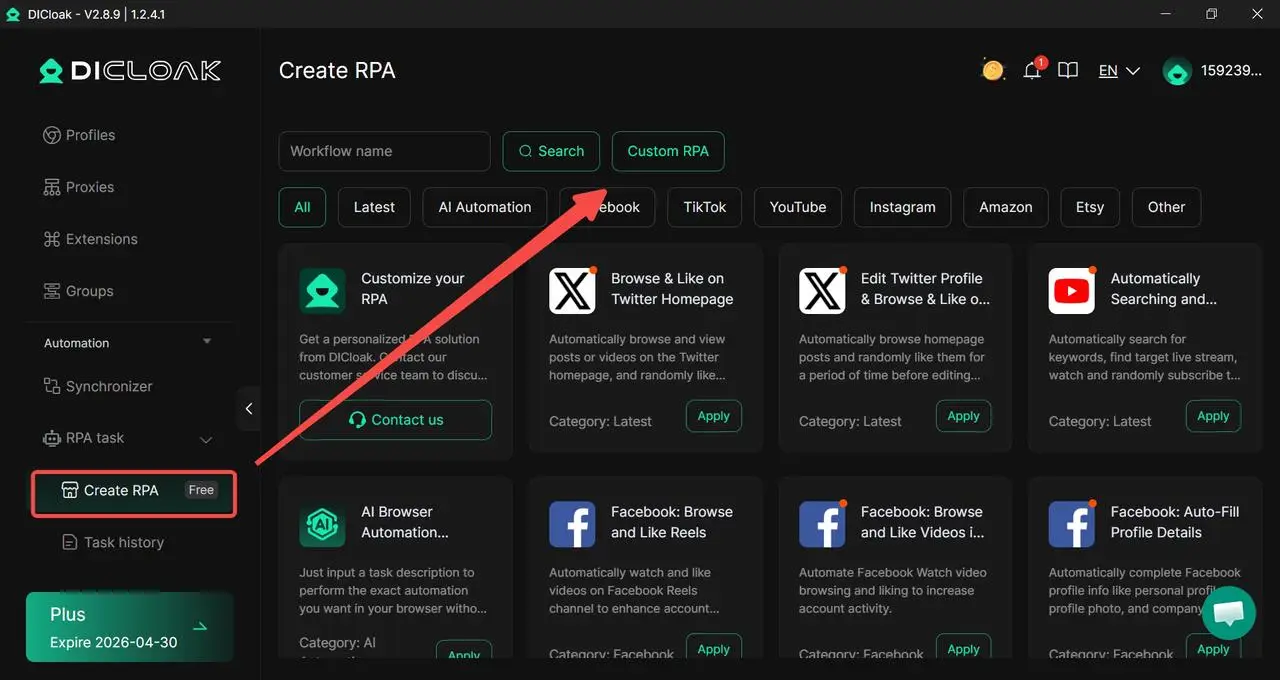
For professional agencies managing 1,000+ accounts, downloading one by one is impossible. DICloak is the industry standard for scaling these operations.

DICloak creates a unique digital identity for every account you manage. It doesn't just hide your IP; it masks technical "fingerprints" like WebGPU, Canvas, and WebGL. This means it hides your computer's real ID so Pinterest cannot link your accounts together. Consequently, you can manage hundreds of profiles on a single device without the risk of a ban.
Using the Synchronizer for Parallel Tasks
The Synchronizer feature allows you to mirror your actions across multiple profiles. If you open ten browser windows, the Synchronizer ensures that when you click "Download" in one window, the action is repeated in the other nine. This allows for massive parallel downloads.
Automating with RPA
DICloak features a built-in RPA (Robotic Process Automation) marketplace. You can automate the "grind" of repetitive tasks, such as automatically copying links and executing downloads while you focus on other work.
Success Story: Professional users like Syed Haseeb Ahmad describe DICloak as "lighter, smoother, and more intuitive" than any competition. One AI Ads Consultant shared how the support team used AnyDesk for over an hour to solve a technical issue and remained available via WhatsApp and Telegram for fast support. Furthermore, DICloak is 12x cheaper than using traditional virtual machines, making it a "life-changing" tool for building a multi-account business.
FAQs About Pinterest Downloader
Can I Download Pinterest Boards as a Whole?
Sometimes, but not always. Some Pinterest Downloader tools say they can process board links, but Pinterest does not offer a built-in public feature for downloading an entire board as one file. So the result often depends on the tool, the board structure, and whether the content is public. If you only need a few Pins, downloading them one by one is usually more reliable.
Is There a Limit to How Much I Can Download?
There is no simple public number from Pinterest that says, “you can download X amount.” But Pinterest’s Terms do say users must not scrape, collect, copy, or access Pinterest content in unauthorized or automated ways. That means heavy bulk downloading or automated downloading can create more risk than light, occasional use.
How Do I Convert Pinterest Videos to MP3?
The usual method is to download the video first, then convert the file to audio with a media tool. On Apple devices, for example, Apple provides export and conversion tools for media workflows, which shows that format conversion is normally a second step after you already have the file. In practice, this means a Pinterest Downloader is usually for getting the video, while MP3 conversion is done with a separate converter.
Are There Downloaders for Private Pinterest Content?
You should be very careful here. Pinterest says private profiles and secret boards are not public, and only the owner or invited people can view secret boards. Pinterest’s Terms also say users must not access data or content they do not have permission to access. So a downloader should not be used to try to access private Pinterest content without permission.
Can I Use Downloaders on All Web Browsers?
Not all of them. Web-based Pinterest Downloader tools often work across major browsers, but extension-based tools may only support specific browsers, such as Chrome. Browser extensions also need permissions, and Chrome says some permissions trigger warnings because they allow broader access. So if you want the widest compatibility, a simple paste-link web tool is usually easier than a browser-specific extension.
Conclusion
A Pinterest Downloader can be helpful when you want to save images or videos faster, but choosing the right tool matters. A good downloader should be simple, safe, and clear about what it supports. Before using any tool, it is smart to check quality, permissions, and user feedback. If you stay careful and use trusted options, downloading Pinterest content in 2026 can be much easier and safer.
 Web Proxy Tools
 Free Tools
 Cookie Plugin
 UA Generator
 MAC Address Generator
 IP Generator
 IP Address List
 2FA Code Generator
 World Clock
 Anonymous Check
 WebRTC Leak Test
 UUID Generator
 Free Web Proxy Site
 Proxy Checker
 FB Ad Checker
 AI Web Scraping
 Free SMM Tools
 Twitter Shadowban Checker
 Instagram Name Checker
 UTM Generator
 Username Generator
 AI Hashtag Generator
 LinkedIn Headline Generator
 Social Media Image Resizer