Asking to verify your Facebook Ads account and receiving the message "I don't have access to verify your Facebook Ads account" has become routine for those who manage ads in 2026. Only in Facebook's official support, the question "I can't access Facebook Ads account" appears among the five most searched topics, according to the Meta Business Help Center. The scenario is always the same: someone leaves the team, changes their mobile number, or Facebook itself requires verification, and suddenly it seems impossible to enter or approve documents. The problem gets even worse if the account already had ads running, every hour without access can stop sales, bring down campaigns and even cause permanent blocks in the manager.
A lot of people try everything: change browser, reset password, ask for code by SMS, talk to support, and solve nothing. Facebook usually requires that only the original owner, with access to the registered email or cell phone, can regain control. If you use agency, outsource traffic, or have multiple team members, Facebook Ads login errors and verification issues become even more common. The real risk is losing your account, and your entire ad history, all of a sudden.
In this guide, you'll learn what really works to regain access to Facebook Ads, how to avoid verification blocks, and what practices reduce the risk of losing everything due to a failed access. See how those who work with traffic today are solving this in practice.
Why can't I verify Facebook Ads account? Top causes in 2026
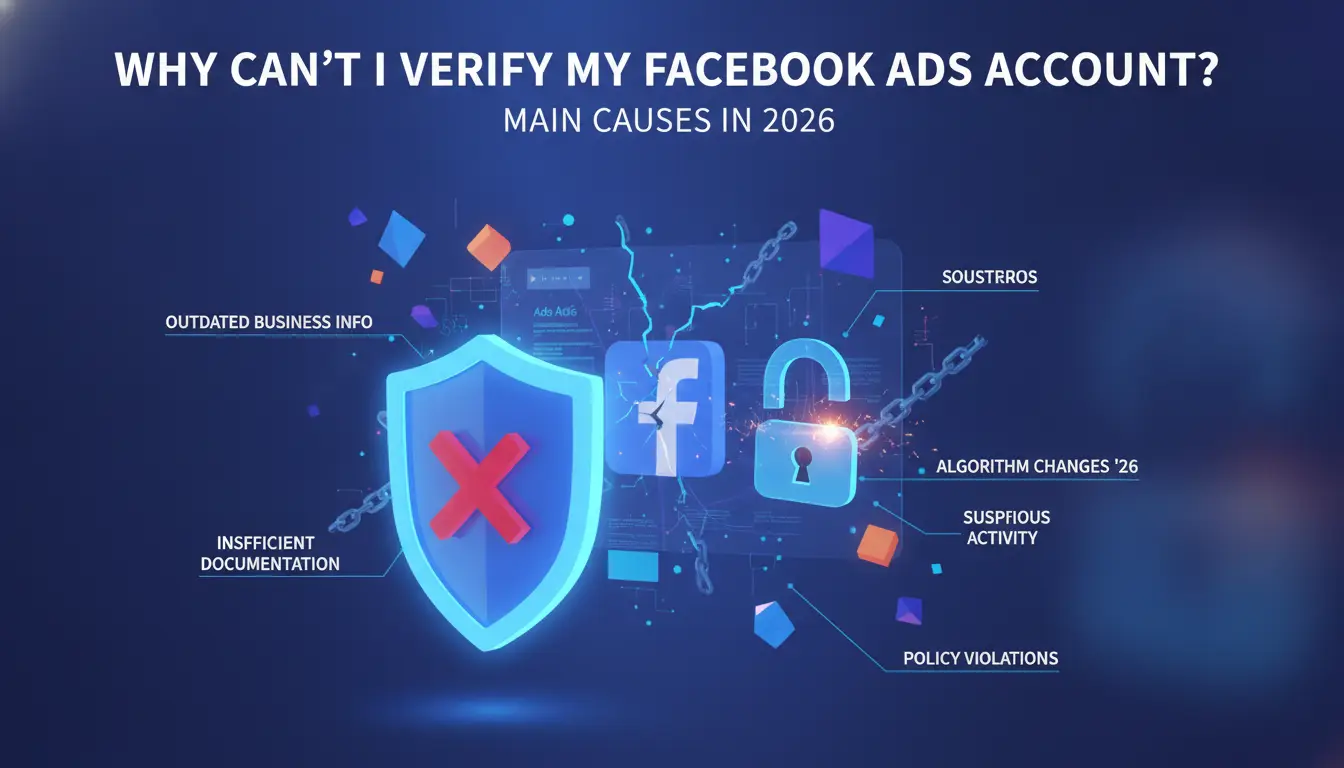
When the message "I don't have access to verify the facebook ads account" appears, many people think it's a bug, but it almost always has a clear reason. In 2026, Facebook increased security locks to stop intrusions and fraud. This made the verification and access process stricter, especially for those who work in teams or manage customer accounts. Before thinking about regaining access to Facebook Ads, it is worth understanding what really blocks the verification, otherwise, the error may be repeated soon after.
Blocks for suspicious activity
The most common reason for Facebook Ads verification problems is the system detecting something out of the standard. Sudden IP changes, logging in to new devices or simultaneous attempts to access light up Facebook's alert. For example, if you access the manager's account on a different computer or connect through a proxy outside the country, the system may ask for a new verification or even block everything. This happens directly in agencies, remote teams, or when more than one person tries to log in at the same time. Facebook usually requires identity or device confirmation, and if you don't have access to the registered method, everything crashes.
Permission and ownership issues
Another point that generates the message "I don't have access to verify the facebook ads account" is not being an administrator of the account or losing the role of owner. If the configuration was done without attention, someone may end up with limited access, cannot authorize changes, nor receive verification codes. This is very common when there is a poorly done access transfer: the previous owner did not give full control, or the new user did not update the main email and cell phone. Without valid admin or primary contact access, recovery becomes nearly impossible.
If you have already identified that the problem is permission or blocking by activity, the next step is to look for concrete ways to regain access, this is what you see below.
How to regain access to your Facebook Ads account: practical steps for 2026
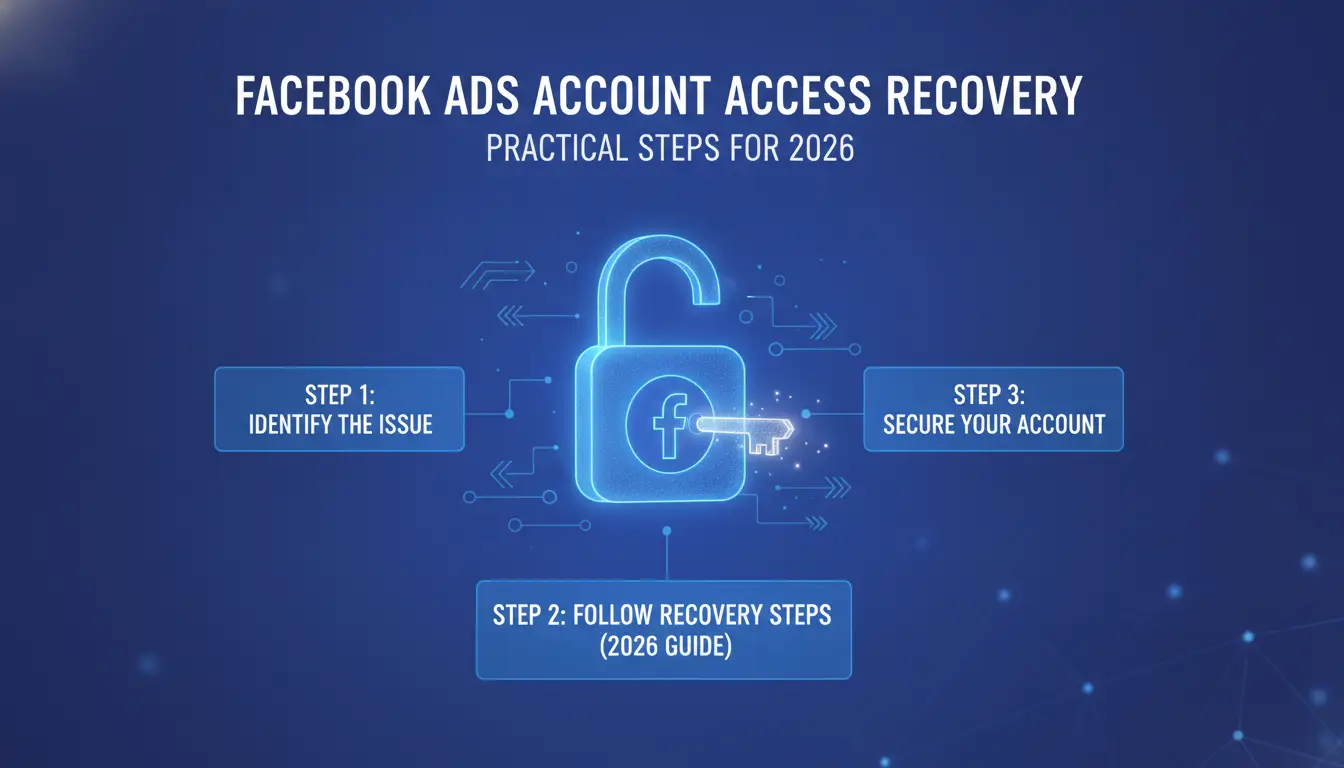
Losing access to Facebook Ads happens more than it seems. Whether it's due to a password error, device change, IP change or verification failure, many people find themselves with the message "I don't have access to verify the facebook ads account" and get stuck there. What works in 2026 is not to insist on random attempts, but to follow a few direct steps, and to know where Facebook really accepts to recover.
Identity and document verification
Facebook rarely clears an ad account without strong identity checks. When the system asks for verification, the most accepted documents are RG, CNH, passport, proof of recent address (up to 3 months) and, sometimes, a CNPJ if the account is from a company. Everything should be legible, uncropped, and preferably in good quality PDF or JPEG. Never send a screenshot or crooked scanned document, the system usually rejects it for "illegible image".
The submission is done through the Facebook panel itself, usually in business.facebook.com or through the link sent in the blocking email. After attaching, write down the protocol. The answer usually comes within 3 business days, but if it falls on the weekend, it only arrives on Monday. If you receive a response asking for a new submission, check if the name, date of birth and photo match the account's profile.
Support request and official channels
If you couldn't solve it yourself, it's time to open a ticket at support. Log in to the Facebook Business Help Center, click on "Talk to an expert" and describe the problem: "I can't access Facebook Ads account due to verification blocking". Attach the documents already sent and explain that you need to release them for professional reasons.
To speed it up, access the chat between 9 am and 12 pm, it is usually faster than the rest of the day. If they do not respond within 48 hours, reopen the ticket with a new print of the error. The most common mistake is not attaching everything at once or opening a ticket outside of the original admin's email.
If, even so, the problem continues, the next step is to review where the main errors that stop the scan are, and this will be the focus in the sequence.
Common Mistakes That Make Facebook Ads Account Verification Difficult and How to Avoid
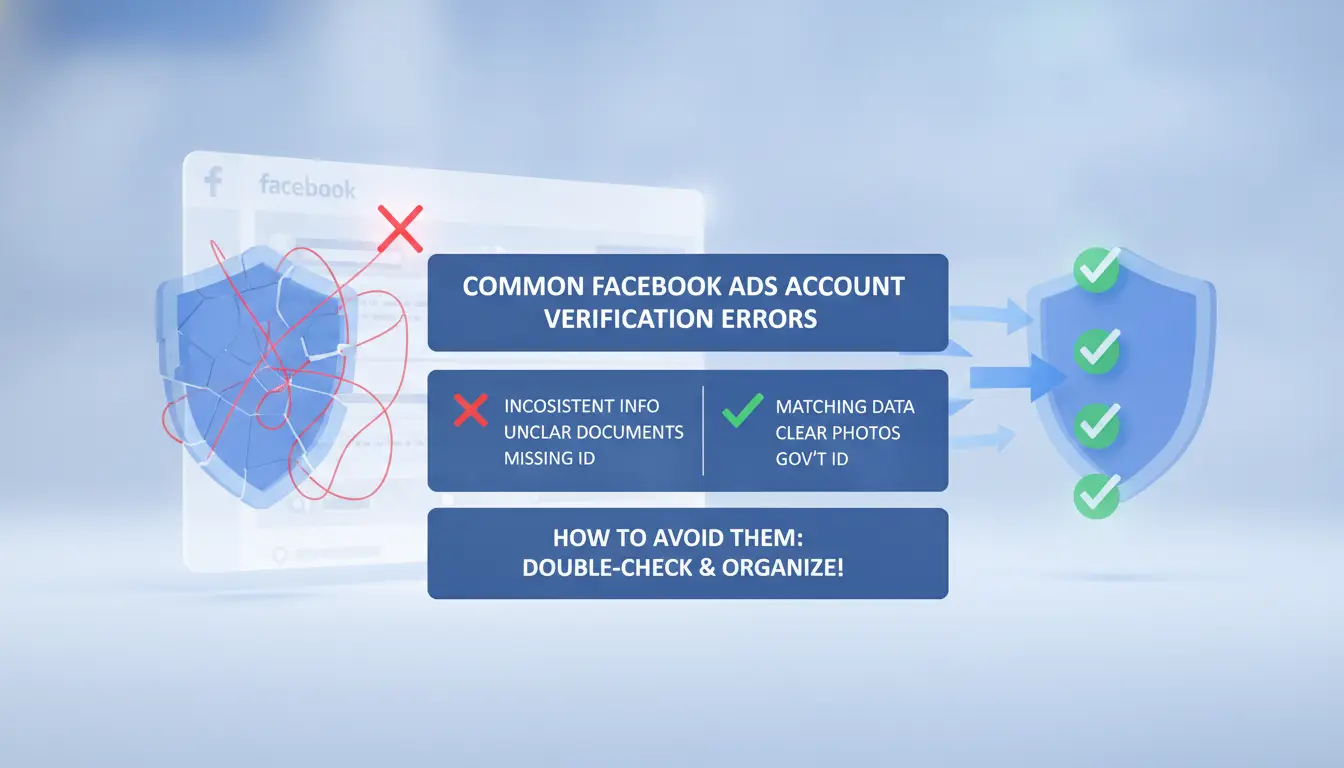
The problem of "I don't have access to verify the facebook ads account" is not always technical, often simple everyday mistakes that block verification. Understanding what locks the account is what separates those who solve it quickly from those who are stuck in support for weeks. See where most stumble and how to avoid these pitfalls.
Use of unrecognized devices
Many people try to access their Facebook Ads account from public computers, coworking spaces or even third-party cell phones. This triggers security alerts, forcing Facebook to ask for extra verification. If you travel, change machines, or need to use a different computer, the risk increases. Logging in on unrecognized devices often leads to preemptive blocking or requiring a selfie, document, or SMS code.
The ideal is always to use a reliable computer, with a clean browser and no history of other logins. If you need to operate in more than one place, set up separate browser profiles, including a dedicated proxy to maintain the same access pattern. Tools like DICloak create isolated environments for each account, preventing "digital footprints" from confusing Facebook and generating blockage.
Improper Credential Sharing
Another frequent mistake is sharing username and password among multiple people on the team. Even though it sounds practical, this leaves login trails from different cities and IPs, which Facebook interprets as hacking or selling an account. Result: Facebook Ads verification problems, codes that don't arrive, or even total limitation of access.
The right thing to do is to use Business Manager to invite each person with their own profile. Avoid sending a password by email or WhatsApp. If you need temporary access, adjust the permissions and remove them as soon as they are no longer needed. Exchanging credentials every time someone logs in or out only increases the risk of losing their account.
Those who are already without access or cannot access a Facebook Ads account should prioritize regaining access to Facebook Ads with their own login and avoid repeating the same mistakes. This reduces the risk of getting to the next step and facing the requirement for extra verification, which is what Facebook does when it identifies suspicious behavior.
When Facebook Ads Require Extra Checking: Risky Situations and How to Prepare
Facebook Ads may ask for extra verification in situations that are out of the norm, even for those who already have an old account. Those who search for "I don't have access to verify Facebook Ads account" often face blocks because they have changed important data or transferred access between people. Knowing when the system will require documents or confirmations avoids wasting time and reduces the risk of being left without access. The bottom line: If you don't prepare for these situations, you may end up unable to regain access to Facebook Ads for days or weeks.
Payment details changes
Changing the card or payment method usually raises an instant alert. Facebook may block ads until you submit documents confirming the new owner. This includes a card statement, a photo of the guardian's document and, in some cases, proof of address. If you can't access the account to send these files, the process crashes. To avoid Facebook Ads verification problems, always keep the holder's data up to date and keep copies of the documents used.
Change of administrator or agency
When the account passes to another person or agency, Facebook almost always asks for reverification. The biggest risk is losing access if the new admin doesn't have the original data. Set up a checklist: whoever will take over needs to have email, cell phone, and documents linked to the account. Not following this preparation is the most common reason for those who write "I can't access Facebook Ads account" in the forums. This prepares your team for the next challenge: managing multiple accesses without increasing the risk of lockout.
How to manage multiple Facebook Ads accesses with less risk of blocking
Separation of profiles and environments
When multiple people access the same Facebook Ads account, the risk of being blocked grows fast. Facebook detects abrupt changes in environment, browser, IP, language, operating system, and may ask for extra verification or crash everything. Those who say "I don't have access to verify the facebook ads account" usually run into this problem: each non-standard login increases the chance of restriction. The safest thing is to create an isolated environment for each team member, with their own browser and no sharing of cookies. Thus, each access seems unique and the system understands that there is no suspicious exchange of users. The biggest mistake is to get everyone together on the same computer or browser, this often causes Facebook Ads verification problems and unexpected blocks.
Using proxies to mask IP and maintain consistency
If each user's profile is already separated, the next step is to ensure that the IP does not change abruptly. Setting up a dedicated proxy for each member makes logging in look stable, as if it's always done from the same place. This helps those who can't access their Facebook Ads account because of location alerts. Proxies don't solve everything, but they do reduce the risk of being blocked for inconsistency. To regain access to Facebook Ads in large teams, maintaining consistent IPs is indispensable. When it fails, Facebook may require that only the original owner be able to verify the account.
How DICloak helps social media teams avoid blocks and make verification easier on Facebook Ads
When you get the error "I don't have access to verify your facebook ads account," it's usually because Facebook has detected suspicious IP, browser, or profile changes. This happens a lot in teams and agencies: each person accesses from a place, the system identifies non-standard behavior and blocks or requires new checks. The result? I can't access my Facebook Ads account, even if you're an authorized member.
Isolated profiles and configuration of proxies for each account
You can use tools like DICloak to create an isolated profile for each user. This means that each member accesses Facebook Ads with their own environment, without mixing cookies, sessions or histories. By integrating dedicated proxies, the IP of each login is stable and consistent. This care reduces Facebook Ads verification problems and prevents the system from confusing legitimate accesses with suspicious attempts.
Automation of tasks and access logs for auditing
With DICloak, you can automate login and verification, using simple scripts to repeat actions without human error. In addition, the system records all accesses and changes, creating a history that facilitates auditing and retrieval of access to Facebook Ads. The secret is to keep each access isolated and traceable, so Facebook recognizes the pattern and decreases the chances of blocking or requiring extra verification.
When to look for alternatives: what to do if you can't regain access to Facebook Ads
When it gets to that point where I don't have access to verify the facebook ads account, a lot of people have tried all the basic steps: email, password, code, support, and nothing. If you can't regain access to Facebook Ads, you need to decide quickly how you're going to proceed, without wasting time and money or letting traffic stop. What complicates the most are old accounts, where the original owner has disappeared or recovery data is no longer available. In this situation, it is best to accept that the account is lost and move on to practical alternatives.
Create new ad account securely
Opening a new account sounds simple, but repeating the same mistakes will only bring Facebook Ads verification problems again. It is worth preparing a realistic checklist:
- Use exclusive email and cell phones, easily accessible by those who will manage traffic.
- Avoid registering data that has already caused problems in old accounts.
- Define who is legally responsible for access and keep this documented.
- Enable two-factor authentication right from the start.
- If you are going to work in a team, register each member as an administrator, do not share password.
This structure helps prevent blockage and makes it difficult to lose control. For those who manage multiple accounts, isolating profiles with an access management tool such as DICloak greatly reduces the risk of restriction for suspicious activity.
Transferring campaigns and assets
If I can't access the original Facebook Ads account, migrating campaigns to another account is the quickest way out. But not everything transfers from a click: custom audiences and conversion pixels need special attention. You can download creatives and campaign data, but remarketing and pixel audiences only pass if the previous owner approves the transfer.
The precaution here is not to lose valuable data, such as conversion history or segmentations. If you can't transfer, you can recreate your audiences from scratch and install a new pixel on your site. Avoid reusing assets from a banned account, as it increases the risk of being blocked on the new one. Anyone who has experienced problems accessing Facebook Ads knows: prevention is cheaper than trying to recover later.
This transition paves the way for the next step, best practices to avoid access and verification issues in Facebook Ads in 2026.
Best practices to avoid access and verification problems in Facebook Ads in 2026
No one plans to lose access to Facebook Ads, but all it takes is a mistake, weak password, shared login or outdated email, to fall into a situation of "I don't have access to verify the facebook ads account". Anyone who has been through this knows: regaining access to Facebook Ads can become a marathon, especially if the team is large or the account is old. Therefore, some good practices make a difference in not running the risk of blocking or unexpected verification requirements.
Security Checklist for Teams and Agencies
The starting point is to set clear rules about who can access the account and how passwords are changed. Don't leave everyone with admin access, limit privileges to what is strictly necessary. Change passwords every three months, especially if any team members leave. Use two-factor authentication on all profiles linked to the manager.
Whenever someone accesses from a new device or location, immediately confirm that it was an authorized action. Facebook often flags suspicious logins, and if no one responds quickly, it may require extra verification or even block everything. It is worth recording the access history and reviewing permissions every week. This prevents surprises like "I can't access Facebook Ads account" out of the blue.
Data and documentation update
Keep email, telephone and registration information always up to date. If the data is outdated, when a request for verification arises, there is no point in rushing: the code goes to an old number, or the system asks for a document that you do not have at the time.
Separate a digital folder with RG, CNPJ, proof of address and contracts that prove a link with the company. If Facebook asks you to send it in minutes, this speeds up clearance and reduces the time without active ads. It is worth reviewing these documents every six months, because in several cases of Facebook Ads verification problems, the delay is precisely due to the lack of valid proof.
The most expensive mistake is to only discover these points when it is already blocked. Those who follow this checklist rarely fall into that situation of "I don't have access to verify the facebook ads account" due to internal failure.
Frequently asked questions about I don't have access to verify my Facebook Ads account
What do I do if I don't have access to verify my Facebook Ads account?
If you don't have access to verify your Facebook Ads account, try regaining access through the email you registered. Make sure you have the correct permissions on the business account. If you can't, contact Facebook's official support and submit the required documents. Follow all the steps to recover access listed in the Help Center.
How to avoid blocks when accessing Facebook Ads from different devices?
To avoid Facebook Ads verification issues, always sign in to your account from trusted devices. Use isolated environments, such as unique in-browser profiles, and dedicated proxies. Avoid simultaneous login to multiple locations so as not to generate security alerts. This reduces the risk of blockages and maintains stable access.
What documents are required to verify Facebook Ads account?
Usually, you need a photo ID, proof of address in the holder's name, and, for businesses, information such as articles of association or CNPJ. These documents help Facebook confirm your identity if I can't access your Facebook Ads account or there are verification issues.
Is it safe to share access to Facebook Ads with other team members?
Yes, sharing access is safe as long as each member uses their own profile in Business Manager. Never share passwords or credentials. With separate profiles, you can better control access and prevent everyone from losing out if someone has trouble regaining access to Facebook Ads.
How can DICloak help prevent verification issues in Facebook Ads?
DICloak creates isolated profiles and uses dedicated proxies, which decreases the risk of Facebook Ads blocks and verification issues. It automates tasks, allowing teams to access separate accounts without sharing data. This helps those who don't have access to verify their facebook ads account to work more safely and efficiently.
Faced with the difficulties of verifying the Facebook Ads account without access, it is essential to look for safe and efficient alternatives to manage ads and protect data. Solutions such as anonymization tools can facilitate this process, ensuring greater flexibility and privacy in the digital environment. Try DICloak for free
 Web Proxy Tools
 Free Tools
 Cookie Plugin
 UA Generator
 MAC Address Generator
 IP Generator
 IP Address List
 2FA Code Generator
 World Clock
 Anonymous Check
 WebRTC Leak Test
 UUID Generator
 Free Web Proxy Site
 Proxy Checker
 FB Ad Checker
 AI Web Scraping
 Free SMM Tools
 Twitter Shadowban Checker
 Instagram Name Checker
 UTM Generator
 Username Generator
 AI Hashtag Generator
 LinkedIn Headline Generator
 Social Media Image Resizer