While short-form video remains a core pillar of TikTok, 2026 has marked a definitive shift toward "Photo Mode" dominance. For the senior strategist, static image sequences are no longer just "low-effort" alternatives; they are high-performance tools designed to maximize dwell time and completion rates. TikTok's algorithm now treats swipeable carousels as high-intent engagement signals, making them essential for a diversified content portfolio.
This guide outlines the technical workflow for deploying professional-grade slideshows that convert attention into retention.
How do I start making a slideshow on TikTok in 2026?
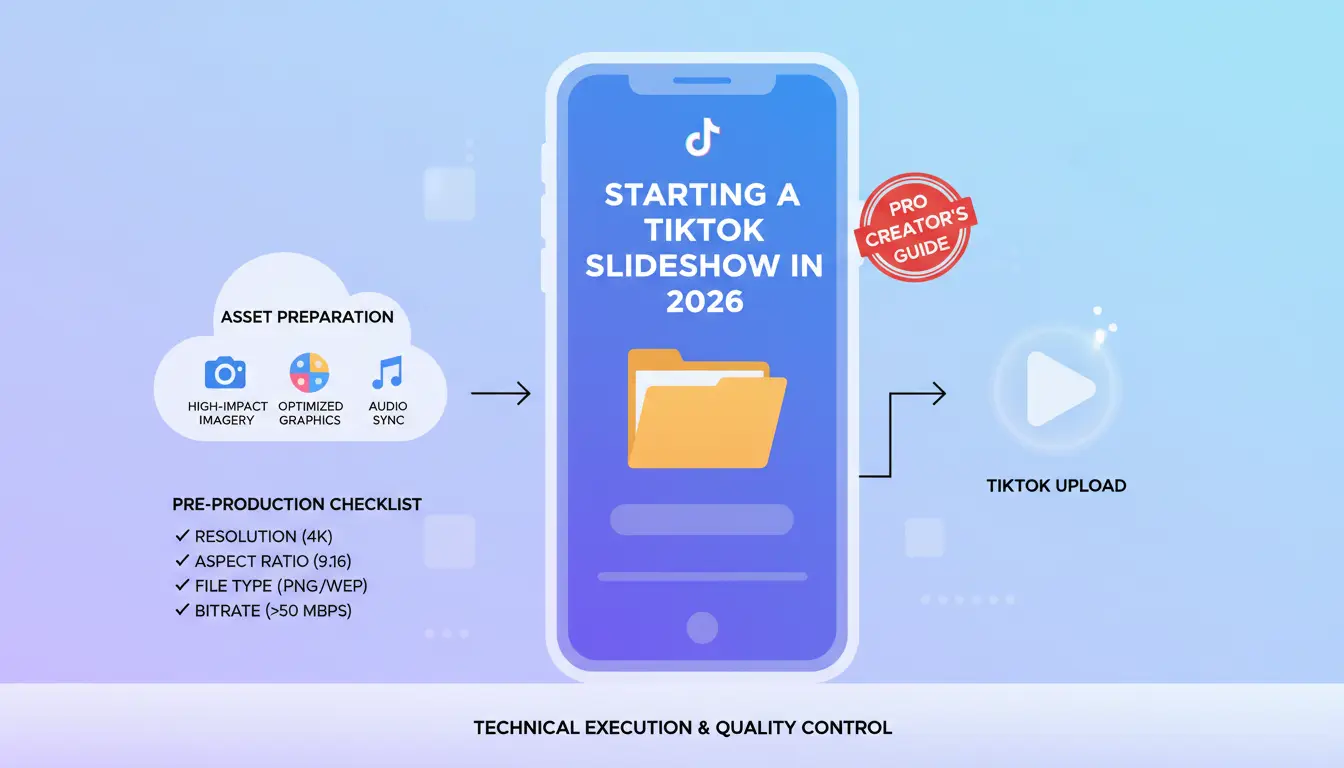
The technical execution of a slideshow begins with asset preparation. To maintain a clean aesthetic and avoid algorithmic penalties for low-quality content, your assets must be optimized before they hit the app.
Technical Specifications for High-Impact Imagery
To ensure your content is provisioned correctly for the TikTok UI:
- Aspect Ratio: Strictly 9:16 (vertical).
- Resolution: 1080p minimum to prevent upscaling blur.
- File Formats: High-quality JPG or PNG.
- Asset Volume: You can select a maximum of 35 images per manual post.
Navigating the Interface and Logical Sequencing
1. Launch TikTok and tap the plus (+) icon. Ensure your device permissions are correctly provisioned for gallery access.
2. Select the image icon (Gallery) adjacent to the Record button.
3. Toggle Select Multiple.
4. Critical Logic: Before proceeding to the next stage, hold and drag images to define your sequence. Reordering must be finalized here; changing the sequence after selecting the format can lead to metadata sync issues.
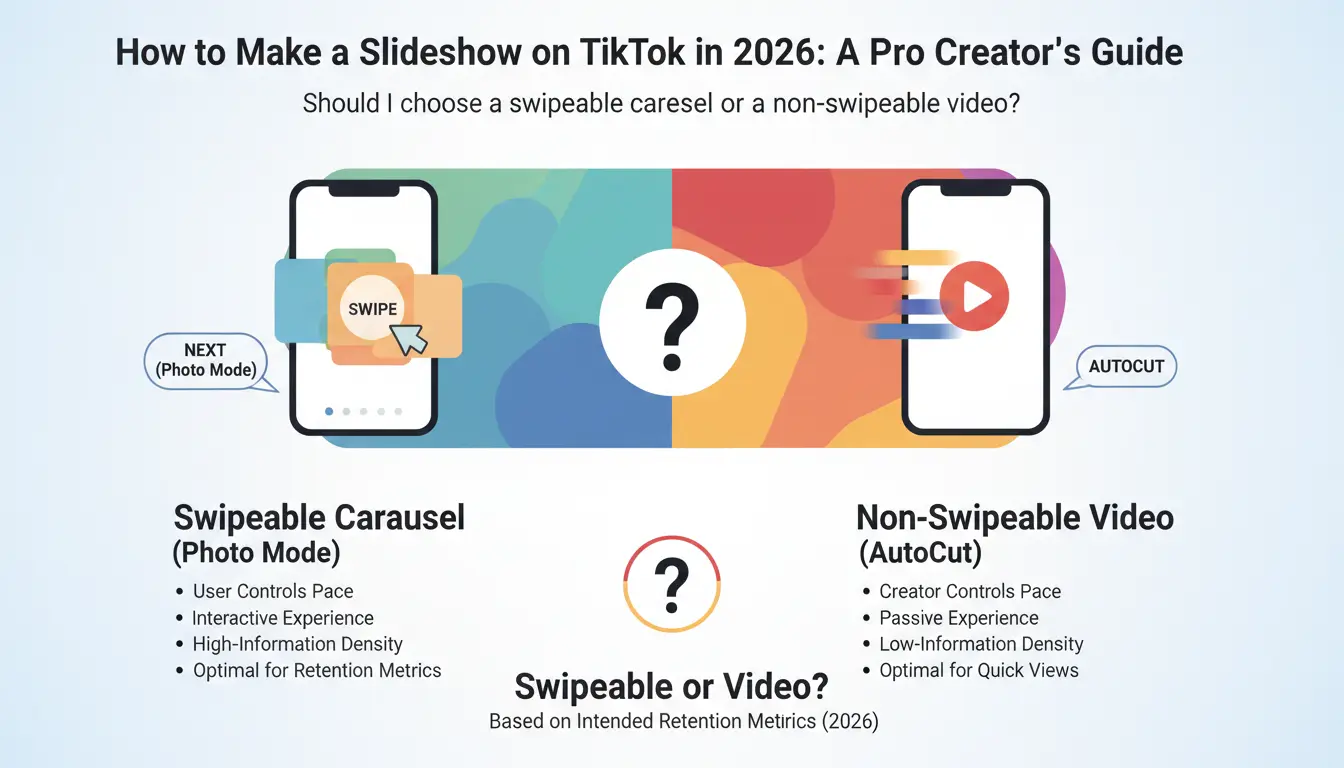
Should I choose a swipeable carousel or a non-swipeable video?
Your choice between Next (Photo Mode) and AutoCut depends entirely on your intended retention metrics.
The Case for Swipeable Carousels (Photo Mode)
By selecting Next, you enable an interactive experience where the user controls the pace. This is the optimal strategic choice for:
- High-Information Density: Recipes, step-by-step tutorials, and educational carousels.
- Social Proof: Detailed product showcases and before-and-after transformations.
- Reading Retention: Any content requiring more than three seconds of "stop-and-read" time.
The Case for Non-Swipeable/AutoCut Formats
The AutoCut function converts images into a fixed-duration video. Use this to control the narrative tempo and emotional arc. It is ideal for:
- Atmospheric Storytelling: Mood boards and brand aesthetic journeys.
- Visual Recaps: Rapid-fire event highlights and travel summaries.
- Seamless Transitions: When the synchronization of imagery to audio is the primary hook.
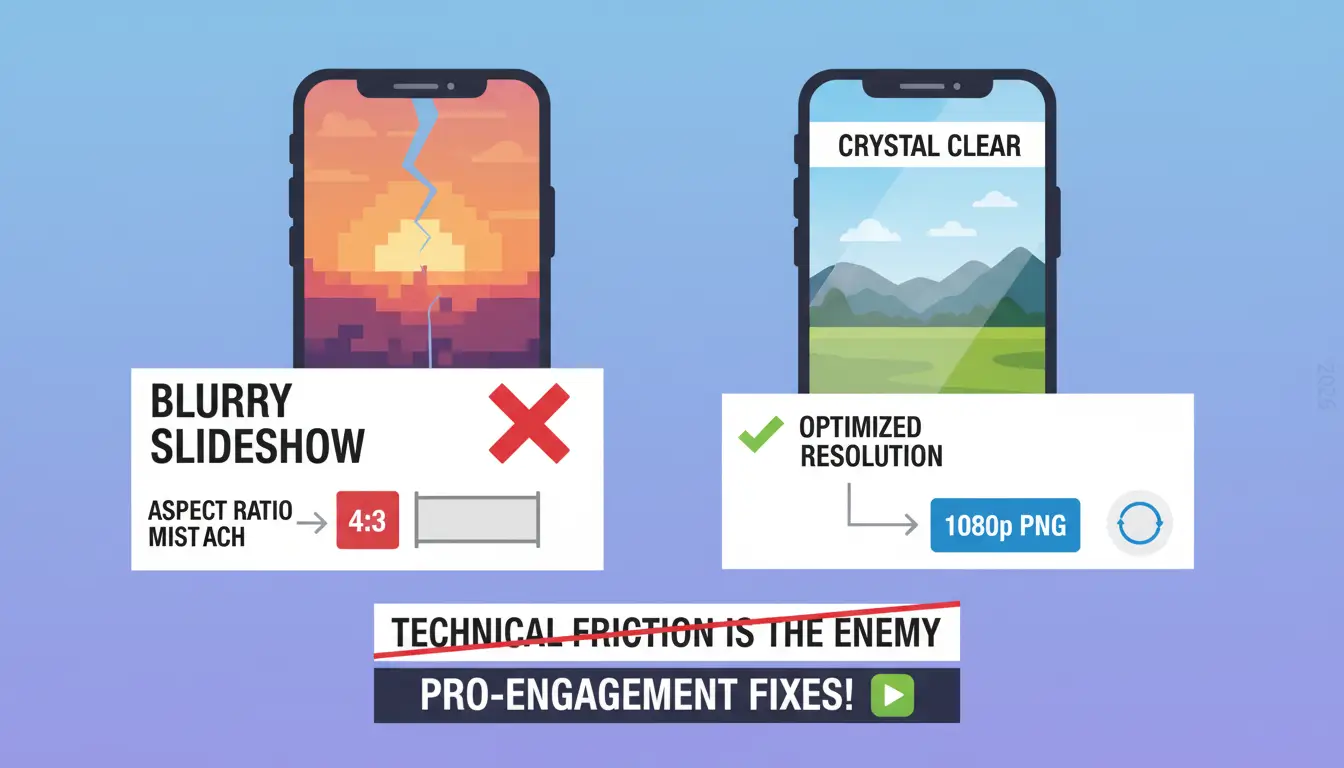
Why is my TikTok slideshow not working or looking blurry?
Technical friction is the enemy of engagement. Most "bugs" are actually avoidable optimization errors.
- Pixelation Fixes: Blurry images usually result from an aspect ratio mismatch. If you upload a 4:3 image, TikTok’s "fill" function stretches the pixels, destroying clarity. Use 1080p PNGs to maintain the highest integrity.
- The "Swipeability" Trap: If your audience cannot swipe, you likely defaulted to an AutoCut template. To ensure a post is interactive, you must bypass templates and select the Next button during the initiation phase.
- Upload Failures: Persistent upload errors are often linked to a bloated app cache. Force-close the app, clear the TikTok cache in settings, and verify your network latency before re-attempting the upload.
Professional Editing: Audio, Voiceovers, and the "Safe Zone"
A professional slideshow requires layers of depth. Use the built-built-in editing suite to add technical polish.
Audio Synchronization and Voiceovers
Trending audio is a primary discovery signal. Match your transitions (in AutoCut) to the beat of the music. For tutorials or narrative storytelling, utilize the Voiceover tool. A high-quality vocal layer provides a secondary retention hook that keeps users engaged even if they aren't actively swiping.
Text Overlays and the "Safe Zone" Protocol
Avoid placing critical text in the "Dead Zones"—the right-side engagement icons (Like/Comment/Share) and the bottom third where captions and UI elements reside:
- The Safe Zone: Keep all vital text in the upper middle of the screen.
- Consistency: Maintain uniform fonts and color hex codes across all slides to preserve brand authority.
Maximizing FYP Reach: The SEO and Hook Layer
A "pretty picture" is not a strategy. You must design for the first two seconds to trigger the algorithm.
Design for the Hook
Use a striking visual or a "negative constraint" text hook on Slide 1. Phrases like "Here is what not to do in Tokyo" or "The hidden cost of [Product]" exploit the curiosity gap and force the first swipe. This initial interaction is a high-value signal to the algorithm that your content is worth promoting.
The Finishing Touches (SEO Layer)
Before hitting post, optimize the metadata:
- Cover Image: Select the most visually arresting slide and add a clear title overlay.
- Keyword Strategy: Write a caption that includes 2-3 high-volume keywords related to your niche.
- Hashtags & Tagging: Use 3-5 relevant hashtags and tag collaborators to expand the initial seed audience.
Scaling Operations: Multi-Account Content Distribution
For growth strategists managing a fleet of accounts, manual posting is a bottleneck. However, standard API automation is often flagged by TikTok's anti-spam systems.
Using DICloak for Secure Scaling
To manage high-volume distribution while helping to manage risks related to account isolation or shadowbans, professional teams use DICloak:
- Browser Profile Isolation: DICloak is designed to help prevent the platform from linking multiple accounts to a single hardware signature or IP footprint.
- Cloud Profile Synchronization: DICloak supports cloud profile synchronization, enabling access to profiles from different devices while helping maintain consistent browser profiles.
- Identity Management: Securely manage diverse TikTok identities across different regions to capture global FYP trends, which may help reduce the likelihood of detection.
Is it better to use a template or create manually?
Templates offer speed but impose creative constraints. Most TikTok-native templates restrict you to fewer than the 35-image limit and may lock your audio choices. Manual creation is preferred for brand-specific campaigns, while templates are excellent for capitalizing on "viral formats" where the transition style itself is the trend.
FAQ: Professional Troubleshooting
Can I include videos in my slideshow?
Yes, but it is strategically discouraged. Mixing formats often disrupts the user's "swipe rhythm" and can negatively impact completion rates.
Do I need third-party editors?
The native app is sufficient for 90% of use cases, but CapCut is recommended for advanced keyframing or bulk-scheduling preparation.
Why can't I add 35 photos to my template?
Templates have hardcoded limits set by the original creator. For maximum asset volume, always opt for the manual workflow.
Do slideshows actually boost the algorithm?
Absolutely. Because users spend more time reading and swiping than they do watching a 7-second loop, your dwell time metrics skyrocket, signaling high-quality content to the FYP.
Summary
TikTok slideshows in 2026 are the most efficient way to maintain a consistent presence while driving high-intent engagement. The key to success lies in technical precision—optimizing for 9:16 resolution, staying within the UI safe zones, and utilizing professional isolation tools like DICloak for multi-account scaling. Test both Photo Mode and AutoCut to see which format triggers the strongest retention signals for your specific audience.
 Web Proxy Tools
 Free Tools
 Cookie Plugin
 UA Generator
 MAC Address Generator
 IP Generator
 IP Address List
 2FA Code Generator
 World Clock
 Anonymous Check
 WebRTC Leak Test
 UUID Generator
 Free Web Proxy Site
 Proxy Checker
 FB Ad Checker
 AI Web Scraping
 Free SMM Tools
 Twitter Shadowban Checker
 Instagram Name Checker
 UTM Generator
 Username Generator
 AI Hashtag Generator
 LinkedIn Headline Generator
 Social Media Image Resizer