The 2026 Landscape of Antidetect Browsers for Online Surveys
As we move past basic privacy needs, we enter the professional realm of income generation. In 2026, Antidetect Browsers for Online Surveys are not optional tools; they are the engine of the "Survey Farming" industry. Operators are no longer casual users earning pennies. They are business owners scaling operations to generate significant monthly revenue.
From Pocket Money to Survey Farming Automation
The game has changed. A single person taking surveys might earn $50 a month. But a professional using a robust multi-accounting survey strategy can target $2,000 or more. This business model is called "Survey Farming."
The concept is simple: volume. Instead of one account, you manage 50 or 100 high-trust profiles. However, platforms like Swagbucks and Branded Surveys use advanced tracking. They look for linked accounts. If five accounts share the same browser fingerprint, they all get banned instantly.
To succeed, you need specialized software. Antidetect browsers isolate each account completely. They make one computer look like 100 distinct devices. You combine this with static residential proxies for surveys to match your location data.
This is where survey farming automation becomes critical. Manual management is too slow. Modern tools allow you to "warm up" accounts automatically. They visit sites like CNN or Amazon to build a history before you ever touch a survey. This helps you bypass survey site ip bans and keeps your income stream stable.
Why You Need Antidetect Browsers for Online Surveys to Stop Account Bans
Standard browsers like Chrome or Firefox are built to track users, not hide them. For a professional survey operation, relying on "Incognito Mode" or simple VPNs is a guaranteed way to lose revenue. To successfully bypass survey site ip bans in 2026, you must control the technical data your computer shares with survey platforms. A simple IP change is no longer enough to protect your business assets.
The Failure of Traditional Privacy and Canvas Fingerprint Spoofing for Surveys
Many operators believe that buying static residential proxies for surveys makes them invisible. This is incorrect. Platforms like Swagbucks use sophisticated scripts to identify your physical device, not just your internet connection. This process is known as browser fingerprinting.
When you log in, the site scans your screen resolution, installed fonts, and operating system. If you use the same browser for 50 accounts, they all share this unique "digital ID." The result is an instant chain ban.
You might try to block these trackers with privacy plugins. This also fails. Real users do not block 100% of scripts. To appear authentic, you need high trust score browser profiles that mimic average user setups perfectly.
The most common trap is the HTML5 Canvas. Your graphics card draws images in a distinct way. If all your accounts render images identically, they are linked together. You need advanced canvas fingerprint spoofing for surveys to inject "noise" into this data. This makes every profile look like a separate, unique computer without breaking the website.
WebGL and AudioContext: The Hidden Leaks in Your Multi-Accounting Survey Strategy
Beyond basic visuals, survey sites check deep hardware metrics. WebGL and AudioContext are the hidden leaks in your multi-accounting survey strategy.
WebGL reveals information about your specific graphics driver and vendor. Even if you change your User Agent to look like a Mac, your WebGL data might reveal you are physically on a Windows PC. This mismatch triggers an immediate "soft ban" or mid-survey disqualification.
AudioContext works similarly. It tests how your machine processes audio signals. High-quality antidetect browsers must alter these signals slightly for each profile. If you ignore these leaks, your paid survey identity verification bypass attempts will fail, regardless of how clean your IP address is.
Behavioral Analysis: Why Survey Farming Automation Requires Human-Like Patterns
Finally, platforms now analyze how you interact with the page. Bots move differently than humans. They click instantly and type perfectly.
To scale safely, survey farming automation must mimic human imperfections. This includes mouse jiggling, varying typing speeds, and realistic delays between clicks. Advanced tools record and replay human-like patterns. This protects your accounts from behavioral detection algorithms that flag robotic efficiency.
How Antidetect Browsers for Online Surveys Bypass Detection Algorithms
Human-like behavior is only half the battle. To secure your revenue, you must also solve the technical puzzle. Antidetect Browsers for Online Surveys do not just hide your identity. They create distinct, isolated virtual environments for every single account you manage.
Think of a standard browser like a single house where everyone shares the same rooms. If one person gets banned, the whole house is flagged. Antidetect browsers function like a massive apartment complex. Each account lives in its own locked unit with unique furniture, distinct keys, and separate utilities. This isolation prevents survey platforms from linking your high-earning profiles together.
Profile Isolation and WebRTC Leak Protection for Surveys
The primary way these tools protect you is through strict containerization. When you open a profile, the browser creates a separate file system for cookies, cache, and local storage. Data from Profile A never touches Profile B.
However, advanced detection scripts look for leaks that standard privacy tools miss. The most dangerous is the WebRTC protocol. This technology enables real-time video and audio communication, but it can accidentally reveal your true local IP address, even if you are using a proxy.
Reliable software includes built-in webrtc leak protection surveys require. This feature modifies the WebRTC policy to ensure it only broadcasts the IP address of your proxy, not your home internet connection. By plugging this leak, you prevent the immediate "soft bans" that occur when a site detects a mismatch between your connection and your browser settings.
Emulating Mobile Environments to Access Lucrative High-Paying Surveys
Many of the highest-paying opportunities in 2026 are mobile-exclusive. Brands pay a premium for data from real mobile users. If you try to access these surveys from a desktop computer, you are often disqualified instantly.
Top-tier antidetect browsers allow you to emulate mobile devices on your PC. This goes beyond simply resizing the window. The software spoofs the "User Agent" string to identify as an iPhone or Android device. More importantly, it simulates Touch Events.
If a mobile survey detects a mouse cursor instead of touch inputs, it flags the session as a bot. High-quality browsers translate your mouse clicks into "tap" events, allowing you to access these exclusive revenue streams without owning 50 physical phones.
Synchronizing Timezones and Geolocation with Residential IP Rotation Software
Survey platforms perform strict consistency checks. If your IP address places you in Los Angeles, but your computer's system clock is set to New York time, you will be flagged for fraud.
Manually changing your PC's time for every account is impossible at scale. Antidetect browsers automate this by pulling data directly from your proxy. When you connect residential ip rotation software, the browser automatically adjusts the profile's Timezone, Geolocation, and Language settings to match the proxy's location perfectly.
This consistency extends to hardware. While users often search for a mac address spoofer for surveys, browsers technically cannot read your MAC address. Instead, they check Media Device IDs and Audio inputs. Advanced antidetect tools generate unique, consistent hashes for these hardware elements, ensuring every profile appears as a distinct physical machine.
Essential Criteria for Selecting the Best Antidetect Browsers for Online Surveys
We have covered how fingerprinting technology works. Now, you need to choose the right tool to protect your business. Not all software is equal. Some tools are built for casual privacy, while others are engineered for high-volume income generation.
To succeed in 2026, your Antidetect Browsers for Online Surveys must do more than just hide your IP. They must actively mimic human behavior to bypass advanced security checks. If you pick the wrong software, your accounts will get banned before you earn your first dollar. Use this framework to evaluate your options.
Automated Cookie Warming to Build High Trust Score Browser Profiles
The number one reason for instant account bans is a "cold" profile. Survey platforms like Swagbucks or Branded Surveys analyze your browser history. If your browser profile is brand new with zero cookies, it looks like a bot. Real humans have weeks of history from visiting news sites, shopping on Amazon, and watching YouTube.
You need a feature called antidetect browser profile warming. This process "ages" your account before you ever log into a survey site.
Top-tier tools include a "Cookie Robot." This automated script visits popular websites in the background to collect cookies. It builds a realistic digital footprint for you. This creates high trust score browser profiles that security algorithms trust. Do not buy software that requires you to visit these sites manually. It takes too much time and kills your profit margins.
"A sterile browser profile is a red flag. Security systems trust messy, history-filled browsers. You must look lived-in to look real." — Digital Security Lead
API Accessibility for Survey Farming Automation and Scaling
If you only run five accounts, you can manage them manually. But if you want to turn survey taking into a serious income stream, you need scale. Successful operations run 50 to 100+ accounts. You cannot manage this workload by hand.
You need software that supports survey farming automation. Look for browsers that offer Local API access or built-in RPA (Robotic Process Automation). These features allow you to write scripts that automatically:
- Open the browser.
- Log in to the survey platform.
- Check for available high-paying surveys.
- Alert you only when a qualified survey is found.
Additionally, your browser must integrate seamlessly with static residential proxies for surveys. The software should allow you to bulk-import hundreds of proxies at once. It should also check the health of these proxies automatically before every session. If a proxy dies, the browser should stop you from logging in, saving your account from being linked to a bad IP address.
Top 10 Antidetect Browsers for Online Surveys Evaluated for 2026
We have established that automation and cookie warming are essential. Now, we must select the right tool. The market is flooded with options, but only a few can handle the strict security of platforms like Swagbucks or Pinecone Research.
You need Antidetect Browsers for Online Surveys that offer stability, consistent fingerprints, and team scalability. Using a weak tool will leak your identity. This leads to immediate bans and lost revenue.
Below is our evaluation of the top tools for 2026. We ranked them based on their ability to handle paid survey identity verification bypass and large-scale profile management.
Quick Comparison Matrix
| Browser |
Best Use Case |
Free Plan Available? |
Starting Price (Paid) |
| DICloak |
Top Choice: Enterprise Security & Teams |
Yes |
$8/mo |
| Multilogin |
Premium High-Volume Farms |
No |
€99/mo |
| GoLogin |
Cloud-Based Remote Teams |
Yes (Trial) |
$24/mo |
| AdsPower |
Automation & Scripting |
Yes |
$9/mo |
| Dolphin{anty} |
Affiliate & Ad Arbitrage |
Yes |
$89/mo |
| Incogniton |
Individual Privacy & Starters |
Yes |
$29.99/mo |
| Browser.lol |
Quick Disposable Sessions |
Yes |
$9/mo |
| Octo Browser |
Speed & Global Operations |
No |
€10/mo |
| MoreLogin |
Mobile & Android Emulation |
Yes |
$5.40/mo |
| Hidemium |
MMO & Auto-Farming |
Yes |
~$15/mo |
DICloak: Specialized Fingerprint Customization for High-Stakes Surveys
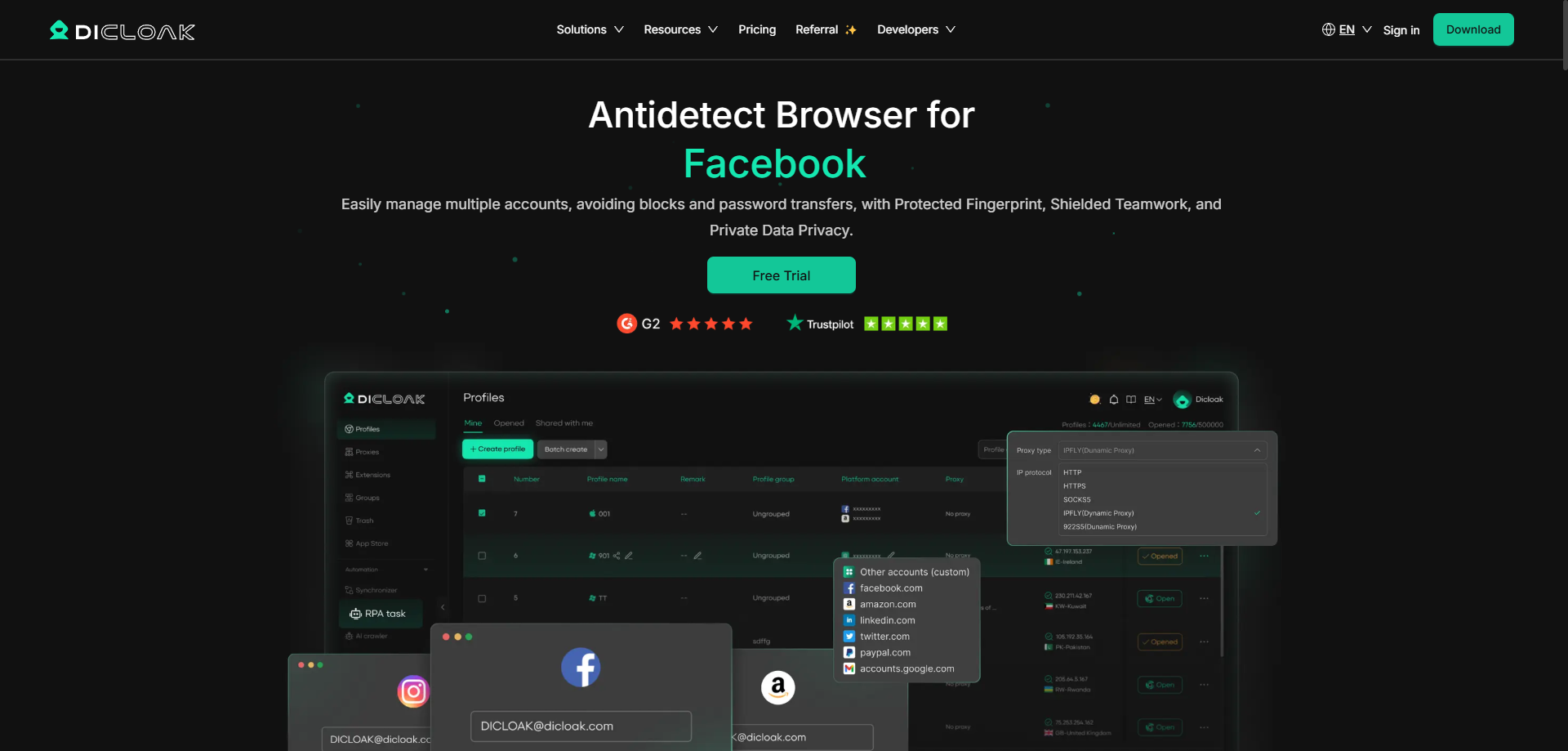
DICloak is the superior choice for professional survey operations in 2026. It is built for businesses that cannot afford downtime or bans. While other browsers focus on general privacy, DICloak specializes in "noise" management. It creates unique, customizable fingerprints that look completely natural to detection scripts.
Key Features:
- Deep Fingerprint Control: Adjusts Canvas, WebRTC, and AudioContext to blend in with real user traffic.
- Team Collaboration: Securely share profiles with permissions.
- RPA Automation: Automate routine login and checking tasks.
Pros:
- High success rate for paid survey identity verification bypass.
- Intuitive interface for managing 1,000+ accounts.
- Generous free plan to test the software.
Cons:
- Advanced features require a learning curve for beginners.
Verdict: The best overall tool for scaling a survey business securely.
Multilogin: The Gold Standard for Professional Survey Farming Operations
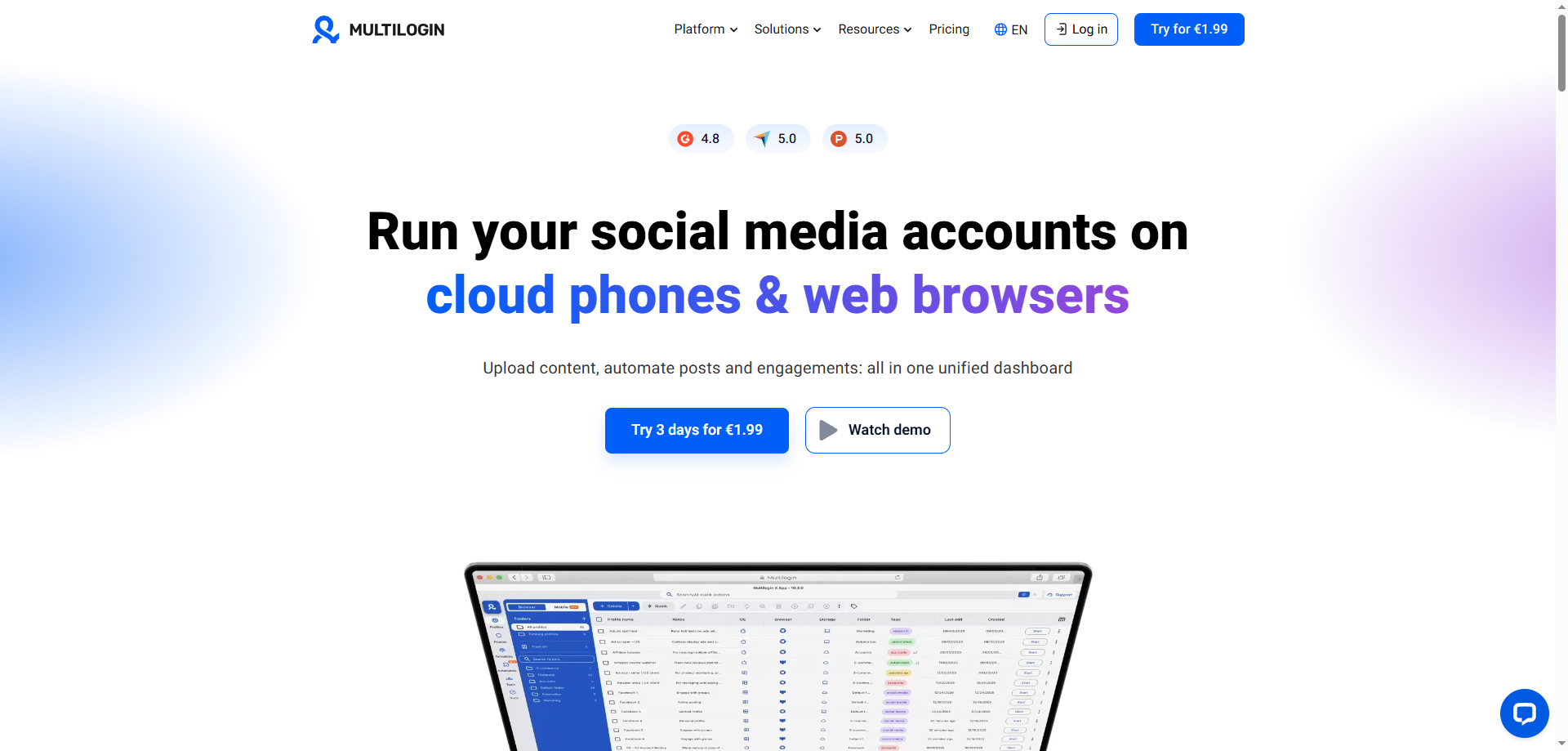
Multilogin has been the industry leader for years. It is expensive, but it offers unmatched reliability. If you are running a high-volume farm where every profile is worth hundreds of dollars, this is a safe investment. Their "Mimic" and "Stealthfox" browsers are custom-built engines that strip away data leaks at the code level.
Key Features:
- Native Browser Engines: Does not just mask Chrome; it rebuilds it.
- Session Synchronization: Cloud storage saves your tabs and cookies instantly.
- Automation API: Robust documentation for custom scripts.
Pros:
- Extremely high trust score browser profiles.
- Excellent customer support and documentation.
Cons:
- High starting price (€99/mo).
- No free plan for testing.
Verdict: Ideal for enterprise-level operators with a large budget.
GoLogin: Cloud-Based Management for Decentralized Survey Teams
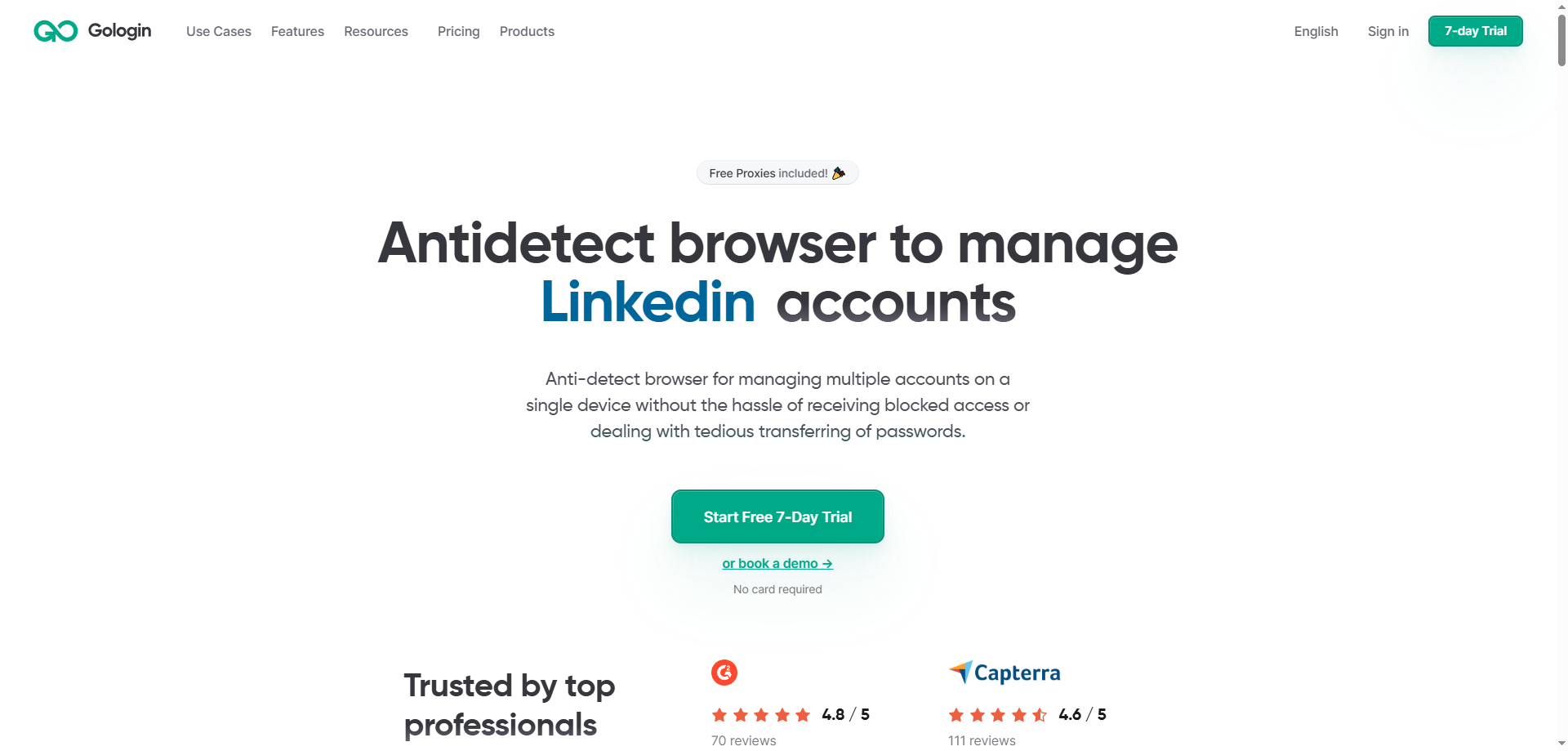
GoLogin stands out because it allows you to run profiles in the cloud. This is perfect if your team has slow computers or if you need to access profiles from different locations. It includes a database of free proxies, though serious survey farmers should stick to paid static residential proxies for surveys.
Key Features:
- Cloud Launch: Run the browser on their servers, not your machine.
- Android App: Manage your farm from a mobile device.
- 50+ Fingerprint Parameters: Detailed control over hardware settings.
Pros:
- Great for remote teams with older hardware.
- Affordable pricing structure.
Cons:
- Cloud performance depends on your internet connection speed.
Verdict: Best for decentralized teams managing profiles remotely.
AdsPower: Dominating with RPA and Automated Survey Workflows
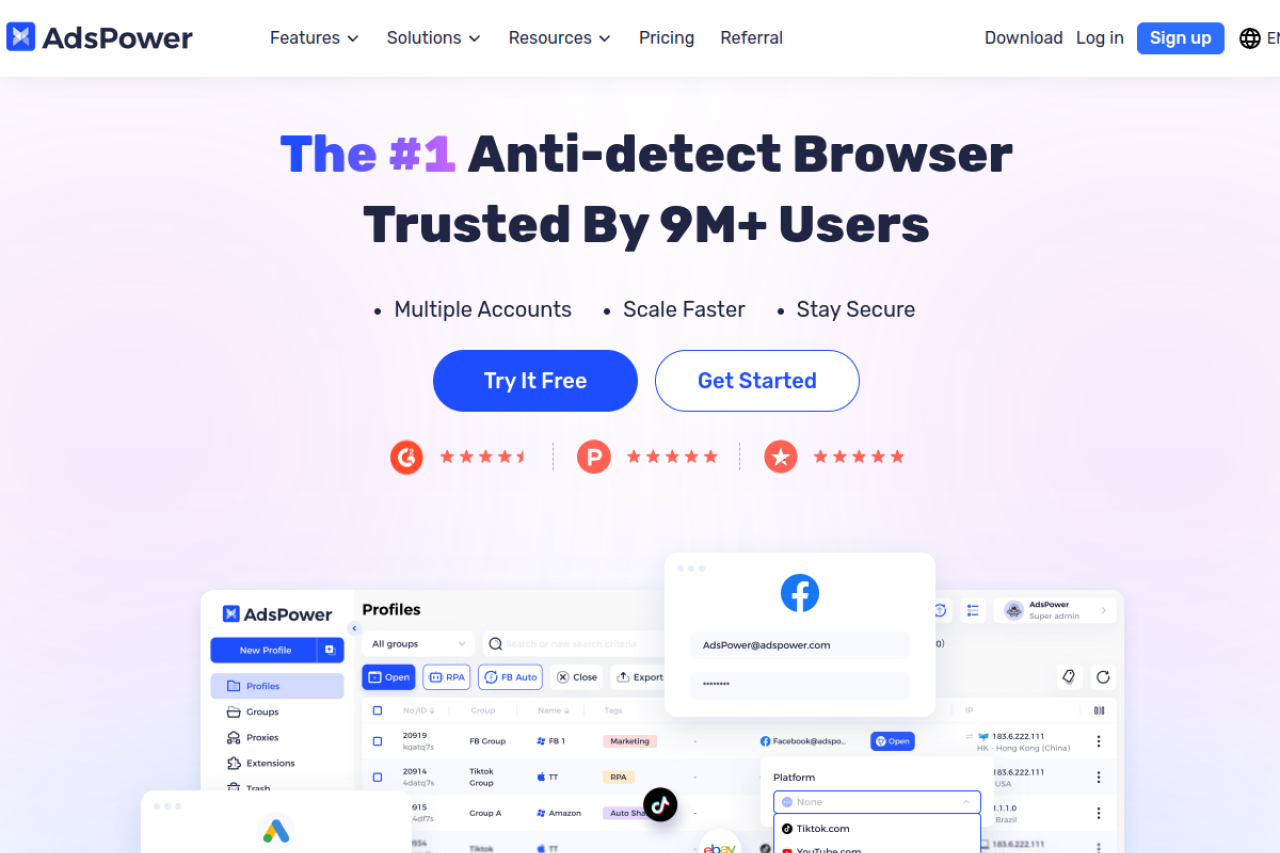
AdsPower is famous for its "No-Code" automation. You do not need to be a programmer to use it. You can drag and drop blocks to create a script that logs into Swagbucks, watches a video, and logs out. This survey farming automation capability saves hundreds of hours of manual labor.
Key Features:
- RPA Robot: Visual editor for automating repetitive tasks.
- Synchronizer: Control multiple windows with one mouse.
- Flexible Pricing: Pay only for the number of profiles you need.
Pros:
- Excellent automation tools for non-coders.
- Cost-effective for small farms.
Cons:
- Interface can feel cluttered with too many options.
Verdict: The top choice if you want to automate daily survey tasks.
Dolphin{anty}: Optimized for Rapid Profile Switching and Affiliate Tasks
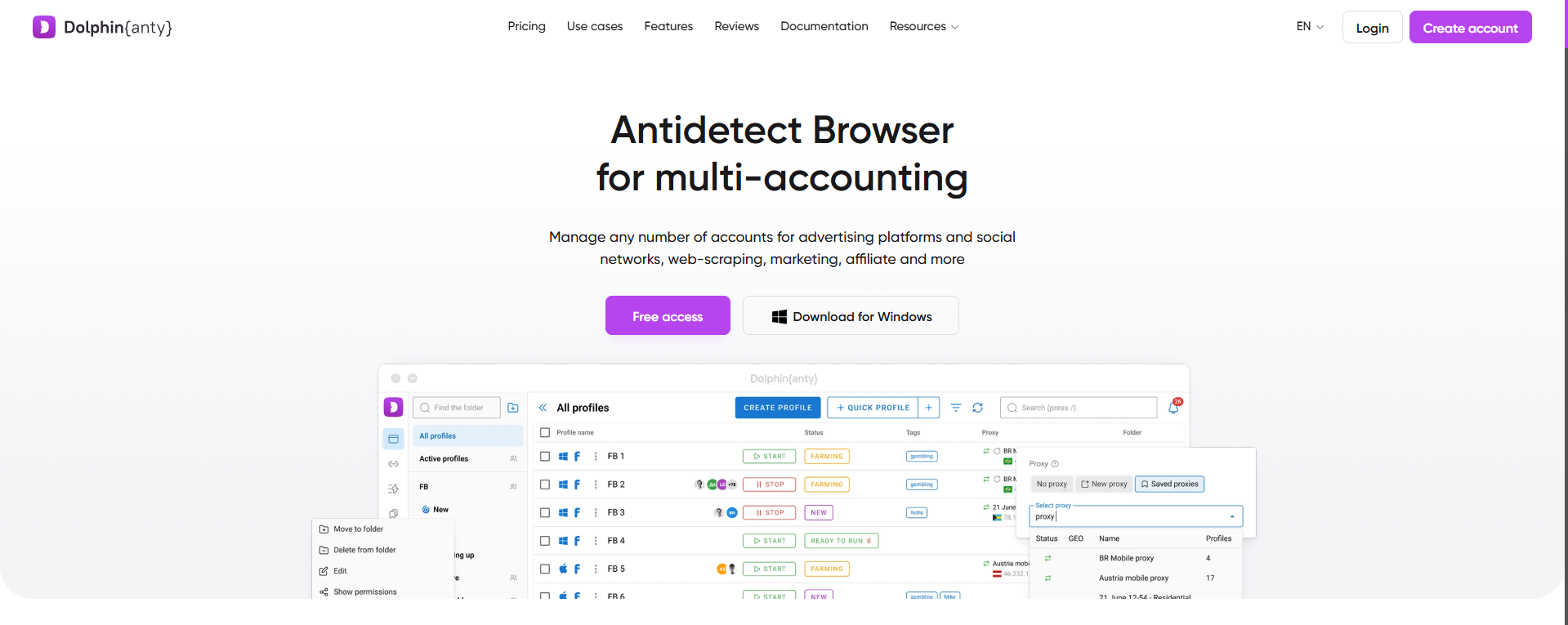
Dolphin{anty} was built for affiliate marketers, but it works perfectly for surveys. It is fast and lightweight. The "Cookie Robot" feature is built-in, allowing you to warm up profiles automatically. The interface is designed to help you see the status of hundreds of profiles at a glance.
Key Features:
- Visual Scenario Builder: Create simple automation flows.
- Smart Notes: Tag profiles with statuses like "Banned" or "Payout Pending".
- Real Fingerprints: Uses real data from real users.
Pros:
- Very fast interface.
- Built-in cookie warmer is included in the base price.
Cons:
- Support is primarily focused on the Russian/CIS market.
Verdict: excellent for operators who value speed and visual organization.
Incogniton: A Privacy-First Approach to Individual Survey Farming
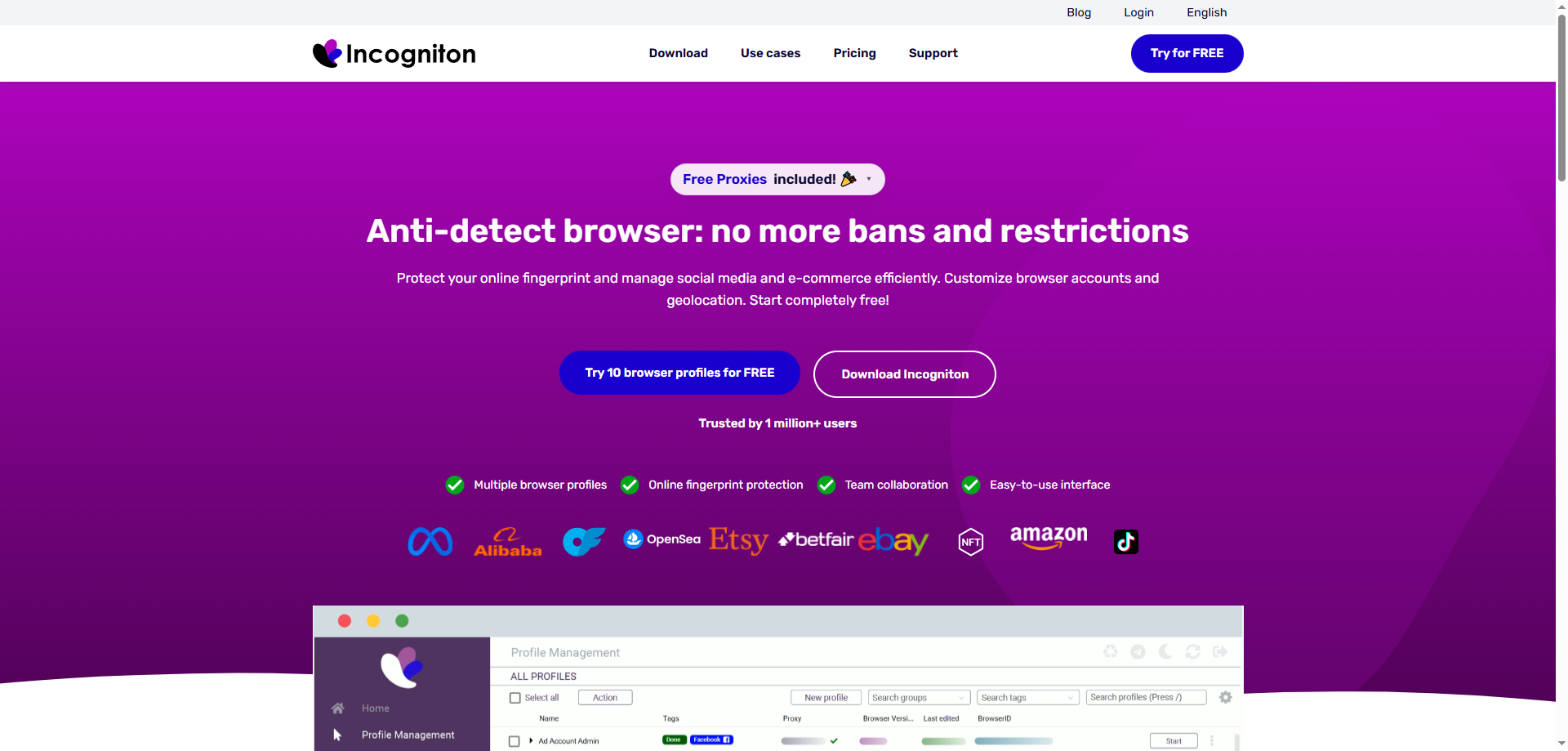
Incogniton offers one of the best free plans in the industry (10 profiles). This makes it the perfect entry point for new survey farmers. It focuses heavily on data isolation. It ensures that no two tabs ever share data. This prevents the "cross-linking" that leads to disqualifications.
Key Features:
- Paste as Human: Simulates natural typing speeds to fool biometric checks.
- Data Sync: Backs up profile data securely.
- Selenium Support: Compatible with standard automation frameworks.
Pros:
- Generous free tier.
- Human typing simulation helps avoid bot detection.
Cons:
- Can be resource-heavy on older computers.
Verdict: The best starting point for solo operators on a budget.
Browser.lol: Web-Based Disposable Sessions for Quick Disqualification Fixes
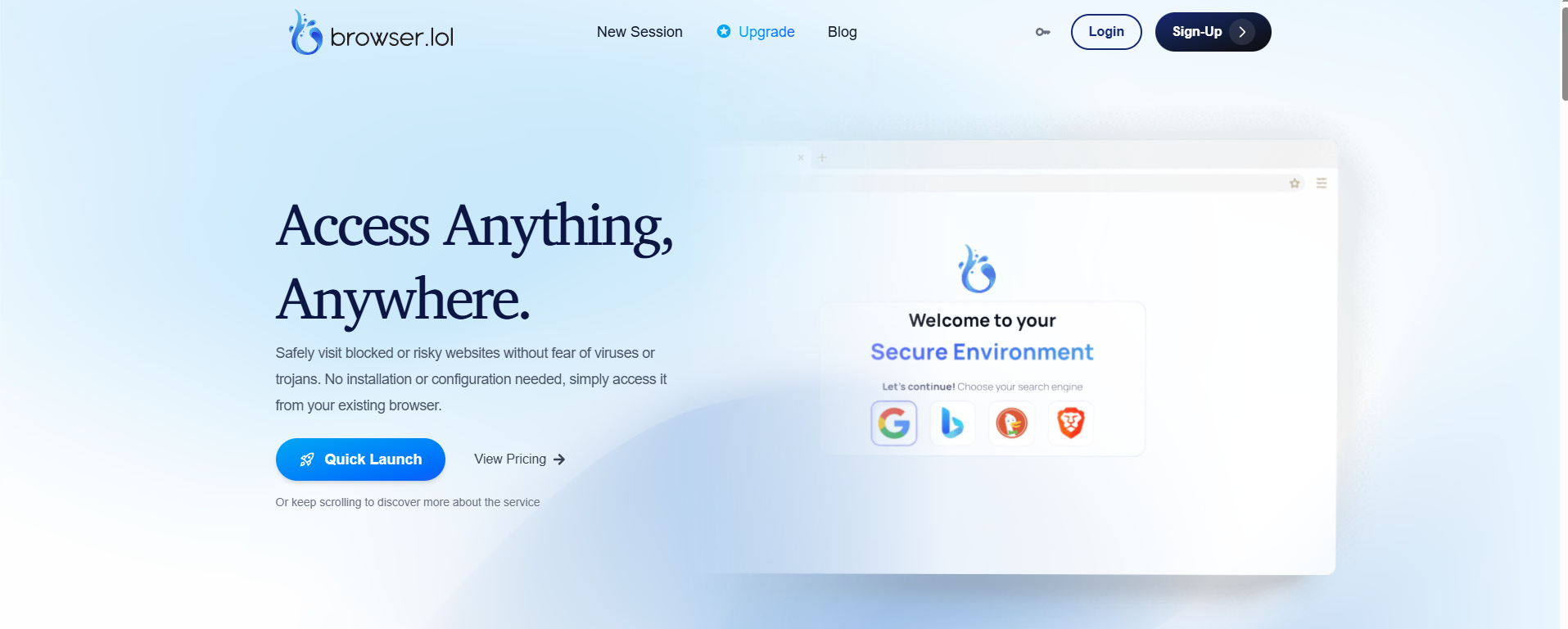
Browser.lol is a unique tool. It is not for long-term farming. Instead, it creates disposable, temporary browsers in the cloud. This is useful for testing a survey platform's defenses without risking your main accounts. It effectively acts as a branded surveys disqualification fix tool by letting you test answers in a throwaway environment.
Key Features:
- No Installation: Runs entirely in your web browser.
- Disposable: Session is destroyed immediately after use.
- Isolation: Zero link to your local machine.
Pros:
- Instant access with zero setup.
- Perfect for testing and reconnaissance.
Cons:
- Not suitable for long-term accounts (cookies are lost).
Verdict: A utility tool for testing, not for building a farm.
Octo Browser: Speed and Simplicity for Global Survey Participants
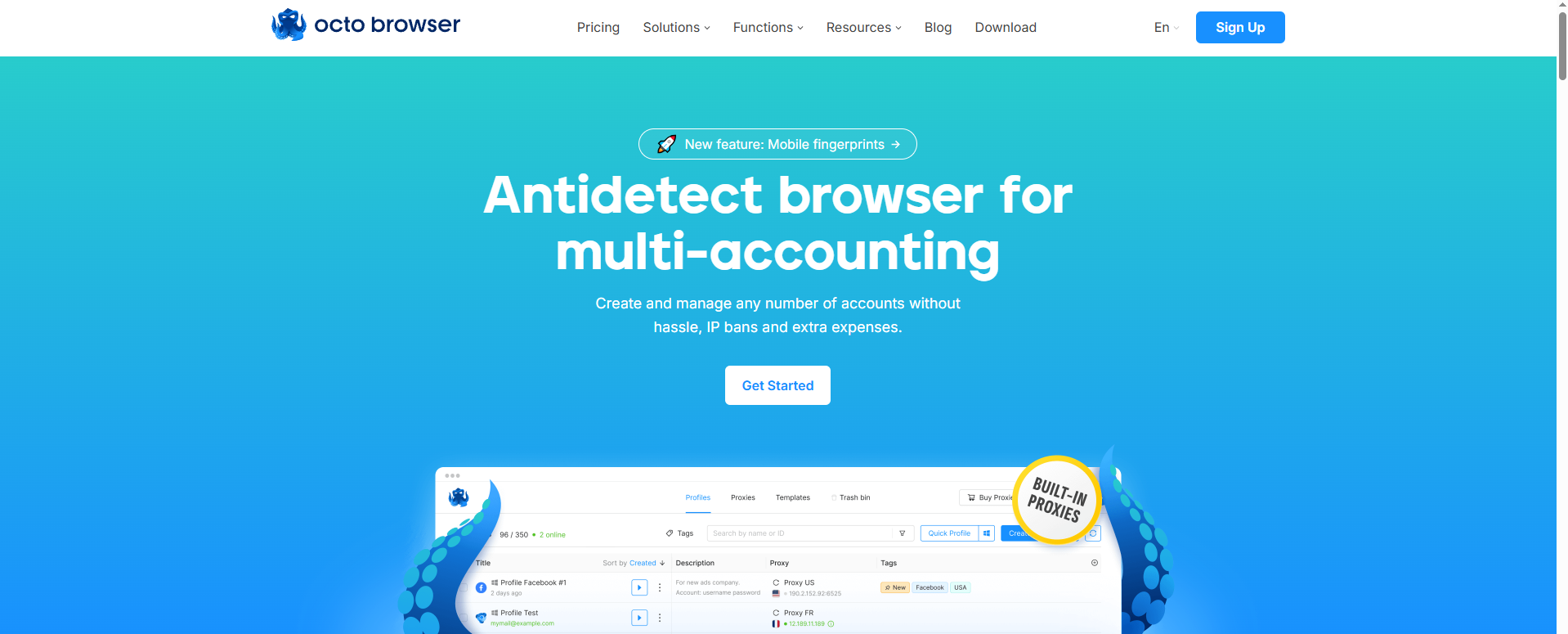
Octo Browser is designed for performance. It uses a kernel based on the latest Chromium, which makes it faster than many competitors. For survey takers who need to open 20 tabs at once, speed is money. It handles WebGL rendering efficiently, preventing lag.
Key Features:
- One-Click Fingerprint Change: Randomize your ID instantly.
- Unlimited Devices: Run as many instances as your hardware allows.
- Video Validation: Passes video verification checks easily.
Pros:
- Extremely fast performance.
- Clean, modern user interface.
Cons:
- Pricing is in Euros and slightly higher than average.
Verdict: Great for users who need raw speed and performance.
MoreLogin: Leveraging Cloud Phone Environments for Mobile Surveys
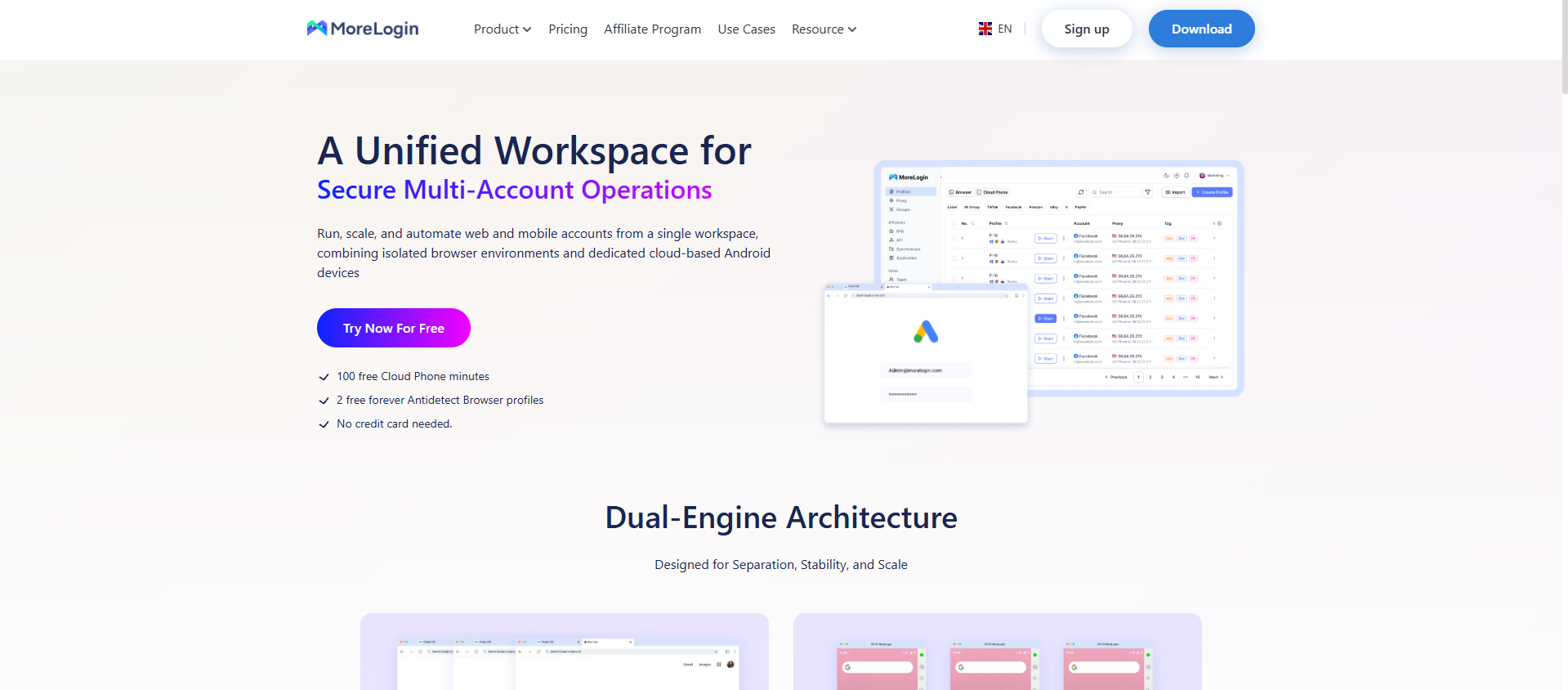
Many high-paying surveys are exclusive to mobile devices. MoreLogin solves this by offering "Cloud Phone" environments. These are not just emulators; they are authentic Android environments running in the cloud. This allows you to target mobile-specific survey inventory that desktop users cannot see.
Key Features:
- Cloud Phone: Real Android environments.
- Canvas Fingerprint: Passes strict graphical checks.
- Team Roles: Assign specific permissions to members.
Pros:
- Unlocks mobile-only survey revenue.
- Very affordable starting price.
Cons:
- Cloud phone features cost extra.
Verdict: Essential if your strategy focuses on mobile app surveys.
Hidemium: Combining Anti-Fraud Tech with MMO Survey Strategies
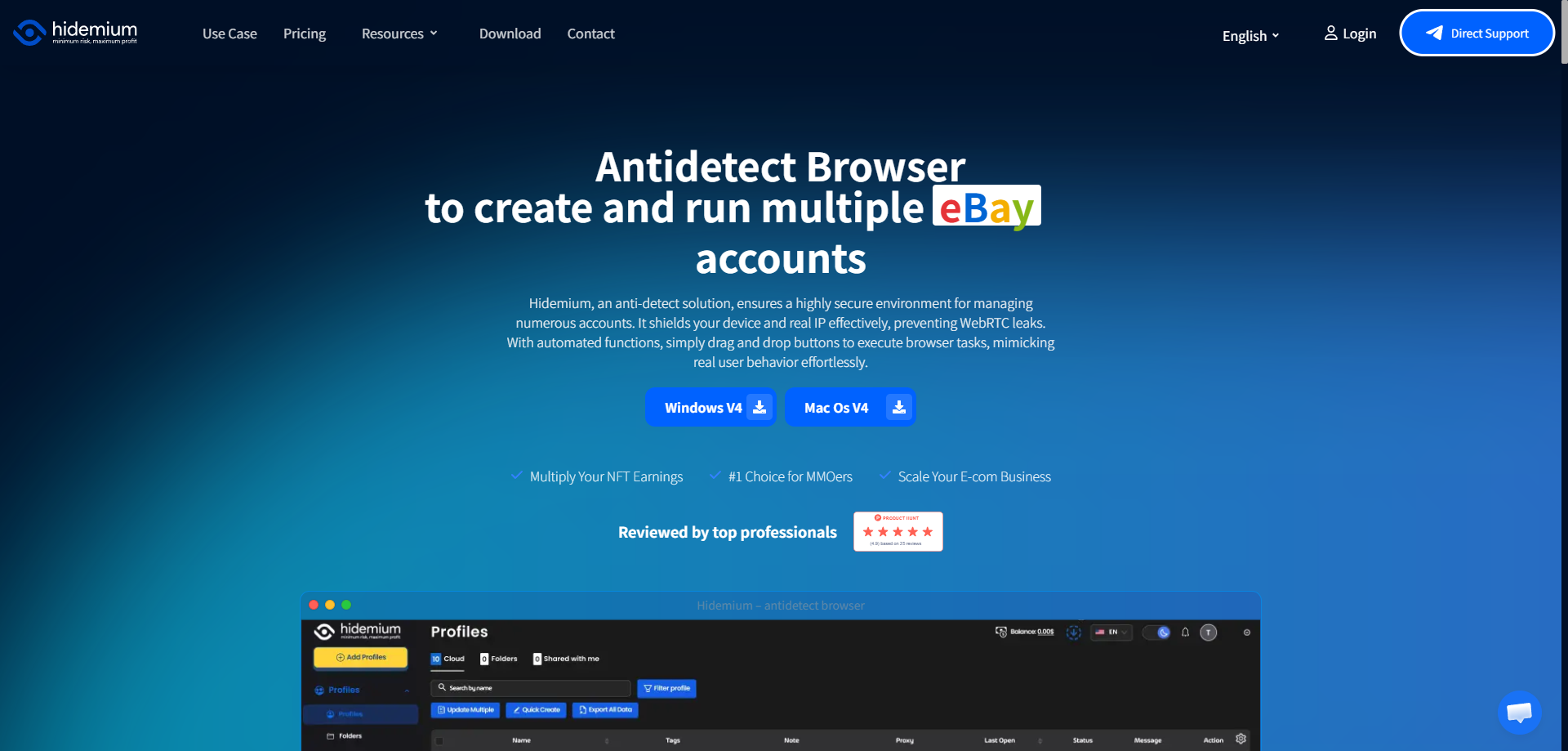
Hidemium borrows technology from the MMO (Massively Multiplayer Online) gaming world. Game security is often tougher than survey security. Hidemium applies these rigorous anti-detection standards to browser profiles. It is highly effective for automating simple "click" tasks and video watching.
Key Features:
- Auto-Farming Tools: Scripts designed for repetitive game/survey actions.
- Mobile & PC Profiles: Switch between device types easily.
- Folder Management: Organize thousands of profiles efficiently.
Pros:
- Strong automation capabilities.
- Good organization for very large farms.
Cons:
- Interface can be complex for non-gamers.
Verdict: A strong choice for users who want to automate simple tasks.
Professional Scaling Strategies with Antidetect Browsers for Online Surveys
Choosing the right software is only the first step. To turn a side hustle into a scalable business, you need strict operational rules. Simply opening Antidetect Browsers for Online Surveys and creating 50 accounts immediately will get you banned. You must act like a professional operation, not a spammer.
To scale from earning pocket money to generating thousands of dollars monthly, you must follow a Standard Operating Procedure (SOP). This ensures every profile you create looks legitimate to fraud detection algorithms. Below are the three core pillars of running a successful survey farm.
Step-by-Step Antidetect Browser Profile Warming Protocol
The biggest mistake new users make is creating an account and taking a survey within five minutes. This behavior is a major "red flag" for security systems. Real users have a history. To mimic this, you must prioritize antidetect browser profile warming.
Warming (or "aging") a profile means building a digital history before you try to earn money. This increases the "Trust Score" of your browser fingerprint.
The 7-Day Warming Schedule:
- Days 1-2 (Creation): Set up the browser profile with a high-quality proxy. Visit 5-10 popular, non-survey websites like Google News, Amazon, or YouTube. Do not log in anywhere yet.
- Days 3-5 (Cookie Building): Use the automated "Cookie Robot" feature found in tools like DICloak. This script visits top websites automatically to collect HTTP cookies. These cookies tell survey sites that you are a regular internet user with genuine interests.
- Day 6 (Registration): Sign up for your target survey platform (e.g., Swagbucks or Branded Surveys). Confirm your email. Do not take a survey yet.
- Day 7 (Activation): Complete your profile demographic data. Take one low-value survey.
If you skip this warming process, your accounts will likely face mid-survey disqualification or immediate suspension. Patience pays off.
Sourcing and Maintaining Static Residential Proxies for Surveys
Your IP address is just as important as your browser fingerprint. Most cheap proxies use "Datacenter" IPs (from servers like AWS or Azure). Survey sites block these immediately because real people do not surf the web from a cloud server.
You strictly need static residential proxies for surveys.
- Residential: The IP is assigned by a real Internet Service Provider (ISP) like Verizon, Comcast, or AT&T. It looks like a home connection.
- Static (ISP): The IP address does not change. If you log in from New York on Monday and Los Angeles on Tuesday, the security system will flag your account for "impossible travel."
Golden Rule for Proxies: Never use rotating proxies for the account management phase. Rotating proxies change your IP every few minutes, which triggers security alerts. Always buy "Sticky" or "Static" ISP IPs and assign one specific IP to one specific browser profile permanently.
Managing Virtual Assistants with Team Access Features
Once you have established a successful method, the only way to scale is by adding human labor. You cannot physically complete 500 surveys a day yourself. Successful farm operators hire Virtual Assistants (VAs) to do the repetitive work.
Using Antidetect Browsers for Online Surveys allows you to do this securely through survey farming automation and team management tools.
How the Team Workflow Operates:
- Master Account: You (the admin) purchase the proxies and create the browser profiles. You handle the sensitive setup, including SMS verification and profile warming.
- Permissions: You share specific profiles with your VAs using the software's "Team" tab.
- Hidden Credentials: Professional tools allow you to share the profile without revealing the password or the proxy details. The VA simply clicks "Start," and the browser opens already logged in.
- Monitoring: You can track how long a VA spends in a profile. If a profile gets banned, you can verify if the VA followed the correct geographic settings or if they leaked the IP.
This structure protects your assets. Your VAs never see your real banking details or the raw login credentials, preventing theft and ensuring your business infrastructure remains secure.
Frequently Asked Questions about Antidetect Browsers for Online Surveys
Scaling a survey business brings up technical questions. You are moving from a casual user to a professional operator. Many users search for a survey junkies hack 2026, but real success comes from proper infrastructure, not cheat codes.
This section answers common questions about using Antidetect Browsers for Online Surveys to secure your revenue. We address legality, proxies, and verification to help you avoid bans and protect your assets.
Are antidetect browsers for online surveys legal to use?
Yes, the software itself is legal. Companies use antidetect browsers for legitimate privacy and ad testing. However, creating multiple accounts usually violates the Terms of Service of survey platforms.
While this is generally a contract breach rather than a crime, it leads to immediate account bans and lost funds. Professional operators use these tools to manage legitimate team access or keep profiles separate securely.
What is the best Swagbucks multi account guide for 2026?
The best strategy focuses on consistency, not "hacks." A reliable Swagbucks multi account guide 2026 prioritizes unique digital fingerprints and high-quality IPs. You must treat every profile like a distinct, real person.
Use survey farming automation tools carefully to handle routine login tasks. However, ensure you maintain human-like behavior patterns. Avoid "instant money" scripts or bots, as they trigger security flags immediately.
Can I use free proxies with antidetect browsers for online surveys?
No, never use free proxies. They are often already blacklisted by major survey panels. Free IPs are slow, unstable, and frequently leak your real location to the platform.
To succeed, you must invest in high-quality static residential proxies for surveys. These IPs mimic real home internet connections. Using cheap or free proxies is the fastest way to get your accounts permanently banned.
Do I need a separate phone number for each survey profile?
Yes, you typically need a unique number for each account. Platforms link phone numbers to specific identities. Reusing a number links your accounts together, causing a chain ban across your entire farm.
For a successful paid survey identity verification bypass, use legitimate physical SIM cards or high-quality non-VoIP SMS services. The rule is strict: one profile equals one dedicated IP and one dedicated phone number.
 Web Proxy Tools
 Free Tools
 Cookie Plugin
 UA Generator
 MAC Address Generator
 IP Generator
 IP Address List
 2FA Code Generator
 World Clock
 Anonymous Check
 WebRTC Leak Test
 UUID Generator
 Free Web Proxy Site
 Proxy Checker
 FB Ad Checker
 AI Web Scraping
 Free SMM Tools
 Twitter Shadowban Checker
 Instagram Name Checker
 UTM Generator
 Username Generator
 AI Hashtag Generator
 LinkedIn Headline Generator
 Social Media Image Resizer