Typing unblocked Google+ into a search bar in 2026 can send you in a lot of different directions. Some results point to old pages. Some lead to copied content. Some look helpful at first, then turn into redirects, fake buttons, or pages that have nothing to do with the original platform. That is what makes this topic tricky. The real challenge is not just getting access. It is figuring out what you are actually trying to open and whether it is safe.
This guide breaks that down in a clear way. You will see why people still search for Google+ long after its shutdown, what “unblocked Google+” usually means today, what risks come with unofficial pages, and which safer alternatives make more sense now. If you want a cleaner and more reliable way to reach the right content without wasting time on dead links or risky copies, this article will help you sort it out.
What Does “Unblocked Google+” Mean in 2026?
The term unblocked Google+ can be misleading in 2026 because Google+ is no longer an active consumer platform. Google shut down consumer Google+ in 2019, and the later work-focused path also ended after Currents moved into Google Chat Spaces. That means most people are not really trying to open a live Google+ site today. They are usually looking for old references, archived pages, copied links, or other Google services that got mixed up with the Google+ name.
Why people still search for Google+ years after its shutdown
Old platform names often stay alive in search because people remember them, bookmark them, or keep seeing them in older blogs and forum posts. For example, someone may search unblocked Google+ because they remember an old community page, but the original platform is already gone. In many cases, the search is really about finding old content or learning how to access blocked websites safely without landing on a fake page.
The difference between old Google+ content, mirror pages, and Google services
Old Google+ content usually means screenshots, dead links, archived mentions, or reposted discussions. Mirror pages are unofficial sites that reuse the Google+ name to attract clicks, and some come with real mirror sites security risks, such as scams, redirects, or fake download buttons. By contrast, real Google services like Google Chat Spaces still exist and are official products. If a user wants community-style discussion today, safe alternatives to Google+ make more sense than chasing random mirror pages.
Why this keyword often points to something else today
In many cases, unblocked Google+ is really a loose search term for old community pages, unblocked sites, or blocked web content in general. A student may think Google+ is blocked, when the real problem is a school filter blocking game or forum pages. That is why people trying to browse unblocked sites safely should first check what they are actually trying to reach. Once that is clear, it becomes much easier to choose a safer and more accurate path.
Why Access Gets Restricted and What Risks Come With It
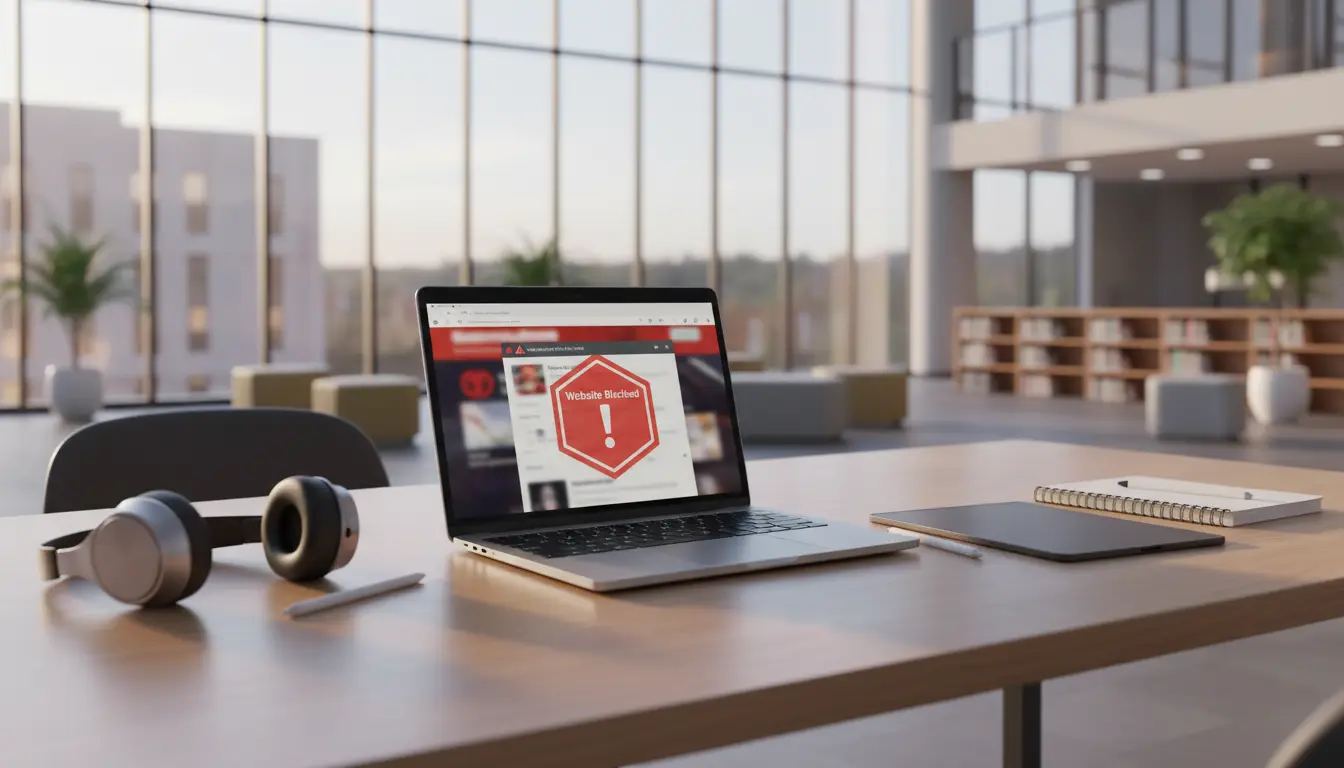
Once you see that unblocked Google+ usually points to old links, copied pages, or mixed-up Google services, the next step is understanding why access gets blocked at all. In many cases, the network is not blocking “Google+” by name. It is blocking categories like social sites, games, forums, unknown pages, or risky redirects. Managed Chrome and ChromeOS settings can block broad groups of URLs or allow only approved ones, and many public networks also use sign-in gates before normal browsing starts.
Common reasons behind school, workplace, and public Wi-Fi blocks
Schools often block pages to cut distraction and lower security risk. A student may search unblocked Google+ thinking the old platform is blocked, when the real problem is that the network filters game pages, forum threads, or redirect-heavy sites. Workplaces often do something similar to protect company devices, bandwidth, and internal data. On public Wi-Fi, the problem can be even simpler. A page may look blocked when the network is really waiting for a sign-in or terms page first.
How category filters and admin policies affect access
A lot of filtering works by category, not by one exact website. Modern URL filtering tools can sort pages by category and reputation, then allow or block them under network policy. That means an archived reference, an unofficial mirror, and a real Google service may all be treated differently on the same network. This is why people trying to browse unblocked sites safely should first figure out whether they are facing a category block, a device policy, or just a network login step. That is a big part of learning how to access blocked websites safely without making the problem worse.
Privacy, phishing, and policy risks users often miss
The bigger mistake is assuming that every “unblocked” page is worth trusting. Some are just copies or redirect pages built to capture traffic from old search terms, and that brings real mirror sites security risks. Others push fake buttons, downloads, or login prompts. There is also a rules issue. Many schools and workplaces set clear limits on what users can open on their networks, so bypassing those limits may create a policy problem, not just a technical one. In many real situations, safe alternatives to Google+ or other approved services are the smarter choice.
How to Check What Is Actually Being Blocked
After looking at network rules and risk, the next step is simple: find out what is actually failing. With unblocked Google+, the problem may come from the network, the browser, or the page itself. A site can look blocked even when the real issue is a bad link, a login gate on public Wi-Fi, or a page that no longer exists. Google’s Chromebook help notes that errors like ERR_NAME_NOT_RESOLVED can point to a bad address or a site that is down, not just a network block.
How to tell whether the issue is the network, browser, or destination site
A quick way to narrow it down is to try the same page on another device or another network. If the page fails everywhere, the destination site may be down or gone. If it works elsewhere, the problem is more likely tied to your current network or device. Public Wi-Fi can also confuse people here, because some networks hold traffic until you reach the sign-in page first. On ChromeOS, that sign-in page is known as a captive portal.
Checking DNS, firewall, and browser warning signs
The browser itself often gives useful clues. If you see a name error, the address may be wrong or the domain may not resolve. If you get repeated redirect loops, a bad setup or broken redirect path may be the cause. If the page opens only after a network sign-in, then the issue was not really the site. It was the network gate. For people trying to browse unblocked sites safely or learn how to access blocked websites safely, these small signs matter because they help you avoid random fixes that do not match the real problem.
When access problems come from dead links rather than restrictions
Sometimes nothing is being blocked at all. The page is just dead. That is especially common with unblocked Google+ because many old links now lead to missing or removed content. A 404 Not Found response means the server cannot find the page, while 410 Gone is used when a resource has been permanently removed. In real use, that means a copied Google+ link may fail not because your school or office blocked it, but because the page is no longer there. In that case, chasing random mirrors is risky. Looking for safe alternatives to Google+ is usually the better path than clicking unknown copies with possible mirror sites security risks.
Safer Ways to Reach Legitimate Content
Once you know the problem is real, the safer move is not to chase every page that mentions unblocked Google+. It is better to focus on legitimate content and supported services. In many cases, the safest path is to avoid random copies and look for a real archive, an official Google product, or a cleaner replacement. That is how people can approach unblocked sites safely without turning a simple access problem into a security problem.
Using browser-based tools carefully and within policy
Browser tools can help with normal troubleshooting, but they should be used carefully and within the rules of the network you are on. A good first step is to keep Chrome updated and leave Safe Browsing protections on, since these tools help flag dangerous pages, downloads, and extensions. If a page only works after you sign in to public Wi-Fi, that is very different from trying to force open a blocked destination. For people learning how to access blocked websites safely, that difference matters.
Accessing archived references and official Google services
If you are trying to revisit old Google+ material, a web archive is usually safer than an unknown mirror page. The Wayback Machine lets users look up archived versions of websites by URL and date range, which is much more reliable than clicking random “unblocked” pages. If what you really want is a current Google community tool, official Google services now point to Chat and Spaces inside Google Workspace, not Google+. This is one reason safe alternatives to Google+ are often a better fit than hunting for copied pages.
When a safer alternative is better than forcing access
Sometimes the safest answer is to stop trying to open the old link at all. For example, if a school or office network blocks a page full of redirects, old embeds, or unknown downloads, forcing access may only raise the chance of scams or other mirror sites security risks. In that situation, using a trusted archive, a supported Google service, or another verified community platform is usually smarter. With unblocked Google+, the better result is often not getting the old page to load. It is finding the real content you needed in a safer place.
Better Alternatives to Google+ in 2026
Once you stop treating unblocked Google+ as a live platform, the next step becomes much easier. The real goal is not to force open an old name. It is to find the right place for the content or community you actually want. In many cases, safe alternatives to Google+ are more useful, more stable, and much safer than chasing old links or mirror pages. Google’s own help pages now point group discussion and community-style collaboration to Spaces in Google Chat, not Google+.
Google Chat Spaces for organization-based communities
For work, school, and team discussion, Google Chat Spaces is the clearest replacement inside Google’s ecosystem. Google describes Spaces as a place to communicate with a group around a topic, project, or shared interest. That makes it a much better fit for modern collaboration than trying to recover old Google+ pages. For example, if someone searched unblocked Google+ because they wanted a group discussion area for a class or club, a Space is the more realistic answer today.
Public forums, hobby communities, and trusted game portals
If the goal is not work chat but public discussion, hobby content, or browser-based entertainment, then the better option is usually an active forum or a trusted portal in that niche. This matters because many old Google+ searches now lead to dead pages, copied pages, or low-quality hubs. A healthy alternative should have clear ownership, working navigation, updated content, and no strange redirect chains. That is one of the safest ways to browse unblocked sites safely without falling into old-brand traps.
How to choose an alternative without adding security risk
A safer option should do three things well. It should be active, easy to verify, and free of suspicious behavior. If a page pushes fake buttons, asks for odd downloads, or sends you through repeated redirects, leave it. That is where mirror sites security risks often begin. In real use, someone trying to learn how to access blocked websites safely may be better off using a supported Google service, a known archive, or a trusted community site than clicking another “unblocked Google+” copy. In other words, the best alternative is usually the one that helps you reach the real content without adding new risk.
A More Controlled Way to Manage Access and Accounts
When old unblocked Google+ searches lead to archived pages, public communities, or multiple account logins, a more controlled browser setup can be safer than using one regular browser for everything. For users handling this kind of work in DICloak, it is easier to keep different sessions separate, assign different proxies, and stop several accounts from overlapping on one device.
- Use isolated profiles to keep sessions separate: In DICloak, different accounts and sites can be placed in separate browser profiles, so cookies, logins, and browser fingerprints do not mix together. This is useful for social media work, account research, and any task where one messy browser session can create confusion or account conflicts.

- Match each profile with its own proxy: In the same setup, different proxies can be assigned to different profiles instead of sending all traffic through one shared connection. This makes account separation, regional access, and troubleshooting much easier, especially when several accounts need stable but different network conditions.

Frequently Asked Questions about Unblocked Google+
Is unblocked Google+ still available in 2026?
No. Google+ is no longer a live consumer platform. Today, unblocked Google+ usually means old links, archived pages, or copied content.
Why do people still search for unblocked Google+?
Old platform names often stay in search for years. Many users still remember Google+ or find the term in old blogs, forums, and bookmarks.
Is it safe to use mirror sites for unblocked Google+?
Not always. Some mirror pages can lead to redirects, fake buttons, or unsafe downloads.
How can I check unblocked Google+ content safely?
First, check whether you are opening an archive, a real service, or a copied page. Trusted archives and official services are usually safer than random links.
What are the best alternatives to unblocked Google+ in 2026?
For group discussion, Google Chat Spaces is a stronger option. For public content, active forums and trusted community sites are usually better choices.
Conclusion
In 2026, unblocked Google+ is usually not about opening a live Google+ platform, because the service is no longer active for consumers. Most searches now point to old links, archived pages, copied content, or other web pages that still use the old name. That is why it is important to understand what the search really means before clicking anything.
A safer path is to check whether the problem comes from the network, the browser, or a dead link, instead of trusting random “unblocked” pages. In many cases, official Google services, trusted archives, active community platforms, or a more controlled browser setup are better choices than chasing risky mirror pages or unsafe redirects.
 Web Proxy Tools
 Free Tools
 Cookie Plugin
 UA Generator
 MAC Address Generator
 IP Generator
 IP Address List
 2FA Code Generator
 World Clock
 Anonymous Check
 WebRTC Leak Test
 UUID Generator
 Free Web Proxy Site
 Proxy Checker
 FB Ad Checker
 AI Web Scraping
 Free SMM Tools
 Twitter Shadowban Checker
 Instagram Name Checker
 UTM Generator
 Username Generator
 AI Hashtag Generator
 LinkedIn Headline Generator
 Social Media Image Resizer