Managing multiple Snapchat accounts often feels like a smooth process until, without warning, one profile is restricted or banned. This is rarely a random event; it's a chain reaction triggered by hidden connections like a shared IP address or a recycled device fingerprint. Once the platform links one account to another, the rest are at risk.
A high-quality Snapchat proxy is the fundamental solution to this problem. It acts as a shield, breaking these hidden connections by assigning each account its own separate, clean digital identity. This guide will walk you through the top proxy options available, ensuring you can keep your accounts stable, safe, and independent.
Why Do You Need a Snapchat Proxy for Multiple Accounts?
The core problem a Snapchat proxy solves is account linkage. Snapchat's platform is designed to detect and connect accounts that originate from the same IP address or share a similar digital fingerprint. When one of your accounts is flagged for any reason, all other profiles associated with that same digital signature are immediately put at risk of being banned. A proxy breaks these connections, isolating each account so that an issue with one doesn't affect the others.
How Snapchat Links Your Accounts
Snapchat uses several signals to connect accounts operated by a single user. Understanding these is key to avoiding detection.
- Shared IP Address: This is the most obvious red flag. If multiple accounts are accessed from the same IP, Snapchat can easily identify them as being related.
- Overlapping Device Fingerprints: Your browser and device have unique characteristics that create a "fingerprint." If multiple profiles share the same fingerprint, they are flagged as connected.
- Suspicious Login Patterns: Logging into several accounts in quick succession from the same device and network setup appears unnatural and can trigger security alerts.
The Top 5 Snapchat Proxy Solutions for 2026
Here is a curated list of the best proxy solutions designed to help you manage multiple Snapchat accounts safely and effectively.
1. DICloak: A Proxy-Compatible Browser for Snapchat Account Isolation
DICloak is a professional antidetect browser designed to work alongside Snapchat proxy.
Many users assume that changing an IP address is enough to manage multiple Snapchat accounts. In reality, Snapchat tracks much more than IPs. Browser fingerprints, device signals, cookies, WebRTC data, and login behavior are all used to link accounts.
This is where DICloak becomes essential. It creates fully isolated browser profiles, each with a unique browser fingerprint that matches the assigned proxy. When combined with residential or mobile Snapchat proxy, DICloak helps ensure that each account appears as a isolated, real user device.
For agencies, marketers, or teams running multiple Snapchat accounts, DICloak acts as the control layer that prevents proxy reuse, fingerprint overlap, and cross-account detection — risks that proxies alone cannot solve.

Key Features
- Manage 1,000+ Accounts on One Device: Stop wasting money on extra hardware! DICloak allows you to manage multiple accounts on a single device, cutting costs and boosting efficiency.
- Guaranteed Account Safety, No Ban Risks: Every account gets its own isolated browser profile with custom fingerprints and IPs, drastically reducing the risk of bans. Your accounts, your control!
- Flexible Proxy Configuration for Maximum Performance: Seamlessly integrate with all major proxy protocols (HTTP/HTTPS, SOCKS5) and manage your proxy pool with bulk operations. No more struggling with IP management—DICloak has you covered.
- Streamlined Team Collaboration for Better Results: Easily manage your team with advanced tools like profile sharing, permission settings, data isolation, and operation logs. Your team works smarter, not harder.
- Automate the Grind with RPA: DICloak's built-in RPA saves you hours of manual work. Automate repetitive tasks, streamline workflows, and focus on what really matters—growing your business.
- Powerful Bulk Tools to Scale Your Operations: Create, import, and launch multiple browser profiles in one click. DICloak makes scaling your business as easy as it gets.
- Compatible with All Major Operating Systems: Based on the Chrome core, DICloak supports simulating Windows, Mac, iOS, Android, and Linux operating systems. No matter what platform you need, DICloak has you covered.
🔗 Ready to Get Started?
Visit the DICloak website to explore more details and choose the plan that’s right for you. Start for free today and experience the power of secure, efficient, and scalable multi-account management!
2. NodeMaven: Best for Clean IP Quality
NodeMaven is a provider that focuses on delivering high-quality, clean IPs. Its real-time IP Quality Filter is a key differentiator, proactively removing suspicious addresses from the pool before they can be assigned to your account and trigger a surprise ban. This is crucial for avoiding issues during critical activities like posting content or warming up new accounts. Its long sticky sessions help maintain a consistent identity, while the traffic rollover feature ensures unused data carries over to the next month, adding value.
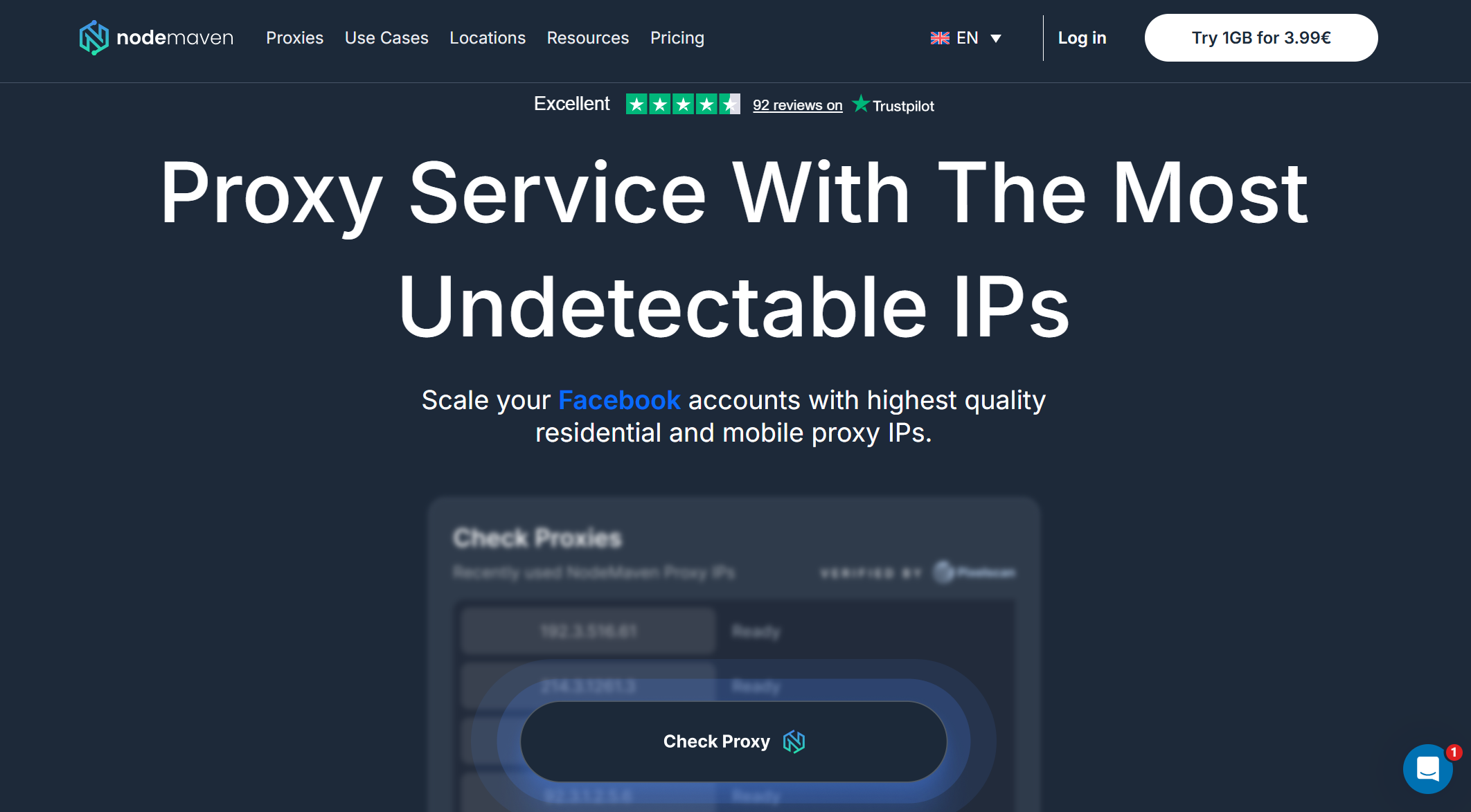
Key Features
- Real-time IP Quality Filter
- Long sticky sessions
- Traffic rollover
- Geo-targeting capabilities
- Simple dashboard and quick support
3. Decodo: Best Lightweight Option
Decodo is a suitable option for users who need basic stability without needing complex controls or advanced features. Its static IPs are effective for holding sessions longer, which can help prevent flags from frequent identity switches. For shorter, quicker tasks, its rotating IP pool works well. With decent speed and support for unlimited threads, it's a solid choice for managing a smaller number of accounts without high-volume demands.
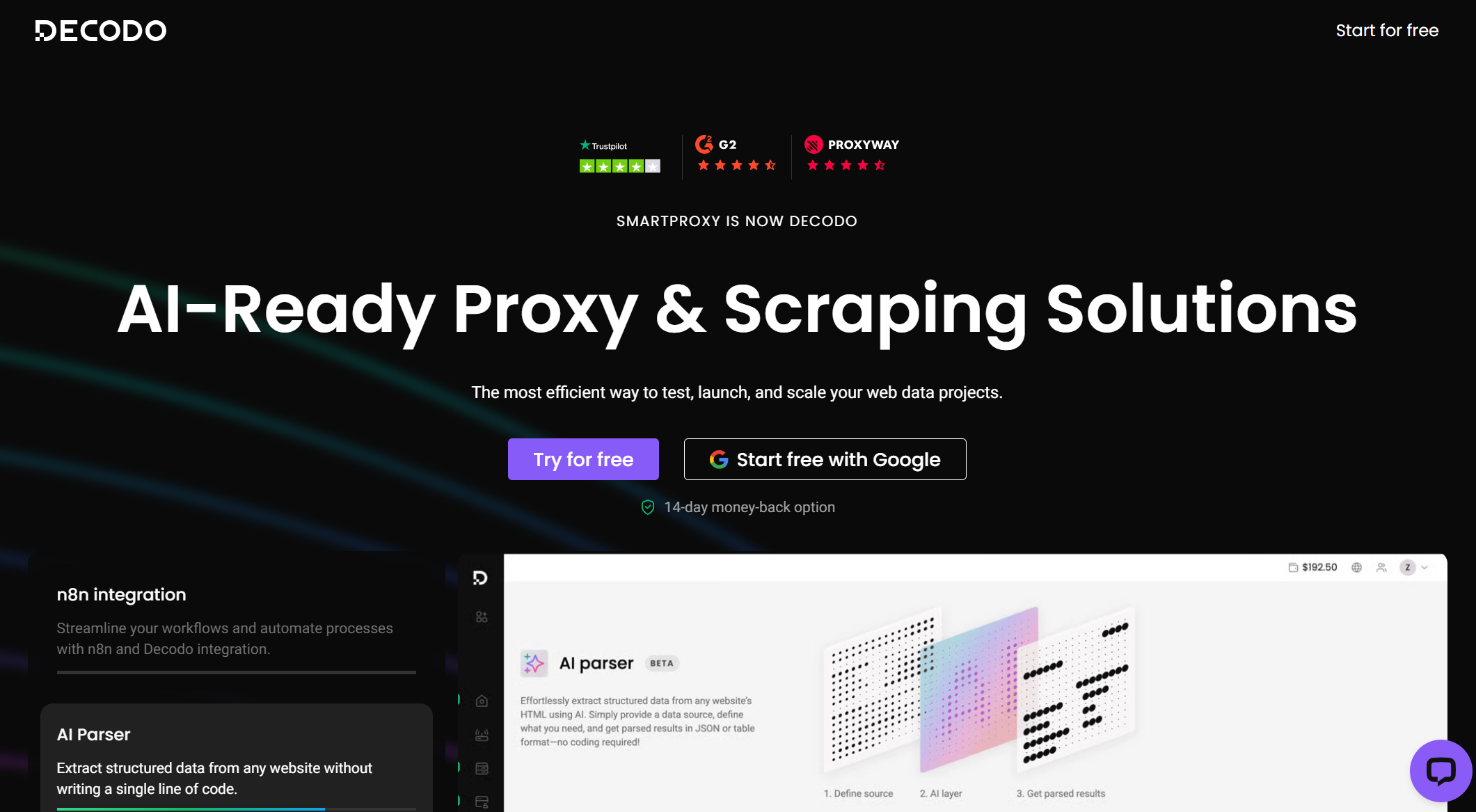
Key Features
- Static IPs for longer sessions
- Rotating IPs for quick tasks
- Unlimited threads
- City-level targeting
- Fast response times
4. Oxylabs: Best for Heavy Workloads
Oxylabs is a powerful solution designed for heavier workloads and users who require strict location control. It offers deep targeting options, including city, ZIP code, and ASN, making it ideal for accounts that must appear to be from a very specific area. The IP quality is solid, and its infrastructure is built for high stability. While powerful, its extensive features might be more than what an average multi-account user needs for basic Snapchat management.
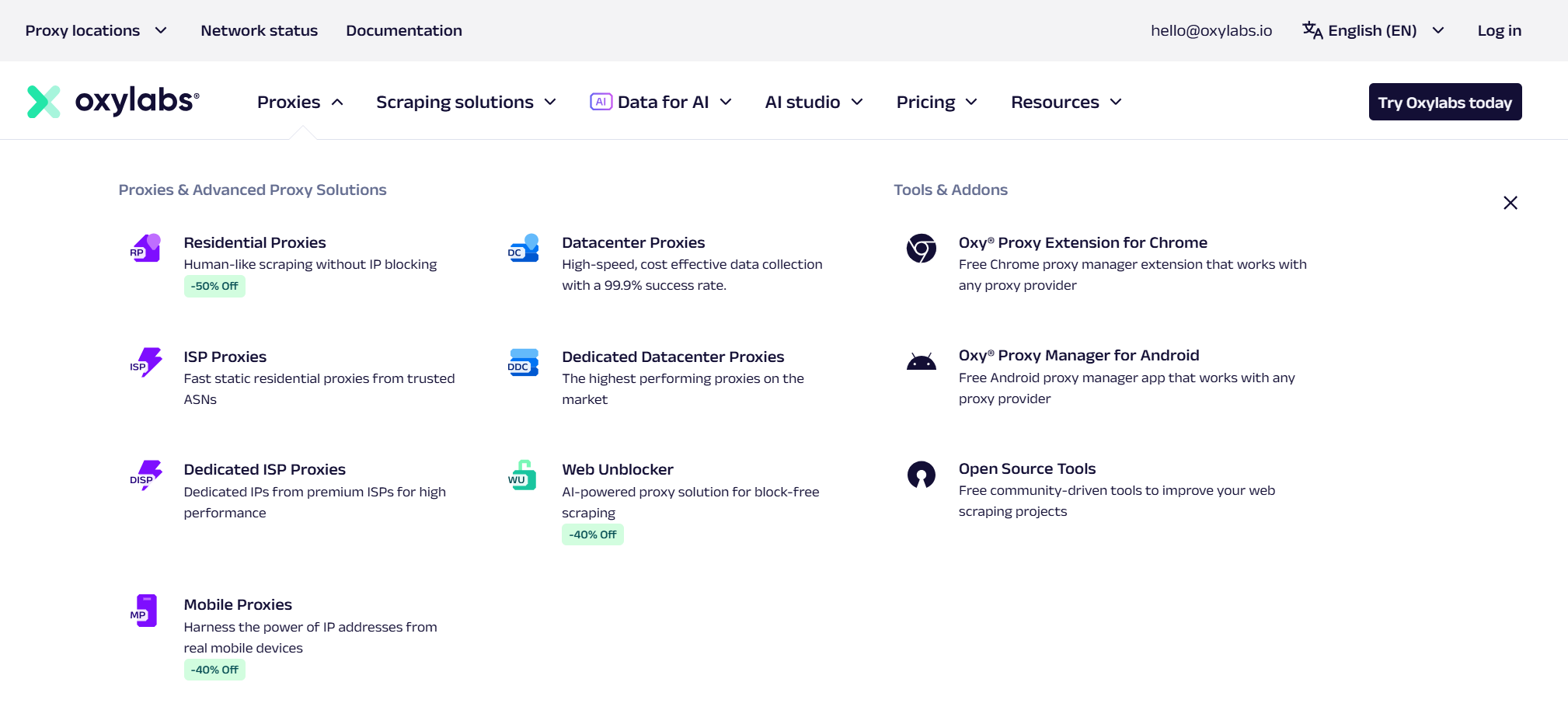
Key Features
- Detailed targeting (ZIP, ASN, city)
- Filtering for unstable IPs
- High-stability infrastructure
- Usage dashboard
5. IPRoyal: Best for Basic Stability
IPRoyal is a simpler choice for managing just a few Snapchat accounts. A key feature is its dedicated residential IPs, which provide an address that no one else uses. This is particularly useful for starting fresh with a clean slate after a previous ban. Its traffic does not expire, which is a bonus during periods of low activity, and its rotation settings are flexible, giving you control when warming up new profiles.
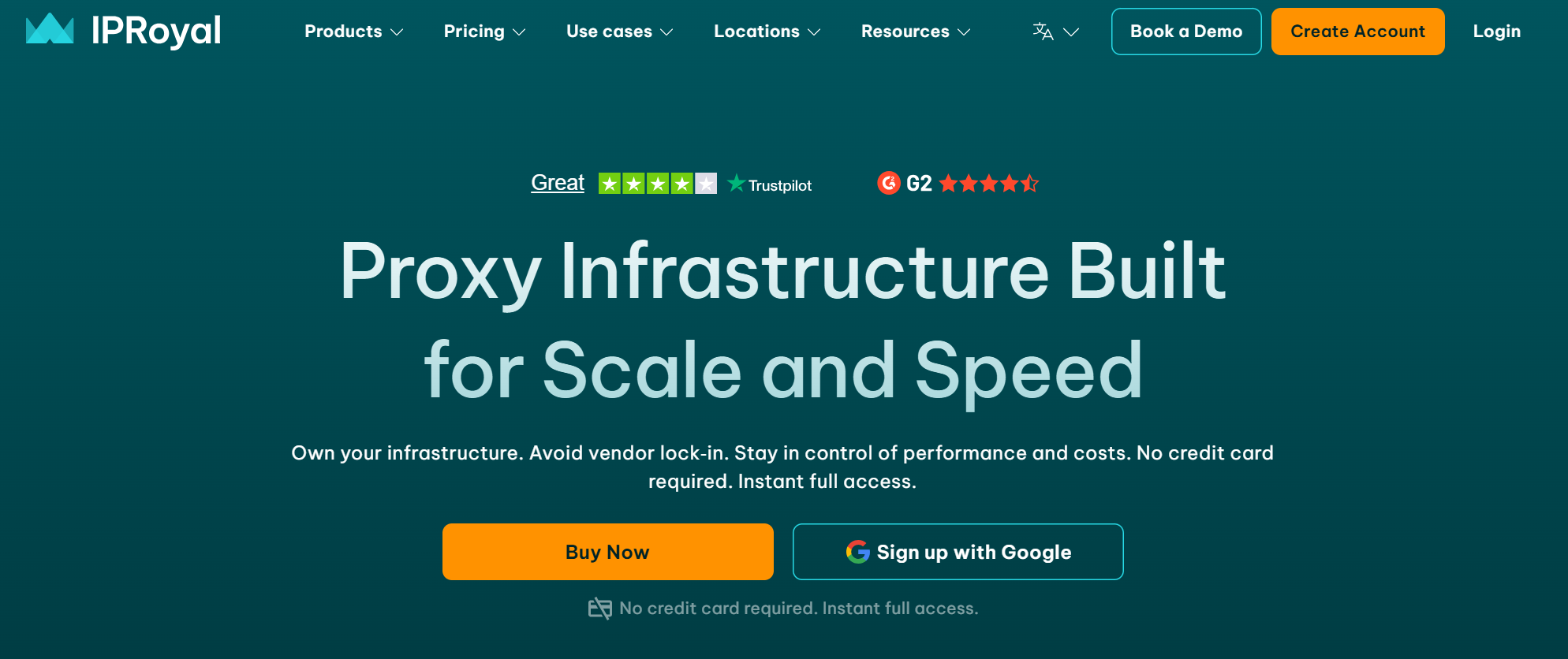
Key Features
- Dedicated residential IPs
- Traffic with no expiration
- Longer IP retention
- Flexible rotation settings
- API access for simple integrations
How to Choose the Right Snapchat Proxy
Selecting the right proxy prevents bans, while the wrong one can accelerate them. The choice you make can be the difference between steady growth and constantly having to rebuild your accounts from scratch.
What to Look For in a Snapchat Proxy
- Clean Residential IPs: Prioritize IPs with a good trust history. Recycled or abused IPs will get your accounts flagged almost immediately.
- Sticky Sessions: Frequent IP changes are a major red flag for Snapchat, making an account look like a bot. Long, consistent sessions are critical for making account behavior look natural, especially during warm-ups and posting. This mimics real human behavior and is essential for building account trust.
- No IP Sharing: The safest rule is to assign one unique proxy to each account. Never share an IP between profiles.
- Location Targeting: This is useful for managing accounts that need to appear to be from a specific city or region.
- Fast Response Times: A fast proxy helps an account behave like a real user, avoiding the lag and unnatural delays that can trigger suspicion.
- Easy Management: A user-friendly dashboard that lets you assign and isolate IPs for each account is essential for staying organized and secure.
Real-World Use Cases for a Snapchat Proxy
A Snapchat proxy is an essential tool for a wide range of professional activities that require managing multiple accounts without creating detectable links.
Common Scenarios
- Managing Multiple Client or Business Accounts: Agencies can run all their client accounts from a single dashboard without risking cross-contamination if one account is flagged.
- Growing Theme Pages: You can keep niche community accounts completely separate, ensuring the safety and longevity of your entire portfolio.
- Account Warm-Up: Using stable, residential IPs is critical for building trust and credibility for new profiles over time.
- Location-Specific Content: Proxies allow you to post content as if you are in a specific city or region, which is ideal for local marketing or testing.
- Avoiding Accidental Bans: A dedicated proxy for each account prevents accidental IP jumps (e.g., switching from Wi-Fi to cellular) from flagging your accounts.
- Reducing bans caused by IP jumps or recycled addresses: Using a consistent, clean proxy eliminates the risk of being assigned a flagged IP from a public network or a low-quality service.
How a Faulty Snapchat Proxy Can Lead to Bans
Using a low-quality or free proxy is often worse than using no proxy at all. These services typically provide recycled or abused IPs that are already on platform blacklists. This means your account is at risk before you even log in. Snapchat's systems will immediately recognize the suspicious IP, and your account will likely be flagged or banned without any other warning signs. This reinforces the importance of investing in a reputable provider with a history of clean IPs.
Setting Up Your Snapchat Proxy for Success with DICloak
An integrated solution greatly simplifies the process of setting up and managing proxies. With a tool like DICloak, the proxy network and the browser profile are already configured to work together seamlessly. The system automatically assigns a unique, clean IP to each unique browser profile you create. This eliminates any chance of accidental overlap and removes the technical guesswork, allowing you to focus on managing your accounts safely.
Conclusion
The cycle of building and losing Snapchat accounts is almost never about your content; it is about invisible digital connections, such as a shared IP address or a reused browser fingerprint, that trigger a chain reaction of bans when using an unstable Snapchat proxy setup.
While a standalone Snapchat proxy can solve the IP problem on the surface, an integrated platform like DICloak eliminates the deeper risks by synchronizing a clean Snapchat proxy IP with a unique browser profile. This approach goes beyond a temporary fix. It is a complete, preventative system designed to ensure every account using a Snapchat proxy appears genuinely independent. This is how you break the cycle of rebuilding banned accounts and give your Snapchat profiles the long-term stability they need to grow.
Frequently Asked Questions about Snapchat Proxy
Do I need a Snapchat proxy for multiple accounts?
Yes. Without a Snapchat proxy, all your Snapchat accounts share the same IP address and device signals. Snapchat interprets this behavior as a single entity. As a result, if one account is restricted, the others are likely to be banned as well. A Snapchat proxy gives each profile its own separate online identity.
Can Snapchat detect a proxy?
Snapchat does not detect or ban accounts simply for using a Snapchat proxy. Instead, Snapchat flags suspicious activity, low-quality proxies, or blacklisted IP addresses. High-quality residential Snapchat proxy services, such as those integrated with DICloak, make accounts appear as natural and distinct users, significantly reducing detection risk.
What is the safest type of proxy for Snapchat?
Residential Snapchat proxy services with long sticky sessions are considered the safest option. They closely mimic real home internet connections, which helps new or fragile Snapchat accounts build trust and survive the critical warm-up period when using a Snapchat proxy.
What else should I consider when using a Snapchat proxy?
Using a Snapchat proxy is only part of staying safe. Each Snapchat account also requires its own isolated browser profile. If browser fingerprints, cookies, local storage, or WebRTC data are reused across accounts, Snapchat can still link them—even when different Snapchat proxy IPs are used. To reduce this risk, every Snapchat proxy should be paired with a dedicated browser profile so each account appears as a completely separate user.
How many Snapchat accounts should I use per proxy?
The safest rule is one Snapchat proxy per account. Sharing a single Snapchat proxy IP between multiple accounts creates an immediate and obvious link between them. Platforms like DICloak simplify Snapchat proxy management by automatically assigning a separate IP address and browser fingerprint to each profile.
 Web Proxy Tools
 Free Tools
 Cookie Plugin
 UA Generator
 MAC Address Generator
 IP Generator
 IP Address List
 2FA Code Generator
 World Clock
 Anonymous Check
 WebRTC Leak Test
 UUID Generator
 Free Web Proxy Site
 Proxy Checker
 FB Ad Checker
 AI Web Scraping
 Free SMM Tools
 Twitter Shadowban Checker
 Instagram Name Checker
 UTM Generator
 Username Generator
 AI Hashtag Generator
 LinkedIn Headline Generator
 Social Media Image Resizer