For marketers, global brands, and privacy-conscious individuals, a core conflict has emerged: Snapchat officially limits users to two accounts per device, yet the need for more is rapidly growing. The demand to separate personal life from business, manage distinct brand identities, and tailor content for diverse audiences has made this limitation a significant hurdle. This guide will explore the strategic reasons for needing multiple Snapchat accounts, detail the serious risks involved with common workarounds, and present a secure, efficient solution based on firsthand experience and testing.
Why You Need Multiple Snapchat Accounts
In today's digital landscape, the ability to manage multiple Snapchat accounts is no longer a niche requirement but a necessary tactic for effective global marketing and robust personal privacy. Whether you are a multinational corporation engaging with diverse customer bases or an individual safeguarding your personal data, operating distinct accounts for different brands, e-commerce stores, or regions is a cornerstone of a sophisticated digital strategy.
Manage Global Brands
Multinational companies require distinct Snapchat profiles to tailor marketing content for different languages, regions, and product lines. A one-size-fits-all approach is ineffective in a global marketplace. By creating separate accounts, brands can connect with specific customer segments on platforms like Snapchat, Facebook, and Instagram based on critical demographics like language and location, ensuring their messaging is relevant and impactful. This strategy allows them to build stronger, more localized community connections.
Deal With Privacy Concerns
The need to separate personal and business online identities has never been more critical. Using a single account for both professional and private life exposes personal information and blurs boundaries, creating potential security vulnerabilities. Operating multiple accounts is a fundamental step toward protecting your personal privacy while effectively managing professional or customer-facing engagement. It creates a necessary firewall between your public brand and your private life.
However, managing these essential accounts comes with a unique set of challenges and platform-specific restrictions.
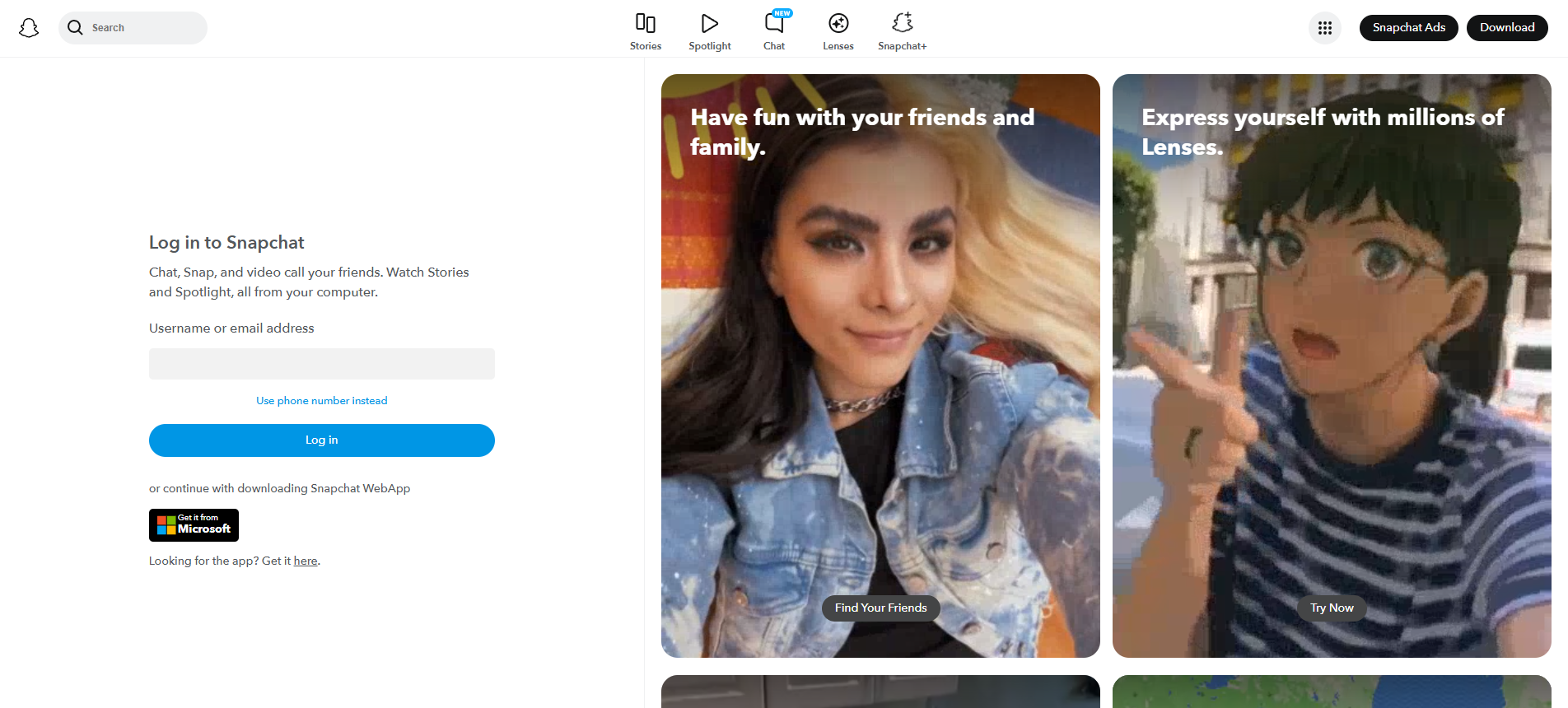
The Challenges of Managing Multiple Snapchat Accounts
While the strategic need for multiple Snapchat accounts is clear, users face significant obstacles from both the platform's stringent rules and major logistical hurdles. These challenges often make traditional management methods inefficient and risky, highlighting the necessity for a more advanced, specialized solution.
Snapchat Restrictions: Why You Can't Use Third-Party Apps
Snapchat's official stance against unauthorized applications is firm, specifically prohibiting third-party apps that attempt to access their services and discouraging the use of on-device App Cloners (e.g., Parallel Space, 2Accounts) which can pose security risks. According to Snapchat's Terms of Service, the company can terminate or suspend accounts that "attempt to access the Services through unauthorized third-party applications." This policy makes most app-cloning methods a direct violation of the rules, putting your accounts at immediate risk of suspension or a permanent ban.
Switching Between Accounts: A Laborious and Time-Consuming Process
Even within Snapchat's official two-account limit, a user can only be active in one account at a time. For social media managers or agencies handling numerous profiles, the repetitive "log out and log in" process is a significant drain on productivity. This constant switching is not only tedious but also introduces delays in response times and content posting, significantly reducing operational efficiency.
These challenges often lead users to try other workarounds, but as we'll see, these methods carry their own significant flaws.
Common but Flawed Methods for Creating Multiple Accounts
In an attempt to bypass Snapchat's limitations, many users turn to common but ultimately unsafe or impractical methods. These approaches serve as cautionary examples, highlighting the critical importance of choosing the right tools that prioritize both security and efficiency.
- Using Multiple Devices: While technically possible to create one account per device, this approach is extremely expensive, tedious, and impractical for managing a large number of accounts. The cost of purchasing and maintaining dozens of phones or laptops, along with the logistical nightmare of keeping them organized, makes this solution completely unscalable for any serious business.
- Using Chrome Profiles: Some users attempt to create separate Chrome profiles for each account. This is an unwise approach due to the significant security risks posed by potential browser vulnerabilities and malicious extensions. Without proper isolation technology, these profiles can leak data and digital fingerprints. This leakage allows platforms like Snapchat to easily cross-reference the profiles, identify them as belonging to a single user, and issue a mass ban on all associated accounts.
Given these risks and inefficiencies, a more robust and secure technology is required to manage multiple Snapchat accounts professionally.
The Best Solution: Using DICloak for Multiple Snapchat Accounts
After navigating the pitfalls of flawed workarounds, it's clear that multi-account browsers are the superior solution. Based on extensive hands-on evaluation, I recommend DICloak as the most effective tool for this purpose. After personally testing multiple workarounds, I can confirm that DICloak is the most robust tool for this purpose. It not only protects your accounts, data, and privacy but also masterfully avoids detection by social media platforms by creating completely separate and unique browsing environments for each account, making them appear as if they are being run from different devices.
Analysis of DICloak's Core Advantages
DICloak offers a suite of features designed to make multi-account management seamless and secure.
- Avoid Bans and Suspicious Logins: DICloak creates a unique browser fingerprint (including details like screen resolution, operating system, and fonts) and manages IP addresses for each profile. This prevents social media platforms from detecting that multiple accounts are being operated from the same computer, dramatically reducing the risk of bans.
- Simplify Team Collaboration: The platform allows you to share account access securely with team members without sharing passwords. This feature streamlines workflows for marketing agencies and businesses, allowing different employees to manage specific brand accounts safely.
- Enable Remote Access: With DICloak, your accounts are accessible from any location. This is crucial for distributed teams or professionals who need to manage client profiles while on the go, without triggering security alerts.
Now, let's walk through the exact steps to get started with DICloak.
Why choose DICloak Antidetect Browsers for your business?
⚡The DICloak Antidetect Browser has become a global favorite for its unparalleled ability to efficiently and securely manage multiple accounts. Designed for professionals in social media management, affiliate marketing, traffic arbitrage, e-commerce, account farming, airdrops, and more, DICloak offers powerful features like RPA automation, bulk operations, and a synchronizer. Additionally, it allows you to customize fingerprints and integrate proxies for each profile, ensuring top-level security and operational efficiency. It’s the ultimate tool for seamless, secure, and scalable operations.

What Makes DICloak Stand Out?
✅ Manage 1,000+ Accounts on One Device: Stop wasting money on extra hardware! DICloak allows you to manage multiple accounts on a single device, cutting costs and boosting efficiency.
✅ Guaranteed Account Safety, No Ban Risks: Every account gets its own isolated browser profile with custom fingerprints and IPs, drastically reducing the risk of bans. Your accounts, your control!
✅ Flexible Proxy Configuration for Maximum Performance: Seamlessly integrate with all major proxy protocols (HTTP/HTTPS, SOCKS5) and manage your proxy pool with bulk operations. No more struggling with IP management—DICloak has you covered.
✅ Streamlined Team Collaboration for Better Results: Easily manage your team with advanced tools like profile sharing, permission settings, data isolation, and operation logs. Your team works smarter, not harder.
✅ Automate the Grind with RPA: DICloak's built-in RPA saves you hours of manual work. Automate repetitive tasks, streamline workflows, and focus on what really matters—growing your business.
✅ Powerful Bulk Tools to Scale Your Operations: Create, import, and launch multiple browser profiles in one click. DICloak makes scaling your business as easy as it gets.
✅ Compatible with All Major Operating Systems: Based on the Chrome core, DICloak supports simulating Windows, Mac, iOS, Android, and Linux operating systems. No matter what platform you need, DICloak has you covered.
🔗 Ready to Get Started?
Visit the DICloak website to explore more details and choose the plan that’s right for you. Start for free today and experience the power of secure, efficient, and scalable multi-account management!
Conclusion: The Smart Way to Manage Your Snapchat Presence
In conclusion, the need to operate multiple Snapchat accounts for business growth and personal privacy is undeniable. However, traditional methods and unauthorized third-party apps are fraught with risks, from inefficiency to outright account suspension. The most powerful, secure, and efficient solution available today is DICloak. By leveraging its advanced technology to create unique browser fingerprints for each profile, DICloak allows you to manage a portfolio of accounts professionally and without the constant fear of detection or bans. By adopting this professional-grade tool, you shift from simply managing accounts to strategically scaling your digital presence, ensuring security and efficiency are at the core of your 2025 operations.
Frequently Asked Questions (FAQ)
Can you have multiple Snapchat accounts?
Yes, you can have more than one Snapchat account. However, Snapchat's official rules require that each account be created with a unique email address and/or phone number.
Can Snapchat ban you for having multiple accounts?
No, simply having multiple Snapchat accounts is not against the rules. However, Snapchat can ban your accounts if you violate their Community Guidelines or Terms of Service, such as by engaging in spam, automation, or other abusive behavior.
How can you have 2 Snapchat accounts on one phone?
You can log in to two separate accounts on one phone by saving their login information for quick switching. You can also manage your active logins within the app's settings under 'Session Management'. Some Android devices also offer a feature called "Dual Apps" or "App Cloning" to run two instances of Snapchat. You should avoid using unauthorized third-party apps for this.
Can people see if you have multiple Snapchat accounts?
Snapchat does not notify others that you have multiple Snapchat accounts. However, people might find your other accounts if you have settings enabled that allow others to find you via your phone number or synced contacts. You can disable these features in your privacy settings.
What is the safest way to create and manage multiple Snapchat accounts?
The safest way is to use a tool that isolates each account's digital identity. An antidetect browser like DICloak is the best option because it creates a unique browser fingerprint and IP address for each profile. This prevents Snapchat from realizing that all the accounts are being managed from the same device, which significantly reduces the risk of bans or restrictions.
 Web Proxy Tools
 Free Tools
 Cookie Plugin
 UA Generator
 MAC Address Generator
 IP Generator
 IP Address List
 2FA Code Generator
 World Clock
 Anonymous Check
 WebRTC Leak Test
 UUID Generator
 Free Web Proxy Site
 Proxy Checker
 FB Ad Checker
 AI Web Scraping
 Free SMM Tools
 Twitter Shadowban Checker
 Instagram Name Checker
 UTM Generator
 Username Generator
 AI Hashtag Generator
 LinkedIn Headline Generator
 Social Media Image Resizer