Why you might be looking for a better Hidemyacc alternative
Many digital marketers start with Hidemyacc because it is accessible and straightforward. It serves its purpose for basic tasks, but as your business grows, you might encounter limitations that threaten your workflow. Whether you are managing ten accounts or a thousand, stability is non-negotiable.
If you are reading this, you have likely faced a sudden glitch or a pricing structure that no longer makes sense for your team. Exploring a reliable antidetect browsers alternative isn't just about saving money; it is about protecting your digital assets from aggressive detection systems.
Common frustrations that drive users away from Hidemyacc
Unexpected account linkage and login failures
The most dangerous moment for any multi-accounting operation is when platforms link your profiles together. This usually happens when your browser fingerprint—the unique digital trace your device leaves behind—leaks real data. Users often look for alternatives after experiencing unexpected "chain bans," where one flagged account drags down the entire network. If the software updates lag behind Chrome or Firefox security changes, your accounts become vulnerable.
Pricing jumps as you add more browser profiles
Scalability is often where budget-friendly tools fail. You might start with a comfortable low-tier plan, but the cost per profile can spike dramatically once you need to add more slots. For a growing agency, these jumps in overhead can eat directly into profit margins, forcing you to look for a more cost-effective solution.
Slow response times when you need technical help
When an ad account is restricted or a login fails, time is money. You cannot afford to wait days for a support ticket response. Many users switch platforms simply to get access to faster, more knowledgeable technical support that understands the urgency of commercial account bans.

What really matters when switching to a new antidetect browser
High success rates for staying under the radar
The core job of any antidetect browser is to make you look like a normal user. The best alternatives invest heavily in keeping their browser cores updated to match the latest versions of Chrome and Firefox. This ensures your digital fingerprint blends in naturally with legitimate traffic, drastically reducing the risk of triggering security algorithms on platforms like Facebook or Amazon.
Ease of moving your existing cookies and profiles
Switching software shouldn't mean starting over. The ability to import your existing cookies is critical. Cookies store your active login sessions, so if you transfer them correctly, the website won't even realize you changed devices. A good alternative will allow you to bulk-import these files so you can pick up exactly where you left off without triggering a "suspicious login" alert.
Pro Tip: Before canceling your current subscription, export all your cookies to a JSON or text file. This ensures you can restore your active sessions in your new browser without needing to re-login and warm up accounts from scratch.
Clear pricing without hidden costs for team members
Some tools advertise a low base price but charge extra for every team member you add. If you run an agency, these hidden fees add up fast. The best alternatives offer transparent pricing where team seats are included or clearly defined, allowing you to budget accurately as your staff grows.
The best Hidemyacc alternatives for every scenario
Finding the right software depends on your specific needs. An agency managing 500 high-value accounts has completely different requirements than a solo affiliate just testing the waters. We have tested the top competitors to help you match your workflow with the right tool.
Below is a quick comparison of the top 6 Hidemyacc alternatives available right now.
| Browser Tool |
Best Use Case |
Starting Price |
| DICloak |
Budget teams needing automation |
$8/mo (20 profiles) |
| AdsPower |
E-commerce automation |
$9/mo (10 profiles) |
| Multilogin |
High-security agencies |
€9/mo (10 profiles) |
| Dolphin{anty} |
Facebook & TikTok ad farming |
$10/mo (20 profiles) |
| Incogniton |
Solo beginners & developers |
$19.99/mo |
| GoLogin |
Remote teams need cloud-based profile management |
$49/mo (50 profiles) |
How we evaluated these Hidemyacc alternatives for 2026
Choosing an antidetect browser is about more than just the monthly subscription cost. We tested these tools based on their ability to keep accounts safe under commercial pressure. Our evaluation focused on three critical technical factors that determine whether an account survives or gets banned.
Consistency in hiding your digital identity
Most tools claim to spoof your fingerprint, but few do it consistently. A browser fingerprint is a collection of data points like your screen resolution, fonts, and hardware specifications. If you claim to be on a Mac but your graphics card renderer says "Windows," detection systems flag you immediately.
We looked for browsers that manage consistency automatically. This means if you select an iOS profile, the browser should naturally adjust the AudioContext and WebGL readouts to match a real iPhone, without you needing to manually tweak settings.
Availability of no-code automation for repetitive tasks
Time is money in affiliate marketing and e-commerce. We prioritized tools that offer no-code automation. This allows you to build simple bots that warm up accounts—visiting sites, scrolling, and clicking—without needing to hire a programmer. Tools that include these "cookie robots" ranked higher because they save hours of manual work every week.
Support for mobile-specific profiles and 5G proxies
Platforms like TikTok and Facebook heavily trust mobile traffic over desktop traffic. An antidetect browser must be able to emulate a mobile environment convincingly. This goes beyond just resizing the window. The software needs to simulate touch events and mobile-specific battery API data. We checked which tools offer genuine Android emulation rather than just a desktop browser pretending to be a phone.
The 6 best Hidemyacc alternatives ranked and reviewed
To help you compare the technical capabilities quickly, here is a breakdown of the core features for each tool.
| Browser |
Automation Type |
Mobile App |
Free Tier Limit |
| DICloak |
RPA Bots |
No |
5 Profiles |
| Multilogin |
Selenium/Playwright |
Yes (Android) |
None |
| AdsPower |
No-code RPA |
No |
2 Profiles |
| GoLogin |
Cloud/API |
Yes (Android) |
Trial Only |
| Dolphin{anty} |
Scenario Builder |
No |
10 Profiles |
| Incogniton |
Selenium |
No |
10 Profiles |
DICloak: The top choice for small agencies needing automation
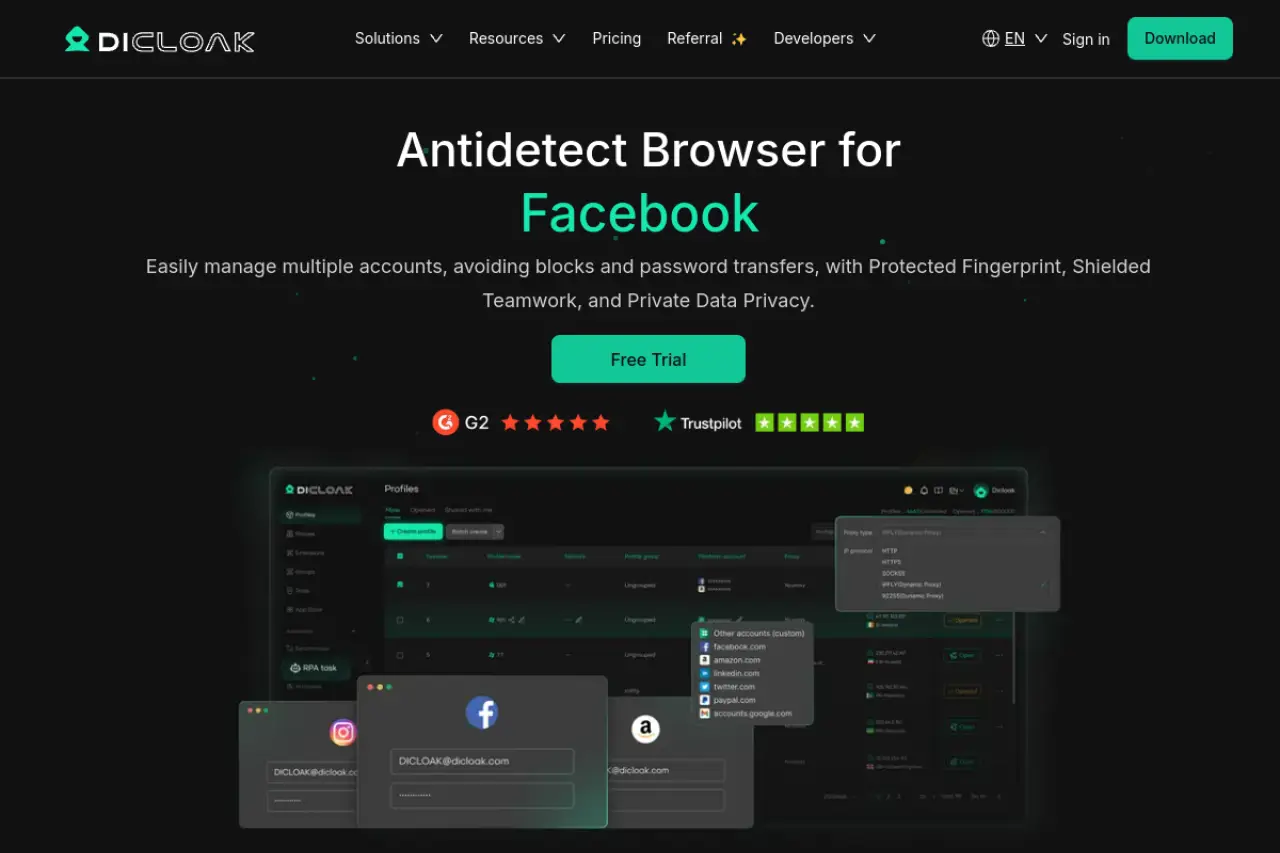
DICloak is a newer antidetect browser that competes hard on value by bundling practical automation and team collaboration into a low-cost entry point. It lets you run truly isolated profiles, so you can manage multiple accounts safely with clearer separation by fingerprint spoofing. For teams, it also adds RPA and Synchronizer, which reduces repetitive work—so you can scale routine tasks without relying on constant manual clicking.
Best for: Small teams that want budget-friendly multi-account management with no-code automation and shared workflows across profiles.
Key Strength: The "Share+" plan offers unlimited team members, which is rare in this industry where usually every seat costs extra.
Key Limitation: Desktop-only support (Windows and macOS).
Pricing: Plans start at just $8 per month. A free plan for 5 profiles is available.
Verdict: A strong budget alternative for teams who need automation.
Multilogin: The premium choice for high-stakes account management
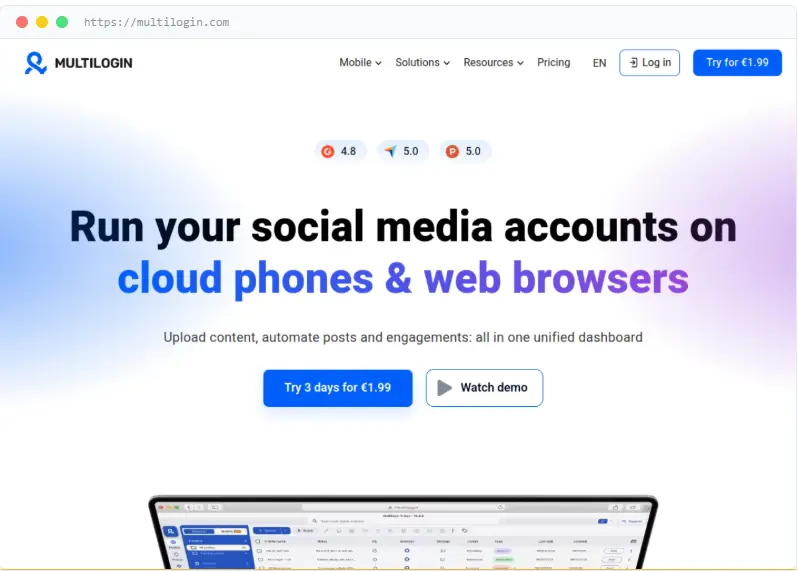
Multilogin is widely considered the gold standard for agencies that cannot afford a single mistake. Unlike other tools that require you to buy proxies separately, Multilogin now includes high-quality residential proxy traffic directly in its plans. This eliminates the risk of bad IP addresses flagging your accounts.
Key Strength: It offers the most advanced mobile emulation on the market. The "Cloud Phone" feature runs actual Android profiles in the cloud, making your activity indistinguishable from a real mobile user.
Key Limitation: It does not offer a free plan, making it a higher barrier to entry for beginners.
Pricing: Plans start at €9 per month for 10 profiles, which includes 1GB of residential traffic.
Verdict: If your accounts are worth thousands of dollars, this is the safest investment.
AdsPower: Choice for e-commerce and large-scale automation
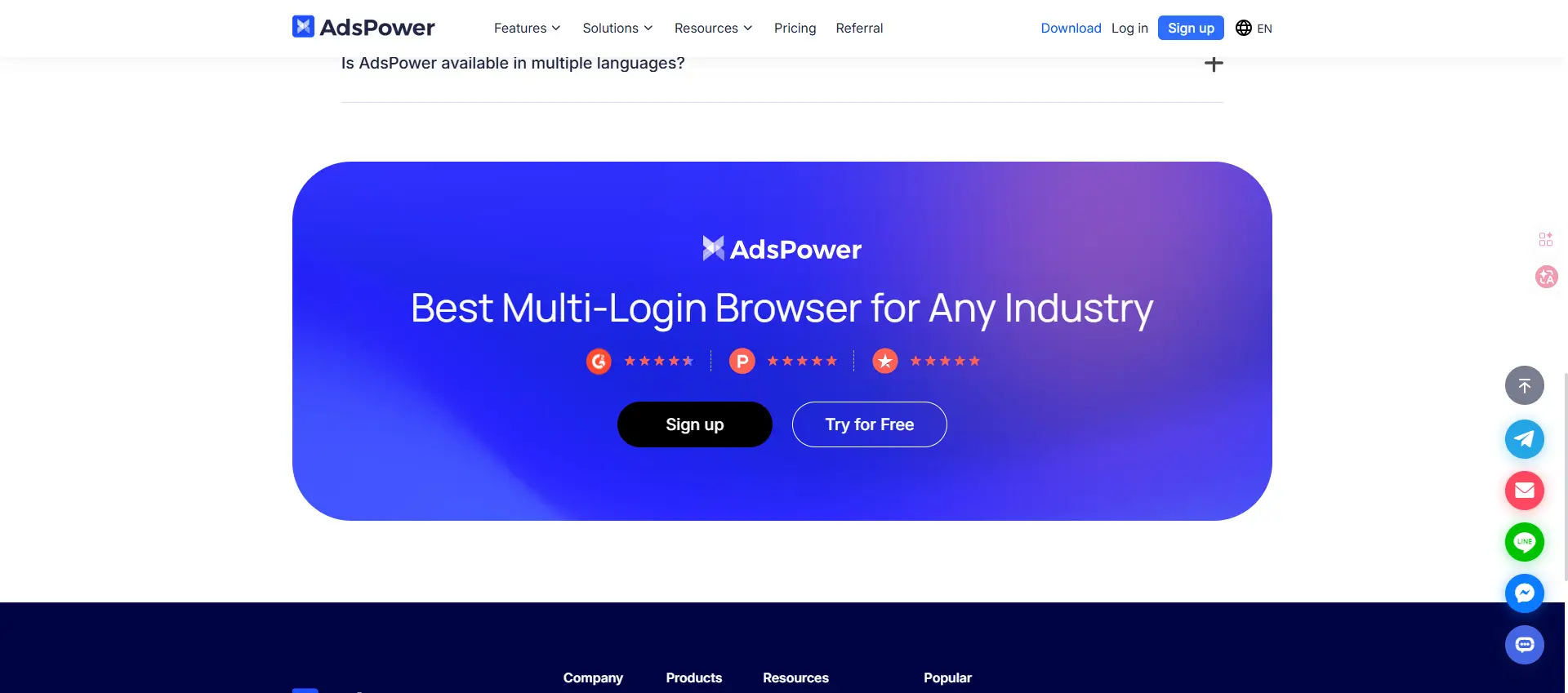
AdsPower excels at brute-force efficiency. It is famous for its RPA (Robotic Process Automation) robot. You can design workflows where the browser automatically opens, logs in to Amazon or eBay, checks orders, and closes, all without human intervention.
Key Strength: The window synchronizer is excellent. You can arrange 10 browser windows on your screen, perform an action in one, and the software replicates it across all others instantly.
Key Limitation: The interface is feature-rich but can be overwhelming for new users who just want simple privacy.
Pricing: Free for 2 profiles. Paid plans start at $9 per month.
Verdict: The top pick for dropshippers and e-commerce managers who need to automate daily tasks.
GoLogin: User-friendly tool for remote teams
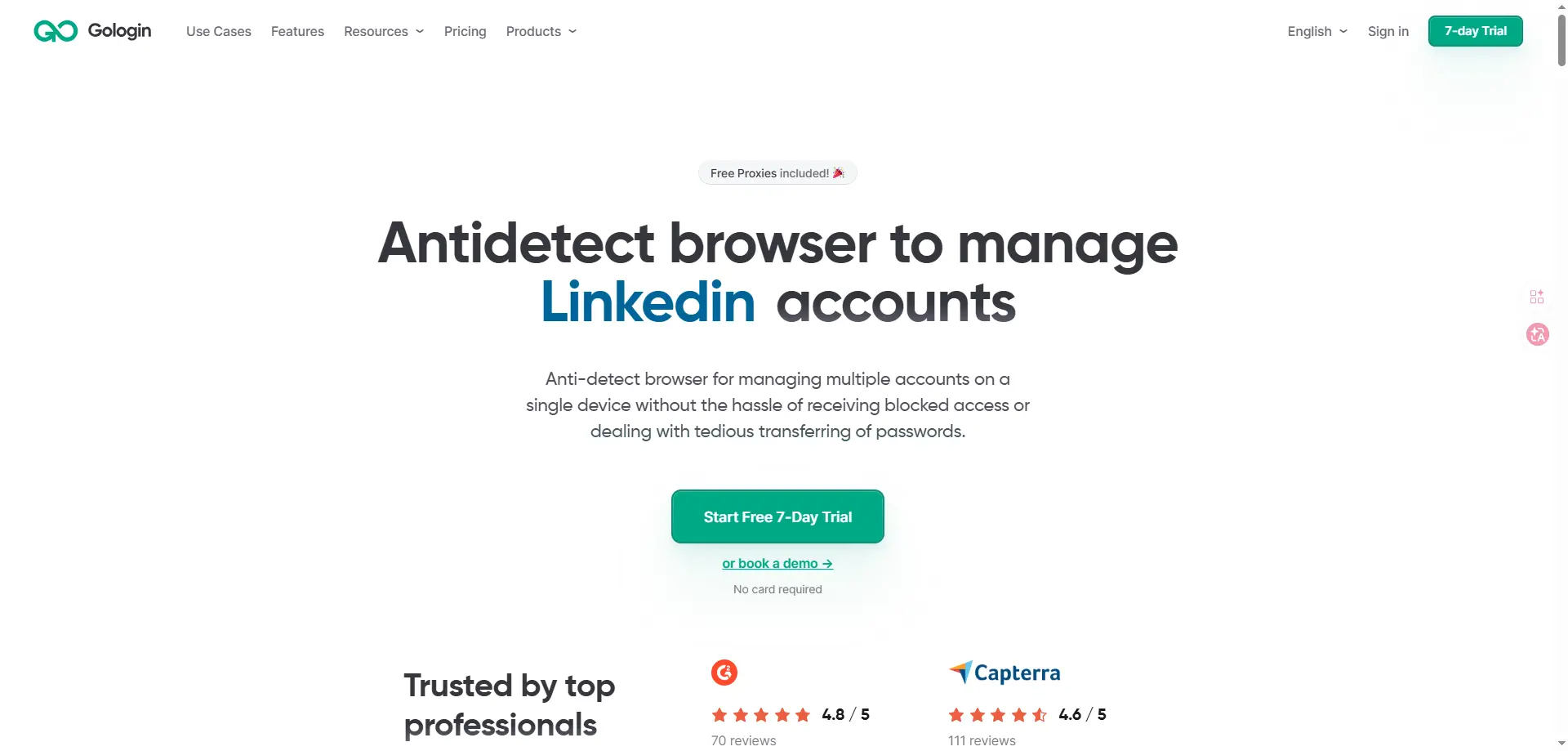
GoLogin focuses on accessibility. It is one of the few antidetect browsers that offers a fully functional web-based version. This means you can run profiles from any computer without installing software, which is perfect for managing remote virtual assistants.
Key Strength: It includes a dedicated Android app, allowing you to manage your fingerprint-protected profiles directly from your phone.
Key Limitation: Advanced users might find the manual fingerprint configuration options less granular than Multilogin.
Pricing: Business plans start around $49 per month for 50 profiles.
Verdict: A great choice if you need to share access with a team spread across different locations.
Dolphin{anty}: The pick for affiliate marketers and ad buyers
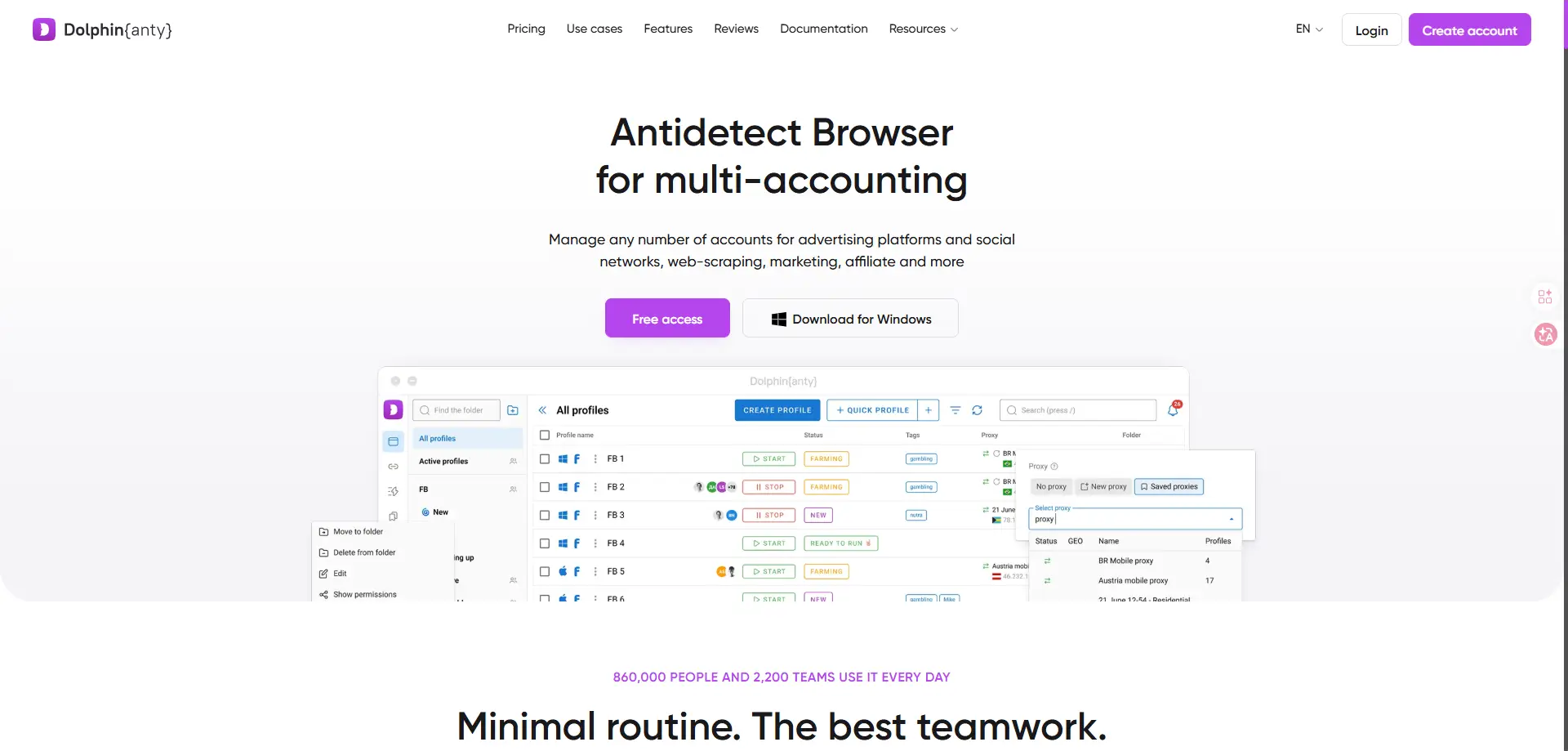
Dolphin{anty} was built by affiliate marketers for affiliate marketers. The interface is designed to help you organize hundreds of ad campaigns. It features a visual "scenario builder" that simplifies the process of warming up Facebook ad accounts.
Key Strength: The "Smart Paste" feature mimics human typing speeds, preventing detection systems from flagging you for pasting passwords too quickly.
Key Limitation: The tool is heavily specialized for ad buying; general privacy users might find the ad-specific features unnecessary.
Pricing: Generous free plan for 10 profiles. Paid tiers start at $10/month.
Verdict: The best specific tool for anyone running paid traffic on social media.
Incogniton: A solid alternative for solo users
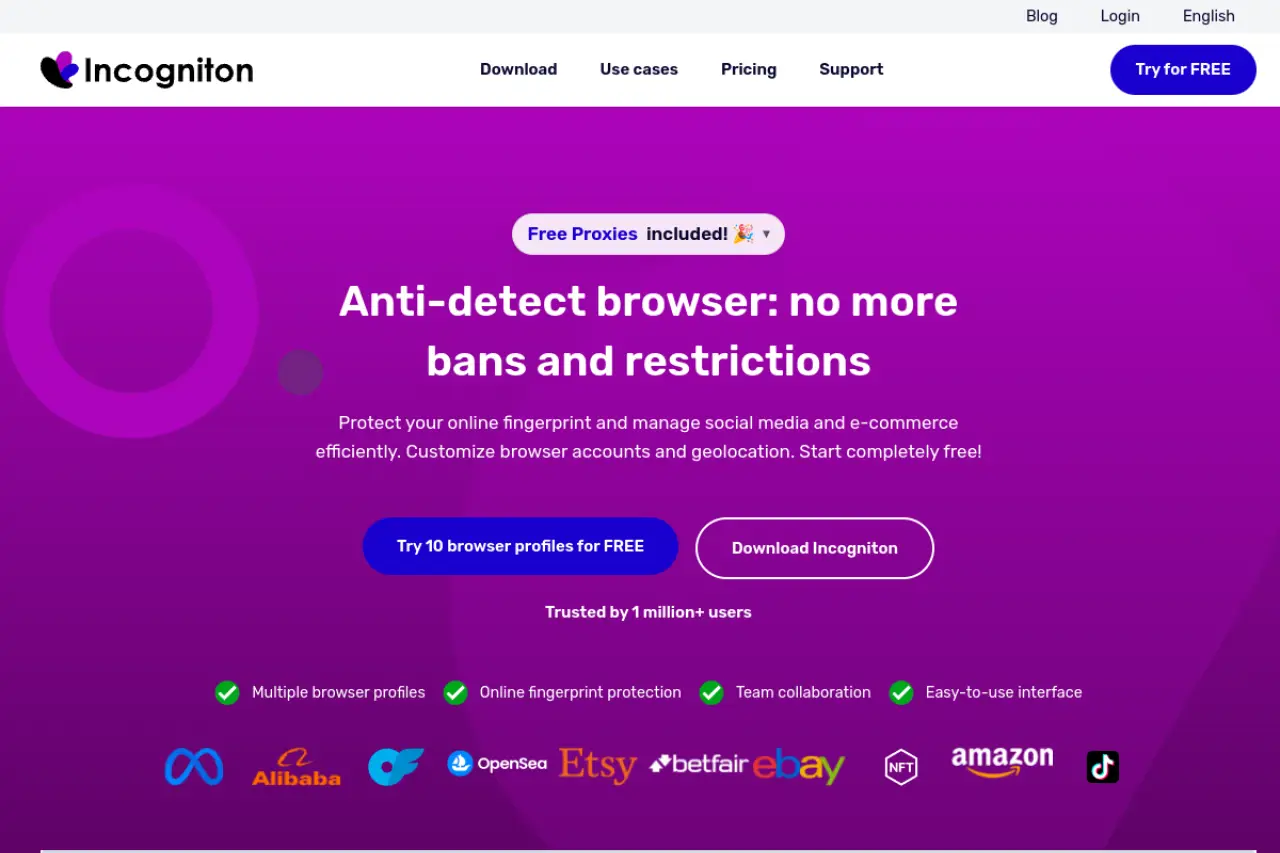
Incogniton is a favorite among developers and solo entrepreneurs. It provides a robust environment for running Selenium or Puppeteer scripts. If you are learning to code your own automation, this is a forgiving and cost-effective playground.
Key Strength: The free plan is genuine and indefinite, not just a time-limited trial. You get 10 profiles forever.
Key Limitation: The user interface can feel a bit slower and less modern compared to AdsPower or Dolphin.
Pricing: Free for up to 10 profiles. Paid plans start at $19.99/month.
Verdict: The best entry point for beginners who have zero budget but need reliable protection.
Comparing pricing for the top Hidemyacc alternatives
Finding the right tool often comes down to the monthly bill. While Hidemyacc has its own pricing structure, the alternatives vary wildly from premium enterprise solutions to budget-friendly startup tools. You need to look beyond the sticker price and calculate exactly how much you are paying for every browser profile.
Which browser gives you the most profiles for your budget?
When you break down the costs, you begin to see two distinct categories: premium infrastructure and flexible utility. Multilogin sits at the top of the price range because it includes residential proxies and a cloud automation engine in price. Tools like DICloak sit at the other end, offering lower entry prices but requiring you to configure proxy yourself.
Comparing the cost per profile across the top 6 tools
To help you visualize the value, here is how the entry-level paid plans stack up for each provider:
| Tool |
Entry Plan |
Monthly Price |
Profiles Included |
Target User |
| DICloak |
Base plan |
$8/month |
20 profiles |
Cost-conscious teams managing multiple accounts |
| AdsPower |
Entry plan |
~$9/month |
10 profiles |
Users who want flexible profile scaling |
| Multilogin |
Starter-level plan |
~€9/month |
10 profiles |
Professionals who prioritize security and stability |
| Dolphin{anty} |
Starter plan |
$10/month |
20 profiles |
Social media marketers and affiliate operators |
| Incogniton |
Entrepreneur plan |
$29.99/month |
50 profiles |
Users who need many profiles from the start |
| GoLogin |
Professional plan |
$49/month |
50 profiles |
Teams that want profiles plus built-in proxy traffic |
When choosing a plan, always calculate the "cost per profile." A $50 plan for 50 profiles ($1 each) is actually cheaper than a $10 plan for 5 profiles ($2 each).
Hidden fees: What you pay for extra team members or API access
In most multi-account tools, the sticker price is only the starting point. As your operation grows, the biggest surprise is usually team seats. Many platforms charge an additional per-user fee—often $10–$20 per extra member per month—which can quietly turn a “budget plan” into a much higher ongoing cost for agencies and teams.
If collaboration is part of your workflow, it’s worth checking whether the plan includes a generous seat allowance or whether every added teammate increases the bill. DICloak stands out here because its higher-tier plans support unlimited team members, making costs easier to predict as you scale.
Automation can also add hidden costs. Some tools lock API access behind premium tiers or add-ons, so before you commit, confirm whether API features are included in the plan you’re considering—and whether there are any usage limits that could affect your automation workload.
Free trials vs. forever-free plans: Which is better for testing?
A free trial is time-limited, so it’s best when you want to stress-test advanced features quickly—for example, team collaboration, automation, or higher profile limits. But once the trial ends, you either upgrade or lose access to the workflow you built. A forever-free plan is different. It doesn’t expire, which makes it ideal for longer, low-risk testing. You can keep a small setup running indefinitely, validate stability over time, and confirm whether the tool fits your daily routine.
When comparing tools, don’t just look at “free” on the pricing page. Check what the free tier actually includes: how many profiles, whether it supports basic fingerprint controls, if proxy configuration is available, and whether key features are restricted behind paywalls. A “free” plan that only allows a minimal number of profiles can still be fine for learning the interface—but it may not be enough to validate real multi-account operations.
Common mistakes to avoid when switching Hidemyacc alternatives
Moving your digital business to a new software environment is risky. It is similar to moving a fragile vase to a new house. If you drop it, it breaks. When you switch from Hidemyacc to another antidetect browser, your accounts are vulnerable. One wrong setting can trigger security flags that lock you out permanently. Here is how to make the move safely without losing your work.
Why you shouldn't just pick the cheapest option
Many users leave Hidemyacc looking to save money. However, switching to the absolute cheapest or free tool is often a trap. High-quality antidetect browsers require constant updates to keep up with detection algorithms from Google, Facebook, and Amazon. These platforms update their security systems almost daily.
A free or very cheap tool often lacks the budget to update its fingerprinting database quickly. This leaves your browser core outdated. If you try to manage a high-trust Facebook Ad account using a browser core that is six months old, the platform will mark your activity as suspicious. It is better to pay a fair price for a tool like Multilogin or GoLogin that guarantees regular updates than to lose an account worth thousands of dollars just to save ten dollars a month.
How to properly transfer your account cookies to avoid flags
The biggest mistake users make is manually logging into their accounts on the new browser. If you open a new profile in AdsPower or Dolphin{anty} and type in your username and password, the website sees a new device with no history. This is a major red flag. It looks like a hacker is accessing the account from a new computer.
You must transfer your cookies to maintain trust. Cookies are small files that tell the website you have been there before. Before you cancel your Hidemyacc subscription, export the cookies for every profile. Most tools allow you to save them as a text file or JSON. When you create your new profile in the alternative software, import these cookies before you open the browser. When you launch the profile, you should already be logged in. This tells the website that this is still a trusted session, even if the browser fingerprint has changed slightly.
The risk of using cracked versions of antidetect software
You might find "cracked" or pirated versions of premium browsers on forums. Using these is extremely dangerous for your business. The groups that crack this software often inject malware into the code.
This malware is designed to steal the very data you are trying to protect. It can copy your cookies, passwords, and crypto wallet keys and send them back to the hacker. Additionally, cracked versions cannot connect to the official cloud servers. This means you lose features like profile syncing and mobile emulation. Your accounts are your business assets. Protecting them with legitimate software is an essential cost of doing business.
FAQs about Hidemyacc alternatives
What is the best free option among Hidemyacc alternatives for beginners?
Among many Hidemyacc alternatives, beginners usually benefit most from tools that provide a forever-free plan instead of a short trial. A free tier with several usable profiles allows new users to learn how profile isolation, cookies, and proxies work without financial pressure. For example, DICloak offers a free plan with 5 profiles, which is enough to explore basic multi-account workflows before upgrading.
Which Hidemyacc alternatives are suitable for managing Facebook Ads accounts?
When comparing Hidemyacc alternatives for Facebook Ads, stability and profile isolation matter more than brand popularity. A reliable tool should allow each account to run in a separate profile with its own fingerprint and proxy configuration. This helps keep account environments consistent and reduces the chance of accounts being linked. Tools like DICloak can help teams organize Facebook Ads accounts across isolated profiles while keeping operations structured.
Can I transfer my accounts when switching to other Hidemyacc alternatives?
Yes. When migrating from Hidemyacc to other Hidemyacc alternatives, you usually cannot copy the exact fingerprint settings, but you can transfer important session data. The safest approach is to export cookies from the old setup and import them into the new profile. This preserves login sessions and reduces the need to sign in again, although some services may still request verification for security reasons.
Do Hidemyacc alternatives require separate proxy services?
Most Hidemyacc alternatives focus on profile isolation and fingerprint management rather than providing built-in IP infrastructure. This means you will typically need to purchase proxies from a third-party provider and assign a dedicated proxy to each profile. Using separate proxies helps maintain consistent account behavior and prevents multiple accounts from appearing to originate from the same network.
Which Hidemyacc alternatives are best for scaling to 100+ profiles?
For large operations evaluating Hidemyacc alternatives for scaling, stability, bulk profile management, and team collaboration are key factors. You should look for platforms that support profile organization, permission management, and efficient team workflows. For example, DICloak supports unlimited team members on higher-tier plans, which can simplify operations when many operators need to access and manage large numbers of profiles.
 Web Proxy Tools
 Free Tools
 Cookie Plugin
 UA Generator
 MAC Address Generator
 IP Generator
 IP Address List
 2FA Code Generator
 World Clock
 Anonymous Check
 WebRTC Leak Test
 UUID Generator
 Free Web Proxy Site
 Proxy Checker
 FB Ad Checker
 AI Web Scraping
 Free SMM Tools
 Twitter Shadowban Checker
 Instagram Name Checker
 UTM Generator
 Username Generator
 AI Hashtag Generator
 LinkedIn Headline Generator
 Social Media Image Resizer