Losing a business account after spending hours setting it up is incredibly frustrating. While Octo Browser hides your digital trail well, it might not fit your current business needs.
First, the high monthly costs quickly eat into your affiliate or e-commerce margins. As your team grows, finding cheap alternatives to octo browser becomes essential to stay profitable.
Second, the steep learning curve frustrates users who just want to get tasks done. Navigating complex fingerprint settings slows down your daily operations instead of speeding them up.
Finally, dealing with repetitive manual account work wastes hours of your time. Octo Browser offers limited built-in automation for these basic, everyday tasks.
Pro Tip: Switch to a platform with a built-in RPA (Robotic Process Automation) system. This feature acts like a smart macro, recording your clicks and automatically repeating them across hundreds of profiles.
If paying premium prices and lacking basic automation is slowing you down, you have better options this year. We tested several cheap alternatives to Octo Browser to find platforms that actually protect your accounts while keeping costs low.
Here is our quick verdict: Choose DICloak if you need to scale hundreds of accounts affordably. It includes a built-in RPA system to handle repetitive clicks for you.
How we evaluate the best alternatives to Octo Browser
After seeing our top picks, you probably want to know how we separated the reliable platforms from the bad ones. Finding a safe multi-account browser requires looking past flashy marketing. We focused strictly on what keeps your business running: account safety and your monthly budget. If a tool cannot protect your accounts or costs too much to scale, it did not make our list.
How well do they hide your digital trail?
The main job of any antidetect browser is to stop websites from linking your accounts together. Platforms like Facebook and Amazon track your browser fingerprint to identify you. A fingerprint is a collection of hardware and software details, like your operating system, fonts, and WebGL or Canvas settings. Canvas is simply how your browser draws graphics on a page. Because every computer renders these graphics slightly differently, websites use this hidden data to track you.
To avoid bans, a good alternative must spoof these detection mechanisms perfectly. Spoofing means providing fake but realistic hardware data. If you manage 50 accounts, the software must create 50 completely separate browser profiles. Each environment needs its own cache, cookies, and hardware fingerprint.
We tested how well these cheap alternatives to octo browser handle advanced tracking. Tools that leak your real IP address or show inconsistent WebGL data failed immediately. We only selected platforms that provide genuine, human-like digital signatures that easily pass modern security checks.
Pro Tip: Always test your new browser profile on free fingerprint-checking websites before logging into your business accounts. This simple step ensures your fake digital trail is working properly.
Is the pricing fair for small vs. large teams?
Your software costs should not consume your profit margins. Many users leave Octo Browser because the monthly bills grow too fast when they add more accounts. We evaluated the pricing structures of every tool to see if they actually offer long-term value.
First, we looked for a functional free tier. Solo users and beginners need a way to test the platform without paying upfront. Next, we compared the entry-level paid plans. A cost-effective tool should let you manage a reasonable number of accounts for under $20 a month.
Finally, we checked what happens when your operation scales. If you run an agency or manage affiliate campaigns, you will eventually need hundreds of profiles and team access. We penalized tools that charge hidden fees for basic team collaboration. The best options, like DICloak, keep team sharing and bulk profile management affordable. You need a platform that helps you grow, rather than punishing you for it.
The top 5 Octo Browser alternatives reviewed and ranked
Now that you know what makes a multi-account browser safe and affordable, let us look at the top contenders for 2026. Losing an account because a tool leaked your browser profile is incredibly frustrating. The tools below handle the heavy lifting of spoofing detection mechanisms so you can focus on running your campaigns. We reviewed these cheap alternatives to octo browser based on price, real-world security, and daily ease of use.
DICloak: The best all-around Octo Browser alternative for scaling
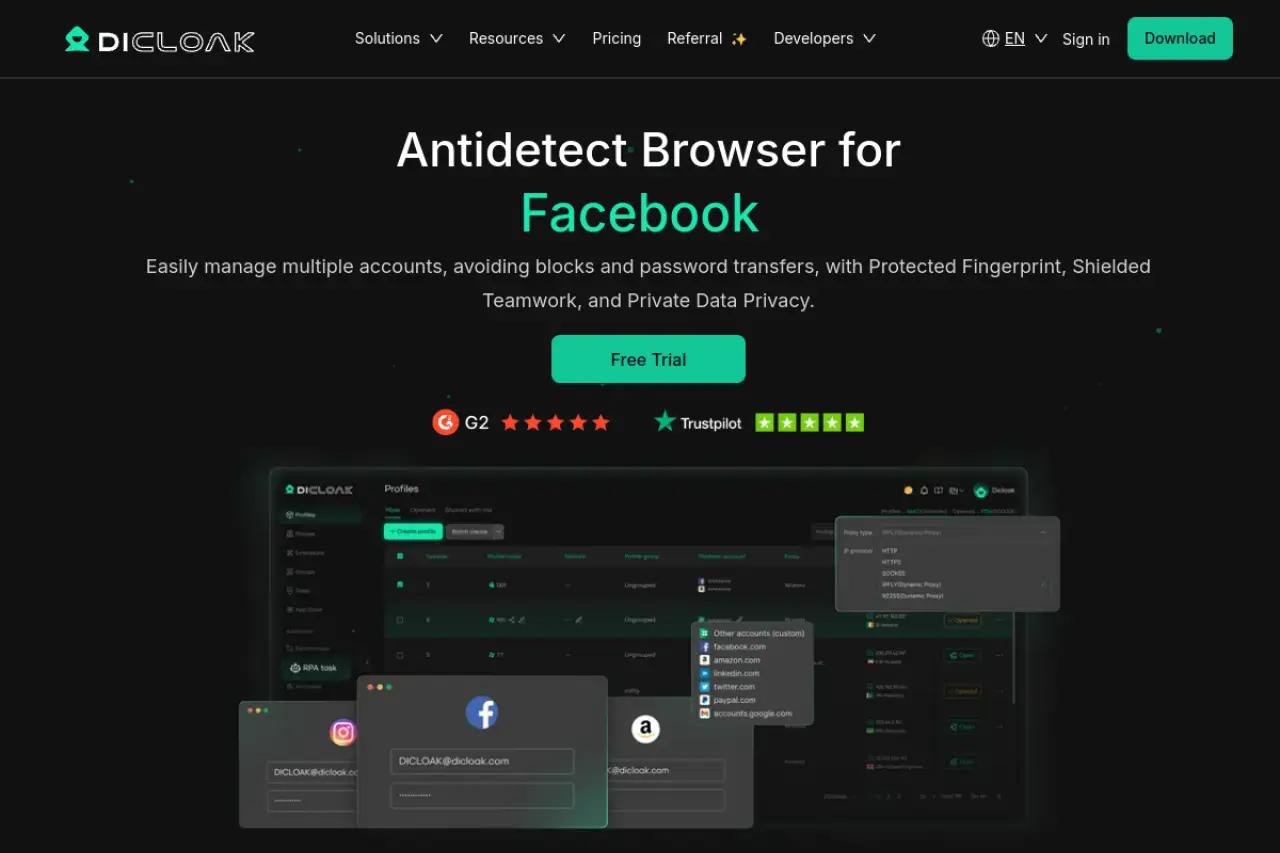
If you are tired of paying massive monthly fees just to hold a few hundred profiles, DICloak is the smartest switch. It handles over 1,000 isolated accounts on a single device without slowing down your computer. The platform gives you total control over your digital fingerprints, accurately faking WebGL and Canvas data so platforms like Amazon or Facebook see you as a completely normal user.
Price: Starts at $8/month (Free: $0/mo, Base: $8/mo, Plus: $28.80/mo, Share+: $138/mo). A freemium trial is available. Key Features: Custom browser fingerprint spoofing, built-in RPA system for repetitive tasks, seamless cloud synchronization, complete proxy management, and advanced team collaboration tools. Pros:
- Affordable starting price and a functional free plan.
- Built-in RPA automation without needing third-party tools.
- Smooth cloud synchronization across multiple devices.
- Excellent bulk management for profiles and proxies.
Cons:
- Free plan is limited to only 5 profiles.
- Requires users to bring their own proxies (not built-in).
Incogniton: A reliable pick for human-like browsing
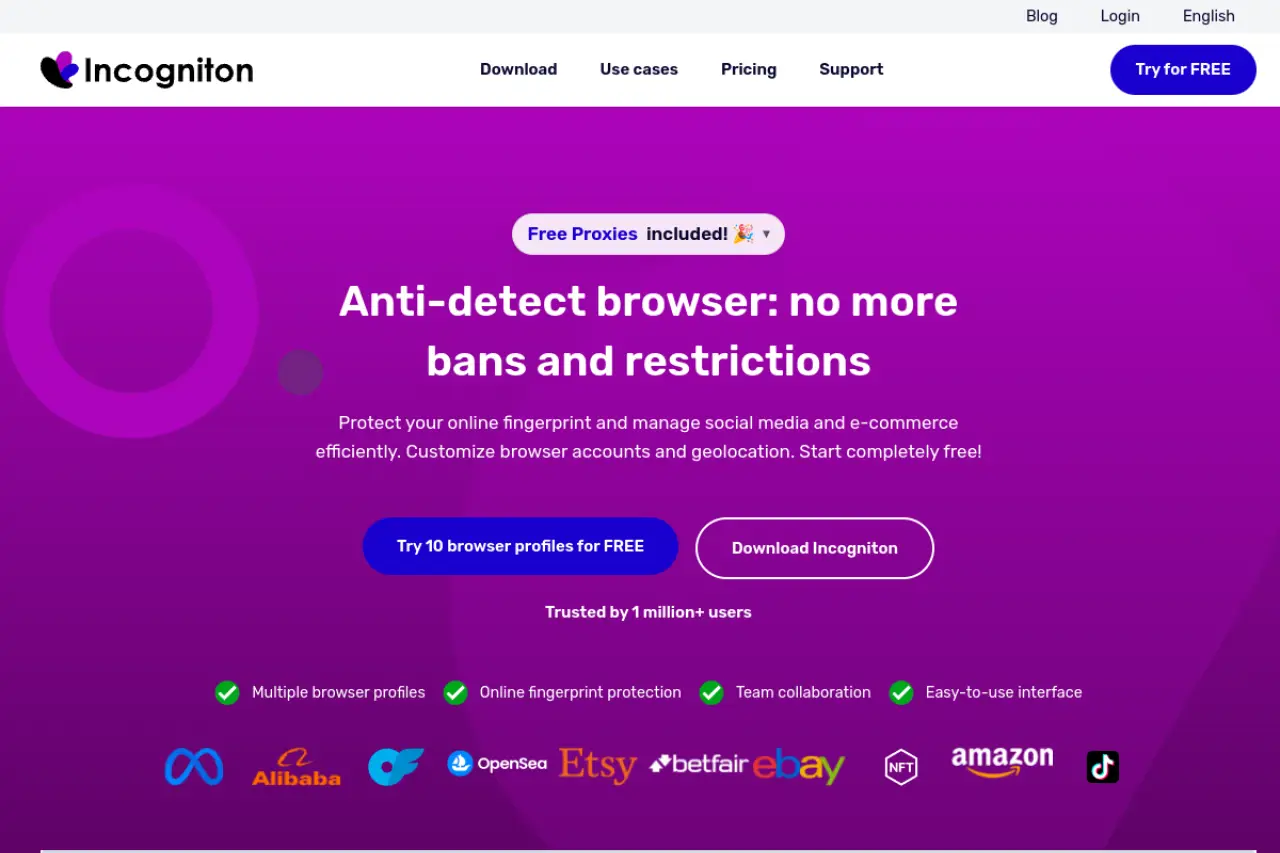
Websites track how fast you type and move your mouse to spot bots. Incogniton focuses heavily on acting like a real human to avoid these traps. It uses a paste as human typing simulator to completely evade aggressive bot-detection mechanisms. It also offers a synchronizer tool to copy your actions across multiple windows at once, saving you hours of repetitive clicking.
Price: Starts at $19.99/month (Starter: $0/mo, Starter Plus: $19.99/mo, Entrepreneur: $29.99/mo, Professional: $79.99/mo). A freemium trial is available. Key Features: Full isolation between virtual browser profiles, advanced fingerprint spoofing, native integration for Selenium and Puppeteer. Pros:
- Generous free Starter tier offering up to 10 profiles initially.
- Paste as human typing feature successfully mitigates strict bot detection.
- Cost-effective premium tiers tailored for solo affiliates and small teams.
- Strong support for developer-focused automation tools.
Cons:
- The user interface feels outdated and highly technical for beginners.
- Proxies are not included; requires separate purchase and manual configuration.
MoreLogin: Top choice for Android and mobile-first apps
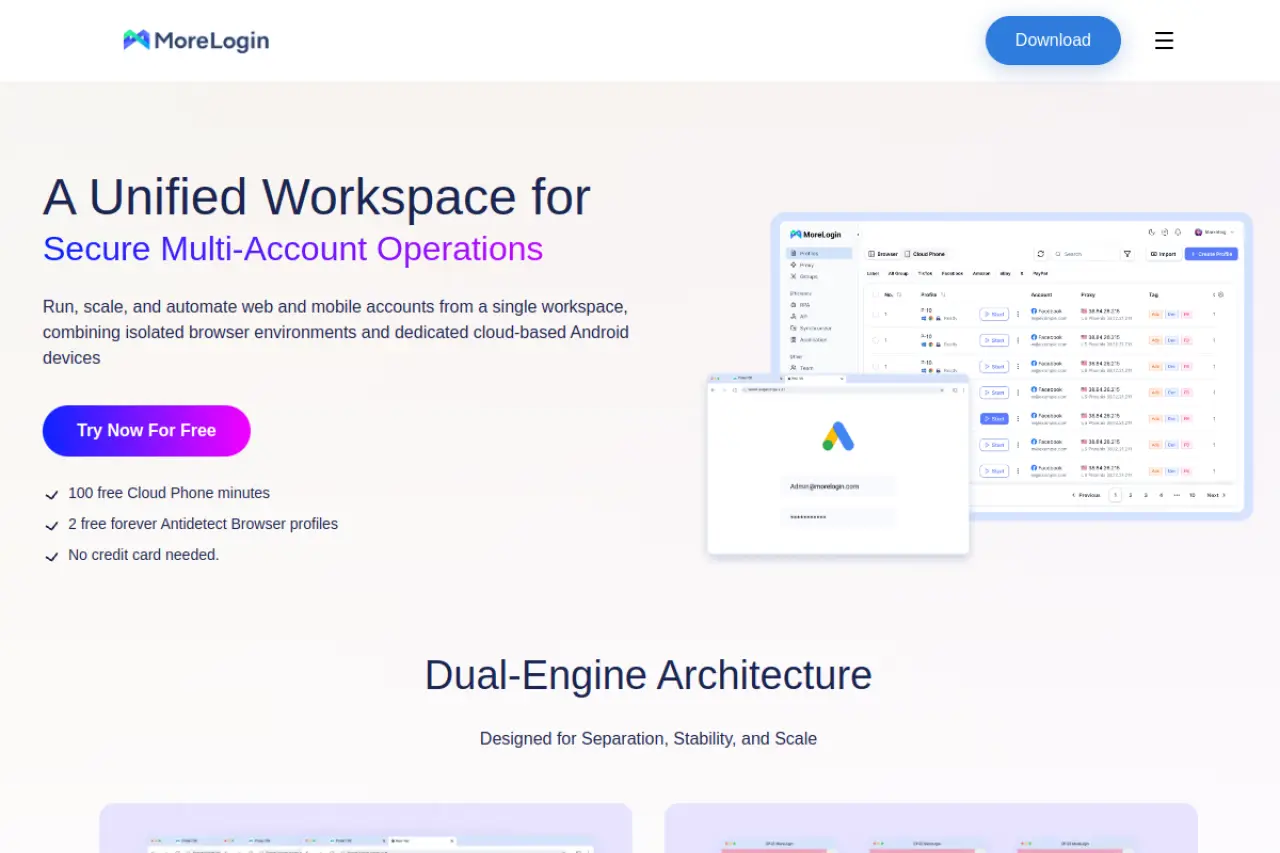
If your business relies heavily on TikTok or mobile apps, MoreLogin stands out. It includes a Cloud Phone feature that remotely simulates real Android mobile devices. It also uses machine learning to generate Canvas fingerprints, making your digital signature look incredibly realistic to anti-fraud systems.
Price: Starts at $9/month (Free: $0/mo, Pro: $9/mo, Custom Pricing). A freemium trial is available. Key Features: Next-generation Canvas fingerprinting, Cloud Phone integration, local API for headless automation, and a synchronizer function. Pros:
- Innovative AI-driven Canvas fingerprints provide superior detection bypass.
- Cloud Phone support is highly beneficial for mobile-first platforms like TikTok.
- Flexible starting tiers and a fully functional free plan for evaluating the software.
- High degree of data security and strong encryption protocols.
Cons:
- Application interface can be overly complex and intimidating for novice users.
- Some documentation and UI elements suffer from poor translation.
- Does not provide built-in proxies, relying entirely on third-party integrations.
Hidemium: Best for those who hate coding their own tools
Many marketers need automation but do not know how to write code. Hidemium solves this with a highly visual drag-and-drop automation builder. You can set up workflows to watch videos, click links, or warm up accounts without writing a single line of script. It securely isolates browser profiles while keeping team collaboration simple.

Price: Cloud, Local, and Custom plans available via subscription. A 7-day free trial is offered. Key Features: Drag-and-drop automation interface requiring no coding, a large fingerprint database, extensive REST API access, and secure workspace sharing. Pros:
- Very affordable base pricing.
- Beginner-friendly interface with no-code automation features.
- Supports multiple OS emulation including Windows, macOS, Linux, and Android.
- Extensive API access for bulk account operations.
Cons:
- Proxies are not built-in and must be sourced separately.
- Additional hidden costs for extra team members and devices.
- Lacks the extensive documentation found in premium alternatives.
BitBrowser: The budget-friendly option for small teams
If you need basic profile isolation and want to spend as little money as possible, BitBrowser delivers a solid entry-level experience. It features dual-core support, letting you build browser profiles on both Chrome and Firefox engines. This flexibility gives you more ways to blend in with normal web traffic without drawing attention.
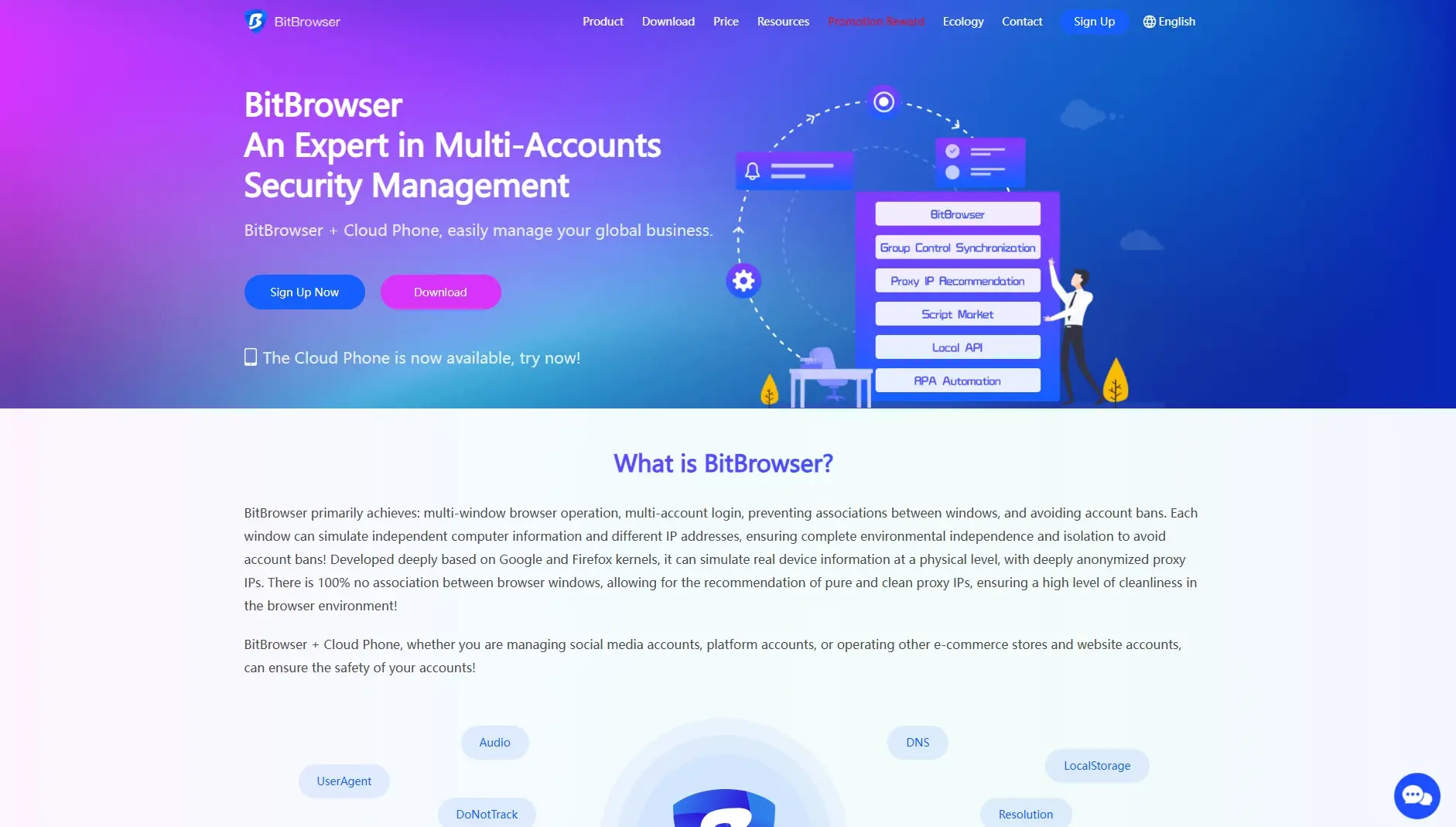
Price: Starts at $10/month (Forever Free: $0/mo, Base: $10/mo). Custom plans are available. A freemium trial is offered. Key Features: Generates unique browser fingerprints, BitCloudPhone virtual Android emulation, built-in RPA system, and a group control system for team sharing. Pros:
- Highly generous free plan offering 10 permanent profiles.
- Unique Cloud Phone feature makes managing mobile-first apps easy.
- Extremely affordable paid plans starting at just $10/month.
- Powerful built-in RPA automation and script marketplace.
Cons:
- Cluttered, outdated, and non-intuitive user interface.
- Noticeably slower profile load times compared to competitors.
- Weaker anti-fingerprinting technology against advanced detection systems.
- Manual proxy configuration with no auto-detection.
What limits you'll hit when scaling these Octo Browser alternatives
You just saw how budget-friendly options like BitBrowser and Hidemium work for small teams. But what happens when your operation grows? Moving from 10 accounts to 100 or more changes everything. You will quickly hit hardware and software walls.
How tools behave when jumping from 10 to 100+ profiles
Managing a handful of accounts is simple. When you scale up to hundreds, you need excellent bulk management. Basic plans strictly limit how many isolated environments you can build. An isolated environment is a separate browsing space with its own cookies and cache. For example, Incogniton gives you 10 profiles for free, while DICloak limits its free tier to 5. Once you hit these caps, you must upgrade.
You also need reliable cloud synchronization. If your browser data does not sync smoothly across devices, your team will overwrite each other's work. DICloak handles this scale well. It lets you manage 1,000+ accounts on one device by efficiently syncing data and minimizing local storage needs.
The impact on your computer's performance
Running 50 browser windows at once will freeze a standard laptop. Every open profile acts like a separate physical computer. It needs its own memory to spoof your digital fingerprint correctly. Your fingerprint is the hardware and software data websites read to track you.
If you open too many profiles simultaneously, your CPU and RAM will max out. Tools with heavier interfaces show noticeably slower load times under stress. You must have a computer with high RAM to handle multiple open browser engines without crashing.
Pro Tip: Never open all your profiles at once. Launch them in small batches of 5 to 10 to keep your computer running smoothly and avoid triggering mass login suspicions.
Daily launch limits that slow down your workflow
Total profile count is not the only wall you will hit. Many free and cheap antidetect browsers place hidden caps on your daily activity. A daily launch limit restricts how many times you can open profiles in a 24-hour window.
For instance, the BitBrowser free plan allows 50 profile launches daily. If you use automation to handle repetitive tasks, you will burn through these caps in minutes. To scale effectively, you must buy a paid tier that removes these artificial limits.
Understanding the real pricing of an Octo Browser alternative
Those daily launch limits make one thing clear: eventually, you must pay to scale. But looking at the sticker price of a cheap alternative to Octo Browser can be misleading. A $10 monthly plan looks great until you realize it only supports one user or lacks the features you need to stay undetected. To find the true cost of running a secure browser profile, you must look beyond the base subscription fee.
The hidden math behind subscription models
Most antidetect browsers charge a flat monthly fee. For instance, DICloak offers a Base tier at $8/mo, while MoreLogin starts at $9/mo. These subscriptions are perfect if your account volume stays predictable. However, if you run seasonal e-commerce stores, your needs change rapidly.
Some tools, like Hidemium, offer usage-based local plans. Pay-as-you-go sounds flexible, but it often gets expensive fast if you leave profiles running or forget to delete unused environments. For most affiliate marketers, a predictable monthly subscription is safer for the budget.
Why the cheapest plan fails growing teams
When your operation grows, you need help. Sharing login credentials with a virtual assistant is risky. You need proper team collaboration tools with role-based permissions. This is where cheap plans trap you.
BitBrowser offers a $10/mo Base plan that supports two users, but adding more employees quickly drives up the bill. On the other hand, DICloak offers a Plus plan at $28.80/mo built specifically for managing teams securely.
Do not forget the cost of proxies and automation
An antidetect browser only spoofs your hardware fingerprint. Your digital identity also includes your IP address, which means you still need proxies. No major platform—not Incogniton, not BitBrowser—includes free proxies in their base price. You must buy those separately.
Additionally, think about automation. Buying third-party bots to warm up accounts costs extra. DICloak includes a built-in RPA (Robotic Process Automation) system in its core pricing. RPA lets you record a series of clicks and typing motions, then replays them automatically. Getting this feature included saves you hundreds of dollars a year on external software.
Pro Tip: Always calculate your total monthly cost by adding the browser subscription, your proxy pool rental, and any external automation tools you need to run your accounts.
Who should choose which Octo Browser alternative?
Now that you know how to calculate the real cost of running multiple accounts, it is time to match the right tool to your specific work. Not every marketer needs complex enterprise software. Conversely, picking a cheap tool for a massive team will only cause headaches. Let's look at two common scenarios to help you skip the trial-and-error phase and pick the exact antidetect browser that fits your daily operations.
If you are an affiliate marketer scaling fast
When your affiliate campaigns take off, you suddenly have to manage hundreds of ad accounts and social media profiles. Doing this manually is impossible. You need a system that supports a large team and automates repetitive tasks like warming up accounts.
For this scenario, DICloak is your top choice. As your team grows, you need strict role-based permissions so virtual assistants can access accounts without seeing passwords. DICloak handles this natively on its Plus plan. It also includes a built-in RPA tool. RPA stands for Robotic Process Automation. It lets you record a series of mouse clicks and typing motions, then plays them back automatically across multiple profiles. This feature alone saves affiliate marketers hundreds of hours each month.
If you are just starting with crypto airdrops
Farming crypto airdrops requires you to interact with new Web3 projects using multiple wallets. These projects use strict sybil detection to ban users who control multiple accounts. To stay safe, you need excellent browser fingerprinting without spending a fortune upfront.
DICloak is also an excellent option here. It can hide your realistic Canvas fingerprints. Canvas is a browser element that draws graphics on your screen; sites use how your hardware renders these graphics to track you. By faking this data perfectly, DICloak hides your digital trail. It also offers a fully functional free plan to help you evaluate the software before spending money.
Pro Tip: When farming airdrops, never fund multiple wallets from the same centralized exchange account. Always use distinct deposit addresses or decentralized bridges so your antidetect browser profiles stay completely isolated.
Frequently asked questions about Octo Browser alternatives
What is the best free alternative to Octo Browser for 2026?
DICloak is a strong free option in 2026. It offers a free plan and allows users to create isolated browser profiles with separate cookies, fingerprints, and sessions. This makes it a practical choice for testing multi-account workflows before deciding whether to upgrade to a paid plan.
Is using an alternative to Octo Browser safer for my accounts?
It can be safer if used correctly. Tools like DICloak isolate accounts through separate browser profiles, preventing cookies, fingerprints, and session data from overlapping. This profile isolation helps reduce the risk of accounts being linked or flagged when managing multiple accounts.
Which Octo Browser alternative is easiest for teams to share?
DICloak is often considered one of the easiest options for teams. It supports profile sharing and permission management, allowing teammates to access the same browser profiles without transferring passwords, cookies, or login sessions manually.
Can I run these Octo Browser alternatives on a Mac with M1 or M2 chips?
Yes. DICloak supports macOS, including Apple Silicon devices such as M1 and M2 chips. Always check the latest system requirements on the official website to ensure compatibility with your specific macOS version.
Do I still need proxies if I switch to an Octo Browser alternative?
Yes. While DICloak separates browser fingerprints and session data by profile, proxies are still needed to separate IP addresses. For best results when managing multiple accounts, it is recommended to assign one proxy per browser profile.
 Web Proxy Tools
 Free Tools
 Cookie Plugin
 UA Generator
 MAC Address Generator
 IP Generator
 IP Address List
 2FA Code Generator
 World Clock
 Anonymous Check
 WebRTC Leak Test
 UUID Generator
 Free Web Proxy Site
 Proxy Checker
 FB Ad Checker
 AI Web Scraping
 Free SMM Tools
 Twitter Shadowban Checker
 Instagram Name Checker
 UTM Generator
 Username Generator
 AI Hashtag Generator
 LinkedIn Headline Generator
 Social Media Image Resizer