YouTube reports over 2 billion signed-in monthly users, yet one school Wi‑Fi rule can still block a lesson video in seconds. That gap is why people search for youtube unblocked right after they hit “Video unavailable” on school, work, or public networks. The problem is not always the same: a network filter, account policy, Restricted Mode, or local firewall can all look like one generic error. YouTube’s own Restricted Mode rules show how often access limits come from admin settings, not broken apps.
This guide gives you a practical path: how to identify what is blocking YouTube, which access methods stay inside policy, how to avoid fake “unblocked” mirror sites, and what to do if you need access for class or job tasks. You will also see the red flags that can put your login at risk and why random bypass tools can violate YouTube’s Terms of Service. Start with the key step most people skip: confirm who controls the block before you try to bypass anything.
Why Is YouTube Blocked on School, Work, or Public Wi-Fi in the First Place?
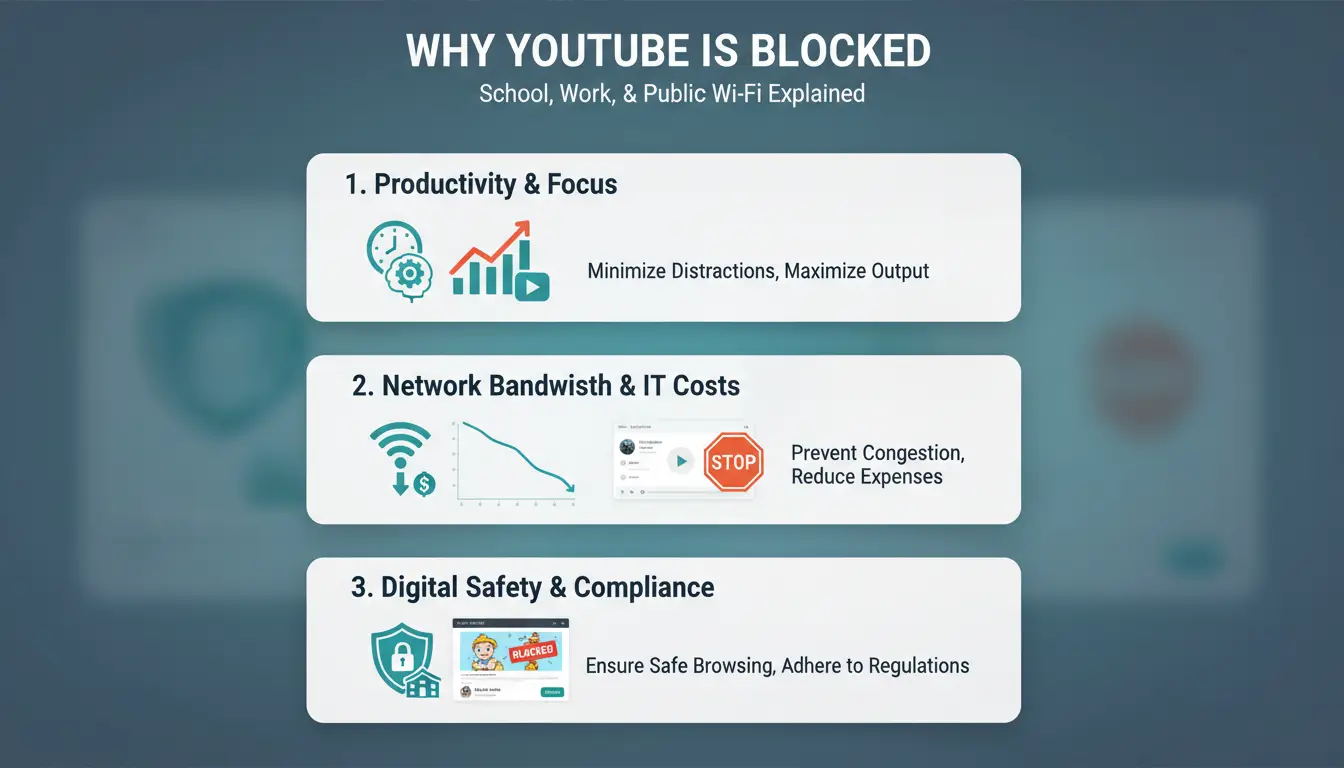
When people search for youtube unblocked, they often expect one quick fix. That usually fails. Most blocks come from policy rules, not broken apps. A school laptop, office network, and public hotspot can each block YouTube in a different way.
What types of restrictions usually block YouTube
Admins often block YouTube at the network edge with a firewall or domain filter. If the rule blocks youtube.com or googlevideo.com, videos will not load even if your app works.
Some networks also block requests at the DNS level or by URL keywords. That means links with words tied to video or streaming can fail, while other Google services still open.
How network admins identify and limit video traffic
Many schools and offices control traffic during busy hours. They throttle video streams so classes, calls, and work tools stay stable.
They also use category rules, such as “video/entertainment,” to block YouTube while allowing education or company apps. On managed devices, Restricted Mode can add another layer, even when the site itself opens.
When geo-restrictions are the main reason videos are unavailable
A regional limit is different from a full network block.
| What you see |
What it usually means |
| “Video unavailable in your country” |
The uploader or rights owner limited regions |
| YouTube homepage will not load |
Local network or device policy blocked the platform |
If you need youtube unblocked for class or work, identify which layer controls the block before trying any workaround.
What Should You Check Before Trying Any YouTube Unblocked Method?
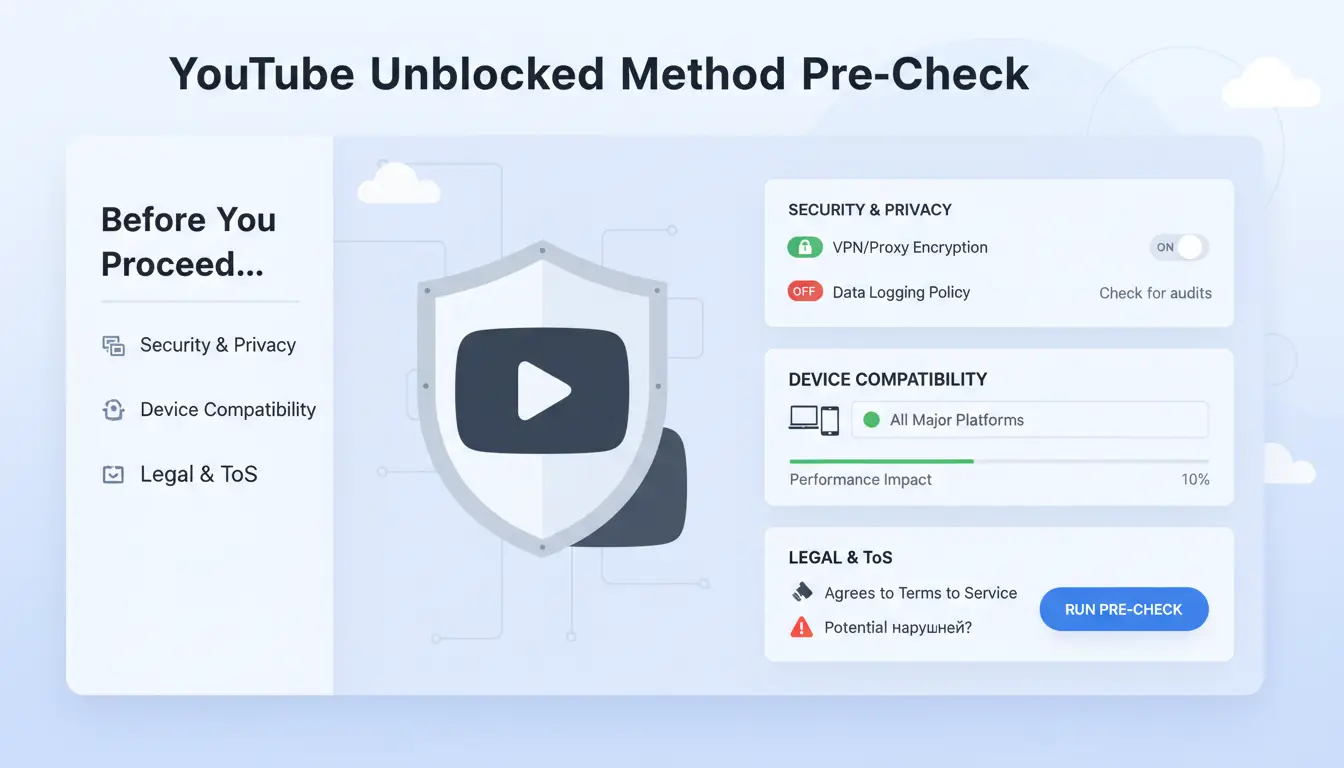
Before you try any youtube unblocked method, confirm who controls the block. If policy caused the block, bypass steps can trigger account or disciplinary action.
How to verify local rules and school/work network policies
Open your school or company acceptable-use page, then check YouTube access rules. Compare what you see on screen with YouTube Restricted Mode behavior and YouTube Terms. A policy block often shows on managed devices and managed accounts. A technical fault usually appears on one device only.
| Signal |
Policy block |
Technical failure |
| Scope |
Multiple users/devices |
One browser or device |
| Message |
Admin/managed notice |
Timeout, DNS, cert, app error |
| Fix path |
Ask IT/admin |
Local troubleshooting |
What device-level checks prevent setup failure
Check browser version, system clock, and certificates before touching proxy settings. An outdated browser can fail modern TLS checks; update from the Chrome Help page or your browser’s official support page. Disable extensions that rewrite traffic, block scripts, or force custom DNS, then test again in a clean browser profile. Wrong time zone settings can also break secure connections and look like a block.
How to choose a trustworthy proxy source before you connect
Skip “free unblocked” pages that hide ownership, force extension installs, or flood pop-ups. Check for clear privacy terms, listed server locations, recent uptime status, and HTTPS on the control panel. If you test proxies across accounts, you can use DICloak to keep separate browser profiles and bind each profile to its own proxy, which lowers cross-account mix-ups.
How to Get YouTube Unblocked with a Proxy (Step-by-Step)
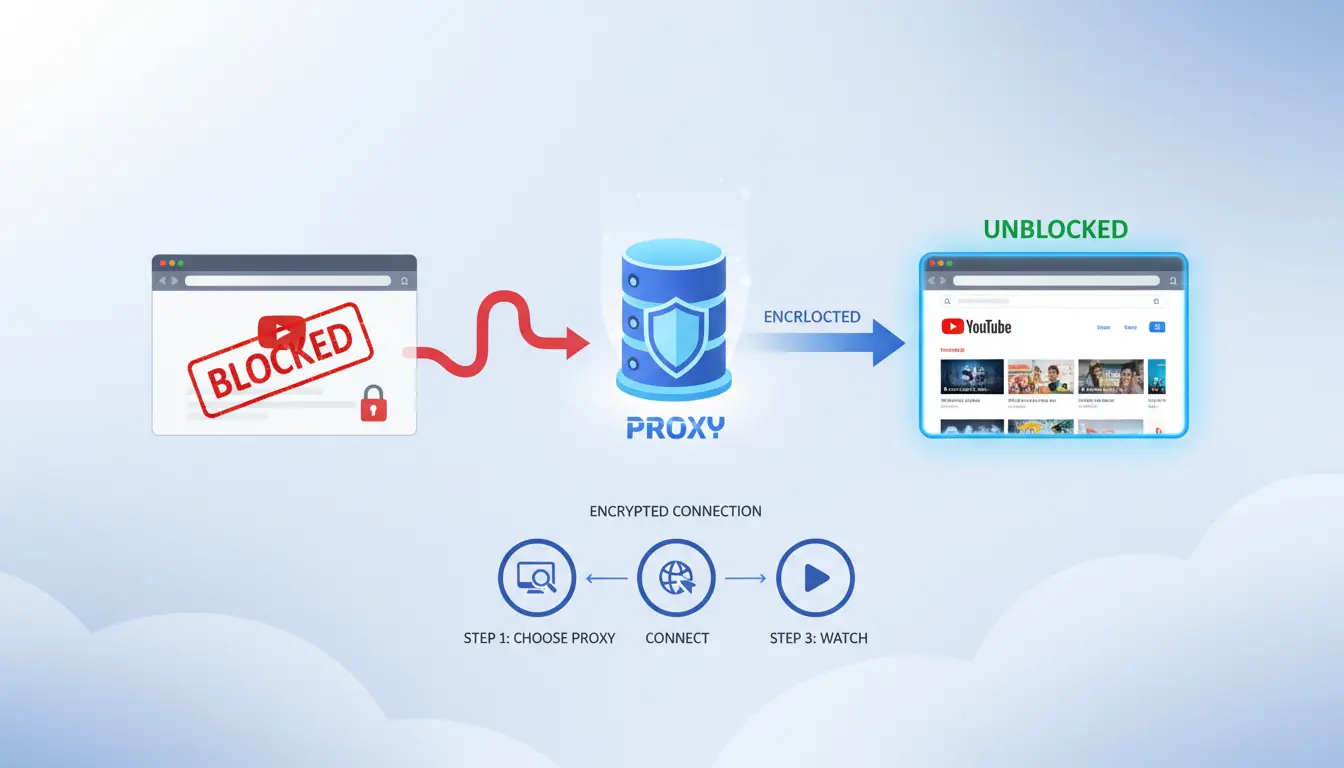
If you need youtube unblocked for school or work tasks, use a clean setup and test right away. You need three values from your proxy provider: host (server address), port (server door number), and login details if required.
Browser method: set a proxy in Chrome or Firefox
In Chrome, open Settings, search “proxy,” then open system proxy settings. Chrome uses your OS proxy panel, as shown in Chrome help. In Firefox, go to Settings → Network Settings → Settings, then choose Manual proxy configuration, based on Firefox connection settings.
Enter host and port. If your provider gave a username and password, enter them when prompted on first connection.
Now test:
- Open a YouTube watch page, not just the home page. Use YouTube.
- Play a short video for 20–30 seconds.
- Check your public IP and country on WhatIsMyIPAddress.
- If YouTube still fails, check for typo errors in host/port or wrong auth credentials.
Desktop method: configure proxy on Windows and macOS
For Windows, go to Settings → Network & Internet → Proxy. For macOS, go to System Settings → Network → your active connection → Details → Proxies.
Set manual proxy with the same host and port. Keep one rule: do not run two proxy tools at the same time. Browser add-ons plus system proxy often conflict and cause random failures.
If your network needs local services (printer portals, intranet tools), add bypass entries for local domains in the proxy exceptions list. This keeps local traffic direct while YouTube traffic goes through the proxy.
Test again with a YouTube watch page and IP check.
Mobile method: set proxy on Android and iPhone
On Android and iPhone, proxy settings are per Wi-Fi network. Open the connected Wi-Fi network, edit proxy, choose Manual, then enter host and port. Add username/password if your provider asks.
If YouTube works on Wi-Fi but fails on mobile data, that is normal. The proxy only applies to that Wi-Fi profile. Mobile data uses your carrier path unless you set a separate method.
Run the same check: open a video, play it, confirm IP location, then retry after reconnecting Wi-Fi if needed. This closes the loop and confirms youtube unblocked status on your device.
Which Proxy Type Is Best for YouTube Streaming Quality and Stability?
If you need youtube unblocked access, do not pick a proxy at random. Match the proxy to your network and playback needs. That gives you fewer stalls, fewer blocks, and less account risk under YouTube’s Terms of Service.
HTTP/HTTPS vs SOCKS5: what changes for video playback
An HTTP proxy works well in browsers and is easy to set per app. A SOCKS5 proxy can carry more traffic types, so some desktop players and scripts run more smoothly through it. For pure browser streaming, HTTPS proxy setup is usually simpler. For mixed apps, SOCKS5 often stays more stable.
| Proxy choice |
Browser support |
App support |
Playback latency |
Reliability for long streams |
| HTTP/HTTPS |
Strong |
Medium |
Low to medium |
Good |
| SOCKS5 |
Medium |
Strong |
Low |
Good to very good |
Residential vs datacenter proxies for blocked environments
Residential IPs look like home-user traffic, so strict school or office filters may allow them more often. Datacenter IPs can be fast, but blocklists catch them more often in locked networks. If your issue is policy filtering, residential usually gives a higher pass rate. If your issue is raw speed on an open network, datacenter can be fine.
Dedicated vs shared proxies for buffering and account safety
Shared proxies put several users on one endpoint. That can cause speed swings at busy times and odd login signals. Dedicated proxies keep one user per endpoint, so stream quality stays steadier and session history looks cleaner. If you want stable HD playback and safer sign-in behavior for youtube unblocked workflows, dedicated endpoints are often worth the extra cost.
How Can You Confirm Your YouTube Unblocked Setup Is Actually Working?
A page loading once does not mean your youtube unblocked setup is stable. Run a short validation pass, or hidden leaks can trigger random blocks later.
Check IP, DNS, and WebRTC consistency
Open WhatIsMyIP, DNSLeakTest, and BrowserLeaks WebRTC in the same browser profile. Your exit IP location and DNS resolver region should match. If WebRTC shows a local IP while your traffic exits elsewhere, platforms may treat the session as suspicious. If IP, DNS, and WebRTC do not match, expect random blocks.
Run speed and latency tests before long video sessions
Use Speedtest or Fast twice: once now, once during peak hours.
| Video target |
Practical minimum download |
Latency target |
| 720p |
2.5 Mbps |
under 100 ms |
| 1080p |
5 Mbps |
under 100 ms |
If speed drops below the target at busy times, buffering can look like blocking.
Use a quick fail checklist when YouTube only works intermittently
Check these in order:
- Keep one fixed endpoint for the full session; rotating endpoints often break playback.
- Sign out, clear cache and cookies, close the browser, reconnect, then sign in again.
- Test youtube unblocked in one clean profile to rule out extension conflicts.
How to Reduce Risk When Teams Need YouTube Access Across Multiple Accounts
Teams chasing a quick “youtube unblocked” fix often create a bigger problem: shared logins, mixed devices, and unstable sessions. A safer workflow starts with access control, not bypass tricks. YouTube Terms and Restricted Mode rules make it clear that policy and admin settings can limit access even when credentials are valid.
Why multi-person access creates account and security risks
When five people touch one channel from different cities in one day, trust checks can flag the account. Sudden IP changes and mixed browser fingerprints can look like account takeover. Permission sprawl creates another risk. An intern can publish, delete, or change settings by mistake if roles are loose. One account should map to one stable working environment. That lowers random alerts and keeps actions traceable.
How DICloak helps manage safer YouTube workflows for social media teams
You can use DICloak to assign each YouTube account its own isolated browser profile. That keeps cookies, local storage, and fingerprints separate across accounts. You can also bind an independent proxy to each profile, so sessions stay consistent instead of jumping between network identities. For teams handling brand channels, ad accounts, and creator accounts at the same time, this setup reduces cross-account contamination.
A practical setup: permissions, profile sharing, and operation logs
Set role-based access: editors upload and edit, analysts read data, managers control publishing and billing. Share only the profile needed for each job, not master credentials. Use operation logs to review who changed what and when. Use batch actions and RPA for repeat tasks like profile checks and scheduled uploads.
If your goal is stable youtube unblocked access for work, this process is safer than ad-hoc shared logins.
What Mistakes Make YouTube Unblocked Slow, Unstable, or Easy to Re-Block?
If your youtube unblocked setup works for 10 minutes and then falls apart, the issue is usually your own workflow, not YouTube itself. The highest-impact failures are overloaded proxies, location hopping, and dirty browser sessions that leak old settings.
Using overloaded free proxies for HD streaming
Crowded free endpoints are the fastest way to get buffering loops. One proxy IP gets shared across too many users, so bandwidth drops and requests time out. You see 240p fallback, endless loading circles, and random sign-outs.
You can spot oversold pools fast: latency spikes between videos, speed tests swing hard every minute, and playback breaks at the same timestamp range in 720p or 1080p. If that pattern repeats, switch to a less crowded proxy, not another random free list.
Switching locations too often during one session
Rapid country or city changes inside one login session look like suspicious traffic. That can trigger fresh checks and put you back into blocked states. Keep one stable route per watch session, especially for long videos.
Tools like DICloak let you bind an independent proxy to each browser profile, so session traffic stays consistent. That lowers sudden IP jumps that break playback.
For teams running multiple YouTube-related accounts, you can use DICloak to isolate browser fingerprints per profile, share profiles safely, and set role-based permissions with operation logs. That setup cuts cross-account mix-ups and gives clear accountability when something fails.
Ignoring browser conflicts, cache issues, and extension leaks
Ad blockers, script injectors, and privacy extensions can break proxy behavior. A quick reset sequence works: disable non-essential extensions, clear cache and site data, relaunch, then test with one clean profile.
If you need stable youtube unblocked access, this cleanup step often fixes repeat errors faster than changing tools.
When Are Alternatives Better Than Proxies for YouTube Unblocked Access?
If your proxy setup keeps failing, stop forcing it. For youtube unblocked access, the better move is to match the method to the block type. Switch methods when the block comes from policy, not routing.
When Smart DNS works better than a full proxy route
Smart DNS is useful when you only need region-based access and faster video loading. It does not route all traffic like a proxy, so streams can stay stable on weak networks. But it does not hide full device traffic and gives less app-level control.
| Method |
Works well for |
Weak point |
| Smart DNS |
Region unlock + speed |
Limited privacy control |
| Proxy |
Per-app routing and IP control |
Can slow video if proxy is congested |
Using approved network paths or institutional exceptions
If school or office policy blocks YouTube, ask for approved access instead of bypass tools. Restricted Mode controls often sit with admins, not your device. Share the channel URLs, class or job purpose, and the hours you need access. Keep it written. That record helps IT approve a whitelist faster and keeps you inside YouTube Terms.
Offline and low-bandwidth fallback options
If your network is unstable, use legal offline paths. YouTube offline downloads are available in supported regions and plans. You can also switch to 360p or 480p to cut buffering during live classes. For youtube unblocked goals, this often solves access pain without risky mirror sites.
Frequently Asked Questions
Is youtube unblocked legal for students or employees?
Using youtube unblocked can break school or workplace rules even when local law allows video access. Network owners set acceptable-use policies, and violating them can lead to account suspension, device restrictions, or discipline. Read your school handbook or employee IT policy first. If access is blocked for class or work, ask an admin for approved access.
Can youtube unblocked methods work on a school Chromebook?
On a managed school Chromebook, youtube unblocked tools often fail because admins control DNS, extensions, certificates, and app installs. They can force SafeSearch, block proxy protocols, and disable Incognito. Students usually can only change basic browser settings. Realistically, your best option is requesting temporary access from IT for a lesson or assignment.
Why does youtube unblocked work for videos but not comments or sign-in?
youtube unblocked may stream video while comments and sign-in fail because only the main video domain is routed through the proxy. Google login, cookies, and comment APIs use other subdomains that remain blocked. Session tokens can also break when traffic switches paths. Full account features need consistent routing across all Google services.
How much speed do I need for stable youtube unblocked streaming?
For stable youtube unblocked playback, target about 3 Mbps for 480p, 5 Mbps for 720p, and 8–10 Mbps for 1080p. Add 20–30% extra headroom for proxy or proxy overhead. Keep latency under 100 ms when possible, and avoid packet loss spikes, which cause buffering even on fast download speeds.
Is a free youtube unblocked proxy safe for regular use?
A free youtube unblocked proxy is risky for daily use. Some services log URLs, inject ads or scripts, and throttle speed after a small data limit. Choose providers with HTTPS, clear no-log statements, and a long track record. Never enter passwords on unknown proxy pages, and avoid any tool asking for extra downloads.
Accessing YouTube unblocked is most effective when you combine reliable tools with smart browsing habits, so you can stream what you need without sacrificing speed, privacy, or security. The key takeaway is to choose methods that are safe and policy-aware, helping you avoid risky workarounds while keeping your viewing experience consistent.
Try DICloak for Free
 Web Proxy Tools
 Free Tools
 Cookie Plugin
 UA Generator
 MAC Address Generator
 IP Generator
 IP Address List
 2FA Code Generator
 World Clock
 Anonymous Check
 WebRTC Leak Test
 UUID Generator
 Free Web Proxy Site
 Proxy Checker
 FB Ad Checker
 AI Web Scraping
 Free SMM Tools
 Twitter Shadowban Checker
 Instagram Name Checker
 UTM Generator
 Username Generator
 AI Hashtag Generator
 LinkedIn Headline Generator
 Social Media Image Resizer