Instagram reports over 2 billion monthly active users, yet people still search for terms that are not official feature names, including what is instagram instants. That confusion usually starts with short-form videos, disappearing content, or screenshots of third-party tools that label actions as “instants.” The key point is simple: Instagram does not list a native product called “Instagram Instants” on its main Help Center, so you need to verify what a post, app, or seller is actually referring to before you click, log in, or pay.
Most of the time, “instants” points to one of three things: Instagram Stories, fast-reply or auto-action tools, or unofficial account services. You can check official behavior for disappearing content in Instagram’s Stories documentation and compare that with what a tool claims to do. If a tool asks for direct password access, treats automation like normal user behavior, or hides account transfer details, treat that as a risk signal.
The practical goal is to help you map the term to the real feature, spot misuse fast, and use safer account practices before problems start. Next, define the term clearly so every later step is easier.
What Is Instagram Instants and Is It an Official Instagram Feature?
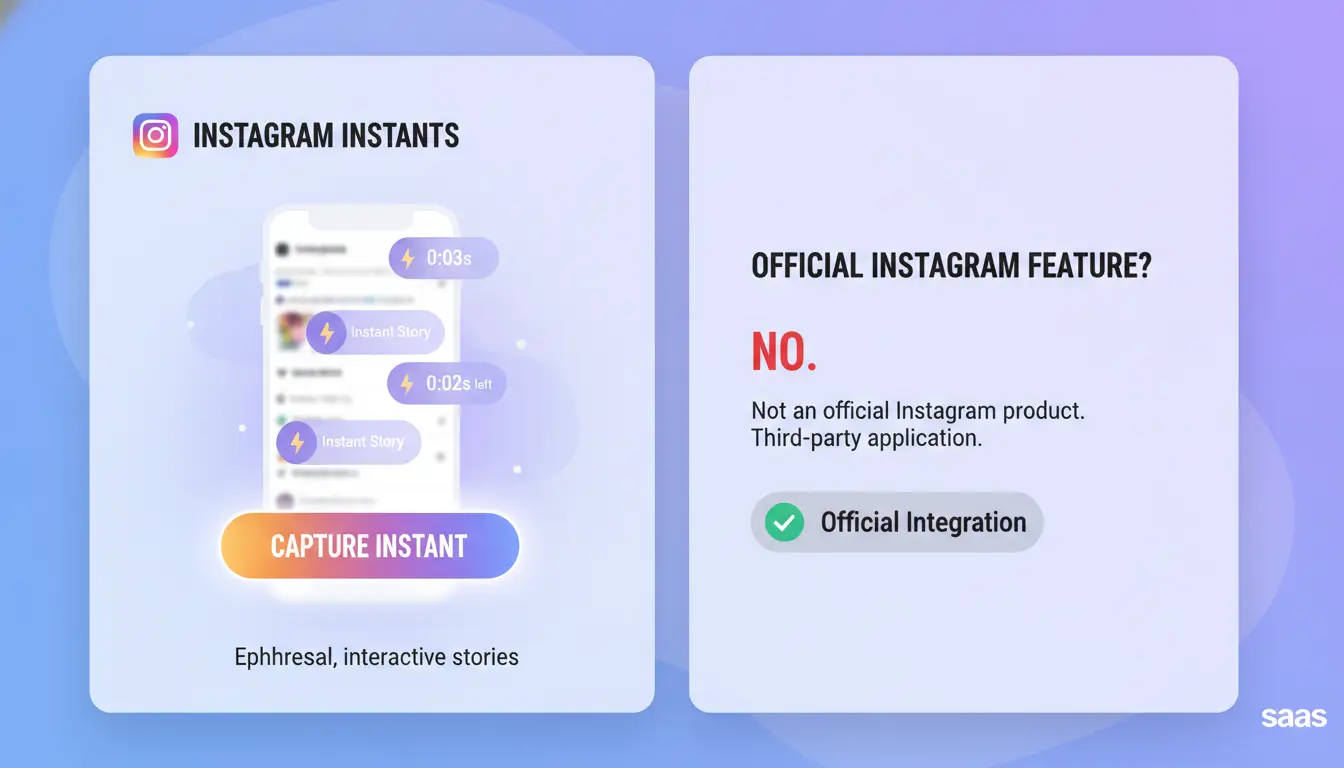
If you searched what is instagram instants, you are not missing a hidden Instagram menu. “Instagram Instants” is usually an informal label from posts, tutorials, or sellers. Instagram does not list it as an official product name in its main help taxonomy at Instagram Help Center.
Why people search 'what is instagram instants'
People often see “instants” in screenshots, short videos, or comments with no clear context. A creator may mean Stories. A tool seller may mean auto-replies or bulk actions. An account seller may use it as a vague sales term. Informal labels spread fast because they sound simple, while official names stay specific and platform-based.
Official feature names Instagram actually uses
Use the behavior you saw, then map it to Instagram’s real feature labels.
| If you saw this behavior |
Official Instagram name |
| 24-hour disappearing post |
Stories |
| Short vertical video feed |
Reels |
| 60-character status at top of inbox |
Notes |
| Saved Story collections on profile |
Highlights |
| One-to-many channel updates |
Broadcast Channels |
| Timed vanish chat mode |
disappearing messages |
How to verify feature names inside your app
Check the exact in-app label before you follow any guide. Then match wording in Instagram Help articles. If labels differ, update the app and recheck. Feature rollout can vary by region, account type, or app version. If a guide asks for your login password to “unlock instants,” treat that as a risk signal and stop.
Where Do People Usually See 'Instants' on Instagram?
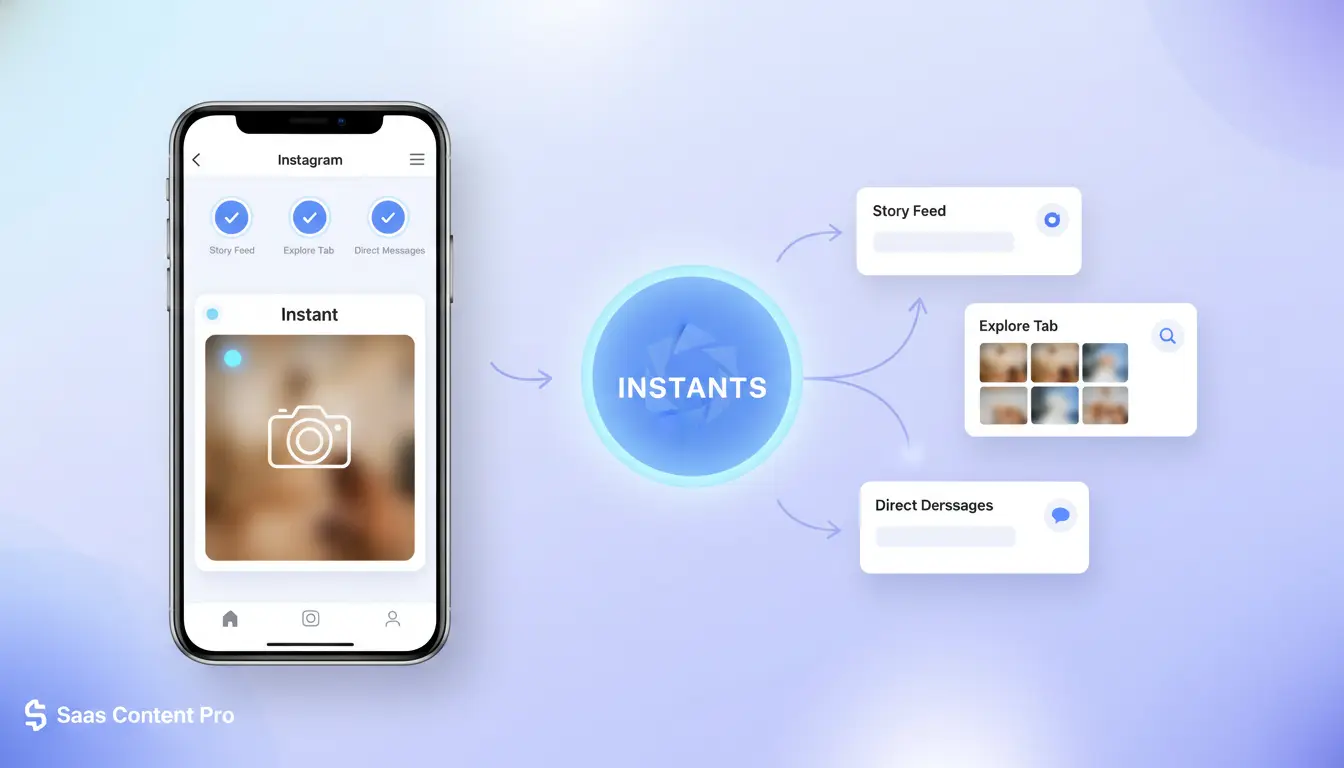
If you searched what is instagram instants, you are usually looking at a nickname, not an official Instagram feature label. People often use “instants” for quick, temporary content inside the app. The confusion starts because these features look similar at a glance but behave differently once you post or send.
Stories mistaken as 'Instants'
Stories are the most common match. A Story stays visible for 24 hours, then disappears from public view unless you save it to Highlights. Instagram confirms this behavior in its Stories help page. You can post fast photos, short videos, polls, questions, mentions, and close-friends Stories. Viewers can reply by DM, and your audience depends on your account privacy settings and Story controls.
Disappearing messages in DMs mistaken as 'Instants'
People also call view-once media in DMs “instants.” In chats, you can send photos or videos that disappear after viewing, depending on send mode. This is message-level privacy, not feed-level sharing. A Story broadcasts to a selected audience. A disappearing DM goes to a specific chat. One is public-to-group style; the other is person-to-person or small-thread communication.
| Feature |
Where it appears |
Visibility window |
Who can see it |
| Story |
Story tray/profile |
24 hours |
Followers or close friends |
| Disappearing DM media |
Direct messages |
Until viewed or per mode |
Chat recipients only |
Notes or quick updates mistaken as 'Instants'
Notes are short text updates shown in the DM inbox area, not in the feed or Story tray. They are brief status-style posts and expire after 24 hours. Only people you allow (like followers you follow back, based on your sharing setting) can see them. So if someone says “instants,” check placement: Story tray, DM chat, or Notes bubble.
Instagram Instants vs Stories vs Reels: Which One Should You Use?
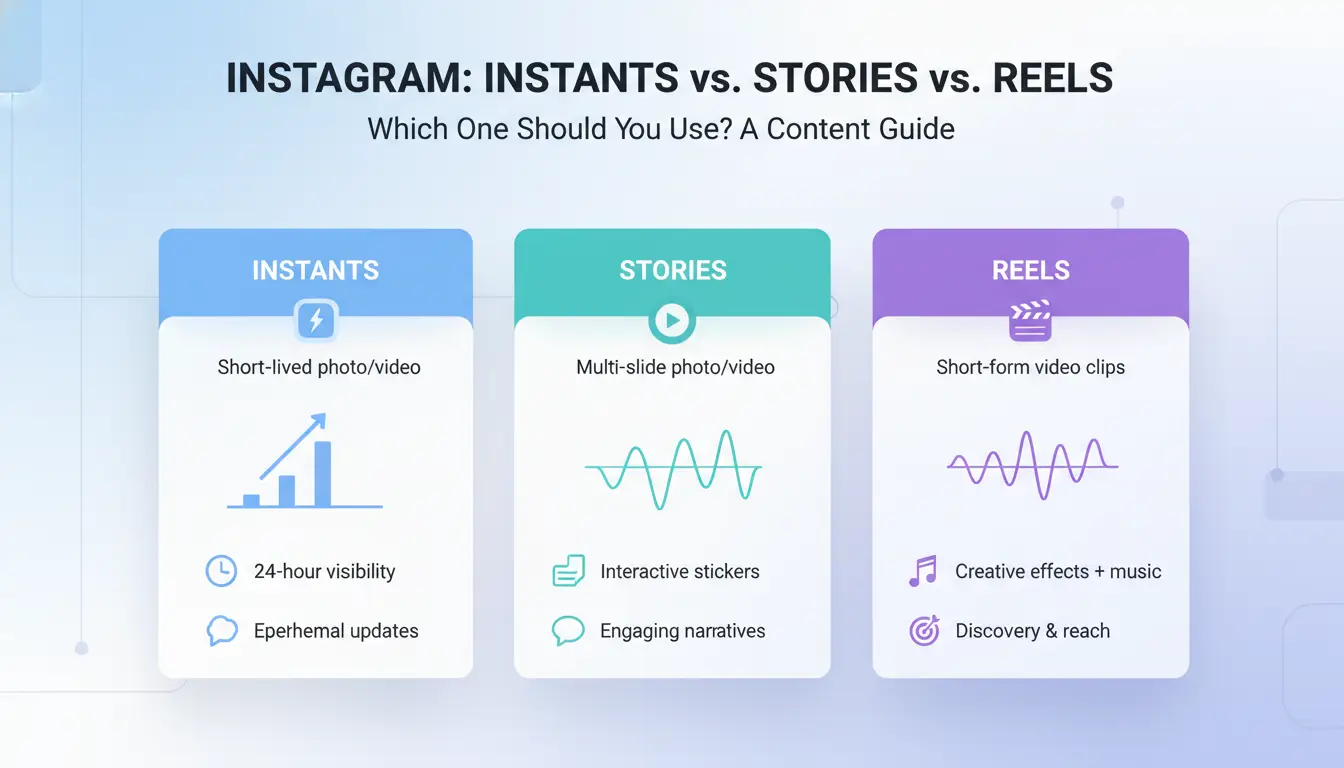
If you are still asking what is instagram instants, treat it as a shorthand for quick, low-edit posting. In practice, your choice should follow one rule: match format to viewer intent, not your content calendar. Stories and Reels are official Instagram formats, while “instants” is often just informal wording.
Speed and effort: fastest way to publish
Stories are the fastest. You can post a photo, text, poll, or short clip in under a minute. Reels take longer because you need stronger hooks, tighter cuts, and caption timing. Use temporary formats when speed matters more than polish, like flash updates, stock alerts, or same-day event moments. Edited video fits launches, tutorials, or content you want people to find later.
Reach potential and discovery differences
Reels usually have stronger non-follower discovery through Instagram’s recommendation system on Reels. Stories mainly reach people who already follow you and check your profile often, based on how Instagram Stories work.
| Format |
Typical lifespan |
Discovery |
Editing effort |
Best interaction |
| Instants-like quick update |
Short |
Low outside followers |
Very low |
Fast reactions |
| Stories |
24 hours |
Mostly followers |
Low |
Replies, polls, stickers |
| Reels |
Ongoing |
Higher non-follower reach |
Medium to high |
Shares, saves, follows |
Content goals: engagement, conversion, or visibility
Use Stories for warm audience actions: Q&A, reminders, coupon drops, and link taps. Use Reels for visibility and new audience growth. If your team asks what is instagram instants for day-to-day work, use it for quick trust signals, then push key messages in Reels so new users can still discover them later.
How to Post Instants-Like Content on Instagram Step by Step
If you searched what is instagram instants, treat it as a posting style, not an official Instagram feature name. In practice, people mean quick updates through Stories, Notes, or direct messages.
Choose the right format first (Story, Note, or DM update)
Use this quick check before you post:
| Format |
Use it for |
Audience control |
Lifespan |
| Story |
Visual updates, polls, links |
Public, Close Friends, or hidden from selected users |
24 hours |
| Note |
Short text status |
Followers you follow back, or Close Friends |
24 hours |
| DM update |
One-to-one or small group follow-up |
Private chat only |
Until deleted |
Story behavior is documented in Instagram’s Stories help page. If your update is personal or sensitive, use Close Friends or DM.
Create and publish in under 3 minutes
Set a timer for 3 minutes and keep the flow simple: capture, trim, add 1 text line, add 1 action prompt, publish. Use one clear CTA like “Reply with your size” or “Vote now.” Skip stacked stickers and long text blocks. Post rhythm: 1–3 quick updates in a session, then pause. Back-to-back bursts every hour can look unnatural.
If a team handles accounts, you can use DICloak to separate browser profiles and set role permissions, so each operator posts from the right account context.
Track results and improve your next post
Check only three signals after 24 hours: replies, sticker taps, and exits. High exits + low replies usually means weak hook or too much text. Low taps with high views means the CTA is vague. For people still asking what is instagram instants, this loop is the real workflow: post fast, review fast, adjust the next update.
Why Instagram Instants May Not Show Up on Your Account
If you searched what is instagram instants, missing options usually mean rollout limits, account limits, or app issues, not a broken account. The key is to test quick fixes in order before you change settings you may need later.
App version, device, and rollout timing issues
Instagram ships features in waves. Two users on the same app version can still see different menus on the same day. Device OS also affects what renders inside the app.
Start with checks that take under 10 minutes: update Instagram, restart your phone, and test on mobile data and Wi-Fi. Confirm known outages on Meta Status. If “instants” refers to disappearing content, compare behavior with Instagram Stories help.
Account type and policy limitations
Creator and business accounts can have tools that personal accounts do not, and policy history can limit access after warnings or temporary restrictions.
| Account setup |
What can change |
| Personal |
Fewer creator/business tools |
| Creator |
More audience and messaging tools |
| Business |
More business and ad-linked tools |
| Any type with recent violations |
Some features may be hidden or delayed |
Check your account status in app and review Instagram Community Guidelines.
Troubleshooting checklist that actually works
Update app from App Store or Google Play, clear cache (Android), log out/in, then test from another device. If you still cannot see it, send support a short report: screen recording, app version, device model, account type, and exact time. If your question is still “what is instagram instants,” include where you saw the term (post, tool, or message) so support can map it to a real feature.
If your team still asks “what is instagram instants,” pause posting and define the task in plain terms: Stories, quick-reply actions, or third-party flows. Instagram already explains how disappearing posts work in Instagram Stories help, so your workflow should match that behavior, not tool shortcuts that ask for raw passwords.
Why multi-account Instagram workflows trigger risk
Risk grows when one team runs several accounts from one machine without control rules. Rapid account switching can create unstable IP patterns. Reused browser fingerprints can link accounts. Fast repeated clicks can look like scripted behavior. Shared logins make it worse. Two people can edit, post, or change settings at the same time, and no one can trace who did what. Most account problems come from inconsistent operating patterns, not from content quality.
Using DICloak to isolate accounts and stabilize operations
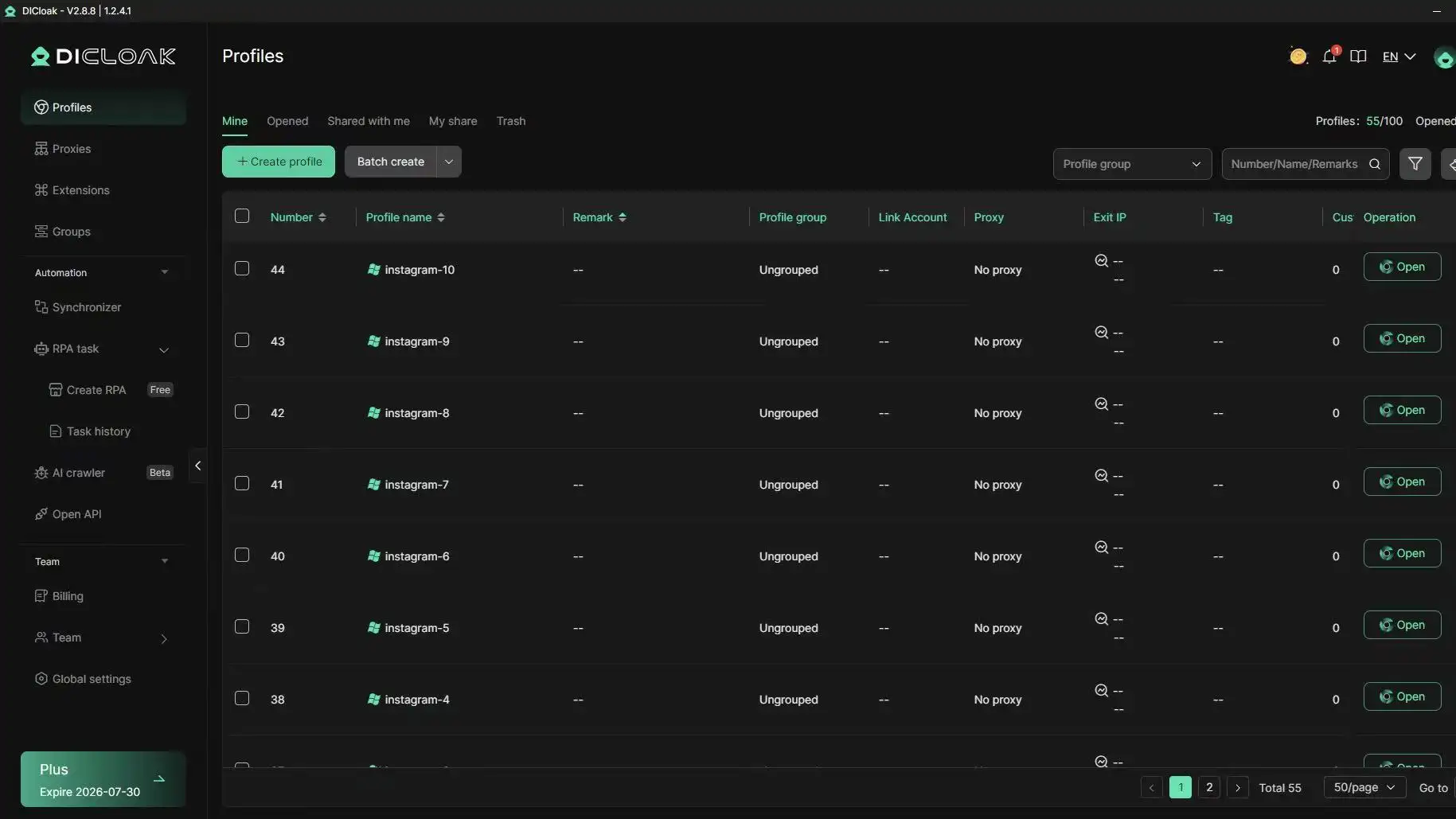
You can use DICloak to create one isolated browser profile per Instagram account, each with its own fingerprint. Then bind a separate proxy to each profile so identity signals stay stable across sessions. This setup lowers accidental linkage risk during daily posting, comment checks, and message handling.
Team execution: permissions, logs, and automation
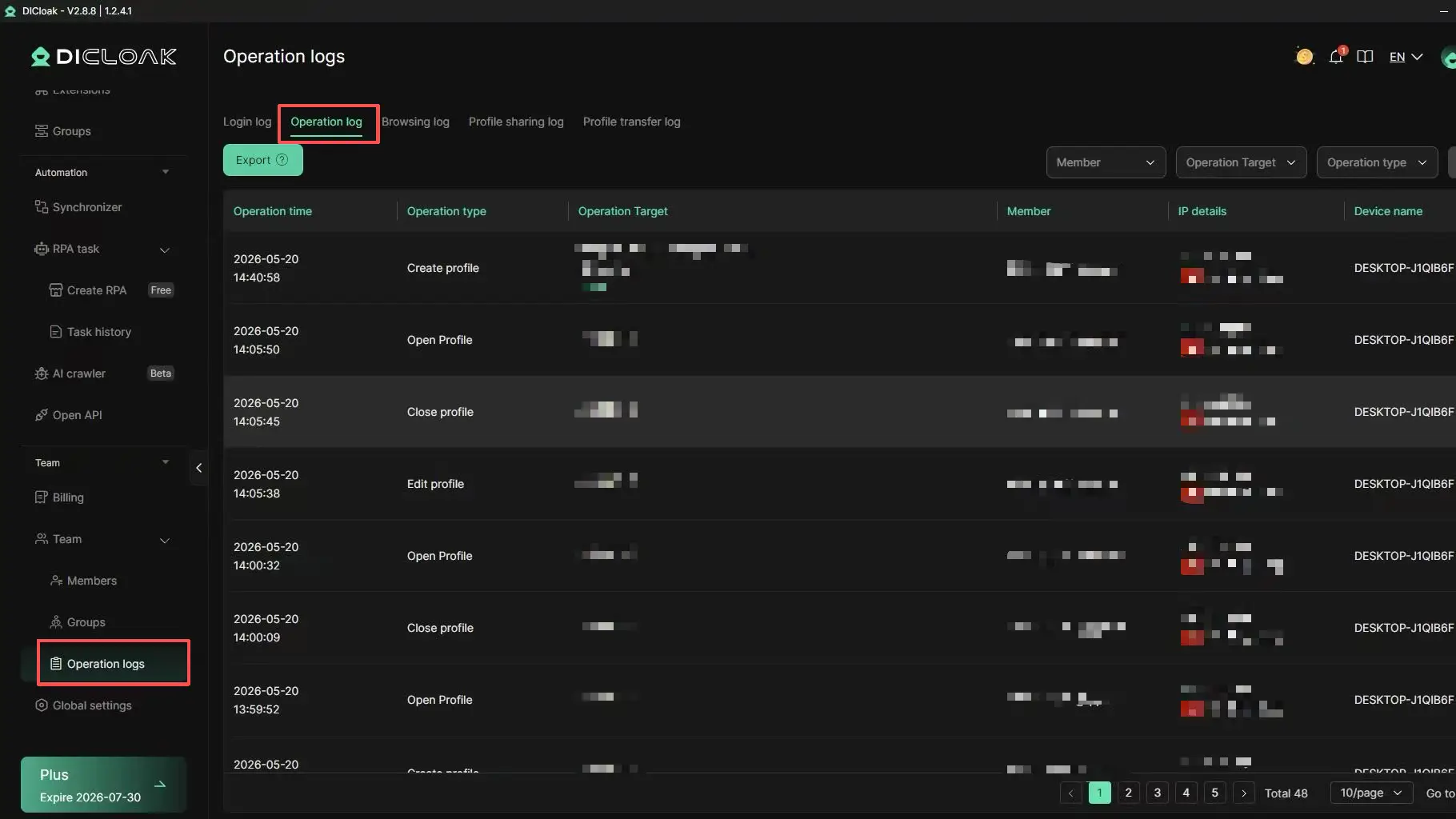
You can use role-based access so editors post content but cannot change recovery settings. Keep operation logs on, then review failed actions or unusual login edits each day. For repeated steps, use batch actions and RPA in controlled sequences, such as draft open → media attach → caption check → publish. This keeps timing human-like and cuts manual mistakes while teams scale instants-like posting.
Common Mistakes People Make with Instagram Instants-Like Posts
If you still ask what is instagram instants, treat it as a risk check, not a feature name. Teams lose reach when posting patterns look fake, and they raise account risk when several people run accounts from one browser setup. Tools like DICloak let you separate each account into its own fingerprinted profile with a dedicated proxy, so activity looks stable instead of linked.
Posting too frequently without content variety
Repetitive bursts can look low-quality or automated. Rotate three things: post format, posting hour, and interaction type (story poll, reply, or DM follow-up). You can use DICloak operation logs plus team permissions to keep pace consistent across members, then use RPA only for low-variance tasks like opening saved reply templates.
Ignoring audience targeting and visibility settings
Wrong visibility kills response quality. Check Close Friends lists, follower segments, and DM targets before posting. Match behavior with Instagram Stories behavior, then lock team roles in DICloak so the wrong person cannot change audience settings.
No follow-up path after temporary content
Story views alone rarely move users. Add one next step: profile visit, pinned post, or sales page. Save winning stories to Highlights.
When to Use Instants-Like Content and When to Skip It
If you are asking what is instagram instants, treat it as short-life content you post for fast action. Use it when speed beats polish. Skip it when your campaign needs search reach, replay value, or careful editing. Pick the format by post lifespan and expected user action, not by trend.
Best-fit scenarios for quick temporary updates
Use instants-like posts for:
- Limited-time offers that expire in hours, not days
- Live event updates (stock drops, venue changes, flash Q&A)
- Behind-the-scenes moments that build trust without heavy editing
- Quick polls, emoji sliders, and question stickers for same-day feedback
These map well to Instagram Stories behavior in Instagram’s Stories help page.
When Stories or Reels are the better choice
If you need longer discovery or replay, choose Reels or feed posts. Reels can keep getting views through recommendations on Instagram Reels. Stories usually fade after 24 hours unless saved to Highlights.
| Goal |
Better format |
Why |
| Same-day response |
Story |
Fast taps, replies, sticker actions |
| Ongoing discovery |
Reel |
Broader distribution over time |
| Reference content |
Feed post/carousel |
Easy to revisit and share later |
Simple decision checklist before you publish
Ask these before posting:
- Lifespan: Do I need this visible after 24 hours?
- Goal: Quick reply, click, or long-term watch time?
- Audience state: Online now, or likely to discover later?
- Action: One clear CTA only (reply, click, vote, or watch)
If you still ask “what is instagram instants,” use this rule: if delay kills value, post instant-style; if replay creates value, skip it.
Frequently Asked Questions
Is what is instagram instants a real feature name inside Instagram?
Usually, no. When people ask what is instagram instants, they often mean quick, in-the-moment content like Stories, Notes, disappearing DMs, or short Reels clips. Instagram’s official labels are “Stories,” “Notes,” “Reels,” and “Direct Messages.” Check those names in the app menu and Help Center when you want accurate feature details.
Can posts linked to what is instagram instants be seen by everyone?
Visibility follows the format rules. Stories can be public, Close Friends only, or limited by manual hides. DM photos and videos are visible only to chat participants. Feed posts and Reels follow your account setting: public accounts are open to all, while private accounts require follower approval before people can view content.
Do Instagram Instants-like posts disappear automatically?
Some formats vanish by design. Stories expire after 24 hours unless you save them to Highlights. View-once photos or videos in DMs disappear after they are opened. Feed posts, Reels, and profile photos stay visible until you delete or archive them. So, lifespan is set by the specific posting format you choose.
Why can my friend use a feature related to what is instagram instants but I cannot?
Instagram rolls out features in stages, so accounts get tools at different times. An older app version can also hide new options. Account type matters too: creator, business, and personal accounts can see different tools. Region and age-based rules can limit access, so the same feature may appear on one account first.
Are Instants-like updates good for business accounts on Instagram?
Yes. Quick updates can drive fast action, like “limited stock,” “live now,” or “DM us today.” Stories and Notes are strong for timely engagement and short calls to action. Pair them with Reels for discovery and Highlights for long-term visibility, so your best updates stay accessible after the 24-hour Story window ends.
Conclusion
Instagram Instants can be understood as quick, in-the-moment content that helps users capture and share real-time experiences with minimal effort. The key takeaway is that using these instant formats strategically can boost visibility, authenticity, and engagement while keeping your content fresh and relevant.
Try DICloak For Free
 Web Proxy Tools
 Free Tools
 Cookie Plugin
 UA Generator
 MAC Address Generator
 IP Generator
 IP Address List
 2FA Code Generator
 World Clock
 Anonymous Check
 WebRTC Leak Test
 UUID Generator
 Free Web Proxy Site
 Proxy Checker
 FB Ad Checker
 AI Web Scraping
 Free SMM Tools
 Twitter Shadowban Checker
 Instagram Name Checker
 UTM Generator
 Username Generator
 AI Hashtag Generator
 LinkedIn Headline Generator
 Social Media Image Resizer