By 2026, the era of simple cookie-based tracking has long been superseded by aggressive behavioral surveillance. Websites now employ sophisticated scripts to monitor not just where you click, but how long you linger on a specific sentence and the precise micro-movements of your mouse. In this environment, your digital identity is no longer private; it is a product.
To navigate this landscape without becoming a target, you need a specialized "survival kit." This guide identifies the Best Proxy Browsers—tools designed to help you reclaim your anonymity and manage multiple digital identities without detection. Our recommendations are based on rigorous technical testing of browser fingerprinting, security protocols, and real-world performance.
What Are the Best Proxy Browsers Exactly?
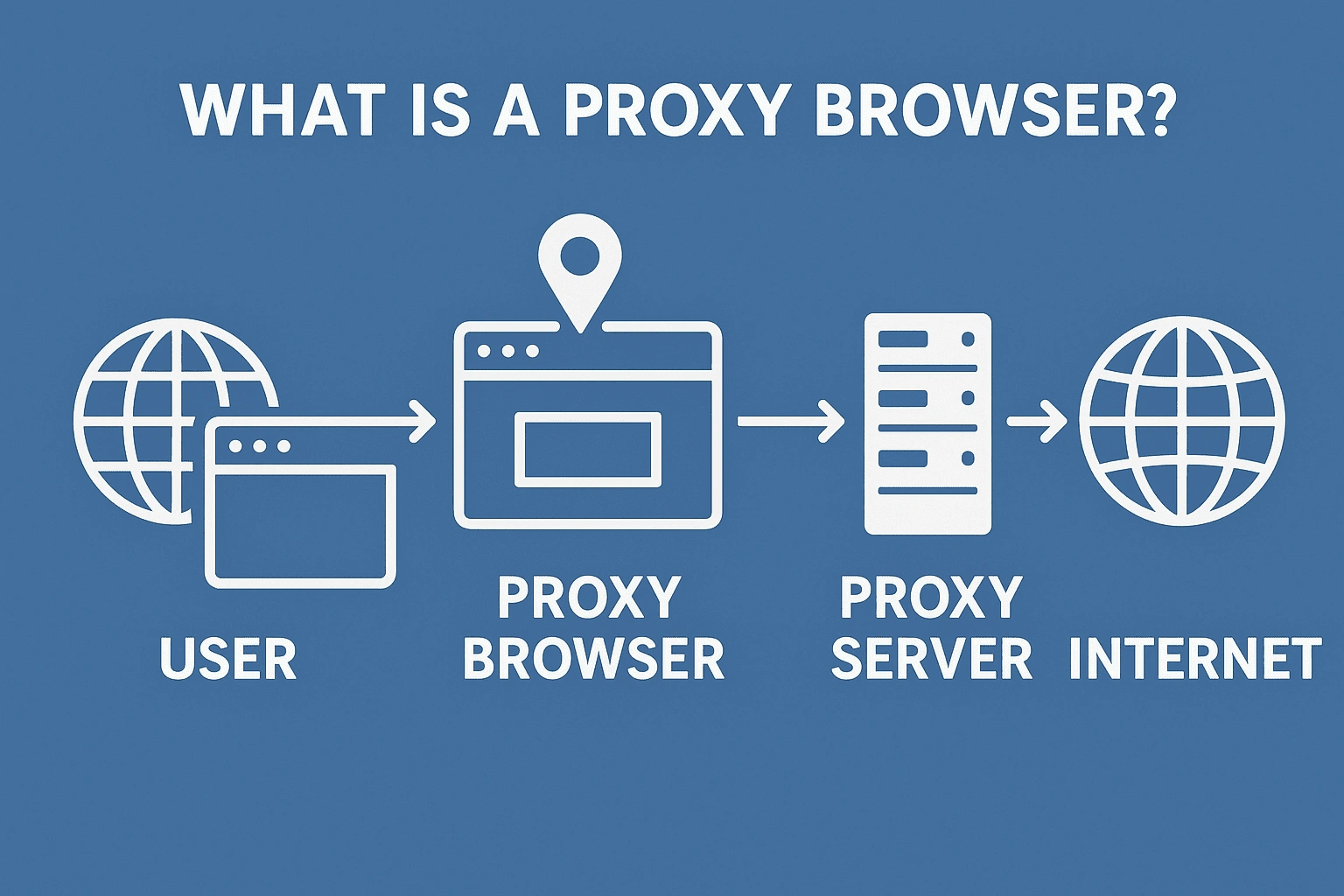
A proxy browser is a web browser with integrated support for proxy configurations. Unlike standard browsers that require clumsy third-party extensions, these tools allow you to manage IP addresses and hardware identities directly within the software.
In the cybersecurity industry, the Best Proxy Browsers are often referred to as:
- Antidetect Browsers
- Multi-profile Proxy Browsers
- Anonymous Browsers with Proxy
- Isolated Browser Instances
The core secondary feature of these tools is "multi-accounting." This allows a user to run hundreds of separate social media or business accounts from one device. They accomplish this by manipulating "digital fingerprinting."
Simple Explanation of Fingerprinting: Think of a digital fingerprint as a "unique combination of settings" on your computer. Even if you hide your IP address, websites can identify you by checking your screen size, the fonts you have installed, and your battery level. A proxy browser lets you spoof these details so every account looks like it belongs to a different person on a different device.
Why Regular Browsers Can’t Compete with Best Proxy Browsers
Standard browsers like Chrome, Edge, and Safari are designed for convenience, not high-level professional privacy. While they can use proxies, they lack the native integration required for secure, high-volume work.
The technical disadvantage of regular browsers lies in their failure to provide Browser Instance Isolation. In a standard browser, data often "leaks" between tabs. Cookies and cache files can be linked, allowing websites to see that the user logged into Account A is the same person logged into Account B. The Best Proxy Browsers create airtight "silos" for every profile, ensuring that no data ever crosses over, effectively preventing account bans.
Technical Insight: How the Best Proxy Browsers Work
The fundamental mechanism of a proxy browser is the "remote server detour." Instead of your data traveling directly from your laptop to a website, it moves to a proxy server first. The website only interacts with the proxy server, seeing its IP address instead of yours.
Critical Note on WebRTC Leaks: A major risk in standard browsing is a "WebRTC leak," where a website uses advanced scripts to bypass your proxy and see your real IP. The Best Proxy Browsers include native protection to block these leaks at the browser core.
Best Proxy Browsers: Free and Privacy-Focused Options
If your needs are centered on personal anonymity rather than business management, these options provide excellent protection.
Epic Privacy Browser
Epic is an entirely free browser with a built-in encrypted proxy. Its strongest feature is the "always-on" private mode that wipes all session data upon closing. It is specifically engineered to block WebRTC leaks, ensuring your real IP is never exposed.
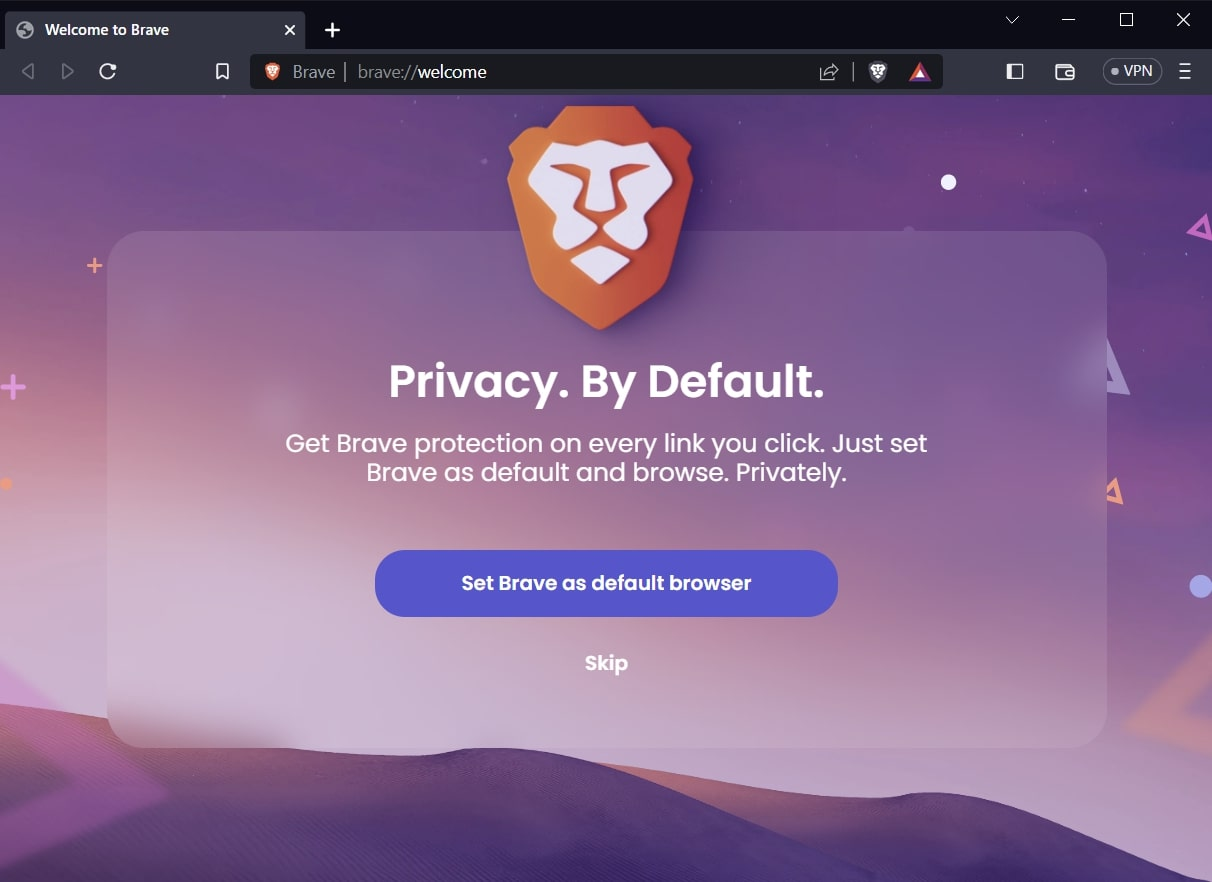
Brave Browser
Brave is the industry standard for ad-blocking via its "Shields" feature. For higher security, its "Aggressive" mode randomizes your digital fingerprint every time you visit a site.
Premium Feature: Brave offers Firewall for $9.99/mo to protect device-wide traffic.
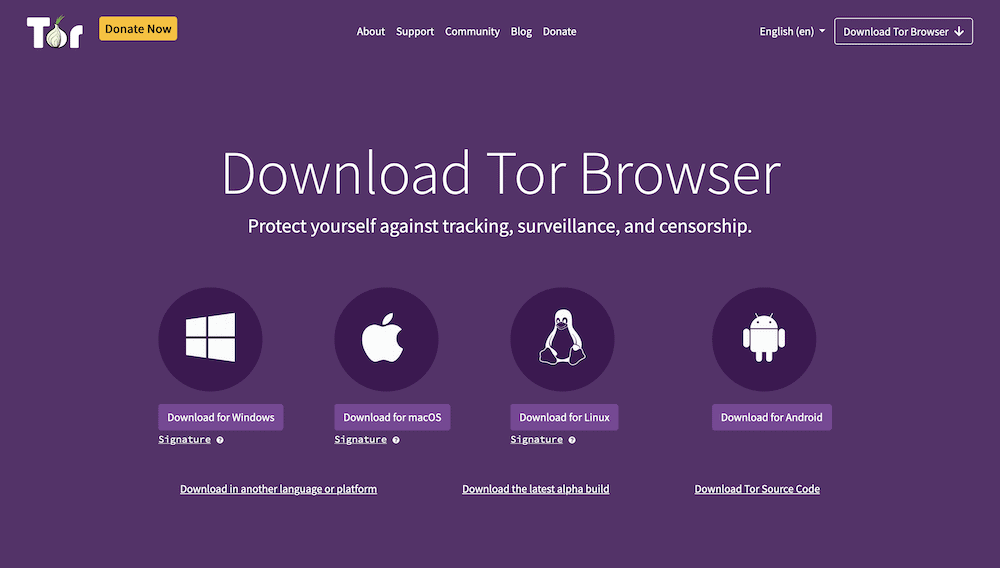
Tor Browser
Tor remains the "top-notch" choice for absolute anonymity. It routes traffic through three separate volunteer nodes.
Trade-off: Because of this multi-layered detour, speeds are significantly slower, making it unsuitable for high-bandwidth tasks.
Best Proxy Browsers: Web-Based and Lightweight Alternatives
For users who prefer a lighter footprint, these Chromium-based or web-based tools are highly effective.
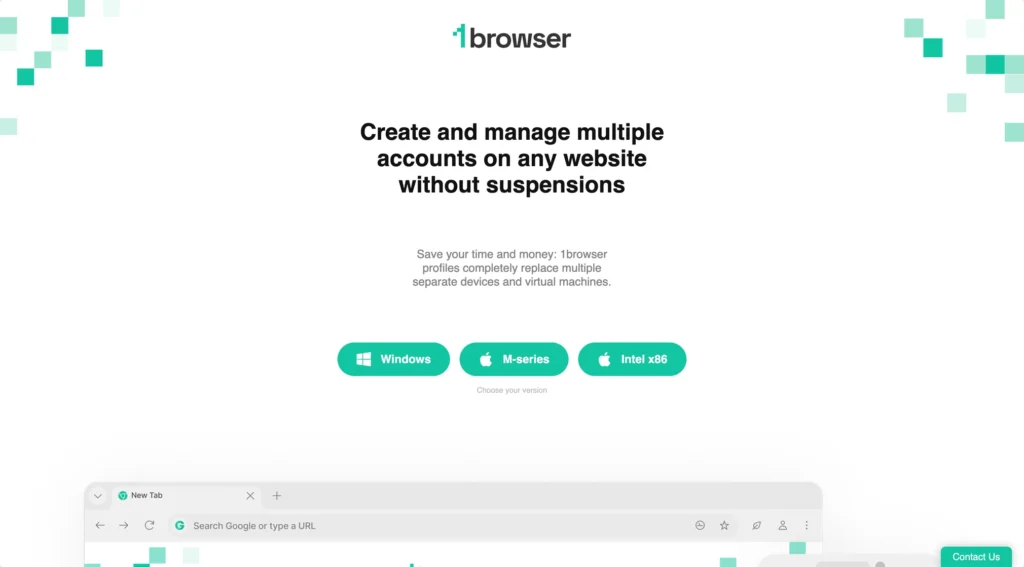
1Browser
1Browser is a streamlined option that mimics the Chrome interface, making it very easy to adopt. It is unique for offering 10 free profiles on its basic plan and includes native Tor proxy support.
- Basic Plan: $9/mo (20 profiles)
- Pro Plan: $29/mo (100 profiles)
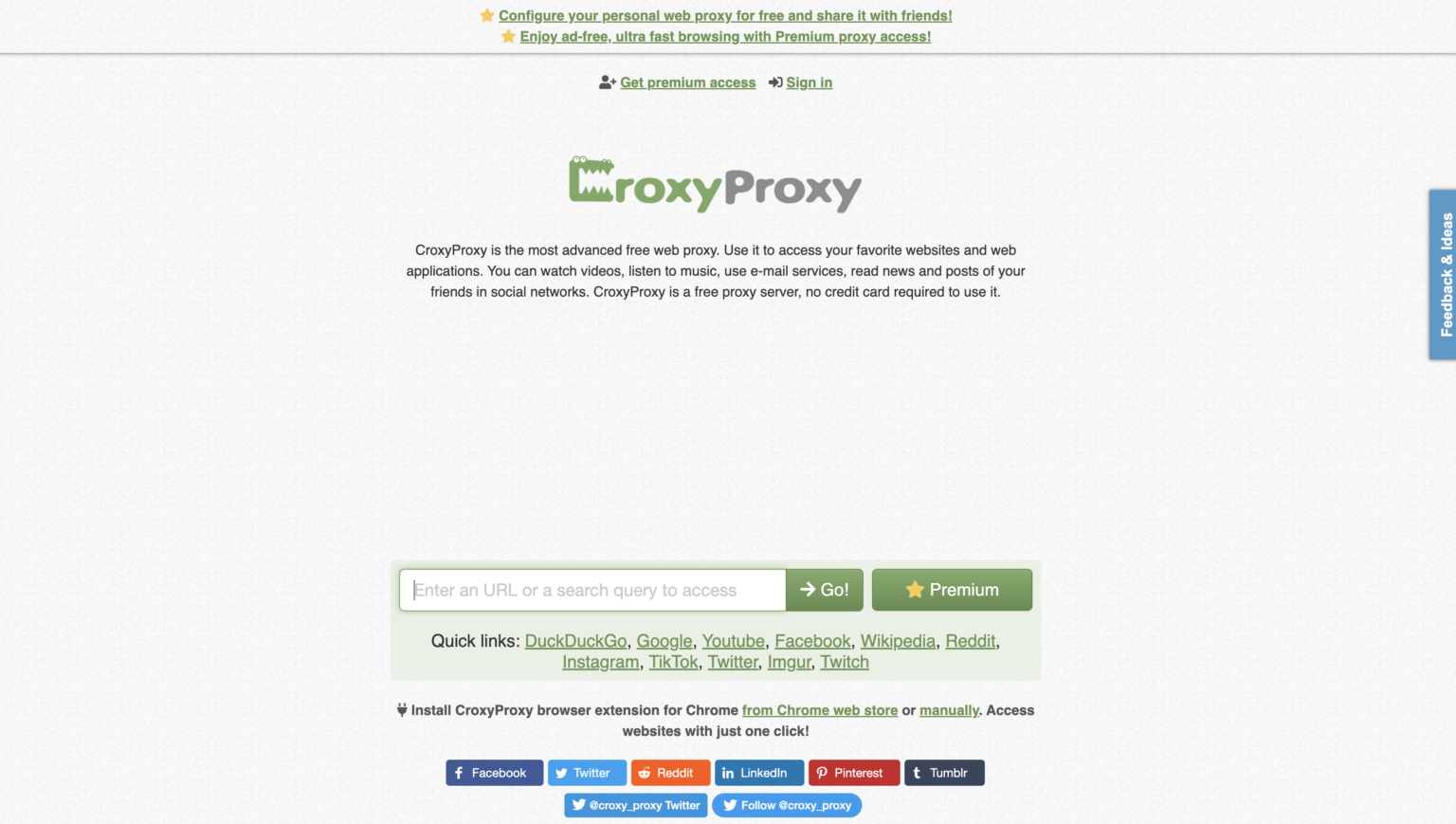
CroxyProxy and Proxyium
These are web-based proxy services that require no installation.
- CroxyProxy: Distinguished by its ability to handle high-quality video and audio streaming smoothly.
- Warning: These services only protect the traffic inside the specific browser tab where the service is active.
Specialized Best Proxy Browsers for Unique Use Cases
- Opera Browser: A convenient free option with basic geo-unblocking.
- Puffin Browser: Uses cloud-based processing to render sites on remote servers before sending them to your mobile device (Android/iOS), which isolates your device from malware.
- Avast Secure Browser: Focuses heavily on anti-phishing and anti-fingerprinting technology to mask hardware identities.
Why Choose DICloak Antidetect Browsers for your business?
⚡The DICloak Antidetect Browser has become a global favorite for its unparalleled ability to efficiently and securely manage multiple accounts. Designed for professionals in social media management, affiliate marketing, traffic arbitrage, e-commerce, account farming, airdrops, and more, DICloak offers powerful features like RPA automation, bulk operations, and a synchronizer. Additionally, it allows you to customize fingerprints and integrate proxies for each profile, ensuring top-level security and operational efficiency. It’s the ultimate tool for seamless, secure, and scalable operations.

What Makes DICloak Stand Out?
✅ Manage 1,000+ Accounts on One Device: Stop wasting money on extra hardware! DICloak allows you to manage multiple accounts on a single device, cutting costs and boosting efficiency.
✅ Guaranteed Account Safety, No Ban Risks: Every account gets its own isolated browser profile with custom fingerprints and IPs, drastically reducing the risk of bans. Your accounts, your control!
✅ Flexible Proxy Configuration for Maximum Performance: Seamlessly integrate with all major proxy protocols (HTTP/HTTPS, SOCKS5) and manage your proxy pool with bulk operations. No more struggling with IP management—DICloak has you covered.
✅ Streamlined Team Collaboration for Better Results: Easily manage your team with advanced tools like profile sharing, permission settings, data isolation, and operation logs. Your team works smarter, not harder.
✅ Automate the Grind with RPA: DICloak's built-in RPA saves you hours of manual work. Automate repetitive tasks, streamline workflows, and focus on what really matters—growing your business.
✅ Powerful Bulk Tools to Scale Your Operations: Create, import, and launch multiple browser profiles in one click. DICloak makes scaling your business as easy as it gets.
✅ Compatible with All Major Operating Systems: Based on the Chrome core, DICloak supports simulating Windows, Mac, iOS, Android, and Linux operating systems. No matter what platform you need, DICloak has you covered.
🔗 Ready to Get Started?
Visit the DICloak website to explore more details and choose the plan that’s right for you. Start for free today and experience the power of secure, efficient, and scalable multi-account management!
Frequently Asked Questions (FAQs) about Best Proxy Browsers
1.Are proxy browsers safe?
Yes, use reputable tools like DICloak,which provides prioritize data encryption and do not log your activity.
2.Can I use a proxy browser for streaming?
Yes. High-quality proxy browsers and web proxies like CroxyProxy are optimized for streaming, though speed depends on the quality of your proxy provider.
3.What is "Canvas Fingerprinting," and can these browsers block it?
Canvas fingerprinting uses the way your browser draws images to identify you. Professional tools like DICloak specifically spoof the "Canvas" attribute to ensure your hardware appears different for every profile.
4.How do I prevent WebRTC leaks?
Reputable proxy browsers like Epic and DICloak have built-in WebRTC leak protection that hides your local IP address even if a website tries to "force" a direct connection.
5.Are free proxies legit?
Most free proxies are dangerous. They often log your data, sell your bandwidth, or contain malware. For business use, always use a paid, reputable proxy integrated into a professional browser.
Conclusion: Choosing the Right Tool for 2026
The "best" tool depends on your specific objective. If you simply want to block ads and stay private while reading the news, Brave or Epic are excellent. However, if you are a professional in e-commerce, affiliate marketing, or agency management, you require the Browser Instance Isolation provided by DICloak.
For those ready to scale their operations securely, we recommend starting a 7-day trial of DICloak to experience why it is the top-rated choice for multi-account management in 2026.
 Web Proxy Tools
 Free Tools
 Cookie Plugin
 UA Generator
 MAC Address Generator
 IP Generator
 IP Address List
 2FA Code Generator
 World Clock
 Anonymous Check
 WebRTC Leak Test
 UUID Generator
 Free Web Proxy Site
 Proxy Checker
 FB Ad Checker
 AI Web Scraping
 Free SMM Tools
 Twitter Shadowban Checker
 Instagram Name Checker
 UTM Generator
 Username Generator
 AI Hashtag Generator
 LinkedIn Headline Generator
 Social Media Image Resizer