The Hidden Barrier to Scale: Why Standard Setups Fail Antidetect Browsers for Telegram Marketing
In 2026, Telegram marketing is a high-stakes environment. You can reach millions of users instantly, but one technical mistake will cost you thousands of dollars in lost assets. The biggest threat to your operation is not bad content or poor targeting. It is Telegram account association.
Standard web browsers like Chrome or Firefox are not designed for privacy. They leak your unique hardware identity to every website you visit. If Telegram links your accounts together, you face total erasure. To scale safely, you must abandon standard setups and adopt specialized multi-accounting Telegram tools.
The Nightmare of Account Association and Bulk Bans
Imagine waking up to find 50 warmed-up accounts deleted instantly. This is called a "Chain Ban." It is the primary account ban risk for modern marketers. It happens when Telegram’s security AI realizes that one single person controls dozens of profiles.
Telegram does not rely on simple checks anymore. They use advanced browser fingerprinting to identify your device. If you log into ten different accounts from the same computer, Telegram sees the same screen resolution, the same font list, and the same graphics card driver.
Once they detect this pattern, they mark the accounts as a "bot farm." They do not ban them one by one. They ban them all at once. Your investment in SMS numbers, proxies, and weeks of warm-up time evaporates in seconds. Standard browsers cannot prevent this because they cannot alter your hardware signature.
Why IP Rotation Alone is No Longer Sufficient in 2026
Many rookie marketers believe that using a proxy service protects them. In 2026, this is a dangerous misconception. High-quality residential proxies for Telegram marketing are mandatory, but they are only the first layer of defense.
Think of an IP address as your home address and your browser fingerprint as your fingerprints. Changing your address does not change your fingerprints. If you use a proxy to change your location from New York to London, but your browser fingerprint remains the same, you trigger a security alert.
Telegram sees a single device jumping across the globe instantly. This "impossible travel" behavior is a clear signal of automation. To survive, you must pair your proxies with a tool that alters your digital identity. You need a unique "face" for every unique IP address.

The Limitations of Standard Web Browsers for Telegram Web K and Z
Telegram offers two web-based versions: Web K and Web Z. These are excellent for automation because they are lighter than the desktop app. However, running them in a standard Chrome tab is a trap for high-volume operations.
Standard browsers leak sensitive data APIs like AudioContext and Battery Status. They tell Telegram exactly what hardware you are using. Furthermore, standard browsers lack the environment controls needed for Telegram bulk messaging automation. They cannot mimic mobile device touch events or screen orientations.
When you use a standard browser, you look like a desktop user trying to act like a mobile user. This discrepancy is a red flag. Antidetect browsers solve this by spoofing the "User Agent" and internal parameters. They make your desktop PC appear as a distinct Android or iOS device to the Telegram Web servers, blending your traffic in with legitimate mobile users.
The Science of Detection: How Telegram Identifies Your Farm without Antidetect Browsers
To build effective Telegram anti-ban strategies 2026, you must look beyond just your IP address. Telegram’s security team does not just check where you are; they check what you are. They use sophisticated digital fingerprinting to read your device’s unique hardware configuration.
If you run 50 accounts on one computer without protection, every account broadcasts the exact same hardware ID. Telegram sees this instantly. Even if you use high-quality proxies, your hardware signature links every account together. This section explains the technical traps that standard browsers cannot hide.
Canvas and WebGL Fingerprinting: Your Hardware Signature
The most powerful tracking method Telegram uses is Canvas Fingerprinting. When you log into Telegram Web, the site secretly asks your browser to draw a hidden image or 3D shape.
Your specific graphics card and driver render this image in a unique way. No two computer models draw it exactly the same. This creates a unique "hash" or ID code for your machine.
If you manage a farm of accounts using a standard Chrome browser, every single tab produces the same Canvas hash. Telegram’s AI sees 50 different users all sharing the exact same graphics card signature. This is statistically impossible for unrelated people. It marks your entire farm as a bot network and bans them all.
AudioContext and Media Device Leakage
Your sound hardware also betrays you. The AudioContext API measures how your machine processes audio signals. Like a voiceprint, this data is unique to your specific hardware setup.
Standard browsers also leak a list of your media devices, such as microphones, cameras, and speakers. This is dangerous for Telegram bulk messaging automation.
If you are spoofing a mobile user agent to look like an Android phone, but your browser reports a desktop USB webcam and "0% Battery" (a common desktop trait), Telegram flags the error. You cannot lie about your device type if your hardware features do not match your story.
Behavioral Biometrics and Scroll Pattern Analysis
Finally, Telegram analyzes how you move. This is called behavioral biometrics. Real mobile users swipe, tap, and scroll with a thumb. Their movements have slight "jitter" and varying speeds.
Desktop users click with a mouse. The movement is precise and linear. If you use a standard browser to access Telegram Web K or Z, you are sending "mouse click" events instead of "touch" events.
Telegram’s security AI detects this mismatch immediately. It sees a browser claiming to be an iPhone, but it receives input data from a Windows mouse. This "impossible behavior" proves you are using automation tools, leading to a swift restriction of your account.
Re-Engineering Trust: How Antidetect Browsers for Telegram Marketing Bypass Security Checks
We just analyzed the trap: Telegram detects your hardware, not just your IP. Now, we build the escape. To run operations at scale, you cannot simply hide. You must look like a completely different person. This is where Antidetect Browsers for Telegram Marketing become essential infrastructure.
These tools do not just mask your identity. They re-engineer it. They replace the "fake" data that standard privacy plugins send with legitimate, consistent hardware fingerprints. This turns your single computer into a virtual command center capable of managing hundreds of unique identities.
Profile Isolation: Creating Independent Digital Containers
The first line of defense is profile isolation. In a standard browser like Chrome, your tabs share data. If you log into five Telegram accounts in five tabs, they share the same Local Storage and Cache. This connects them instantly.
Antidetect browsers create a "sandbox" for every single account. Think of your computer as an apartment building.
- Standard Browser: One big room where everyone sees everyone else.
- Antidetect Browser: Separate apartments with locked doors.
When you launch a profile in a tool like DICloak, it creates a completely separate container. This container holds its own cookies, cache, and local storage. No data leaks from Profile A to Profile B. This strict separation prevents Telegram bulk messaging automation bans. If one account gets flagged, the others remain safe because Telegram sees no connection between them.
Mastering TData and Session JSON Management
Professional marketers rarely log in using phone numbers and SMS codes every day. That process is slow and risky. Instead, we use session files.
When you log into Telegram, the server sends a token to your device to keep you logged in.
- Desktop App: Stores this as a TData folder.
- Web/API: Stores this as a Session JSON file.
Advanced browsers allow you to import these files directly. You simply drag a purchased TData folder into the browser profile. When you open the browser, the account is already logged in. This bypasses the need for repeated SMS verification, which is a common trigger for security checks. This capability is vital for any Telegram account farming SOP. It allows teams to transfer active accounts between staff members without triggering a "New Login Detected" warning.
Spoofing Mobile Environments on Desktop Hardware
Telegram trusts mobile users more than desktop users. This is why Telegram Web K vs Web Z automation often focuses on looking like a phone. However, using a desktop computer to access a mobile interface creates technical conflicts.
Your PC has a mouse; a phone has a touchscreen. Your PC has a landscape screen; a phone is portrait.
High-quality antidetect software solves this by "spoofing" (faking) the mobile environment.
- User-Agent: It tells Telegram, "I am an Android 14 device," not a Windows PC.
- Touch API: It injects code that translates your mouse clicks into "touch events."
- Screen Resolution: It forces the browser window to match exact mobile dimensions (e.g., 390x844).
By aligning these data points, your residential proxies for Telegram marketing look like legitimate 4G mobile traffic coming from a real smartphone. This consistency is the key to bypassing Telegram’s anti-bot filters.
The Elite 8: Reviewed Antidetect Browsers for Telegram Marketing in 2026
You now understand the technology behind the ban. To beat it, you need the right tools. We have tested the market leaders against strict criteria: fingerprint consistency, automation capabilities, and cost efficiency.
Below is an objective review of the top 8 Antidetect Browsers for Telegram Marketing in 2026. These tools do not just hide your IP; they restructure your digital identity to prevent account association.
Quick Comparison Matrix
| Browser |
Best For |
Free Plan |
Starting Price |
Key Feature |
| DICloak |
High-Security Scaling |
5 Profiles |
$8/mo |
Advanced Fingerprint Protection |
| AdsPower |
Automation & RPA |
2 Profiles |
$9/mo |
No-Code RPA Robot |
| Dolphin{anty} |
Traffic Arbitrage |
10 Profiles |
$10/mo |
Visual Scenarios |
| Incogniton |
Long-Term Farming |
10 Profiles |
$19.99/mo |
Bulk Creator |
| Browser.lol |
Quick Scraping |
Ad-Supported |
$9/mo |
Ephemeral Sessions |
| Octo Browser |
Max Trust Score |
None |
€10/mo |
Real Device Fingerprints |
| MoreLogin |
Mobile Simulation |
2 Profiles |
$9/mo |
Cloud Phone & Canvas |
| Hidemium |
Large Scale Farms |
5 Profiles |
$15/mo |
Hardcore Automation |
DICloak: Precision Fingerprint Customization for High-Value Accounts

DICloak stands out as the premier choice for business owners who cannot afford to lose accounts. In 2026, Telegram's security AI is aggressive. DICloak counters this with "Precision Fingerprinting." It does not just block trackers; it feeds false but realistic data back to Telegram’s servers. This makes your Telegram account farming SOP much safer.
We prioritize DICloak because it balances power with ease of use. You can manage team members, share profiles without revealing passwords, and sync data across the cloud instantly. For high-value assets—like your main "Landing Channels" or admin accounts—this creates the strongest security layer available.
- Key Features:
- Deep Fingerprint Control: Customizes Canvas, WebGL, and AudioContext to pass strict checks.
- Team Collaboration: Assign specific profiles to employees with permission controls.
- Cloud Sync: Access your farm from any device safely.
- Pricing:
- Free: 5 Profiles (Permanent).
- Base: $8/month (20 Profiles).
- Plus: $28.80/month (100 Profiles).
- Verdict: The best overall balance of security and price for protecting critical Telegram assets.
AdsPower: Automation and Scalability
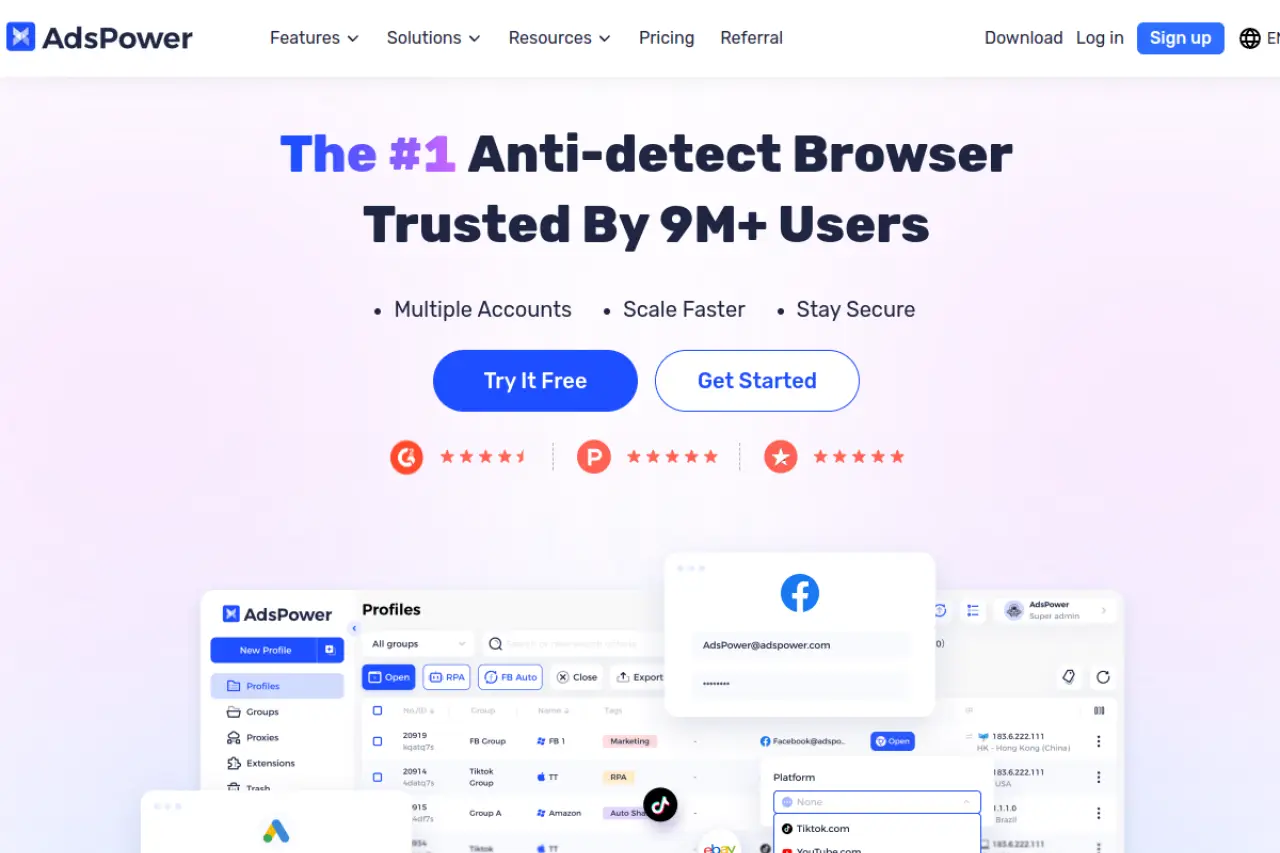
If your strategy relies on Telegram bulk messaging automation, you need a browser that can work while you sleep. AdsPower is famous for its RPA (Robotic Process Automation) robot.
This feature allows you to "record" your mouse movements and clicks. You can teach the browser to log in, scroll through a channel, and react to posts. You do not need to know code to use it. This is critical for the "warming" phase of Telegram accounts, where human-like activity is required to build a trust score.
- Key Features:
- RPA Robot: Automate repetitive warming tasks without coding.
- Dual Engine: Choose between Chromium or Firefox cores.
- Synchronizer: Control multiple windows with one mouse.
- Pricing:
- Free: 2 Profiles.
- Professional: Starts at $9/month (10 Profiles).
- Business: Starts at $61/month (200 Profiles).
- Verdict: Essential for teams that need to automate the boring parts of account warming.
Dolphin{anty}: Optimized for Traffic Arbitrage and Quick Scaling
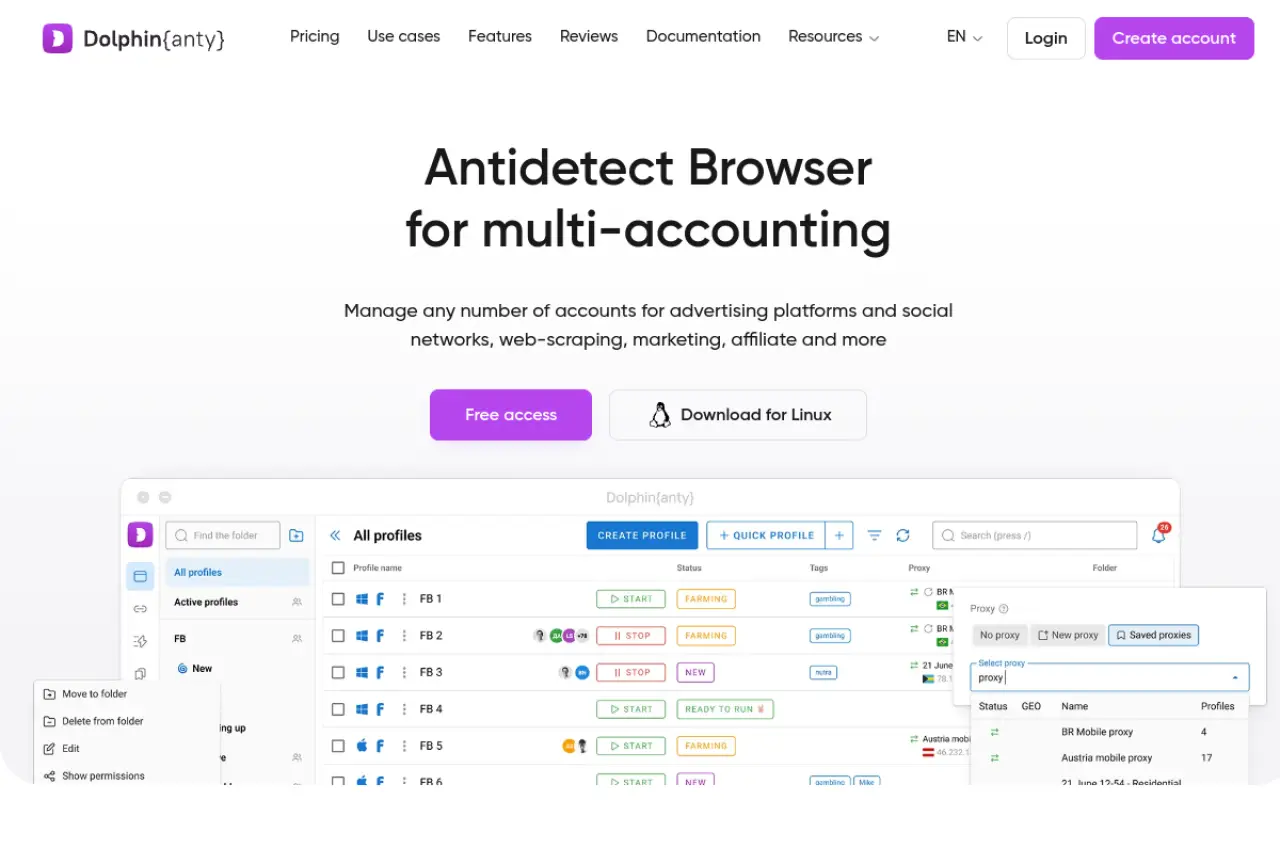
Dolphin{anty} was built by affiliate marketers for affiliate marketers. Its interface is designed for speed. When running traffic arbitrage campaigns on Telegram, you often need to switch between hundreds of accounts rapidly. Dolphin makes this easy with a very visual dashboard.
It integrates well with external automation tools and allows for quick status tagging. You can mark accounts as "New," "Warmed," or "Banned" instantly. For teams managing Telegram anti-ban strategies 2026, this visual organization saves hours of administrative work every week.
- Key Features:
- Visual Interface: See account statuses and notes at a glance.
- Smart Paste: Paste login data seamlessly.
- Real Fingerprints: Updates browser cores rapidly to match real user trends.
- Pricing:
- Free: 10 Profiles.
- Starter: $10/month (20 Profiles).
- Base: $89/month (100 Profiles).
- Verdict: The pick for fast-paced affiliate marketing teams who need speed over deep technical customization.
Incogniton: Reliability for Long-Term Account Warming
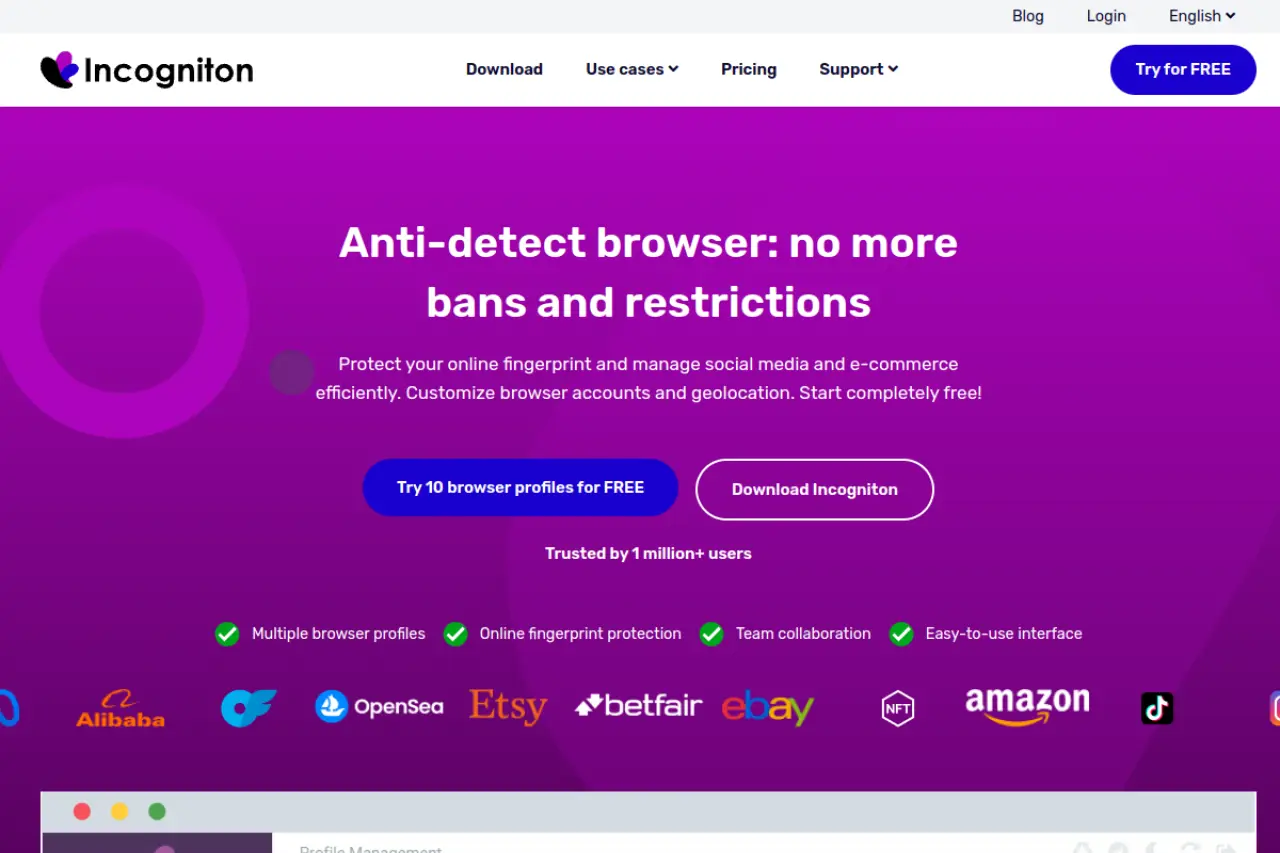
Incogniton is a solid workhorse. It is less flashy than Dolphin but highly reliable. It offers a generous free tier, making it a favorite for solo operators just starting their farm.
Incogniton focuses on data preservation. When you close a profile, it saves the cookies and local storage perfectly. This ensures that when you reopen a Telegram Web session weeks later, you are still logged in. This stability is crucial for long-term account aging. It prevents the "suspicious logout" triggers that often ban young accounts.
- Key Features:
- Cookie Collector: Automatically builds cookie history to look like a real user.
- Bulk Creator: Generate multiple profiles with unique fingerprints in one click.
- Team Seats: Add team members to specific folders.
- Pricing:
- Starter: Free (10 Profiles).
- Starter Plus: $19.99/month (10 Profiles).
- Entrepreneur: $29.99/month (50 Profiles).
- Verdict: Excellent entry point for solo marketers needing reliable, long-term profile storage.
Browser.lol: Ephemeral Sessions for Quick Scraping Tasks
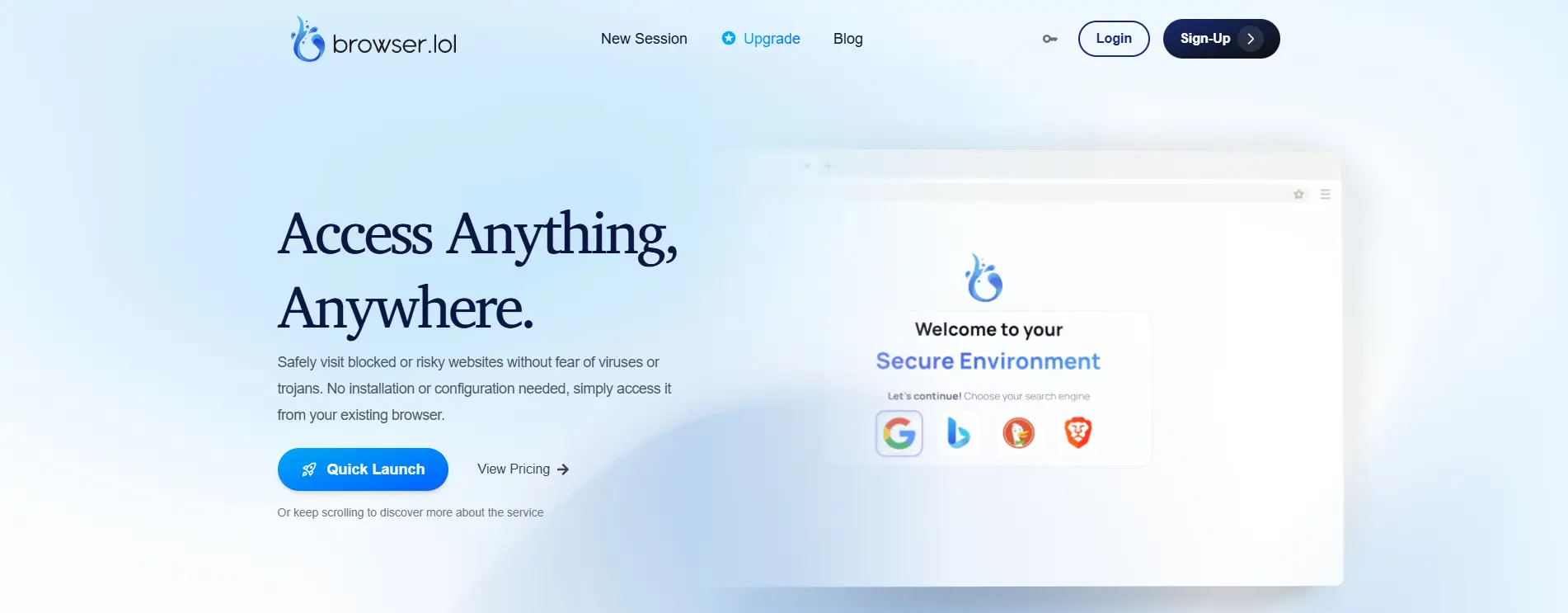
Browser.lol is unique on this list. It is a cloud-based "disposable" browser. You do not install it on your machine; you stream it.
This is perfect for high-risk tasks like scraping user data from competitor groups. If a scraping account gets flagged, it does not matter because the browser profile is temporary. Once you close the tab, the session is destroyed. It provides a clean slate every time, which is useful for testing links or checking how your ads appear to different users without risking your main farm.
- Key Features:
- No Installation: Runs entirely in the cloud.
- Sandboxed: 100% isolated from your local machine.
- Ephemeral: Data is wiped after the session ends (unless saved).
- Pricing:
- Free: Ad-supported (Limited).
- Premium: $9/month.
- Verdict: Best for "burner" tasks, quick scraping, and link testing.
Octo Browser: Real Device Fingerprints for Maximum Trust Score
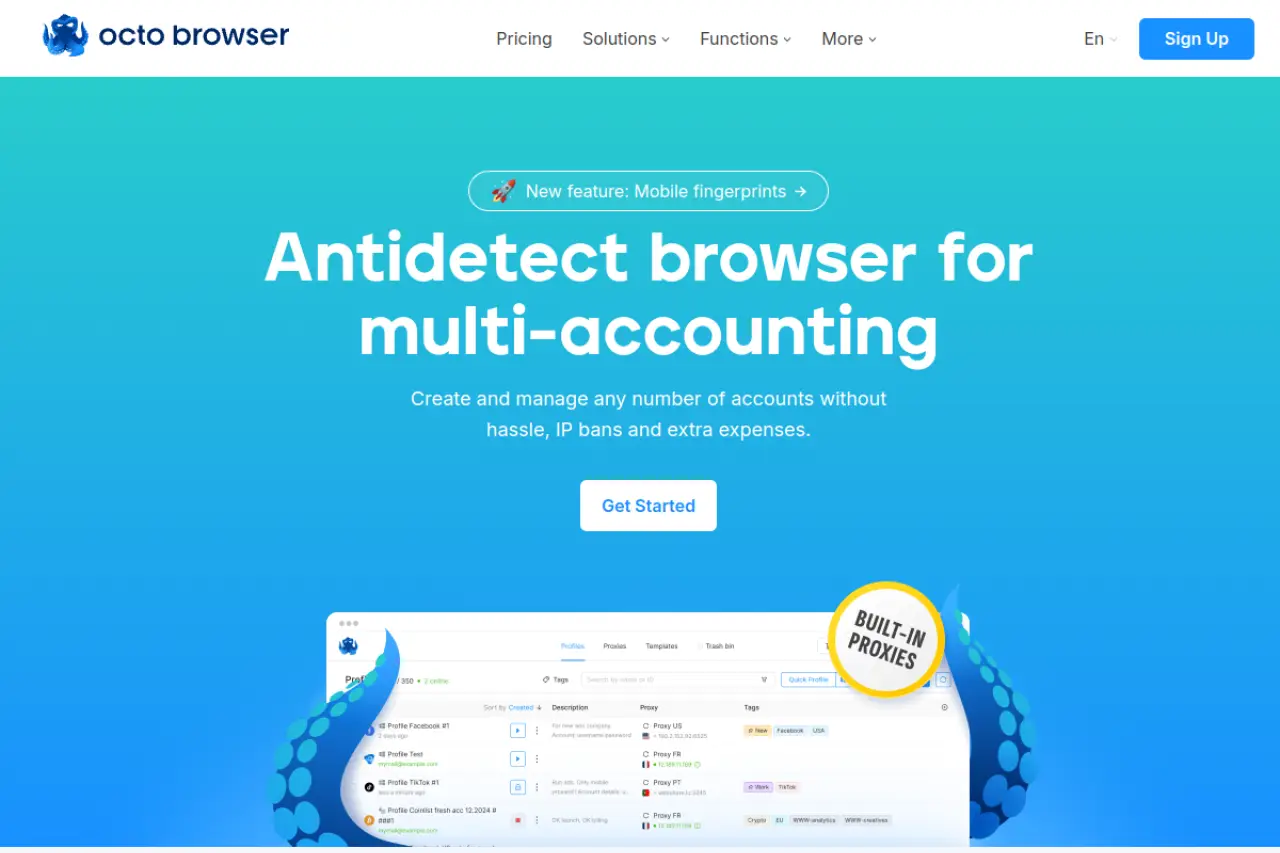
Octo Browser claims to use "real device fingerprints" rather than just generated noises. This means they capture the exact parameters of real computers and apply them to your profile.
For Telegram Web K vs Web Z automation, this high-fidelity spoofing is valuable. Telegram’s anti-fraud systems look for mismatches in hardware data. Octo minimizes these mismatches. It is a premium tool designed for users who need to pass the most difficult checks, such as payment verification or ad account creation.
- Key Features:
- Real Device Fingerprints: Uses data from actual systems.
- Fast Core Updates: Always runs on the latest Chromium version.
- API Automation: extensive documentation for coders.
- Pricing:
- Lite: €10/month (3 Profiles).
- Starter: €29/month (10 Profiles).
- Base: €79/month (100 Profiles).
- Verdict: A premium choice for users who need the highest possible trust score for payment-linked accounts.
MoreLogin: Bridging the Gap Between Desktop and Cloud Phones
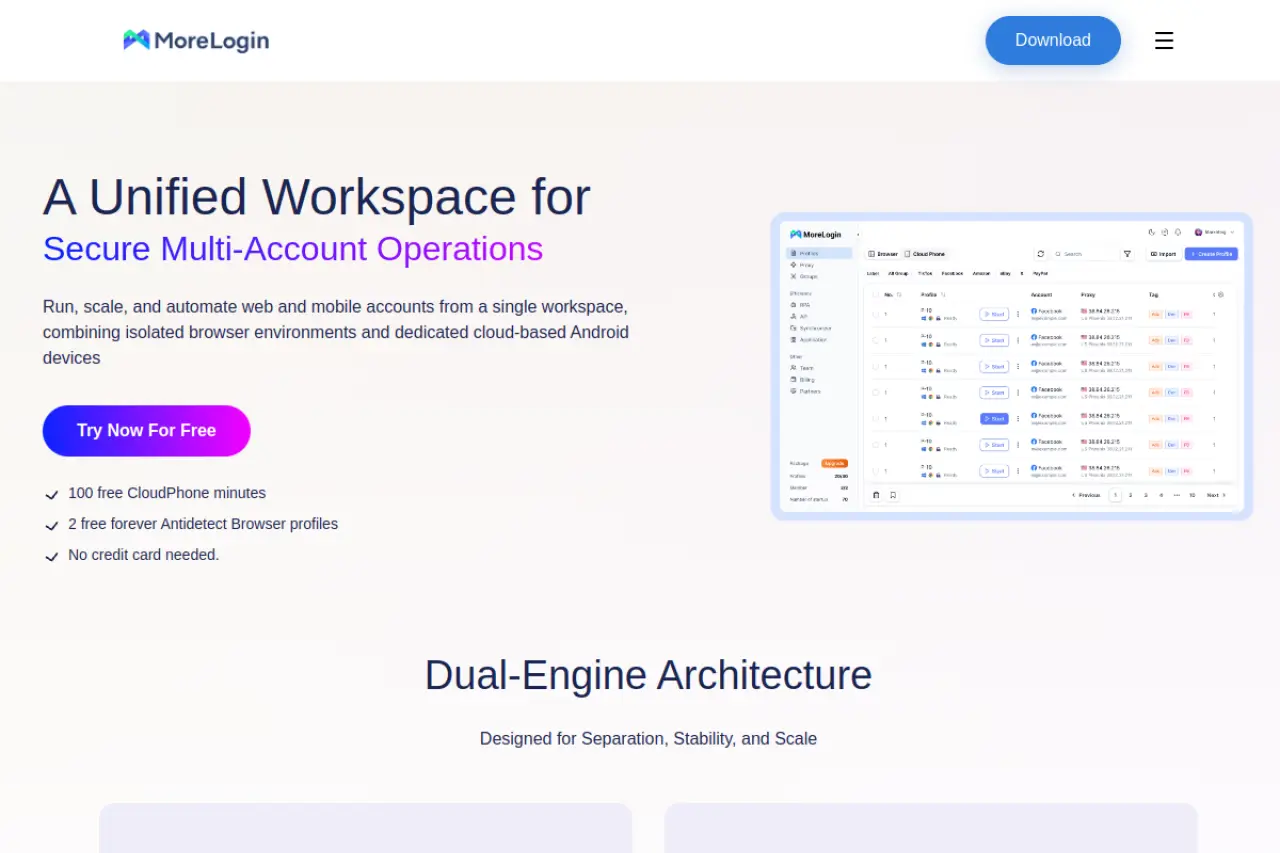
MoreLogin addresses a specific pain point: the difference between desktop and mobile. As discussed, Telegram trusts mobile traffic more. MoreLogin offers features that bridge this gap, allowing you to manage profiles that appear as mobile devices more convincingly.
It uses a "Canvas Fingerprint" technology that is robust against detection. It is also gaining popularity for its ability to integrate with Android environments, making it a hybrid solution for those who want the stability of a browser with the trust score of a phone.
- Key Features:
- Real Canvas Fingerprint: Advanced anti-tracking tech.
- Cloud Phone Emulation: Mimics mobile environments effectively.
- Synchronizer: Manage multiple profiles simultaneously.
- Pricing:
- Free: 2 Profiles.
- Pro: Starts at $9/month (10 Profiles).
- Verdict: The best browser-based solution for mimicking mobile traffic patterns on Telegram.
Hidemium: Specialized Automation for Large-Scale Farms
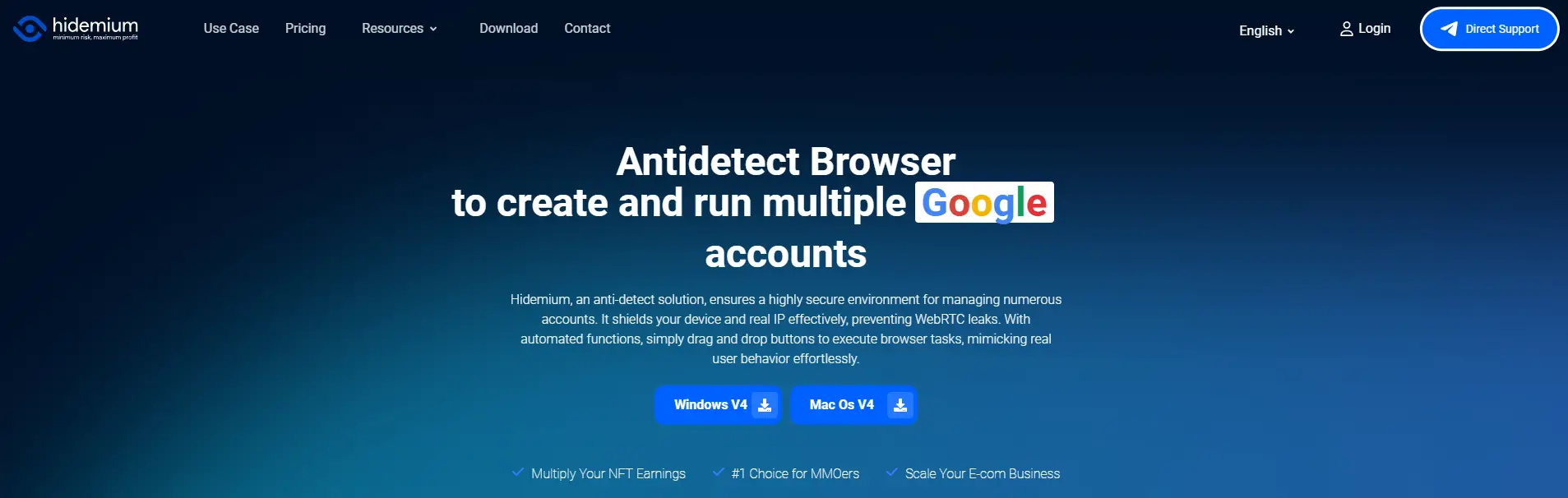
Hidemium is built for scale. If you are managing thousands of accounts, you cannot click manually. Hidemium focuses heavily on automation integration.
It supports frameworks like Puppeteer and Playwright out of the box. This makes it a favorite for developers who write custom scripts to control their Telegram farms. It also includes a mobile app that allows you to manage your farm on the go, a feature most other browsers lack.
- Key Features:
- Mobile Controller: Manage profiles from your phone.
- Automation Support: Native support for Playwright and Puppeteer.
- FP Database: Large database of browser fingerprints.
- Pricing:
- Free: 5 Profiles.
- Basic: $15/month (30 Profiles).
- Business: $420/month (13,000 Profiles).
- Verdict: The go-to tool for developers and large agencies running custom code automation.
Operational Mastery: Building a Telegram Account Farming SOP with Antidetect Browsers
You have selected your tools. Now you need a plan. Even the best Antidetect Browsers for Telegram Marketing cannot save you if your behavior is reckless. A robust Telegram account farming SOP (Standard Operating Procedure) turns a chaotic list of accounts into a reliable business asset.
In 2026, Telegram's anti-fraud AI is aggressive. It looks for speed and patterns. To defeat it, you must simulate human laziness. Real humans do not join 50 groups in one second. This workflow outlines exactly how to build, warm, and deploy accounts using tools like DICloak to ensure high survival rates.
Phase 1: Registration and Virtual Number Acquisition
The first 24 hours are critical. Most bans happen here because of bad IP addresses or reused device fingerprints.
- Configure the Digital Environment: Open your antidetect browser. Create a new profile. Set the operating system to Android or iOS. Telegram trusts mobile devices more than desktops.
- Assign a Clean IP: Bind a static Residential Proxy to the profile. Do not use datacenter IPs; they are instant red flags. Ensure this IP stays with this account forever. If the IP changes constantly, Telegram will lock the account for suspicious activity.
- Number Verification: Use Virtual mobile numbers for Telegram verification. Avoid "free" SMS sites. Use paid services that offer private numbers.
- The Login Protocol:
- Enter the number in the Telegram Web K or Z interface.
- Input the SMS code slowly. Do not copy-paste instantly.
- Crucial Step: Enable Two-Factor Authentication (2FA) immediately. This signals to Telegram that you care about security, boosting your trust score.
Phase 2: The 7-Day Warming Cycle and Behavioral Simulation
You cannot send messages yet. A new account has a "Trust Score" of zero. If you send a link now, you will be banned. You need a Telegram anti-ban strategies 2026 warming protocol.
- Day 1 (The Idle Phase): After registration, do nothing. Leave the browser profile open for 20 minutes. Then close it.
- Day 2-3 (Passive Consumption): Log in. Join 1-2 legitimate channels (like news, memes, or sports). Do not join crypto or marketing groups yet. Scroll through posts for 5 minutes.
- Day 4-5 (Identity Building): Upload a profile picture. It must be a unique image (remove metadata). Add a bio. Set a username.
- Day 6-7 (Interaction): Join one public group. Send a simple text message like "Hello" or "Thanks." Do not send links.
Tools like DICloak offer RPA (Robotic Process Automation) to handle this. You can program the browser to open, scroll, and close automatically. This builds a history of "human" activity without wasting your time.
Phase 3: Automated Scraping and Mass Outreach Execution
Once the account is aged (7+ days), it is ready for Telegram bulk messaging automation. This is where you generate revenue.
- Target Extraction: Use a scraper to find active users in competitor groups. Filter for users who have been online in the last 24 hours.
- The Outreach Workflow:
- Direct Messaging: Send 15-20 DMs per day per account. Do not exceed this.
- Inviting: Add 20-30 users to your own channel or group.
- Rotation: Use Multi-accounting Telegram tools to rotate through your farm. If you have 100 accounts, use 20 today and let 80 rest. This "rest period" prevents burn-out.
- Link Safety: Never send raw affiliate links. Telegram scans them. Use a "Landing Channel" or a safe bridge page. Direct users to a pinned post in your bio rather than sending the link in the first message.
By following this strict SOP, you move from "spamming" to "operating." You protect your investment in proxies and numbers, ensuring your marketing machine runs smoothly for months, not just minutes.
FAQ: Frequently Asked Questions about Antidetect Browsers for Telegram Marketing
You have built your account farm, but small operational mistakes can still destroy it. This section answers the most critical questions about operating Antidetect Browsers for Telegram Marketing. We address the specific technical friction points that cause Telegram bulk messaging automation to fail. These answers are based on the latest 2026 security protocols and focus on protecting your business assets.
Can I use free antidetect browsers for mass Telegram marketing?
No, you should not rely on free tools for business operations. Free browsers often lack the advanced updates needed to bypass Telegram anti-ban strategies 2026. They may leak your real IP address or browser fingerprint, leading to instant chain bans. For secure scaling and data protection, you need a professional tool like DICloak.
How many Telegram accounts can I safely run per browser profile?
You must strictly follow a 1:1 ratio. Run exactly one Telegram account per browser profile. If you put multiple accounts in one profile, they share the same cookies, local storage, and hardware signature. Telegram will link them immediately and ban the entire cluster.
Is Telegram Web K or Web Z better for automation in 2026?
Most automation experts prefer Telegram Web K. It is generally more stable and integrates better with Telegram Web K vs Web Z automation scripts. However, you should test both versions manually during your warm-up phase. Choose the version that loads fastest with your specific proxy provider.
What is the best proxy type for Telegram marketing: 4G or Residential?
4G mobile proxies are the superior choice for high-trust operations. They share IPs with thousands of real mobile users, making it very hard for Telegram to blacklist the IP address. Residential proxies for Telegram marketing are a solid second choice, but you must strictly avoid Datacenter IPs.
Are antidetect browsers legal for Telegram affiliate marketing?
Yes, using an antidetect browser is a legal method for managing privacy and data. It is a tool for identity management. However, you must ensure your content complies with Telegram's Terms of Service. Legitimate Multi-accounting Telegram tools help you manage valid marketing campaigns without triggering false security flags.
 Web Proxy Tools
 Free Tools
 Cookie Plugin
 UA Generator
 MAC Address Generator
 IP Generator
 IP Address List
 2FA Code Generator
 World Clock
 Anonymous Check
 WebRTC Leak Test
 UUID Generator
 Free Web Proxy Site
 Proxy Checker
 FB Ad Checker
 AI Web Scraping
 Free SMM Tools
 Twitter Shadowban Checker
 Instagram Name Checker
 UTM Generator
 Username Generator
 AI Hashtag Generator
 LinkedIn Headline Generator
 Social Media Image Resizer