The Evolution of Agency Risk: Why You Need an Antidetect Browser for Social Media Managers
Managing client accounts used to be simple. You could log in, post, and log out. That era is over. In 2026, social platforms use advanced AI to track who controls an account. If you manage five or more clients from one laptop, you are walking into a trap. This is why every modern agency needs an Antidetect Browser for Social Media Managers.
Traditional methods like "Incognito Mode" or clearing your cookies do not hide your device's true identity. To the algorithm, you look like one person pretending to be fifty people. This behavior triggers security flags. To scale safely, you must stop "hiding" and start "isolating."
Beyond the IP Address: The Rise of Platform Intelligence
Many agencies think a proxy is enough protection. This is a dangerous myth. Platforms like Facebook, TikTok, and LinkedIn no longer rely solely on your IP address to identify you. They now look at your digital fingerprint.
Your fingerprint includes your screen resolution, installed fonts, battery level, and even how your graphics card draws images. This data creates a unique ID for your computer. When you log into ten different client accounts from the same computer, the platform sees that unique ID ten times.
This is where a multi-login browser for agencies becomes essential. It lets you change these details for every single profile. Instead of just changing your IP, you change your entire digital identity. This allows you to manage multiple instagram accounts without ban issues because the platform thinks each account is on a completely different device in a different location.
The 'Chain Ban' Threat: Why One Mistake Costs You Every Client
The biggest risk in 2026 is not losing one account. It is losing all of them at once. This disaster is called a "Chain Ban."
If one of your clients violates a policy and gets banned, the platform marks your device as "toxic." Because you logged into other clients on that same device, the AI assumes all those accounts are connected. It can then ban your entire Business Manager and lock every client account you manage.
An antidetect browser prevents this by using account isolation. It creates a virtual wall between every tab. If one client gets banned, the damage stops there. It cannot spread to your other assets. This tool also enables safer team session sharing social media, as your employees can access these isolated profiles without leaking their own personal data into the client's environment.
Browser fingerprinting is the primary weapon platforms use against agencies today. Understanding it is the first step to beating it.

The Root Cause of Account Bans: Digital Fingerprinting Explained for Social Media Managers
You might think hiding your IP address is enough to stay safe. It is not. Platforms like Facebook and TikTok build a detailed profile of your actual device hardware. This data collection is called digital fingerprinting. If you use the same computer for ten clients, they all share this fingerprint. When one account gets banned, the others are linked instantly because the hardware matches.
An Antidetect Browser for Social Media Managers is designed to stop this tracking. It does not just hide your location; it changes how your device looks to the server. Without this tool, you are broadcasting your identity to every platform you visit.
The Hidden Profile: Using a Canvas Fingerprinting Checker
Your browser uses a feature called the HTML5 Canvas to draw 2D and 3D graphics. Every computer renders these images slightly differently depending on its specific graphics card and drivers. This variation creates a unique ID, almost like a serial number for your screen. Platforms use this Canvas fingerprinting to track you across different accounts, even if you clear your cookies.
You can verify this vulnerability yourself with a Canvas fingerprinting checker. If your result is "100% unique," you are easy to track. A high-quality antidetect browser solves this by adding "noise" to the drawing process. This makes your unique device look like a generic, common computer. The goal is to blend in with the crowd, not to stand out.
WebRTC and AudioContext: The Leaks You Don't See
WebRTC is the technology that allows video and voice chats directly in your browser. While useful for regular users, it is dangerous for privacy. WebRTC can leak your real Local and Public IP addresses even if you are using a proxy. This exposes your true location to the platform's security bots.
To stay safe, you must run a WebRTC leak protection test regularly. If your real IP appears, your account isolation has failed. Another hidden tracker is AudioContext. It measures how your computer hardware processes sound signals. Like Canvas data, this creates a specific signature. If you manage high-value ad accounts, you need digital fingerprint spoofing tools that automatically alter this audio signal for every profile.
WebGL and Font Enumeration: Mapping Your Graphic Footprint
Platforms also analyze your WebGL data. This reveals your exact graphics card model and vendor. Security algorithms look for mismatches here. For example, if your user agent says you are on an iPhone, but your WebGL data shows a desktop NVIDIA graphics card, the account will be flagged immediately.
Font Enumeration is another common tracking method. Platforms scan the list of fonts installed on your operating system. A graphic designer will have different custom fonts compared to a standard office worker. If 50 "different" users all have the exact same rare fonts installed, the platform knows they are actually one person. Tools like DICloak handle this by loading a standard list of fonts for each profile, ensuring no two clients look identical.
Behavioral Biometrics: The AI Monitoring Your Clicks
Finally, algorithms watch how you act. This is called behavioral biometrics. They track your typing speed, mouse movements, and hesitation before clicking. Bots tend to move instantly and click the exact same pixel every time. Humans are imperfect.
Advanced browsers help you manage multiple instagram accounts without ban risks by offering features like "Smart Paste." This mimics human typing speeds when you copy passwords or text. When combined with hardware spoofing, this makes your activity look natural and organic, significantly lowering the risk of a ban.
The Solution Mechanism: How an Antidetect Browser for Social Media Managers Protects Your Assets
The sophisticated tracking methods we discussed create a minefield for agencies. Simple privacy plugins are no longer enough to stop them. You need dedicated infrastructure. An Antidetect Browser for Social Media Managers serves as this defense system. It moves beyond basic IP masking to solve the root problem: browser fingerprinting. This software separates your digital identity from your physical machine, allowing you to operate safely at scale.
Virtual Containers: Creating Isolated Browsing Environments
Standard browsers like Chrome store all your data in one shared space. If you log into five different Instagram accounts in tabs, they all share the same "cache" and browser core. This makes cross-contamination inevitable.
An antidetect browser solves this by using Virtual Containers. Think of these as separate, airtight boxes. When you create a profile for a client, the browser builds a unique environment for it. This profile has its own cookies, local storage, and cache. Data from Client A never touches Client B.
This isolation is critical for team session sharing social media. Because the container lives in the cloud, a team member in London can open the profile, and the platform sees the exact same "device" as the manager in New York. There are no "new device" logins to trigger security checks.
Mastering Digital Fingerprint Spoofing Tools for Realism
Isolation protects your data, but spoofing protects your identity. Platforms like Meta or TikTok will ban accounts that refuse to share device data. They want to know what hardware you are using. If you block them, you look suspicious.
Instead of blocking trackers, you need digital fingerprint spoofing tools. These tools inject fake but realistic data into the platform's requests. For example, if you are working on a Windows PC, the browser can tell Facebook that you are using an iPhone 14.
Top-tier solutions like DICloak handle this automatically. They adjust parameters like your screen resolution, installed fonts, and Canvas image rendering to match the fake identity. This allows you to warm up Facebook ad accounts automatically because the platform sees a consistent, normal user rather than a bot farm.
Native WebRTC Leak Protection for SMM Operations
As noted earlier, WebRTC can leak your real IP address even behind a proxy. Standard browsers use this technology for media streaming, and it often bypasses normal network settings.
Antidetect browsers intercept these WebRTC requests at the engine level. They do not just disable WebRTC (which breaks functionality). Instead, they mask the local IP address. The browser forces the WebRTC traffic through your assigned proxy. This ensures that your public IP and your internal network IP match the location of your profile. This technical consistency is the only way to pass a rigorous security scan.
Top 6 Antidetect Browser for Social Media Managers Analyzed for 2026
You now understand the technology behind the bans. The next step is selecting the right infrastructure. An Antidetect Browser for Social Media Managers is your primary shield against asset loss. We have tested the leading market options to see which tools offer the best WebRTC leak protection test results and team usability.
Below is our detailed analysis of the top 6 platforms. We judged them based on fingerprint consistency, team scaling capabilities, and automation support.
Comparison Matrix: Agency & Business Solutions
| Product |
Best For |
Starting Price (Paid) |
Key Advantage |
| DICloak |
Global Teams & Agencies |
$8 / month |
Best-in-class fingerprinting & RPA automation |
| Dolphin {anty} |
Affiliate Arbitrage |
$10 / month |
Mass profile management & status tags |
| Incogniton |
Small Freelancers |
$19.99 / month |
Generous free tier for starters |
| Browser.lol |
Instant Isolation |
$9 / month |
No installation required (Cloud-based) |
| Octo Browser |
Universal Reliability |
€29 / month |
High uptime and profile stability |
| MoreLogin |
Mobile-First Ops |
$9 / month |
Real Android cloud phone emulation |
DICloak: Robust Multi-Account Management for Global Teams
DICloak stands out as the superior choice for serious agencies in 2026. It is designed specifically as a Multi-login browser for agencies that need to scale without technical headaches. While other tools focus on solo affiliates, DICloak prioritizes team stability and advanced fingerprint customization.

Why it wins: DICloak offers a "Share+" plan that is perfect for agencies. It allows unlimited members to access 200 profiles. This solves the "Team Session Bleed" issue we discussed earlier. You can assign roles so junior staff can run accounts without seeing the raw cookie data. It also includes a built-in Canvas fingerprinting checker to ensure your spoofing is active before you log in.
- Key Features:
- RPA Automation: Automate repetitive tasks like "warming up" accounts without writing code.
- Cloud Synchronization: Profiles sync instantly across devices.
- Batch Operations: Create or update 50 profiles in one click.
- Custom Proxy Configuration: Assign your own proxies to specific profiles to keep each login environment consistent.
- Pricing:
- Free Plan: 5 Profiles.
- Base: $8/month (20 Profiles).
- Plus: $28.8/month (100 Profiles).
- Share+: $138/month (200 Profiles, Unlimited Members).
- Verdict: The best overall Antidetect Browser for Social Media Managers who value security and team workflow.
Dolphin{anty}: The Affiliate and Traffic Arbitrage Powerhouse
Dolphin {anty} is a favorite among affiliate marketers who run hundreds of ad accounts simultaneously. If your business model involves high-volume traffic rather than client management, this is a strong contender. It is famous for its visual interface where you can tag accounts with statuses like "Banned," "Active," or "Warming Up."
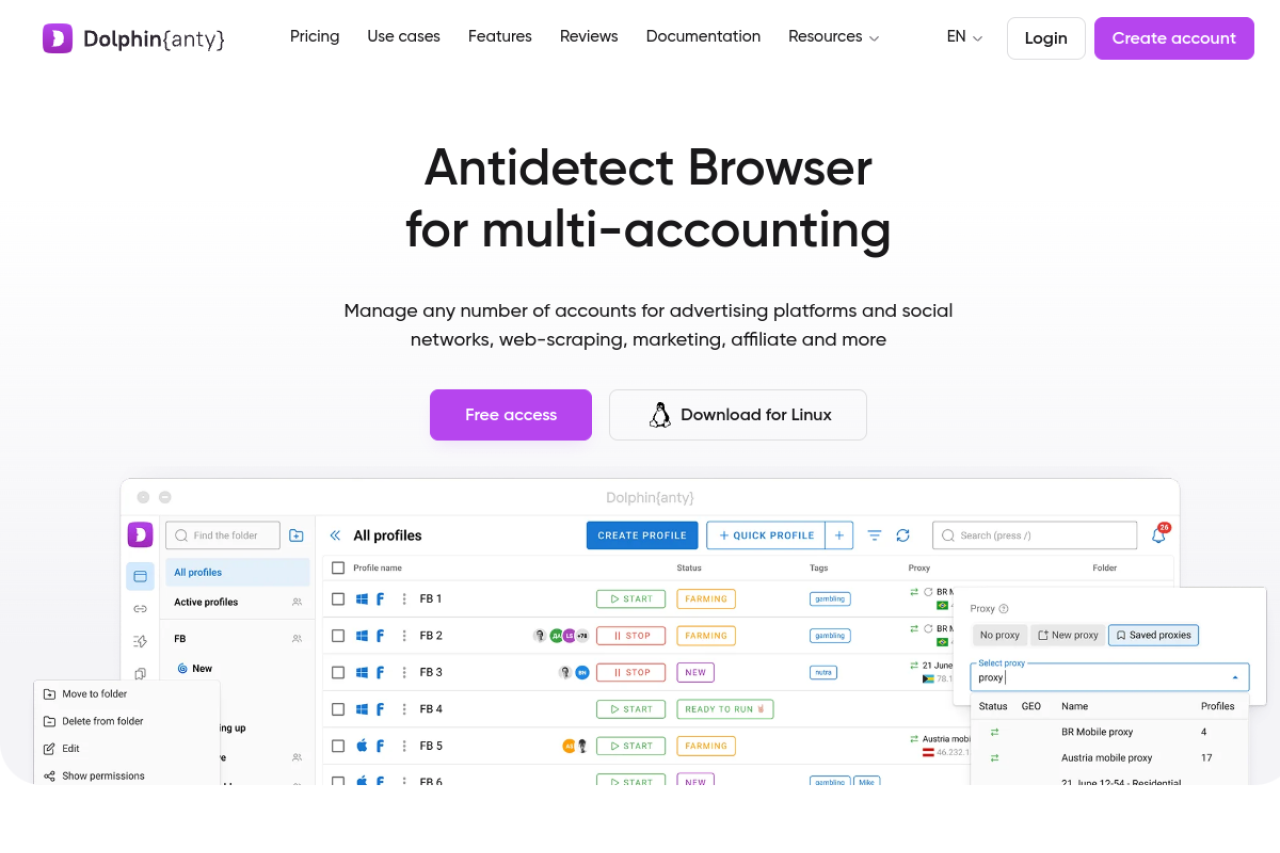
Why it is popular: It integrates natively with Facebook automation tools. The "Cookie Robot" feature can visit a list of websites to build a cookie history before you even log into Facebook. This helps warm up Facebook ad accounts automatically.
- Key Features:
- Status Tags: Visual organization for mass accounts.
- API Integration: Built for custom scripts.
- Bulk Management: Edit extensions for 50 profiles at once.
- Pricing:
- Free: 10 profiles.
- Starter: $10/month (20 profiles).
- Base: $89/month (100 profiles).
- Verdict: Excellent for "Grey Hat" affiliates, but DICloak offers better team security for white-label agencies.
Incogniton: The Entry-Point Multi-Login Browser for Small Agencies
Incogniton is often the first tool a freelancer uses. It provides a solid balance of features and costs. If you are just starting to manage multiple instagram accounts without ban risks, this is a safe entry point.
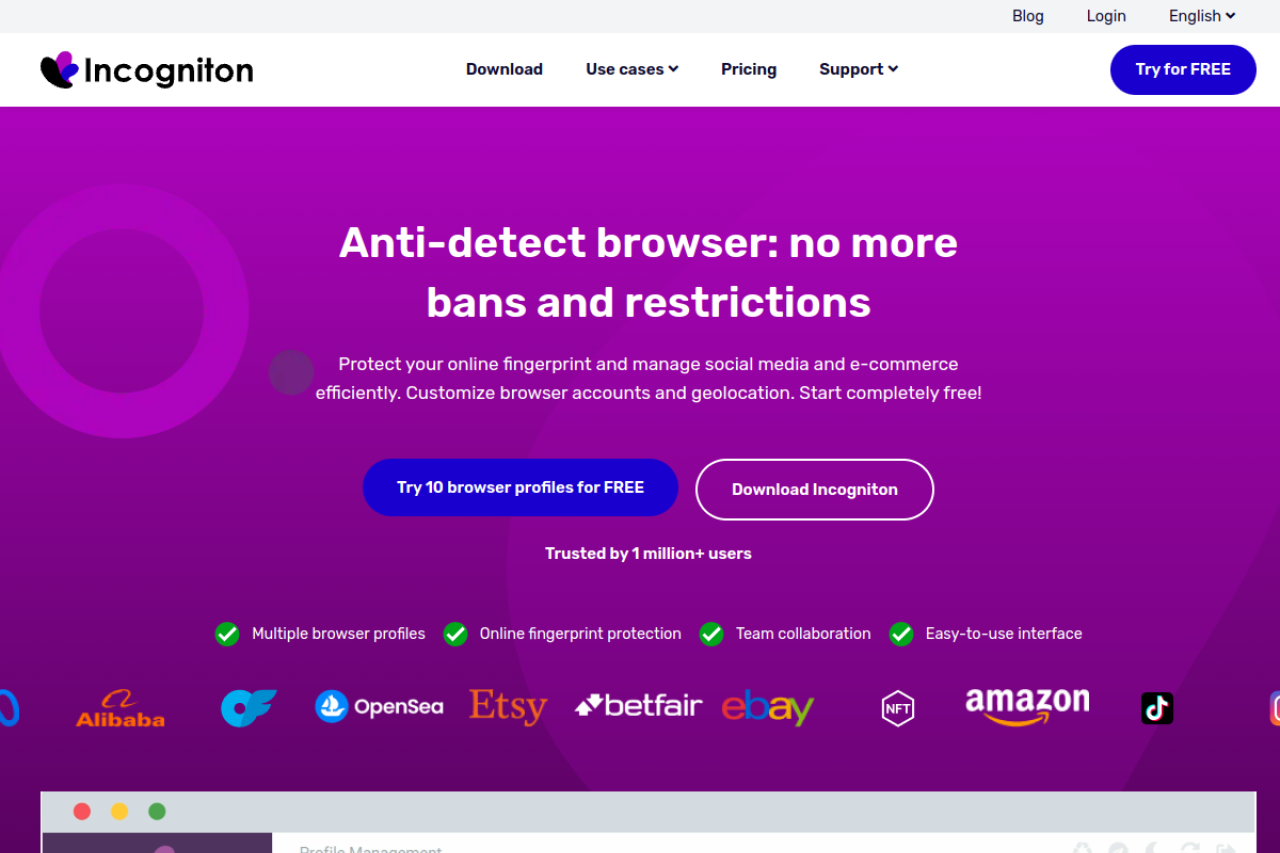
Why it works for starters: It offers a very generous free tier. You can manage 10 profiles for free in the first 2 months. The interface is simple, and it supports essential features like cookie import and proxy management. It also includes a "Paste as Human" typing feature to trick bot detectors.
- Key Features:
- Cookie Collector: automated history building.
- Team Seats: Available on higher tiers.
- Data Sync: Cloud storage for profile data.
- Pricing:
- Starter: Free (10 profiles).
- Starter Plus: $19.99/month (10 profiles).
- Entrepreneur: $29.99/month (50 profiles).
- Verdict: A great budget option, though it lacks the advanced RPA features of DICloak.
Browser.lol: Browser-in-Browser Tech for Instant Isolation
Browser.lol takes a different approach. Instead of installing software on your computer, it streams a browser from the cloud to your screen. This is a "Browser-in-Browser" solution.
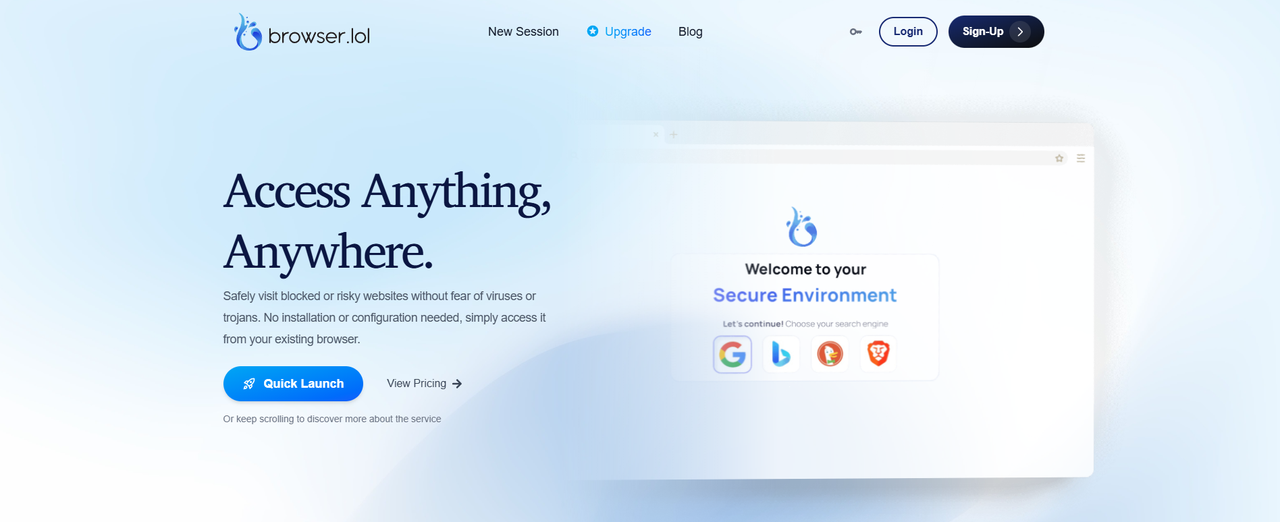
Why it is unique: It creates a disposable environment. This is useful for one-time tasks or checking suspicious links without exposing your local network. It is less about long-term account management and more about instant privacy.
- Key Features:
- No Installation: Runs entirely in your web browser.
- Disposable Sessions: Data is wiped after use (unless saved).
- High Speed: Uses cloud internet speeds (1Gbps+).
- Pricing:
- Free: Ad-supported.
- Premium: $9/month.
- Verdict: Good for quick tasks, but not suitable for long-term digital fingerprint spoofing tools needed for client accounts.
Octo Browser markets itself for stability. It uses a core based on the latest Chromium versions, which helps it blend in with normal traffic. It is a "universal" antidetect browser used by crypto traders and bonus hunters.
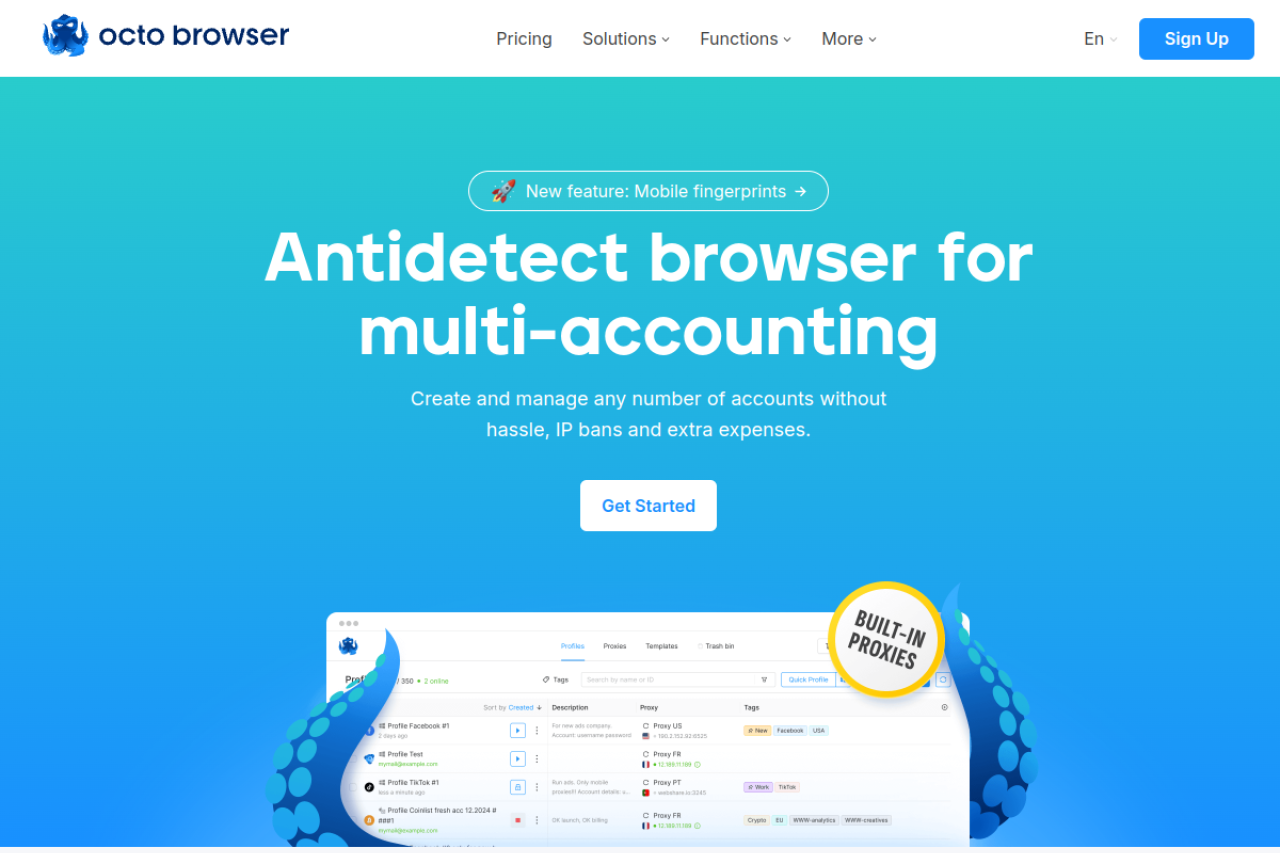
Why it is reliable: Octo Browser focuses on passing complex checks from financial institutions and ad platforms. Its fingerprinting engine is rigorous. It supports API automation for teams that want to build their own tools on top of the browser.
- Key Features:
- Real Device Fingerprints: High-quality spoofing database.
- Tag System: Organize profiles efficiently.
- Proxy Checker: Built-in speed and anonymity tests.
- Pricing:
- Lite: €10/month (3 profiles).
- Starter: €29/month (10 profiles).
- Base: €79/month (100 profiles).
- Verdict: A premium, stable choice, but the pricing is in Euros and can be higher than competitors.
MoreLogin: Real Cloud Phone Emulation
MoreLogin addresses a specific gap in the market: mobile fingerprints. Many platforms like TikTok or Instagram trust mobile devices more than desktops. MoreLogin offers a "Real Cloud Phone" feature.
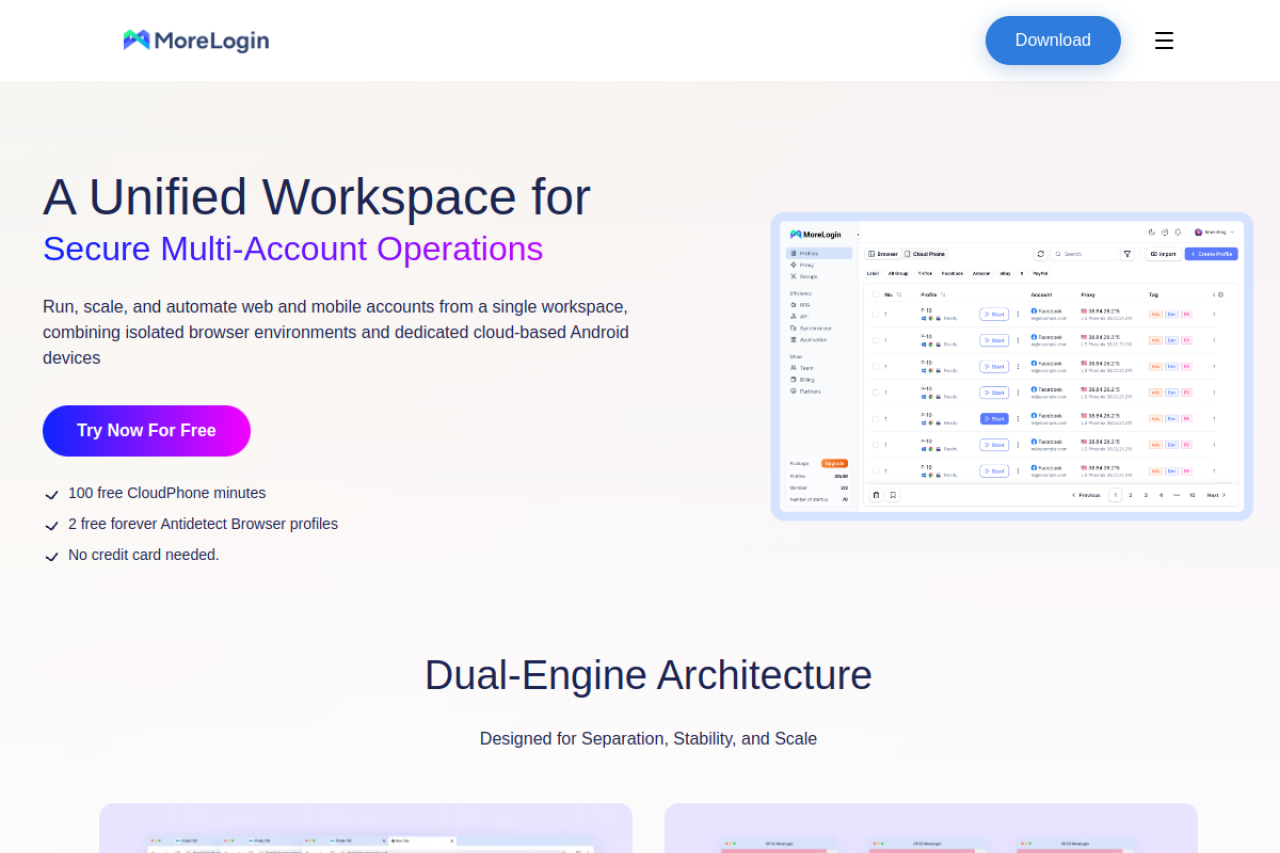
Why choose it: Instead of just spoofing a mobile User-Agent on a desktop browser, MoreLogin emulates an actual Android environment. This is critical for apps that behave differently on mobile. It helps avoid blocks when you manage multiple instagram accounts without ban triggers associated with desktop usage.
- Key Features:
- Cloud Phone: Android system emulation.
- Canvas Spoofing: Advanced graphic masking.
- Profile Transfer: Easy sharing between users.
- Pricing:
- Free: 2 profiles.
- Pro: $9/month (10 profiles).
- Scale: $25/month (50 profiles).
- Verdict: The go-to choice if your agency focuses strictly on mobile-first platforms like TikTok.
Scaling with an Antidetect Browser for Social Media Managers
Selecting the right software is only the first step. To handle 50 or 500 client accounts effectively, you need a solid operational workflow. Using an Antidetect Browser for Social Media Managers allows you to move beyond basic login protection. It enables your agency to automate tedious tasks and share access securely.
The goal is simple: maximize your revenue per employee. You do this by removing the bottlenecks that slow down your team, such as verification codes and manual browsing.
How to Warm Up Facebook Ad Accounts Automatically
A fresh account is a fragile account. If you create a new Facebook Business Manager and immediately launch a campaign, you will likely get flagged. Platforms expect to see "human" activity first. This process is called "warming up."
In the past, staff members had to manually scroll through news feeds, like posts, and visit websites for weeks. This wasted valuable time. Today, modern tools like DICloak handle this for you.
To warm up Facebook ad accounts automatically, you use a feature often called a "Cookie Robot" or RPA (Robotic Process Automation). Here is the workflow:
- Set a Schedule: Tell the browser to open the profile for 15 minutes each day.
- Input Websites: Provide a list of popular sites (like news outlets or shopping sites).
- Launch: The browser visits these sites, scrolls, and accepts cookies.
This builds a trusted history for the profile. When you finally launch ads, the platform sees a legitimate user rather than a bot.
The Cookie Handshake: Logging into Clients Without 2FA Fatigue
The biggest friction point for agencies is Two-Factor Authentication (2FA). Waiting for a client to text you a 6-digit code kills productivity. It also looks unprofessional to ask for codes repeatedly.
You can solve this with the "Cookie Handshake." This method uses digital session data instead of passwords.
The Workflow:
- Client Export: Ask the client to install a cookie editor extension. They click "Export" to save their current active session as a JSON file.
- Agency Import: You take that file and paste it into your antidetect browser profile (like DICloak or Dolphin{anty}).
- Instant Access: When you open the profile, you are already logged in.
The platform recognizes the session as valid. It does not ask for a password or a code. This allows your team to work immediately. It also keeps the client's password private, which improves trust.
Managing Multiple Instagram Accounts Without Ban via Mobile Proxies
Instagram and TikTok are "mobile-first" platforms. They expect connections to come from phones, not office desktops. If you manage 50 Instagram accounts from one static WiFi IP address, you create a pattern that looks like spam.
To manage multiple instagram accounts without ban risks, you must pair your antidetect browser with high-quality mobile proxies.
Why Mobile Proxies Work:
- Dynamic IPs: Mobile networks rotate IP addresses among thousands of real users. Platforms are hesitant to ban these IPs because they might block innocent users.
- Correct Fingerprint: Your browser profile should spoof a mobile device (like an iPhone or Android).
- Isolation: Each client account gets one dedicated mobile proxy port.
Tools like DICloak allow you to assign a specific proxy to each profile. This ensures that Client A never shares an IP address with Client B. If one account has an issue, the others remain safe. This isolation is the only way to scale safely in 2026.
Frequently Asked Questions about Antidetect Browser for Social Media Managers
Implementing new security infrastructure often raises technical questions. Below are the most critical answers regarding the Antidetect Browser for Social Media Managers to help your team finalize its SMM FAQ and compliance protocols. These answers address common doubts about legality, automation, and technical setup.
Is using an antidetect browser for social media managers legal?
Yes, using privacy tools to manage legitimate client accounts and protect business data is legal. Agencies use these browsers to prevent accidental cross-tracking between clients. However, using this technology for fraud, credit card theft, or hacking remains strictly illegal.
Can I use an antidetect browser automation API to schedule posts?
Yes, enterprise-grade tools like DICloak provide a robust antidetect browser automation API. This allows your development team to build custom scripts that automatically log in, post content, and interact with followers. This method is safer than standard bots because it runs inside a real browser profile.
Does an antidetect browser replace the need for residential proxies?
No, they serve two different functions that must work together. The browser masks your hardware fingerprint (device model, screen, fonts), while the Residential Proxy masks your location (IP address). You need both to convince platforms that you are a real user in a specific city.
How often should I perform a WebRTC leak protection test?
You should run a WebRTC leak protection test every time you set up a new profile or switch internet connections. WebRTC leaks can accidentally reveal your real IP address even if your proxy is on. Regular testing ensures your "tunnel" remains secure before you open a client's ad account.
Why do I need a Canvas fingerprinting checker if I use an antidetect tool?
You use a Canvas fingerprinting checker to verify that your spoofing is working correctly. It confirms that the platform sees the unique digital identity you created (like a specific graphics card) rather than your real computer hardware. This verification step prevents costly mistakes with high-value HTML5 Canvas tracking.
 Web Proxy Tools
 Free Tools
 Cookie Plugin
 UA Generator
 MAC Address Generator
 IP Generator
 IP Address List
 2FA Code Generator
 World Clock
 Anonymous Check
 WebRTC Leak Test
 UUID Generator
 Free Web Proxy Site
 Proxy Checker
 FB Ad Checker
 AI Web Scraping
 Free SMM Tools
 Twitter Shadowban Checker
 Instagram Name Checker
 UTM Generator
 Username Generator
 AI Hashtag Generator
 LinkedIn Headline Generator
 Social Media Image Resizer