The Hidden Crisis: Why Your Search Strategy Needs an Antidetect Browser for Google Ads
In 2026, relying on a standard browser for high-stakes advertising is a business risk you cannot afford. As traffic costs rise, the stability of your ad accounts becomes your most valuable asset. If Google links your accounts together, you risk losing everything overnight. This is why a professional Antidetect Browser for Google Ads is no longer optional—it is essential infrastructure. It separates your digital identities, so you can scale safely without fear of instant suspension.
The High-Volume Affiliate Arbitrage Dilemma
For affiliate marketers, volume is the key to profit. You cannot rely on a single ad account to run traffic for fifty different offers. If that one account gets flagged for a policy violation, your entire income stream stops. To survive, you must spread your risk across many accounts.
This strategy requires specialized traffic arbitrage tools. You need to operate dozens of accounts simultaneously, but they must look like they belong to different people. If you log into five different Google Ads accounts from the same Chrome browser, Google’s AI sees the same "fingerprint." It assumes you are trying to manipulate the system.
By using an antidetect browser like DICloak, you create a unique digital environment for each account. This prevents the platform from linking your successful campaigns to a flagged one, protecting your cash flow.
Agency Ad Account Scaling and the Risk of Chain Bans
Agencies face a different but equally dangerous threat: the "chain ban." When you manage multiple mcc accounts (My Client Center), you are often responsible for millions of dollars in ad spend. The danger arises when one client uses a bad payment method or promotes a banned URL.
If Google links that bad client account to your agency's main login, they often suspend every account you manage. This is often labeled as a Circumventing Systems violation. It is one of the hardest bans to appeal.
The algorithmic detection systems in 2026 are aggressive. They look for shared data points like:
- Hardware IDs: Your screen resolution and graphics card renderer.
- Cookies: Shared login sessions.
- Behavior: How you navigate the dashboard.
An antidetect browser stops this data leakage. It ensures that Client A’s suspension never touches Client B’s performance.
Why Standard Security Measures No Longer Bypass Google's AI
Many advertisers think Incognito mode is enough protection. This is a fatal mistake. Hiding your IP address is only 10% of the battle. Google’s tracking technology now builds a profile based on your device's hardware and your behavior.
Standard privacy tools do not hide your Canvas Fingerprint. This is a unique image your browser renders that acts like a digital serial number. If you buy aged Google Ads accounts to skip the review period but open them on your regular computer, the trust score drops to zero immediately. The hardware mismatch triggers a security alert.
To fix this, smart teams use automation. They run a Google Ads warm up script inside an antidetect profile. This generates a history of "human" browsing—watching videos, scrolling news sites—before launching ads. This process builds the trust required to bypass the initial AI fraud checks.
Beyond IP Addresses: How Fingerprinting Defeats a Standard Antidetect Browser for Google Ads
Since we identified that standard methods fail, this section explains the technical 'why'—focusing on browser metadata. Changing your IP address is like changing your house number. However, browser fingerprinting describes the furniture inside your house. If the furniture is identical, Google knows it is the same person. This is why you must use a specialized Antidetect Browser for Google Ads. It alters the deep technical signals that standard privacy tools miss.
The Science of Canvas Fingerprint Spoofing
When your browser visits a website, Google asks it to render a hidden image or text. This process relies on your computer's specific graphics card and drivers. The tiny differences in how your computer draws this image create a unique ID called a Canvas Fingerprint.
If you log into five different accounts from the same PC, that hidden image looks exactly the same every time. This links your accounts instantly.
To fix this, you need canvas fingerprint spoofing. This technology adds "noise" to the image. It changes a few pixels so the human eye cannot see the difference, but the computer code looks unique. A quality antidetect browser ensures every profile generates a completely different, yet valid, canvas signature.
WebGL and Audio Context: The Silent Profile Killers
Google does not stop at 2D images. They also check your WebGL (3D graphics) and Audio Context data. These reveal your exact hardware model, such as your video card or sound driver.
Imagine running an agency. If you manage multiple mcc accounts and every single user appears to have the exact same high-end graphics card and screen resolution, Google’s AI flags this as a "bot farm."
Professional tools randomize these parameters. They tell Google that one profile is on a generic laptop while another is on a desktop PC. This diversity protects your accounts from being linked.
Robust WebRTC Leak Protection
WebRTC is a technology used for video and audio communication in browsers. It is useful for regular users, but dangerous for multi-accounting. WebRTC can accidentally bypass your proxy settings and reveal your true local IP address.
This is called a leak. If you buy aged Google Ads accounts and log in with a proxy, but your WebRTC leaks your real location, the account is burned immediately.
You need webrtc leak protection. Effective protection does not just turn WebRTC off (which looks suspicious). Instead, it alters the local IP data to match your proxy's location. This keeps your connection fast but ensures your true identity remains hidden.
Behavioral Analysis: The Human Element of Detection
Even with perfect technical masking, how you act matters. Google tracks mouse movements, typing speed, and click patterns. If you act like a robot, you get banned like a robot. This is why the best strategies combine technical spoofing with human-like automation, such as a Google Ads warm up script, to prove you are a real user.
The Architecture of Trust: How a Professional Antidetect Browser for Google Ads Replaces Identity
To beat the detection systems we just discussed, you cannot simply hide your data. You must replace it with a valid, consistent profile. A professional Antidetect Browser for Google Ads acts like a digital costume department. It gives every account a unique fingerprint that stays the same over time. This creates a trusted user identity that satisfies Google's AI without triggering security alerts.
Achieving Total Profile Isolation
Standard browsers leak information between tabs. If you log into two accounts in Chrome, they share cache, local storage, and device data. This cross-contamination leads to instant chain bans.
Real security requires strict profile isolation. This technology creates a separate virtual environment for every ad account. Each profile acts like a completely distinct computer. It has its own isolated cookies, proxy connection, and cache.
This architecture allows you to safely manage multiple mcc accounts from a single dashboard. Because the profiles are isolated, Google sees them as unrelated users sitting in different locations. If one account gets flagged, the "walls" between profiles ensure your other assets remain safe.
Cookie Import/Export: Transferring Trust History
Trust is not built in a day. Old accounts possess a history of logins, clicks, and preferences stored in cookies. When you buy aged Google Ads accounts, you are essentially buying this history.
However, if you log in manually with a username and password on a new device, you break the trust chain. This looks suspicious to Google.
Professional tools solve this with cookie import features. You can upload the session cookies (often in JSON or Netscape format) directly into the browser profile. This transfers the active session to your new environment. Google detects the valid session token and assumes you are the original user continuing their work, rather than a new login from a stranger.
Simulating a Persistent Trusted User Identity
Once you have an isolated profile and imported cookies, you must maintain the illusion. A real user does not change their computer's screen resolution or graphics driver every day.
Advanced software locks these parameters to ensure your trusted user identity is persistent. When you return to the account weeks later, your User Agent and canvas noise match exactly what was there before. This consistency proves to Google that you are a stable, legitimate business user, not a transient bot trying to game the system.
Establishing a Selection Framework for Your Antidetect Browser for Google Ads
Understanding the technology is only the first step. The next step is choosing a tool that can actually handle the job. Not all privacy browsers are built for business. Some are made for simple web scraping, while others are built for social media.
For high-stakes advertising, you need a specialized Antidetect Browser for Google Ads. You need software that balances security with speed. When you evaluate your options, focus on these three critical pillars: efficiency, automation, and collaboration.
Evaluating Multi-Account Management Efficiency
If you run five accounts, almost any tool works. If you run 50 or 500, organization becomes your biggest challenge. You cannot afford to waste time searching for a specific profile.
A professional browser must offer strong management features. You need the ability to group profiles into folders, assign tags, and write notes. This is vital if you manage multiple mcc accounts for different clients. You must keep your "farming" profiles strictly separate from your "live" accounts.
Look for tools that support batch operations. If you buy aged Google Ads accounts, you need to import their cookies and settings in bulk. Updating 100 profiles one by one is impossible. Efficient traffic arbitrage tools let you apply changes to your entire list with a single click.
Leveraging Anti-Detect Browser RPA Automation
Time is your most expensive asset. Manually browsing websites to build trust history for dozens of accounts is slow and boring. It is also prone to human error. This is where anti-detect browser rpa automation becomes mandatory.
You should look for a browser that includes a "Cookie Robot" or a custom script builder. These robots visit websites automatically. They scroll, click links, and watch videos to mimic real human behavior.
Using Google Ads warm up script ensures your accounts look active and trusted before you launch a campaign. This automation handles the boring work of the "warm-up" phase, so you can focus on strategy.
Collaborative Team Session Sharing
Agencies rarely work alone. You likely have media buyers, assistants, and managers who all need access to the same assets. In the past, sharing passwords was a major security risk. Logging in from a new device often triggers Google's "Suspicious Login" alerts.
Top-tier tools solve this with advanced team features. They allow you to share the entire browser profile with a team member. This includes open tabs and active cookies.
Your staff does not need the password. They simply open the profile and are already logged in. This keeps the digital fingerprint consistent, even if your team is scattered across different cities. This feature is essential for scaling your business safely.
Top 6 Antidetect Browser for Google Ads Reviews (2026 Rankings)
Now that you understand the technical framework of digital identity, we apply these standards to the market's leading tools. Choosing the right Antidetect Browser for Google Ads is not just about features; it is about business continuity. In 2026, your software must bypass AI detection while allowing your team to scale without friction.
Below, we review the top six platforms capable of handling agency ad account scaling software requirements. We evaluated them based on fingerprint stability, automation capabilities, and team security.
| Product |
Best For |
Starting Price |
Key Feature |
| DICloak |
Secure Scaling (Top Pick) |
$8/mo |
Advanced RPA & Team Sync |
| AdsPower |
Automation Heavy Tasks |
$9/mo |
RPA Robot & Local API |
| Dolphin Anty |
Affiliate Arbitrage |
$10/mo |
Visual Scenario Builder |
| Incogniton |
Bulk Profile Storage |
$19.99/mo |
Human Typing Emulation |
| Browser.lol |
Rapid Testing |
$9/mo |
Virtual Disposable Sessions |
| Octo Browser |
Universal Farming |
€10/mo |
Real Device Fingerprints |
DICloak: Secure Multi-Account Management
DICloak stands out as the premier solution for agencies and enterprises in 2026. While other tools focus on basic IP masking, DICloak prioritizes the entire lifecycle of the ad account. It combines deep fingerprint masking with powerful collaboration tools, making it the ideal agency ad account scaling software. It can reduce the "chain reaction" bans that destroy lesser setups.

Key Features:
- Window Synchronizer: Control multiple profiles simultaneously to warm up accounts in bulk.
- RPA Automation: Automate browsing tasks (like watching YouTube or scrolling news) to build cookie history without human effort.
- Team Collaboration: Assign specific roles to team members. You can hide billing data from media buyers to secure your assets.
- Cloud Data Sync: Access your profiles from any device without triggering "New Device" login alerts.
Pricing:
- Free Plan: 5 profiles (Great for testing).
- Base Plan: $8/month for 20 profiles.
- Plus Plan: $28.8/month for 100 profiles.
- Share+ Plan: $138/month for 200 profiles and unlimited members.
Verdict: If your goal is secure, long-term scaling, DICloak is the most robust choice. It offers the best balance of price and enterprise-grade security features. The antidetect browser free trial (Free Plan) is generous enough to test its capabilities fully.
AdsPower: The Agency Ad Account Scaling Software
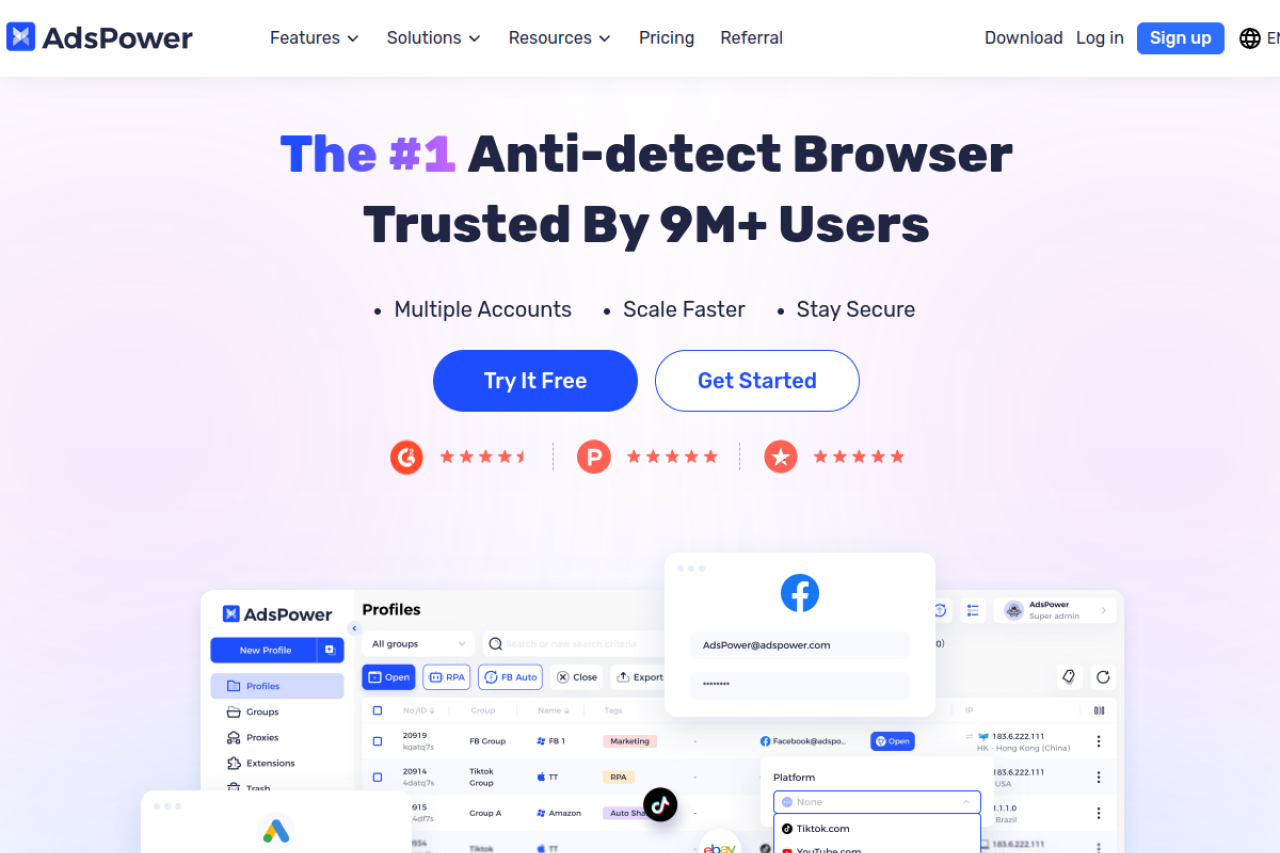
AdsPower is a powerhouse for users who love automation. It exceptionally well for Google Ads farming. Its standout feature is the "RPA Robot," which allows you to program complex warm-up sequences without writing code. This reduces the manual labor required to prepare an account for ads.
Key Features:
- Multi-Kernel Support: Switch between Chrome and Firefox engines to vary your digital footprint.
- Simulated Mobile Environments: mimic Android or iOS devices to capture mobile-specific traffic.
- Local API: Integrate with your own custom scripts for mass account management.
Pricing:
- Free: 2 profiles.
- Professional: Starts at $9/month for 10 profiles.
- Business: Starts at $61/month for 200 profiles.
Verdict: AdsPower is excellent for teams that rely heavily on Robotic Process Automation to reduce workload. It is a strong alternative if your primary focus is hands-off account warming.
Dolphin Anty: Optimized for Affiliate Marketing and Arbitrage
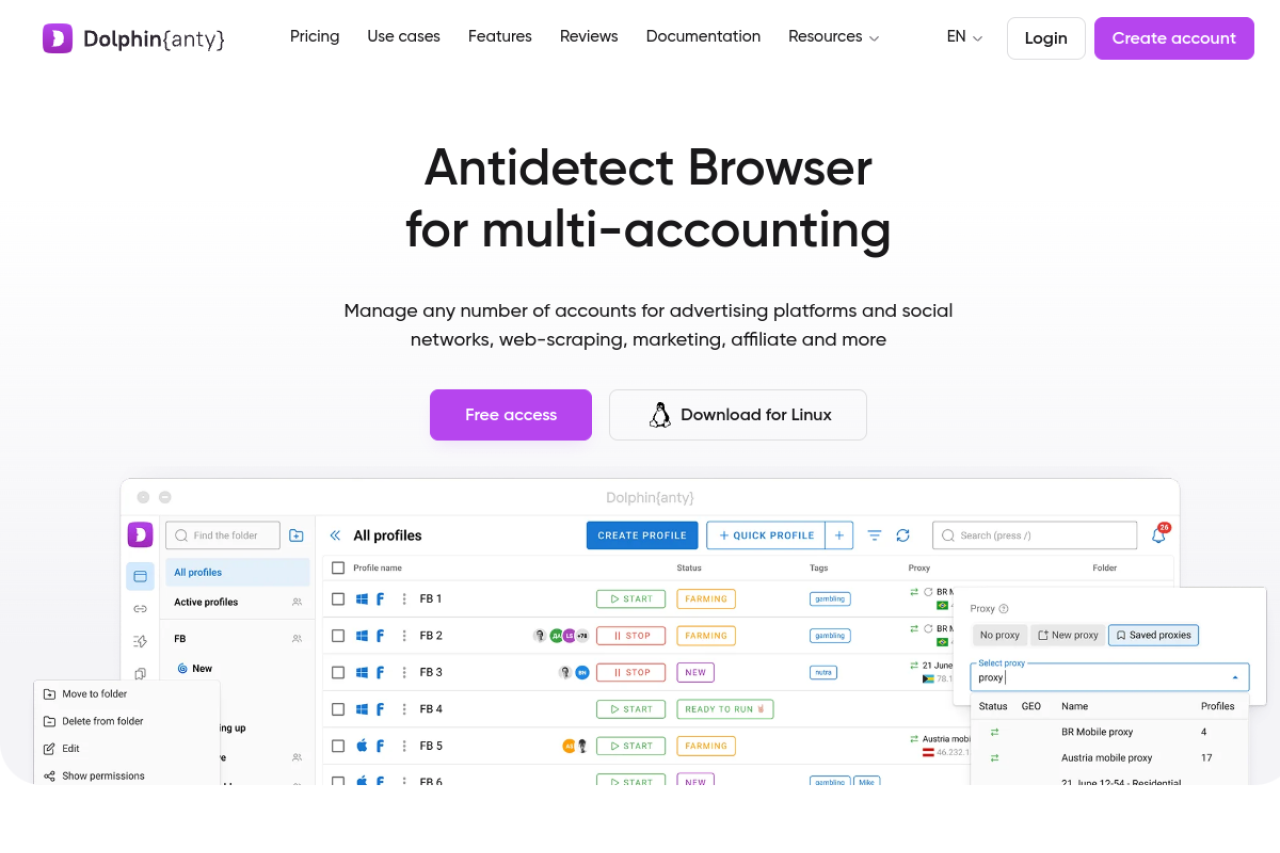
Dolphin Anty is a favorite among affiliate marketers who run aggressive campaigns on Google and Facebook. It is designed for speed and volume. The interface is highly visual, allowing you to see the status of hundreds of profiles at a glance. It integrates well with proxy providers, making it easy to swap IPs quickly if an account gets flagged.
Key Features:
- Visual Scenario Builder: Drag-and-drop interface to create automation scripts.
- Cookie Robot: specialized tool to visit sites and gather cookies before you even log in to Google.
- Real Browser Fingerprints: Uses a database of real system configs to generate profiles.
Pricing:
- Free: 5 profiles.
- Starter: $10/month for 20 profiles.
- Base: $89/month for 100 profiles.
Verdict: Dolphin Anty is for "churn and burn" strategies or high-volume affiliate arbitrage. It simplifies the chaotic process of managing hundreds of distinct identities.
Incogniton: Streamlined Profile Storage and User-Friendly UI
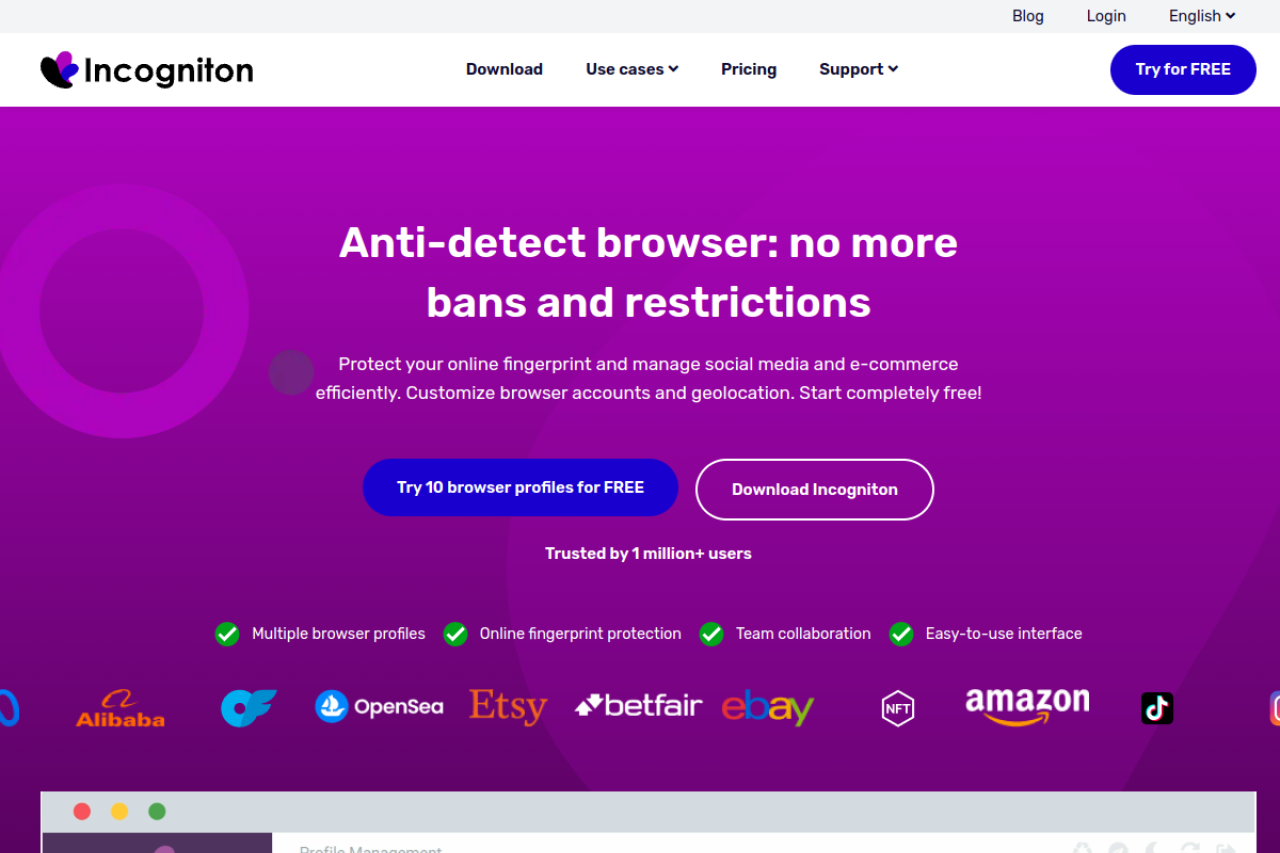
Incogniton focuses on simplicity and storage. For agencies that need to "shelf" accounts for later use, this tool excels. It offers a very user-friendly interface that does not overwhelm you with technical settings. It also includes unique human emulation features, like typing simulation, to pass behavioral checks.
Key Features:
- Paste as Human Typing: Pastes text slowly to mimic keystrokes, fooling simple behavioral trackers.
- Team Seats: Allows multiple users to access the same profile database.
- Bulk Creator: Generate dozens of profiles in seconds using CSV imports.
Pricing:
- Starter: Free (10 profiles for 2 months).
- Starter Plus: $19.99/month for 10 profiles.
- Professional: $79.99/month for 150 profiles.
Verdict: Incogniton is a solid choice for intermediate users who want a clean interface and reliable digital fingerprint masking tools. The pricing model is competitive for mid-sized teams.
Browser.lol: Instant Virtual Sessions for Rapid Testing
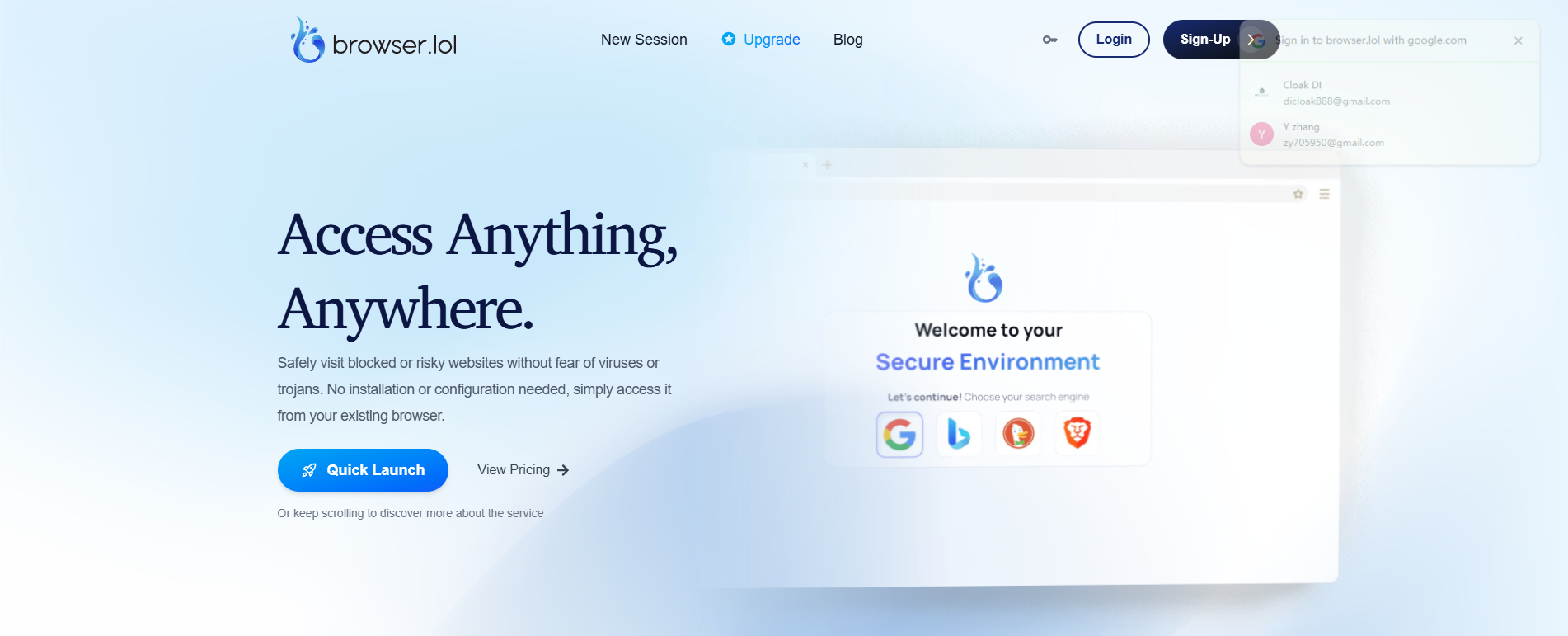
Browser.lol takes a different approach. Instead of installing software locally, it provides a virtual browser inside your web browser. This is a "streaming" solution. The browser runs on a remote server, helping that no local data leaks to Google. It is excellent for quick tests or checking ad previews in different geos.
Key Features:
- No Installation: Runs entirely in the cloud.
- Disposable Sessions: Perfect for one-time tasks; the environment is destroyed after use.
- Fingerprint Protection: The remote server handles all masking automatically.
Pricing:
- Free: Ad-supported with limits.
- Premium: $9/month for better performance.
Verdict: This is not a traditional farming tool, but it is an invaluable utility for testing. Use it to verify if your ads are live without logging into your main Antidetect Browser for Google Ads profiles.
Octo Browser: Device Fingerprinting for Pro Farmers
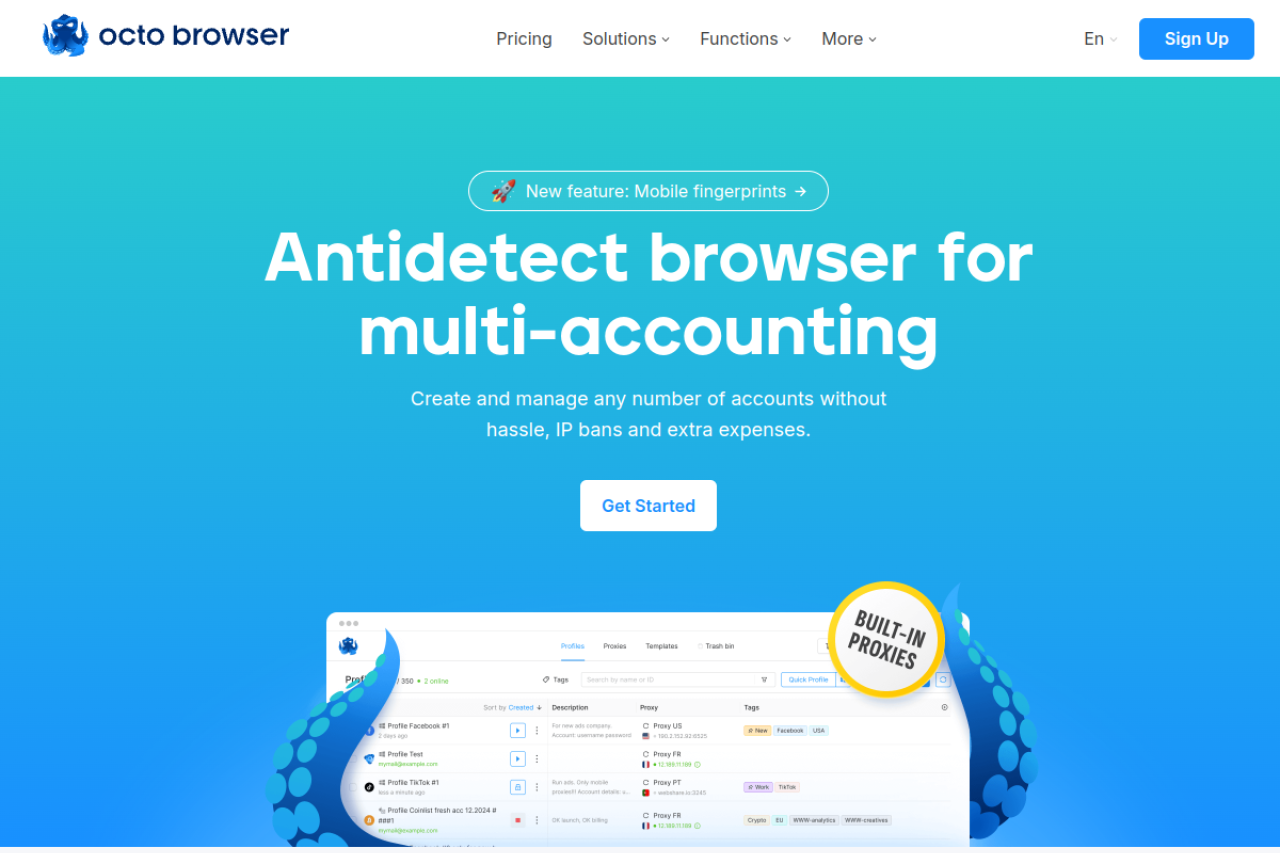
Octo Browser claims to handle any platform, from Google to Crypto sites. The core technology focuses on passing deep system checks, such as WebGL and AudioContext fingerprinting, with high speed.
Key Features:
- Real Device Fingerprints: Uses a vast database of real hardware signatures.
- Profile Transfer: Send a profile to another user instantly without exporting cookies manually.
- API Automation: extensive documentation for developers.
Pricing:
- Lite: €10/month for 3 profiles.
- Starter: €29/month for 10 profiles.
- Base: €79/month for 100 profiles.
Verdict: Octo Browser is a premium, high-speed option. It is slightly more expensive than competitors but offers excellent stability for users managing high-value accounts that cannot afford downtime.
Scaling Accounts with Your Antidetect Browser for Google Ads
You have selected your software, but a tool is only as good as the strategy behind it. To run a profitable business, you must move from simple setup to active execution. The goal is to scale your ad spend without triggering security algorithms. This requires a strict process for every profile you create.
A professional Antidetect Browser for Google Ads allows you to simulate a unique physical device for every account. However, Google does not just look at your hardware. They look at your behavior. If you launch aggressive ads from a brand-new profile, you will get banned. You need a "Farm, Warm, and Launch" strategy to prove to Google that you are a trusted user.
Phase 1: Google Ads Account Farming and Profile Setup
Google Ads account farming is the process of creating and nurturing accounts so they look like legitimate human users. This starts with the technical configuration in your browser.
When you set up a profile in a tool like DICloak, you must ensure total consistency. Your IP address must match the billing zip code of the card you plan to use. If you use a proxy from New York but your billing address is in Texas, the account will be flagged immediately.
You also need to verify your fingerprint settings.
- Canvas Fingerprint Spoofing: This technology adds "noise" to your graphics rendering. It makes your browser look unique but natural.
- WebRTC Leak Protection: This prevents your real IP address from leaking through media plugins.
Always verify your profile on a checking site (like Whoer.net) before logging into Google.
Phase 2: Executing a Google Ads Warm Up Script
Once your profile is set up, do not log into Google Ads yet. A real human does not download a browser and immediately buy ads. They browse the internet first. You need to simulate this story.
This is where a Google Ads warm up script becomes essential. In the past, you had to manually visit websites for days. Now, advanced browsers use anti-detect browser rpa automation to do this for you.
The Warm-Up Schedule:
- Days 1-3: Use the RPA robot to visit popular news sites, shopping platforms (Amazon, eBay), and tech blogs. This builds a robust cookie cache.
- Day 4: Log into a "trust" platform like Gmail or LinkedIn.
- Day 5: Create a Google Ads account.
- Day 7: Launch a small, low-risk search campaign (e.g., $5/day) to validate the billing method.
Tools like DICloak excel here because their RPA features allow you to drag and drop these tasks. This automation turns a manual 10-hour job into a background process.
Phase 3: When to Buy Aged Google Ads Accounts vs. Farming New Ones
Farming takes time. If you need to scale immediately, you might consider the option to buy aged Google Ads accounts. These are accounts that have already passed the warm-up phase and often have previous ad spend history.
While faster, this method carries higher risks. To do this safely, you must transfer the digital identity perfectly.
- Cookie Import: You must import the JSON cookies from the seller into your antidetect browser.
- Proxy Matching: You must use a residential proxy that matches the location of the account's previous activity.
If you log into an aged account from a datacenter IP or a device that looks completely different from its history, Google will lock it for "Suspicious Activity." Farming your own accounts is slower but offers 100% control over the data history.
Phase 4: Managing Multiple MCC Accounts Without Cross-Contamination
For agencies and large affiliate teams, the final goal is to manage multiple mcc accounts (My Client Center) securely. A standard browser links all your sub-accounts together. If one client violates a policy, it can risk your entire agency dashboard.
Your Antidetect Browser for Google Ads acts as a firewall between clients.
- Isolation: Create a separate browser profile for each MCC or major client.
- Team Access: Instead of sharing passwords (which triggers 2FA checks), use the "Session Share" feature in DICloak. This lets your team access the live account without re-logging in.
By segregating these environments, you protect your business assets. If one account faces a traffic arbitrage tools suspension, the others remain safe because Google sees them as completely unrelated users on different computers.
Frequently Asked Questions about Antidetect Browser for Google Ads
Is using an Antidetect Browser for Google Ads legal in 2026?
Yes, using these tools is legal. Legitimate agencies use them to manage multiple client accounts without data leaks or cross-contamination. However, using software to commit fraud or violate Google's "Circumventing Systems" policy can lead to permanent bans. Focus on white-hat agency scaling to stay safe and compliant.
Can I use an Antidetect Browser for Google Ads free trial for farming?
You can use a antidetect browser free trial to test the interface, but it is risky for serious work. Free plans often limit the number of profiles or lack advanced masking features needed for the Google Ads account farming guide 2026. For high-value accounts, invest in a premium tool like DICloak to ensure your digital fingerprint is fully secure.
How does an antidetect browser differ from basic private browsing?
Private browsing only deletes your local history and cookies. It does not hide your hardware identity, such as your screen resolution, GPU model, or installed fonts. An antidetect browser creates a completely new digital fingerprint for every profile. This makes each account look like it is coming from a different physical device.
Will Google detect my antidetect browser via Canvas fingerprinting?
If you use low-quality software, yes. Google’s AI looks for "perfect" noise masking which looks unnatural. High-end tools provide advanced canvas fingerprinting protection by injecting realistic noise into the image rendering process. This ensures your browser profile looks like a genuine user on a standard computer, not a bot.
How many accounts can I run on one Antidetect Browser for Google Ads?
Technically, you can run hundreds of accounts if your computer has enough RAM. However, for safety, we recommend segmenting accounts by client or niche. Even with the best software, human error (like pasting the wrong link) can link accounts. Proper team management roles are essential when scaling beyond 20 accounts.
How do I use software to warm up a Google Ads account?
The process involves simulating human behavior before running ads. You need to visit trusted websites, scroll, and build a cookie history for several days. Many users ask how to warm up Google Ads account automatically; tools like DICloak offer RPA (Robotic Process Automation) to handle this browsing for you. This builds trust with Google's algorithms before you spend money.
 Web Proxy Tools
 Free Tools
 Cookie Plugin
 UA Generator
 MAC Address Generator
 IP Generator
 IP Address List
 2FA Code Generator
 World Clock
 Anonymous Check
 WebRTC Leak Test
 UUID Generator
 Free Web Proxy Site
 Proxy Checker
 FB Ad Checker
 AI Web Scraping
 Free SMM Tools
 Twitter Shadowban Checker
 Instagram Name Checker
 UTM Generator
 Username Generator
 AI Hashtag Generator
 LinkedIn Headline Generator
 Social Media Image Resizer