Understanding Proxies in the School Environment
What Are Proxies?
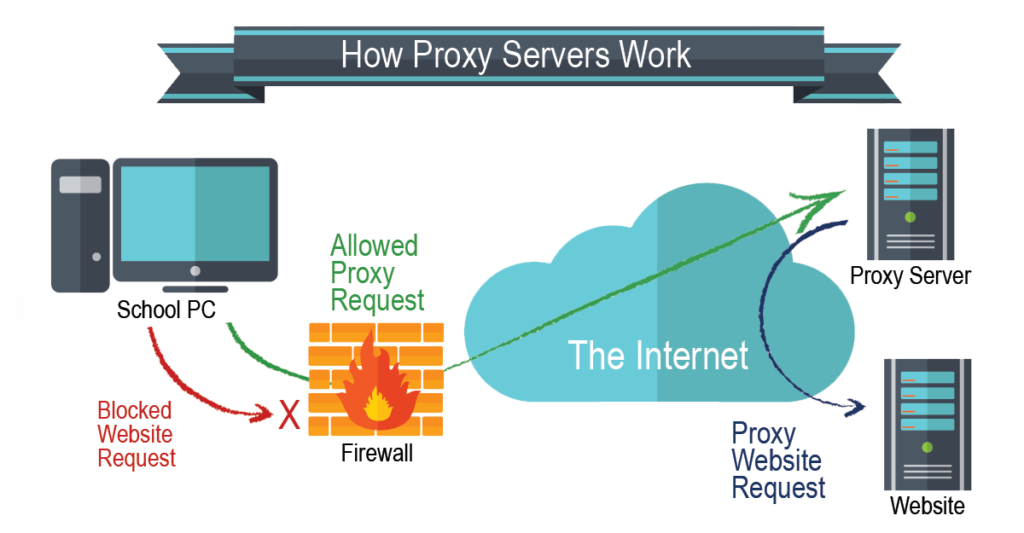
Proxies for school are tools that act as intermediaries between a student's device and the internet. Instead of connecting directly to a website, the device first communicates with the proxy server. The proxy then makes the request to the website on behalf of the device and sends the information back. Essentially, the proxy masks the user's identity, making it appear as though the request is coming from the proxy rather than the student's device.
Think of a proxy like a filter or a guard. It controls and protects what comes in and out, ensuring that only the right information is accessed, which is especially useful in a school environment.
How Do Proxies Work?
A proxy works by redirecting traffic through an intermediary server. When a student attempts to access a website, the request goes to the proxy server instead of directly to the internet. The proxy server then checks the request, retrieves the information, and forwards it back to the student's device.
For example, when a student enters a website address in their browser, the request goes to the proxy. The proxy fetches the website content and sends it back to the student, all while hiding the student’s direct connection to the website. This makes the connection more secure and can help bypass certain restrictions.
The Role of Proxies in Educational Settings
In educational settings, proxies serve several important functions. Schools often use proxies to filter content, ensuring that students access only educational and appropriate websites. This helps protect students from harmful or distracting content. For example, proxies can block access to social media or gaming sites during school hours.
On the other hand, some students might use proxies to bypass these restrictions. They might want to access blocked sites like social media for personal use or educational videos that are mistakenly blocked. While proxies can help students gain access to restricted content, this can conflict with school policies, which are designed to keep students focused and safe.
In many cases, proxies are a tool used by IT administrators to maintain a secure, efficient, and appropriate online environment. They ensure that only educational resources are available while preventing students from accessing potentially harmful sites. However, the use of proxies by students to circumvent these restrictions can lead to problems, as it goes against the rules set by schools for safe internet use.
Pros and Cons of Using Proxies for School
Benefits of Using Proxies for School
- Enhanced Internet Access: Proxies help bypass school restrictions, giving students access to blocked educational resources or videos.
- Improved Browsing Speed: Some proxies cache content, making frequently visited sites load faster by storing parts of websites.
- Anonymity and Privacy Protection: Proxies hide your IP address, adding an extra layer of privacy, especially when using public Wi-Fi at school.
Drawbacks and Risks of Using Proxies
- Security Vulnerabilities: Some free proxies may expose students to security risks, such as data theft or malware.
- Ethical Considerations: Using proxies to bypass school filters can be seen as unethical or a violation of school rules.
- Potential Violations of School Policies: Many schools have strict policies against using proxies, and bypassing them can result in consequences.
In summary, while proxies can enhance access and security, they come with risks and should be used with caution.
Key Features to Consider When Choosing a Proxy for School
When selecting a proxy for school use, there are several important aspects to keep in mind. Not all proxies function the same way, and finding the right one for your specific needs is crucial. Here’s what to focus on:
Is It Effective at Bypassing School Restrictions?
One of the main reasons students turn to proxies is to get around school-imposed restrictions. Many schools block access to websites like social media or entertainment platforms. A quality proxy should help students bypass these blocks and access educational resources that might be unintentionally restricted. However, keep in mind that attempting to bypass school restrictions may violate school policies, so caution is necessary.
For example, a student might need access to a video for a class project that is blocked by the school's firewall. A reliable proxy would allow the student to access the content, but if the proxy fails to work, the student might not be able to get the needed information. The ability of the proxy to work consistently is essential.
Does It Secure Your Data on Public Wi-Fi?
Proxies also help protect personal data, particularly when using public Wi-Fi at school. Public Wi-Fi networks are often less secure and more prone to hacking, putting personal data at risk. A good proxy service will protect your online activities by masking your identity and encrypting your traffic, making it harder for hackers to intercept your data.
For example, when using public Wi-Fi in a school library, your connection may be vulnerable to attacks without the added protection of a proxy. By using a proxy, your data is hidden, reducing the risk of identity theft or data breaches.
Is It User-Friendly on All Devices, Including Chromebooks?
Schools frequently use Chromebooks for student work due to their simplicity and cost-effectiveness. A proxy must be compatible with Chromebooks and other common devices in schools. Look for a proxy service that’s easy to set up and use, even for students without technical expertise.
For example, a proxy that requires complex configuration may not be suitable for a student using a Chromebook. Instead, a proxy with simple installation steps, browser extensions, or user-friendly apps ensures smooth usage without technical hassles.
Is It Affordable and Safe to Use?
Pricing and security are important when choosing a proxy for school. Free proxies may seem appealing but often come with security risks, slow speeds, or unreliability. Paid proxies tend to offer better security and performance, but they must be reasonably priced for a school budget.
For instance, a student might be tempted to use a free proxy but find it frequently blocked or insecure. A secure, reasonably priced proxy ensures access to needed content while maintaining privacy and protection.
In summary, selecting the right proxy for school involves balancing effectiveness, ease of use, security, and cost. Proxies can enhance online safety and access to educational resources, but it’s essential to make sure they align with school policies and needs.
6 Best Proxies for School in 2026
Here are six of the best proxies for school in 2026. Each of these proxies offers different features that can help students with accessing educational resources, improving browsing speeds, and ensuring privacy. Let's dive into each of them and explore their key benefits and drawbacks.
No. 1: IPcook
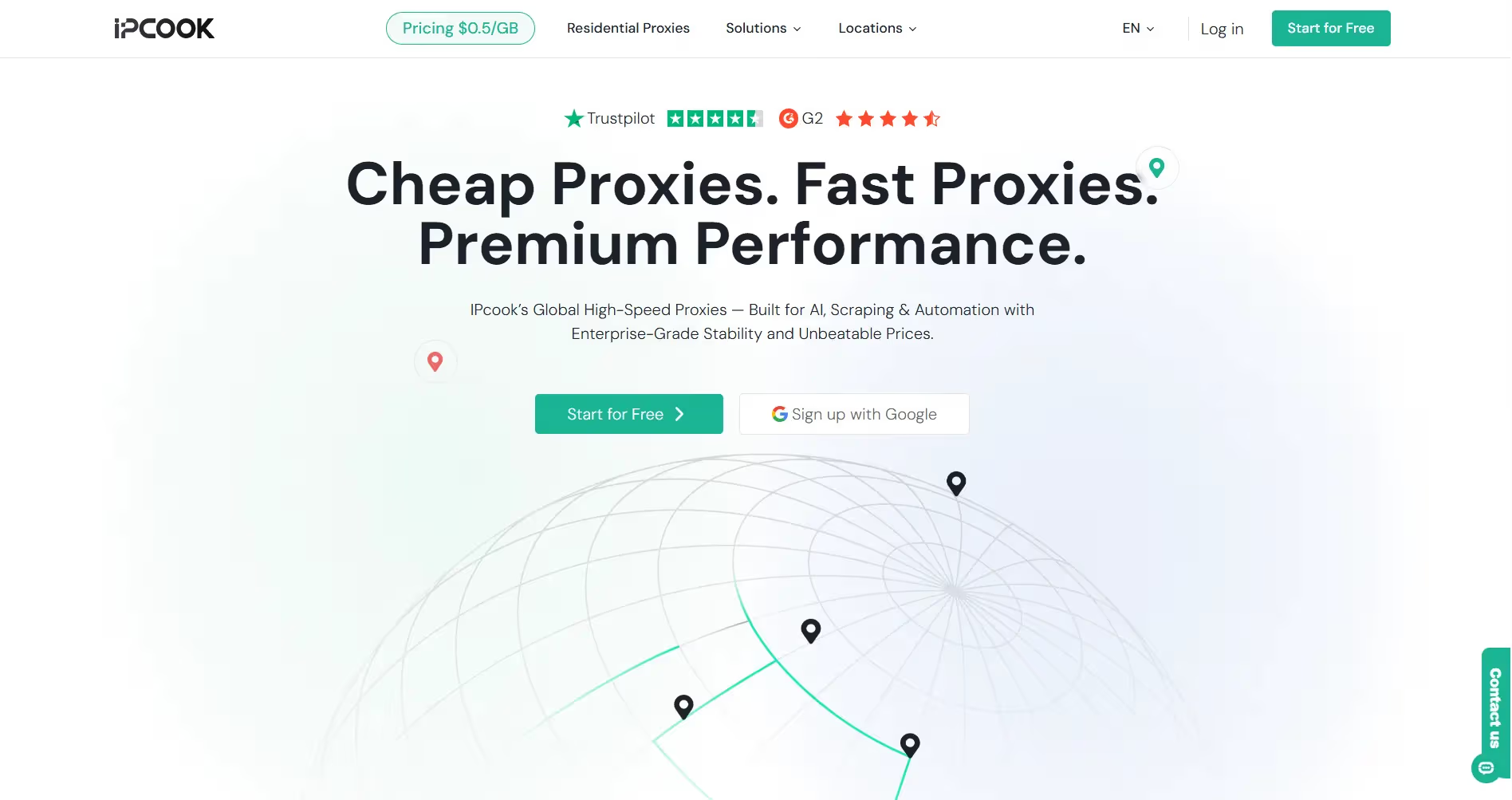
IPcook is a reliable proxy service that is particularly useful for students looking to bypass school restrictions and maintain privacy online. It offers a secure, fast browsing experience suitable for use in school environments.
Pros:
- Fast and reliable browsing speeds
- Works well with various devices, including Chromebooks
- Strong encryption for enhanced privacy
- Easy to set up and use
Cons:
- Can be more expensive than free proxies
- May not have as many server locations as other paid proxies
No. 2: Decodo
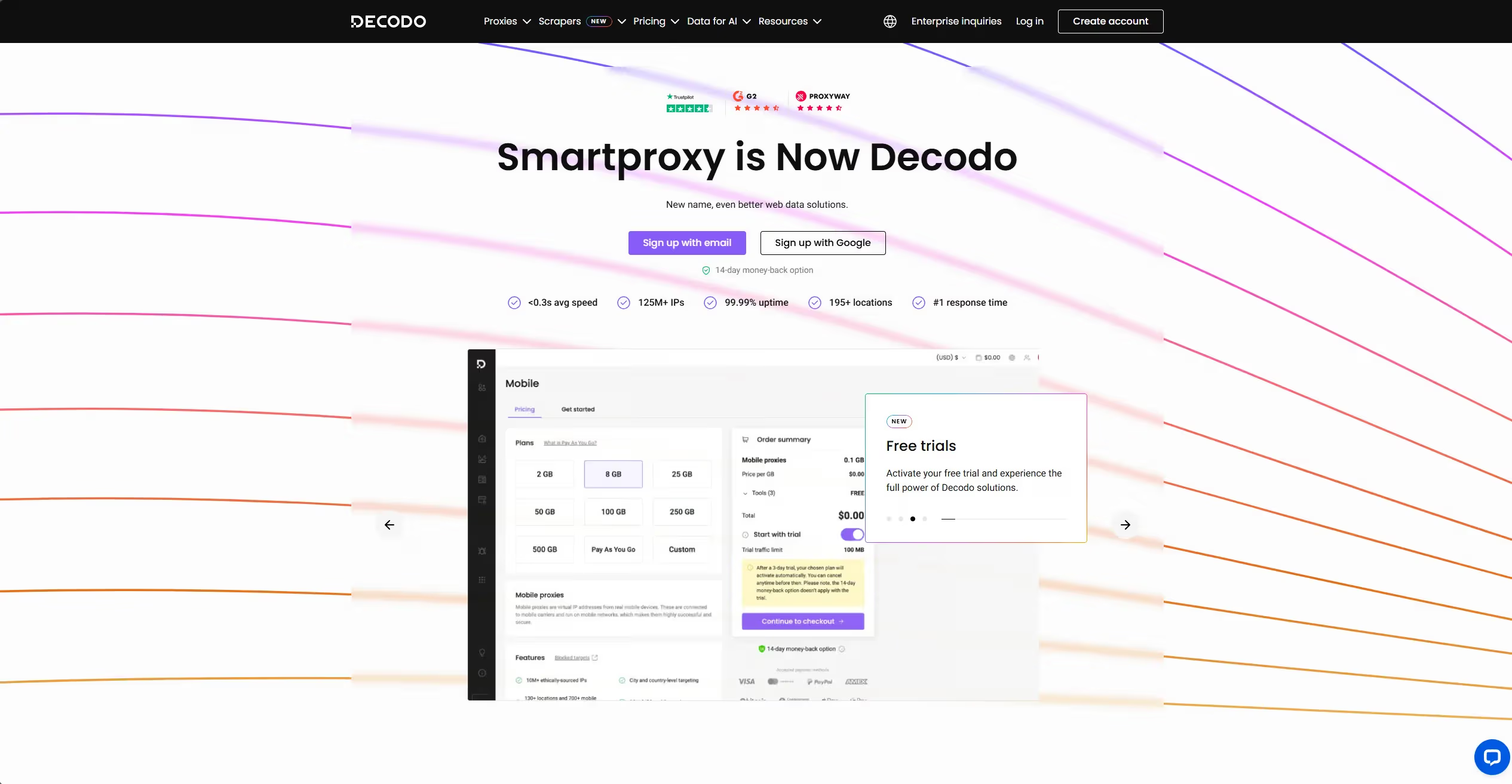
Decodo is a user-friendly proxy designed to help students access blocked content securely. With a focus on privacy, Decodo is an excellent choice for students who need a reliable and safe proxy for school.
Pros:
- Easy-to-use interface
- Good encryption for secure browsing
- Works on a variety of devices
- Affordable for most school budgets
Cons:
- Slower speeds during peak times
- Limited customer support options
No. 3: Webshare
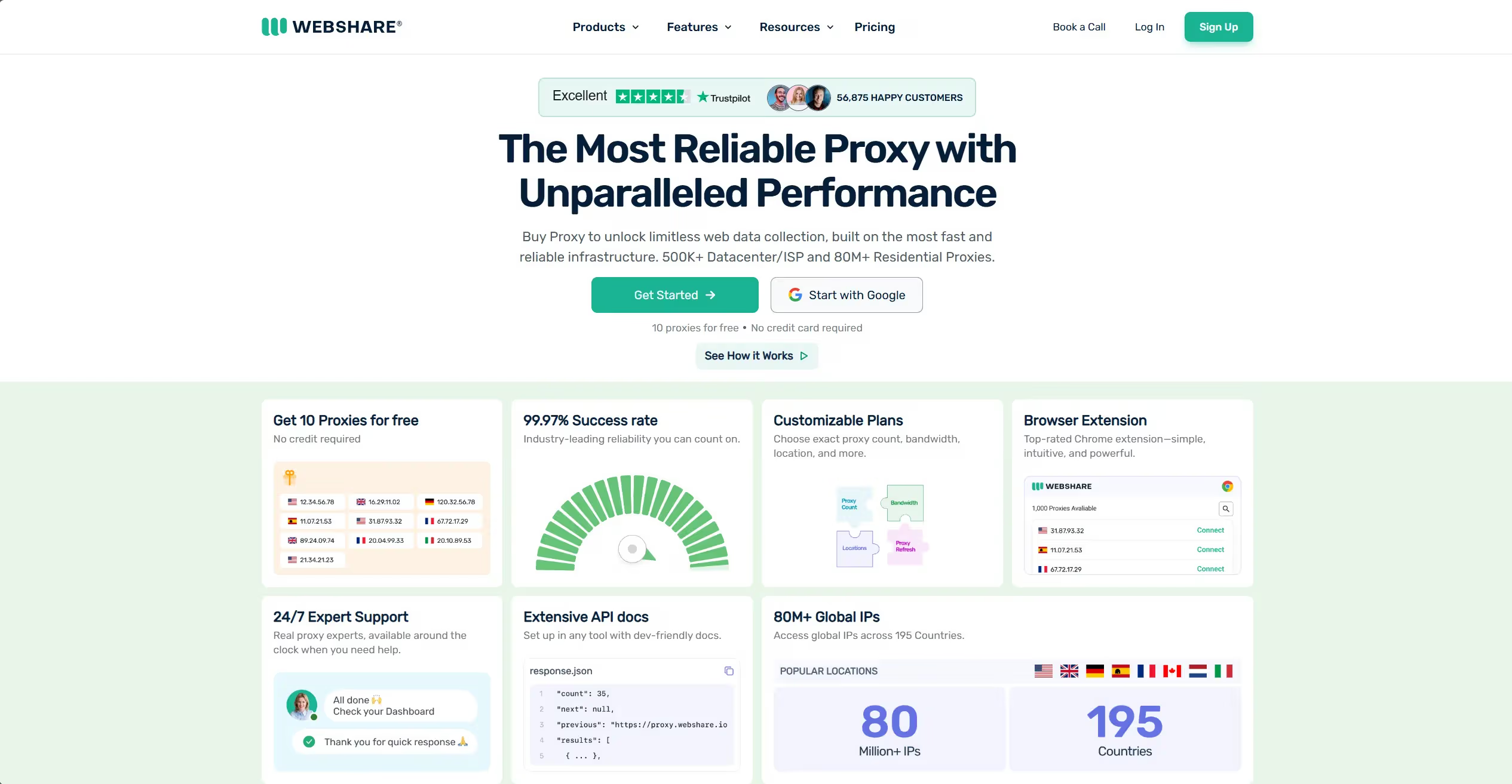
Webshare is known for providing fast and reliable proxy services, making it ideal for students who need consistent performance while bypassing school restrictions. It also offers good security for safe browsing.
Pros:
- Fast and reliable performance
- Low-cost plans suitable for school budgets
- Strong privacy protection through encryption
- Easy setup for students with minimal technical skills
Cons:
- Some advanced features are only available with paid plans
- Customer support can be slow at times
No. 4: Hide.me Web Proxy
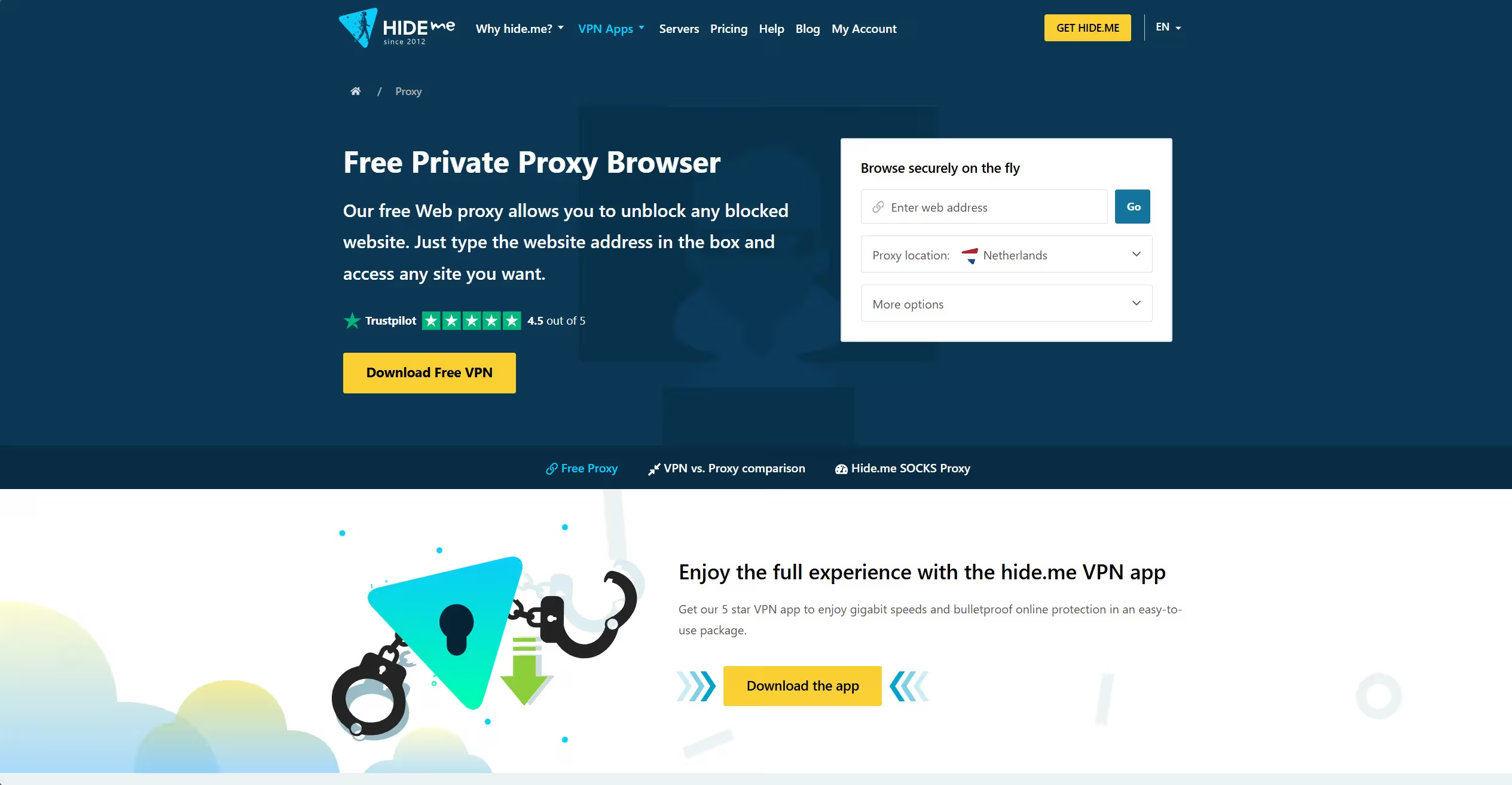
Hide.me is a highly secure proxy that offers privacy protection, allowing students to access blocked sites with ease. It's especially useful for those who need to access content quickly while maintaining security.
Pros:
- Very secure with high encryption levels
- Simple and user-friendly interface
- Supports multiple devices, including Chromebooks
- Provides anonymous browsing
Cons:
- Limited free plan features
- Can be slower on some servers
No. 5: Storm Proxies
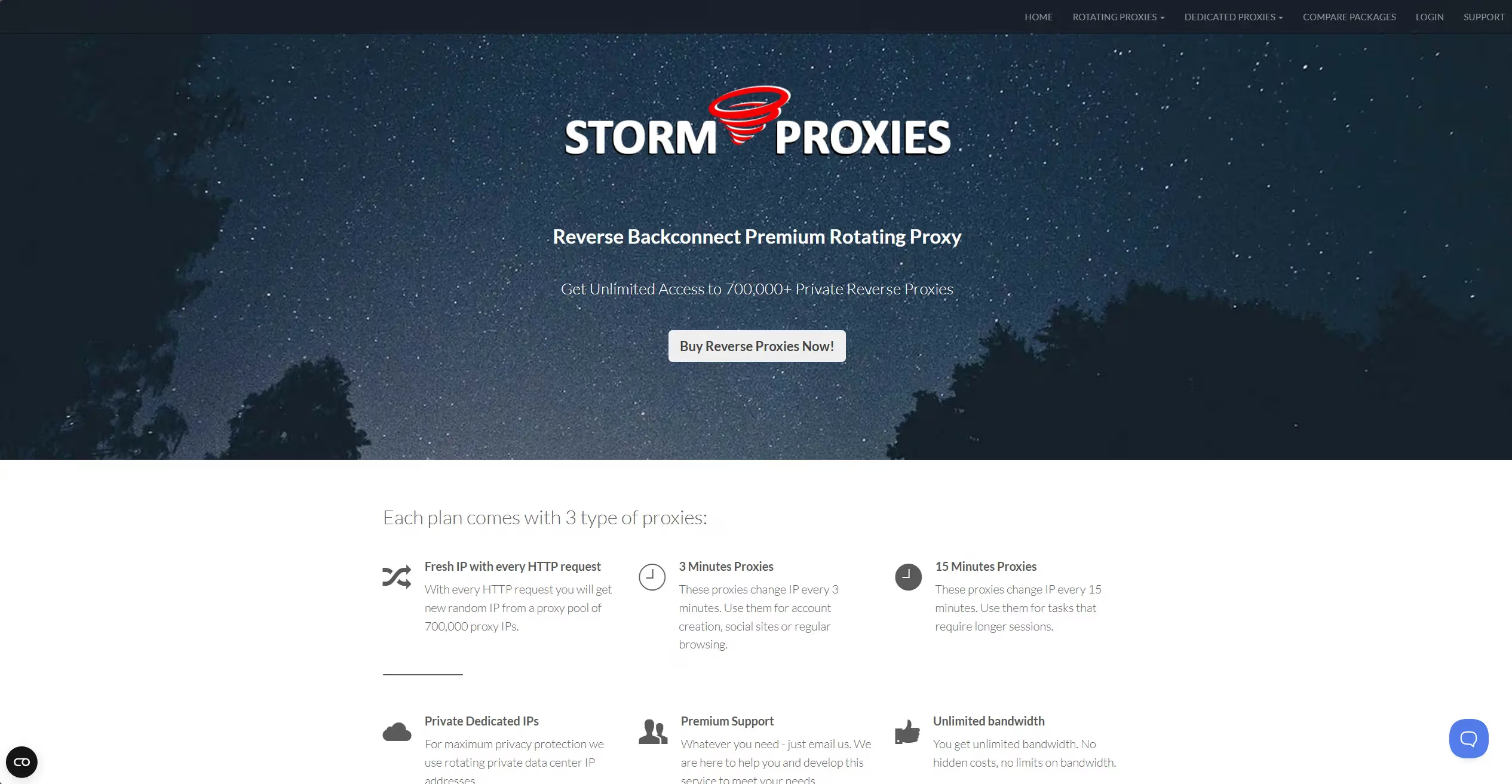
Storm Proxies is a high-speed proxy service that’s perfect for students who need fast, uninterrupted browsing. It’s ideal for accessing restricted content while maintaining privacy.
Pros:
- High-speed performance for fast browsing
- Excellent privacy features
- Affordable pricing for school budgets
- Good for multiple devices and locations
Cons:
- Fewer server locations than some competitors
- May require some configuration knowledge
No. 6: CroxyProxy
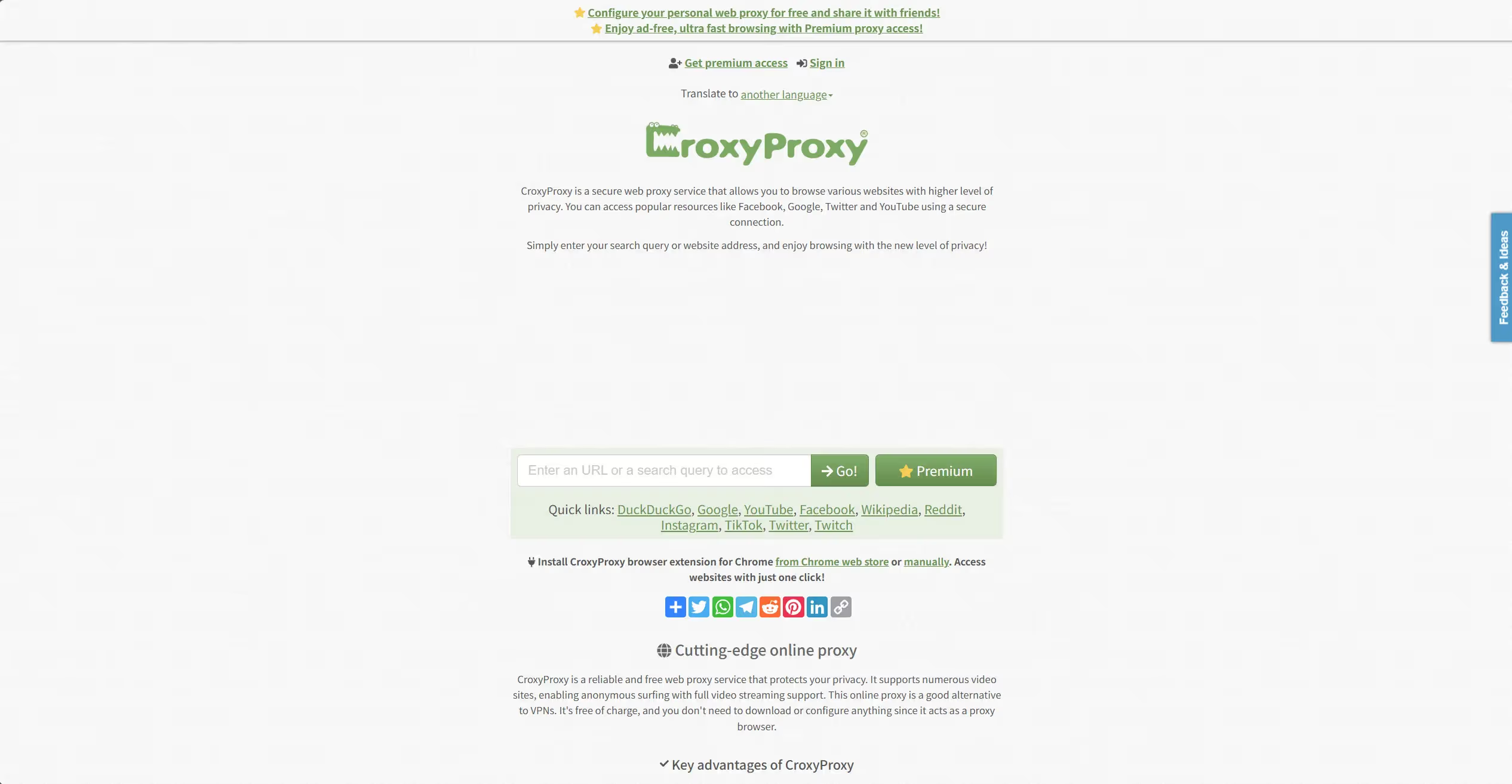
CroxyProxy is a free web proxy that provides students with a simple solution for accessing blocked websites. It’s easy to use and works well for bypassing restrictions, though it may have some limitations in terms of speed.
Pros:
- Free to use
- Simple and easy to access
- Provides reasonable security and privacy features
- Great for quickly bypassing restrictions
Cons:
- Slower speeds compared to paid options
- Limited functionality with certain websites
- Ads are included in the free version
These proxies for school each offer unique advantages depending on the needs of the student. Whether you're seeking speed, privacy, or an affordable solution, one of these proxies can help you bypass restrictions and improve your online experience in the school environment.
Setting Up and Using Proxies for School
Setting up and using proxies for school can enhance your online experience, whether you're bypassing restrictions or ensuring secure browsing. Here are simple steps and best practices to help you get started with proxies on different devices.
Step-by-Step Setup Instructions for Various Devices
Windows
- Choose a Proxy Service: Select a reliable proxy from the list of options like IPcook or Webshare.
- Install the Proxy Software: Download and install the proxy tool on your Windows PC.
- Configure the Proxy: Open the proxy settings and enter the details provided by the proxy service (IP address, port).
- Test Your Connection: Visit a website to ensure the proxy is working properly and masking your IP.
For example, if you're using Webshare, follow their easy setup guide, and you'll be browsing without restrictions within minutes.
Smartphones
- Select a Proxy App: Use an app like Hide.me or Storm Proxies, which provide easy mobile apps.
- Install the App: Download the app from the Google Play Store or Apple App Store.
- Set Up the Proxy: Open the app, input your proxy details, and activate it.
- Verify the Connection: Try accessing blocked sites to ensure the proxy is working.
Many students use smartphones for school research, and these proxy apps ensure safety and privacy, especially on public Wi-Fi.
Browsers
- Choose a Proxy Website: If you want a quick setup, websites like CroxyProxy allow you to use proxies directly from the browser.
- Enter the Website URL: Go to the proxy website and enter the URL of the site you want to access.
- Start Browsing: The proxy will route your connection through its servers, and you can access the site anonymously.
Web-based proxies are particularly useful when using school computers with restricted settings.
Best Practices for Safe Proxy Usage
While proxies can help you access restricted content and maintain privacy, it’s important to use them safely and responsibly.
- Avoid Using Free Proxies on Untrusted Websites: Some free proxies may expose your data to hackers. Always choose a secure, trusted proxy service.
- Check for Encryption: Make sure the proxy uses strong encryption to protect your browsing data, especially when using public Wi-Fi.
- Follow School Policies: While proxies can bypass restrictions, it’s important to respect school rules regarding internet usage to avoid any penalties.
- Use Proxy for Educational Purposes Only: Ensure that you use proxies to access educational resources and not for personal browsing that may distract you from your studies.
- Pair Proxies with an Antidetect Browser: For added security, combine your proxy usage with an antidetect browser like DICloak. This will help prevent your school’s network from detecting unusual browsing activity, allowing you to maintain privacy and avoid detection. An antidetect browser masks your fingerprint, making it harder for websites and networks to track your actions.
For instance, using a reliable proxy like Webshare with DICloak ensures your connection is safe while also adhering to privacy standards, making them ideal for school environments.
Why Choose DICloak Antidetect Browsers with Proxies for School?
⚡The DICloak Antidetect Browser has become a global favorite for its unparalleled ability to efficiently and securely manage multiple accounts. Designed for professionals in social media management, and more, DICloak offers powerful features like RPA automation, bulk operations, and a synchronizer. Additionally, it allows you to customize fingerprints and integrate proxies for each profile, ensuring top-level security and operational efficiency. It’s the ultimate tool for seamless, secure, and scalable operations.

What Makes DICloak Stand Out?
✅ Manage 1,000+ Accounts on One Device: Stop wasting money on extra hardware! DICloak allows you to manage multiple accounts on a single device, cutting costs and boosting efficiency.
✅ Guaranteed Account Safety, No Ban Risks: Every account gets its own isolated browser profile with custom fingerprints and IPs, drastically reducing the risk of bans. Your accounts, your control!
✅ Flexible Proxy Configuration for Maximum Performance: Seamlessly integrate with all major proxy protocols (HTTP/HTTPS, SOCKS5) and manage your proxy pool with bulk operations. No more struggling with IP management—DICloak has you covered.
✅ Streamlined Team Collaboration for Better Results: Easily manage your team with advanced tools like profile sharing, permission settings, data isolation, and operation logs. Your team works smarter, not harder.
✅ Automate the Grind with RPA: DICloak's built-in RPA saves you hours of manual work. Automate repetitive tasks, streamline workflows, and focus on what really matters—growing your business.
✅ Powerful Bulk Tools to Scale Your Operations: Create, import, and launch multiple browser profiles in one click. DICloak makes scaling your business as easy as it gets.
✅ Compatible with All Major Operating Systems: Based on the Chrome core, DICloak supports simulating Windows, Mac, iOS, Android, and Linux operating systems. No matter what platform you need, DICloak has you covered.
🔗 Ready to Get Started?
Visit the DICloak website to explore more details and choose the plan that’s right for you. Start for free today and experience the power of secure, efficient, and scalable multi-account management!
Frequently Asked Questions about Proxies for School
Are Proxies Safe to Use?
Proxies can be safe if you choose trusted services. Look for proxies that offer encryption to protect your data. Avoid free proxies, as they may expose you to security risks. Always use reputable proxy websites for schools to ensure safety.
Can Proxies Help with Academic Research?
Yes, proxies can help students access blocked academic resources and research materials. For example, if your school restricts access to certain databases, using a proxy allows you to reach those educational websites.
What Should I Do if My School Blocks Proxy Access?
If your school blocks proxy access, consider using more secure proxies or pairing them with an antidetect browser like DICloak. These tools can help you bypass restrictions while maintaining privacy. However, be mindful of school policies to avoid potential consequences.
Conclusion
Proxies for school can help students bypass restrictions, access educational content, and maintain privacy by masking their IP and encrypting data. However, it’s crucial to choose trusted proxy services and use them responsibly. Pairing proxies with an antidetect browser like DICloak enhances security and ensures privacy while bypassing restrictions. While proxies are valuable tools for academic research, it’s important to follow best practices, respect school policies, and avoid potential security risks. By doing so, students can safely access the resources they need without compromising their online security.
 Web Proxy Tools
 Free Tools
 Cookie Plugin
 UA Generator
 MAC Address Generator
 IP Generator
 IP Address List
 2FA Code Generator
 World Clock
 Anonymous Check
 WebRTC Leak Test
 UUID Generator
 Free Web Proxy Site
 Proxy Checker
 FB Ad Checker
 AI Web Scraping
 Free SMM Tools
 Twitter Shadowban Checker
 Instagram Name Checker
 UTM Generator
 Username Generator
 AI Hashtag Generator
 LinkedIn Headline Generator
 Social Media Image Resizer