Feeling watched online? Every click, every visit, and even your screen size can give away who you are. In 2026, staying private online isn’t just smart—it’s necessary. If you want to protect your info or manage multiple accounts without headaches, a normal browser won’t cut it. That’s where antidetect browsers come to the rescue, helping you stay safe, private, and in control.
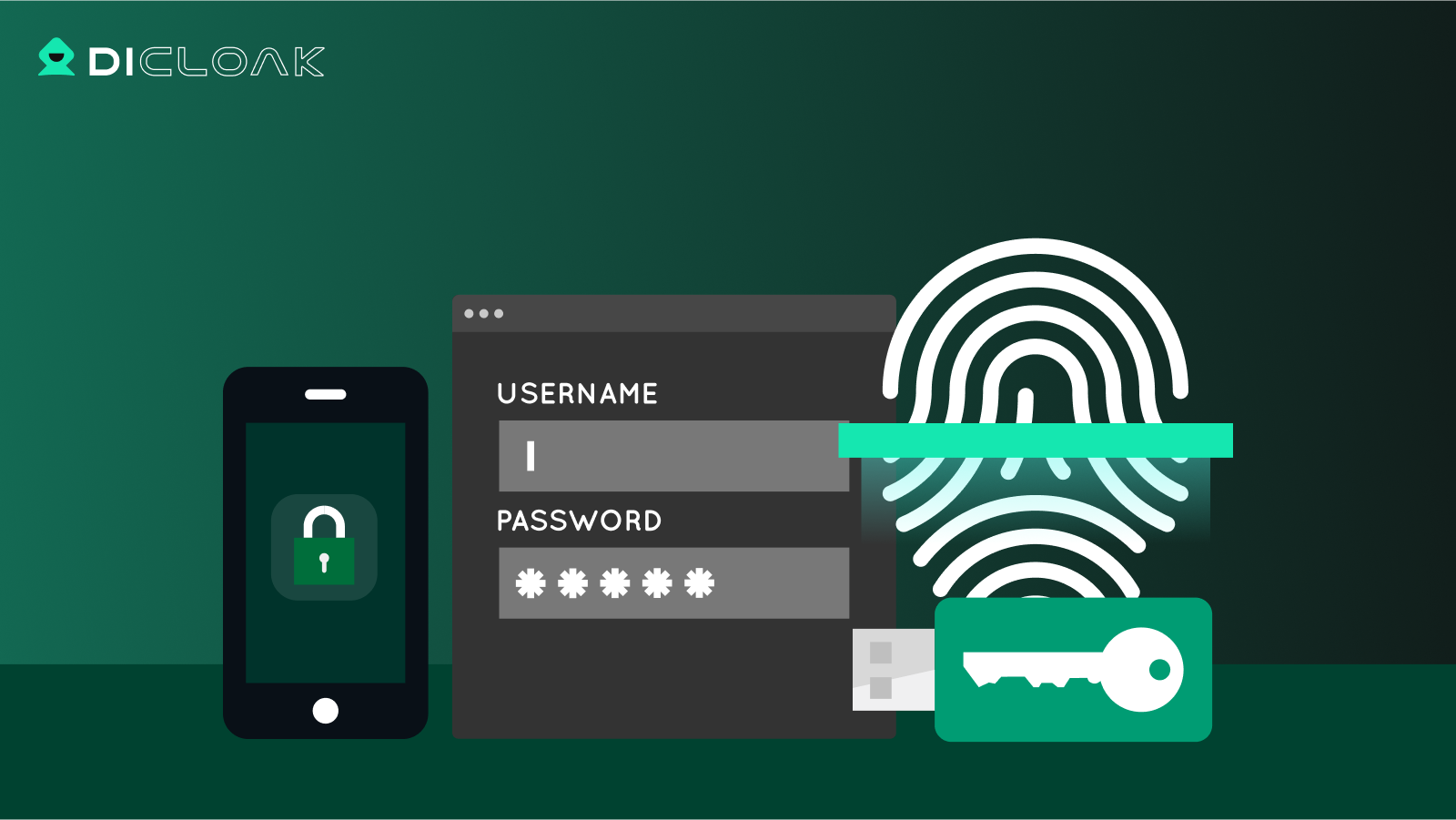
An antidetect browser is a special type of web browser. It hides key details your device usually shares online, such as browser version, device type, and screen size. By masking these details, an antidetect browser makes each session look like a different user. This helps stop websites from linking your activity back to you.
For example, one session might look like a Windows user in New York, while the next appears as an Android phone in London. This level of identity masking is far beyond what normal browsers or incognito modes provide.
Importance of Antidetect Browsers in Today’s Digital Landscape
In 2026, online tracking is more advanced than ever. Many sites use browser fingerprinting to identify users, even if cookies are cleared. Antidetect browsers fight this by randomizing device and browser details, making it harder to track users.
People and businesses use the best antidetect browser tools for several reasons:
- Privacy protection: Users can browse safely without being tracked.
- Multi‑account management: Marketers, social media managers, and e‑commerce sellers can run multiple accounts without risking bans, as each account appears separate.
- Testing and research: Cybersecurity teams use these browsers to see how websites respond to different user identities.
In short, antidetect browsers help protect privacy and manage multiple online identities in a world where digital tracking is strong and widespread.
Use Cases and Benefits of Antidetect Browsers
Practical Applications of Antidetect Browsers
An antidetect browser is more than just a privacy tool. In real life, people use it in many helpful ways. These use cases show why the best antidetect browser tools matter in 2026.
Managing Multiple Social Media Accounts Many marketers and social media managers must log into many accounts each day. For example, a small business might run separate Instagram pages for its products and its support team. Using a normal browser can lead to frequent account blocks or suspension. Antidetect browsers let each login appear as a separate user. This reduces the chance of getting locked out and makes account work smoother.
Web Scraping and Data Collection Web scraping means gathering public data from websites. For example, a price comparison site may collect prices from Amazon, eBay, and Walmart. Traditional browsers often get blocked when they request many pages fast. Antidetect browsers help by creating unique identities for each scraping session. These separate profiles reduce blocking and let data collection run longer without interruption.
Accessing Geo‑Restricted Content Some web content changes depending on where you are. A business may want to see how its website looks in France, Japan, or Brazil. With the right antidetect browser profile, you can set different locations for each session. This lets you check geographic versions of a site without traveling, helping you understand how users see your content in each market.
Advantages Over Traditional Browsers
Enhanced Anonymity Normal browsers leave behind a digital fingerprint. This includes things like your screen size, browser version, and installed fonts. Antidetect browsers change these details, so each browsing session looks unique. This helps stop websites from tracking you across sessions. In practice, this makes it much harder for trackers to link your online behavior back to you or your business.
Improved Security Features Antidetect browsers often include tools that traditional browsers lack. They can isolate each profile so cookies, cache, and history stay separate. This means a problem in one profile won’t affect another. For example, a web scraping profile with many requests will not mix data with your main browsing profile. Many antidetect browsers also block common tracking scripts, which keeps your private info safer.
In real use, these benefits help professionals stay productive and protected online. Whether you’re managing multiple social accounts, collecting data, or checking how a website shows up in different countries, the antidetect browser adds layers of privacy and control that traditional browsers do not provide.
Factors to Consider When Selecting an Antidetect Browser
After learning how antidetect browsers help with privacy, multi‑account work, and web tasks, the next step is choosing the right one for you. Not every tool fits every person or business. In 2026, thoughtful choice matters because these tools vary in price, features, and ease of use.
User Needs and Use Cases
Before picking the best antidetect browser, think about how you will use it. Are you managing many social media accounts? Collecting product or price data for research? Or just seeking stronger online privacy? Each goal needs different features. For example, some browsers focus on multi‑account management with cloud support, while others are built for advanced automation or testing.
A small social media manager might choose a simple browser with plenty of profiles. An e‑commerce business might need advanced profile control so team members can work together without mixing their sessions. Clarifying your main use case first makes the choice much easier.
Budget Considerations: Free vs. Paid Options
Price is an important factor when choosing an antidetect browser. Some options are free or low-cost with limited features, offering only a handful of profiles for testing. Paid plans usually unlock more profiles, stronger fingerprint masking, and better support.
Investing in a paid option can be worth it if your work depends on stable account access and strong privacy. For occasional or light use, free tiers can still provide decent protection without immediate cost.
Technical Features and Compatibility
Next, look at the technical features that matter for your projects. A good antidetect browser should allow you to:
- Create many separate profiles with unique fingerprints.
- Integrate with automation or workflow tools if needed.
- Work across different devices and operating systems.
Also check compatibility with any proxy or network setup you plan to use. Some browsers offer built-in cloud storage, so profiles are accessible from any device, while others focus on deep fingerprint control for advanced tasks.
Common Antidetect Browser Options in the Market
To better understand how different tools perform in real use, here is a brief and objective look at several popular antidetect browser options. Each one serves a different type of user and workflow.
DICloak
⚡The DICloak Antidetect Browser has become a global favorite for its unparalleled ability to efficiently and securely manage multiple accounts. Designed for professionals in social media management, affiliate marketing, traffic arbitrage, e-commerce, account farming, airdrops, and more, DICloak offers powerful features like RPA automation, bulk operations, and a synchronizer. Additionally, it allows you to customize fingerprints and integrate proxies for each profile, ensuring top-level security and operational efficiency. It’s the ultimate tool for seamless, secure, and scalable operations.

What Makes DICloak Stand Out?
✅ Manage 1,000+ Accounts on One Device: Stop wasting money on extra hardware! DICloak allows you to manage multiple accounts on a single device, cutting costs and boosting efficiency.
✅ Guaranteed Account Safety, No Ban Risks: Every account gets its own isolated browser profile with custom fingerprints and IPs, drastically reducing the risk of bans. Your accounts, your control!
✅ Flexible Proxy Configuration for Maximum Performance: Seamlessly integrate with all major proxy protocols (HTTP/HTTPS, SOCKS5) and manage your proxy pool with bulk operations. No more struggling with IP management—DICloak has you covered.
✅ Streamlined Team Collaboration for Better Results: Easily manage your team with advanced tools like profile sharing, permission settings, data isolation, and operation logs. Your team works smarter, not harder.
✅ Automate the Grind with RPA: DICloak's built-in RPA saves you hours of manual work. Automate repetitive tasks, streamline workflows, and focus on what really matters—growing your business.
✅ Powerful Bulk Tools to Scale Your Operations: Create, import, and launch multiple browser profiles in one click. DICloak makes scaling your business as easy as it gets.
✅ Compatible with All Major Operating Systems: Based on the Chrome core, DICloak supports simulating Windows, Mac, iOS, Android, and Linux operating systems. No matter what platform you need, DICloak has you covered.
🔗 Ready to Get Started?
Visit the DICloak website to explore more details and choose the plan that’s right for you. Start for free today and experience the power of secure, efficient, and scalable multi-account management!
GoLogin
GoLogin is a Chromium-based antidetect browser designed for managing multiple browser profiles. It offers automated fingerprint masking and stable performance in most standard detection tests. The interface is simple, and updates are released regularly.
Multilogin
Multilogin focuses on enterprise-level users who need advanced figerprint control. It supports both Chromium and Firefox engines and provides high stability in long-term use. The platform is feature-rich but more complex, with higher pricing compared to most alternatives.
MoreLogin
MoreLogin is a lower-cost antidetect browser with both desktop and mobile-focused solutions. It provides basic fingerprint isolation and profile management. Performance is acceptable for small workloads, though advanced fingerprint tuning may be limited.
Incogniton
Incogniton offers detailed manual control over browser fingerprints. While it includes a free plan, profiles often require manual setup to achieve consistent fingerprint results.
Legal and Ethical Considerations
As you think about antidetect browsers and how to use them, it’s important to know not just what they do, but how to use them the right way. These tools are powerful, but using them without care can lead to serious trouble.
Understanding the Legality of Using Antidetect Browsers
Using an antidetect browser for privacy and normal online work is usually legal. In many places, simply masking your fingerprint or managing multiple accounts is not against the law. However, laws vary by country and region, and intent matters. If an antidetect browser is used to help commit fraud or break platform rules, it can be illegal and lead to fines or legal action. For example, using such tools to create fake accounts for scams or to access secure systems without permission would be against the law in most countries.
Always check the rules where you live, and know that breaking platform terms or local law can have real consequences. Even if a tool itself is legal, using it to violate terms of service can lead to account bans or legal risk.
Ethical Use Cases for Antidetect Browsers
Ethics refers to what is right or fair, beyond just what is legal. An antidetect browser should be used in ways that do not harm others or break rules. For example, using it to protect your personal data or to manage many work accounts for a business is ethical and acceptable. Many professionals in marketing and research choose strong privacy tools to keep their work separate and secure.
On the other hand, using an antidetect browser to collect personal data without consent, steal content, or impersonate others raises ethical concerns and can hurt people or companies. Responsible users make sure they follow both the law and good online practices, such as respecting terms of service and avoiding actions that could harm users or platforms.
Future Trends in Antidetect Browsers
As antidetect browser tools grow more common in 2025, the way they work is also changing. New technology and user needs are shaping what comes next. This helps users stay more private and effective online.
Anticipated Developments in Technology
In the future, antidetect browsers will get smarter and stronger at protecting privacy. Right now, websites use advanced “fingerprinting” techniques that track users by subtle details like device features or behavior patterns. In response, antidetect browsers are improving how they mask these signals, so tracking is harder.
One big trend is the use of AI‑driven browsing behavior. This means browsers will mimic real human actions like mouse movement, typing speed, or scrolling patterns. These behaviors help make each session seem more natural to websites, reducing the chance of detection.
Another change is cloud‑based profile management. Instead of storing profiles only on a local machine, users will be able to access their profiles securely from any device. This makes the best antidetect browser tools more flexible for teams and remote work.
Evolving User Needs and Expectations
User needs are also evolving. In the early days, many people used antidetect browsers just for simple privacy. Today, users want tools that do more than hide identity. They expect high performance, easy setup, and strong support for tasks like multi‑account management or data collection.
For example, businesses running online ads or product research now demand smoother automation features. Younger users also expect clean, easy interfaces that work well on both mobile and desktop. As more people understand how tracking works, demand grows for tools that protect data without making browsing hard or slow.
To sum up, future antidetect browsers will mix smart technology with user‑friendly features. This shift helps them stay relevant as both privacy technology and online tracking continue to evolve.
Conclusion
Choosing the right antidetect browser means thinking about your needs, privacy, and ease of use. These browsers hide your digital identity, protect against tracking, and help manage multiple accounts or collect data safely. For tasks like social media management or online research, a tool with strong profile control and secure handling is ideal. In 2026, solutions like DICloak offer a good balance of privacy, usability, and practical features, helping users stay safe and work efficiently online.
FAQs
1.What is an antidetect browser, and how does it work?
An antidetect browser is a browser that creates separate browser profiles with different digital fingerprints. Each profile looks like a real, unique user. This helps prevent websites from linking multiple accounts to the same person.
2.Who should use an antidetect browser in 2026?
An antidetect browser is useful for people who manage multiple online accounts, work in digital marketing, run e-commerce stores, or test websites. It is also helpful for teams that need clean, isolated browsing environments.
3.Is using an antidetect browser legal?
Using an antidetect browser is legal in most countries. The key factor is how it is used. Legitimate tasks like account management, testing, or research are generally allowed. Breaking platform rules or local laws is not.
4.How do I choose the best antidetect browser for my needs?
The best antidetect browser depends on your goals. Look at ease of use, fingerprint protection, system compatibility, and pricing. Beginners may prefer simple tools, while advanced users may need more technical control.
5.How will antidetect browsers change in the future?
In 2026, antidetect browser tools are expected to offer smarter fingerprint protection, better automation, and stronger security. Users also expect easier setup and smoother performance across devices.
 Web Proxy Tools
 Free Tools
 Cookie Plugin
 UA Generator
 MAC Address Generator
 IP Generator
 IP Address List
 2FA Code Generator
 World Clock
 Anonymous Check
 WebRTC Leak Test
 UUID Generator
 Free Web Proxy Site
 Proxy Checker
 FB Ad Checker
 AI Web Scraping
 Free SMM Tools
 Twitter Shadowban Checker
 Instagram Name Checker
 UTM Generator
 Username Generator
 AI Hashtag Generator
 LinkedIn Headline Generator
 Social Media Image Resizer