Why users are looking for CloneBrowser alternatives in 2026
Businesses and agencies are increasingly migrating away from legacy tools like CloneBrowser to protect their digital assets. In 2026, the cost of account suspensions goes beyond simple inconvenience; it represents a direct hit to revenue and operational stability. While CloneBrowser served as a functional utility in the past, the rapid evolution of detection algorithms has forced professionals to seek more robust CloneBrowser alternatives. Teams now require infrastructure that guarantees uptime and integrates seamlessly with modern automation workflows.
Common issues that lead to account flags and login failures
The primary driver for this shift is the need for consistent account longevity. Users often report that older antidetect browsers fail to update their fingerprinting cores quickly enough to match new Chrome or Firefox releases. When your browser version lags behind the current standard, it creates an immediate red flag for security systems.
Furthermore, stability issues such as slow profile loading or frequent crashes disrupt daily operations. For an agency managing hundreds of client accounts, a tool that cannot handle high-volume sessions simultaneously becomes a bottleneck. Professionals are moving toward platforms like DICloak that prioritize stability under heavy loads.
What triggers extra verification when managing multiple profiles
Platforms like Facebook, Google, and Amazon use sophisticated trust scores to evaluate every login. Verification loops—where you are constantly asked for SMS codes or CAPTCHAs—are often triggered by inconsistencies in your digital identity. If your antidetect browser leaks your true hardware parameters, such as your graphics card model or battery status, the platform detects a mismatch.
Another common trigger is "behavioral analysis." Modern platforms monitor how you interact with the page. If your mouse movements or typing speeds look mechanical, or if the browser claims to be a mobile device but behaves like a desktop, the trust score drops. This forces users to look for alternatives that offer advanced features like mobile fingerprinting and human-like typing emulation.
Why do some tools fail to keep account data truly separated
True isolation is the cornerstone of safe multi-accounting. Some budget tools only mask the surface-level User Agent but fail to isolate local storage and cookies effectively. If one profile can access the cached data of another, your accounts are linked. This "cross-contamination" means that if one account gets banned, the entire network is exposed to operational risk.
Enterprise-grade alternatives focus on deep isolation technologies. They ensure that every browser profile runs in a completely separate environment, similar to having distinct physical computers. This level of separation is non-negotiable for teams managing high-value assets in e-commerce or ad arbitrage.
Finding a CloneBrowser alternative that fits your specific workflow
Not every alternative suits every business model. The market has segmented into specialized tools for different use cases. A solo affiliate marketer running five accounts has different requirements than a media buying team needing 500 profiles with role-based access control.
When evaluating a replacement, you must look beyond price. Consider how the tool handles team collaboration. Can you assign specific profiles to team members without sharing passwords? Does it support automation APIs to streamline repetitive tasks? The goal is to find a solution that scales with your business, making that your infrastructure supports growth rather than hindering it.
How we evaluated these CloneBrowser alternatives for stability and safety
Before you choose a CloneBrowser alternative, it helps to know what we tested. We focused on real-day use: stable logins, smooth account switching, and consistent profiles over time.
What markers do websites use to track your different profiles?
Security systems no longer rely solely on IP addresses. They analyze the consistency of your digital fingerprint. If your browser claims to be a Mac running Chrome but your graphics card renderer is standard for a Windows PC, the mismatch triggers an immediate flag. We tested these tools on their ability to mask hardware parameters like Canvas, WebGL, and AudioContext without breaking website functionality.
Checking for screen size and hardware mismatches
A common failure point in lower-tier tools is the inability to properly spoof screen resolution constraints. If a browser profile reports a mobile screen size but sends mouse events consistent with a desktop mouse, trust scores drop. The selected alternatives below successfully align these parameters to pass rigorous bot detection filters.
Keeping your location and time zone consistent
Your proxy IP must match your browser's system time and geolocation data. We evaluated how well these browsers automate this synchronization. Manual adjustments are prone to human error; the best tools automatically align the browser's timezone and WebRTC settings to the detected IP address of the proxy.
Critical features for professional multi-account management
Once you move beyond a few accounts, basic browser isolation is no longer enough. Professional teams need tools that support collaboration, control access, and keep daily workflows efficient as operations scale.
How easily can you share profiles with team members?
Scaling operations requires delegation. We prioritized tools that offer robust role-based access control (RBAC). You should be able to transfer a profile to a media buyer or virtual assistant without revealing the underlying password or cookie data. This isolation protects the master account even if a team member's access is revoked.
Support for automating repetitive tasks without getting caught
Efficiency drives profit margins. Whether it is warming up Facebook accounts or scraping price data, manual execution is unscalable. We looked for browsers that support local APIs (Selenium/Puppeteer) or offer visual, code-free automation builders for non-technical teams.
Top 6 CloneBrowser alternatives for managing multiple accounts
To make this list useful in real-world scenarios, we compared tools based on stability, team workflows, and long-term usability. The options below stand out for different use cases, depending on how many accounts you manage and how your team operates.
DICloak: Best for social media teams needing RPA automation and Synchronizer
DICloak has emerged as the premier choice for professional teams prioritizing efficiency. It goes beyond simple fingerprint masking by integrating a powerful Robotic Process Automation (RPA) engine directly into the browser. This allows users to automate complex workflows, such as account warm-ups or content posting, without needing external coding knowledge.

Key strengths: Built-in task automation and simultaneous window control
The standout feature for agencies is the Synchronizer. This tool allows you to control one "master" window while dozens of other profiles replicate your mouse clicks and keystrokes in real-time. Combined with the RPA builder, teams can reduce manual workload by up to 80%, ensuring consistent activity across all accounts.
Key limitations: Desktop-only support (Windows and macOS)
DICloak currently supports Windows and macOS environments. In addition, DICloak supports simulating Windows, macOS, Linux, Android, and iOS browsing environments within its desktop platform.
Pricing positioning: Starting with a free plan for 5 profiles
DICloak offers a highly competitive entry point. The free plan supports 5 profiles, allowing teams to test the fingerprinting quality before committing. Paid plans start at just $8/month, making it a cost-effective solution for scaling operations.
Incogniton: For budget-conscious users and small agencies
Incogniton remains a strong contender for those transitioning from CloneBrowser due to its user-friendly interface and focus on human behavior emulation. It is particularly popular among affiliate marketers who need reliable typing simulation to bypass behavioral analysis checks.
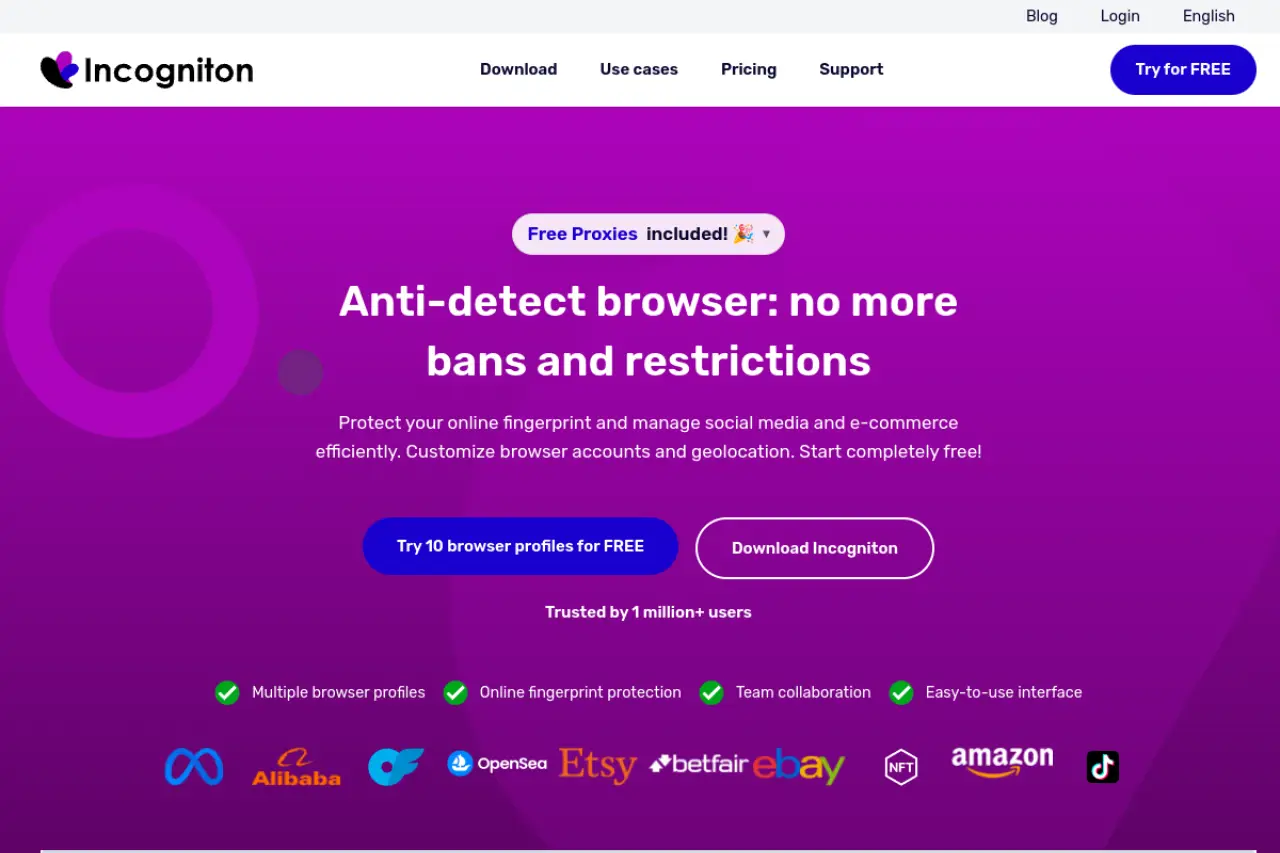
Key strengths: free tier and human-like typing emulation
The "Paste as Human Typing" feature is critical for avoiding detection on platforms that track keystroke dynamics. Additionally, the platform allows for bulk profile creation, streamlining the setup process for new campaigns.
Key limitations: Automation features require a paid subscription
While excellent for manual management, advanced automation features via Selenium or Puppeteer are gated behind paid subscriptions. Users relying heavily on scripts will need to upgrade from the starter tier.
Pricing positioning: Free for up to 10 profiles (limited time)
Incogniton offers a generous free starter package for up to 10 profiles, though retention policies may change.
MoreLogin: For e-commerce and mobile-heavy workflows
For businesses operating on mobile-first platforms like TikTok or Instagram, MoreLogin specializes in emulating mobile environments, providing a more authentic digital footprint for app-based services.
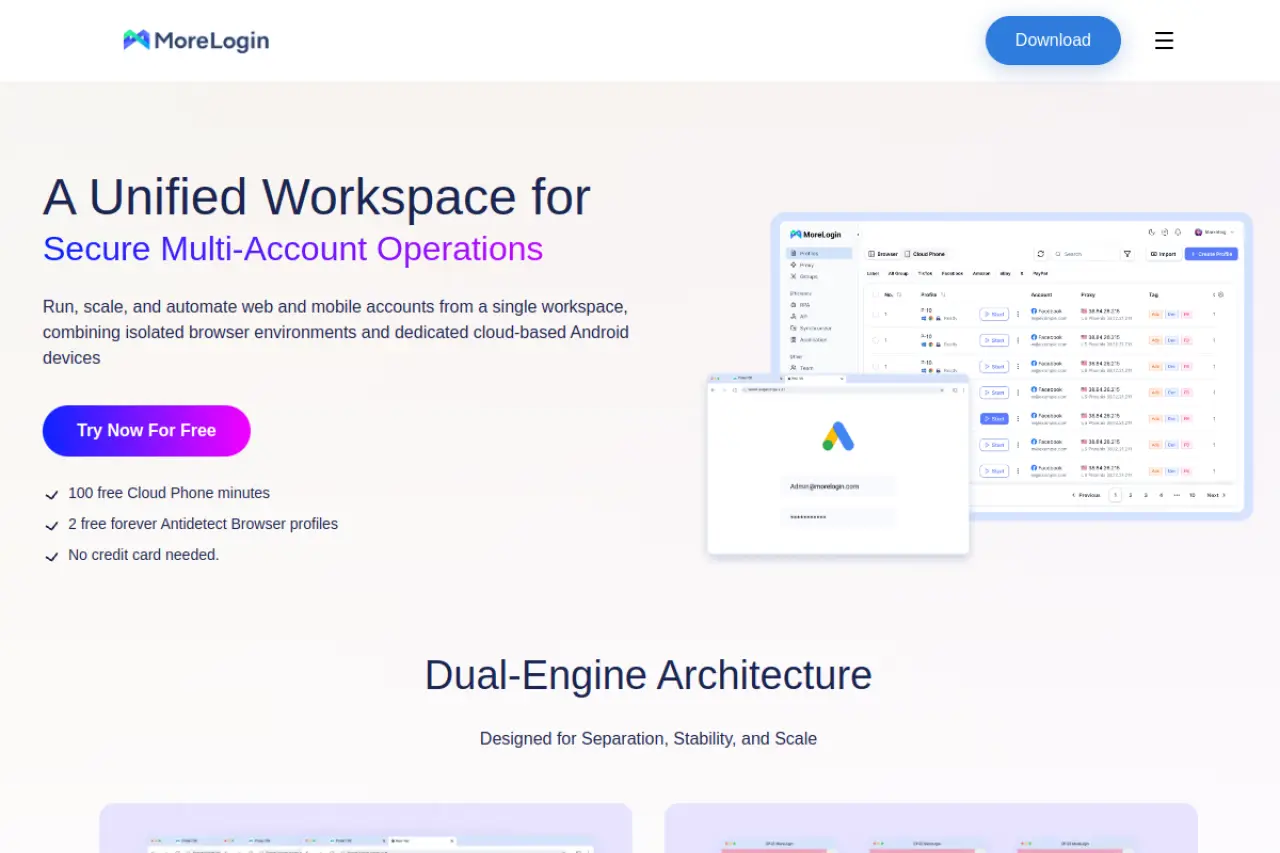
Key strengths: Real mobile profile support and cloud phone emulation
Unlike standard desktop browsers that simply resize the window, MoreLogin provides genuine Android emulation via its Cloud Phone technology. This is essential for e-commerce stores that flag accounts created on desktop devices as suspicious.
Key limitations: Higher learning curve for the automation dashboard
The interface is feature-rich but can be overwhelming for beginners. Configuring the synchronizer and local API requires some technical familiarity compared to simpler alternatives.
Pricing positioning: Affordable mid-tier plans for scaling users
With a free tier for 2 profiles and a Pro plan starting at $9/month, this makes it an attractive option for dropshippers scaling their store count.
Octo Browser: Best for large affiliate networks using many devices
Octo Browser targets the enterprise sector, focusing on stability and speed. It is built to handle heavy sessions without crashing, making it a tool for large affiliate networks managing high-value ad accounts.
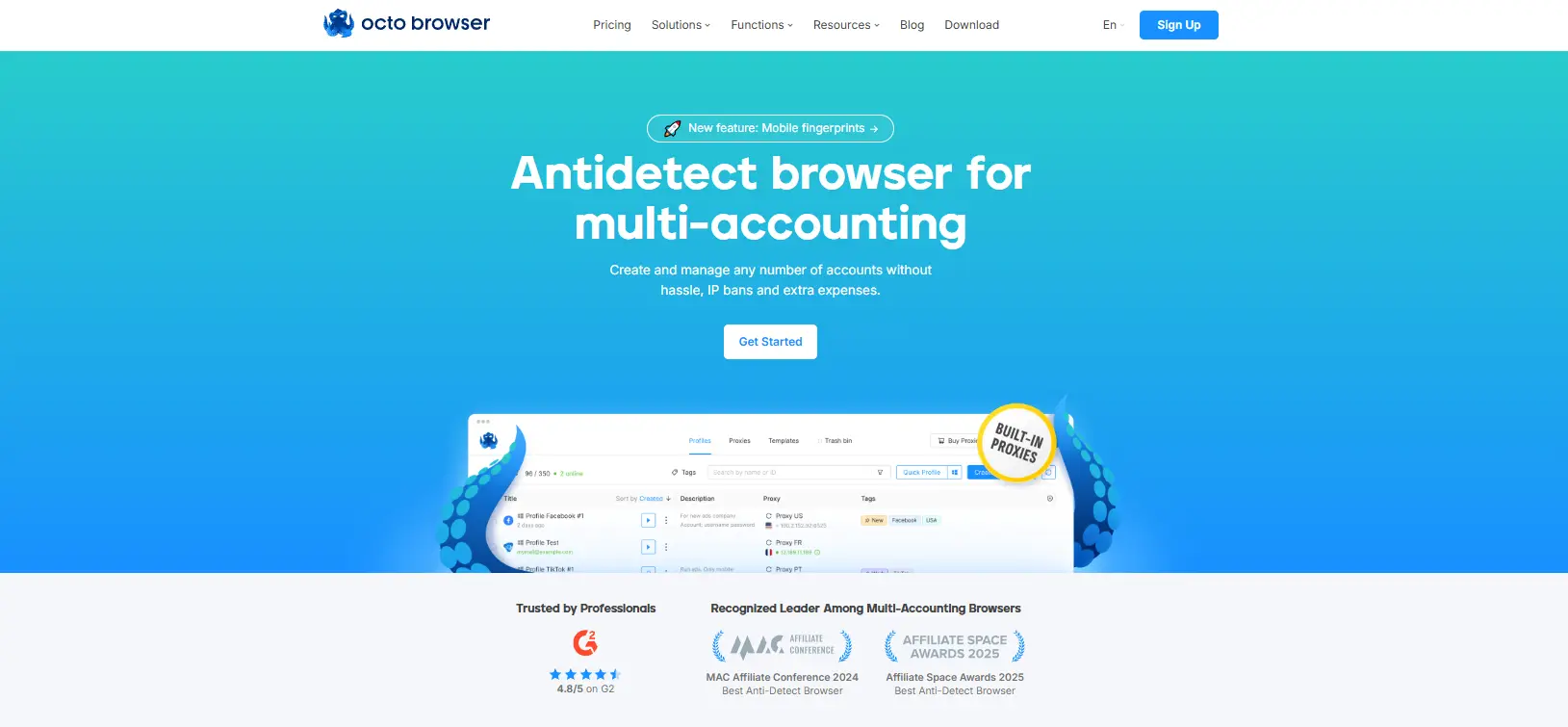
Key strengths: No limits on how many devices you use at once
Octo Browser does not restrict the number of devices you can log in from. This "unlimited device" policy supports large, distributed teams working across different time zones without triggering license errors.
Key limitations: Lite plan does not include automation API access
The entry-level Lite plan restricts access to the API. To integrate with custom automation scripts, businesses must opt for the Base plan or higher, raising the initial investment cost.
Pricing positioning: Premium pricing for professional agency needs
Octo Browser commands a premium, with the Base plan starting at €79/month. This reflects its positioning as a tool for businesses where account uptime is critical.
Hidemium: Best for automation-heavy workflows and app testing
Hidemium is a newer entrant focusing heavily on automation capabilities. It simplifies the process of creating complex scripts, making it a tool for teams that need to perform repetitive actions across hundreds of profiles.
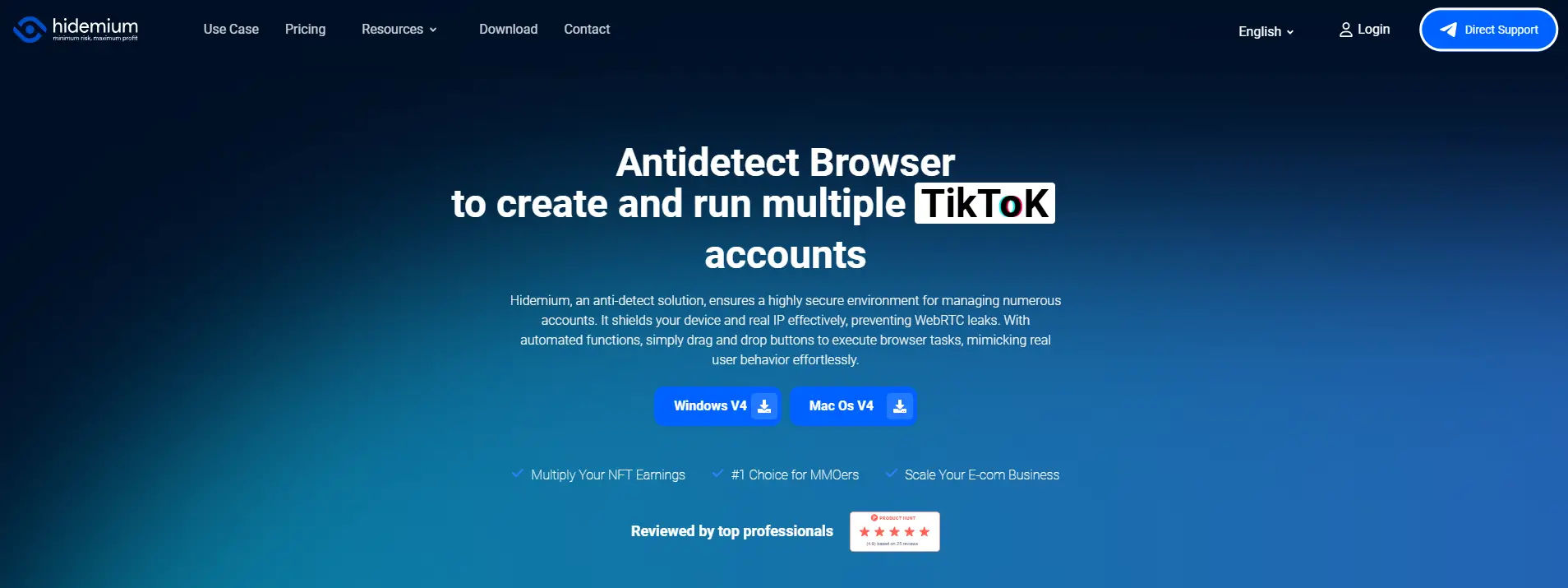
Key strengths: Drag-and-drop automation and AI-powered agents
The platform features a visual drag-and-drop builder for automation, removing the need for coding skills. It also includes AI agents that can assist in navigating complex web challenges.
Key limitations: Newer tool with a smaller community reputation
As a more recent addition to the market, Hidemium has a smaller user community compared to established giants. Documentation and third-party integrations are still growing.
Pricing positioning: Competitive pricing for high-volume profile users
Hidemium offers a free plan for 5 profiles and scales reasonably, with a $15/month Basic plan. It provides good value for teams prioritizing automation features over raw profile count.
Browser.lol: Best for casual privacy and one-off cloud sessions
Browser.lol takes a completely different approach by offering disposable cloud browsers. It is not designed for long-term account management but rather for secure, one-time sessions where local footprints must be non-existent.
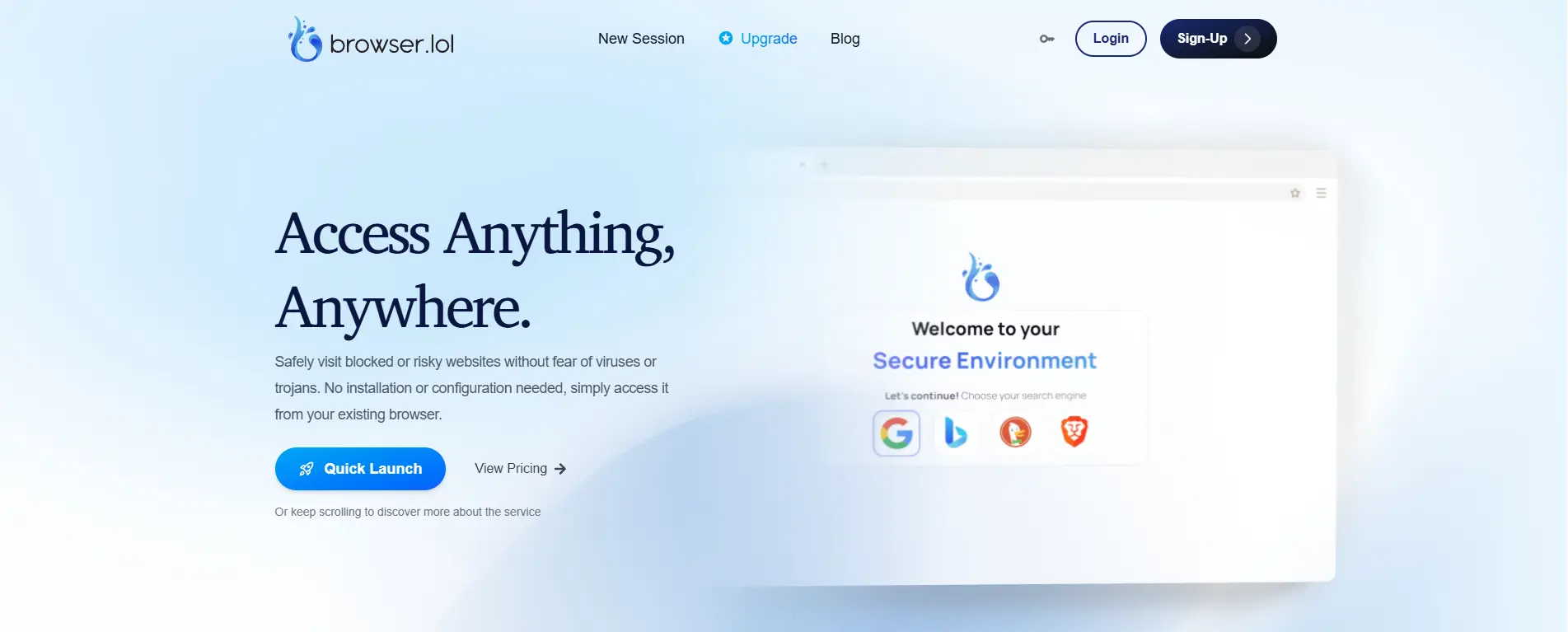
Key strengths: No installation needed; runs directly in your browser
This solution runs entirely in the cloud. There is no software to install, which eliminates the risk of local malware infection. It is excellent for analyzing malicious links or conducting quick competitive research anonymously.
Key limitations: Not built for long-term multi-account management
Because the environments are often disposable, maintaining persistent cookies and history for a Facebook ad account is difficult. It lacks the sophisticated profile management dashboards of its competitors.
Pricing positioning: Ad-supported free version available
The service offers an ad-supported free model, making it accessible for casual use. Paid plans are available for users needing guaranteed resources and team capabilities.
How these CloneBrowser alternatives handle scaling from 10 to 500+ profiles
Moving from a casual setup to a production environment requires more than just a higher subscription tier. While the tools reviewed above offer various features, the real test happens when you scale operations past the 50-profile mark. CloneBrowser users frequently seek alternatives because they encounter stability issues or interface lag as their database grows. A robust infrastructure must handle hundreds of unique digital fingerprints without crashing your local machine or triggering security flags due to data mismatches.
What limits will you hit as your account list grows?
The most immediate scaling challenge is not the software's profile limit, but rather hardware resource management and database architecture. Entry-level tools often treat profile data as static files, which works fine for small batches. However, as you expand to 500 or more accounts, inefficient code starts to consume excessive RAM and CPU cycles, leading to operational bottlenecks that cost money.
Why cheap tools often slow down when managing 50+ profiles
Performance degradation in budget-friendly antidetect browsers usually stems from how they store metadata. Many cheaper alternatives load the entire list of profiles and their associated cookies into your computer's memory the moment you open the application. If you have hundreds of profiles, this causes the dashboard to freeze or lag significantly during search and filter operations.
Enterprise-grade solutions like DICloak utilize a cloud-based database architecture. Instead of loading everything at once, they fetch profile data on demand. This ensures that the interface remains responsive whether you are managing ten accounts or a thousand. For businesses, this responsiveness is critical; waiting ten seconds for a profile to load adds up to hours of lost productivity across a team every month.
The importance of cloud synchronization for larger teams
Speed means nothing if your account data becomes corrupted through human error. As teams grow, the risk of "cookie collision" increases. This occurs when two team members attempt to access the same profile from different locations, or when a user opens a profile before the previous session's cookies have fully uploaded to the cloud.
To safely replace CloneBrowser for team workflows, you need a system that offers active session locking. This feature prevents a profile from being launched if it is currently active on another device. Tools that prioritize this level of cloud synchronization make that platforms like Facebook or Amazon always see a consistent, linear history of user activity, regardless of who on your team is doing the work.
CloneBrowser alternatives comparison: Pricing, team seats, and features
Effective scaling requires balancing technical capability with your monthly budget. When your operation expands beyond a single laptop, you need a software license that accommodates growing team members without exponential cost increases. Many legacy tools charge per user, which punishes growth. We have analyzed the top six alternatives to see how they stack up regarding entry-level pricing, team seat allowances, and essential automation features.
Quick comparison table for multi-account software
Below is a direct comparison of the leading market contenders. When reviewing these figures, pay close attention to the team access column. Some providers include team access in mid-tier plans, while others require expensive custom enterprise packages for simple role management. For businesses relying on automation, DICloak stands out by offering advanced features like RPA at a lower entry point compared to competitors.
| Product |
Entry Cost (Paid) |
Team Seats Strategy |
Top Feature for Business |
| DICloak |
$8/mo (20 Profiles) |
Unlimited Members (Share+) |
RPA & Synchronizer |
| MoreLogin |
$9/mo (10 Profiles) |
Permission-based Roles |
Cloud Phone Emulation |
| Hidemium |
$15/mo (30 Profiles) |
Member Management |
AI Automation Agent |
| Incogniton |
$29.99/mo (50 Profiles) |
Assignable Roles |
Human Typing Emulation |
| Octo Browser |
€29/mo (10 Profiles) |
Role Allocation |
Unlimited Devices |
| Browser.lol |
$9/mo |
Shared Quotas |
Virtual Cloud Sessions |
Pricing reality: Finding a CloneBrowser alternative that fits your budget
While the monthly fee is the first number you see, it is rarely the final cost for a growing business. True affordability depends on how well a platform supports your scale without forcing you into an enterprise tier immediately. You must look beyond the base subscription to understand the total cost of ownership for your security infrastructure. A low initial price tag often hides limitations that become expensive bottlenecks once your operation expands beyond a single user.
Which features are usually hidden behind expensive paywalls?
Many tools attract users with low entry prices but lock essential efficiency tools behind higher tiers. For instance, Octo Browser restricts API access to its mid-tier plans, meaning you cannot automate tasks without upgrading significantly. Similarly, Incogniton offers a generous free tier, but professional automation features quickly require a paid commitment. If your workflow relies on scripted actions to manage hundreds of accounts, a plan that lacks API support becomes expensive in manual labor hours.
The cost of adding more team members
Adding staff often triggers the steepest price hikes in this industry. Most legacy platforms charge per additional user seat or force you to jump from a basic plan to a premium package just to share a profile with one assistant. This is where modern architecture shifts the value equation. DICloak breaks this mold with its Share+ plan, offering unlimited team members. This approach allows agencies to scale their workforce without worrying about incremental licensing fees for every new hire, keeping operational overhead predictable.
Subscription vs usage-based billing models
Finally, evaluate how the billing scales with your profile count. Flat-rate subscriptions provide predictability, which is crucial for agency cash flow. Variable usage models or per-profile charges can spiral out of control during high-traffic months. Stick to transparent tier-based pricing to ensure your infrastructure costs remain a fixed percentage of your revenue, rather than a variable risk that eats into your margins.
Frequently asked questions about switching from CloneBrowser
Switching your business infrastructure is never a small decision. You likely have lingering questions about costs, data safety, and the technical migration process. Here are the answers to the most common concerns we hear from agency owners and team leads moving away from CloneBrowser.
Is there a completely free alternative to CloneBrowser?
Yes, but viability depends on your scale. DICloak offers a permanent free plan for up to five profiles, which includes access to advanced features like automation. For serious business operations, free plans serve best as testing grounds rather than permanent infrastructure.
Which CloneBrowser alternative is best for avoiding account bans?
DICloak currently leads the market for ban prevention due to its combination of fingerprint spoofing and behavioral automation. While most tools successfully hide hardware details, DICloak also uses RPA to mimic human activity, which prevents bans triggered by unnatural idleness or repetitive clicking.
Can I easily move my existing profiles from CloneBrowser to another tool?
Directly copying a full profile is generally not possible because every antidetect browser creates fingerprints differently. However, you can migrate your active sessions by exporting your cookies from CloneBrowser in JSON or Netscape format. You then import these cookies into your new platform, such as DICloak, which allows you to pick up where you left off without logging in again.
Do I still need to buy residential proxies for these alternatives?
Yes, an antidetect browser only masks your device identity, not your internet connection. Using a secure browser with a low-quality datacenter IP address will still trigger immediate security flags on platforms like Facebook or Amazon. In practice, using DICloak alongside a reliable proxy setup can help improve consistency for multi-account work.
 Web Proxy Tools
 Free Tools
 Cookie Plugin
 UA Generator
 MAC Address Generator
 IP Generator
 IP Address List
 2FA Code Generator
 World Clock
 Anonymous Check
 WebRTC Leak Test
 UUID Generator
 Free Web Proxy Site
 Proxy Checker
 FB Ad Checker
 AI Web Scraping
 Free SMM Tools
 Twitter Shadowban Checker
 Instagram Name Checker
 UTM Generator
 Username Generator
 AI Hashtag Generator
 LinkedIn Headline Generator
 Social Media Image Resizer