You open Pinterest, tap a pin, and nothing loads, or the app keeps kicking you back to login. That is usually the moment people search is pinterest down and lose time guessing if the problem is global or local. A quick check on Downdetector’s Pinterest page can show if other users are reporting the same issue right now, and Pinterest’s official status page can confirm platform incidents and recovery progress. If both look normal, the issue is often on your side: app cache, browser extensions, stale DNS, or an outdated app build.
You do not need random fixes. You need a short decision path: confirm outage status, test your connection, isolate app vs browser, and apply the fix that matches your symptom. You should also know where to check account-specific issues in the Pinterest Help Center. By the end, you will know how to tell a real Pinterest outage from a local error in minutes, then fix common “Pinterest not working” cases without trial-and-error. Start with the outage checks that give a clear yes-or-no signal.
Is Pinterest Down Right Now? Quick Ways to Confirm in 2 Minutes
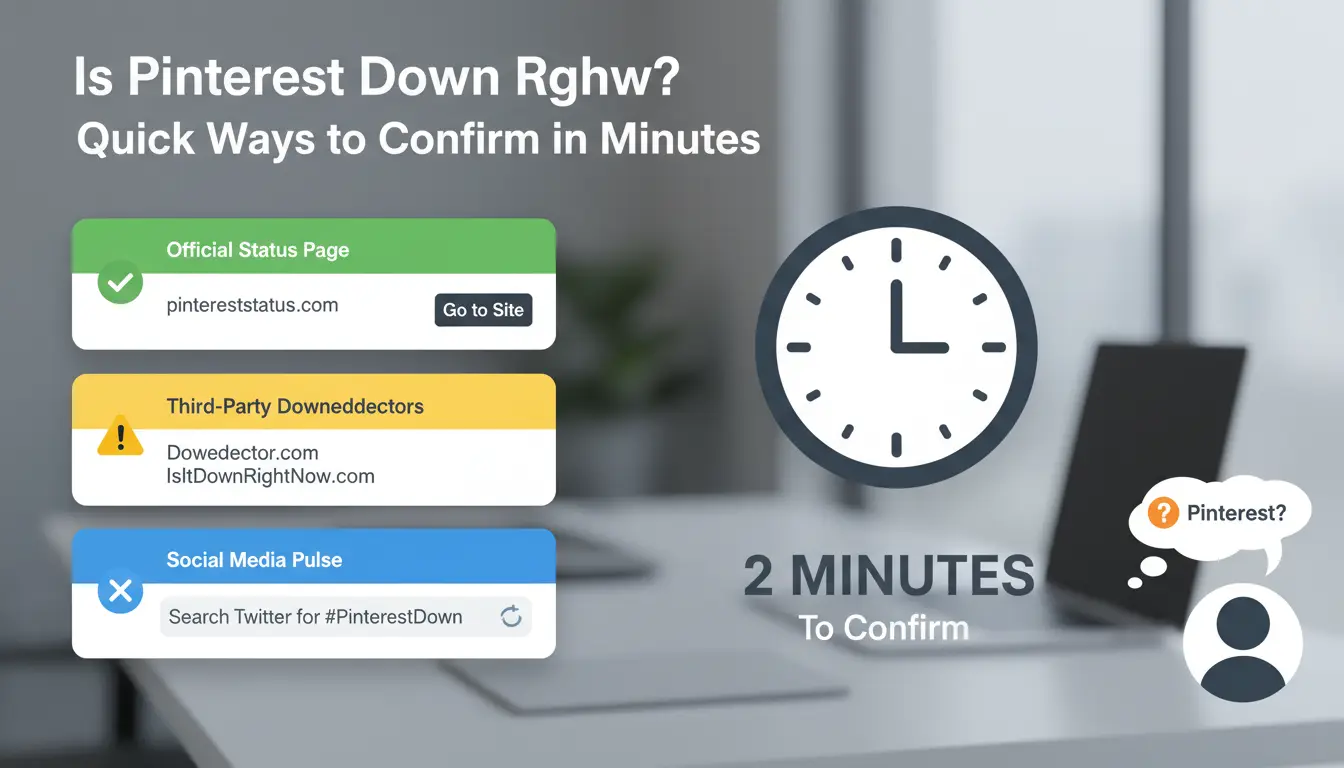
If you’re asking “is pinterest down,” do a fast triage before changing settings. If two public trackers and Pinterest’s own status page show the same spike, treat it as a platform outage, not a local bug.
Check multiple status sources before assuming a global outage
Open Downdetector Pinterest and Is It Down Right Now for Pinterest. Match report spikes to your exact symptom:
- Login fails but homepage loads
- Feed does not refresh
- Pin upload stalls or errors
If both sites show normal activity while your issue persists, the problem is likely local to your app, browser, account state, or network path.
Verify Pinterest’s official channels for incident updates
Check Pinterest Status for incident posts, affected components, and recovery updates. Then check Pinterest on X for live notices.
Look at timestamp details, not just status color. A green status can follow a partial outage. Also check whether notes mention specific regions, mobile app issues, or API-only impact.
Use a second device or network for a fast reality check
Test the same account in two quick pairs:
- Mobile app on cellular data, then on Wi-Fi
- Web version in a browser, then the app
If one path works and the other fails, you just isolated scope in under 2 minutes. If both fail across networks and devices while outage trackers spike, is pinterest down for your region is the likely answer. If only one device fails, focus on local fixes (cache, app update, browser extension conflicts).
Is It Pinterest or Your Connection? How to Rule Out Local Problems First
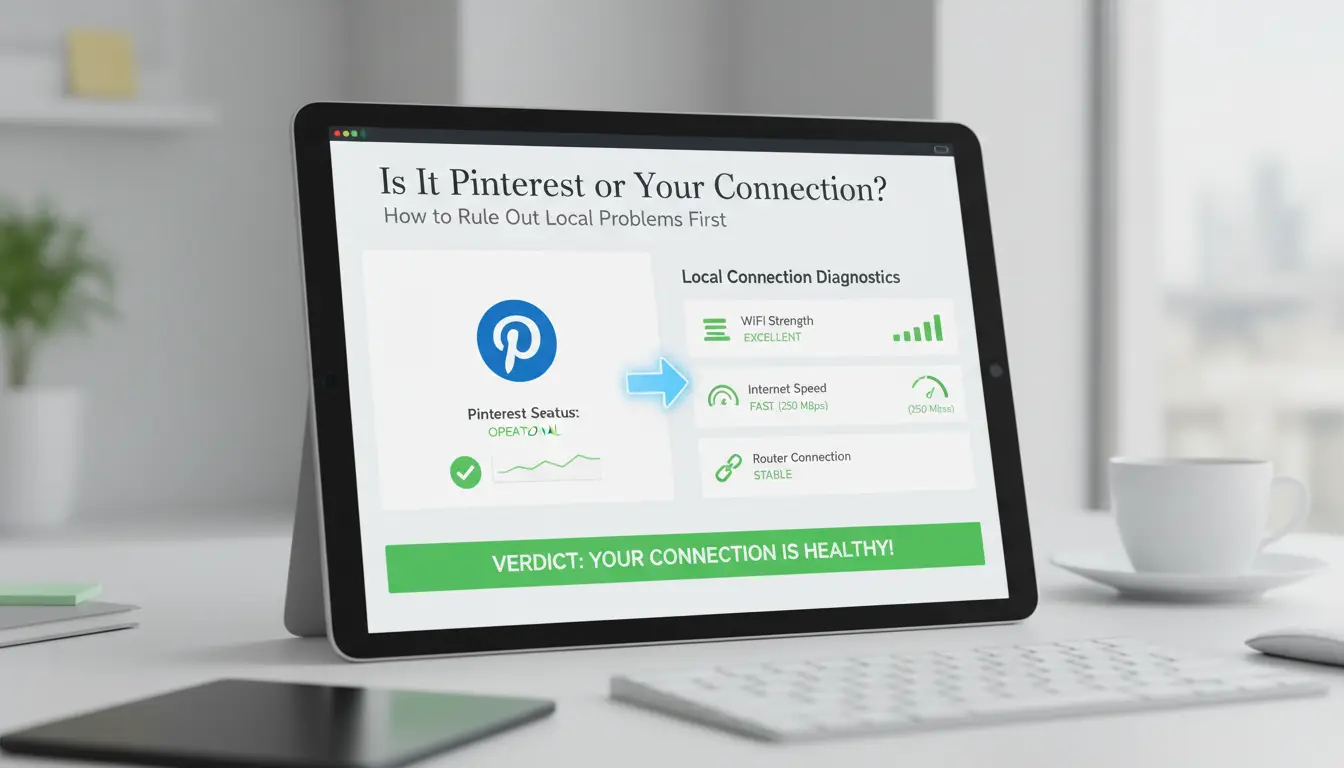
If you are asking “is pinterest down,” do quick isolation before changing settings. A real outage usually breaks multiple sessions at the same time, while a local issue stays limited to one device, account, or network. Check live incidents on Pinterest Status and known account issues on the Pinterest Help Center. Then run this checklist.
Run basic network checks that catch most false alarms
Open 2-3 unrelated sites and one other app. If pages stall, fail to load, or images do not resolve, your connection may be the problem, not Pinterest. Try a DNS check by loading a site you rarely visit; cached pages can hide network faults. Power-cycle your router for 30 seconds, reconnect, and test again. Switch from Wi-Fi to mobile data, or from mobile data to Wi-Fi. If Pinterest works on one network only, you found a local network issue.
Check if the issue is tied to one account, one device, or all sessions
Sign in with another Pinterest account on the same device, if available. If one account fails and the other works, the issue is account-level. Next, test your main account on another device. Use a private window or a clean browser profile. If Pinterest loads there, cookies or saved session data in your normal profile are likely broken.
Spot browser and app conflicts that look like outages
Temporarily disable extensions, especially ad blockers and privacy filters, then reload. Clear Pinterest site data in the browser, then sign in again. On mobile, update the app, check storage space, and confirm app permissions for network and background activity. If all checks fail and status pages show incidents, then “is pinterest down” is likely a yes.
Why Is Pinterest Not Working? Common Outage Symptoms and What They Usually Mean
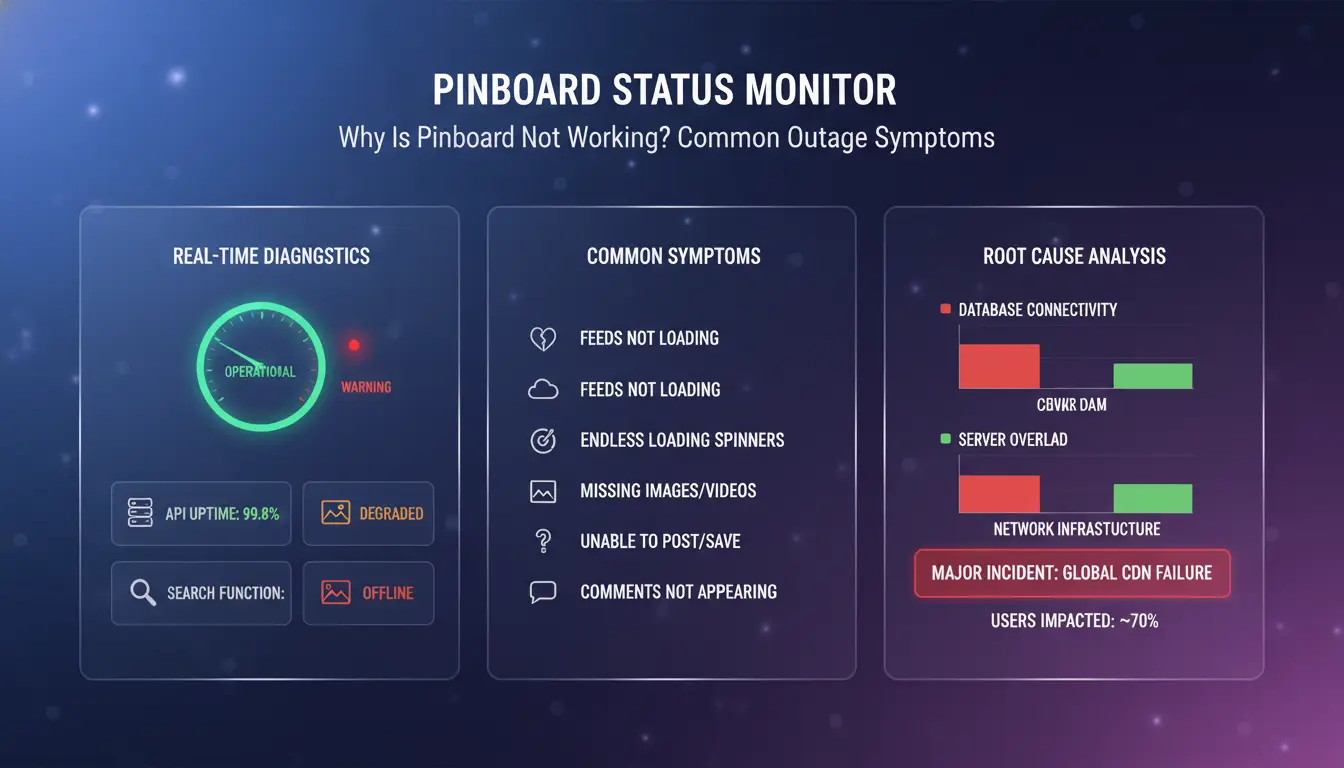
If you are asking “is pinterest down,” match your symptom before trying fixes. The fastest check is whether the same failure appears on web and app at the same time. If yes, check Pinterest Status and recent issue threads in the Pinterest Help Center.
Login failures, endless loading, and session timeouts
A bad password usually gives a clear error right away. An auth outage often shows looping login, blank home feed after sign-in, or repeated session expiry within minutes. If browser and app both fail with the same account, that points to server-side auth trouble. If only one device fails, clear app cache, remove stale cookies, then retry.
Feed, search, and board sync problems
Use this symptom map:
| Symptom |
Usual cause |
What to do |
| Home feed loads, search fails |
Search API lag |
Wait 10–20 minutes, retry |
| Boards update on web, not app |
App cache or old build |
Update app, clear cache |
| New Pins visible to you only |
Sync delay in delivery layer |
Recheck from another account/device |
| One region reports failures |
Regional CDN or routing issue |
Test on mobile data and another network |
If this pattern appears across users, is pinterest down is a valid concern.
Pin upload and publishing errors
Single-file failures often come from media rules: unsupported format, very large file, or unstable connection during transfer. Platform-side upload failures usually hit multiple files and return generic “try again” errors. Wait a short window before retrying to avoid duplicate posts. If upload shows success but Pin is missing, check board activity and account notices in Pinterest Help.
How to Fix Pinterest Not Working on App or Browser (Step-by-Step)
If you’re asking is pinterest down, check Pinterest Status before changing anything. If status is green, run this order so you do not break a working setup.
Fixes for the Pinterest mobile app (iOS and Android)
Force close Pinterest, reopen, and test search, feed, and pin upload. Update the app from the App Store or Google Play. Old builds often fail at login or image upload. On Android, clear app cache (not app data) and test again. Log out, then sign in again to refresh your session token. Check phone OS updates and permission settings: Photos, Camera, Mobile Data, and Background App Refresh can block core actions when off.
Fixes for Pinterest web on Chrome, Safari, Edge, and Firefox
Open Pinterest in a private window. If it works there, your saved cookies or extensions are the problem. Clear cookies for pinterest.com only, then reload. Disable extensions one by one, especially ad blockers and script blockers. If pages still fail, flush DNS cache and restart the browser:
- Windows:
ipconfig /flushdns
- macOS:
sudo dscacheutil -flushcache; sudo killall -HUP mDNSResponder Then test on Pinterest Help Center pages to confirm general reachability.
When to reinstall, reset, or wait for platform recovery
Reinstall only after status checks, update checks, cache cleanup, and re-login fail. Wait 15–30 minutes between retries during active incidents to avoid lockouts from repeated login attempts. Before reinstalling, screenshot error messages or codes and keep timestamp, device model, OS version, and browser version for support. If multiple devices fail on one network, check router DNS settings or test another connection.
What to Do If Pinterest Is Down for Everyone
If checks confirm a real outage, stop trying random fixes. When users ask “is pinterest down,” the goal is to protect account stability and keep your campaign moving until service returns. Track updates on Pinterest Status and verify broad impact on Downdetector Pinterest reports.
Pause risky actions and preserve account health
Do not hammer login, refresh, or publish buttons. Repeated forced attempts can trigger temporary security checks and lock you out at the worst time. During a confirmed outage, your safest move is to pause account changes. Skip password resets, email changes, and device cleanup while systems are unstable. Wait for the incident to clear, then make security updates once login behavior is normal again.
Switch to contingency tasks while waiting
Use downtime for work that does not depend on live posting. Draft fresh pin titles, descriptions, and UTM links. Prepare image variants and organize board mapping in a shared doc. Queue support tasks: review last week’s outbound click trends, clean duplicate assets, and tag files by campaign and audience.
Set realistic recovery expectations
Ignore rumor posts and follow the incident timeline from official channels. Status pages usually move through investigation, identified issue, monitoring, then resolved. Set staggered rechecks, such as every 20 to 30 minutes, instead of constant retries. That cuts wasted time and reduces accidental lockouts. Once status turns resolved, test one account on one device, then resume publishing in small batches. This is the cleanest way to answer “is pinterest down” without creating new problems.
How Social Media Teams Keep Working When Pinterest Is Down
When people ask “is pinterest down,” solo users can wait. Teams cannot. During an outage, rushed logins and handoffs can create account flags, missed posts, and messy recovery. A safer path is to keep each account in its own environment, control who can touch what, and log every action.
Why outage periods create extra risk for multi-account teams
Outages break normal timing. One teammate retries in app, another retries in browser, and a third uses a new network route. That access pattern can look suspicious to platform security systems.
Shared passwords make this worse. If two people change settings at once, no one knows which step caused the lockout. Recovery then turns into guesswork. The real risk is not downtime itself, but untracked account actions during downtime.
How DICloak reduces disruption and account-operation risk
You can use DICloak to keep accounts separated with isolated browser fingerprints and profile-level proxy settings, so one account’s session behavior does not spill into another. That helps teams keep cleaner login history during incident windows.
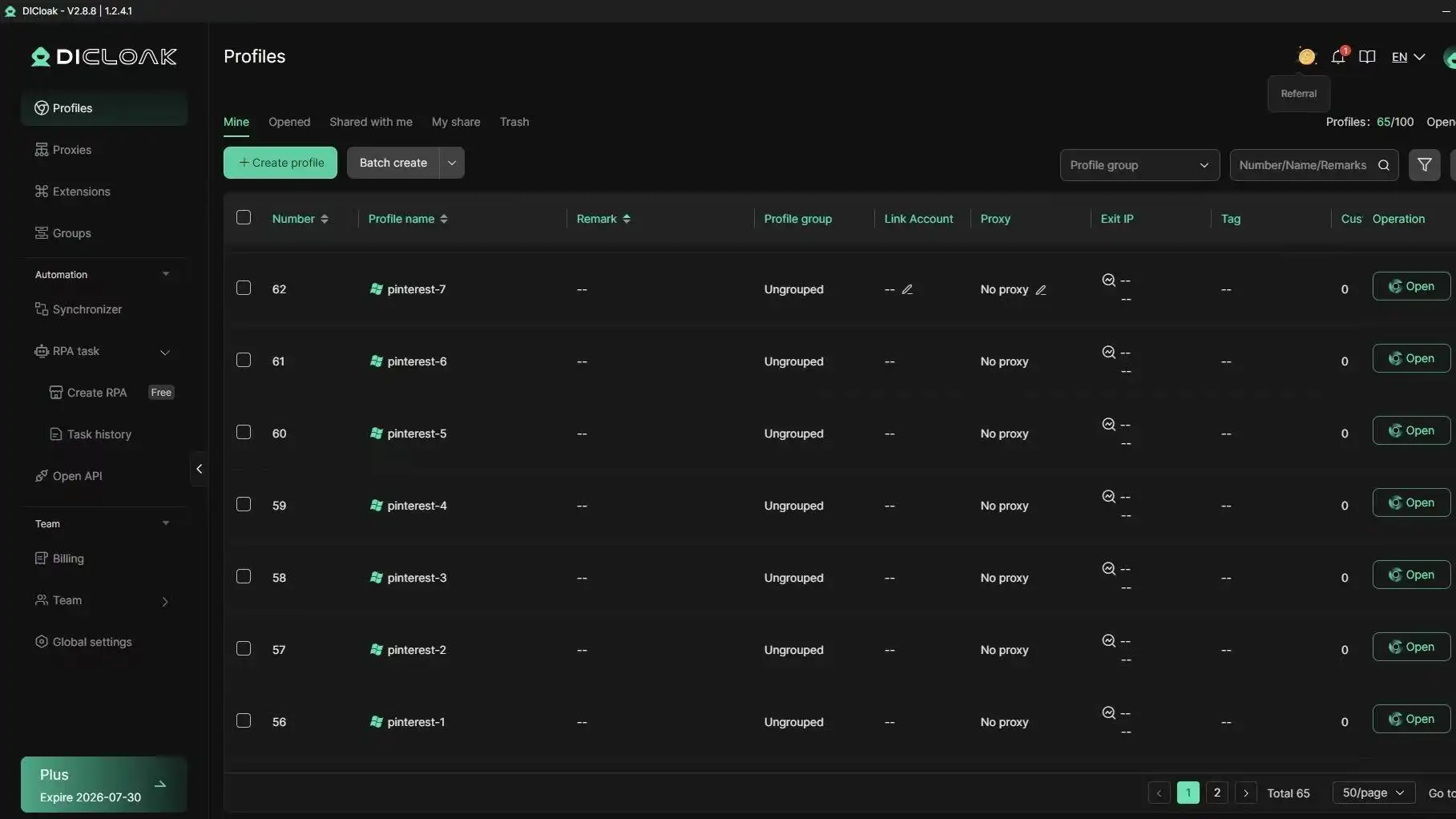
You can also use role permissions, profile sharing, and operation logs to control who edits profiles, who can launch sessions, and who changed settings. If someone asks “is pinterest down” again during recovery, your team can verify status at Pinterest Status and check exact internal actions instead of guessing.
A practical outage workflow using DICloak features
Set profile owners before incidents. Map each Pinterest account to one owner and one backup role. Limit edit rights to admins.
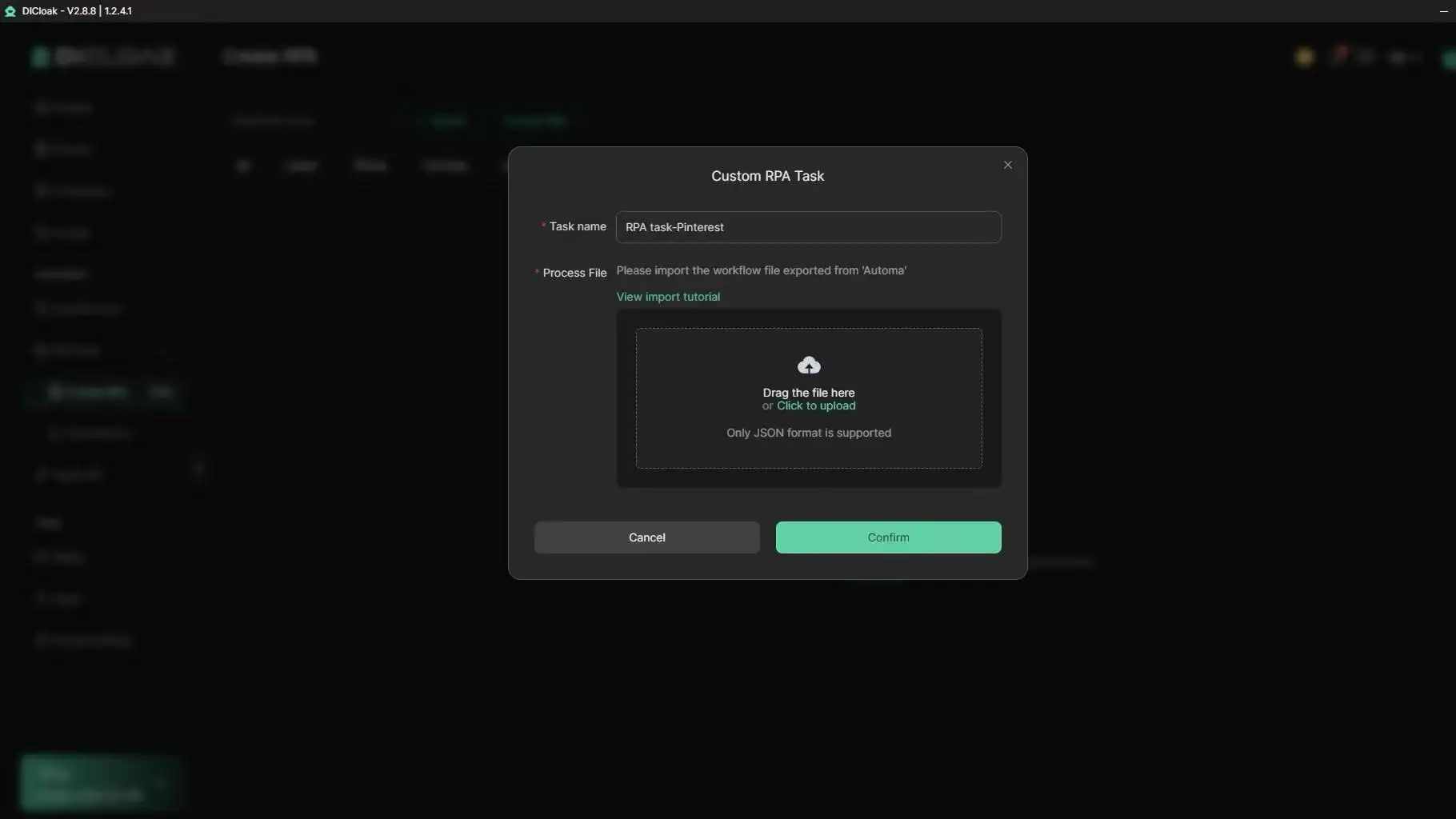
During outage checks, run repeat-safe health checks with batch actions. After service recovers, relaunch profiles in waves, not all at once. Use RPA for repeat login verification and post recovery checks, then review logs for failed attempts.
How to Track Pinterest Outages Over Time and Get Faster Alerts
Build a simple personal monitoring stack
If you keep asking “is pinterest down,” set a 3-signal check: Pinterest Status, Downdetector Pinterest, and a saved X search for “Pinterest down.” Route alerts by priority: status page push = high, outage reports = medium, social chatter = low. That order cuts noise and still catches real incidents fast.
Log incidents to improve future response speed
Keep a small incident log: start time, symptom (login fail, pin publish fail, image load fail), region, and recovery time. The pattern you track once becomes your fastest playbook later. When teams handle several accounts, tools like DICloak let you map each Pinterest account to an isolated browser profile plus dedicated proxies, so one unstable session does not spill into others. You can use permissions, profile sharing, and operation logs to control changes during outages and audit recovery steps.
Turn outage history into practical planning
Use your log to set fallback windows for scheduled publishing. If “is pinterest down” spikes at your peak hour, shift critical posts earlier and queue backups on email or other social channels. Tools like DICloak let you run batch checks or RPA relaunch steps with fewer manual errors after recovery.
When Should You Contact Pinterest Support, and What Should You Send?
If you checked Pinterest Status and it shows normal service, but your problem stays after local fixes, it is time to escalate. This is the point where asking “is pinterest down” no longer helps, and account-level review becomes the next step.
Signs the issue is account-specific, not a global outage
Escalate when your account fails on multiple networks and devices, while other Pinterest accounts work on the same app or browser. Escalate when only specific boards, Pins, or ad assets fail, but the rest of Pinterest loads. Escalate when you see repeated policy, login, or publishing errors tied to one account even after cache clear, app update, and fresh login. If the same error follows your account everywhere, treat it as account-specific and contact support.
What evidence to include in a support ticket
Send one clear report through the Pinterest Help Center. Include:
- Exact error text (copy it, do not paraphrase)
- Full screenshot with URL/app screen and time visible
- Device model, OS version, app version, browser version
- Time of failure with timezone
- Board/Pin URLs affected
- Steps you already tried (reinstall, different browser, different network)
This reduces back-and-forth and speeds triage.
How to follow up without creating duplicate cases
Use one ticket thread. Add updates as bullets with new timestamp, test result, and screenshot. Wait a defined window before pinging again (for example, 24-48 hours). Do not open duplicate tickets for the same issue. Multiple cases split context and slow review. If you still ask “is pinterest down,” recheck status once, then append that check result to the same thread.
Frequently Asked Questions
Is Pinterest down more often on the app than on desktop?
Not usually. The app can seem less stable because phone cache gets corrupted, background data limits kick in, or an iOS/Android update changes network behavior. If you think is pinterest down only on your phone, test the same account on desktop and mobile browser. If desktop works, clear app cache, update the app, and restart the phone.
How long does a typical Pinterest outage last?
Most Pinterest outages are short, often minutes to a few hours. Longer events can run several hours when core systems, logins, or image delivery are affected. Region also matters: one country may recover before another. If you are asking is pinterest down, check official status posts and user reports every 15–30 minutes for real progress.
Can a DNS problem make it look like Pinterest is down?
Yes. A bad DNS route can make pages fail even when Pinterest is healthy. Quick checks: open Pinterest on mobile data, then on Wi-Fi; run nslookup pinterest.com; try a public DNS resolver. If results differ, flush your DNS cache, reboot the router, and test again. This often fixes false “site down” alarms.
Why does Pinterest work on mobile data but not on Wi-Fi?
That pattern points to local network trouble, not Pinterest itself. Common causes are router DNS errors, firewall blocks, parental controls, or a weak ISP path. Restart router and modem, forget and rejoin Wi-Fi, switch DNS on the router or device, then test Pinterest again. If mobile still works, contact your ISP with timestamps.
Does repeatedly retrying login during a Pinterest outage make things worse?
Yes, it can. Rapid retries may trigger temporary security checks, lockouts, or confusing “wrong password” prompts while systems recover. If you wonder is pinterest down, pause and retry every 10–15 minutes. Check status pages first, then try one clean login attempt from a browser. This avoids extra flags and keeps troubleshooting clear.
Conclusion
If Pinterest seems down, the fastest way to confirm is to check real-time outage trackers, Pinterest’s official status channels, and your own connection or app version before assuming a platform-wide issue. Most disruptions are temporary, so a few quick troubleshooting steps and a short wait are usually enough to get back to normal browsing and pinning.
Try DICloak For Free
 Web Proxy Tools
 Free Tools
 Cookie Plugin
 UA Generator
 MAC Address Generator
 IP Generator
 IP Address List
 2FA Code Generator
 World Clock
 Anonymous Check
 WebRTC Leak Test
 UUID Generator
 Free Web Proxy Site
 Proxy Checker
 FB Ad Checker
 AI Web Scraping
 Free SMM Tools
 Twitter Shadowban Checker
 Instagram Name Checker
 UTM Generator
 Username Generator
 AI Hashtag Generator
 LinkedIn Headline Generator
 Social Media Image Resizer