Trying to run YouTube shorts Ads for a real campaign is not as simple as dropping your video into Google Ads and expecting results. Marketers hit two main walls: shorts ad placements rarely show up in the way you expect, and the platform doesn’t hand you deep targeting controls or reporting on Shorts the way it does for standard YouTube videos. It’s easy to waste budget, especially if you just set up a generic ad group and let Google decide where your short video lands.
But the real catch is that YouTube Shorts advertising doesn’t behave like the main feed or desktop placements. Shorts are mobile-first, swiped past in seconds, and most viewers never tap for sound. You’re not just fighting for attention against long-form content; your ad is competing with thousands of other vertical videos, and your creative has to cut through in under 10 seconds. If you ignore these differences, your YouTube Shorts ad campaigns will get impressions but almost no engagement.
Marketers who actually get results from YouTube short video ads use a different workflow: they build for vertical, keep messages tight, test creative on organic Shorts before running paid, and watch for odd jumps in view counts versus click-through. The platform’s tools won’t warn you when your ad “works” in a technical sense but fails to drive real actions. Fixing this means knowing what to check, what to ignore, and how to spot the hidden drop-off points.
Here’s how to set up YouTube shorts Ads so the campaign doesn’t just blend in and disappear.
What Makes YouTube Shorts Ads Different From Other Video Ad Formats?
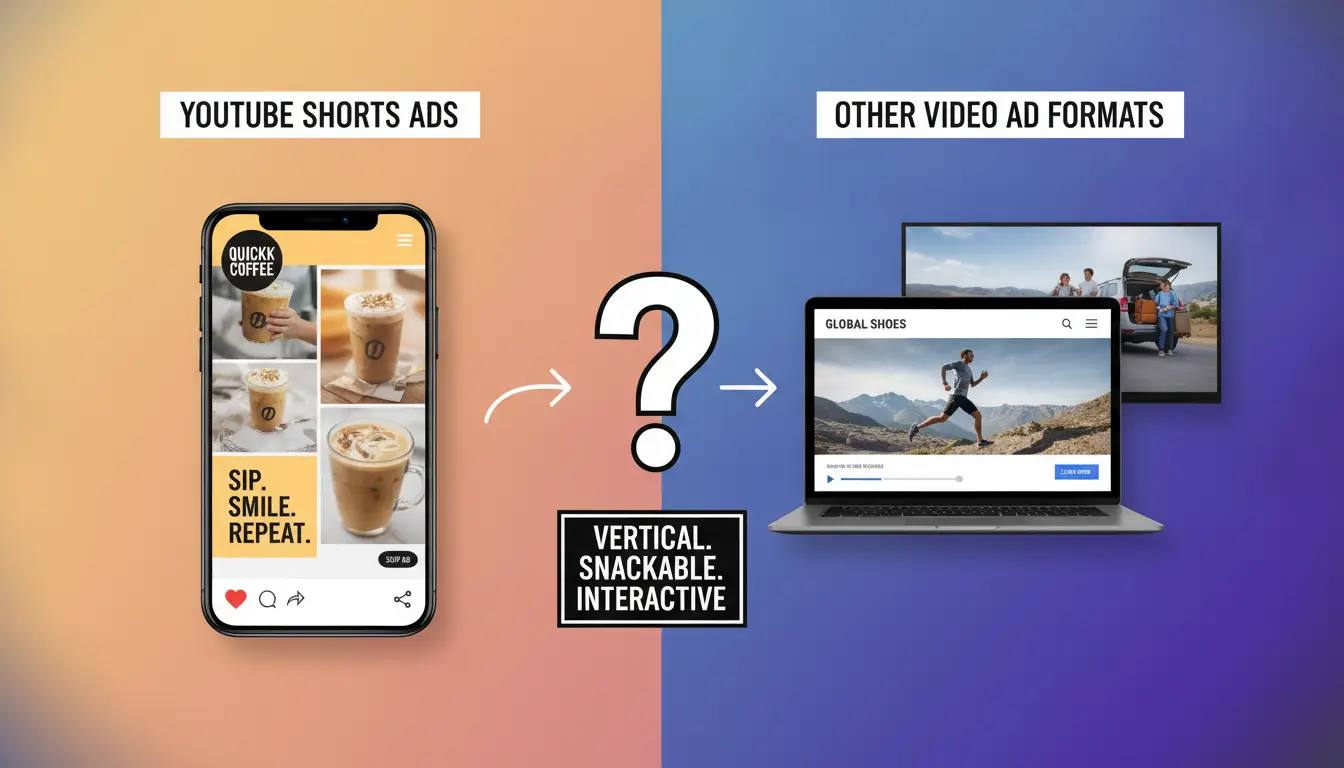
YouTube Shorts Ads force marketers to rethink both the creative and the campaign workflow. Unlike standard YouTube ads or even TikTok placements, you’re working in a vertical feed where scroll speed, screen size, and attention span all shift the rules. If you treat Shorts like regular pre-roll or mid-roll, you’ll waste budget on impressions that never convert.
How Shorts Ads Compare to TikTok and Instagram Reels Ads
Shorts Ads may look like TikTok or Instagram Reels placements, but the audience behavior isn’t identical. TikTok users tend to swipe through dozens of videos in minutes, while Instagram Reels viewers mix short clips with stories and posts. YouTube’s Shorts audience overlaps with both, but engagement patterns are less predictable, users might jump between Shorts and longer videos, and the algorithm often pushes trending content harder. Targeting tools are less granular, so you can’t always reach the same segment as on TikTok.
Shorts Ads vs. Standard YouTube Video Ads: What Changes?
The biggest shift is placement and user experience. Standard YouTube ads run before or during full-length videos, where viewers expect interruptions and may tolerate longer ads. Shorts Ads run in a vertical, full-screen feed, users can swipe away in a second. Here, ad length is capped at 60 seconds, but real impact happens in the first 10. Creative must be built for vertical; recycled landscape ads almost always flop. The failure mode is subtle: your ad gets impressions, but viewers swipe before the call-to-action even appears. If you don’t tailor your video, you’ll see high view counts but almost no clicks or conversions. This gap is why marketers need to rethink everything from script to post timing. Short-form feeds punish slow intros and weak hooks, every second counts.
| Format |
Placement |
Typical Length |
Creative Constraint |
Viewer Behavior |
| Standard YouTube Ads |
Pre/mid-roll |
15-30 sec |
Horizontal, flexible |
Waits or skips |
| Shorts Ads |
Vertical Shorts |
<60 sec |
Vertical, fast-paced |
Swipes instantly |
| TikTok Ads |
For You feed |
<60 sec |
Vertical, trending |
Swipes rapidly |
| Instagram Reels Ads |
Reels feed |
<60 sec |
Vertical, stylized |
Mixes with posts/stories |
Table compares video ad formats, placement, and user behavior. Source: platform ad docs.
Why Marketers Need a Separate Strategy for Shorts
- Build creative for vertical and fast, slow intros lose viewers.
- Run organic Shorts tests before paid placements to spot weak hooks.
- Adapt call-to-action: make it visible and actionable in the first 5 seconds.
Failing to adjust these points means your campaign blends in and gets ignored. The next step is to check your creative, targeting, and analytics before launch, otherwise, you’ll miss the signs of a weak Shorts campaign.
What to Check Before Launching a YouTube Shorts Ad Campaign
Before running your first YouTube Shorts Ads, you need a clear setup checklist , missing a single eligibility or creative spec will get your ads rejected or burn budget without results. The platform won’t block you from spending, so the responsibility to prevent wasted spend falls on you.
Ad Account Eligibility and Policy Compliance
Your account must be in good standing and fully verified. If your account has a prior suspension or missing business info, your campaign won’t launch. Make sure your ad content and landing page follow Google Ads rules. If your video or destination violates policy , even by accident, like using trademarked music , your ad can be rejected, flagged, or quietly throttled. The most common failure is launching with a new account that hasn’t passed Google’s ad review, which leads to delays and budget stuck in “pending” status.
Creative Specs and Technical Requirements
A Shorts ad that misses the technical spec won’t run, or will display incorrectly. Ignore the spec, and you’ll lose visibility fast. Here’s what to check:
- Video must be vertical (9:16) and between 15-60 seconds, or it won’t slot into Shorts placement.
- File size should stay under 100MB; oversize files cause upload errors or slow processing.
- Audio and captions must be clear , if branding is missing or not visible in the first 5 seconds, most viewers will skip.
Budget, Bidding, and Placement Settings
Don’t assume classic YouTube ad settings work for Shorts. Budgeting and placement require extra care:
- Set minimum daily spend above $5; anything lower often stalls delivery.
- Use target CPM (cost per 1,000 impressions) bidding, not CPC , Shorts don’t reward click-focused bids.
- Double-check targeting: remove placements outside Shorts, and exclude audiences that have low mobile engagement.
If you skip these steps, you’ll see impressions but almost no valid actions. Short video ads burn through budget quickly, so one missed setting can cost you real money before you even notice. For new advertisers, a split test using two budget levels often shows which setup delivers real engagement.
Most issues in YouTube Shorts advertising come from missing one of these checks , next, you’ll see why campaigns fail and how to spot hidden risks before launch.
Why Some YouTube Shorts Ad Campaigns Fail: Common Mistakes and Risks
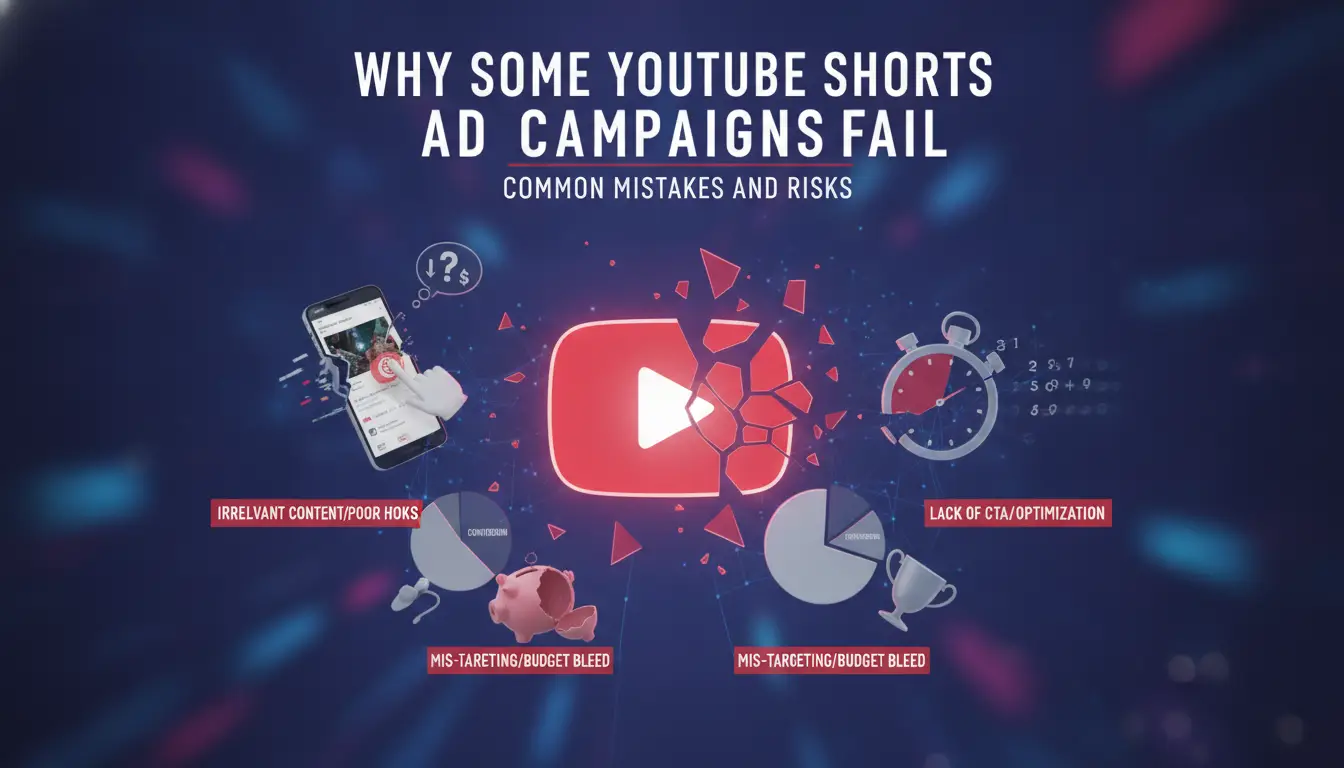
Most failures with YouTube Shorts Ads happen because marketers overlook how short-form video works, get lazy with setup, or miss hidden policy triggers. If your ad never gets traction, the cause is usually a simple mistake that compounds , not some complex algorithm. Here’s where campaigns break, why it happens, and what to check to avoid burning budget on invisible errors.
Creative Mistakes That Kill Performance
If your short video doesn’t grab attention in the first second, most viewers swipe past. Packing too much branding or dense visuals into a 15-second slot makes it feel like a repurposed TV ad. Ads that forget the “hook-first” rule almost always get low engagement, no matter how much you spend.
Targeting and Placement Errors
Many campaigns fail because the targeting setup ignores how viewers actually use Shorts. Say you select “broad demographics” thinking you’ll reach more people , but Shorts users skew younger, and they swipe quickly. If placements overlap, your ad may show twice to the same audience, burning impressions with no real lift. One common error: mixing Shorts placements with standard YouTube ads in the same campaign. This splits data and can cause uneven reporting. For example, a campaign set to “All Mobile Devices” with Shorts and regular video placements will show your ad to users who aren’t watching vertical content, dropping your click-through rate. The problem isn’t that targeting is “wrong” , it’s that Shorts has its own flow. When you ignore this, your ad shows up in the wrong context and gets skipped. Fixing this means separating your placements, refining audience interests for short-form viewers, and avoiding overlap that confuses the platform’s delivery system.
Account and Policy Triggers
If you get repeated disapprovals, the issue might be your account environment. Running multiple Shorts ad campaigns from the same IP, or using the same creatives across several accounts, can trigger Google’s automated review. For example, launching four similar ads from one account in a day often causes the system to flag for “spammy behavior” , you’ll see a warning, and your ads won’t spend.
Budget Burn and Low ROI
Scan for these before scaling spend:
- Bidding above $0.10 per view without checking daily averages can drain funds fast.
- No A/B test? You can’t spot which creative drives actions and which just gets views.
- If you aren’t tracking conversions per placement, you’ll chase vanity metrics and miss what really matters.
Knowing these pitfalls helps you avoid wasted budget. Up next: the exact steps to launch a Shorts ad campaign in 2026 without falling into these traps.
How to Set Up and Launch a YouTube Shorts Ad Campaign in 2026
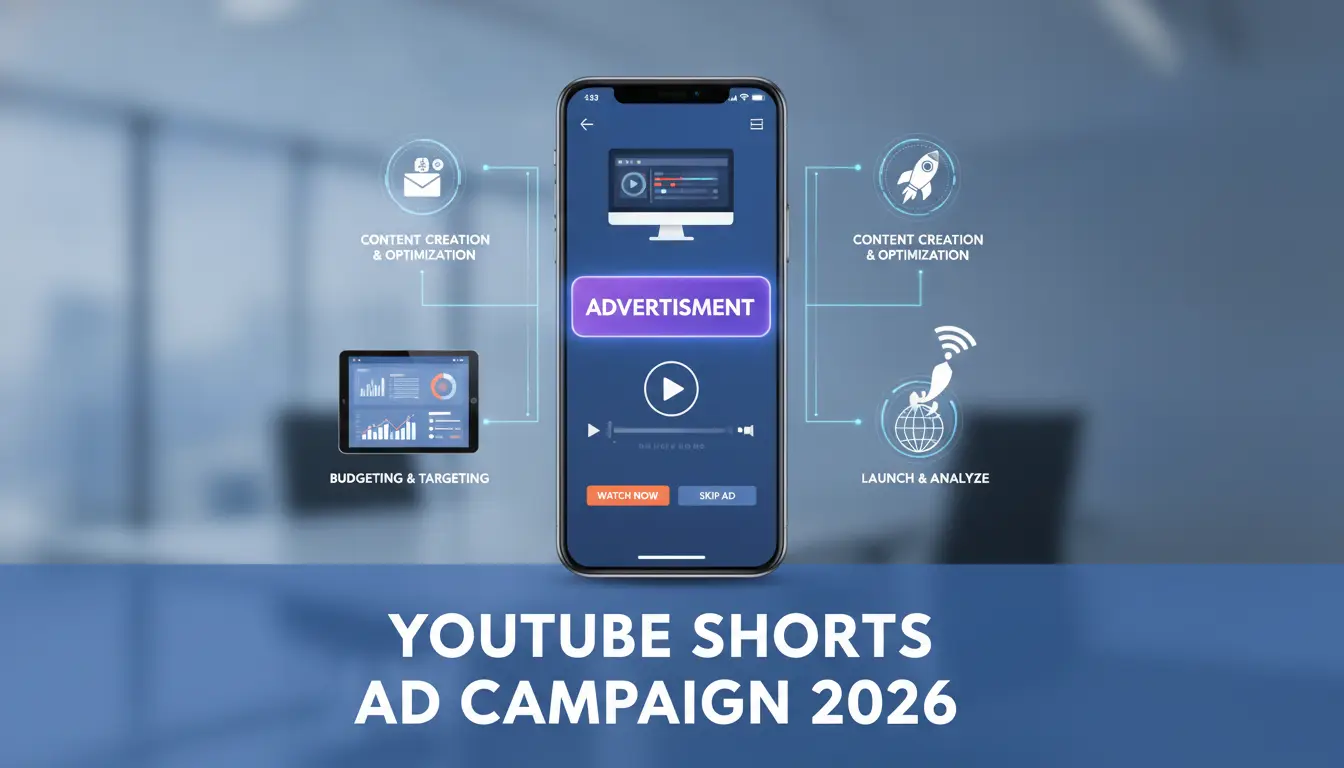
Setting up a YouTube Shorts Ads campaign in 2026 is less about clicking through menus and more about prepping vertical video, picking the right placement, and avoiding common trip-ups. Here’s a direct workflow, if you miss a step, expect wasted spend or rejected ads.
Step 1: Prepare Your Creative and Ad Account
- Record or edit your video to fit Shorts specs: vertical (9:16), under 60 seconds, high resolution. If you upload a landscape or low-quality file, the system will reject it at preview.
- Log into Google Ads, confirm your account is verified and billing is active, otherwise you’ll get a red error banner before launch.
- Upload your video and double-check the thumbnail. Bad thumbnails drop click rates even if the video itself works.
Step 2: Create a New Campaign and Select Shorts Placement
- Click "New Campaign" in Google Ads and pick "Video" as the objective.
- Select "Drive conversions" or "Brand awareness" based on your goal.
- In placements, choose "YouTube Shorts", if you skip this and leave default placements, your ad runs on regular YouTube, missing the Shorts feed.
Step 3: Set Targeting, Budget, and Schedule
- Set your audience by age, location, and interest, avoid broad targeting unless you have a large budget.
- Choose daily spend and bid strategy. Start with $20-$50 daily; if you set too low a bid, your ad will get impressions but almost no actual views.
- Schedule run dates. Ending campaigns on weekends can lead to reporting delays.
Step 4: Launch, Monitor, and improve
- Preview your ad and check for policy flags, YouTube will stop ads with copyright issues or sensitive content.
- Launch, then review metrics daily: watch for sudden drops in CTR or engagement that signal a targeting problem.
- Adjust creative or audience as needed. If stats stall for two days, pause and rebuild, throwing more budget at a dead ad rarely fixes it.
This setup gets your Shorts campaign running, handling multiple accounts comes next.
How to Manage Multiple YouTube Ad Accounts for Shorts Campaigns Without Getting Flagged
YouTube can link ad accounts together surprisingly fast, if you slip up on isolation, your Shorts ad campaigns risk getting flagged or suspended. Agencies and teams running multiple accounts need a workflow that keeps profiles, cookies, and device signals separated.
Why Multi-Account Management Gets Risky on YouTube
YouTube tracks accounts using browser fingerprints, cookies, and IPs. If two accounts show up with matching device signals or overlapping login locations, platform detection quietly links them. That usually means warning emails, ad delivery pauses, or outright bans.
Best Practices for Environment Isolation
Cross-contamination is the biggest risk, logging in from the same browser or device leaves traces that connect accounts.
- Using shared browsers or profiles can get both accounts flagged within days.
- Start each account in a clean browser profile with fresh cookies, and stick to one device per account for the entire campaign.
When to Use Proxies and Team Controls
Assigning proxies helps keep IP signals clean. If your team shares login credentials, limit each member to a single account per device. When accounts cross over, YouTube’s backend links them by session data, not just IP, so the safest move is to keep access locked down and rotate proxies only when needed.
Using DICloak to Safely Operate Multiple YouTube Ad Accounts for Shorts Ads
Running YouTube Shorts ad campaigns across several accounts isn’t just a technical problem, it’s a coordination gap. If your agency or team needs to operate multiple YouTube ad accounts for short video advertising, the real issue is keeping sessions, browser storage, and team access separated. Here’s how operators use DICloak to cover these gaps without risking accidental mix-ups or cross-account contamination.
Isolate Each YouTube Ad Account With Separate Browser Profiles and Fingerprint Settings
Operators can create a dedicated DICloak browser profile for each YouTube ad account and configure fingerprint signals like operating system, User Agent, language, time zone, and geolocation. This keeps login sessions, cookies, and browser storage from overlapping between accounts. For example, an agency running five Shorts campaigns sets up five profiles, each with its own fingerprint configuration, so each account stays in its own environment. The scope is limited to browser-profile access and does not affect YouTube-native ad objects.

Assign a Unique Proxy to Each Profile for Network Separation
Each browser profile can use a user-supplied proxy, set up and tested within DICloak. Operators enter proxy details (host, port, username, password), then use the built-in check to confirm the exit IP and region match the campaign’s geo-targeting needs. This step matters when you need network separation for clients or regions, but proxy quality and compliance remain the operator’s responsibility. DICloak does not supply proxies, users provide their own.

Control Team Member Access With Permissions and Profile Groups
Admins can set permissions so each team member sees only their assigned YouTube ad account profiles and allowed actions. By grouping profiles and restricting access, agencies reduce the risk of accidental cross-account actions or leaks. Permissions apply inside DICloak, not to YouTube account roles or content.

This workflow keeps multi-account Shorts ad operations clean and organized. The next section covers cases where separating accounts isn’t the right call.
When Running Shorts Ads Across Multiple Accounts Is the Wrong Move
Trying to run YouTube shorts Ads from several accounts isn’t always smart. If your spend is low or your brand doesn’t need audience separation, splitting campaigns can cause more problems than it solves.
Signs You Should Stick With One Account
| Scenario |
Single Account |
Multiple Accounts |
| Low ad spend (<$500/month) |
✓ |
× |
| Single brand, one audience |
✓ |
× |
| No geo or age targeting needed |
✓ |
× |
If you don’t need to target different locations or groups, keeping everything under one account makes tracking and billing simpler.
Risks of Overusing Multi-Account Tactics
Multi-account setups bring higher risk. Google’s detection system flags patterns, using extra accounts for the same brand can cause bans or force you to rebuild from scratch. The more accounts you add, the more likely you’ll waste time fixing login failures or lose ad history.
If your real goal is simple reach, overcomplicating with more accounts rarely helps. Stick to a single account unless you’re sure the added complexity is needed.
Frequently Asked Questions About YouTube shorts Ads
Can I run YouTube Shorts Ads from outside my home country?
Yes, you can run YouTube shorts Ads from outside your home country. However, you must follow YouTube’s advertising policies for both your country and your target audience. Many advertisers use proxies or proxys to keep account access consistent. Make sure your payment methods and business details match your account location to avoid red flags.
Do Shorts Ads support clickable links or CTAs?
Shorts Ads allow limited call-to-action overlays, like “Shop Now” or “Learn More.” However, the options are fewer compared to standard YouTube video ads. These overlays appear as small banners or buttons. You can direct viewers to your website or landing page, but interactive elements are less prominent due to the short video format.
How do I measure the ROI of YouTube Shorts Ads?
To measure ROI, use YouTube Ads Manager reporting tools. Track Shorts-specific metrics such as views, watch time, engagement rate, and conversions. You can set up conversion tracking to see actions on your website after someone clicks your ad. Compare your ad spend to the revenue or leads generated to judge performance.
Is it safe to manage multiple YouTube ad accounts on one device?
Managing several accounts on one device is risky unless you use separate browser profiles and different proxies for each account. Never mix cookies or device signals between accounts. If YouTube detects links between accounts, you could face suspension or bans. Keeping everything isolated helps protect your accounts.
What happens if my Shorts Ad is disapproved?
If your Shorts Ad gets disapproved, check the rejection notice for the specific policy violation. Fix the problem, like changing restricted content or updating your landing page, then resubmit the ad. Frequent violations can lead to stricter reviews or even suspension of your ad account, so always follow YouTube’s ad policies.
As short-form video continues to shape online engagement, brands should consider integrating these brief ads into their marketing mix to reach audiences where they spend the most time. Testing new creative strategies and analyzing performance data can help increase results and inform future campaigns. Try DICloak For Free
 Web Proxy Tools
 Free Tools
 Cookie Plugin
 UA Generator
 MAC Address Generator
 IP Generator
 IP Address List
 2FA Code Generator
 World Clock
 Anonymous Check
 WebRTC Leak Test
 UUID Generator
 Free Web Proxy Site
 Proxy Checker
 FB Ad Checker
 AI Web Scraping
 Free SMM Tools
 Twitter Shadowban Checker
 Instagram Name Checker
 UTM Generator
 Username Generator
 AI Hashtag Generator
 LinkedIn Headline Generator
 Social Media Image Resizer