Instagram does not warn you when it restricts you, you can continue to see the profile, but your messages no longer arrive, your comments are invisible and your stories do not even appear. The most common thing is that you notice less interaction, but it is not always easy to know if it is due to restriction or just because of changes in the algorithm. That's where the problem begins: many look for how to know if I left restricted not instagram, but the platform does not show any alert or direct clue.
Most think that if they can keep messaging or commenting, that's fine. But in reality, Instagram can block your visibility without removing access, making it difficult to spot the restriction. If you just look to see if you can get in, you miss key cues, low engagement, unanswered messages, and invisible comments are often the first symptoms.
What really helps is knowing how to check if I was restricted on Instagram with specific methods: from checking the status of your messages, to asking a friend to check your comments on the other person's profile. Letting it go usually leads to misunderstandings or even losing contact without realizing it, so it is convenient to know the ways to detect restriction on Instagram and what to do according to each case.
Now, let's look at the direct signals that allow you to confirm if your account is restricted.
What does it mean to be restricted on Instagram and how does it affect your interaction?
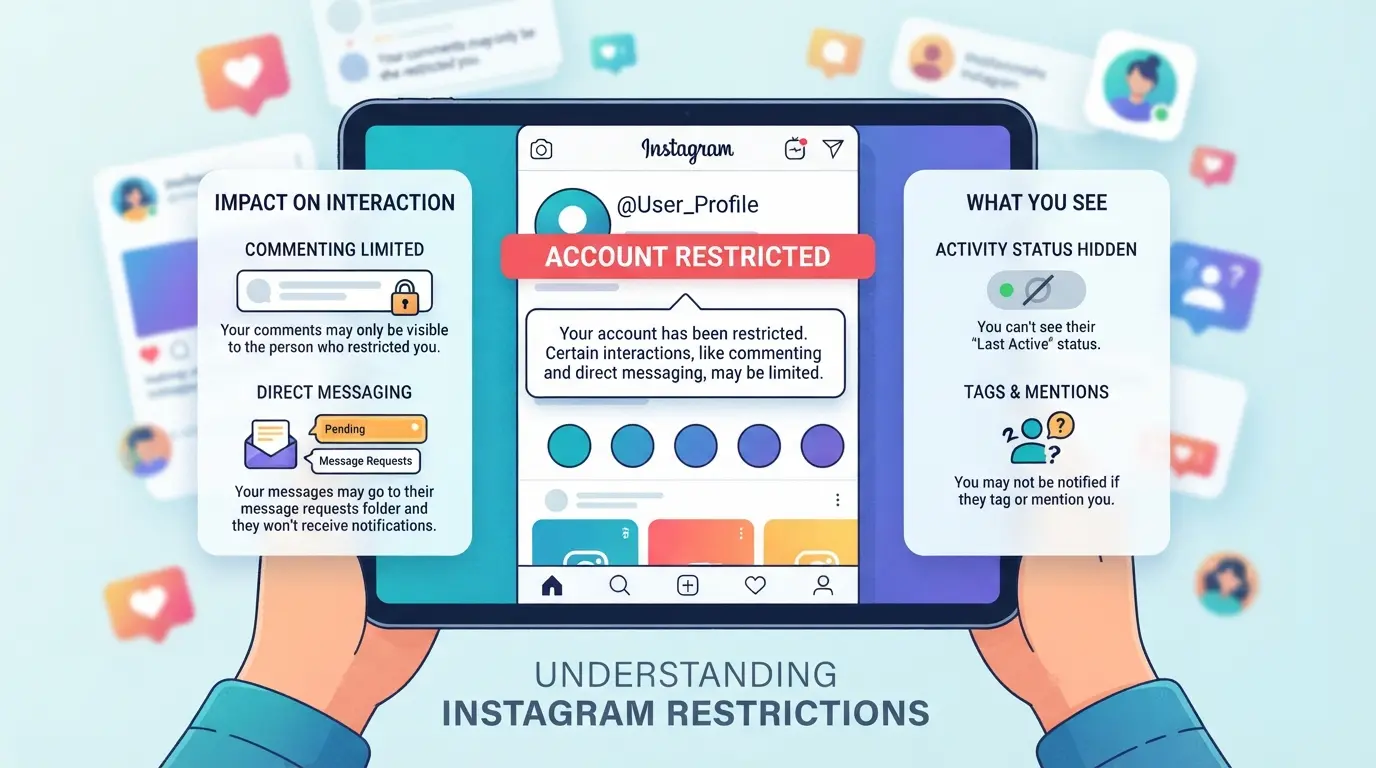
When you're restricted on Instagram, your account isn't blocked or deleted, but your actions are no longer visible to the person who restricted you. You can still view your profile and post comments, but those comments are only seen by you, and your direct messages can be left in limbo with no response. The restriction primarily affects how others perceive your interactions, not how you view your own access.
Restriction vs Blocking: Key Differences
- Blocking: You can't access your profile, send messages, or view posts.
- Restriction: You can comment and send messages, but the other person can choose not to see them.
- In messages: Restricted messages appear as sent, but can remain in the requests folder, without notification.
What a restricted user can and can't do
When you are restricted, your comment does not appear in public, but is hidden from everyone except you and the profile owner. If the person decides, they can approve it manually, but that rarely happens. Direct messages do not arrive "normal" either, they can remain in requests, and the profile owner does not receive notice or have an obligation to respond. In practice, this means that you can continue writing, but it is like talking to yourself, and many times you don't even notice because the system does not show an alert or confirm the restriction. The most common problem is thinking that you are still interacting normally, when in reality your comments and messages remain silent. If you only look at the access, you miss the change in visibility, that is what really defines the restriction.
The difference between restriction and blocking is not only in access, but also in the effect on daily interaction. If you notice that your messages go unanswered or your comments seem invisible, that's where the suspicion begins.
This basis helps to understand the concrete signals, in the next section you will see how to identify if your account is really restricted.
What are the clearest signs that you were restricted on Instagram?
Detecting a restriction on Instagram doesn't depend only on a warning, but on noticing details in how others perceive your activity. If you have the feeling that your messages or comments no longer arrive the same, something has probably changed in the way others see your actions.
Invisible or unanswered comments
The most direct sign is that your comments stop receiving replies or seem to be ignored by a person who previously did respond. Here what really makes the difference is checking from another account if your comment appears on that person's profile. If you see the comment from your account but not from another, it is a clear sign of restriction. It is not enough for you to see it; Instagram can show you your own comments even if no one else sees them.
Direct messages without read receipts
- Send a message and check if the usual "check" appears; if it never appears, you may be restricted.
- Ask a mutual friend to send a message to that person; compare if they receive a read receipt before you do.
- If your messages are "delivered" for days, but the person is still active, that usually indicates restriction rather than simple disinterest.
Hidden or altered activity status
When you are restricted, the "Online" or "Active X minutes ago" status usually disappears or freezes for you while other users see it updated. This does not happen by mistake, but by a specific adjustment in your profile.
- See if that person's activity status is no longer updated just for you.
- Ask a third party to check if they see the status normally.
- If only you stop seeing changes in activity (but can continue typing), it's a sign of restriction.
These signs usually appear together, but it is enough for one to be repeated constantly to be suspicious. Don't just rely on the lack of response: check from another profile before drawing conclusions. The next step is to check in a more structured way if you were really restricted or if it is just a perception.
Practical steps to check if you were restricted on Instagram
If you suspect that someone restricted you on Instagram, there are clear ways to check and avoid being left with doubts. It's not enough to see if you can get into the profile: you need concrete evidence that your interactions aren't coming as they should. Here's the steps that really work.
Check your reviews from another account
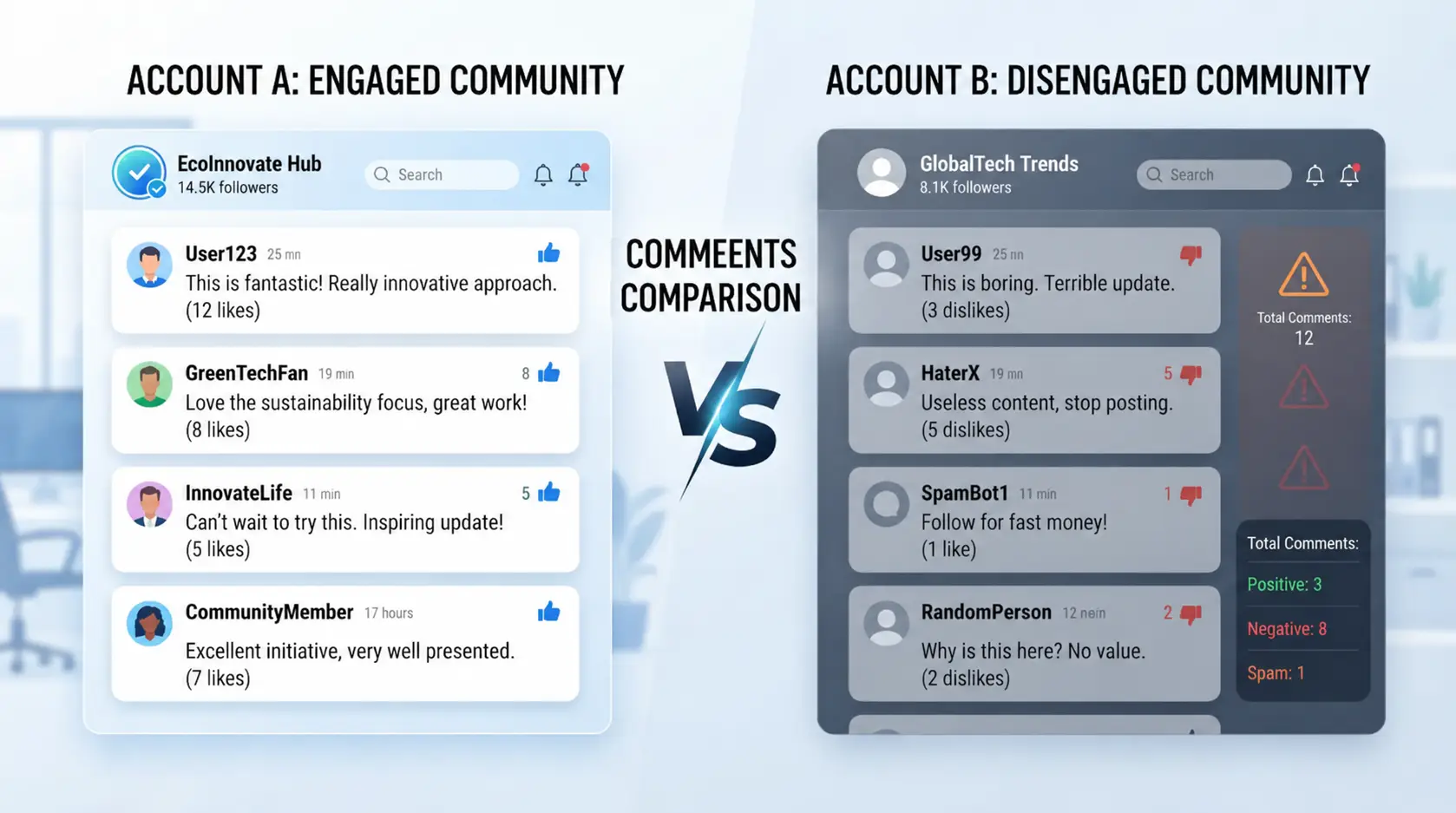
- Post a comment on the photo or video of the person you think restricted you.
- Use a secondary account or ask a friend to enter the same post from their profile.
- Compare: If your comment appears for you but not for the other account, you're most likely restricted.
- If you see the comment only when you log in with your main account, Instagram isn't showing it publicly
Send direct messages and check status
- Send a direct message to the person you suspect restrained you.
- Observe the status of the message: if it never shows "seen" even though the person is active, it is a sign of restriction.
- If your messages appear as sent but unread for days, even though the other person posts stories or interacts, the restriction is almost certain.
- If you receive answers but always with a lot of delay, it can be ignoring and not restricting, look at the pattern.
Check your activity and connection status
- Look for the status "Active X minutes ago" in the person's chat (it only works if both have the option enabled).
- If you used to see the status and now you don't, check if the option is still enabled in your settings.
- If other friends can see when the person is online but you can't, that's a strong sign of restriction.
- If the time of last connection never appears for you, although for others it is, confirm the suspicion.
If any of these steps fail, review the details: sometimes the restriction is accompanied by subtle changes or errors when comparing from other accounts. The following section helps you avoid common mistakes when checking the restriction and interpret the results well.
Common mistakes when checking the restriction and how to avoid them
Many, when looking for how to know if I was restricted not instagram, jump straight to conclusions by loose signals or confuse types of limitation. This leads to misunderstandings and making wrong decisions with the account.
Confusing restriction with blocking or silence
The typical mistake is to think that the restriction is the same as a block or that you were put on silent. But the block prevents you from seeing the profile and the silence is only for notifications, the restriction is more subtle: you can comment, but others don't see your messages. If you only check if you can access the profile, you can overlook the real cause of the low interaction.
Relying on only one signal
Relying on a single track, such as seeing your own feedback, is not enough.
- If you only look at your posted comment, Instagram may be showing it to you, but not to others.
- The safe thing to do is to cross several signals: ask someone to check your comment on the other account, analyze if your messages arrive or if the general interaction dropped suddenly. What fails the most here is not asking for external help to confirm.
How to Manage Multiple Instagram Accounts Without Risk of Restriction: Profile Separation and Advanced Settings
If you manage several Instagram accounts, the mistake that leads to restrictions the fastest is to mix sessions or profiles in the same browser or device. Instead of just searching for "how to know I was restricted not instagram", here the key is prevention: separating profiles and using advanced settings prevents Instagram from linking your accounts and flagging them for suspicious activity.
Why separating profiles and sessions is essential
Using the same session or browser for multiple accounts not only makes it easier for Instagram to detect connections, but it also triggers automatic alerts for repeated patterns. What really reduces the risk is separating each account into a different profile and never sharing cookies, history, or IP.
- Don't mix sessions: each account should have its own browser profile.
- Clear cookies and data between account changes.
- Avoid jumping between accounts in the same window or tab.
Advanced settings: fingerprint and proxy
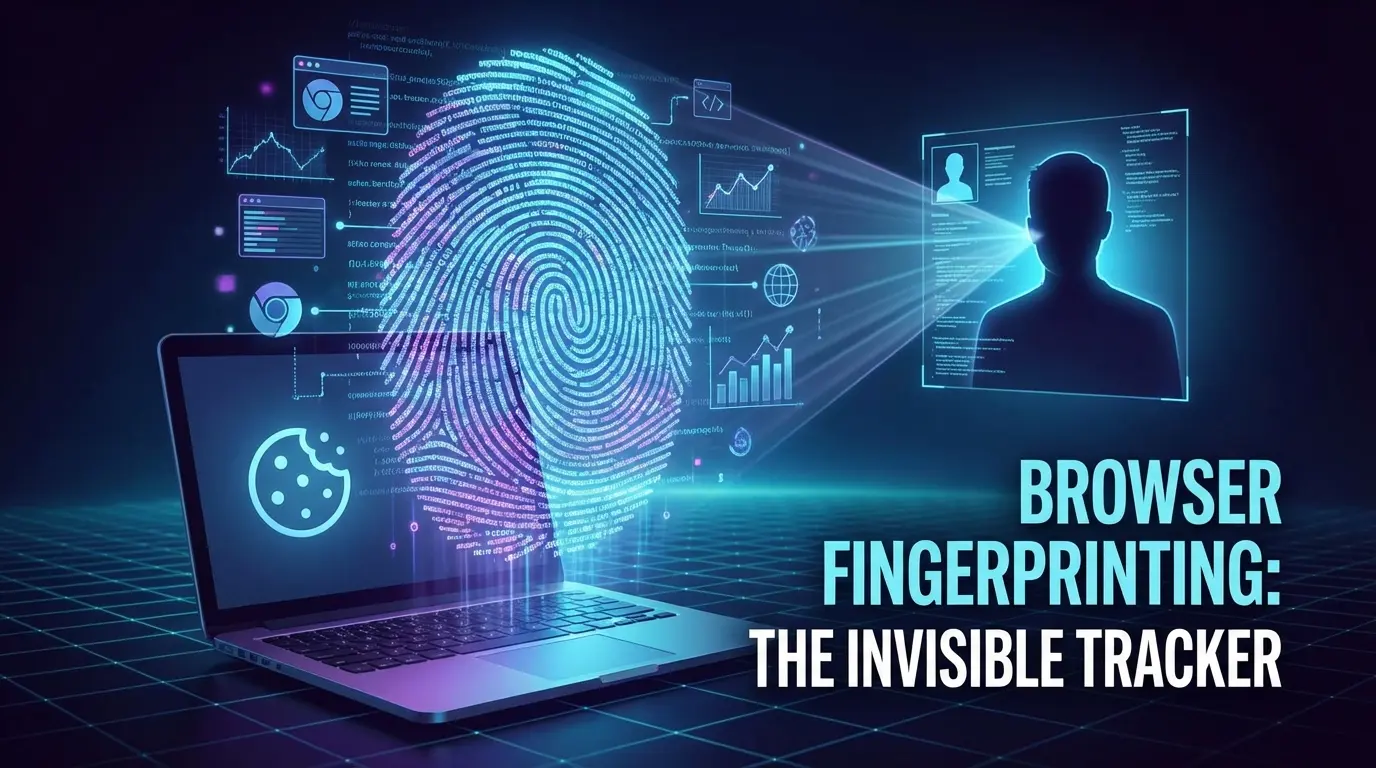
When Instagram detects that two accounts share the same fingerprint — that is, the same browser "fingerprint," which includes operating system, screen resolution, plugins, and more — it usually flags the activity as suspicious, even if you use different accounts. Separating profiles doesn't just mean opening different windows, but also assigning a unique fingerprint to each session. If you use proxies, assign one dedicated proxy per account to isolate IP addresses and locations.
A common misconception is that it is enough to change only the IP. But if the browser's fingerprint repeats, Instagram can link accounts quickly. For example, if you open three accounts with the same browser settings and only change the proxy, the system can block all of them if one falls into restriction. The safest thing to do is to use completely independent profiles, each with its own unique fingerprint and proxy, this curbs the automatic relationship between accounts and drastically lowers the risk of mass restriction when a single one has problems.
How to Use DICloak to Separate Instagram Profiles and Set Up Proxies: Secure Workflow for Social Media in 2026
For those who manage multiple Instagram accounts, whether it's for social media work, marketing, or client account management, the biggest risk isn't just in the content, but in how each account is accessed. Using the same browser, IP, or environment can cause Instagram to detect a pattern and apply restrictions, even if each account complies with the rules. That's why separating browser profiles and setting up different proxies has become a key practice for those looking to keep operations clean and reduce the likelihood of unexpected blocks or restrictions. Here's the actual workflow with DICloak, designed for teams and advanced users who already know what it means to deal with restrictions and are looking for a more controlled environment.
Create isolated profiles and configure the fingerprint in DICloak
The most common mistake is to open several Instagram accounts from the same browser, believing that it is enough to log in and login. In reality, the browser leaves traces: from the reported operating system to the language settings, time zone and small technical details known as "fingerprint". With DICloak, you can create a completely independent browser profile for each Instagram account. This not only separates cookies and sessions, but also allows you to adjust signals such as the simulated operating system, language, geolocation and technical characteristics that Instagram can read. Thus, each account moves in its own environment, without mixing data between them. The real scope of this feature is limited to the browser settings; it does not modify or manage the inside of the Instagram account.

Set up custom proxies for each profile
Separating the environment from the browser doesn't do much good if all accounts log out from the same IP or location. Instagram can detect when multiple accounts are accessing from the same network, triggering alerts for suspicious activity. In DICloak, each profile allows you to assign a different proxy: you can manually configure IP, country, and time zone for each environment, using proxies that you already own or manage outside of the platform. Before using a proxy, it is advisable to test the connection and verify that the location and time zone match the profile settings. The user is the one who decides which proxy to use and how to manage it; DICloak does not provide proxies or guarantee that a particular proxy will bypass restrictions. The scope of this feature is limited to managing the network connection in the browser, without intervening on the Instagram account itself.

Separating profiles and connections rigorously is what makes all the difference for teams that can't afford to lose accounts due to environmental errors. The next section delves into concrete practices to avoid being restricted on Instagram, beyond the technical setup.
Tips to Avoid Being Restricted on Instagram in 2026
Keep up with a natural activity and avoid spam
Replying to messages, commenting and liking in a staggered manner is key: if you repeat the same actions quickly or automate in an obvious way, the system detects it and usually limits you without warning. The most common mistake is to act as a bot, upload 20 photos in a row, always use the same text or follow/unfollow accounts in bulk. Instagram crosses patterns and, if something smells automated, it cuts the range immediately.
Don't abuse repetitive messages or comments
Sending the same message or comment over and over again almost always ends in restriction. Change the content and times so as not to fall into the automatic filter.
- Modify phrases or emojis in each message
- Space out actions: no doing everything in minutes
- If you use templates, mix up text and adjust greetings
When is it best to contact Instagram support and what to expect?
When to Contact Support
- You've already checked the restriction and you can't solve it alone.
- Your account shows serious errors: blocked access or disabled features.
- You have clear evidence (screenshots, messages, interaction history) to send.
What to expect from the official response
Support usually takes 2-7 days to respond, but automated messages are frequent. Don't expect a custom solution, if your case doesn't fit into the standard forms, you'll probably receive a generic response or instructions to wait for the restriction to lift itself.
Frequently asked questions on how to know if I left restricted not instagram
How do you know if I was restricted on Instagram without the other person knowing?
You may suspect that you have been restricted if your comments on their posts are only seen by you, or if your direct messages appear as "delivered" but never "read." Also, if you don't see their activity status or if your interactions go unanswered, these are signs of restriction. No official notifications will appear.
Does the restriction on Instagram affect only comments or also messages?
The restriction affects both: comments and direct messages. Your comments on their photos will only be visible to you and not to others, unless the person approves them. In messages, your DMs are moved to their requests folder, and you won't get notified if they read or reply to you.
Can I check the restriction on Instagram from the web or just from the app?
You can try to detect if you've been restricted from both the app and the web, but some features, such as viewing activity status, are only in the mobile app. Hidden comments are also easier to notice in the app. The web has limitations on checking restrictions.
What do I do if I was mistakenly restricted on Instagram?
If you think you were restricted by mistake, contact the person directly and ask them in a polite way. If you can't reach out, you can report an issue to Instagram from the app's help section. There's no automatic way to reverse the restriction without the other person's action.
Does using proxies or separating profiles help avoid restrictions on Instagram?
Using proxies or having separate profiles can lower the risk of automatic blocks for suspicious activity. However, this does not guarantee to avoid a manual restriction by another user. Personal restrictions depend on the decisions of the users themselves, not just automatic systems.
If you suspect that your account has been limited, it is best to watch the signals closely and look for tools that help you confirm your doubts. This way you can make informed decisions about how to interact with or protect your presence on the platform. Try DICloak for free
 Web Proxy Tools
 Free Tools
 Cookie Plugin
 UA Generator
 MAC Address Generator
 IP Generator
 IP Address List
 2FA Code Generator
 World Clock
 Anonymous Check
 WebRTC Leak Test
 UUID Generator
 Free Web Proxy Site
 Proxy Checker
 FB Ad Checker
 AI Web Scraping
 Free SMM Tools
 Twitter Shadowban Checker
 Instagram Name Checker
 UTM Generator
 Username Generator
 AI Hashtag Generator
 LinkedIn Headline Generator
 Social Media Image Resizer