Accessing YouTube in 2026 often feels like navigating a minefield of restrictions. Whether you are a student encountering school Wi-Fi filters, an employee in a corporate office with strict productivity blocks, or a traveler facing government-level geographic censorship, the frustration is the same. Restrictions generally fall into three categories: network-level firewalls, geographic blocks based on IP location, or device-level policies managed by administrators. This guide provides reliable, technical methods to bypass these barriers and secure your access to content.
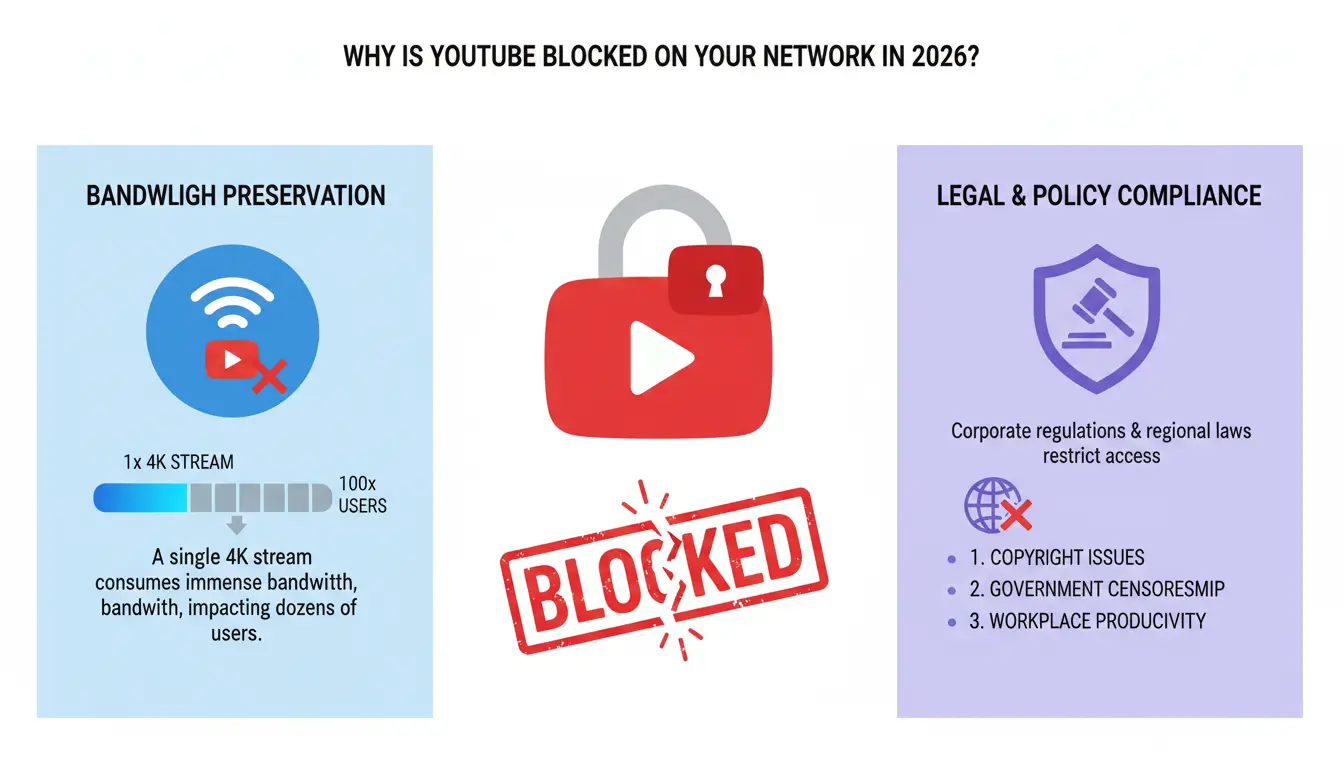
Why is YouTube blocked on your network in 2026?
YouTube blocks are rarely arbitrary; they are implemented to manage network resources or comply with legal mandates. Network administrators often prioritize bandwidth preservation, as a single 4K stream can consume as much bandwidth as dozens of users combined. In corporate settings, blocks are a primary tool for productivity enforcement and maintaining network security.
Is it a network-level filter or geographic censorship?
Most school and office networks utilize DNS filters and next-generation firewalls. These systems analyze HTTPS SNI (Server Name Indication) headers to identify and block requests to youtube.com. Because the "Server Name" is visible during the initial handshake of the TLS connection—before the encryption is fully established—a firewall does not even need to see the DNS request to terminate the connection. In the U.S., public schools often implement these filters to comply with the Children’s Internet Protection Act (CIPA).
On a larger scale, government-level censorship—seen in nations such as China, Iran, and Turkmenistan—uses more aggressive tactics:
- Deep Packet Inspection (DPI): Analyzing the content of data packets to identify and drop prohibited traffic.
- IP Blacklisting: Blocking all traffic to known Google and YouTube server addresses.
- DNS Poisoning: Redirecting requests for YouTube to malicious or "blocked" landing pages.
Understanding device-level and account-level restrictions
Sometimes the block is not on the network, but on the hardware itself. Mobile Device Management (MDM) on school Chromebooks or work laptops can enforce blocks through OS policies or browser allowlists that persist even on your home Wi-Fi. Additionally, YouTube’s own "Restricted Mode" or age-based filters can limit content if you are signed into a managed account or are under 18. In these cases, network-level workarounds like secure network connections will not restore access; only an unmanaged device or admin-level permissions can remove the restriction.
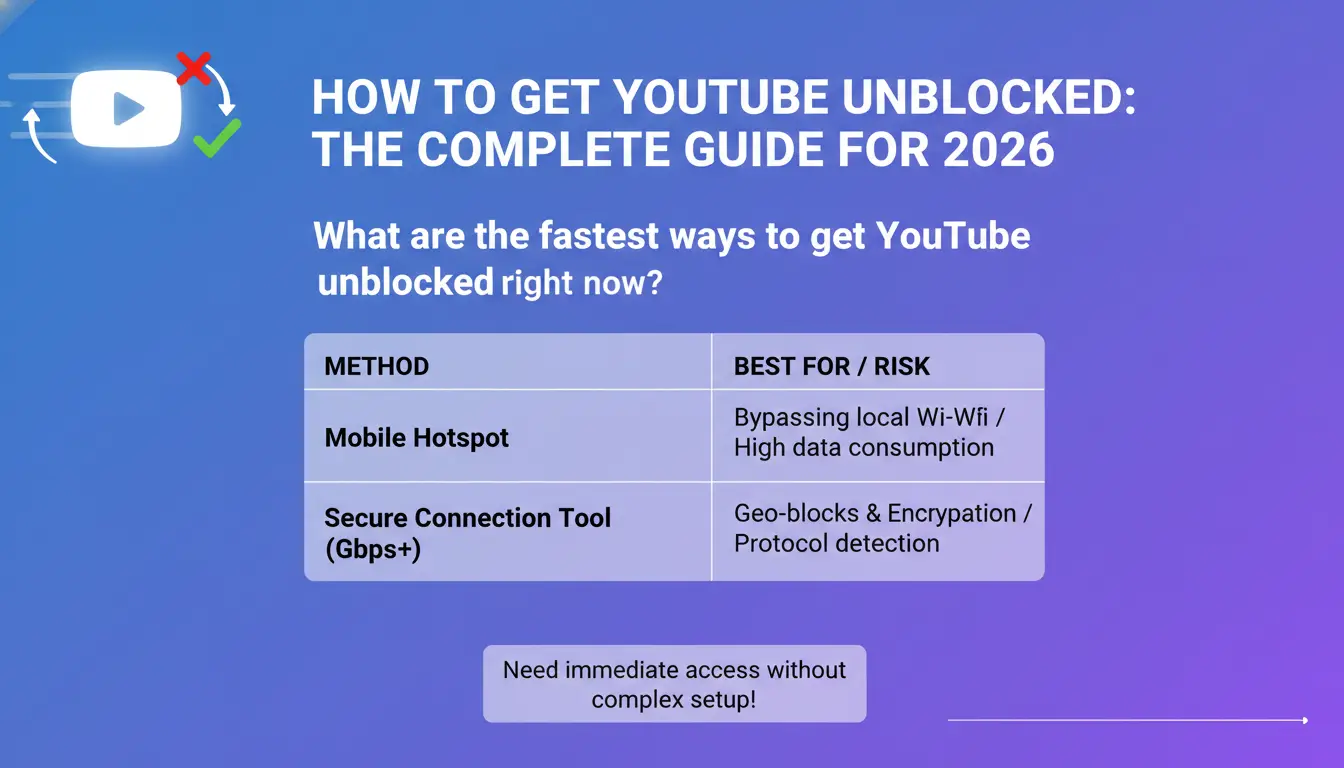
What are the fastest ways to get YouTube unblocked right now?
If you need immediate access without a complex setup, the following table compares the most effective methods available in 2026.
| Method |
Speed |
Best For |
Primary Risk |
| Mobile Hotspot |
Fast |
Bypassing local Wi-Fi |
High data consumption |
| Secure Connection Tool |
Fast (1Gbps+) |
Geo-blocks & Encryption |
Protocol detection by admins |
| Web Proxy |
Medium |
Quick view on locked devices |
Privacy risks & slow speeds |
| DICloak |
Fast |
Professional multi-accounting |
Requires user-configured proxy integration |
Using a mobile hotspot to bypass local Wi-Fi
Switching from restricted Wi-Fi to a cellular hotspot is over 90% effective because it completely sidesteps the local network's firewall and uses your carrier's gateway instead.
- Technical Warning: High-definition video is data-intensive. In 2026, streaming YouTube at 1080p consumes approximately 3GB of data per hour. Ensure your mobile plan can support this before starting a session to avoid overage charges.
Leveraging secure connection apps for instant encryption
A secure connection tool can route your traffic through an encrypted tunnel between your device and a server in an unrestricted region. This helps hide your destination from network admins. Modern premium services utilizing efficient protocols can maintain speeds up to 1Gbps, which is more than enough for 4K streaming. However, sophisticated firewalls can still detect and block common secure connection protocols.
DNS-based blocking works by misdirecting your computer when it looks up the IP for "youtube.com."
How to switch DNS: 1. Navigate to your device's network settings. 2. Replace "Automatic DNS" with Google DNS (8.8.8.8) or Cloudflare (1.1.1.1). 3. Save and reconnect.
Why DNS tweaks often fail in 2026
Modern firewalls have evolved beyond DNS. Most now use SNI filtering, which looks at the destination name inside the encrypted TLS handshake. Even if your DNS lookup successfully finds YouTube's IP, the firewall sees the "YouTube" header in the handshake and terminates the connection before the page can load.
Using embedded players and alternative front-ends
If direct access is blocked, you can try "alternative front-ends"—open-source sites that fetch YouTube content via API and serve it on a different domain. You can also try changing the URL from youtube.com/watch?v=ID to youtube.com/embed/ID, which sometimes bypasses keyword-based filters that target the main watch page.
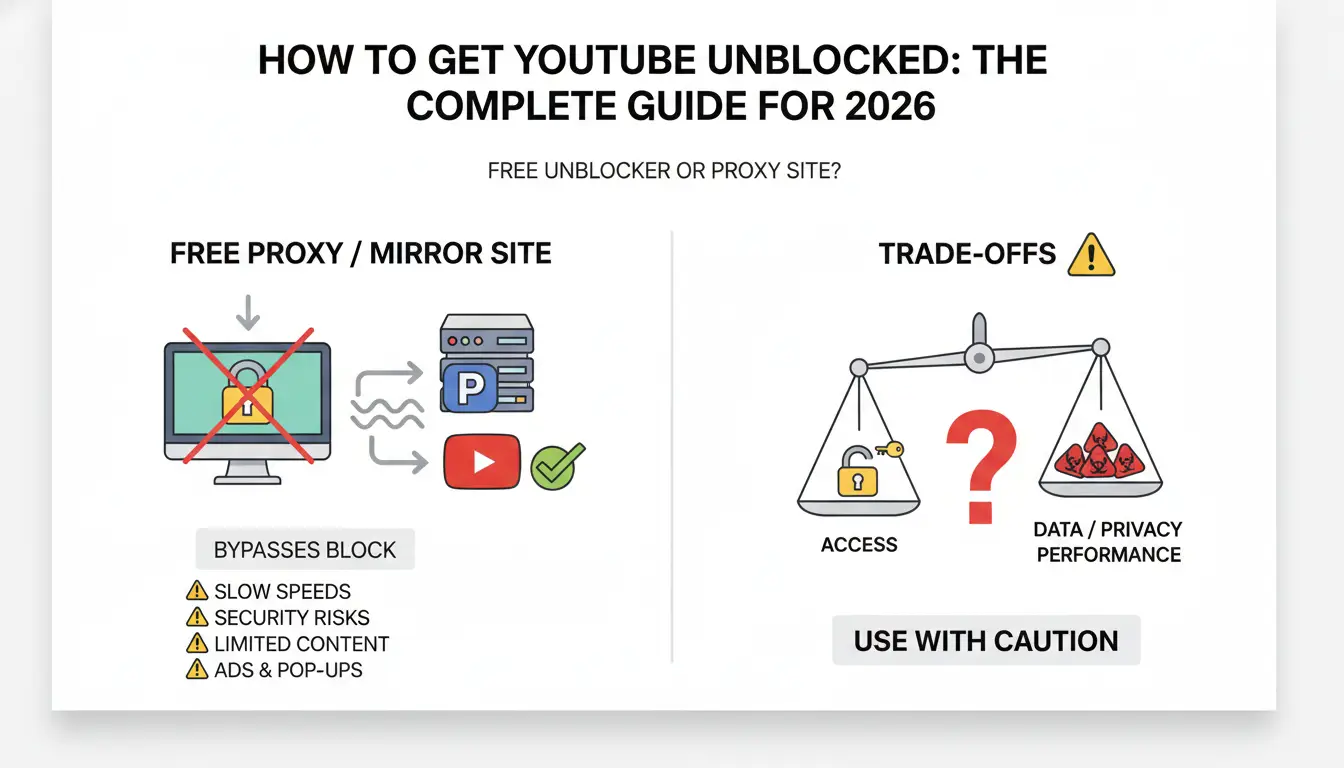
Should you use a free YouTube unblocker or proxy site?
Web proxies act as middlemen. You visit the proxy's domain, and its server fetches the YouTube content on your behalf. Because your network only sees a connection to the proxy’s URL, the YouTube block is bypassed.
The trade-offs of using unblocked mirror sites
While mirror sites and proxies require no software installation—making them ideal for school Chromebooks—they have significant drawbacks:
- Stability: Free endpoints are often short-lived and frequently go down as they are discovered by filter providers.
- Performance: Many free services cap resolution at 480p to save on bandwidth costs.
- Limited Features: Advanced features like comments, playlists, and live chat often fail to load correctly through a proxy.
Identifying the privacy risks of free proxies
Free proxies are rarely "free" in terms of privacy. Operators can log your traffic, and there is a high risk of man-in-the-middle attacks where your data is intercepted.
Safety Checklist for Proxy Users:
- Never sign in: Do not log into your Google or YouTube account through a proxy.
- Use ad blockers: Proxy sites often use aggressive ads to monetize, which can lead to malicious redirects.
- Avoid permissions: Never grant a proxy site permission to send notifications or download "required" software.
- Use for public content only: Only view educational or public videos; never access sensitive information.
Is it safe to use "YouTube Unblocked" mirror sites?
The internet is filled with domains claiming to be "YouTube Unblocked." While some are community-maintained, many carry high security risks.
Recognizing "Malware Delivery" and "Phishing Overlays"
Be wary of any site that requires "extra permissions" to view a video. Common red flags include fake "Flash Player" updates or overlays that look like a YouTube login screen. These are often phishing attempts to steal your Google credentials.
The ethical and legal reality of bypassing filters
Bypassing institutional filters can have real-world consequences.
How to unblock YouTube using a secure network environment for better privacy?
For most users, a premium secure connection service is the standard for bypassing geographic blocks and school-level filters. By routing your traffic through servers in unrestricted locations, you may appear to be in a different region.
If you are in a highly censored environment where standard secure connection methods are blocked, you might consider using obfuscated servers or TCP-over-port-443. Port 443 is the standard port for HTTPS traffic; masking this traffic as "Port 443" traffic can make it indistinguishable from regular encrypted web browsing, potentially allowing it to slip past most basic firewalls.
The limitations of secure network tools regarding browser fingerprinting
It is a common misconception that a secure network connection makes you invisible. While a secure network connection can help mask your IP address, it does not hide your browser fingerprint. YouTube and Google can still identify you through unique digital signatures, including canvas and WebGL rendering parameters, installed system fonts, and hardware information.
Which YouTube unblocking method should you choose for your situation?
The best choice for students and casual viewers
If you just need to watch a single video for a project on a restricted device like a school Chromebook, a mobile hotspot or a web proxy is the most efficient choice. They require the least technical configuration and avoid the need for admin rights to install software.
The best choice for power users and digital professionals
Power users and digital professionals can use DICloak to create separate browser profiles with isolated fingerprints, cookies, and sessions. They can also configure their own proxies or use a trusted network environment to keep each account setup more consistent across different workflows.
How do professionals manage multiple YouTube accounts without being detected?
Social media managers and digital marketers require more than just a masked IP; they need identity isolation. Accessing multiple accounts from the same browser, even with a secure network connection, can lead to account linking and automated bans due to fingerprint consistency.
Using DICloak for secure multi-account management
For teams managing multiple accounts, users can use DICloak to create separate browser profiles for different account identities. Each profile can keep its own cookies, sessions, fingerprints, and proxy configuration, which helps reduce account mixing during daily workflows
- Isolated Profiles: For teams managing multiple accounts, users can use DICloak to create separate browser profiles for different account identities. Each profile can keep its own cookies, sessions, fingerprints, and proxy configuration, which helps reduce account mixing during daily workflows
- Proxy Integration: Integrate a user-configured proxy with each profile so each account can operate with its own distinct connection settings.
- Utilize Automation: Leverage DICloak's RPA automation to streamline repetitive tasks and simulate user activity, which can help build a more natural browsing history for profiles to improve platform trust.
Combining tools for a "multi-layer" protection strategy
For enhanced protection, combining DICloak for identity isolation with user-configured proxies or a trusted network environment can be a robust strategy. This multi-layer approach helps address both network-level firewalls (via the network environment) and advanced platform-level tracking (via the antidetect browser).
FAQ: Frequently Asked Questions about Unblocking YouTube
Is it legal to use secure connection tools to watch YouTube?
In most countries, using secure connection tools is legal for privacy and accessing content. However, some regions like China or the UAE impose heavy fines or legal risks for using circumvention tools.
Why is my YouTube unblocker so slow?
Free proxies and network isolation tools often have high server loads or intentionally cap speeds at 480p to save on bandwidth. For 4K performance, a premium secure connection service using efficient protocols is often necessary.
Can I unblock YouTube on a school Chromebook without a dedicated network isolation tool?
Yes, you can often use a web proxy or a mobile hotspot, as these do not require software installation. However, verify your school's acceptable use policy first.
How much data does YouTube use on a mobile hotspot?
At 1080p resolution, YouTube uses approximately 3GB of data per hour. Be mindful of your mobile data limits.
Will using a proxy get my Google account banned?
The primary risk isn't just the proxy; it's the fingerprint inconsistency. If Google detects a login from a suspicious IP without a consistent digital fingerprint, it can trigger automated security protocols that may flag or lock the account for "suspicious activity."
What is the difference between an antidetect browser and a regular browser for YouTube?
A regular browser shares a consistent "fingerprint" (OS, hardware, fonts) across all sessions, allowing YouTube to link your accounts. An antidetect browser like DICloak helps you create multiple, unique identities that platforms are less likely to link to each other or your actual device.
 Web Proxy Tools
 Free Tools
 Cookie Plugin
 UA Generator
 MAC Address Generator
 IP Generator
 IP Address List
 2FA Code Generator
 World Clock
 Anonymous Check
 WebRTC Leak Test
 UUID Generator
 Free Web Proxy Site
 Proxy Checker
 FB Ad Checker
 AI Web Scraping
 Free SMM Tools
 Twitter Shadowban Checker
 Instagram Name Checker
 UTM Generator
 Username Generator
 AI Hashtag Generator
 LinkedIn Headline Generator
 Social Media Image Resizer









-03-v14.png?x-oss-process=image/interlace,1/format,webp/quality,q_75)