Waiting in a long virtual line for tickets to a popular event can be frustrating. You watch the minutes tick by, hoping you'll get a chance to buy tickets before they sell out. This article provides clear strategies and tips to help you navigate the Ticketmaster queue and increase your chances of securing tickets for high-demand events. Our goal is to give you helpful, easy-to-understand information to make the process smoother.
What is a Ticketmaster Queue?
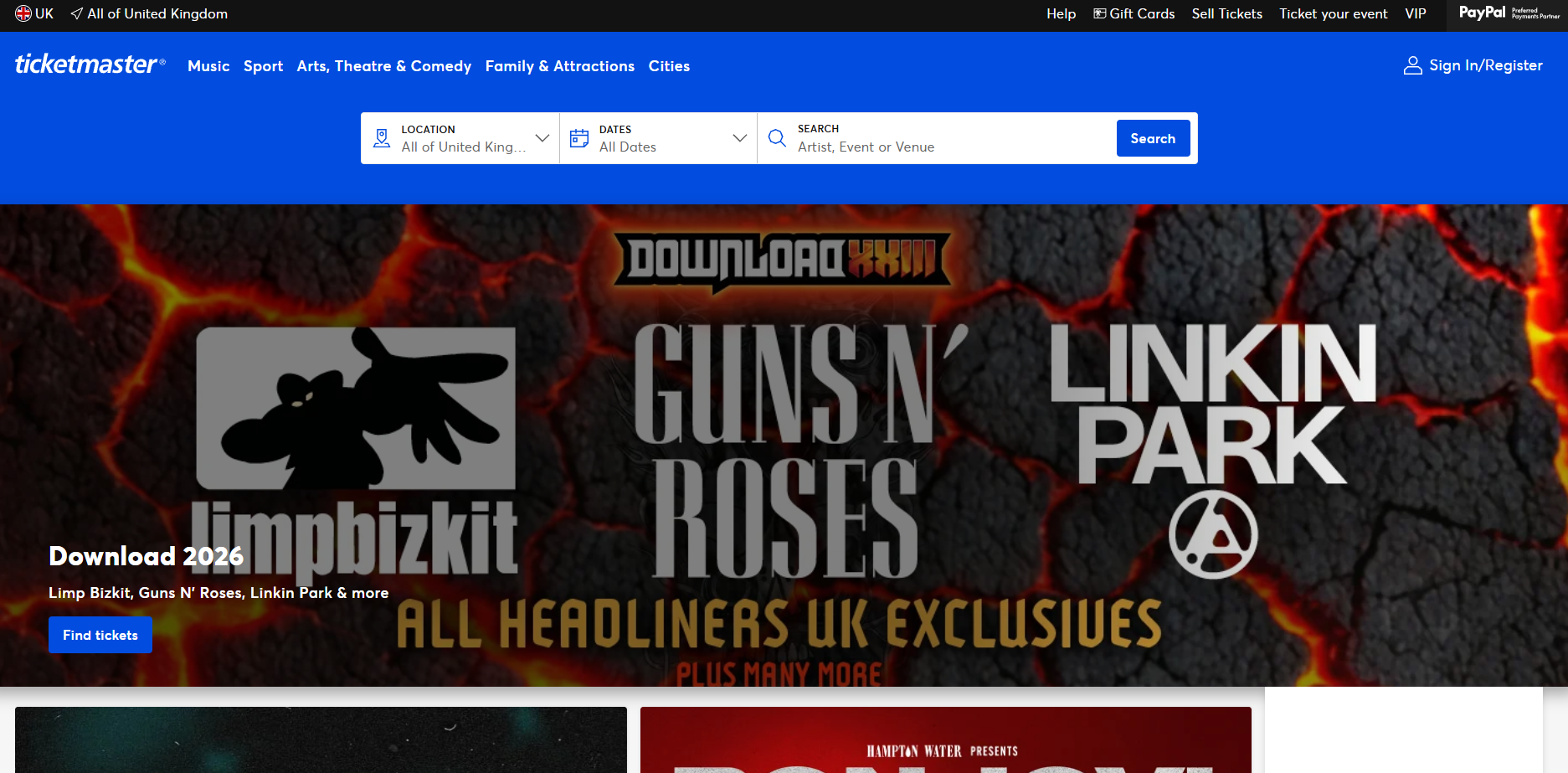
A Ticketmaster queue is a virtual waiting room designed to manage the large number of people trying to buy tickets at the same time. When a popular event goes on sale, the website experiences a massive surge in traffic. To prevent the site from crashing, Ticketmaster directs users into this queue.
While the queue helps create a more organized process, it often leads to long waits and frustration for users. Since tickets for popular events can sell out very quickly, understanding how the queue works is the first step toward improving your chances of getting through it successfully.
How Does the Ticketmaster Queue Work?
When a ticket sale begins, anyone visiting the event page is automatically redirected to the virtual queue. You are then assigned a position in line based on several factors, including your time of entry, user behavior, and network patterns. Additionally, Ticketmaster may use sorting algorithms and priority statuses that can influence how quickly you get to the front.
To ensure fairness, Ticketmaster uses "Traffic Access Rules" to filter users. These rules help identify and block suspicious activities, such as many accounts trying to buy tickets from the same IP address or using automated bots. Understanding this system is key because the most effective strategies—especially advanced ones—are designed specifically to navigate these rules.
How to Bypass the Ticketmaster Queue with Simple Strategies?
While the queue is designed for fairness, certain strategies can improve your chances of getting tickets. By preparing in advance, you can make the process faster and more efficient once you get through the line.
- Prepare Your Account: Log in to your Ticketmaster account before the sale begins. Make sure your payment information is already saved to your profile. This simple step helps you avoid delays during the checkout process.
- Use a Reliable Internet Connection: A stable and fast internet connection is crucial. A poor connection can cause errors or disconnect you from the queue, forcing you to start over.
- Use Multiple Devices and Browsers: Joining the queue from different devices, like a computer and a mobile phone, can increase your odds of getting a better spot. This gives you more than one chance to get a good position in the line. While using multiple physical devices is a great start, advanced users take this a step further by using specialized tools to manage multiple accounts from a single device.
- Enter the Queue Early: Be ready and on the event page before the sale starts. Entering the queue the moment it opens is essential for improving your chances of getting a favorable position.
- Sign Up for Pre-Sale Tickets: Pre-sales offer an opportunity to buy tickets before they are available to the general public. You can often get access to these pre-sales by joining an artist's mailing list, following them on social media, or subscribing to Ticketmaster alerts.
How Antidetect Browsers Can Help with the Ticketmaster Queue?
For those looking for a more advanced tool, antidetect browsers offer a direct counter to Ticketmaster's queue system. These browsers are designed to help you manage multiple accounts without being detected, which can dramatically improve your chances of buying tickets.
DICloak is one such tool that helps users bypass queue limitations by providing several key features:
✅ Manage 1,000+ Accounts on One Device
Stop wasting money on extra hardware! DICloak allows you to manage multiple accounts on a single device, cutting costs and boosting efficiency.
✅ Guaranteed Account Safety, No Ban Risks
Every account gets its own isolated browser profile with custom fingerprints and IPs, effectively preventing Ticketmaster from detecting bots or suspicious activities. Your accounts, your control!
✅ Flexible Proxy Configuration for Maximum Performance
Seamlessly integrate with all major proxy protocols (HTTP/HTTPS, SOCKS5) and manage your proxy pool with bulk operations. No more struggling with IP management—DICloak has you covered.
Easily manage your team with advanced tools like profile sharing, permission settings, data isolation, and operation logs. Your team works smarter, not harder.
✅ Automate the Grind with RPA
DICloak's built-in RPA saves you hours of manual work. Automate repetitive tasks, streamline workflows, and focus on what really matters—growing your business. This feature can significantly increase the chances of securing tickets.
✅ Powerful Bulk Tools to Scale Your Operations
Create, import, and launch multiple browser profiles in one click. DICloak makes scaling your business as easy as it gets.
✅ Compatible with All Major Operating Systems
Based on the Chrome core, DICloak supports simulating Windows, Mac, iOS, Android, and Linux operating systems. No matter what platform you need, DICloak has you covered.
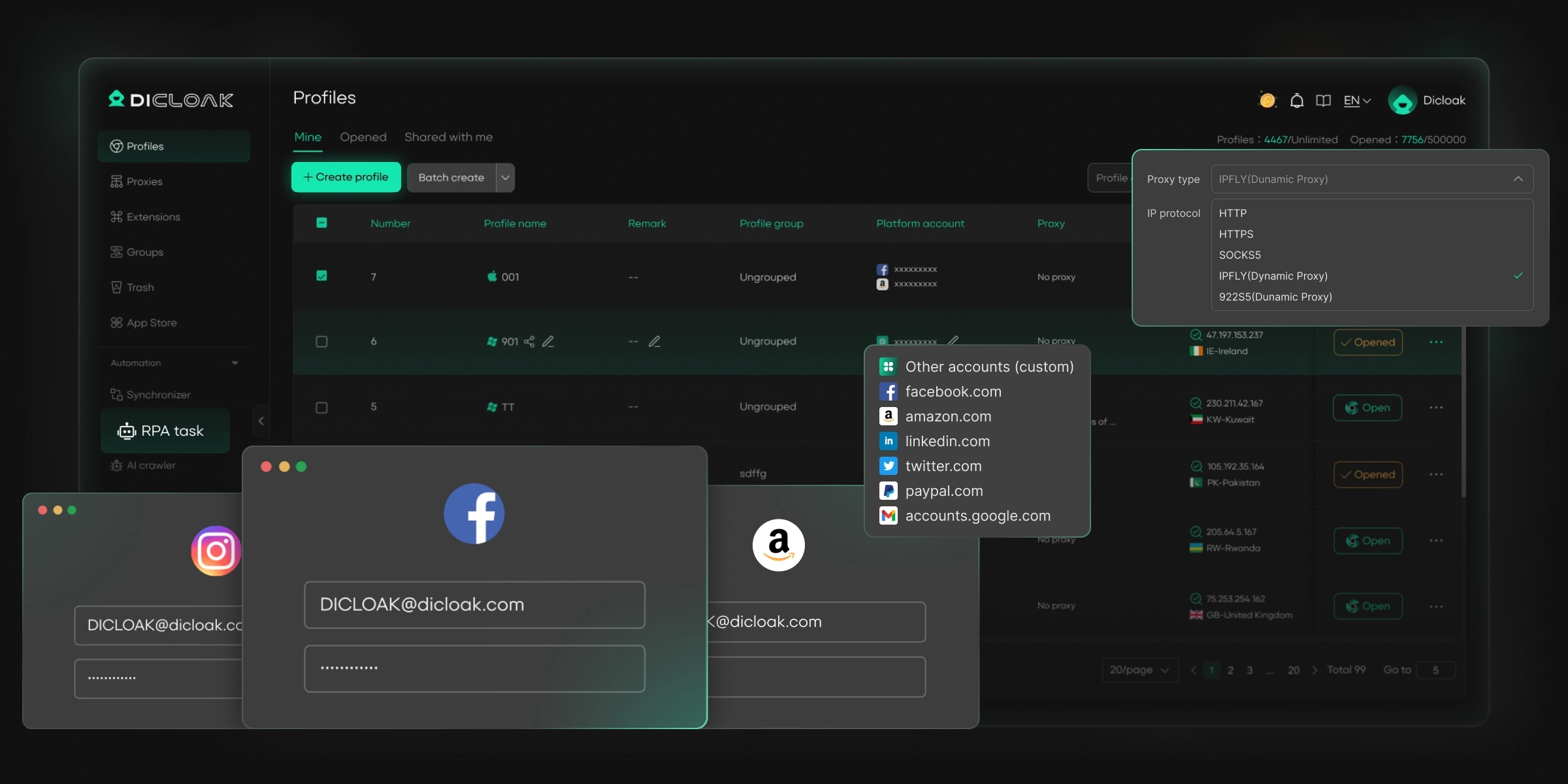
In summary, an antidetect browser like DICloak allows you to join multiple queues at once from a single device, which can greatly improve your chances of securing tickets for popular events.
🔗 Ready to Get Started?
Visit the DICloak website to explore more details and choose the plan that’s right for you. Start for free today and experience the power of secure, efficient, and scalable multi-account management!
Frequently Asked Questions About Bypassing the Ticketmaster Queue
Why is my Ticketmaster queue not moving?
If your queue doesn't seem to be moving, it could be due to extremely high demand or a technical glitch. It is also important to have a stable internet connection. In most cases, patience is the best approach, as the line is likely moving, even if it appears stuck.
Should I refresh the Ticketmaster queue?
No, you should not refresh the page while in the Ticketmaster queue. Refreshing can cause you to lose your spot in line and send you to the very back, which will only increase your wait time. It is best to be patient and wait your turn.
How long does the Ticketmaster queue usually take?
The wait time can vary greatly depending on the event's popularity, ticket availability, technical factors, and your time of entry. For less popular events, the wait may only be a few minutes. However, for major events with extremely high demand, the wait time can be over an hour.
Is the Ticketmaster queue random?
Yes, the Ticketmaster queue uses randomization to assign initial places in line to ensure fairness. However, several factors can affect your final wait time, including your arrival time, session quality, and overall ticket availability.
Can I join the Ticketmaster queue on multiple devices?
Yes, you can join the queue on multiple devices. Using both a computer and a mobile phone, for example, increases your chances of getting a better spot in line and can help you avoid potential technical issues on one of your devices.
Conclusion
The Ticketmaster queue can be a major hurdle, but it doesn't have to stop you from seeing your favorite artists or teams. By using a combination of simple strategies—like preparing your account in advance and signing up for pre-sales—and advanced tools like the DICloak antidetect browser, you can significantly increase your chances of securing tickets. Remember to always consider the legal implications and potential risks associated with any method you choose to use.
 Web Proxy Tools
 Free Tools
 Cookie Plugin
 UA Generator
 MAC Address Generator
 IP Generator
 IP Address List
 2FA Code Generator
 World Clock
 Anonymous Check
 WebRTC Leak Test
 UUID Generator
 Free Web Proxy Site
 Proxy Checker
 FB Ad Checker
 AI Web Scraping
 Free SMM Tools
 Twitter Shadowban Checker
 Instagram Name Checker
 UTM Generator
 Username Generator
 AI Hashtag Generator
 LinkedIn Headline Generator
 Social Media Image Resizer