More than 3 million channels are now part of the YouTube Partner Program, which shows how many creators have turned channel management into ongoing business work. But as one creator becomes a team, or one channel grows into several client accounts, the hard part is no longer just publishing more videos. It is keeping logins, sessions, proxies, uploads, and member access organized.
YouTube already offers five permission levels that let people manage a channel without accessing the owner’s Google Account. However, agencies and content teams working with several independent Google sessions may still need separate browser workspaces and controlled automation. This guide explains how to choose the best antidetect browser for YouTube automation and channel growth based on the workflow you actually manage, not the longest feature list.
Do You Actually Need an Antidetect Browser for YouTube?
Not every creator or team managing multiple YouTube channels needs an antidetect browser. If one team works on one brand-owned channel and members can use official channel permissions, a normal browser setup may already be enough.
An isolated browser workspace becomes more useful when an agency or content team manages several client-owned Google accounts. Each channel may need its own cookies, login session, proxy settings, and assigned operator. A proxy only changes the network connection; it does not separate browser sessions or stop a team member from opening the wrong account. In this case, separate browser profiles can make daily work easier to control.
Key Features to Look for in an Antidetect Browser for YouTube Channel Growth
For YouTube work, focus on stable sessions, reliable proxy use, controlled automation, and clear team access. A long list of fingerprint settings matters less if the daily workflow is hard to manage.
- Stable profiles and saved sessions: Each channel should keep its own cookies, login state, and local data. After a restart, the same session should still open correctly. Clear profile names and notes also help teams avoid uploading to the wrong channel.
- Reliable proxy assignment: A proxy should stay tied to the correct profile during the session. This matters during long video uploads, where an unstable or rotating connection may interrupt the task. Check connection quality, location settings, speed, and traffic costs.
- Controlled automation: Automation can help with page navigation, metadata entry, upload preparation, and reporting. More actions are not always better. Look for pause controls, separate inputs for each channel, task logs, and protection against duplicate actions.
- Clear team access: YouTube Channel Permissions should remain the first choice for normal Studio work. When a team needs several independent Google sessions, check whether admins can share only the required profiles, remove access, and review who completed each task.
The right browser should make channel work easier to separate, control, and review. These points also give you a clearer basis for comparing different tools.
The Best Antidetect Browsers for YouTube Automation and Channel Management in 2026
The best choice depends on how your team manages channel sessions, proxies, access, and repeated work. The products below are compared by practical YouTube use.
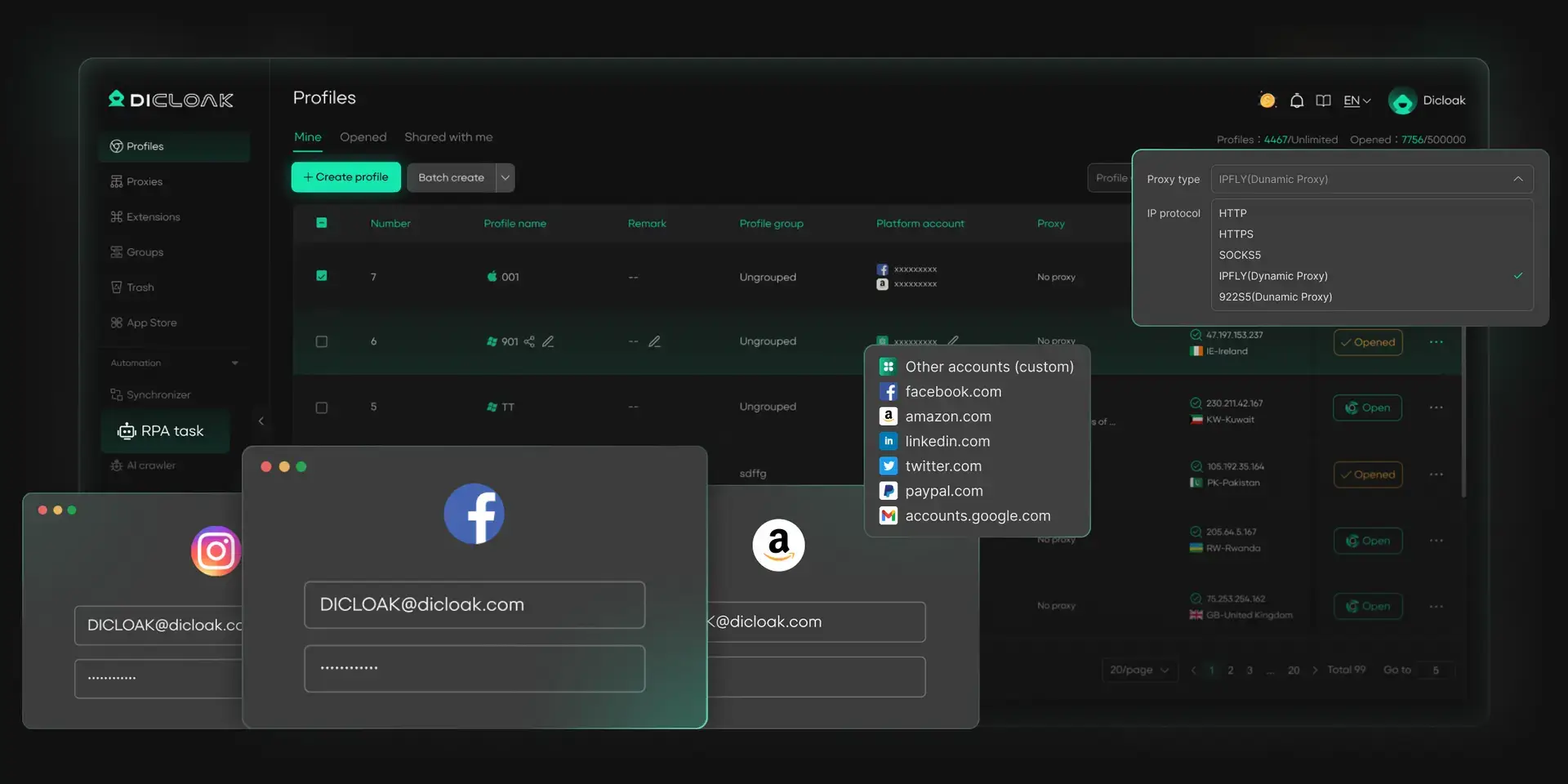
Agencies and content teams often need to manage several channel sessions without giving every member access to every account. With DICloak, each YouTube or Google session can stay in a separate browser profile, use its own user-configured proxy, and be assigned to the responsible team member.
For repeated YouTube work, teams can also use built-in automation options instead of handling every task by hand. Available RPA templates cover tasks such as publishing videos, collecting comments, extracting video transcripts, and browsing selected content. The Synchronizer can repeat selected actions across several open profiles, while the Open API supports custom workflows for teams with technical resources.
Pros
- Separate profiles keep channel cookies, sessions, and workspace data apart.
- User-configured proxies can stay tied to the correct channel workspace.
- Team permissions and profile sharing help limit who can access each channel.
- YouTube-related RPA templates reduce repeated publishing and research work.
- The Synchronizer and Open API support both no-code and custom automation.
Cons
- It currently supports Windows, macOS, and Linux.
Multilogin provides the Chromium-based Mimic browser and the Firefox-based Stealthfox option, although Stealthfox is now described as a legacy browser. Its platform also includes browser profiles, proxy connection tools, profile import and export, and Local API automation.
For YouTube work, users should test whether established sessions remain stable after browser updates and whether the required automation tool supports the selected browser engine. For example, Multilogin documents Puppeteer and Playwright support for Mimic, but not for Stealthfox.
Pros
- Provides Chromium- and Firefox-based profile options.
- Includes proxy connection and profile management tools.
- Supports API-based automation for technical workflows.
Cons
- Stealthfox is now a legacy option.
- Some automation integrations work only with Mimic.
- Teams need to calculate costs based on profiles, proxy traffic, and required access.
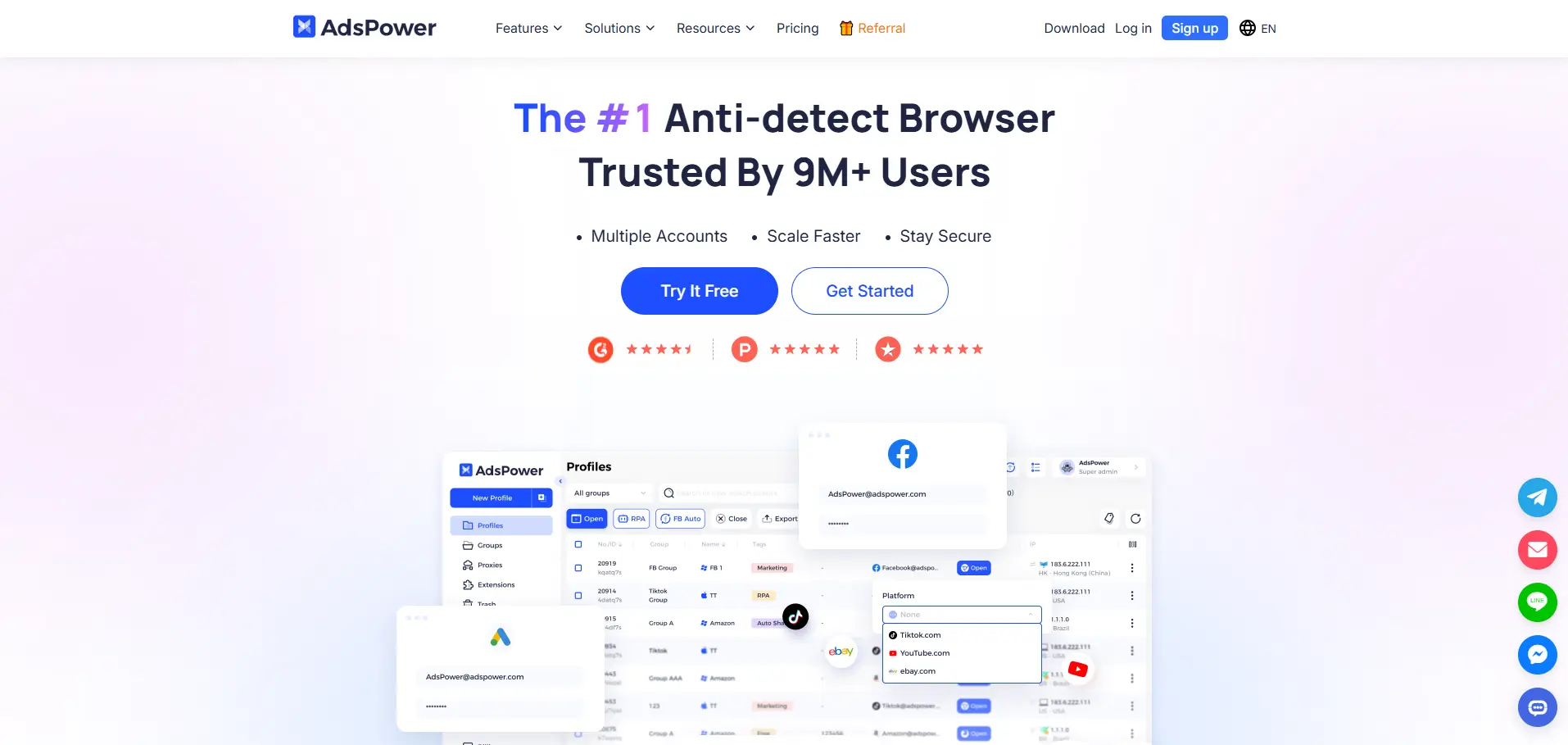
AdsPower combines browser profiles with RPA, a multi-window Synchronizer, Local API access, and team features. This gives users several ways to automate browser work, from no-code processes to custom technical workflows.
The main question is not whether AdsPower can repeat an action, but whether the team can control errors. Its Synchronizer copies actions from a main window to other profiles, so an incorrect click or text entry may also be repeated across the selected windows. That makes testing and profile selection important before using it for YouTube tasks.
Pros
- Includes no-code RPA for repeated browser tasks.
- Offers Synchronizer and Local API options.
- Supports configurable profile and team plans.
Cons
- The number of automation tools can add setup and training work.
- Synchronised actions can also copy operator mistakes.
- Users should verify which features and limits apply to their selected plan.
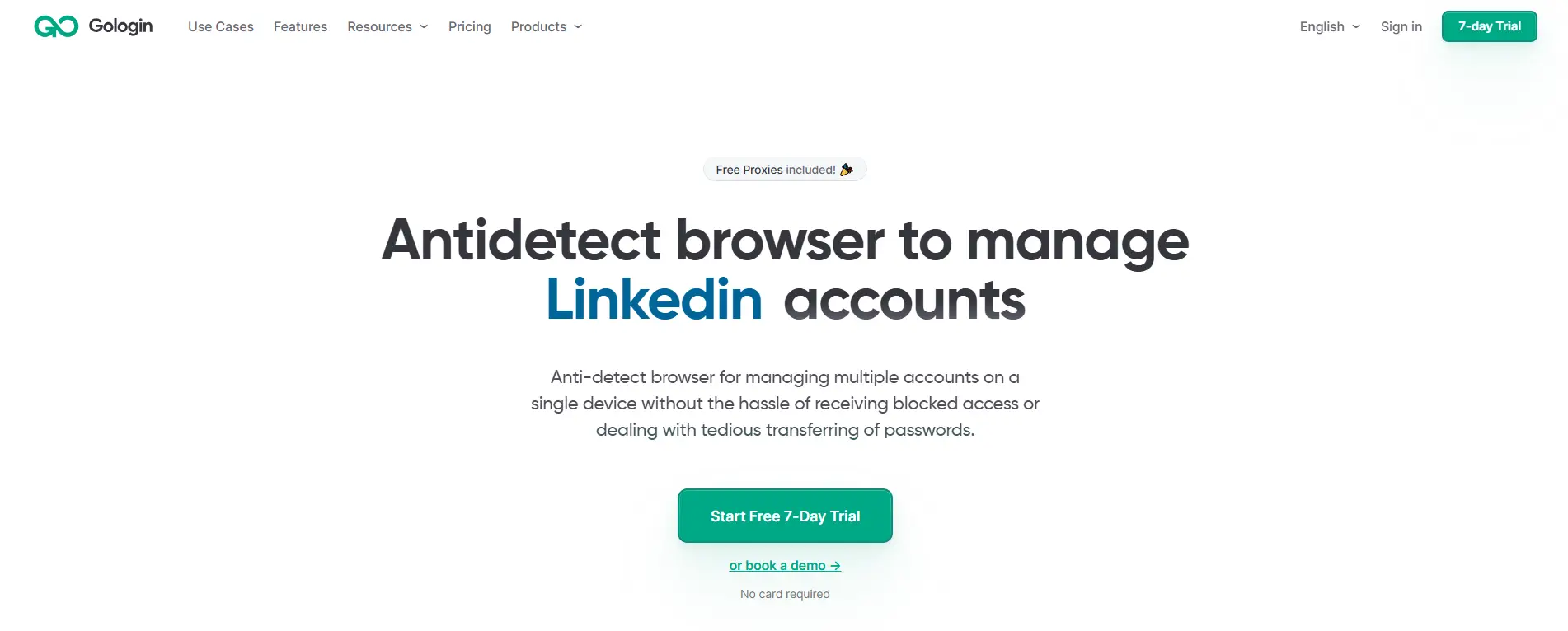
GoLogin supports separate profiles, team sharing, proxies, API access, and shared workspaces. Profile owners can choose whether another user may only run a profile, edit it, or receive full access.
This can cover basic collaboration, but teams should test how shared sessions work across devices and how proxy access is handled. GoLogin notes that a proxy already attached to a shared profile is included, while the owner’s full proxy list is not shared automatically.
Pros
- Provides several profile-sharing permission levels.
- Supports built-in and user-added proxies.
- Includes API access for custom workflows.
Cons
- Proxy-list sharing requires separate handling.
- Teams must map sharing roles carefully to avoid excess access.
- Larger operations should check workspace, team, and cloud-use limits.
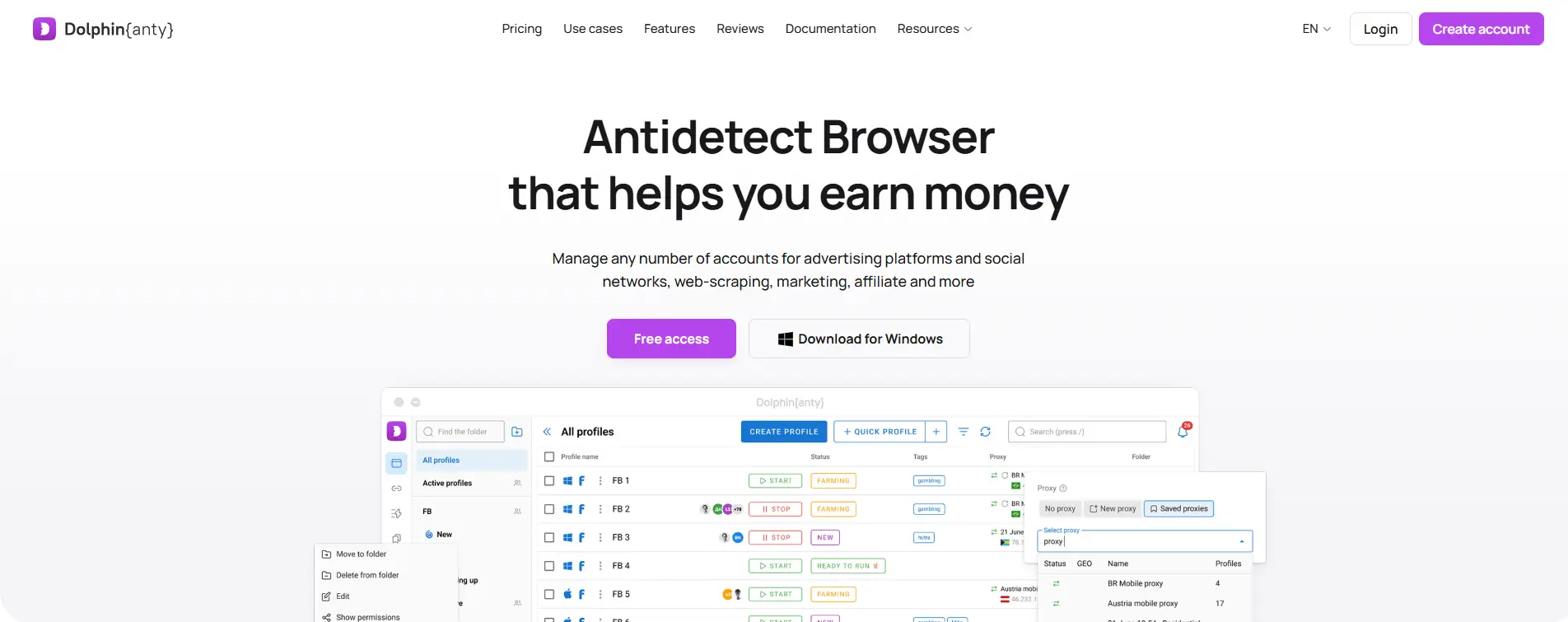
Dolphin Anty includes a Scenario Builder, Synchronizer, local and remote APIs, and support for Selenium, Puppeteer, and Playwright. It also provides profile folders, roles, sharing, and audit logs on supported plans.
This range may suit users who already know how they want to automate their browser workflow. A smaller YouTube team may not need every tool, so the trial should focus on the exact tasks the team plans to run rather than the total number of available features.
Pros
- Supports visual scenarios and code-based automation.
- Includes profile, folder, and role controls.
- Provides several ways to repeat actions across profiles.
Cons
- The feature set may take time to learn and configure.
- Synchronizer use requires careful window selection.
- Support hours and plan-level team limits should be checked before purchase.
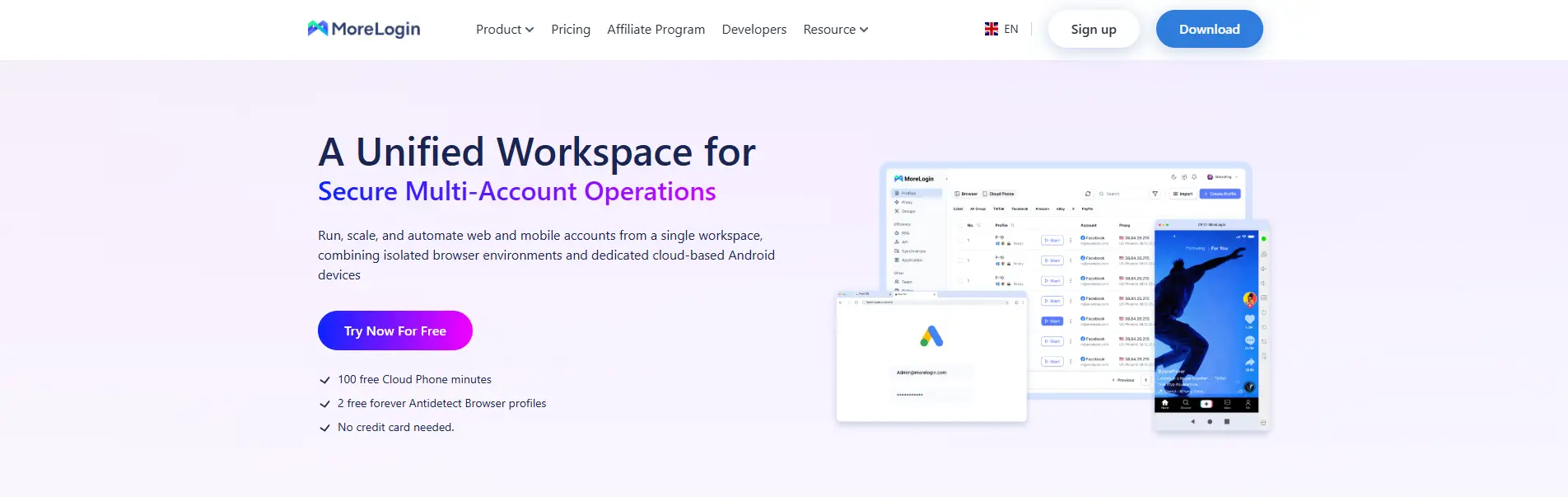
MoreLogin provides reusable browser profiles, proxy and fingerprint settings, team permissions, a Synchronizer, and Local API automation. It also supports profile transfer and browser automation with Selenium or Puppeteer.
For YouTube operations, the main test is whether its team controls and automation options match the actual workflow. A low entry price has limited value if the required number of profiles, users, or automated tasks pushes the team into a different plan.
Pros
- Includes profile separation and team permissions.
- Supports Synchronizer and Local API workflows.
- Offers profile transfer and proxy configuration options.
Cons
- Users need to confirm profile, user, and API limits for the chosen plan.
- Local API workflows still require technical setup.
- Teams should test session transfer before moving established channels.
How Should You Test a Browser Before Moving Real YouTube Channels?
Do not judge a browser by one successful login or a fingerprint test. Test the full workflow first: login, session recovery, video upload, automation, team access, and permission removal.
Start With a Test Channel or Lower-Risk Workspace
Do not move your most valuable channel first. Use a test channel or a workspace that does not affect daily revenue. Before testing, record the current login method, normal region, recovery setup, saved session, assigned operator, and regular tasks. Avoid changing the browser, proxy, operator, and automation process at the same time. Change one part of the workflow at a time, or you will not know what caused the problem.
Test the Session and Upload Workflow
Run the browser as you would during normal channel work:
- Create and clearly name the profile.
- Configure the assigned proxy.
- Log in through the normal process.
- Close and reopen the profile.
- Confirm that the login session remains available.
- Upload a private or unlisted video.
- Watch for connection changes or upload failures.
- Restart the device and check the channel again.
A browser that opens a profile correctly once may still fail during a long upload or after a restart. Session continuity is a more useful test than a single fingerprint score.
Test Automation and Team Access Separately
For automation, use different text for each test profile. Pause the task, create one controlled failure, and check whether completed actions are repeated. The result should clearly show which tasks succeeded and which failed.
Test team access in a separate step. Share only one profile with one member, confirm that other workspaces remain hidden, complete one normal task, and then remove access. The member should no longer be able to open that profile. A team feature is not fully tested until access can be granted, used, reviewed, and removed.
Common Mistakes When Using Antidetect Browsers for YouTube
Most problems do not come from missing one fingerprint setting. They come from changing too much at once, using unstable connections, sharing the wrong access, or trusting a test page more than the real workflow.
Changing Too Many Parts of the Setup at Once
Do not switch the browser, proxy country, cookies, operator, and automation process on the same day. If the login fails or the session changes, you will not know which change caused it.
Move one part at a time and record the result. This matters most when moving to an established channel that already has a stable login history.
Using Rotating or Unstable Connections During Uploads
A video upload may run much longer than a normal browsing session. If the connection changes or drops halfway through, the upload may fail or require another login check.
Choose a connection based on stability, speed, traffic cost, and location. A fixed setup is usually easier to test and manage than one that changes during each session.
Sharing the Owner Login When Channel Permissions Work
Teams often share the owner’s Gmail because it feels faster. In practice, this creates problems with passwords, two-factor checks, account recovery, and staff offboarding. A shared browser profile is useful when a team must keep a specific Google session or client workspace available.
Treating Synchronization as Safe for Every Action
A synchronizer repeats mistakes as quickly as it repeats correct actions. One wrong click, title, or selected window can affect several profiles at once.
Check every selected profile before starting. Test the workflow first, and keep actions such as publishing, deleting, changing permissions, or making payments outside broad synchronization unless each step is reviewed.
Assuming a Fingerprint Test Proves YouTube Reliability
A fingerprint test only checks part of the browser profile. It does not show whether the session will survive a restart, whether a long upload will finish, or whether team access can be removed correctly.
Passing a test page is useful, but it is not proof that the browser fits your YouTube workflow. Real reliability has to be tested through login, upload, automation, recovery, and team-access tasks.
Frequently Asked Questions About Antidetect Browsers for YouTube Channel Growth
1. Do I need a separate browser profile for every YouTube channel?
Not always. If several channels belong to the same owner and are managed through official YouTube permissions, separate profiles may not be necessary. A dedicated profile becomes more useful when channels use different Google accounts, proxies, client ownership, or team members. With an antidetect browser like DICloak, teams can keep each channel’s cookies, session, proxy settings, and workspace separate, which helps reduce wrong-account actions during daily work.
2. Can an antidetect browser prevent a YouTube channel from being suspended?
No browser can guarantee that a channel will not be suspended. An antidetect browser can help organize separate login environments and reduce problems such as mixed sessions, unstable setups, or uncontrolled team access. It cannot fix copyright issues, policy violations, artificial engagement, or weak account ownership. The tool should support a clean workflow, not be treated as protection from every platform action.
3. Is a proxy enough for managing multiple YouTube channels?
A proxy changes the IP connection, but it does not separate cookies, Google sessions, local storage, or browser settings. If several channels are opened in the same browser profile, the team may still mix accounts or use the wrong session. A separate browser profile is more useful when each channel needs its own saved login and network setup. Using DICloak, for example, teams can assign a user-configured proxy to the relevant profile instead of managing proxies and channel sessions separately.
4. What YouTube tasks are suitable for browser automation?
Browser automation is better suited to repetitive operational work, such as opening Studio pages, preparing uploads, entering metadata, collecting comments, extracting transcripts, or organizing reports. It should not be used to create artificial views, likes, subscriptions, or comments. Teams using RPA, a Synchronizer, or an Open API should also check whether tasks can be paused, reviewed, and stopped before one mistake reaches several channel profiles.
5. Should a team use YouTube Channel Permissions or profile sharing?
YouTube Channel Permissions should usually be the first choice for normal Studio work because each member can use their own Google account. Profile sharing is more useful when a task requires access to a specific saved Google session or client workspace that cannot be handled through standard permissions. With DICloak, admins can share selected profiles and limit member access, while the channel owner keeps control of the main login and recovery details.
Conclusion
The best antidetect browser for YouTube channel growth is not the one with the most profiles, fingerprint settings, or automated actions. It should keep channel sessions separate, hold proxy settings steady, support controlled automation, and give the right team members access to the right workspaces. Tools such as DICloak can help organize profiles, proxies, RPA tasks, synchronizer, and team access.
Before moving real channels, test the full workflow with a lower-risk account. Check login recovery, session stability, video uploads, automation errors, and access removal. The best antidetect browser for YouTube is the one that makes daily channel work easier to separate, control, and review as the team grows.
 Web Proxy Tools
 Free Tools
 Cookie Plugin
 UA Generator
 MAC Address Generator
 IP Generator
 IP Address List
 2FA Code Generator
 World Clock
 Anonymous Check
 WebRTC Leak Test
 UUID Generator
 Free Web Proxy Site
 Proxy Checker
 FB Ad Checker
 AI Web Scraping
 Free SMM Tools
 Twitter Shadowban Checker
 Instagram Name Checker
 UTM Generator
 Username Generator
 AI Hashtag Generator
 LinkedIn Headline Generator
 Social Media Image Resizer