A single mismatch in your browser fingerprint can get all your accounts flagged, users saw this firsthand when a major e-commerce marketplace locked out hundreds of sellers in March 2026 after its online fingerprint scanner rollout. These scanners don't just check your IP. They map your browser's fingerprints, like fonts, WebGL data, and even how your mouse moves, against a massive database. If you log in from two profiles that look too similar, or suddenly switch devices without matching your past digital fingerprinting online, the system can flag your account for review or lock you out.
Many users still think clearing cookies or switching proxies does the trick. But browser fingerprint scanners, like those detailed at amiunique.org and Panopticlick by EFF, pull dozens of hidden signals you can't reset with a simple browser refresh. For people managing multiple accounts, whether for social media, advertising, or e-commerce, the risk isn't just losing one login. One mistake can trigger a full network ban that blocks all your accounts, even if each one has a different name and email.
You’ll see why most common workarounds fail, how account bans actually happen, and what separates basic browser tweaks from professional-grade multi-account management. The first step? Understand what these online scanners really see, before you get flagged.
What Does an Online Fingerprint Scanner Actually Do in 2026?
Online fingerprint scanners dig far deeper than simple cookie checks. They build a unique profile from dozens of hidden signals your browser leaks automatically. This profile, your digital fingerprint, lets websites track, block, or flag users even after cookie clearing, proxy switching, or using a new device. Understanding how these scanners work is the only way to see why basic tricks usually fail.
How Online Fingerprint Scanners Collect Data from Your Browser
When you visit a site running a browser fingerprint scanner, it pulls a mix of technical details your browser exposes. Common signals include your device type, operating system, browser version, timezone, language settings, installed plugins, screen resolution, and even which fonts and audio drivers you have. Tools like amiunique.org and Panopticlick by EFF make this process visible, run their tests and you'll see how much info gets sent.
Many scanners also check for subtle differences: the order of fonts, WebGL rendering quirks, how your browser handles canvas graphics, and which APIs respond. Even using a new proxy or clearing cookies doesn't hide these signals. The real risk is that your digital fingerprint rarely changes, so one slip makes you trackable across accounts, devices, or sessions. In 2026, fingerprinting methods have grown even more advanced, catching users who think they've hidden their tracks.
Why Websites and Platforms Use Fingerprint Scanners
Most platforms deploy web fingerprint detection for two main reasons. Fraud detection is the obvious one, catching fake accounts, stopping bots, and blocking repeat offenders. If your fingerprint matches a known scammer or banned profile, you’re likely flagged.
The second reason is user tracking without relying on cookies. With browsers restricting cookie access and users deleting them often, platforms turned to fingerprinting to link sessions and behavior. Even if you log out, switch accounts, or wipe data, your digital fingerprint remains. This is why sites like Google and Facebook invest heavily in detection tech.
Understanding this is key before trying to evade these scanners, next, you’ll see why avoidance is tougher than most expect.
Why Online Fingerprint Scanners Are So Hard to Evade
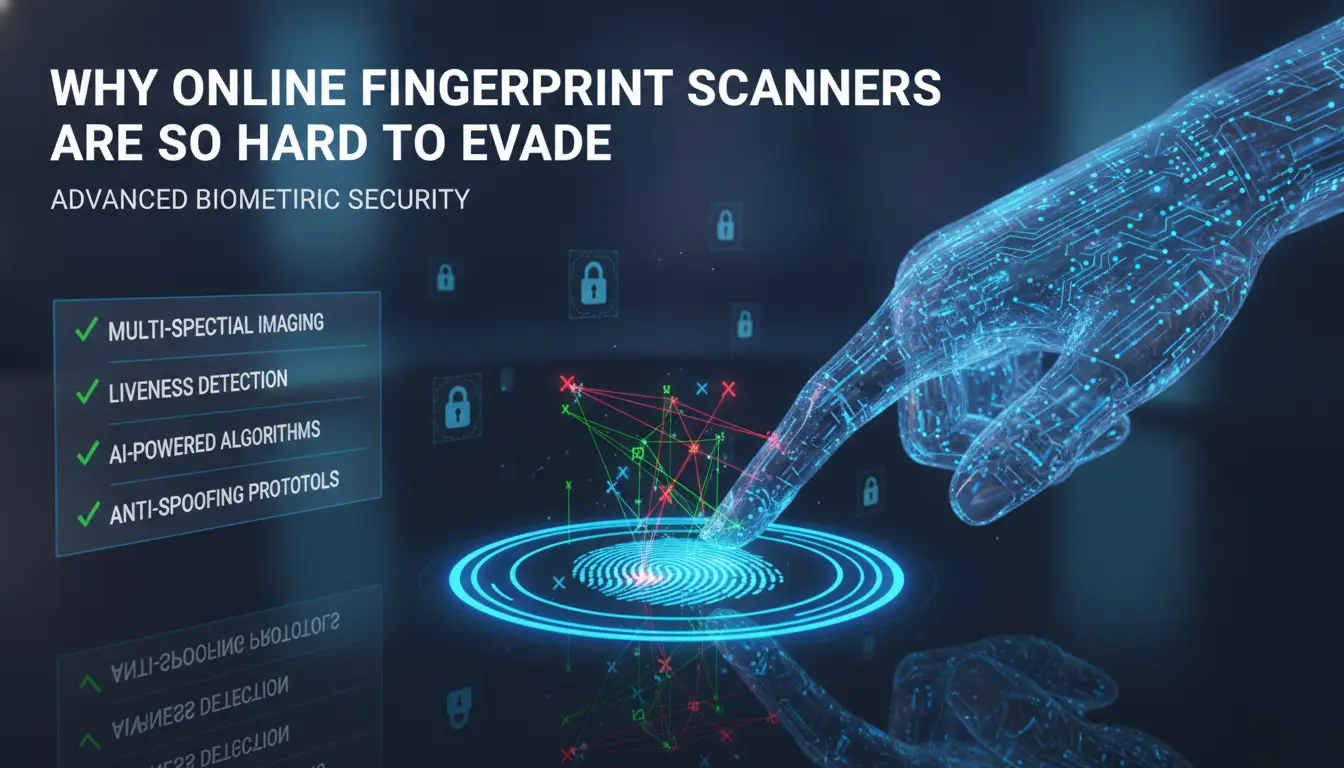
Browser fingerprinting is miles ahead of basic tracking. Most people think clearing cookies or switching proxies will cover their tracks, but online fingerprint scanners dig much deeper. They use dozens of tiny details you never notice, like your screen resolution, installed fonts, timezone, hardware quirks, and even how your browser handles certain scripts. Even if you change one or two settings, the rest of your setup stays the same. That’s why digital fingerprinting online is so persistent. The real issue? You can’t reset a fingerprint like you reset a password.
What Makes Your Browser Fingerprint So Unique?
It’s not just one setting or feature. Online fingerprint scanners build a profile from a mix of browser version, OS, language, device type, and rare hardware signals. This combo is so detailed that Panopticlick by EFF shows most users have fingerprints shared by fewer than 1 in 100,000 people. Change your user agent, and your canvas fingerprint or WebGL hash stays the same. Tweak your timezone, but your font list, plugin set, and screen size still give you away. Changing one thing doesn’t fool the system, what matters is the whole collection of signals.
How Fingerprint Scanners Adapt to Anti-Tracking Tools
Privacy extensions promise to block trackers, but browser fingerprint scanner tools spot the gaps fast. Many scanners flag fake profiles, mismatched settings, or signs of automation. For example, amiunique.org can spot when you use a spoofing extension, your fingerprint ends up looking “too clean” or “too common,” which actually makes you stand out. Web fingerprint detection systems keep updating, so last year’s trick often gets flagged this year.
Common Myths About Beating Fingerprint Detection
Incognito mode only hides browsing history, it doesn’t change fingerprint signals. Using a proxy just swaps your IP, but your browser fingerprint stays the same. Trying too hard, like setting every option to default, can make your profile suspiciously generic. These mistakes actually make you more trackable, not less. The next section covers the risks this creates for privacy and multi-account use.
What Risks Do Online Fingerprint Scanners Pose for Privacy and Multi-Account Use?
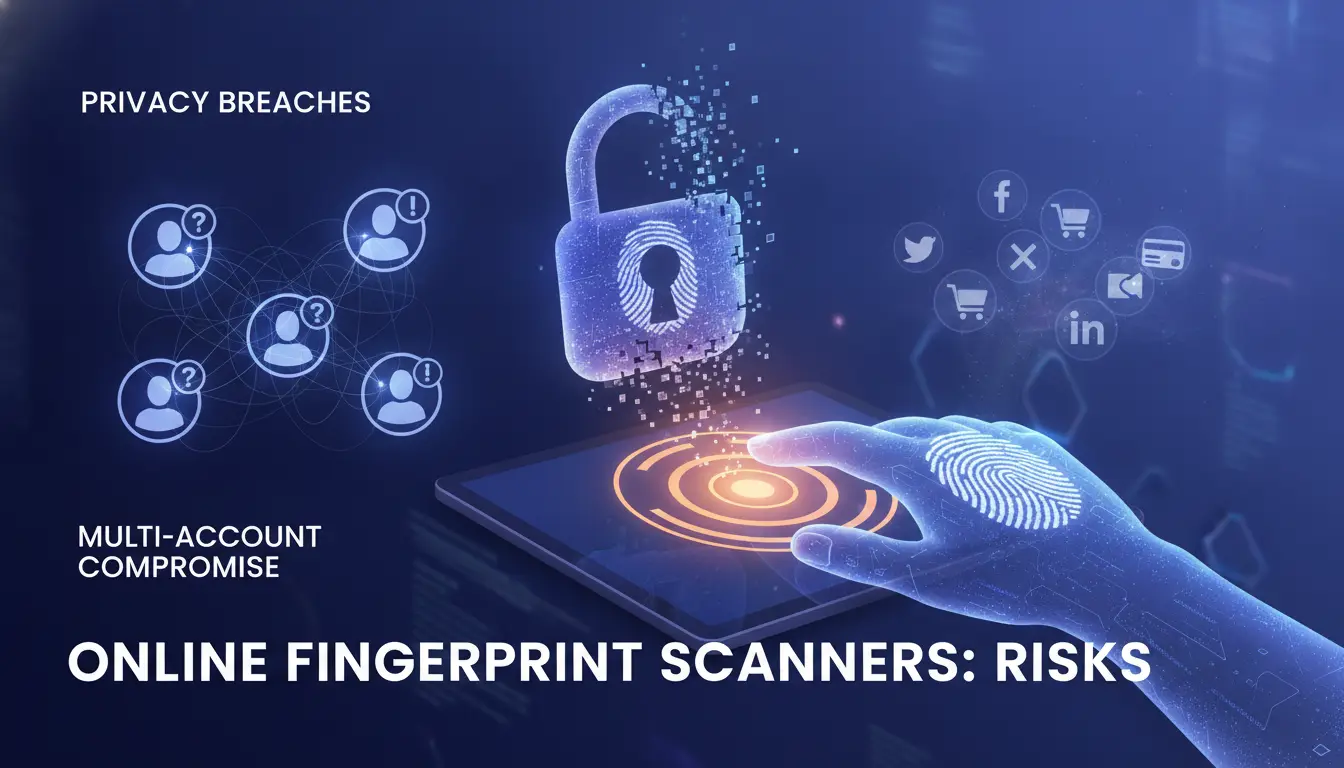
Online fingerprint scanner tools have changed the way websites track users. For anyone running multiple accounts, or just trying to stay anonymous, the risks are bigger than most expect. A single mistake can connect all your sessions, even if you think you’ve covered your tracks. Here’s what actually happens and why it matters.
How Fingerprinting Can Link Your Multiple Accounts
The main problem with browser fingerprint scanners is that they don’t care about your email or password. If your device profile stays the same, every account you log into may get linked automatically. Real-world cases include ad managers losing all their ad accounts after Facebook connected device fingerprints, or sellers on platforms like Amazon getting banned across multiple stores because their digital fingerprinting online matched.
Even careful users slip up. Switching proxies but forgetting to change browser settings, or reusing the same device for work and personal logins, leaves behind enough signals for web fingerprint detection to connect the dots. If your device fingerprint stays unchanged, all your accounts are at risk, even if you use different names and emails.
What Data Is Exposed to Online Scanners
Online fingerprint scanners pull far more than cookies. Sites like Panopticlick show how your browser version, plugins, fonts, timezone, screen resolution, and even hardware details are exposed. The combination forms a unique browser fingerprint that's nearly impossible to mask without serious tools.
Sites also see your IP (from your proxy or home network) and behavioral signals like typing speed and mouse movement. Most users don’t realize how much is visible, testing on amiunique.org reveals dozens of separate values per session.
Privacy Concerns: Who Uses Your Fingerprint and Why
Fingerprinting isn’t just for ads. Banks, social networks, and fraud prevention teams use web fingerprint detection to block risky logins or spot fake accounts. Surveillance groups can track users for months, as your fingerprint remains stable unless you change hardware or use a tool like DICloak.
Advertising networks, like those listed by Mozilla, build profiles that follow you across sites. Once your fingerprint is logged, your browsing history and every account linked to that profile can be tracked long-term. Next, see how your own browser looks to a scanner, before you get caught.
How to Test Your Own Browser with an Online Fingerprint Scanner
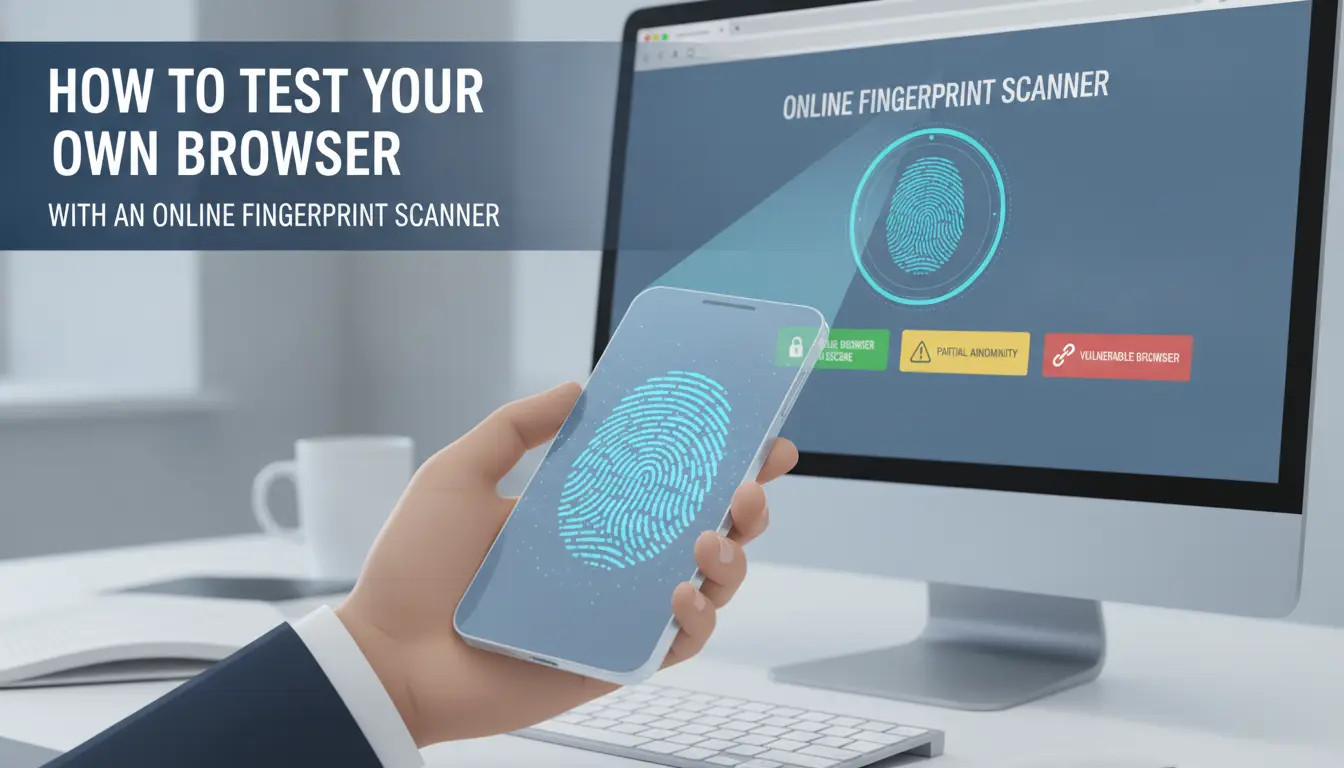
Online fingerprint scanners pull information from your browser that most people never see. Running a quick test lets you see what sites can detect, before your accounts get flagged.
Step-by-Step: Using a Free Online Fingerprint Scanner
Start with a well-known tool. In 2026, amiunique.org and Panopticlick by EFF remain two of the most trusted online fingerprint scanners. Both are free, safe to use, and update their tests for the latest browser versions.
- Open one of these sites in the browser you want to test.
- Click the “View my browser fingerprint” or “Test Me” button.
- Wait for the report, usually under 10 seconds.
Check your results for the following:
- Uniqueness score (how rare your fingerprint is)
- Device, OS, and browser details
- List of plugins and fonts
- Canvas, WebGL, and audio fingerprint data
If you see a high uniqueness score or "your browser is unique among thousands," your setup is easy to track, even if you clear cookies.
Interpreting the Results: What Makes Your Fingerprint Stand Out
Not all signals matter equally. Some, like your timezone or language, are common. Others, canvas hash, font lists, or your screen size, can single you out. The more rare signals you combine, the more likely you’ll be flagged across different accounts. Repeating the test in private/incognito mode usually changes little; fingerprinting works even when you’re not logged in.
Watch for red flags like “unique hash,” “rare combination,” or plugin lists that don’t match most users. These are the details that trigger web fingerprint detection.
What Changes (If Any) Make a Difference?
Try running the test with and without ad blockers, privacy extensions, or proxies. Sometimes, adding extensions actually makes your browser fingerprint more unique, not less. Randomizing your fingerprint can backfire if your details change too often, sites see that as suspicious behavior. The safest path is to use stable, non-default settings that look like ordinary user setups, not something custom-built for hiding.
What Actually Triggers Account Restrictions from Fingerprint Detection?
Top Mistakes That Get Accounts Flagged
Most bans start with basic errors, reusing the same device setup for different accounts, or switching hardware too quickly. If you log into several accounts from one browser with a nearly identical fingerprint, platforms like Facebook or Amazon can link these profiles even without matching emails. Sudden changes, like logging in from a new device, a different country, or a fresh browser after months of stable use, look suspicious to most web fingerprint detection systems. Using an online fingerprint scanner yourself shows how little it takes for your accounts to look related.
How Platforms Combine Fingerprint Data with Other Signals
No single signal is enough to trigger restrictions, most sites combine browser fingerprint scanner results with IP history, cookies, and behavioral patterns. For example, you might use a proxy to mask your IP, but if your digital fingerprinting online matches a flagged account, the system still connects the dots. Account bans often happen when a cluster of unusual activity spikes, like new logins, erratic mouse movements, or mismatched device profiles.
When Legitimate Users Get Caught by Mistake
False positives happen. Sometimes real users get banned after traveling or using a new laptop. Appeals can take days, and some platforms never reverse a ban. To reduce your risk, keep your device profile stable, avoid logging in from random locations, and check your setup with a trusted browser fingerprint scanner before managing sensitive accounts.
How Teams and Power Users Can Safely Manage Multiple Accounts in 2026 (with DICloak)
Why Traditional Methods Fail for Multi-Account Operations
Trying to manage multiple accounts with manual browser tweaks or just switching proxies rarely works. An online fingerprint scanner can spot dozens of signals, like hardware IDs, canvas hashes, and webRTC leaks, that a basic proxy setup won't hide. When team members share devices or browser profiles, web fingerprint detection tools pick up these overlaps and link accounts, leading to bans across the whole group.
How DICloak Creates Isolated, Unique Environments for Each Account
You can use tools like DICloak to build a separate, customizable browser fingerprint for each account. Every profile gets its own digital fingerprinting online settings and dedicated proxy, so accounts stay isolated, even on the same machine. This stops browser fingerprint scanner systems from connecting logins, making each account appear as a unique user.
Team Collaboration, Automation, and Audit Trails: Scaling Up Safely
DICloak lets teams set permission controls, share profiles safely, and automate repetitive tasks. Audit logs track who did what and when, helping businesses avoid accidental cross-account actions. When scaling up, these features keep workflows efficient and reduce the risk of mass bans from fingerprint-based detection. Next, you'll see practical steps to cut your fingerprint detection risk even further.
What Steps Actually Reduce Your Fingerprint Detection Risk?
Online fingerprint scanners don’t just look at cookies or your IP. They spot tiny details, like how your browser draws graphics, your timezone, installed fonts, and even your audio stack. If you want to avoid being flagged, you need to match both technical controls and everyday habits. Here’s what actually works in 2026.
Best Practices for Individuals
Start by picking a browser that lets you control fingerprint signals. For most, using a privacy-focused browser with minimal extensions is safer, extensions often leak unique details to a browser fingerprint scanner. Stick to one extension for blocking scripts (like uBlock Origin.com/gorhill/uBlock)), but avoid anything that changes browser behavior in unpredictable ways. When you use a proxy, keep it consistent for each account; switching proxies mid-session is a red flag for web fingerprint detection. If you’re checking your setup, scan your browser at amiunique.org and Panopticlick by EFF, these sites show exactly which signals are leaking.
Advanced Tips for Teams and Businesses
Teams run into bigger risks. If every member logs in from their own device, you’ll get a cluster of mismatched fingerprints. Instead, use profile isolation, set up a dedicated browser profile for each account, and tie it to a fixed proxy. DICloak is built for this: you can use it to create isolated profiles, assign proxies, and set permissions. Device hygiene matters, never let two people access the same account from different machines unless profiles are fully isolated. Automate repetitive tasks so human mistakes don’t ruin your setup.
What to Avoid: Common Mistakes in 2026
Over-customizing is a trap. Randomizing every browser fingerprint parameter can make you stand out more, not less. Neglecting team training leads to slip-ups, like mixing up proxies or sharing accounts on unsecured devices. Skipping audit logs means you’ll miss who triggered a restriction. The most common mistake? Treating digital fingerprinting online like old-school cookie tracking; they’re not the same. Consistent, controlled environments always beat random tweaks.
When Online Fingerprint Scanners Are Useful, and When They’re a Problem
Fraud Prevention and Security: The Good Side
Browser fingerprint scanners are the backbone of fraud detection for banks and big platforms. When you log into your bank account, the system checks your device’s digital fingerprint, browser version, plugins, fonts, hardware signals, to spot signs of account takeover. If someone tries to access your account from a device that’s never been seen before, or with a fingerprint that jumps around, the bank can freeze the login and send you a warning.
Real-world fraud rings get stopped because their digital fingerprinting online doesn’t match the expected pattern. E-commerce platforms use web fingerprint detection to prevent mass account creation by bots. Gaming sites, like Steam, flag suspicious activity when browser fingerprints change too fast, stopping stolen accounts before damage spreads.
Privacy and Overreach: Where Fingerprinting Goes Too Far
Problems start when online fingerprint scanner tools track everything you do, even beyond fraud prevention. Ad networks use browser fingerprinting to follow users across sites, building profiles without your consent. Some platforms combine fingerprint data with other signals, like location and browsing history, to run surveillance that users rarely notice.
Regulations are catching up. The GDPR requires platforms to explain what fingerprinting is and let users opt out. In 2026, most major browsers offer controls to limit web fingerprint detection, but many smaller sites ignore these rules. For privacy-conscious users, the line gets blurry, what starts as security can slip into unwanted tracking fast.
How to Stay Informed and Protect Yourself
Staying ahead means checking new fingerprinting methods every few months. Sites like EFF’s Cover Your Tracks give you real-time tests and explain which signals get exposed. For those managing multiple accounts or worried about surveillance, using tools designed for privacy, like DICloak, can help isolate profiles and reduce exposure. Knowing where fingerprinting helps and where it harms is the key to balancing security and privacy.
Frequently Asked Questions About online fingerprint scanner
Is using an online fingerprint scanner safe for my privacy?
An online fingerprint scanner collects details like your browser type, device model, and settings. This data can identify you across websites. To protect your privacy, use privacy-focused browsers, clear your settings often, and block scripts. Remember, an online fingerprint scanner does not take your actual fingerprint, but it still gathers unique digital data.
Can a browser fingerprint scanner detect if I use a proxy?
Yes, a browser fingerprint scanner can still spot unique details about your device, even if you use a proxy. Proxies hide your IP address but not your browser, screen size, or installed fonts. So, digital fingerprinting online can still link your visits, even if your location looks different.
How accurate are online fingerprint scanners in 2026?
By 2026, online fingerprint scanners have improved at matching users thanks to better data collection and machine learning. They can now identify most users even if they change browsers or networks. However, scanners may still struggle with people who use privacy tools or change device settings often.
Do web fingerprint detection tools work on mobile devices as well as desktops?
Web fingerprint detection works on both mobile devices and desktops, but with differences. Mobile devices often have fewer settings and less variety, making some fingerprints less unique. Still, these scanners can track users across apps and browsers on phones, just like desktops.
What’s the difference between fingerprinting and cookies?
Cookies are small files websites save on your device to remember you. In contrast, fingerprinting uses details like your browser, device, and settings to create a profile without saving files. Digital fingerprinting online is harder to block and delete than cookies, which you can clear from your browser.
Online fingerprint scanners are transforming the way individuals and businesses approach security, offering both convenience and advanced protection. As digital threats continue to evolve, integrating reliable and user-friendly biometric solutions is essential for safeguarding sensitive information and streamlining authentication processes. Try DICloak For Free
 Web Proxy Tools
 Free Tools
 Cookie Plugin
 UA Generator
 MAC Address Generator
 IP Generator
 IP Address List
 2FA Code Generator
 World Clock
 Anonymous Check
 WebRTC Leak Test
 UUID Generator
 Free Web Proxy Site
 Proxy Checker
 FB Ad Checker
 AI Web Scraping
 Free SMM Tools
 Twitter Shadowban Checker
 Instagram Name Checker
 UTM Generator
 Username Generator
 AI Hashtag Generator
 LinkedIn Headline Generator
 Social Media Image Resizer