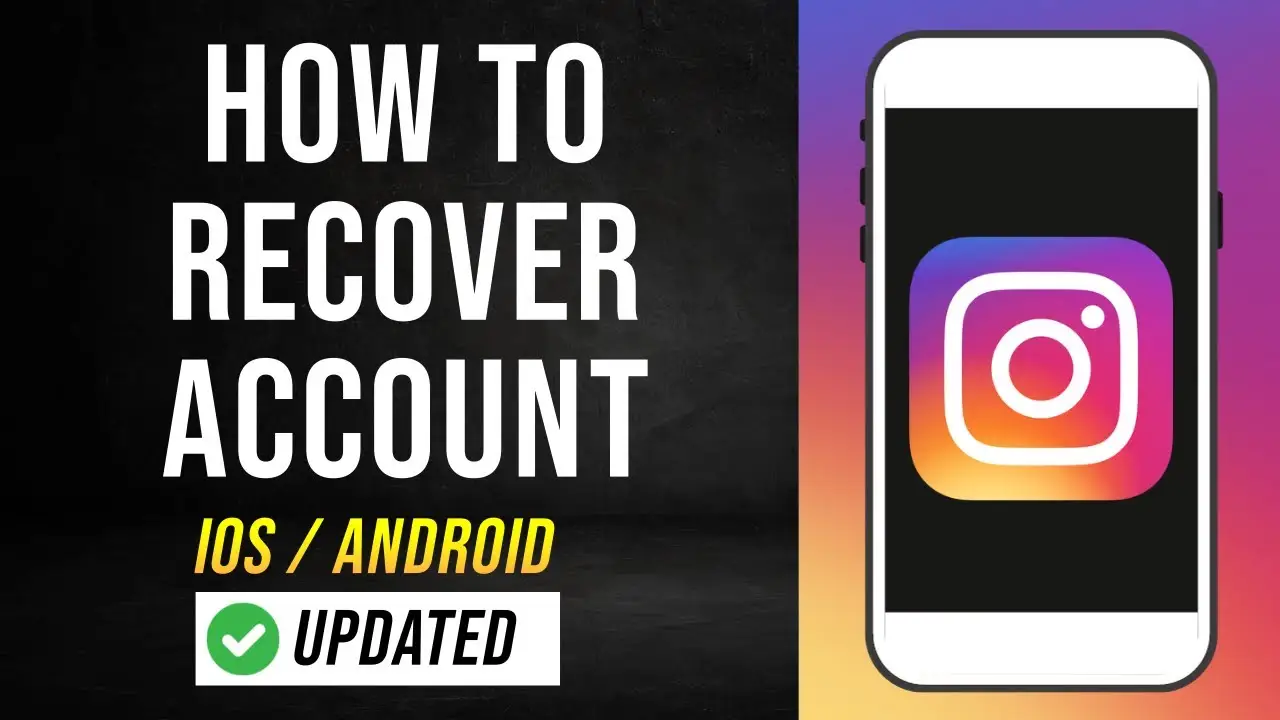
For engineers, researchers, and architects, being severed from Claude 4.5 in the middle of a complex reasoning chain is a significant disruption to professional throughput. Anthropic’s rolling five-hour window creates a bottleneck that often strikes during high-stakes tasks like large-scale codebase analysis or deep-dive research. While these limits are necessary to manage the immense computational overhead of the Claude 4.5 model family, maintaining an uninterrupted workflow requires a sophisticated strategy that goes beyond simply waiting for a timer to expire.
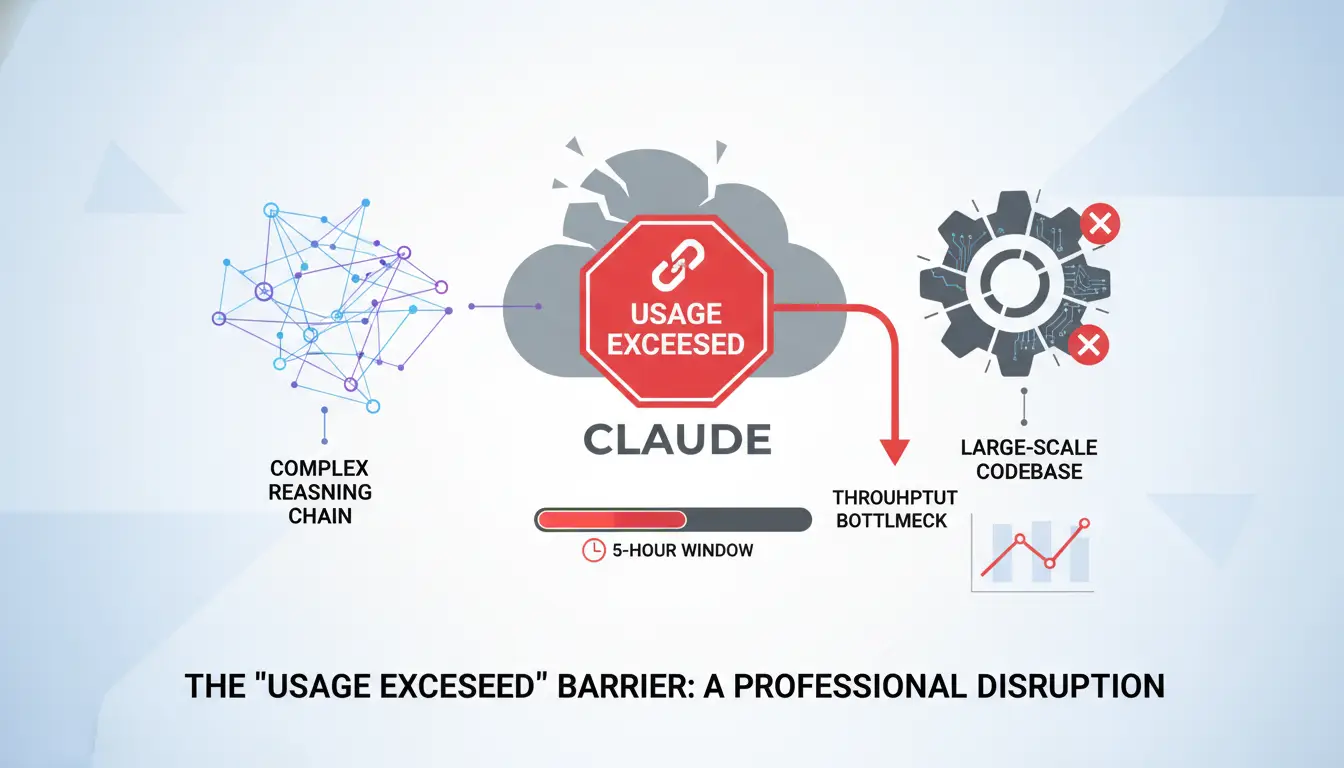
Why is the Claude Message Limit So Unpredictable?
Claude’s usage quotas are dynamic, calculated based on a combination of server load and the "token weight" of individual sessions. Because the window is rolling, your capacity is not a static pool that refills at a specific time; rather, it is a fluid balance dictated by your activity over the preceding five hours.
The primary driver of quota depletion is the technical architecture of the transformer model. Every time you send a prompt, Claude does not merely process the new text; it re-processes the entire chat history to maintain context. This creates a quadratic increase in computational cost as the thread grows, rapidly draining your quota.
How Context Length Drains Your Quota Faster
Claude 4.5 supports context windows of approximately 200,000 tokens (roughly 500 pages of text). While this is a powerful asset for analyzing full codebases or long-form documents, the re-processing cost is the primary variable in the "usage exceeded" equation. A conversation that has reached 20+ exchanges consumes tokens exponentially faster than a fresh session. Even a handful of messages can trigger a limit if they are appended to a high-volume context window or contain large file attachments.
The Capacity Differences Between Free, Pro, and Max Tiers
As of 2026, Anthropic has segmented its capacity tiers to cater to different professional demands.
| Subscription Tier |
Estimated Message Limit (per 5-hour window) |
Key Features |
| Free Tier |
10 – 25 messages |
Access to Claude 4.5 Sonnet; can drop to ~3 during peak demand. |
| Claude Pro ($20/mo) |
45 – 100 messages |
5x capacity of Free tier; priority access; Claude Code availability. |
| Claude Max 5x ($100/mo) |
225+ messages |
Designed for heavy developer/researcher workloads. |
| Claude Max 20x ($200/mo) |
900+ messages |
Enterprise-grade capacity for continuous processing of massive datasets. |
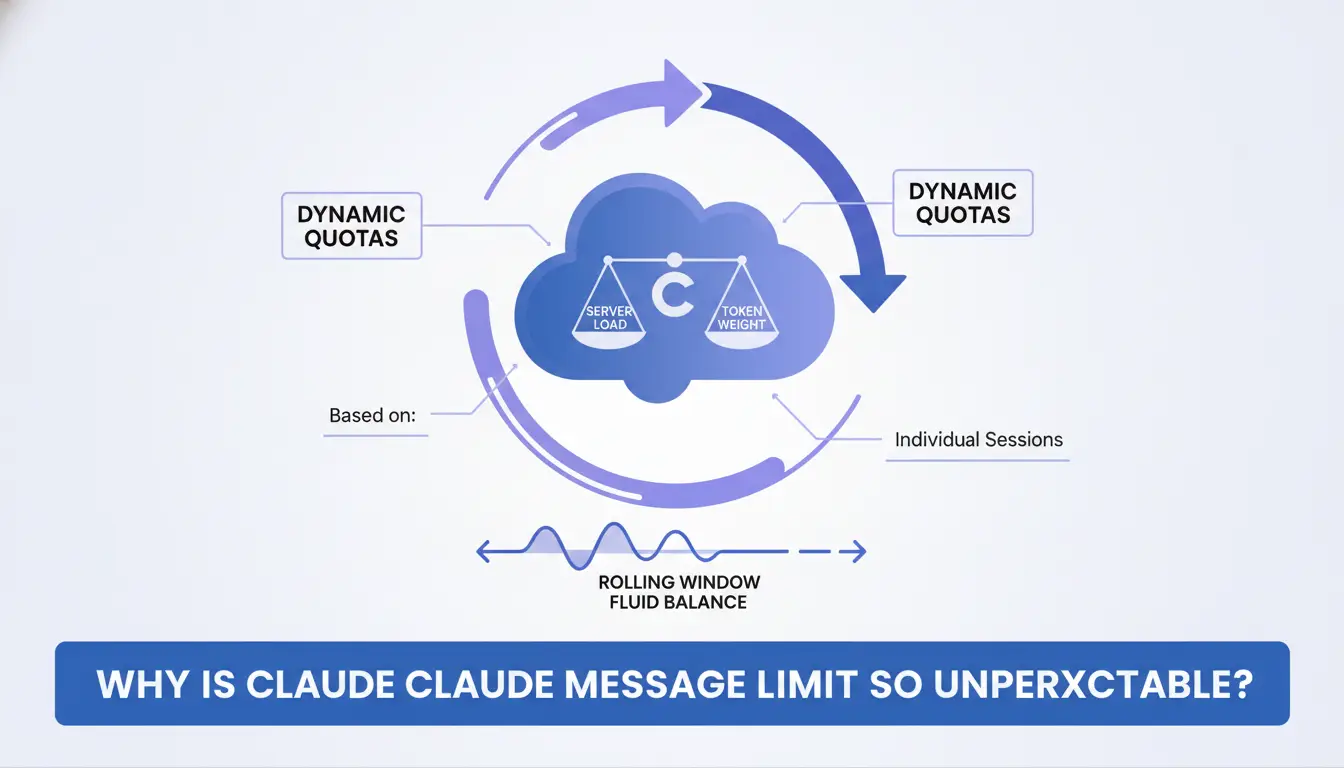
Can You Actually Reset the Limit by Switching IPs or Using a Protected Network Environment?
A frequent misconception is that Claude tracks usage primarily through IP addresses. In reality, relying solely on standard network location masking tools is largely ineffective for resetting message caps. Anthropic utilizes account-level metadata and browser-level identity to enforce limits, meaning network-level changes provide no relief once an account is capped.
Why Anthropic Tracks Fingerprints, Not Just Locations
Anthropic identifies users through browser fingerprinting—a technique that aggregates specific metadata to create a unique digital identifier. This includes cookies, User Agent strings, and screen resolution. Even if you mask your network location, your browser’s digital signature remains constant. If the system detects the same fingerprint accessing multiple accounts to circumvent limits, it can link those sessions and maintain the cap across the entire cluster.
The Risks of Using Unstable Network Services for AI Tasks
- Data Center IP Reputation Scores: Many network masking services utilize data center IPs, which carry significantly lower reputation scores than residential ISP IPs. This often triggers mandatory CAPTCHAs or immediate account flagging for "automated" behavior.
- MTU and Leakage Signatures: Technical discrepancies in Maximum Transmission Unit (MTU) sizes and DNS leaks can allow Anthropic’s security layers to identify certain network configuration patterns, potentially leading to restricted access.
- Lost Context and Latency: Dropped network connections or rerouting through overloaded servers can cause session timeouts, leading to a total loss of unsaved reasoning context mid-generation.
How to Use Multiple Accounts to Stay Productive All Day
The most reliable strategy for professional continuity is "account rotation." By distributing your workload across 2–3 distinct accounts, you allow the rolling window of one account to "cool off" while maintaining active production in another.
Rotating Accounts Without Getting Flagged
To help avoid triggering abuse detection, account rotation should mimic natural human patterns. Avoid draining an account to zero before switching. Instead, shift between accounts at logical project milestones. This aims to keep activity levels within a standard deviation that appears consistent with multi-project professional use.
Managing Conversation Consistency Across Sessions
The primary friction point in rotation is transferring context.
- The "Share" Feature: Claude’s internal sharing tool allows you to generate a link to a thread. Note that these links are read-only snapshots. To continue the work, you must use the link to view the history in the new account.
- Manual Summarization (The Bridge): Before rotating, instruct Claude to "Summarize our current progress, key architectural decisions, and the immediate next steps." Copy this summary as the first prompt in your fresh account to re-establish the context window efficiently.
Why Browser Fingerprinting is the Key to Improving Account Isolation
Account isolation is not only about logging into different accounts separately. It is also about making sure each account runs in a clean and independent browser profile. When multiple Claude accounts share similar browser signals, the platform may connect those sessions even if the cookies are different. This is why browser fingerprinting matters.
Why Cookies Alone Are Not Enough
Standard browsers leak hardware and software details beyond cookies. Even using multiple Chrome profiles or Incognito Mode, platforms can detect similar device signals. This makes true account separation difficult.
What Browser Fingerprinting Includes
Fingerprinting collects signals like:
- User Agent & operating system
- Screen resolution & color depth
- Installed fonts & language
- Canvas & WebGL rendering
- AudioContext output
- Time zone
Alone, each signal is weak; combined, they form a unique digital identity.
How Similar Fingerprints Affect Multiple Accounts
If multiple accounts share similar fingerprints, platforms may treat them as the same user. This can trigger security flags, affect session reliability, and reduce account isolation. Maintaining independent fingerprints and separate sessions is key for stable multi-account management.
Setting Up a Reliable Workflow with an Antidetect Browser
An antidetect browser is essential infrastructure for professional AI workflows. It allows for the creation of isolated virtual environments where every session has its own distinct digital identity.
DICloak is a highly effective antidetect browser for this workflow, designed to improve account isolation by ensuring every Claude account operates in a strictly quarantined profile.
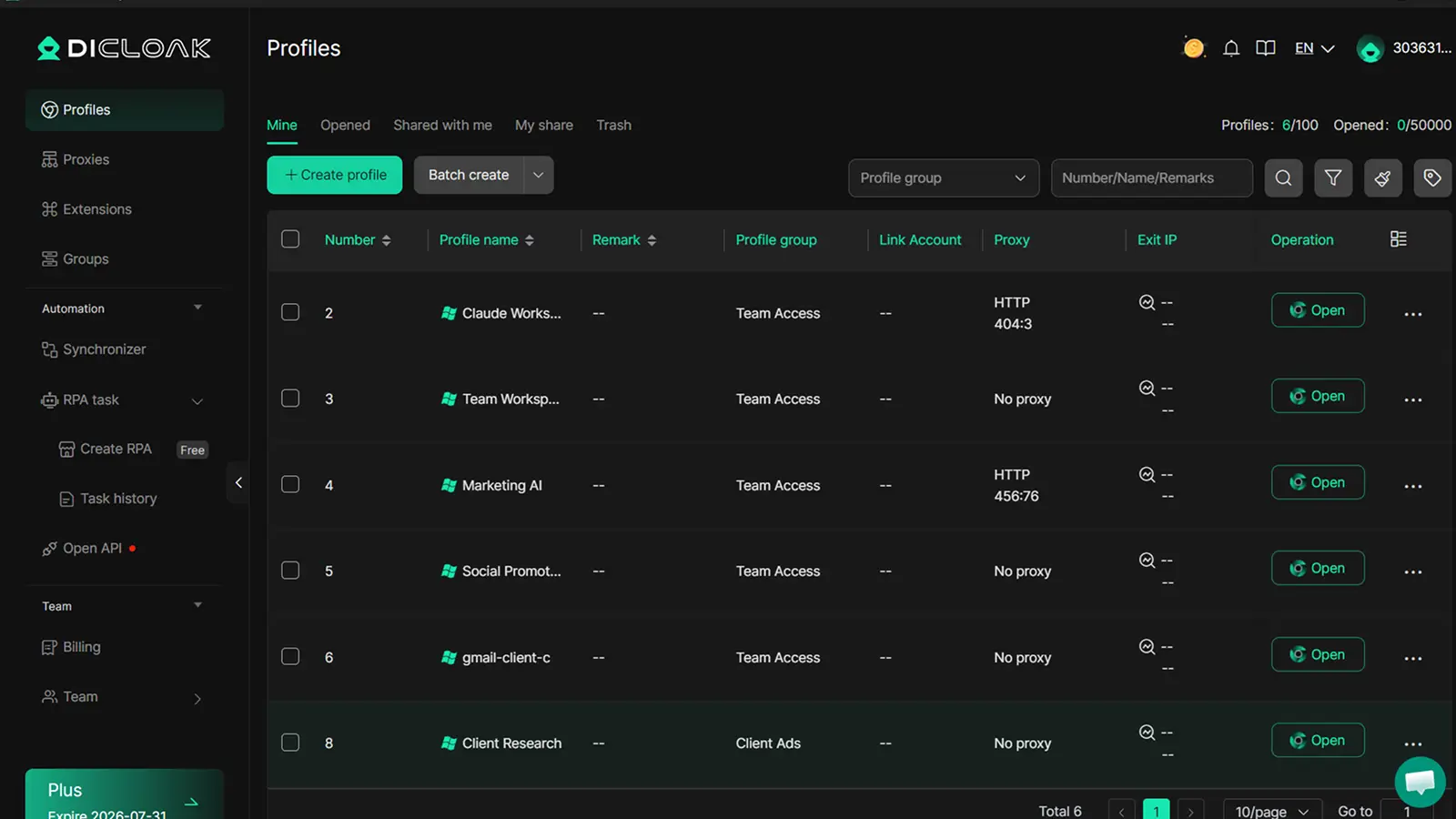
- Unique Fingerprinting: DICloak automatically generates distinct User Agents, Time Zones, and resolutions, while masking WebGL and Canvas data so Anthropic sees each profile as a separate physical device.
- Parallel Multi-Account Management: You can run multiple Claude profiles in side-by-side windows, facilitating real-time rotation with reduced cross-contamination risk.
- Persistent Sessions: It helps save your login states and cookies within each profile, aiming to remove the need for repetitive logins and reducing the risk of security flags.
- Team Collaboration: Profiles can be shared with team members, allowing collaborative access to high-tier (Max/Pro) accounts with reduced risk of location-related security flags.
Common Mistakes That Get Your Claude Account Flagged
Maintaining long-term access involves avoiding "spam-like" patterns that might signal automated circumvention.
Failing to Isolate Browser Profiles
Operating two Claude accounts in the same browser, or even different profiles of a standard browser, carries a higher risk. Standard browsers do not fully isolate hardware-level signatures, potentially making it easier for AI platforms to link and throttle multiple accounts.
Avoiding "Spam-Like" Behavior During Rotation
Rapidly switching between five different accounts or pasting the exact same 100k-token prompt into multiple accounts simultaneously may trigger abuse flags. Maintaining a natural interaction cadence helps ensure your accounts remain in good standing.
How to Optimize Your Prompts to Save Message Quota
Increasing your limit is only half the battle; the other half is reducing your "token burn rate."
Using the "/compact" Command and Internal Summaries
Large threads are primary drivers of quota depletion. Use the "/compact" logic—either via a custom instruction or a manual prompt—to have Claude summarize the essential context and then start a new thread using that summary. This helps effectively "prune" the context window, reducing the re-processing cost of every subsequent message.
Knowing When to Start a Fresh Conversation
There is a direct trade-off between thread history and message longevity. If you have reached a milestone in a coding task or research paper, start a fresh chat. This resets the "token weight" to the minimum, which can help ensure your remaining messages in that 5-hour window provide maximum value.
Frequently Asked Questions
Is there a weekly limit on Claude Pro or Max accounts?
Yes. In addition to the rolling five-hour window, paid tiers have a weekly usage cap. You can monitor this in Settings → Usage, which displays progress bars for both session and weekly capacity.
How long does it take for the message limit to reset?
Because it is a rolling window, capacity trickles back in as older messages "age out" of the 5-hour timeframe. You do not get a full refresh all at once; rather, your ability to send messages slowly restores over time.
Does uploading large PDFs reduce my message count faster?
Absolutely. Because Claude re-processes the entire conversation (including all attachments) with every new prompt, large files significantly increase the token weight, potentially causing you to hit the cap much faster.
Can I use the same phone number for multiple Claude accounts?
Anthropic typically requires unique verification for each account. For a stable rotation, it is generally recommended to maintain 2–3 accounts with distinct credentials to help ensure greater separation.
Why am I seeing a "rate exceeded" message even when I haven't used many messages?
This is often caused by a combination of high server demand and "heavy" messages. If your messages contain large amounts of code or text, or if you are using the 200k context window extensively, you may reach the limit in fewer messages.
Is using an antidetect browser like DICloak available with a free tier?
DICloak offers a free plan that includes up to 5 browser profiles. This can be sufficient for individual professionals managing a small rotation of Claude accounts.
 Web Proxy Tools
 Free Tools
 Cookie Plugin
 UA Generator
 MAC Address Generator
 IP Generator
 IP Address List
 2FA Code Generator
 World Clock
 Anonymous Check
 WebRTC Leak Test
 UUID Generator
 Free Web Proxy Site
 Proxy Checker
 FB Ad Checker
 AI Web Scraping
 Free SMM Tools
 Twitter Shadowban Checker
 Instagram Name Checker
 UTM Generator
 Username Generator
 AI Hashtag Generator
 LinkedIn Headline Generator
 Social Media Image Resizer