Many teams start sharing a Midjourney account for a simple reason: not everyone needs a separate subscription. A designer may create images every day, while a marketer, client, or freelancer only needs occasional access. But as more people join, sharing one account can quickly become harder to manage. The real challenge is not just how to share a Midjourney account. It is how to control access, keep workflows organized, and make sure the right people can use the account when they need it. In this guide, we will explore the different ways teams share a Midjourney account in 2026, the limits of each approach, and how to build a more organized workflow without relying on simple password sharing.
Why Does Sharing a Midjourney Account Become Difficult for Teams?
Sharing a Midjourney account becomes harder when a team needs more than basic login access. The main challenge is not sharing the account itself, but managing who can use it, how work is organized, and how access changes over time. For a solo creator, one account may be enough. But for a team, different people may need different levels of access. A designer may create images, a marketer may review outputs, and a freelancer may only need temporary access.
Common problems appear when multiple people use the same Midjourney account:
- No access control: Everyone uses the same login, making it hard to manage permissions.
- Workflow confusion: Teams may struggle to track who created or changed assets.
- Difficult member changes: Removing access for freelancers or former team members is inconvenient.
- Limited scalability: A setup that works for two people may not work for a larger team.
The key issue is that password sharing only provides access, not team management. As more people collaborate, teams need a better way to organize access and workflows.
What Are Midjourney Pricing Plans and Account Sharing Rules in 2026?
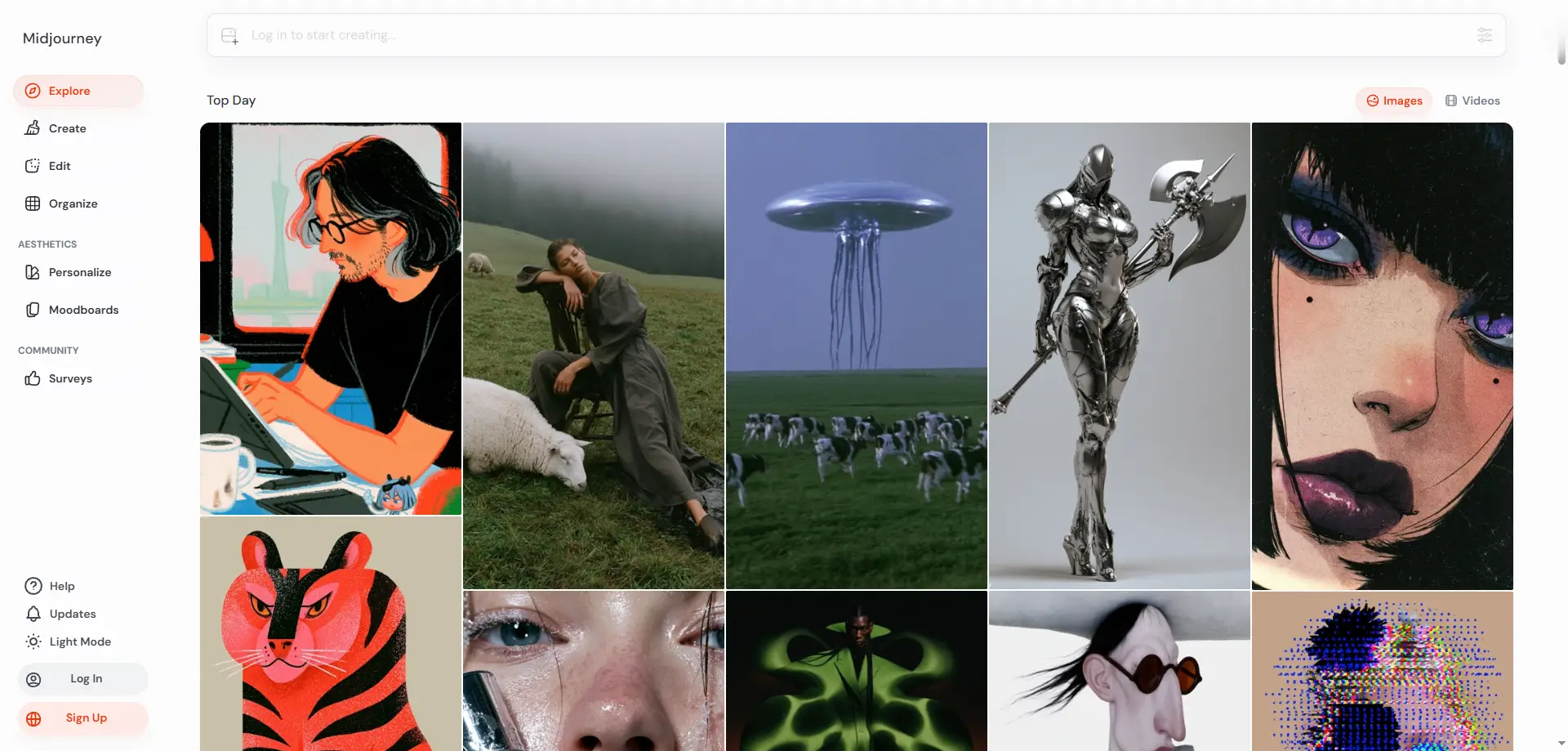
Midjourney offers different subscription plans based on usage needs, but these plans are designed for individual users rather than team collaboration. For teams, the main question is not only how much image generation they need, but how many people need access and control.
Higher plans like Pro and Mega provide more generation capacity, faster workflows, and additional features for heavy users. However, upgrading a plan does not create team seats, member permissions, or a shared workspace.
| Team Situation |
Better Option |
| One person creates images regularly |
Individual Midjourney plan |
| Small team with occasional creative tasks |
Shared workflow may be practical |
| Multiple designers need daily access |
Separate accounts or better access management |
Midjourney accounts are linked to individual users and Discord access, which makes team sharing different from using a normal SaaS team workspace. Sharing one login can make it harder to manage access, track usage, and handle team changes.
Before sharing a Midjourney account, teams should first decide whether they need lower costs, easier collaboration, or better control. The right setup depends on how often the team creates images and how many people need direct access.
What Are the Best Ways to Share a Midjourney Account With a Team?
The best way to share a Midjourney account depends on how your team works. Small teams may only need a simple collaboration workflow, while remote teams and agencies often need better access control instead of just sharing one password. There is no single sharing method that fits every team. The right choice depends on whether members need to create images, review outputs, manage projects, or only access the account temporarily.
1. Collaborate Through Discord Without Sharing Full Account Access
For teams that mainly need feedback and creative collaboration, using Discord channels can be the simplest option. Instead of giving everyone direct account access, team members can share ideas, review prompts, and discuss generated images in a shared workspace.
This approach works well for:
- Prompt review: Team members suggest improvements before images are created.
- Creative discussion: Designers and marketers can exchange ideas in one place.
- Client feedback: Clients or managers can review results without managing the account directly.
However, this method has limits. If multiple team members need to generate images independently, relying only on discussion channels may slow down the workflow because not everyone has direct access to the generation process.
2. Give Each Team Member Their Own Midjourney Account
For teams where multiple designers create images every day, separate accounts may be the cleaner option. Each person has their own workspace, generation limits, and creative history, which reduces confusion when several projects run at the same time.
This approach is usually better for:
- Full-time designers: People who create images as a core part of their job.
- Heavy users: Teams that frequently use Midjourney and need independent workflows.
The downside is cost. If some team members only use Midjourney occasionally, paying for a separate subscription may not be the most efficient choice. Many small teams only need shared access because not everyone needs full-time image generation.
3. Use an Antidetect Browser for Shared Midjourney Access
For remote teams, agencies, or temporary collaborators, the challenge is often not creating images but managing access to an existing Midjourney session. An antidetect browser can help teams share a managed browser profile instead of sending login credentials to every member.
This approach is useful when:
- Multiple people need access to the same Midjourney workflow.
- Teams work remotely across different locations.
- Freelancers need temporary access for specific projects.
With a browser profile workflow, the team can keep the Midjourney session, cookies, and browser settings organized in one place. For example, with DICloak, teams can use separate browser profiles to keep different accounts or workflows isolated, while profile sharing allows authorized members to access a prepared profile without directly receiving the account password. Team permissions can also help control who can access shared profiles.
The important difference is that teams are not simply sharing a password. They manage access to a specific working environment. This makes the workflow easier to organize when team members, projects, or access needs change.
How Can Teams Manage Shared Midjourney Access More Efficiently?
Teams can manage shared Midjourney access better by organizing profiles and permissions instead of only sharing login details. The main challenge is not giving people access, but keeping control when team members, projects, and responsibilities change.
As teams grow, different people usually need different levels of access. A designer may create images daily, a marketer may only review outputs, and a freelancer may need temporary access for one project. Sharing the same password does not provide a clear way to manage these situations. A more organized workflow focuses on:
- Separate access: Keep different Midjourney workflows organized instead of mixing all activity in one session.
- Controlled sharing: Give team members access without directly sending account credentials.
- Easy updates: Add or remove access when team roles change.
For teams using shared browser access, an antidetect browser can help keep the workflow organized. With DICloak, teams can use separate browser profiles to maintain different workflows and use profile sharing to let authorized members access a prepared profile without sharing the password. Team permissions can also help control who can access shared profiles.
This approach works well for agencies, remote teams, and temporary collaborators who need shared access but still want clearer control. The goal is not simply to share an account, but to create a manageable workflow that supports team collaboration.
How to Share a Midjourney Account With Your Team Using DICloak
For teams that need to share an existing Midjourney account, the key is keeping the login session in one managed place instead of repeatedly sharing passwords or verification codes. With DICloak, teams can create a dedicated browser Profile and share access with selected members through controlled permissions.
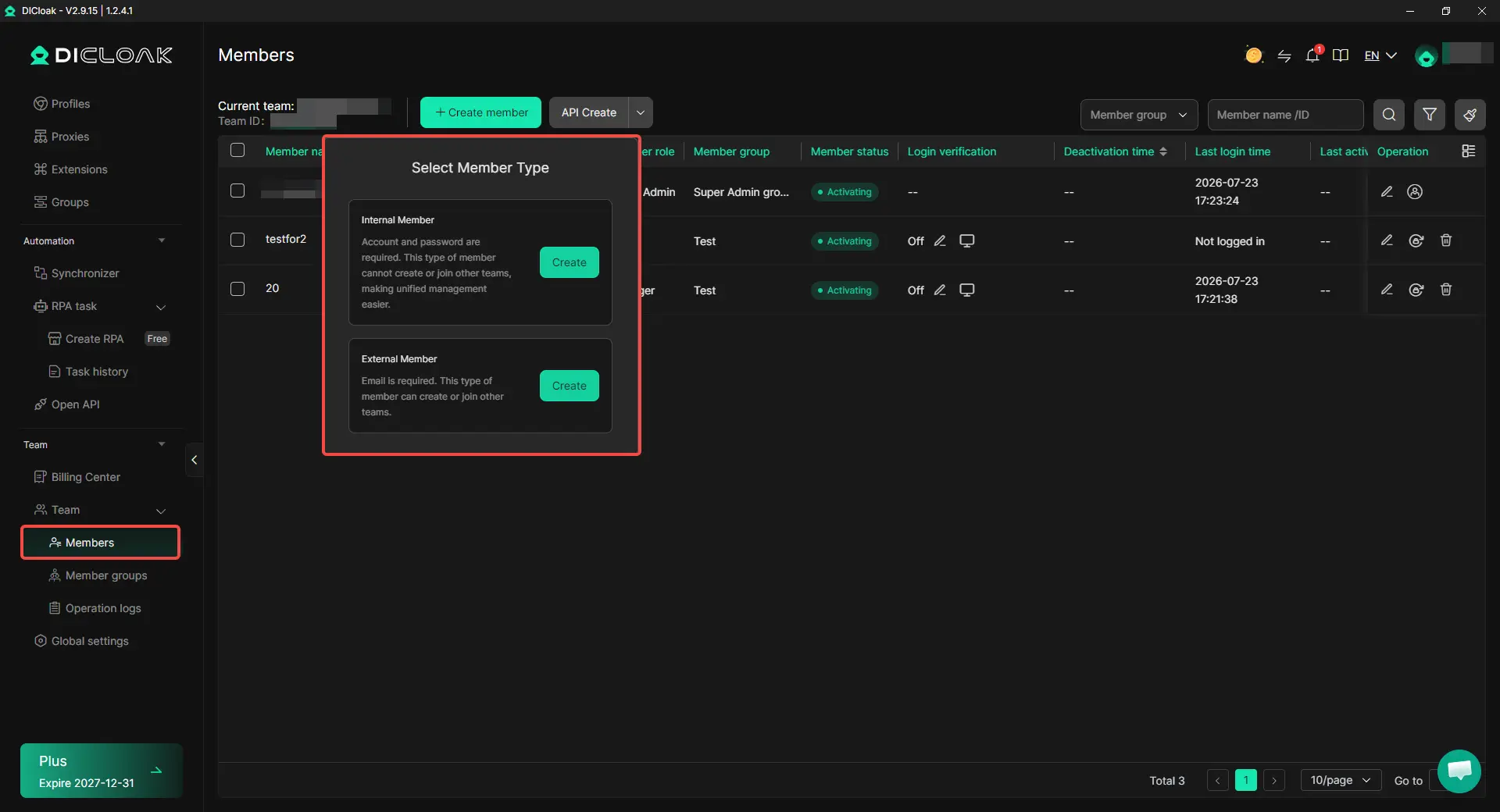
1. Set Up Your DICloak Team
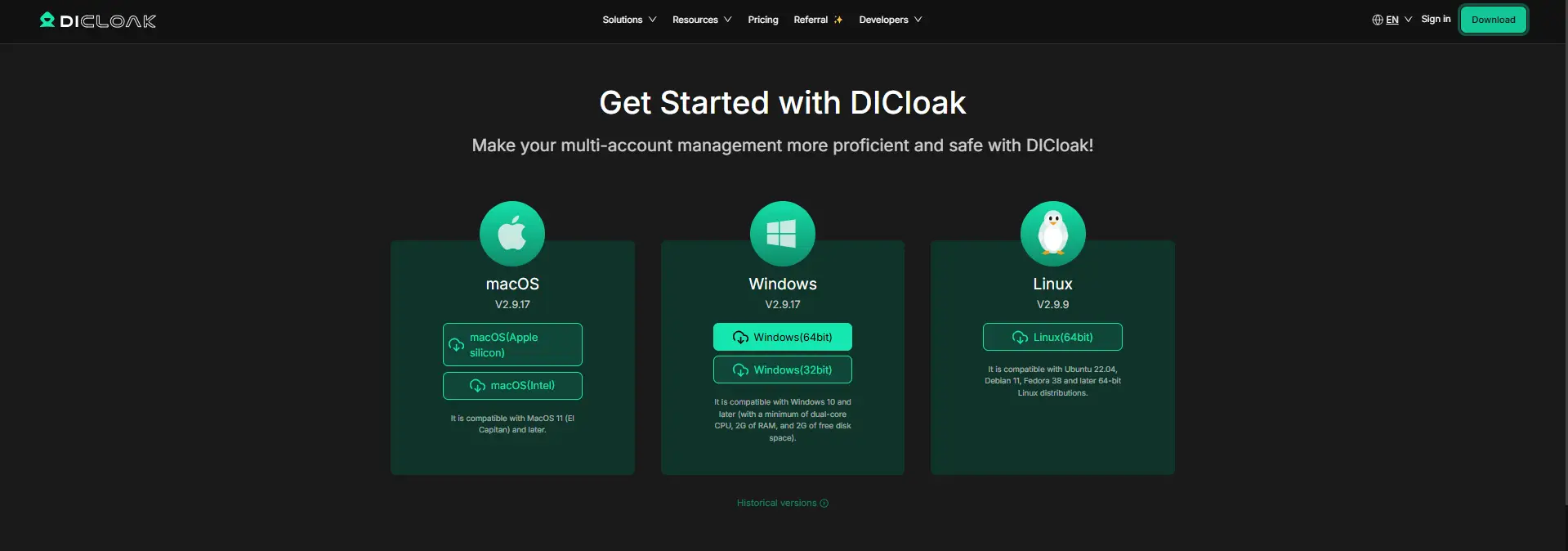
Install DICloak, create your team, and add members who need access. Choose a plan based on the number of teammates and Profiles your team needs to manage. A team setup keeps shared Midjourney access separated from personal accounts and makes it easier to manage members later.
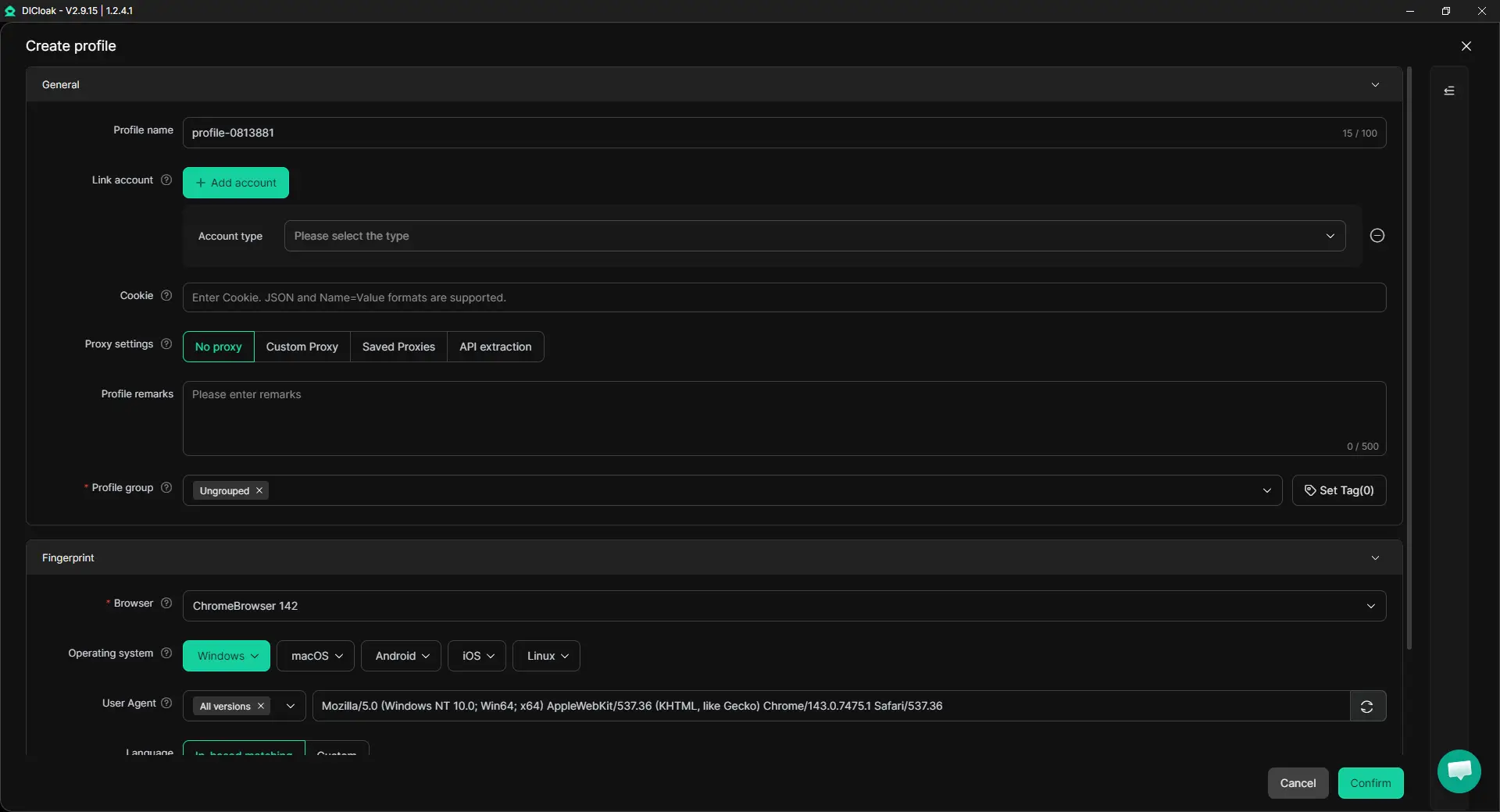
2. Create a Dedicated Midjourney Profile
Create a separate Profile for your Midjourney account, such as Midjourney Design Team. Configure the Profile settings based on your workflow, including fingerprint settings and a user-configured proxy if your team needs a specific network setup. Keeping Midjourney inside a dedicated Profile helps prevent different accounts, projects, or browser sessions from mixing together.
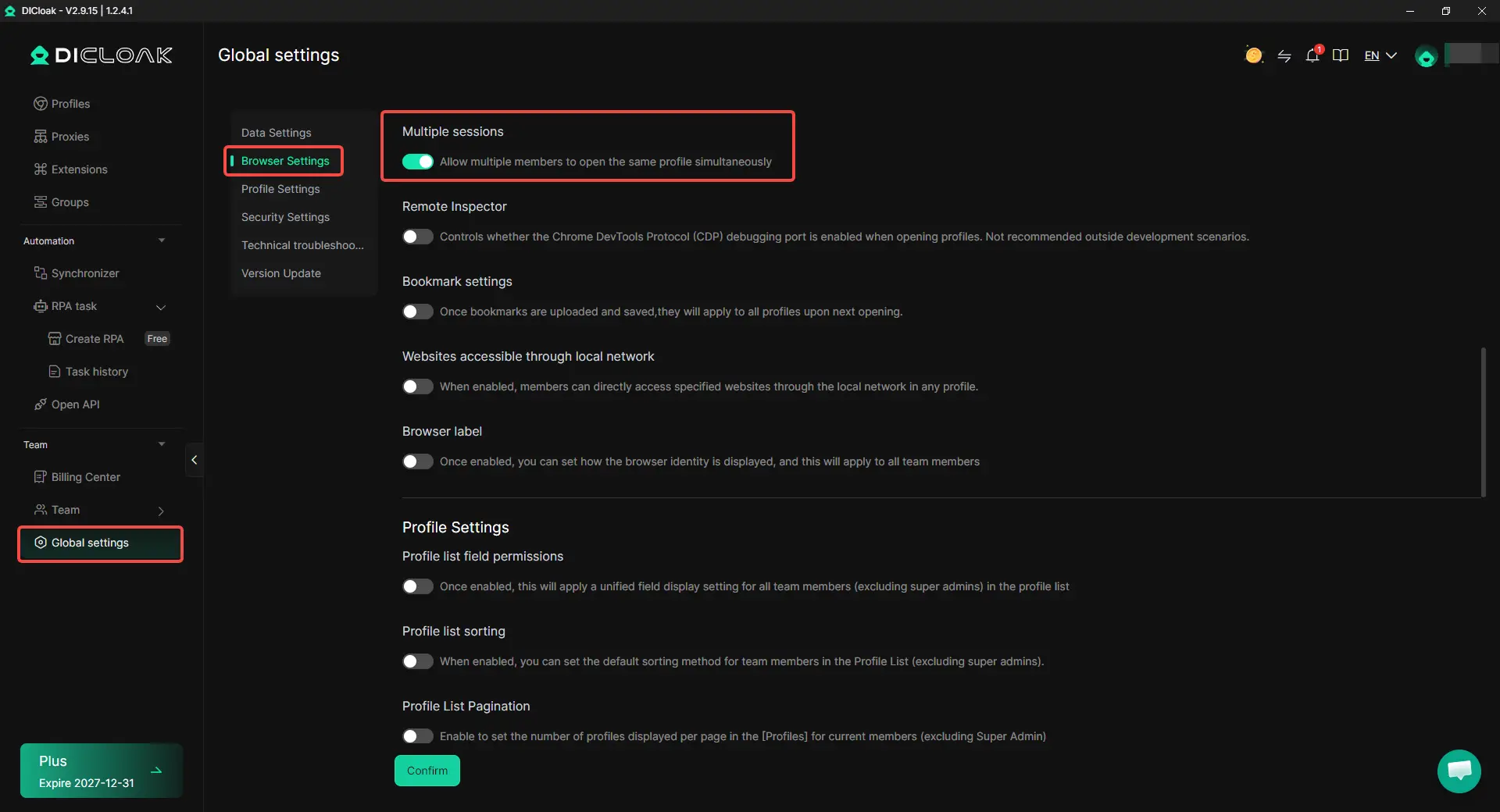
3. Enable Multiple Sessions When Needed
If several teammates need to use the same Midjourney Profile at the same time, enable Multiple sessions. If your team normally takes turns using the account, you can keep this option disabled. The right setup depends on your workflow. Teams that only need occasional access do not always need concurrent usage.
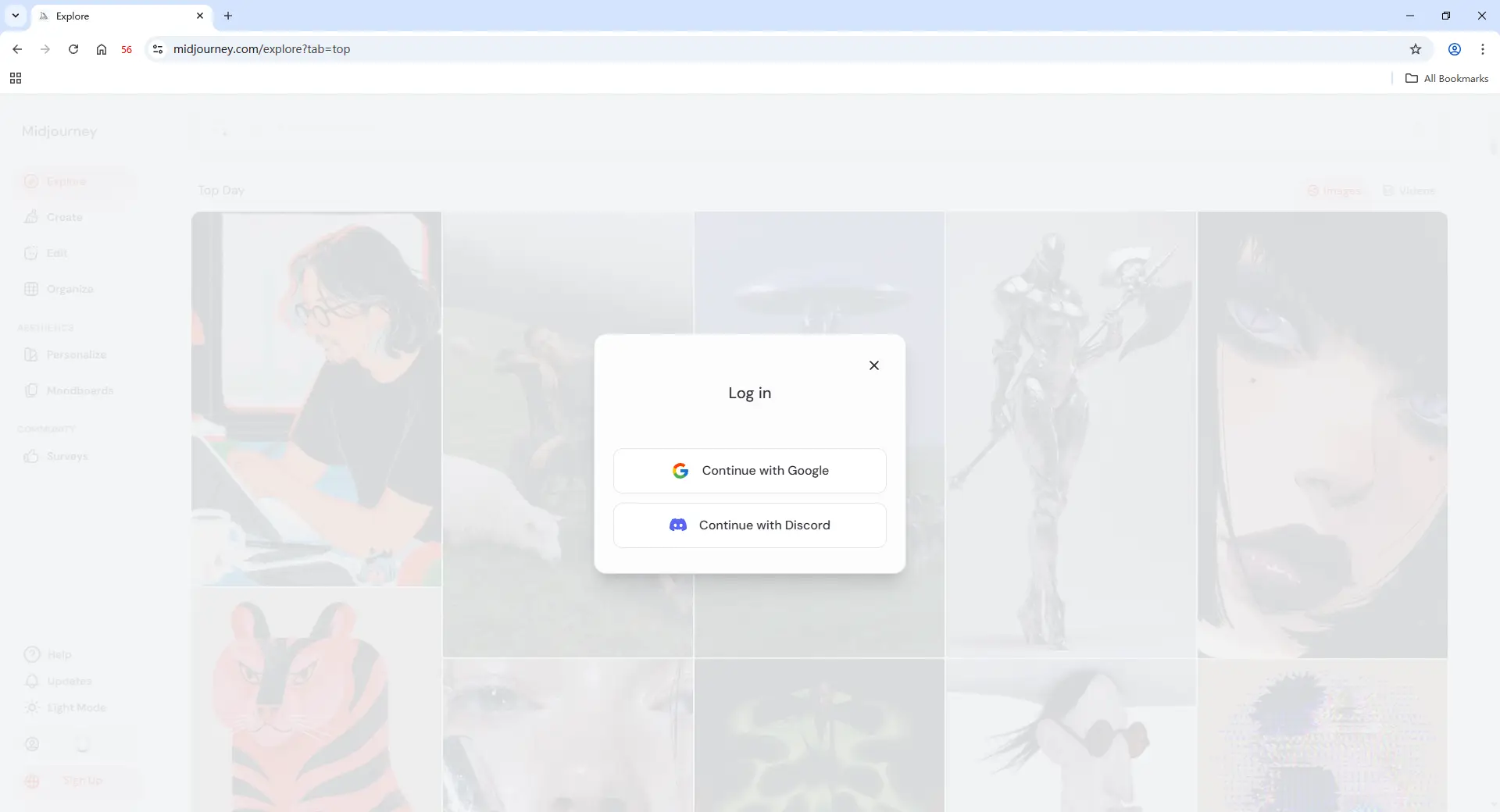
4. Log In to Midjourney and Save the Session
Open the Profile and log in to Midjourney using the account owner's normal login method. After the session is saved, assigned teammates can access the Profile without receiving the owner's login credentials. This keeps the account session in one place instead of passing passwords, login links, or verification steps between team members.
5. Share the Profile With Selected Team Members
Use Profile sharing and team permissions to choose who can access the Midjourney Profile. For example, a design agency can provide regular access to internal designers while giving temporary access to freelancers working on a specific project. Teams can also limit access to sensitive browser areas when needed, keeping shared workflows more organized.
6. Manage Access and Review Activity
Team members and projects change over time. Remove Profile access when a collaborator no longer needs it and review shared activity through Operation Logs when managing multiple users.
What Are the Best Practices for Sharing a Midjourney Account With a Team?
The best way to share a Midjourney account with a team is to create clear rules around access, roles, and workflow. A shared account works better when teams manage how people use it, not just who has the password. Teams sharing Midjourney access should consider these practices:
- Define team roles before sharing access: Decide who creates images, who reviews outputs, and who manages the account. This avoids unnecessary access for people who only need to provide feedback.
- Keep prompts and assets organized: Use clear naming rules for prompts, projects, and generated images. This makes it easier for different team members to find and reuse creative work.
- Limit access based on actual needs: Not every collaborator needs long-term access. Temporary members, freelancers, or clients should only receive access when required.
- Review access regularly: Remove access when a project ends or a team member no longer works on Midjourney tasks. With a managed Profile workflow, teams can update shared access more easily.
- Keep shared workflows separated: For teams managing multiple creative projects, using separate browser Profiles with tools like DICloak can help keep different sessions and workflows organized.
The goal of account sharing is not to let everyone use the same login freely. It is to build a simple workflow where each person has the access they need while the team keeps control over the account and creative assets.
Frequently Asked Questions About Sharing a Midjourney Account With Your Team
Can you share a Midjourney account with your team without sharing passwords?
Yes, teams can share Midjourney access without directly sending login credentials, but the best method depends on how the team works. For simple collaboration, teams can use shared Discord workflows or separate accounts. For teams that need access to an existing Midjourney session, a managed browser Profile can keep the session in one place and allow selected members to access it without receiving the account password. An Antidetect Browser like DICloak can help teams manage shared Profiles, permissions, and access more efficiently.
Is it better to share one Midjourney account or buy separate accounts for each team member?
It depends on how often each person uses Midjourney. Sharing one account may work well for small teams where only a few members occasionally create images. However, teams with multiple full-time designers often benefit from separate accounts because each person can manage their own workflow without depending on others. A simple way to decide is to consider usage needs: occasional users usually need access, while daily creators usually need independent workflows.
Why is sharing a Midjourney password not the best option for teams?
Sharing a password gives access, but it does not provide team management. When multiple people use the same login, teams may struggle with access control, member changes, and keeping creative work organized. For example, if a freelancer joins one client project, sending the account password makes it harder to remove access later. A managed access workflow, such as sharing a dedicated browser Profile with controlled permissions, gives teams more flexibility.
Can multiple people use the same Midjourney account at the same time?
Multiple people may need to access the same Midjourney workflow, but simultaneous usage can create workflow challenges. Teams should decide whether they need concurrent access or whether members can take turns using the account. If several teammates need to work from the same Profile at the same time, solutions that support shared browser sessions and access management can help organize the workflow. For example, DICloak supports features like Profile sharing and Multiple sessions for teams that need a more structured way to manage shared access.
What is the best way for agencies to share Midjourney access with freelancers or remote teams?
Agencies should avoid treating every collaborator the same. Full-time designers may need regular access, while freelancers or clients may only need temporary access for specific projects. A better approach is to create clear access rules, use dedicated profiles for different workflows, and remove access when a project ends. Using an Antidetect Browser like DICloak can help agencies organize shared browser Profiles, control team permissions, and manage access changes as projects and team members change.
Conclusion
Sharing a Midjourney account with a team is not just about giving people a login. The real challenge is managing access, workflows, and team changes as more people collaborate. Different teams may need different solutions, from Discord-based collaboration and separate subscriptions to managed browser Profiles for shared access. For teams that need to share an existing Midjourney workflow, a structured access system is usually more practical than passing passwords between members. Using dedicated browser Profiles, controlled permissions, and clear team rules can help agencies, remote teams, and freelancers manage shared Midjourney access more efficiently while keeping their creative workflow organized.
 Web Proxy Tools
 Free Tools
 Cookie Plugin
 UA Generator
 MAC Address Generator
 IP Generator
 IP Address List
 2FA Code Generator
 World Clock
 Anonymous Check
 WebRTC Leak Test
 UUID Generator
 Free Web Proxy Site
 Proxy Checker
 FB Ad Checker
 AI Web Scraping
 Free SMM Tools
 Twitter Shadowban Checker
 Instagram Name Checker
 UTM Generator
 Username Generator
 AI Hashtag Generator
 LinkedIn Headline Generator
 Social Media Image Resizer