Struggling to keep track of several Gmail inboxes and hunting for key messages lost among numerous open browser windows? Do you frequently send emails from the incorrect address?
You're not alone. Professionals across various fields—business owners, sales staff, recruiters, freelancers, social media managers, content creators, email marketers, and others—encounter these challenges daily. If you've ever wondered 'how many Gmail accounts can I have,' thankfully, solutions exist to simplify handling multiple Gmail accounts. Continue reading to discover the most suitable approach for you.
Managing Several Gmail Accounts Within The Gmail Application If You Wonder How Many Gmail Accounts Can I Have
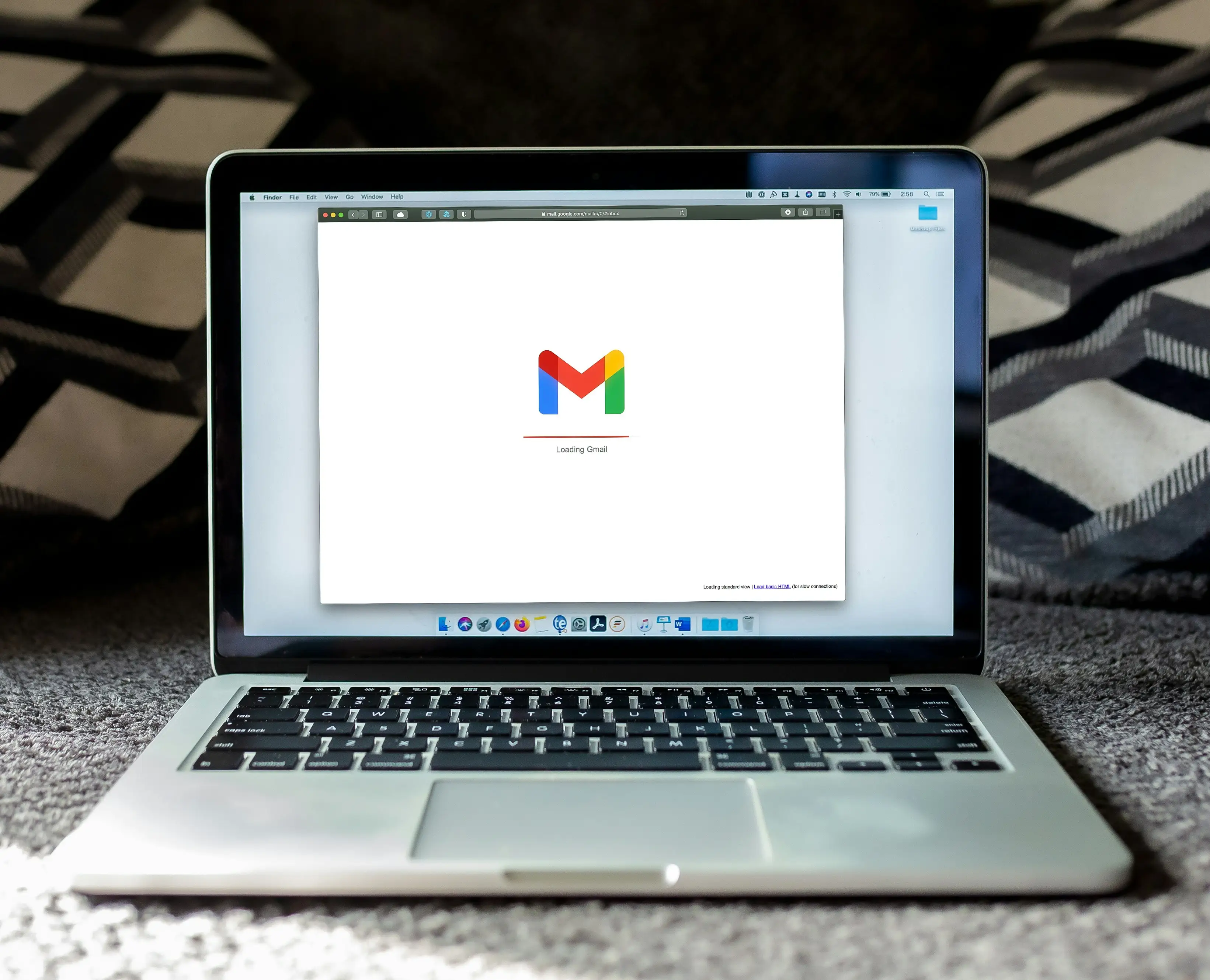
Handling your Gmail accounts works the same way regardless of your device or web browser. The process involves just two steps:
- Sign in to one of your accounts within Gmail.
- Tap your profile picture in the upper-right corner of the screen and sign in to your subsequent account.
If you require multiple email addresses under Gmail, you can utilize the built-in functionality. Navigate to Settings > See all settings > Accounts and Import > Send mail as > Add another email address. There you go! You can now receive emails for multiple addresses in a single inbox. The main limitation here is that you can add a maximum of 5 alternative email addresses per Google account.
Alternatively, you can connect inboxes from different accounts to your primary Gmail account. This lets you view emails from all connected accounts in one location without limits. Watch this video for instructions on merging your inboxes.
After combining your Gmail accounts, you can organize your emails using multiple inboxes. Essentially, this allows you to create personalized sections within your main inbox to separate messages from different sources.
While the native ways to operate multiple Gmail accounts are simple and cost nothing, they present certain difficulties:
- Creating and remembering unique passwords for every account.
- Keeping all profiles active to prevent account deactivation.
- Differentiating between your personal and professional accounts.
- Dealing with multiple segregated inboxes.
- Verifying you're using the correct identity when replying.
- Ensuring timely responses to all correspondence.
- Managing security risks. Should one account be compromised, Google might lock the affected one and any linked accounts.
- Sharing Gmail access with team members or clients.
If you're wondering how many Gmail accounts can I have, the answer is straightforward: there's no strict limit, but managing multiple accounts effectively requires careful consideration of the above challenges.
Security Considerations for Multiple Gmail Accounts When You Wonder How Many Gmail Accounts Can I Have
Google does not officially forbid having multiple Google accounts, so possessing several Gmail addresses for business and personal use does not break the platform's Terms of Service.
However, users sometimes run into these issues:
- Breaching platform guidelines. If Google deems specific actions abusive (like sending numerous emails from a freshly made account), your accounts might get disabled if accessed from a single device. Similar to many online services, Google can track and block all associated accounts based on your digital footprint.
- Gmail account verification. The platform permits using the same phone number to verify several accounts. Nevertheless, using a distinct phone number for each account offers better protection—if one account is suspended, Google will have a harder time identifying and banning your others.
- Use of virtual phone numbers. Google's systems might flag your verification number as a virtual one previously used by spammers. If the platform connects you with such users, it could restrict or suspend your Gmail account, potentially taking down your other accounts as well.
Reference: Your digital identity is the unique collection of data traces you leave online. These digital markers include your IP address, hardware model, operating system, installed extensions, fonts, time zone, and other device-specific parameters.
In short, Google's automated systems detect that one person is running multiple accounts from the same device, which could lead to suspension. If you're asking how many Gmail accounts can I have, it's important to be aware of these potential security risks when managing multiple accounts.
More Effective Ways to Manage Several Gmail Accounts After You Know How Many Gmail Accounts Can I Have
Below, we rank more efficient methods for handling multiple Google accounts, starting from the least practical and safe to the most practical and secure.
Using Separate Chrome Profiles
The concept is to dedicate one Chrome profile to each Gmail account. If you already have a profile, confirm it's associated with only one Google account.
Click your profile icon in the upper-right part of the Gmail interface, sign out of any secondary accounts, and then choose the Remove option.
You can assign a unique picture to each browser profile to easily tell your multiple Gmail accounts apart. The drawback of managing them this way is the lack of ability to organize, label, group, or easily share your Gmail accounts.
To somewhat safeguard your multiple accounts from Google suspensions, you can implement a proxy for each browser profile. However, this means manually changing to a different IP address every time you use a specific Gmail account to prevent them from being linked. Changing proxies is generally cumbersome and tedious without specialized software.
Utilizing Third-Party Email Software
Drag is an extension that functions as a shared inbox overlay within Gmail. This enables every team member to use their own credentials to manage the same email address from a unified workspace.
Furthermore, the application provides Kanban views, integration with Google Calendar, automated workflows, team chat, and marketing insights.
Despite being a useful management tool, Drag doesn't mask your digital identity. If one account is penalized for questionable activity, the others remain vulnerable.
Additionally, Google might suspend or ban your Gmail account if it flags the extension you are using as suspect or spam-like.
Adopting a Multi-Login Browser
A multi-login browser is a user-friendly application designed to create a distinct digital persona for every browser session. This means each session on your computer possesses a unique digital signature, leading Gmail to perceive them as activity from different individuals. This feature helps shield your numerous Gmail accounts from abrupt bans.
Beyond security, a multi-login browser enables you to handle 50, 500, or even 5000 accounts from one streamlined window. You can also tailor how you organize your numerous profiles for a more efficient workflow—for example, by creating groups, adding notes, or filtering based on various criteria.
If you're wondering how many Gmail accounts can I have, using a multi-login browser like DICloak can help you manage and protect multiple Gmail profiles effortlessly.
Selecting Your Strategy for Handling Several Gmail Addresses After You Know How Many Gmail Accounts Can I Have
The standard Gmail application works well if you only have a small number of Gmail inboxes that aren't typically swamped with hundreds of pressing new messages. In this situation, utilizing distinct Chrome user profiles is a more secure approach, as you can assign proxies to each Gmail profile (just be sure to use different IP addresses each time you access one of your accounts).
Should you manage ten or more Gmail inboxes and need to share your workspace with coworkers, then third-party email add-ons are at your disposal.
Lastly, if you operate multiple Gmail accounts for commercial activities and desire the highest level of ease, protection against abrupt service interruptions, and streamlined account organization, opt for a multi-session browser like DICloak.
Get DICloak without cost and handle numerous accounts while avoiding bans!
Why choose DICloak Antidetect Browsers for your business?
⚡The DICloak Antidetect Browser has become a global favorite for its unparalleled ability to efficiently and securely manage multiple accounts. Designed for professionals in social media management, affiliate marketing, traffic arbitrage, e-commerce, account farming, airdrops, and more, DICloak offers powerful features like RPA automation, bulk operations, and a synchronizer. Additionally, it allows you to customize fingerprints and integrate proxies for each profile, ensuring top-level security and operational efficiency. It’s the ultimate tool for seamless, secure, and scalable operations.

What Makes DICloak Stand Out?
✅ Manage 1,000+ Accounts on One Device: Stop wasting money on extra hardware! DICloak allows you to manage multiple accounts on a single device, cutting costs and boosting efficiency.
✅ Guaranteed Account Safety, No Ban Risks: Every account gets its own isolated browser profile with custom fingerprints and IPs, drastically reducing the risk of bans. Your accounts, your control!
✅ Flexible Proxy Configuration for Maximum Performance: Seamlessly integrate with all major proxy protocols (HTTP/HTTPS, SOCKS5) and manage your proxy pool with bulk operations. No more struggling with IP management—DICloak has you covered.
✅ Streamlined Team Collaboration for Better Results: Easily manage your team with advanced tools like profile sharing, permission settings, data isolation, and operation logs. Your team works smarter, not harder.
✅ Automate the Grind with RPA: DICloak's built-in RPA saves you hours of manual work. Automate repetitive tasks, streamline workflows, and focus on what really matters—growing your business.
✅ Powerful Bulk Tools to Scale Your Operations: Create, import, and launch multiple browser profiles in one click. DICloak makes scaling your business as easy as it gets.
✅ Compatible with All Major Operating Systems: Based on the Chrome core, DICloak supports simulating Windows, Mac, iOS, Android, and Linux operating systems. No matter what platform you need, DICloak has you covered.
🔗 Ready to Get Started?
Visit the DICloak website to explore more details and choose the plan that’s right for you. Start for free today and experience the power of secure, efficient, and scalable multi-account management!
Google's Recent Enhancements for Gmail in 2025
Streamlined End-to-End Encryption in Gmail:
In April 2025, Google rolled out a new encryption method for Gmail, enabling enterprise clients to send end-to-end encrypted (E2EE) correspondence with minimal hassle. Users can now toggle message encryption on or off while composing, simplifying tasks like exchanging certificates or using supplementary tools. Although initially restricted to internal organizational emails, this feature is slated for wider availability to all Gmail users, including those using external email providers, later this year.
Transitioning 2FA from SMS to QR Codes:
To bolster user security, Google is substituting SMS-based two-factor authentication (2FA) for Gmail accounts with QR code verification. This adjustment lessens the risks associated with phishing and SIM-swapping attacks that target SMS code vulnerabilities. Authentication will now occur by scanning a QR code with the phone's native camera application, offering improved security and user convenience. This update is anticipated to commence in the upcoming months.
Integration of AI-Powered Capabilities in Gmail:
As part of the 2025 Gmail update, users will gain access to advanced artificial intelligence functionalities designed to elevate their experience. These new additions encompass smart calendar scheduling, advanced email sorting, and more sophisticated automated response options. Such innovations allow users to oversee various accounts within a single application by automating routine tasks and prioritizing crucial communications.
Strengthened Safeguards for Multi-Account Operations:
Responding to evolving cyber threats, Google has introduced more sophisticated layered authentication protocols and reinforced internal defenses against phishing. These protections are particularly vital for individuals handling several Gmail addresses, as they help secure all accounts and prevent unauthorized entry.
Common Inquiries Regarding Multiple Gmail Boxes
Is It Permitted To Maintain Several Gmail Addresses?
Yes, absolutely. Google places no restriction on the quantity of Gmail addresses an individual can register. Provided you adhere to the platform's stipulations, you are free to create and keep as many accounts as needed.
How Do I Set Up Multiple Gmail Addresses?
- Navigate to the Gmail main page.
- Log into an existing profile or establish a new one.
- Tap on your profile picture or icon located in the top right corner.
- Select "Add account."
- Log into your secondary profile or register a new one.
Can I Consolidate Multiple Gmail Addresses Into One Inbox?
Yes, the initial step involves unifying all your Gmail accounts into a single inbox. Following that, you can configure multiple inbox sections to sort emails within your combined inbox. Go to Settings > See all settings > Inbox. Choose "Multiple inboxes" for the "Inbox type" and assign labels to the sections. Finally, drag messages into their designated areas and save the changes.
Is Creating 100 Gmail Accounts Feasible?
In theory, yes, but bulk account creation can trigger requirements for phone/SMS verification, encounter rate limits, and possibly lead to account suspension. If you truly require a large volume of accounts, create them gradually over time, ensure each has unique recovery details and consistent device/profile/IP settings, and strictly follow Google's usage guidelines (avoiding spam or automated misuse).
What is the Upper Limit for Gmail Addresses I Can Own?
Google does not publicly state a firm maximum on the number of Google accounts an individual can possess. You can remain signed into several accounts and switch seamlessly between them in Gmail. In practice, the actual constraints come from verification checks and anti-abuse systems; if you encounter errors, reduce activity and verify your identity. If you're wondering how many Gmail accounts can I have, Google's limitations are not strict, but practical considerations may apply.
What is the Simplest Method for Handling and Switching Between Many Gmail Addresses?
Gmail's inherent account selector allows you to stay logged into several addresses and rapidly switch between them—simply click your profile icon in Gmail and choose "Add account." For more demanding requirements, specialized multi-accounting utilities can be beneficial; for instance, DICloak enables you to run scores of Gmail addresses in a single control panel, each within its own segregated environment.
How Can I Manage Multiple Gmail Accounts Without Them Being Interconnected or Flagged?
To maintain true separation between Gmail accounts, utilize an anti-detecting browser such as DICloak. This software generates unique browser profiles complete with distinct digital fingerprints and IP addresses for every account, leading Google to perceive them as separate users. This is optimal for overseeing numerous Gmail addresses without risking account association or service bans.
 Web Proxy Tools
 Free Tools
 Cookie Plugin
 UA Generator
 MAC Address Generator
 IP Generator
 IP Address List
 2FA Code Generator
 World Clock
 Anonymous Check
 WebRTC Leak Test
 UUID Generator
 Free Web Proxy Site
 Proxy Checker
 FB Ad Checker
 AI Web Scraping
 Free SMM Tools
 Twitter Shadowban Checker
 Instagram Name Checker
 UTM Generator
 Username Generator
 AI Hashtag Generator
 LinkedIn Headline Generator
 Social Media Image Resizer