- ResourcesOnline Tools



EN

As a social media marketer, Facebook is my go-to platform for connecting with friends, family, and clients—it's where I manage campaigns, engage audiences, and build relationships. However, since Facebook split Messenger from its main mobile app years ago, users have been forced to download a separate app just to check messages.
While Messenger is convenient for many, not everyone wants or can use the app. Whether due to device limitations, privacy concerns, or simply preferring a clutter-free workspace, there are times when accessing Facebook Messenger on a web browser becomes essential. In this article, we will cover several ways to open Facebook Messenger without app and a useful tool to help you manage multiple accounts.
Facebook Messenger is Meta’s messaging service. It lets people send text messages, share photos, send voice notes, make voice calls, and start video chats with friends, family, or work contacts. Meta describes Messenger as a place to connect through messages and calls, and its official feature pages highlight tools like audio, video, and group communication. In simple words, it is the chat part many people use when they want to talk on Facebook without scrolling the full social feed.
The first place to access Facebook Messenger will appear when your Facebook app dashboard opens up. Tap on the lightning bolt Messenger icon, and you will be prompted to download the Facebook Messenger app onto your phone. The same icon will appear in the upper right corner of your Facebook account page on your desktop via Facebook.com.
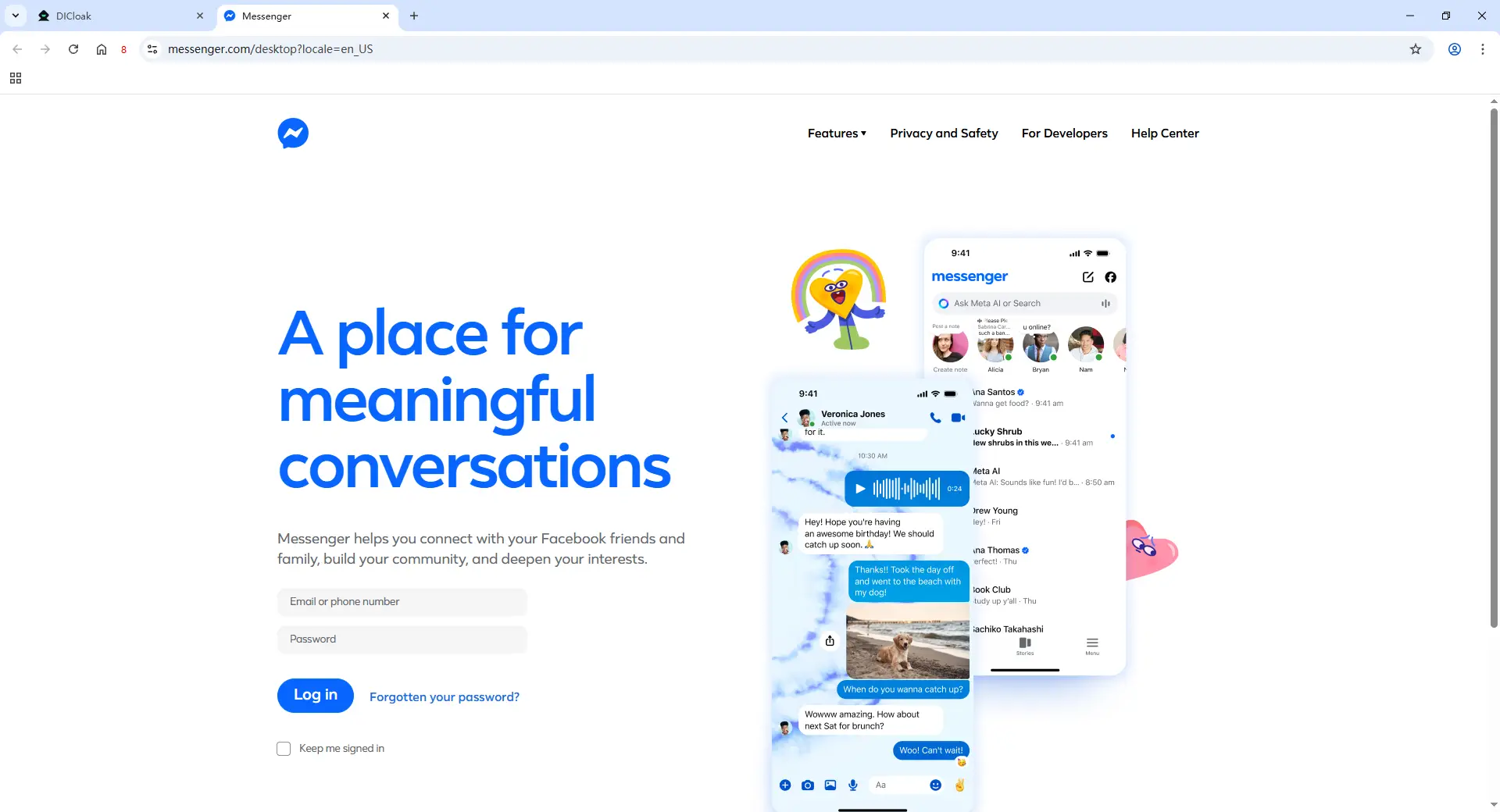
After you have established your Facebook account, you can access Facebook Messenger on your desktop from your Facebook page. You can also access Facebook Messenger at Messenger.com. Just enter your Facebook login credentials, and you can access Facebook Messenger in all its useful glory minus your Facebook feed and Facebook page. You can also download the Messenger desktop app for either an iOS or Microsoft desktop. From the Facebook Messenger desktop app, you can send text messages, video chat, send and receive photos and videos, and make unlimited calls.
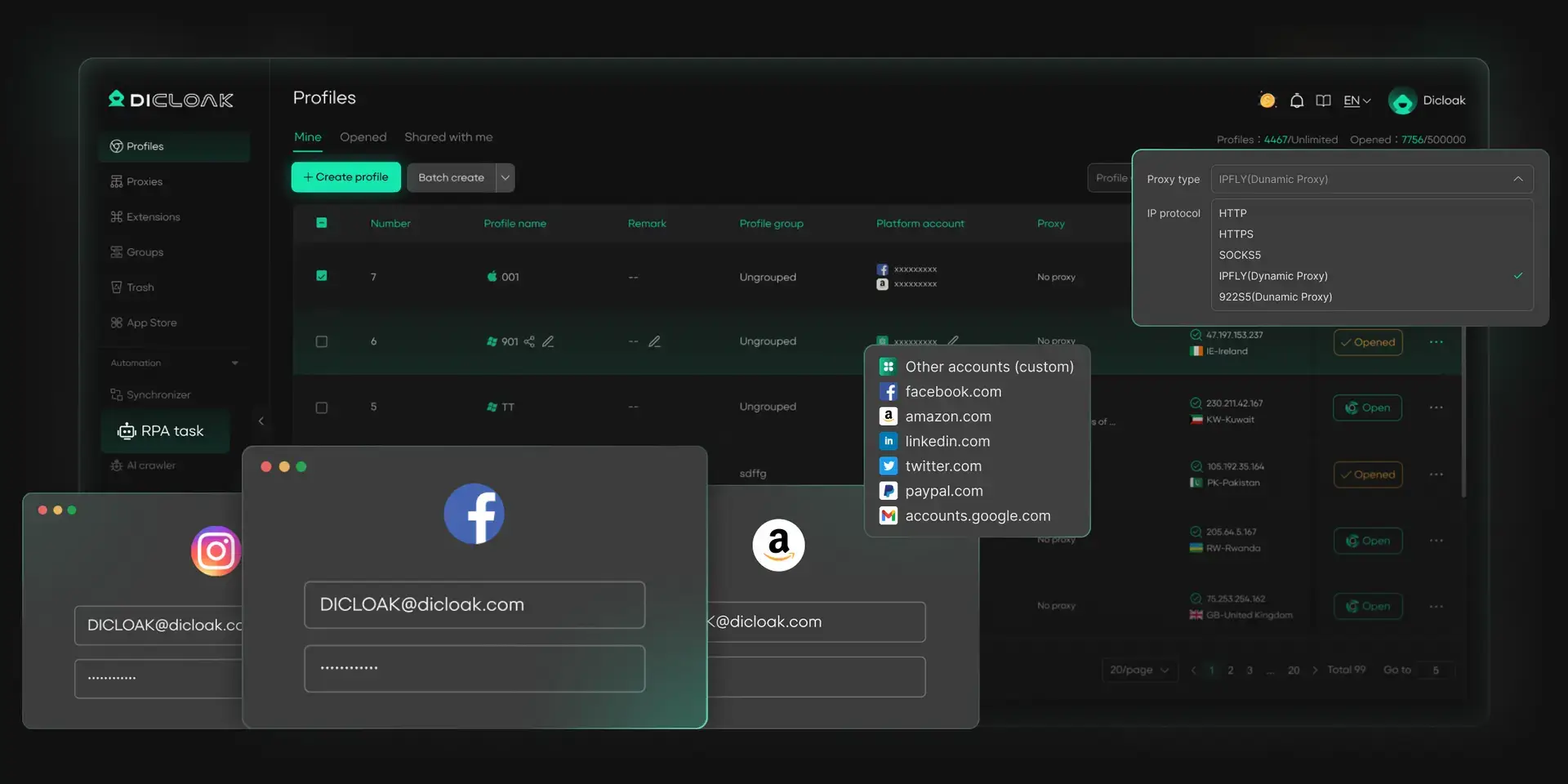
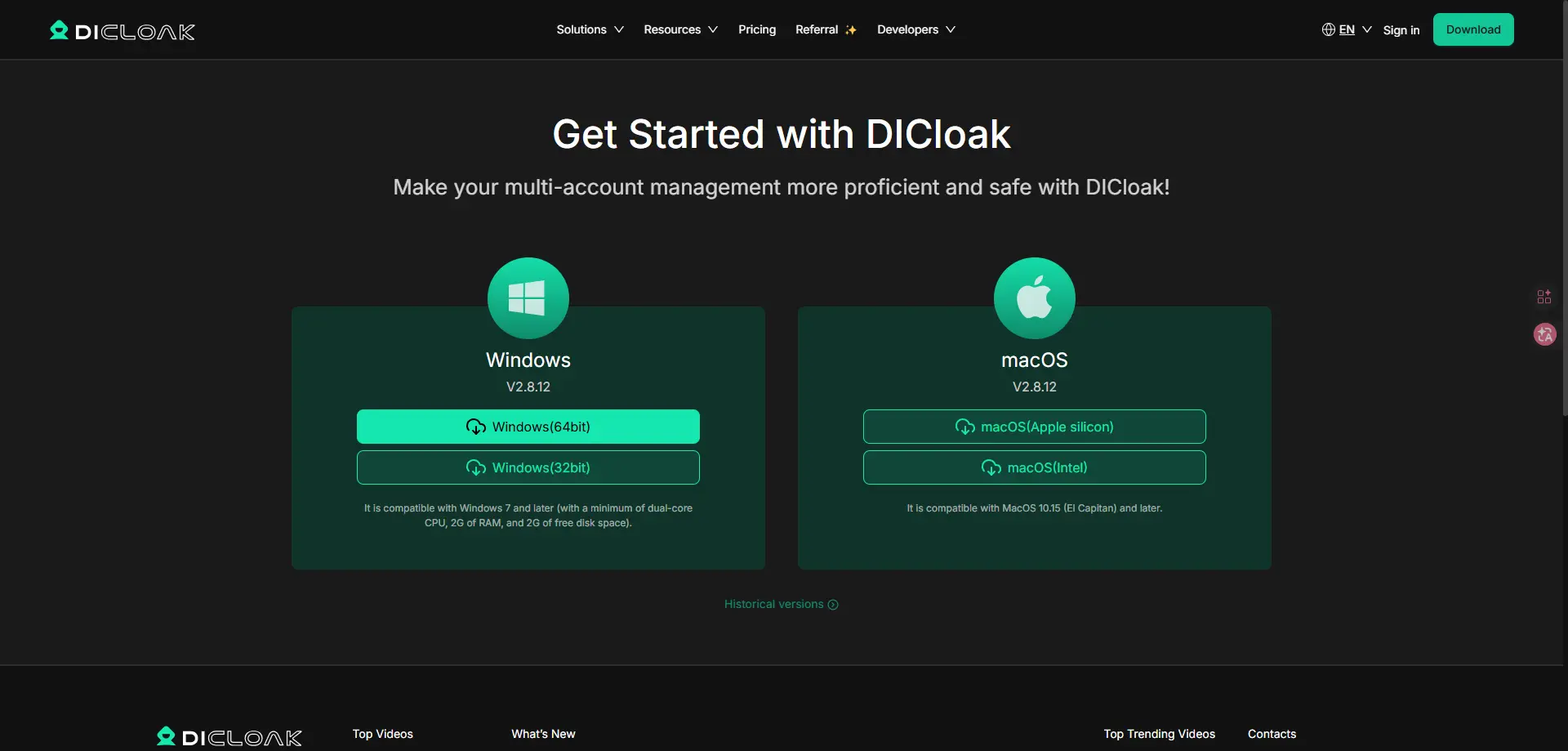
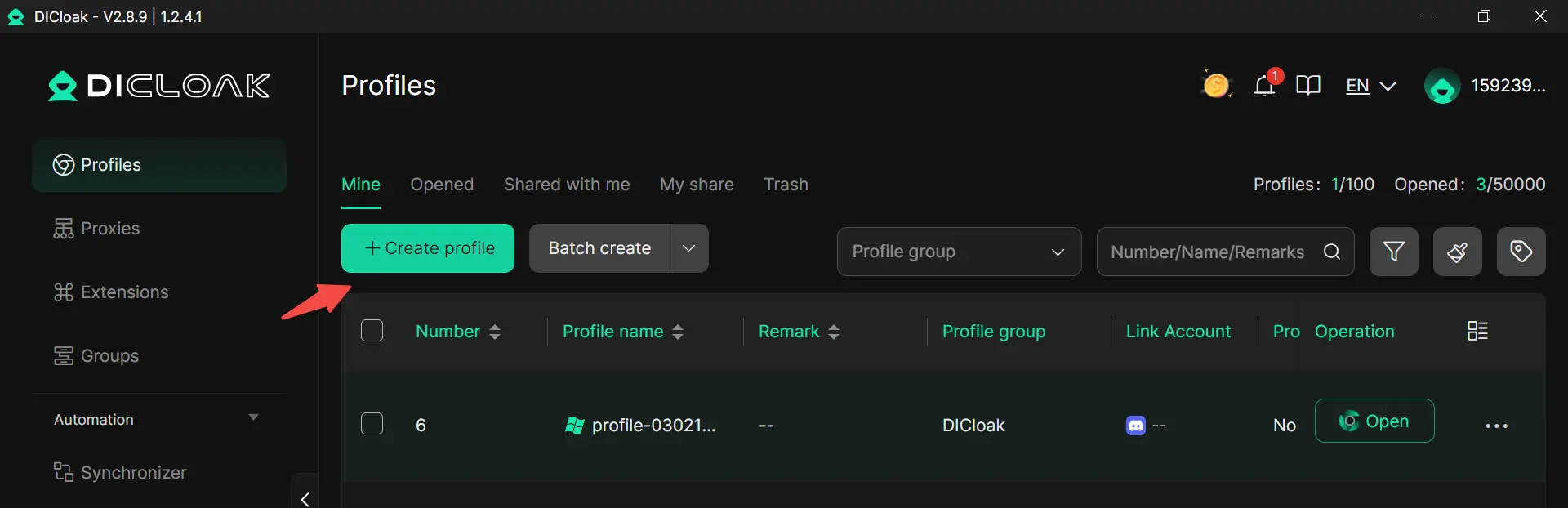
Another practical way to do this is by using DICloak, especially when you have to manage multiple accounts. Instead of opening everything in one normal browser window, you can create separate browser profiles for different Facebook or Messenger accounts. After that, open the Messenger web version inside each profile and log in to the right account. This makes Messenger login without app much easier because each profile keeps its own login session, cookies, and browser data.
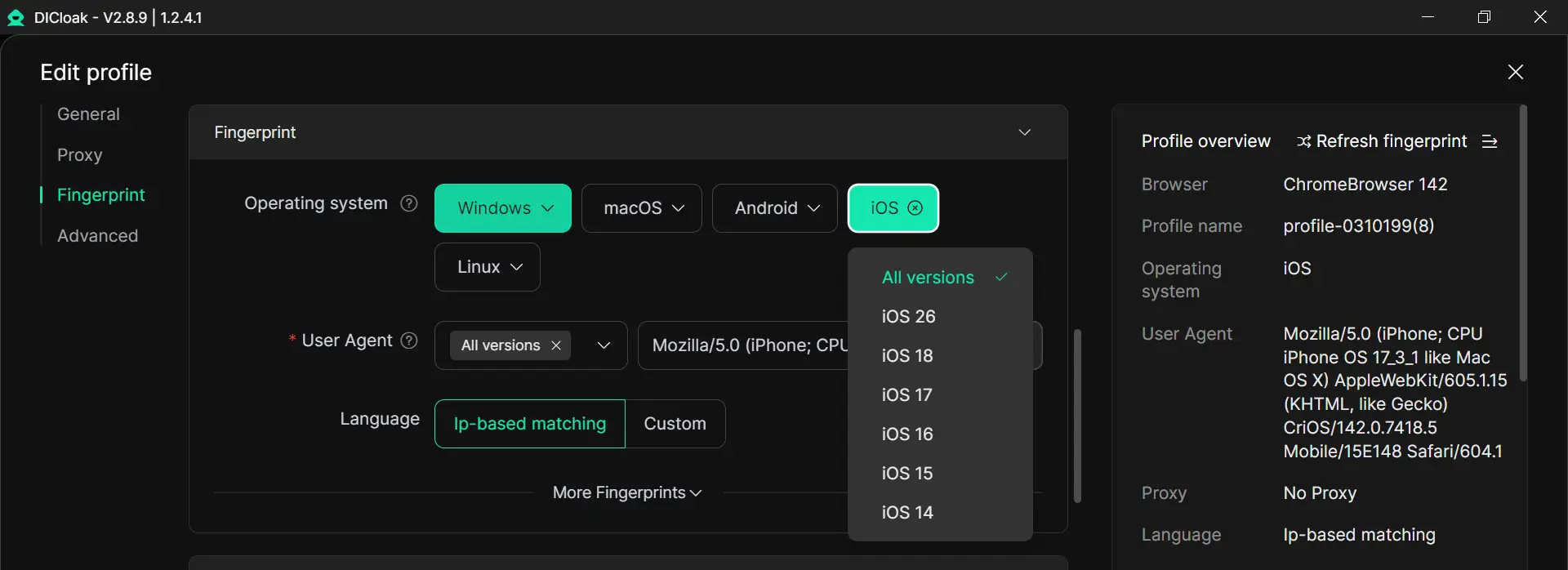
P.S. If you want to simulate a mobile system, then you can choose your OS as iOS/Windows. Then choose a specific version (e.g., Win 10, Win 11, iOS 26, iOS 18, etc.).
If you need messenger login without app for more than one account, DICloak offers tools that make the work easier and safer.
With DICloak, users can create different browser profiles for different accounts. Each profile keeps its own cookies, cache, and local login data. This helps people avoid mixing personal chats, client messages, and work accounts in the same browser profile
Users can add proxies when creating a profile, and it also supports batch proxy assignment. In simple terms, this helps each account keep its own network identity. For example, a support team that handles customer chats for different brands can assign one profile to one account, instead of opening everything in the same browser window. That gives a cleaner setup for messenger login without app and lowers the chance of account mix-ups.
Users can share browser profiles with team members, set permissions, and sync login state data such as cookies and local storage more securely. This is helpful when a business owner wants a staff member to reply to Messenger messages without giving away the main account password in an unsafe way.
DICloak provides RPA tools and templates for repeated browser tasks. That can help teams speed up routine steps around account setup or daily account operations. For users who rely on messenger login without app in a browser, this can make multi-account work more organized, especially when the same actions must be repeated across many profiles.
Opening Facebook Messenger without the app is not hard. For many people, the web version is a simple and useful choice, especially when they want to save phone space, work on a larger screen, or keep their workflow cleaner. For users who only need one account, logging in through the browser may be enough. But for people who handle several accounts, the setup can become messy very quickly. That is where DICloak becomes helpful. By separating browser profiles, configuring proxy, and making team access easier, it gives users a more organized way to manage multiple social media accounts. In the end, the best method depends on how you use Messenger, but if you need a safer and easier way to handle multiple accounts, DICloak is a practical option to consider.
Yes. You can use Messenger login without app on a computer by opening Messenger in a web browser. This is a simple option for people who want to send messages, reply faster, and use a larger screen without downloading the mobile app.
Yes. In most cases, Messenger login without app still requires a Facebook account. The web version lets you open and manage your messages without installing the app, but you still need valid login details to access your chats.
Yes, Messenger login without app can be safe for daily use when you sign in through the official web version and use a trusted device or browser. Many people choose this method when they want a cleaner workspace or do not want extra apps on their phone.
Many users choose messenger login without app because it helps save phone storage, reduces app clutter, and makes typing easier on a desktop or laptop. It is also useful for people who work, study, or manage messages for business in a browser.
Yes, but it can become confusing in a normal browser if you switch between accounts often. For people who need messenger login without app for several accounts, using separate browser profiles can make account management more organized and reduce the risk of mixing login sessions.