Seeing signs of a Snapchat hacked account can feel scary and stressful. One minute everything looks normal, and the next you may notice strange logins, changed account details, or even lose access completely. The good news is that in many cases, there are clear steps you can take to recover your account and make it safer. In this guide, you will learn why a Snapchat hacked problem happens, how to spot the warning signs, how to recover your account, and what you can do to protect it from future attacks.
Why Snapchat Hacked Happened
Many Snapchat hacked cases happen for a simple reason: the attacker did not “break” the app. They tricked the user first. This often starts with a fake login alert, a phishing link, or a message asking for a password or verification code. Once the user shares that information, the attacker can log in and take control of the account.
Another common reason is weak password habits. Many people reuse the same password on different apps. So if that password leaks somewhere else, a hacker may try it on Snapchat too. That is why a Snapchat hacked problem often starts outside Snapchat itself.
In short, Snapchat hacked incidents usually happen because of phishing, password reuse, or stolen login codes. The risk is even higher when email, phone number, or recovery settings are not well protected.
How can I tell if my Snapchat account’s been hacked
A Snapchat hacked account often shows small warning signs first. The most common one is a login alert you did not request. Snapchat says you may get an email, text, or in-app notice showing a login from a device, IP address, or location you do not recognize. That is often the first clue that someone else is trying to get in or already got in.
Another strong sign is that your account details change on their own. For example, your email, phone number, display name, or two-factor authentication settings may look different even though you never changed them. Snapchat also lists unusual Story posts, spam sent from your account, random new friends, or friends telling you they got strange messages from you as signs that the account may be compromised.
Sometimes the sign is more direct: you suddenly cannot log in. In some Snapchat hacked cases, the attacker changes the password first and locks the owner out. In other cases, Snapchat may lock the account for safety after detecting suspicious activity. A simple example is this: you open the app like normal, but your password no longer works, and then you see an account warning or lock message. That usually means something serious happened and should not be ignored.
Steps to Recover My Hacked Snapchat Account
Step 1: Reset your password right away
If your Snapchat hacked problem is still fresh, this is the first thing to try. On the login screen, tap “Forgot your password?” and choose reset by email or phone. Snapchat says this is the main first step when an account is compromised. In many cases, users can still get back in if the hacker has not changed the recovery details yet.
Step 2: Check whether your email and phone number are still yours
After you get in, open your settings and make sure the linked email address and mobile number are correct. Snapchat specifically tells users to confirm these details after a compromise. This matters because a hacker may change recovery info first, then lock you out again later.
Step 3: If you cannot log in, contact official Snapchat Support
If the password reset does not work, and your account is still inaccessible, use Snapchat’s official support path for compromised accounts. Snapchat says that if your account has been hacked and you can no longer access it, you should contact Support directly. A common real-life case is this: the user tries to reset the password, but the recovery email has already been changed. At that point, self-recovery may no longer be enough.
Step 4: If Snapchat locked the account, follow the lock process
Sometimes a Snapchat hacked account gets locked by Snapchat as a safety step. If the account is temporarily locked, Snapchat says you may be able to unlock it through the Snapchat Accounts Portal. If the app says the account was locked because it looked compromised, Snapchat tells users to contact Support.
Step 5: Change anything the hacker may still use
Once you are back in, do not stop at the password. Change it to a new one that you have never used before. Then review your recovery options and remove anything you do not recognize. This step is important because a Snapchat hacked account is not fully safe if the attacker still has access to the linked email, phone number, or recovery route. Snapchat also advises users to keep these details accurate so account recovery stays in their control.
Step 6: Turn on two-factor authentication for better protection
After recovery, add another layer of security. Snapchat recommends stronger safety steps such as keeping your login details secure and maintaining accurate recovery information. In practice, this means using a strong password and enabling extra login protection, so even if someone gets your password later, it is much harder for them to take over the account again.
Step 7: Ignore anyone who says they can “unlock” your account for you
This is very important. Snapchat warns that the only legitimate way to unlock an account is through Snapchat’s own process. Scammers may claim they can restore a Snapchat hacked account fast, but that often leads to more loss, more stolen data, or money scams. Always use official Snapchat tools and support pages only.
How can I protect myself from future Snapchat Hacked
Use a strong and unique password
The best way to avoid a Snapchat hacked problem is to start with your password. Do not reuse passwords from other apps. If one site gets leaked, hackers will try the same password on Snapchat. Use a mix of letters, numbers, and symbols. A simple example: instead of “john123”, use something longer like “John!Snap2026#Safe”.
Turn on two-factor authentication (2FA)
Snapchat recommends adding extra login protection. With 2FA, even if someone knows your password, they still need a code from your phone or app. Many real users say this step alone stopped repeat Snapchat hacked attempts after they recovered their account.
Do not click suspicious links or messages
Most Snapchat hacked cases start with phishing. For example, you may get a message saying “Your account is at risk—log in now.” These links often lead to fake login pages. Always go directly to the official Snapchat app or website instead of clicking links.
Keep your email and phone secure
Your Snapchat account is linked to your email and phone number. If those are not safe, your account is not safe either. Change your email password regularly and enable 2FA there too. In some real cases, users lost Snapchat access because hackers first took over their email.
Review your account activity often
Check your settings from time to time. Look for unknown devices, strange login alerts, or changes you did not make. Catching these early can stop a full Snapchat hacked situation before it gets worse.
Never share your login or verification code
Snapchat clearly states it will never ask for your password or verification code. If someone asks for it—even if they pretend to be support—it is a scam. Many Snapchat hacked cases happen because users share codes without realizing the risk.
Secure Multi-Account Management for Social Media With DICloak
Managing more than one account can increase the risk of a Snapchat hacked issue if everything runs in the same browser and environment. When accounts share the same device, cookies, and fingerprints, platforms may link them together. If one account is exposed, others may also be affected. This is a common problem for users who handle multiple Snapchat or social media accounts for work, testing, or marketing.
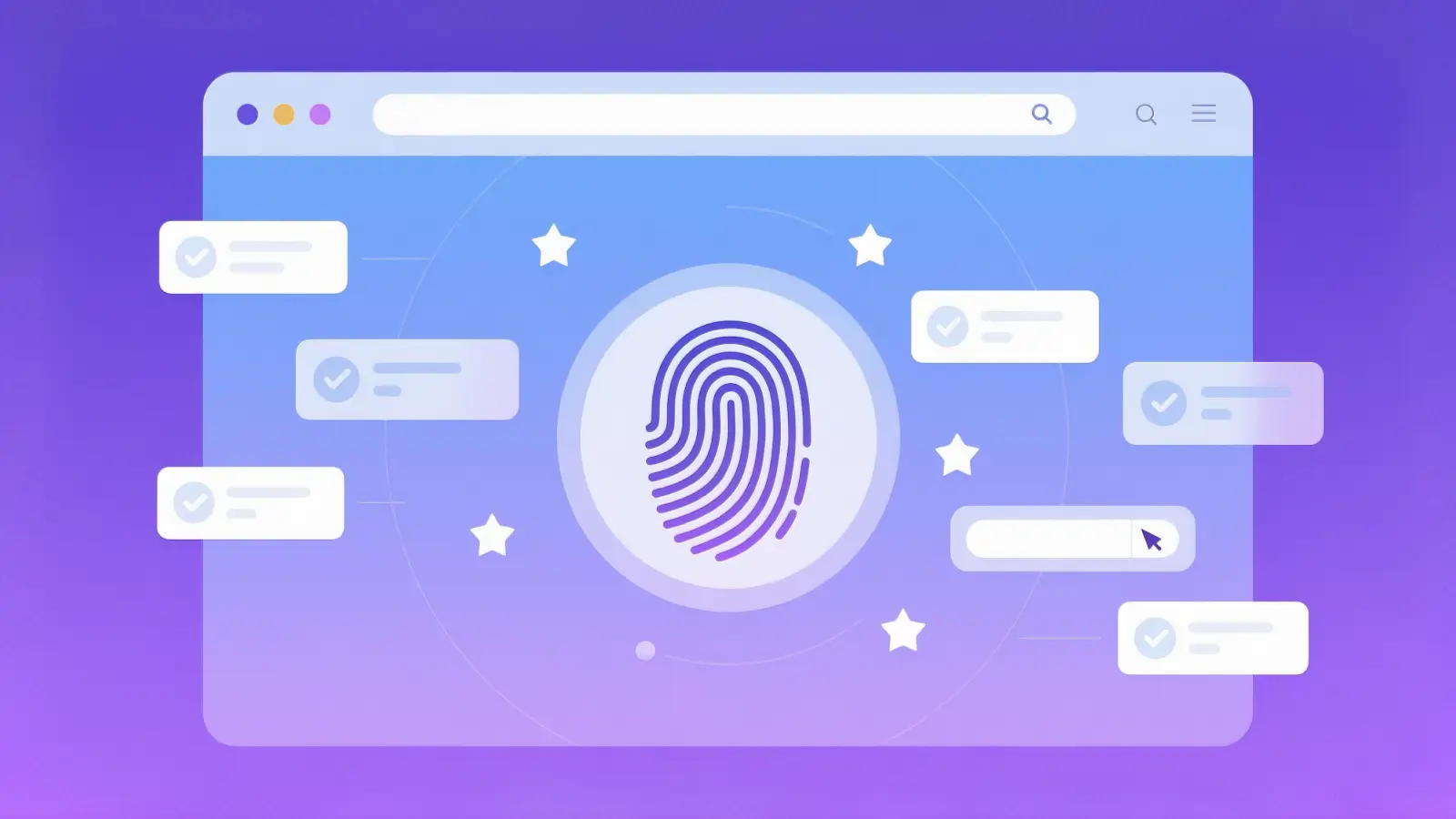
DICloak helps reduce this risk by creating a separate browser profile for each account. Each profile runs with its own fingerprint, storage, and session data. This means one account stays isolated from another. In a real scenario, if one account faces a Snapchat hacked issue, the others are less likely to be impacted because they do not share the same environment.
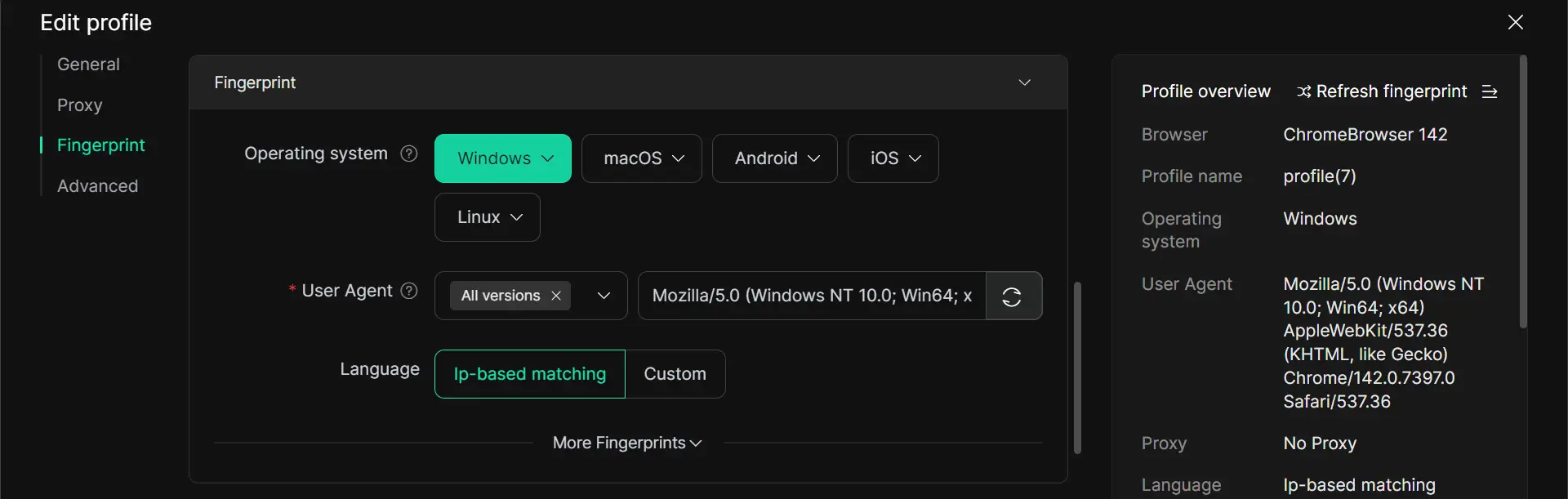
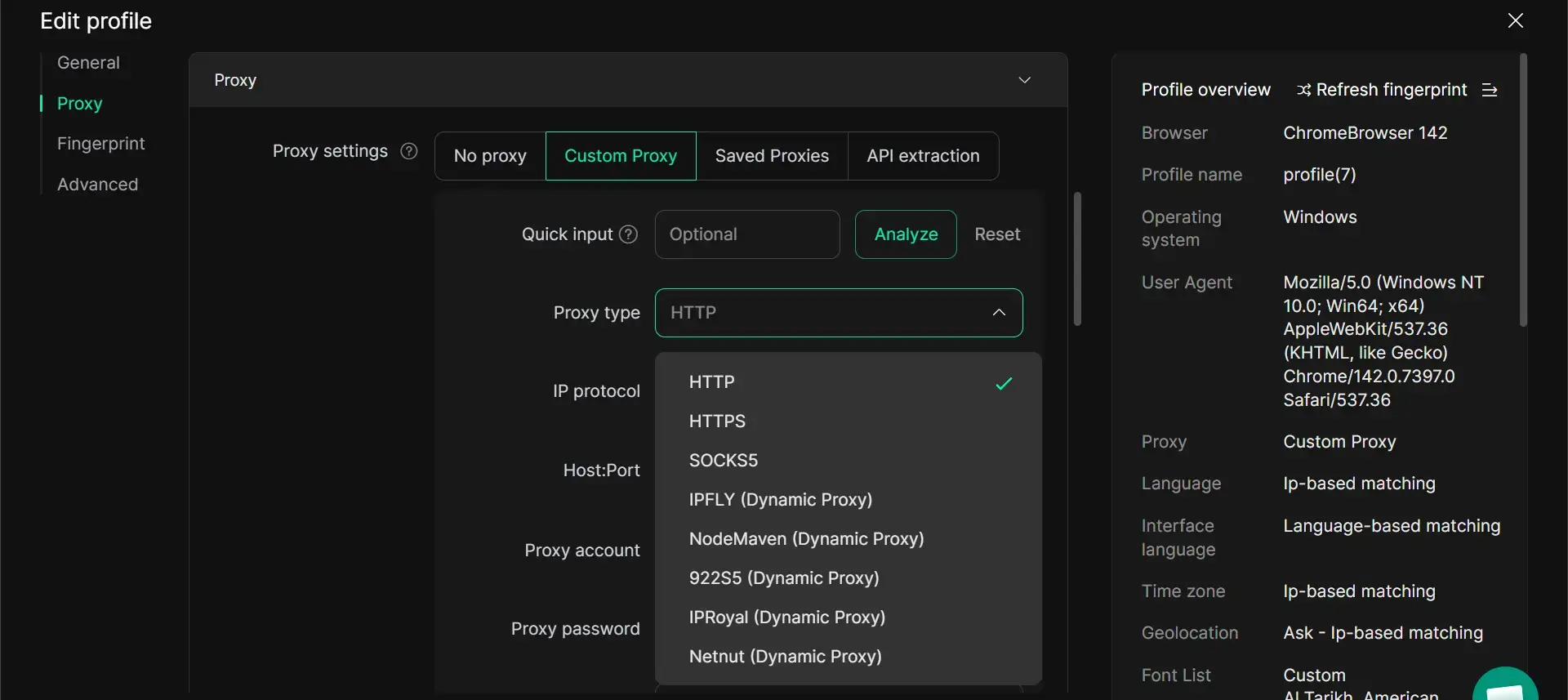
Another key feature is flexible proxy configuration. Each browser profile allow uers configure their own proxy, helping keep login locations consistent. This reduces suspicious signals like sudden location changes, which can trigger security checks or account risks on platforms like Snapchat.
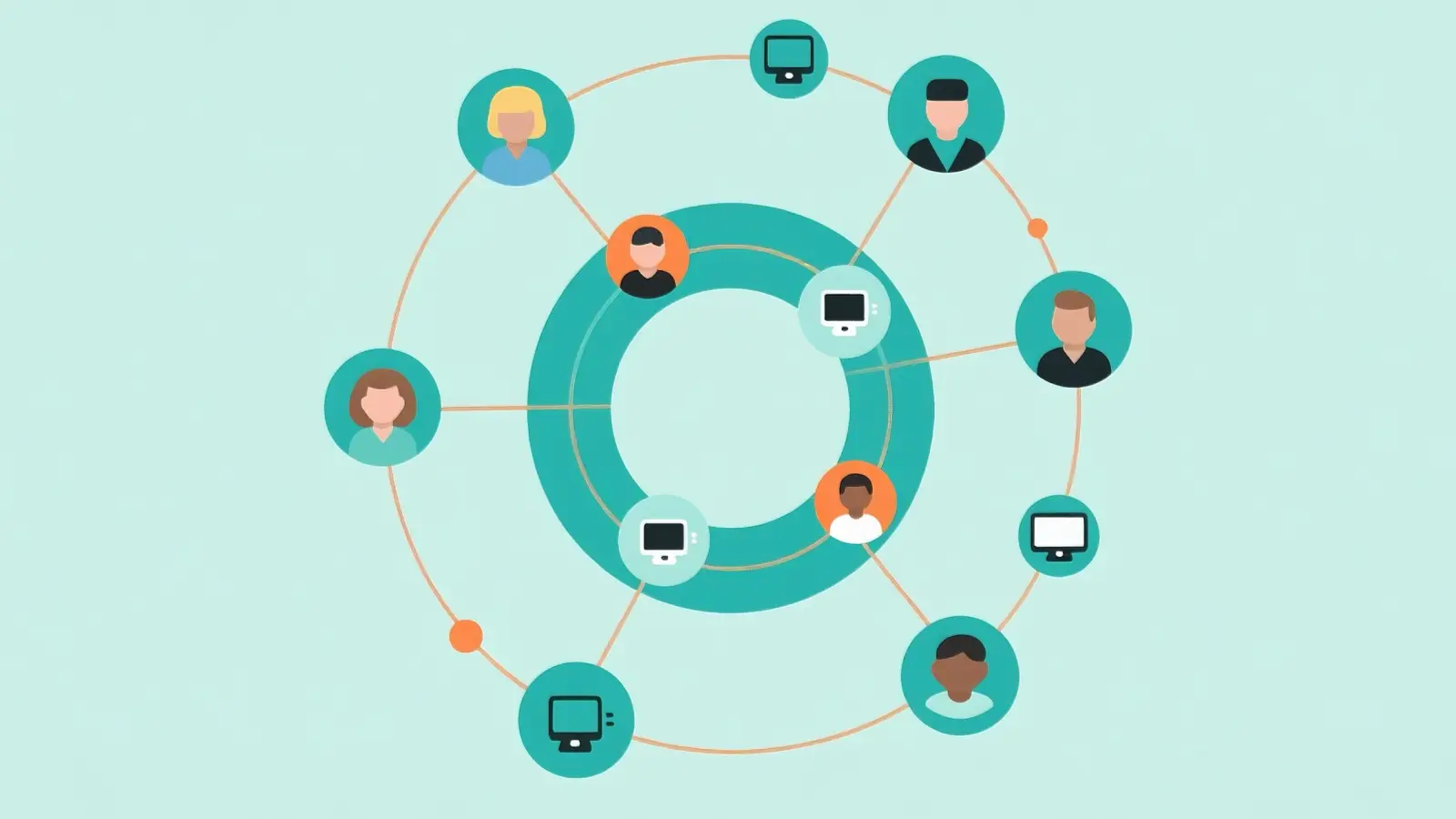
DICloak also supports team collaboration and controlled access. Teams can manage multiple accounts without sharing passwords directly. This lowers the chance of human error, such as accidental logins or unsafe password sharing, which are common causes behind Snapchat hacked cases.
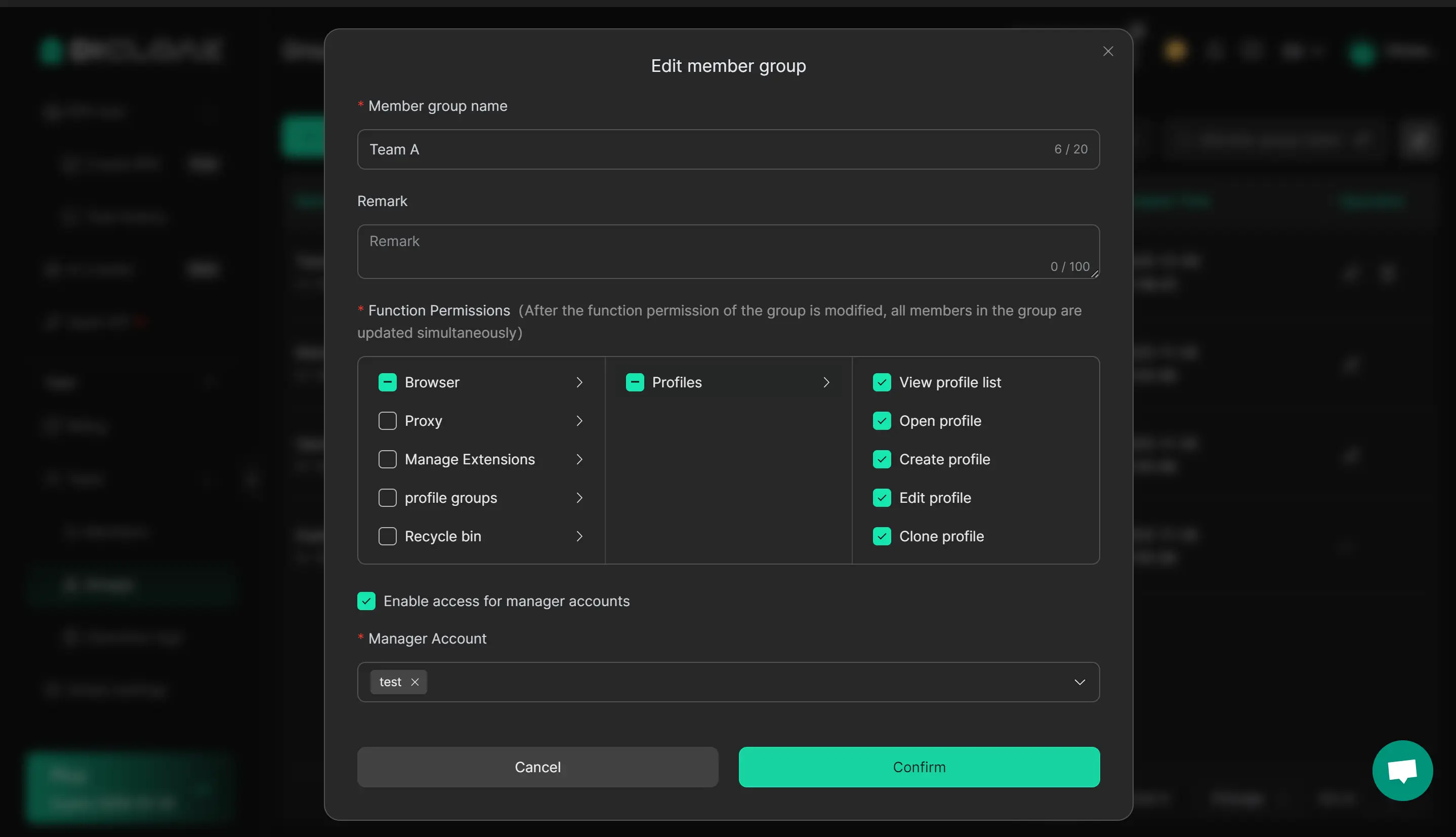
For users who need to manage multiple Snapchat accounts safely and at scale, using a more structured setup like DICloak can make daily operations more stable, organized, and secure.
Conclusion
A Snapchat hacked account can happen for many simple reasons, such as phishing, password reuse, or stolen login codes. But once you know the warning signs and recovery steps, it becomes much easier to respond quickly and protect your account. From resetting your password to turning on two-factor authentication and securing your email, each step can lower the risk of another problem. And for users who manage multiple social media accounts, tools like DICloak can help create a more secure and organized setup for long-term account safety.
FAQs
What should I do first if my Snapchat hacked account is still accessible?
If your Snapchat hacked account is still accessible, act fast. Change your password right away and log out of all devices. Then check your email, phone number, and settings to make sure nothing was changed without your permission.
Can I recover my Snapchat hacked account if I cannot log in?
Yes, in many cases you can. Use the “Forgot your password?” option first. If that does not work, contact Snapchat Support and report that your account was hacked. Many users are able to recover access after verifying their identity.
How long does it take to recover a Snapchat hacked account?
It depends on the situation. If you still have access to your email or phone, recovery can take just a few minutes. If you need help from Snapchat Support, it may take longer depending on verification steps.
Why does my Snapchat hacked problem keep happening?
This usually happens when the root issue is not fixed. For example, reusing passwords, clicking phishing links, or having an unsecured email account can lead to repeated Snapchat hacked cases.
Can someone hack my Snapchat without my password?
In most cases, attackers still need your login details or verification code. However, they may get this through phishing, fake messages, or access to your email or phone number. That is why protecting all linked accounts is important.
Is a Snapchat hacked account permanently lost?
Not always. Many accounts can be recovered if you act quickly and use official recovery methods. But if recovery details are fully changed and no longer accessible, it may be harder to restore the account.
How can I prevent a Snapchat hacked issue in the future?
Use a strong and unique password, enable two-factor authentication, avoid suspicious links, and secure your email and phone number. These steps greatly reduce the risk of another Snapchat hacked situation.
 Web Proxy Tools
 Free Tools
 Cookie Plugin
 UA Generator
 MAC Address Generator
 IP Generator
 IP Address List
 2FA Code Generator
 World Clock
 Anonymous Check
 WebRTC Leak Test
 UUID Generator
 Free Web Proxy Site
 Proxy Checker
 FB Ad Checker
 AI Web Scraping
 Free SMM Tools
 Twitter Shadowban Checker
 Instagram Name Checker
 UTM Generator
 Username Generator
 AI Hashtag Generator
 LinkedIn Headline Generator
 Social Media Image Resizer