You log in, and instead of your usual dashboard, you see a blunt notice: Craigslist account suspended. No warning, no details, just a block on posting, replying, or even reading your own messages. For most people, it feels like a wall comes down with no clear way around it. The biggest frustration? Craigslist rarely tells you what went wrong, leaving you guessing if it’s a ban, a temporary lock, or some automated restriction tied to your posting patterns.
Trying to fix a Craigslist account banned for “suspicious activity” can turn into a loop of failed resets and support emails that never get a real answer. Some users bounce between devices, switch proxies, or create backup accounts, only to see new restrictions hit even faster. The real risk is wasting days, sometimes weeks, on trial-and-error, only to trip the same security filters again.
What actually gets accounts flagged in 2026 isn’t always obvious. It’s not just about what you post; it’s often about browser fingerprints, IP reputation, and hidden links between accounts you never realized existed. Miss even one of these technical traps, and your next login can trigger another lockout.
To get out of this cycle, you need a step-by-step way to diagnose what triggered the suspension, which fixes actually work, and how to avoid repeat bans. Start with the key signals Craigslist uses to block accounts, here’s what to check first.
Why Was My Craigslist Account Suspended? The Most Common Triggers in 2026
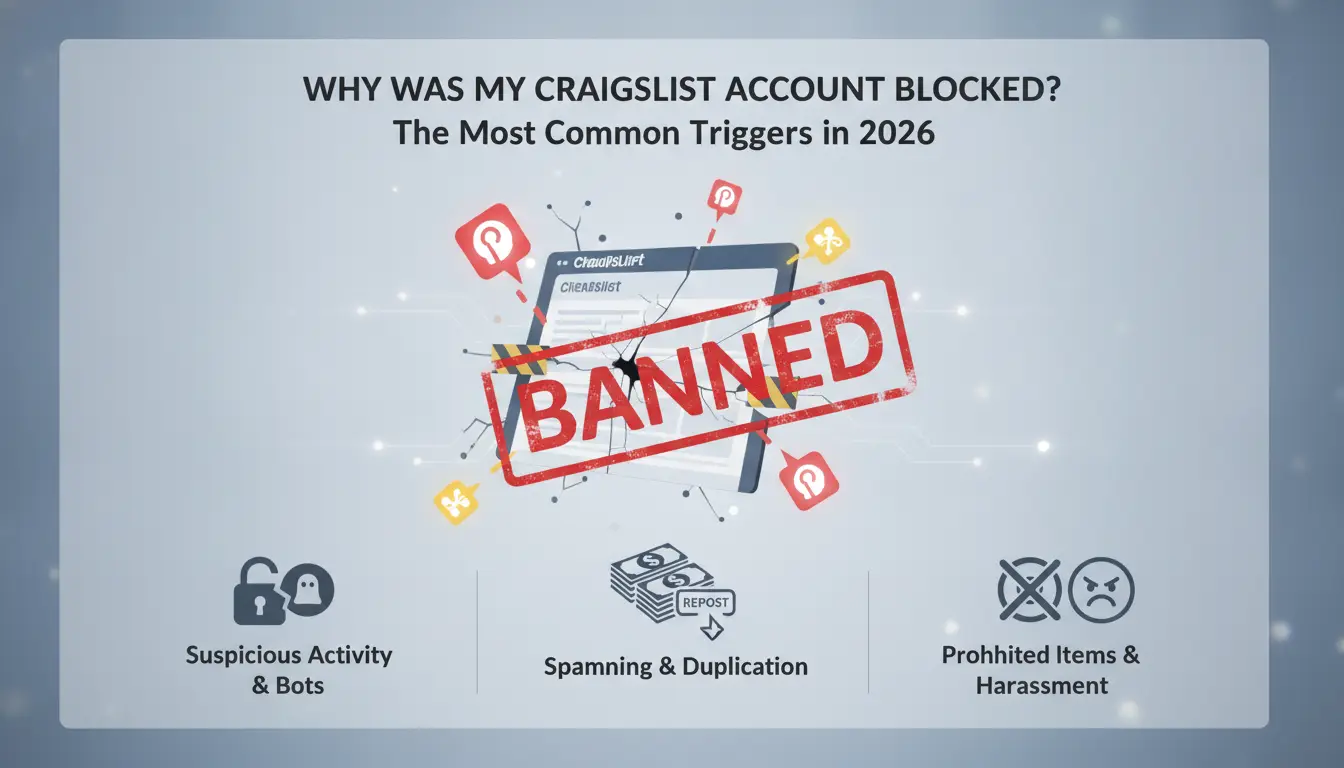
The real cause of a Craigslist suspension usually comes down to a mix of content, behavior, and technical footprints, not just what you post. If your account was locked, one of these triggers likely hit: a policy violation, an unusual account pattern, or a technical mismatch that flagged your session. Here’s how each one works.
Posting Violations: Content, Frequency, and Policy Changes
Most restrictions still start with flagged content. Posting prohibited items or services, like fake tickets, restricted products, or anything Craigslist bans, can trigger a ban right away. Too many posts in a short time, especially across multiple categories, can look like spam and lead to instant suspension. Even listings that used to be allowed can suddenly trip new policy filters after a rule update.
Account Behavior Patterns That Raise Red Flags
Suspensions often come from patterns, not just single actions. If you keep editing or reposting similar ads, Craigslist’s system spots the repeat and may block you. Logging in from multiple cities within hours, or using different devices to reply to messages, creates a profile that looks automated or shared. This is where most users get caught, the platform is more likely to suspend accounts that show signs of coordinated or scripted activity, even if the content seems safe.
For example, if someone posts from New York in the morning, then edits from Los Angeles in the afternoon, the system treats this as a possible account sharing or bot. Even normal users can trigger this if they use public Wi-Fi or switch devices during travel. The tradeoff: some sellers try to cover their tracks by changing locations or devices, but this actually increases the risk. If you use the same phrases across multiple accounts, or reply to messages at the exact same times every day, those patterns are easier for Craigslist to detect than content violations alone.
Technical Issues: IP, Device, and Fingerprint Problems
Check these common technical triggers before blaming your content:
- Shared or blacklisted IP addresses: If your network was used by other flagged accounts, you inherit their risk.
- Browser fingerprint mismatches: Logging in with a device setup that looks “new” or “odd” compared to your usual activity can trigger a lockout.
- Sudden changes in cookies or device permissions: If your browser wipes cookies or switches device permissions between logins, the system may see this as a hijacked session.
Spotting which trigger applies is the foundation for fixing the problem. If you only focus on your posts, you’ll miss hidden technical links that keep getting you suspended. The next step is diagnosing which signal actually caused your restriction.
How to Diagnose a Craigslist Suspension: Steps to Pinpoint the Real Issue
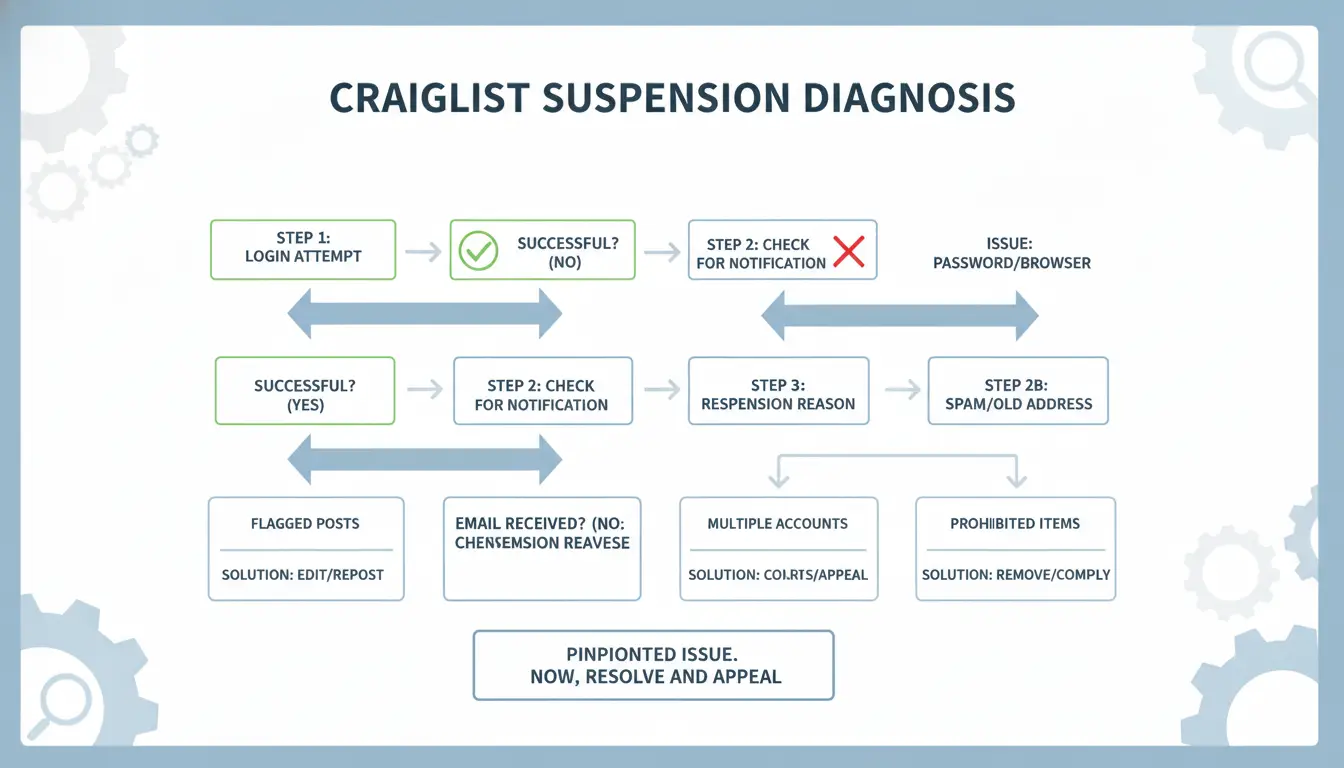
Jumping straight into recovery after a Craigslist account suspended notice rarely works. The key is to diagnose the trigger, was it your device, IP, content, or an invisible link to another account? Without confirming the root, restarting or appealing can reset the cycle and waste days.
Check Craigslist Suspension Messages and Email Notices
- Read the on-site suspension banner. If it says “account disabled for policy violations,” focus on content and posting history. If it mentions “unusual activity” or “security concerns,” device or IP changes are likely involved.
- Search your inbox (including spam) for Craigslist emails. Subject lines like “Account Suspended,” “Action Required,” or “Security Alert” usually point to the main issue. The body often names either a rule violation or a technical mismatch.
- Compare timing. Did the message arrive right after a new login, post, or edit? If so, that action probably triggered the restriction.
- If there’s no clear email, check your contact info. Sometimes Craigslist sends notices to old secondary emails, so missing a warning can leave you guessing.
Missing warning details can make appeals harder, document every message and banner before making changes.
Review Recent Account Actions and Device/IP Changes
- List your last 3 posts, edits, or replies. If any were flagged, deleted, or got rapid negative feedback, that content is likely in the filter.
- Track recent logins. Did you access your account from a new device, browser, or location? Suspensions often follow IP changes or device swaps, especially if you moved between cities or countries.
- Check your browser setup. If you switched profiles, wiped cookies, or used a new proxy, Craigslist may see this as a fingerprint mismatch. These technical mismatches can trigger instant locks.
- Look for patterns. Did you change more than one variable at once (device and IP, for example)? Changing several factors in a single session is the fastest way to trigger a lockout.
If you only changed one thing, like posting from a new device, focus your fix there. If you changed several, undo as much as possible before contacting support or retrying access.
Identify Patterns: Are Other Accounts or IPs Also Affected?
- Test login from a different Craigslist account (ideally on a separate device or browser). If both accounts get blocked, your IP or browser fingerprint is likely blacklisted.
- Try accessing Craigslist from another network, like a mobile hotspot or neighbor’s WiFi. If the site loads normally, your original IP is probably restricted.
- Check if your household or team members are also locked out. Shared devices and IPs often link multiple accounts in Craigslist’s backend.
- Document cross-account effects. If new accounts get banned immediately, you’re dealing with a device or IP-level block, not just a single account’s issue.
Spotting these links early saves time, if you only fix your own account without addressing shared devices or IPs, bans tend to repeat within hours.
Once you’ve mapped out which actions, devices, and accounts link to the suspension, you have the evidence needed to choose the right fix. The next step is deciding what to do first, sometimes waiting, sometimes changing setup, sometimes preparing an appeal.
What to Do First When Your Craigslist Account Gets Suspended
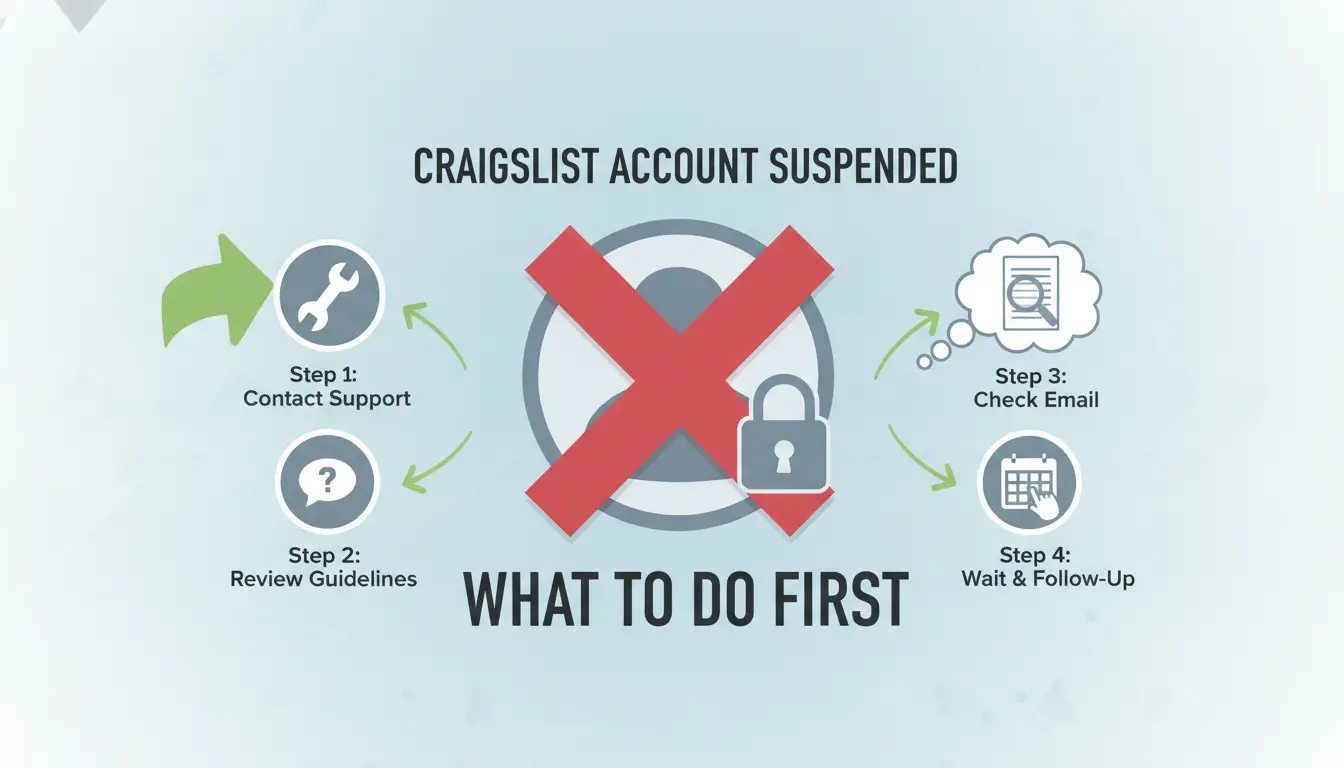
The worst mistake after a Craigslist account suspended notice is to panic and start making new accounts or testing logins. Quick reactions like that can trigger more blocks and make recovery harder. The key is to freeze all activity and set up your next steps carefully, what you do now decides if you ever get your account back.
Stop All Activity and Avoid Creating New Accounts
Trying to post, log in from new browsers, or creating a fresh account right after suspension almost always backfires. Craigslist links these actions fast, and repeated attempts can trigger a wider lockout, sometimes blocking your device or IP for weeks. The smartest move is to stop all activity until you know exactly why you were suspended.
Secure Your Devices and Network
- Clear all browser cookies and cache before any further login attempts.
- Run a malware scan to check for automation, bots, or strange browser extensions.
- Unplug or restart your router to refresh your network address if you use dynamic IP.
Document Everything for Support or Appeal
Before you forget the details, gather all evidence that might help if you need to appeal or prove your side. Don’t rely on memory, support may ask for specifics days later.
- Take screenshots of the suspension notice and error messages.
- Write down exact times, device info, and what you did right before the ban.
- List any recent changes, new devices, proxies, or posting patterns.
Getting these basics in order sets you up for a better shot at recovery. When you’re ready to appeal or contact support, you’ll have a clear record of what happened. This approach keeps you out of the auto-ban cycle and gives you real evidence, not just guesses, for the next step.
How to Appeal or Recover a Suspended Craigslist Account
If your account is suspended, recovery depends on how you reach out, what you say, and whether the ban is permanent. Skip generic web forms, direct, clear appeals work better in 2026 than endless retries. Here’s how to handle the process step by step.
When and How to Contact Craigslist Support
- Use the official Craigslist help desk: Go through the Craigslist help page and choose “contact us” for account issues. Direct email appeals or random contact forms rarely get real responses.
- Include your account email, posting city, and any relevant post IDs: Leaving out these details will drag out the process or get you a canned reply.
- Check for a ticket number: If you don’t receive a ticket confirmation within 2 hours, your request likely didn’t go through, try again with a different browser or email address.
What to Say (and What Not to Say) in Your Appeal
- Be direct about what happened: Say if you made an honest mistake, clicked a suspicious link, or posted something by accident. Don’t ramble or give a life story, support scans for keywords and short explanations.
- Avoid blaming the system: Claims like “your bots suspended me for no reason” almost always get ignored. Instead, focus on what you’ll do differently.
- Keep it under 100 words: Long appeals get skimmed or auto-closed. Attach only what’s needed, extra screenshots or legal threats don’t speed up review.
What to Expect: Timeframes and Possible Outcomes
- Response time is 24-72 hours on weekdays: Submissions sent late Friday often wait until Monday, so don’t resend unless it’s been 4 days.
- Temporary suspensions may lift after review, but permanent bans rarely reverse unless you prove clear error or account compromise.
- If your appeal works, you’ll get an unlock link, click it fast, as these often expire within 24 hours. If denied, further appeals almost never change the outcome; it’s usually time to start fresh.
The next step: if you handle more than one account or work with a team, prevention becomes the real focus.
How to Prevent Craigslist Suspensions When Managing Multiple Accounts or Teams
Getting one Craigslist account suspended is frustrating, but when you handle several accounts or run a team, a single mistake can get all your accounts banned at once. The most effective way to avoid this is to separate every login, device, and workflow as if each account belongs to a different person.
Why Multi-Account and Team Use Raises Suspension Risk
Craigslist’s system links accounts by device, IP, and behavioral patterns. When accounts share a device or proxy, or if you copy-paste content too quickly between them, the platform often flags everything connected. One careless overlap can get your entire batch restricted.
Safer Account Isolation: Proxies, Fingerprints, and Workflow Hygiene
The main thing that burns multi-account setups is failing to isolate each account’s technical footprint. If you reuse proxies, log in from overlapping browsers, or let browser fingerprint data mix, Craigslist can spot the connection, even if you think you’re careful.
The most practical way to reduce risk is to give each account its own clean environment, with no shared IP, device, or browser profile.
- If accounts share an IP or device, a ban on one often triggers bans on the rest, even weeks later.
- To avoid this, use a unique proxy and a fresh browser profile for every account. Never log in to two accounts from the same browser window, and always clear cookies and cache between sessions.
Team Permissions and Operation Logs: Who Did What, When?
When teams work from the same pool of accounts, accidental cross-use becomes common. If you don’t track who logs in, or fail to set clear roles, you’ll never pinpoint which action caused a lockout. Assign strict permissions and log every account action, this makes it possible to spot patterns and fix problems before they repeat.
Using DICloak to Reduce Craigslist Suspension Risk: Safer Multi-Account and Team Workflows
Isolated Browser Profiles and Custom Proxy Setup
Operators can assign a unique proxy and fingerprint to each Craigslist account profile in DICloak. This setup reduces hidden links that trigger bans, especially when accounts would otherwise share device traits or IPs.
Team Collaboration and Permission Controls
Teams use DICloak’s permission controls to share browser profiles safely, without exposing all accounts to the same risk. Operation logs make it easy to trace who made changes or triggered issues, so you can spot patterns before another Craigslist account suspended incident repeats.
Workflow Automation and Bulk Operations
- Automate profile launches to prevent messy manual setups
- Bulk-edit proxy settings for quick isolation
- Run permission reviews after any account restriction
What to Change After Regaining Access: Resetting Devices, Profiles, and Habits
Resetting Devices and Browser Profiles
Resume activity only after clearing every old browser fingerprint, cookie, and session. Assign a new proxy and start with a fresh browser profile, using the same device or IP as before is the fastest way to trigger a repeat Craigslist account suspended notice.
Rebuilding Trust: Posting Slowly and Following Updated Rules
- Post just one ad per day for the first week.
- Check Craigslist policy updates before each session.
- Edit ads to avoid repeating flagged content.
Monitoring for Warning Signs of Repeat Suspensions
Watch for your posts not showing up, delayed ad approvals, or login prompts after every action. These often mean restriction is coming back.
- Check your ads for ghosting daily.
- Log out and back in to spot fresh security prompts.
- Respond within 24 hours if warning emails or pop-ups appear.
When a New Account Makes Sense (and When It’s a Bad Idea)
Creating a new Craigslist account after a suspension can backfire if you don’t understand what links your old and new accounts together. The real risk is repeating the same technical mistakes and getting banned again within hours.
Risks of Immediate New Account Creation
| Scenario |
Risk Level |
Explanation |
| Same device, same IP |
High |
Craigslist can spot reused fingerprints and IPs, causing fast bans. |
| New device, new IP, careful setup |
Medium |
Still risky if browser fingerprints or cookie remnants connect accounts. |
| Full technical reset (device, IP, browser, profile) |
Lower |
Safer, but only if every trace is wiped. |
Even one leftover link, like a reused phone number or browser cookie, can trigger another Craigslist account suspended notice before you finish your first listing.
When Starting Fresh Is the Only Option
If your Craigslist account is permanently banned and appeals fail, starting fresh is your only move. Make sure every technical detail changes: device, IP, browser, phone number, and profile. Cutting corners means risking another ban, so do the full reset or don’t bother.
Frequently Asked Questions About Craigslist account suspended
Why does Craigslist suspend accounts even if I follow the rules?
Craigslist sometimes suspends accounts for reasons beyond obvious rule-breaking. Hidden triggers include logging in from the same IP as other users, using devices with similar fingerprints, or tripping automated spam filters. Even if you follow the rules, technical overlaps or mistakes in Craigslist’s detection systems can cause a Craigslist account suspended notice.
How long does a Craigslist account suspension usually last in 2026?
Temporary suspensions often last from a few days up to 30 days. If your account is permanently banned, the suspension does not expire, you’ll need to appeal or create a new account. The exact time depends on the violation and Craigslist’s review process, but most temporary locks are resolved within two weeks.
Can I use the same phone number or email for a new Craigslist account after suspension?
Reusing the same phone number or email after a Craigslist account restriction or ban often leads to immediate detection and another block. Craigslist tracks these identifiers. It's safer to use a new, unique phone number and email address when registering a new account to avoid automatic linking.
Is using proxies allowed for Craigslist account management?
Craigslist discourages proxy use and may block IPs linked to proxies or proxys. Using low-quality or public proxies can trigger an account lock or ban. If you must use proxies, choose private, residential proxies and always match your account’s location to the IP you use to avoid suspicion.
What’s the safest way to manage Craigslist accounts as a team?
The safest method is to give each team member a separate login and device. Isolate accounts to prevent cross-contamination. Use access logs to track changes and permissions, so only trusted users can post or edit. This approach reduces the risk of mass bans or accidental account linking.
If your access has been restricted, consider whether to appeal the decision, create a new profile, or look for alternative solutions to continue your activities without interruption. Taking proactive steps can help minimize downtime and keep your postings active. Try DICloak For Free
 Web Proxy Tools
 Free Tools
 Cookie Plugin
 UA Generator
 MAC Address Generator
 IP Generator
 IP Address List
 2FA Code Generator
 World Clock
 Anonymous Check
 WebRTC Leak Test
 UUID Generator
 Free Web Proxy Site
 Proxy Checker
 FB Ad Checker
 AI Web Scraping
 Free SMM Tools
 Twitter Shadowban Checker
 Instagram Name Checker
 UTM Generator
 Username Generator
 AI Hashtag Generator
 LinkedIn Headline Generator
 Social Media Image Resizer