One affiliate marketer made $10,000 in commissions last month but lost half of it to refund penalties and platform fees, both from picking the wrong setup. That’s a common story in the debate around clickbank vs clickfunnels. Too many sellers focus on flashy sales pages or big payout promises, but overlook the costs, control, and risk hidden underneath each platform. ClickBank offers a marketplace that’s easy to join, but every payout comes with strict rules, chargeback headaches, and limits on how you can customize your funnel. ClickFunnels gives full funnel control, but you handle payment processing, refunds, and compliance yourself, which means mistakes hit your bottom line fast.
If you’re weighing ClickBank against ClickFunnels, the real decision isn’t about which is more popular, it’s about which platform fits the way you market, how you manage payouts, and how much risk you want to own. Sellers who rely on marketplace exposure often find ClickBank’s affiliate network easier to tap, while marketers who want full control over landing pages and upsells usually build everything in ClickFunnels. But the costs, payout delays, and refund risks can swing the math either way. The best fit depends on your workflow, not just the tool’s features. Here’s how experienced sellers make the right call.
What Should You Know Before Comparing ClickBank and ClickFunnels?
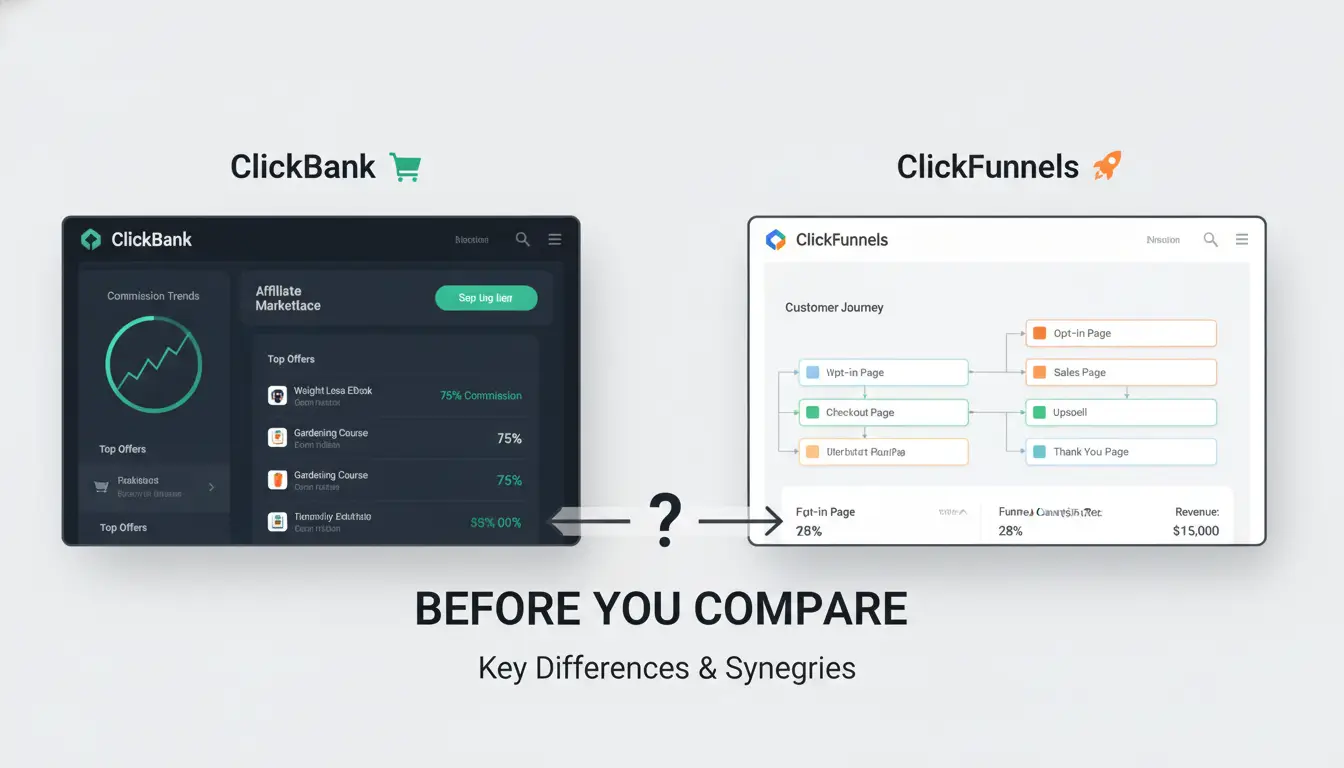
What Is ClickBank Really Used For?
ClickBank is best known as a marketplace for digital products. People come here to sell courses, ebooks, software, or coaching offers. The real draw is its affiliate network, thousands of affiliates can pick up your offer and promote it for a cut of each sale. This setup works well for sellers who don’t want to build traffic from scratch or handle their own payment processing. You get access to global buyers, but ClickBank decides the rules for payouts, refunds, and compliance. If you want to tap into ready-made traffic and let someone else handle the backend, ClickBank often makes sense.
What Does ClickFunnels Actually Do?
ClickFunnels gives you a toolkit to build your own sales funnels, landing pages, and upsell flows. You design how a visitor moves from seeing your offer to completing a sale. Unlike ClickBank, you control every page and can connect payment gateways like Stripe or PayPal. It’s a better fit if you want custom branding and direct customer relationships. You handle your own payment processing and customer support, but you set the rules for pricing and refunds.
Why Do People Compare ClickBank and ClickFunnels?
The real tension in the clickbank vs clickfunnels debate is about control versus reach. Both help sell digital products, but ClickBank brings an audience and handles payments, while ClickFunnels gives you maximum flexibility but leaves all the traffic and support up to you. Choosing between them depends on whether you want speed and reach or full control over every step.
What Are the Key Differences Between ClickBank and ClickFunnels?
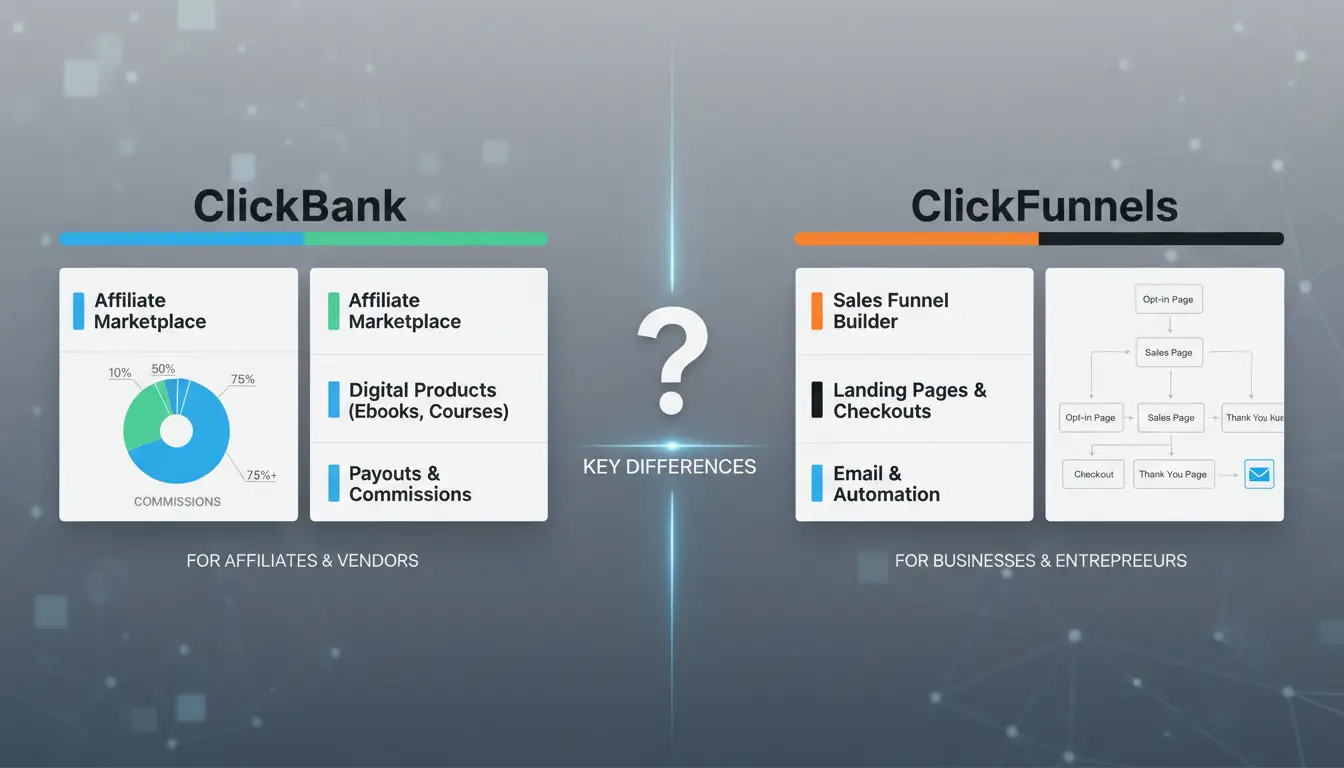
When comparing ClickBank vs ClickFunnels, you’re not just picking between two tools, you’re choosing different ways to sell, promote, and get paid. Here’s where the real differences show up.
How Each Platform Handles Products and Offers
ClickBank acts as a marketplace. You list your product, and affiliates can find it. Offers are shown on a central directory, so you get built-in exposure if your offer stands out. In contrast, ClickFunnels puts you in charge of building every sales page and funnel. Discovery depends on your own traffic, there’s no built-in marketplace.
| Feature |
ClickBank |
ClickFunnels |
| Product Discovery |
Central marketplace |
No marketplace |
| Sales Page Control |
Limited (standardized) |
Fully customizable |
Source: ClickBank Help Center, ClickFunnels Features
Affiliate Management and Payouts: What’s Different?
ClickBank’s affiliate network is open. Anyone with an account can promote your products. Payouts are handled for you, usually weekly or bi-weekly, and ClickBank deals with refunds and chargebacks. ClickFunnels lets you run your own affiliate program, but you manage signups, tracking, and payments, there’s no built-in network.
Sales Funnel Capabilities: Who Does It Better?
ClickFunnels was built for funnels. You get drag-and-drop tools, upsells, and email flows out of the box. ClickBank supports basic checkout flows, but you’ll need outside tools for complex funnels. If you need advanced funnels with custom steps, ClickFunnels is the clear winner here.
How Do Conversion Rates and Earning Potential Compare?
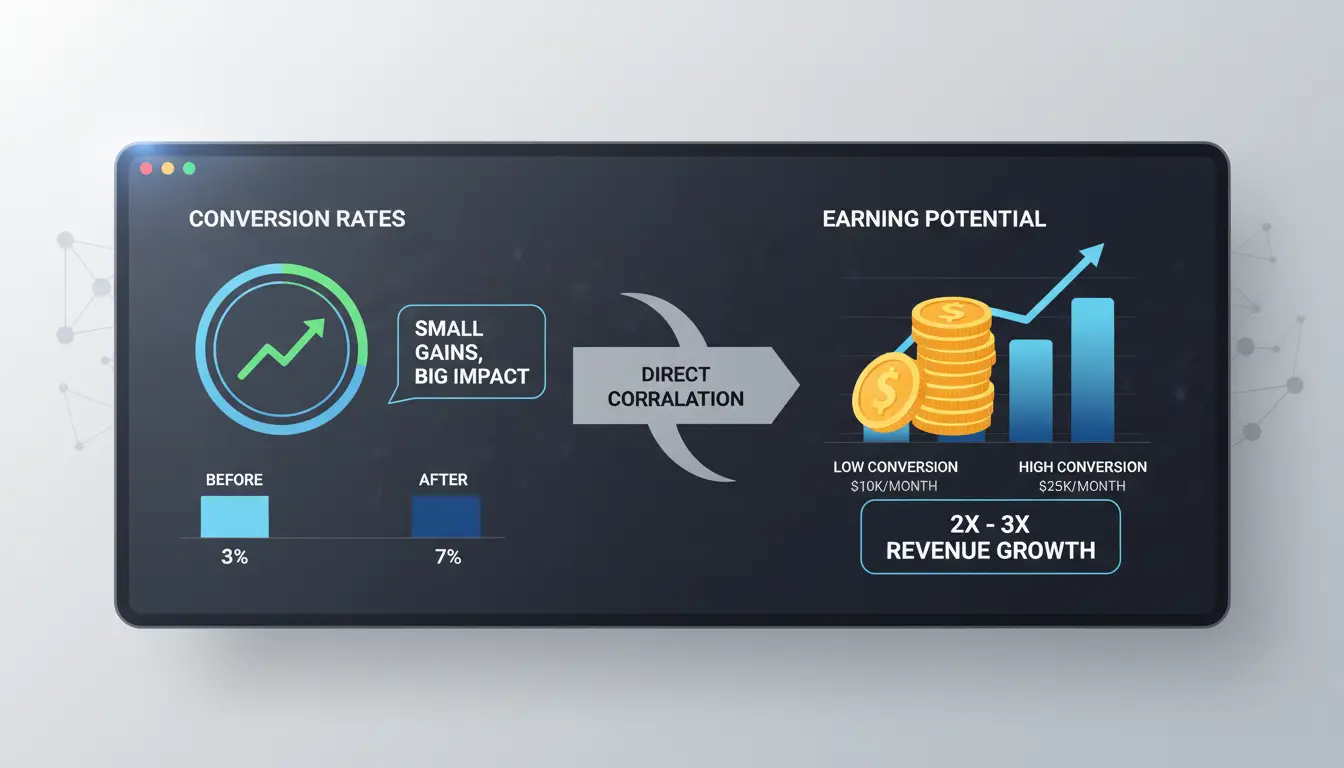
When sellers line up ClickBank vs ClickFunnels, the real question is which platform turns more visitors into buyers and how payouts stack up over time. Conversion rates depend on who lands on your page and what they see, so platform choice can tip the scales.
What Impacts Conversion Rates on Each Platform?
ClickBank draws buyers from its marketplace and affiliate network. Traffic is often warm, but pages must compete with hundreds of similar offers. Sellers with strong copy and clear bonuses usually see higher conversions. ClickFunnels relies on your own traffic sources, ads, email, or organic. Funnel depth matters: well-built upsells and clean landing pages often boost results, but mistakes in setup can cut rates quickly.
| Platform |
Typical Traffic Source |
Conversion Boosters |
| ClickBank |
Affiliate, Marketplace |
Bonuses, proof, scarcity |
| ClickFunnels |
Paid/owned, email, SEO |
Funnel steps, upsells, design |
| Source: ClickBank FAQ, ClickFunnels Docs |
|
|
Commission Structures: Which Pays More and When?
ClickBank pays out based on commission tiers, with some offers reaching 75%. Payouts are weekly or biweekly, but fees and refund holds can cut net earnings. ClickFunnels pays recurring and one-time commissions, often for software subscriptions, so earning potential grows with retention. You handle refunds and chargebacks yourself.
Real-World Earning Scenarios
Affiliate marketers using ClickBank often see quick payouts if they tap trending offers. Product creators using ClickFunnels can build long-term income if their funnel keeps buyers engaged. The main difference: ClickBank is faster for affiliates, ClickFunnels gives creators more control and upside.
What Mistakes Do People Make When Choosing Between ClickBank and ClickFunnels?
Assuming One Platform Can Do Everything
A common pitfall is thinking ClickBank or ClickFunnels alone covers both affiliate reach and funnel control. ClickBank makes it easy to launch products to a wide affiliate network, but its funnel builder is basic and limits your upsell paths. On the other side, ClickFunnels gives you strong tools for custom sales funnels and checkout flows, but you won’t get built-in access to a large affiliate pool. You can add affiliate tools to ClickFunnels, but they won’t match the scale or automation of the ClickBank marketplace. This is why “clickbank vs clickfunnels” is not just a feature checklist, it’s a question of what you want to own versus what you want automated.
Overlooking Hidden Costs and Technical Hurdles
Many sellers pick a platform and only later spot fees that eat into profits. ClickFunnels charges at least $97/month for its base plan, while ClickBank takes a cut of every sale and a product listing fee. Both need extra costs for email tools or payment integrations. Technical setup is another trap. ClickFunnels funnels take time to build and test, and ClickBank has rules for offer approval that can slow you down. Missing these details means wasted setup time or surprise bills.
Ignoring Account Security and Compliance Risks
Account bans and payment holds can ruin launches. ClickBank often bans accounts for unclear policies or poor compliance. ClickFunnels sellers may overlook payment processor rules, risking refunds or chargebacks. Missing platform rules creates bigger problems than missing a feature. Always read the latest ClickFunnels terms and check ClickBank’s compliance updates before you start.
How Can You Use ClickBank and ClickFunnels Together for Better Results?
Combining ClickBank with ClickFunnels gives you access to both a huge affiliate network and a customizable sales funnel. Instead of choosing between clickbank vs clickfunnels, experienced sellers often connect the two to get better reach and more control over conversions. Here’s how the integration works in practice.
Combining ClickBank Offers with ClickFunnels Sales Funnels
You can use ClickFunnels to build high-converting landing pages, then drop in ClickBank product links or checkout forms. This lets you keep your branding while tapping into ClickBank’s affiliate payouts and fraud protection. Many marketers set up a funnel in ClickFunnels, send traffic to it, and have buyers complete checkout through ClickBank. To track sales, add unique affiliate tracking IDs to each offer. This setup means you get full funnel analytics and can A/B test page elements for better results.
Managing Multiple Accounts and Affiliate Links Efficiently
Running several ClickBank or ClickFunnels accounts can get messy fast. You might do this to split niches, test offers, or manage affiliate partnerships. Keeping spreadsheets up to date helps, but dedicated tools for link management and password sharing make the process faster. Consider using a browser profile manager like DICloak to separate accounts and reduce mix-ups. A clear workflow saves time and avoids missed commissions.
Avoiding Account Linking and Ban Risks When Scaling Up
Scaling up “clickbank vs clickfunnels” activity means more accounts, and that brings risk. If ClickBank or ClickFunnels see logins from the same device or IP, they may flag or ban accounts. To stay safe, always use unique browser profiles and proxies for each account. Audit permissions often, and don’t reuse emails or payout info across accounts, this is the main reason sellers lose access.
How DICloak Helps Affiliate Marketers and Sellers Manage ClickBank and ClickFunnels Accounts Safely
Running multiple ClickBank or ClickFunnels accounts on one device is a fast way to trigger bans. Platforms flag similar browser fingerprints, shared cookies, or reused IP addresses. Keeping affiliate and seller identities separate is not just about trust, it’s about survival. If ClickBank links your seller and promo accounts, you risk losing both. The same goes for ClickFunnels: one flagged account can put others at risk.
How DICloak’s Browser Profiles and Proxy Integration Work
You can use DICloak to create a unique browser profile for every ClickBank or ClickFunnels account. Each profile stores its own cookies, logins, and settings and stays totally separate from the others. By linking a different proxy to each profile, you mask your location and avoid cross-linking. This setup cuts the risk of bans and keeps your affiliate and seller operations truly isolated.
Boosting Efficiency with Automation and Team Collaboration
Manual tasks like logins, offer checks, or funnel updates get old fast. Tools like DICloak let you automate repeat steps using RPA and assign browser profiles to team members without exposing passwords. This is how top affiliate teams work faster and avoid the mistakes that get accounts banned.
When Should You Choose ClickBank, ClickFunnels, or Both?
Choosing between ClickBank and ClickFunnels isn’t about picking a “winner”, it’s about finding the right fit for your goals, tech skills, and how you handle sales. Here’s how experienced sellers break down the “clickbank vs clickfunnels” decision.
Best Scenarios for ClickBank Only
ClickBank works best if your business relies on affiliate sales and you want less hands-on tech setup. The marketplace gives instant access to thousands of affiliates who can promote your offers. If you create ebooks, courses, or software but don’t want to deal with building a checkout or managing taxes, ClickBank’s built-in payment tools and refund handling save time. For sellers who just want to upload a product and let the marketplace do the heavy lifting, ClickBank is often enough.
Best Scenarios for ClickFunnels Only
ClickFunnels is the better choice for marketers who need custom landing pages, upsells, or advanced automation. If you want full control over every step in your funnel and plan to drive your own traffic (like through ads or email), ClickFunnels gives you that flexibility. Businesses with in-house tech skills can build complex sales flows, split test pages, and connect to outside tools. If you don’t need a marketplace or built-in affiliates, ClickFunnels is usually faster to launch.
When Using Both Makes Sense
Some sellers use ClickFunnels to build high-converting landing pages, then plug ClickBank in for payment and affiliate management. This combo lets you create unique funnels but still tap ClickBank’s network. If you want to scale affiliate offers and control the buyer journey, using both tools together covers more ground than either one alone. For more on making these tools work side-by-side, check the ClickBank support site and ClickFunnels’ help docs.
What Steps Should You Take Before Getting Started?
Checklist for Platform Evaluation
Start by writing down your main business goal: are you looking for fast marketplace access or do you want full control over your sales process? For ClickBank, you get a built-in affiliate network and payment handling. ClickFunnels, on the other hand, gives you direct control over pages and customer data but you handle payouts and refunds. Check your technical skills too, ClickBank is easier for beginners, while ClickFunnels requires you to set up your own funnels from scratch. If your team has no web design or copywriting experience, ClickBank’s templates may save headaches. Before choosing, compare pricing and payout terms in a simple table:
| Platform |
Upfront Cost |
Affiliate Network |
Payout Speed |
| ClickBank |
None |
Yes |
Weekly/Net 7-14 |
| ClickFunnels |
$97+/month |
No (manual) |
Instant (Stripe) |
Sources: ClickBank, ClickFunnels
Setting Up Accounts Safely and Efficiently
Use your real business details when signing up. Double-check payment info, errors cause payout delays. For ClickFunnels, connect your Stripe account early and test a demo sale. On ClickBank, review compliance rules before listing offers. Many new users skip the tax form or forget to enable two-factor authentication, these are easy fixes but common onboarding mistakes.
First Steps for Testing and Scaling
Start with a small test campaign. In ClickBank, use the affiliate marketplace to drive first sales. In ClickFunnels, launch a simple funnel and track conversions. Watch refund and chargeback rates closely. Scaling before you have clean data often leads to expensive mistakes. After two weeks of stable results, consider increasing ad spend or inviting affiliates to push your offer.
Mention "clickbank vs clickfunnels" naturally here for SEO: Sellers comparing clickbank vs clickfunnels find the right path by testing small and scaling only what works.
Frequently Asked Questions
Is ClickBank or ClickFunnels better for beginners?
For beginners, ClickBank is easier to start with. You can sign up for free and start promoting products quickly. ClickFunnels has more features but a steeper learning curve and higher cost. If you want to build sales funnels from scratch, ClickFunnels is good, but ClickBank is simpler for those new to affiliate marketing.
Can you use ClickBank and ClickFunnels together for affiliate marketing?
Yes, you can use ClickBank and ClickFunnels together. Many marketers build funnels in ClickFunnels and promote ClickBank offers. You can set your ClickBank product as the destination after a ClickFunnels landing page. This workflow can boost conversions and lets you track leads more easily.
What are the main risks of managing multiple ClickBank or ClickFunnels accounts?
Managing several accounts on ClickBank or ClickFunnels can lead to bans if you break their rules. ClickBank may close accounts if they find you linking them or using fake information. ClickFunnels also monitors for duplicate accounts. Always follow their policies to avoid losing access or earnings.
How much does it cost to get started with ClickBank vs ClickFunnels?
ClickBank lets you join for free, but they charge a one-time activation fee ($49.95) and take a small cut from each sale. ClickFunnels starts at $127 per month for the basic plan. ClickBank is cheaper if you have a small budget. ClickFunnels has ongoing monthly costs.
Do you need technical skills to succeed on either platform?
You do not need advanced tech skills for ClickBank vs ClickFunnels. ClickBank is simple, just sign up and promote links. ClickFunnels has drag-and-drop tools, but learning to build funnels helps. Both offer tutorials and support to guide beginners through setup and marketing.
Ultimately, choosing between ClickBank and ClickFunnels depends on whether you prioritize affiliate marketing or simplifyd sales funnels for your online business. Both platforms offer unique strengths, so understanding your goals and requirements is essential for making the best decision. Try DICloak For Free
 Web Proxy Tools
 Free Tools
 Cookie Plugin
 UA Generator
 MAC Address Generator
 IP Generator
 IP Address List
 2FA Code Generator
 World Clock
 Anonymous Check
 WebRTC Leak Test
 UUID Generator
 Free Web Proxy Site
 Proxy Checker
 FB Ad Checker
 AI Web Scraping
 Free SMM Tools
 Twitter Shadowban Checker
 Instagram Name Checker
 UTM Generator
 Username Generator
 AI Hashtag Generator
 LinkedIn Headline Generator
 Social Media Image Resizer