The high cost of individual Claude Pro subscriptions often drives teams to explore account sharing. However, in the 2026 AI landscape, the gap between the utility of Claude’s 200k+ context window and Anthropic’s aggressive security protocols has never been wider. For a Senior Strategist, the question isn't just "Can I share it?" but "Can I mitigate the cryptographic and behavioral risks enough to help reduce the potential for a hardware-level restriction?"
Can You Actually Share a Claude Pro Subscription While Reducing the Risk of Restrictions?
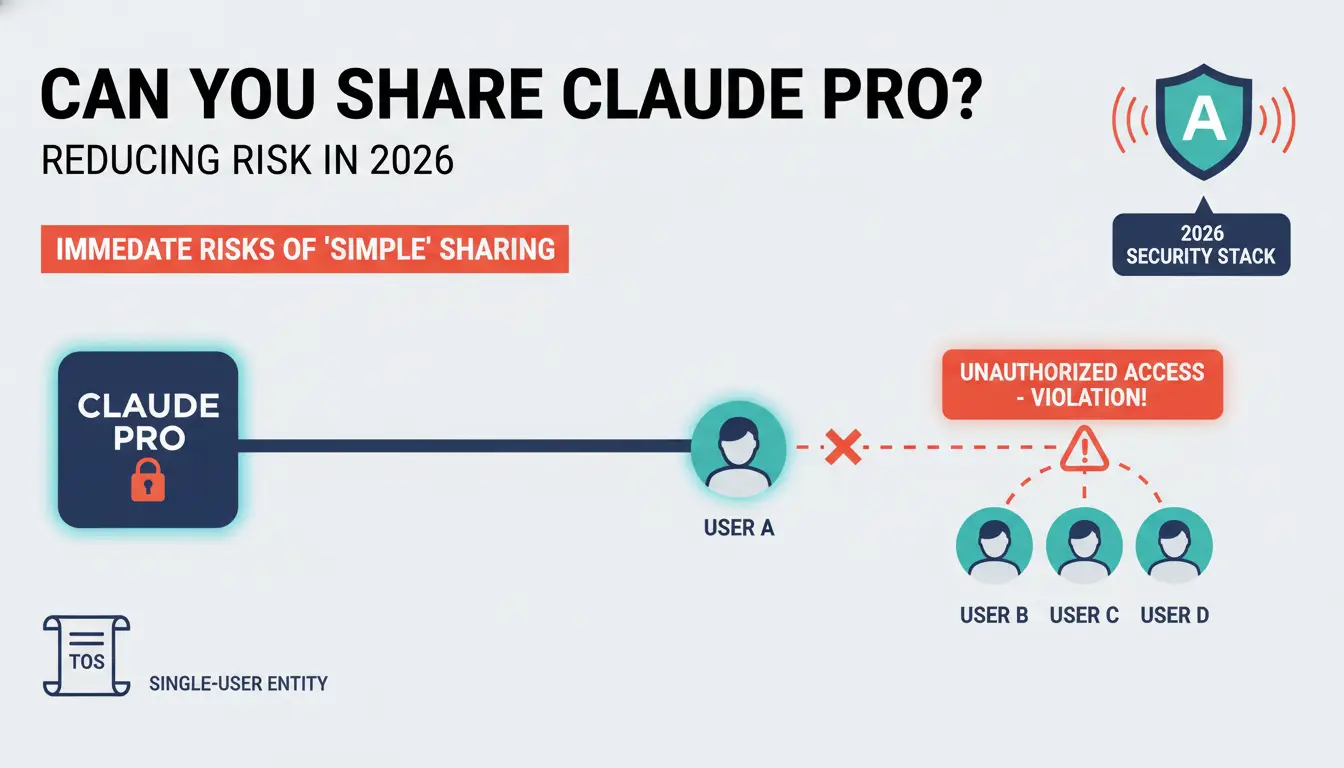
Anthropic's Terms of Service generally describe Claude subscriptions as intended for individual use. As a result, sharing one Claude Pro account across multiple people may create account management and access issues over time.
Challenges of Sharing a Claude Pro Account
When several users access the same account from different devices, locations, or network environments, account activity may appear inconsistent. This can lead to additional security checks, login verification requests, session interruptions, or temporary access limitations.
For teams that rely on Claude for daily work, these interruptions can affect productivity. Users may encounter unexpected logouts, disrupted conversations, or difficulty maintaining a consistent workflow.
Why Shared Account Activity Can Raise Flags
Like most online services, Claude monitors account activity to help protect user accounts and maintain platform security. While Anthropic does not publicly disclose all of its security systems, significant changes in login locations, devices, browser profiles, or usage patterns may prompt additional verification measures.
Why Conventional Sharing Methods May Lead to Account Restrictions
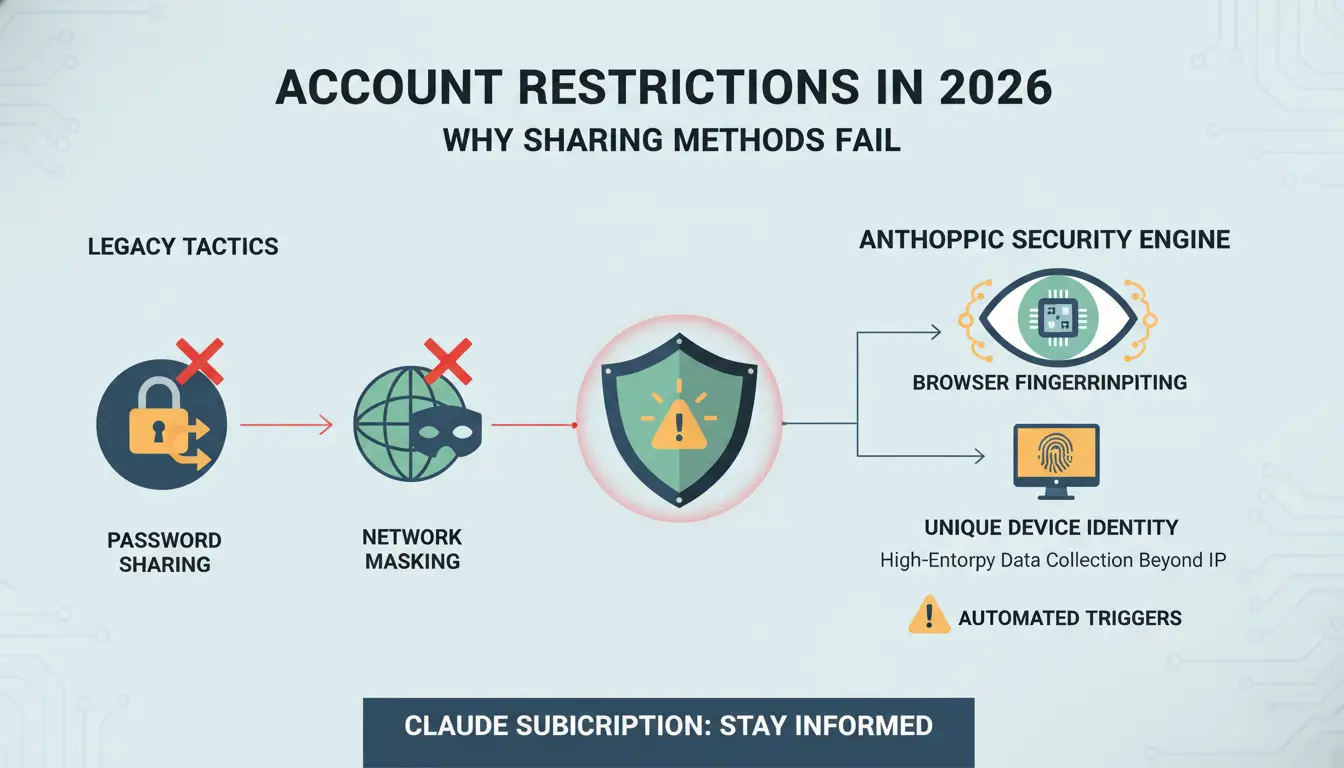
Legacy tactics like password sharing or simple methods for masking network origin are now baseline triggers for Anthropic’s security engine.
Anthropic’s web interface collects high-entropy data to create a unique device identity. This goes beyond IP addresses to include Client Hints (UA-CH), Font Enumeration, and WebGL renderer specifics. Even if two users appear to be from the same network origin, the difference in their hardware-level telemetry tells Anthropic they are using different machines.
IP Geolocation Discrepancies and "Impossible Travel"
The "impossible travel" flag is a staple of 2026 security. If an account is accessed from a London residential IP and then a New York corporate IP within four hours, the system assumes the account is either compromised or shared. In the current era of cryptographic device attestation, effectively managing identity to avoid this requires more than just a consumer-grade proxy.
Concurrent Session Limits
Modern AI platforms monitor the number of active prompt-streams. Attempting to run two high-context threads simultaneously from different browser profiles triggers a "Concurrent Session Violation." This usually results in a temporary account lock and a mandatory multi-factor authentication (MFA) reset.
The Hidden Privacy and Data Risks of Sharing One Claude Account
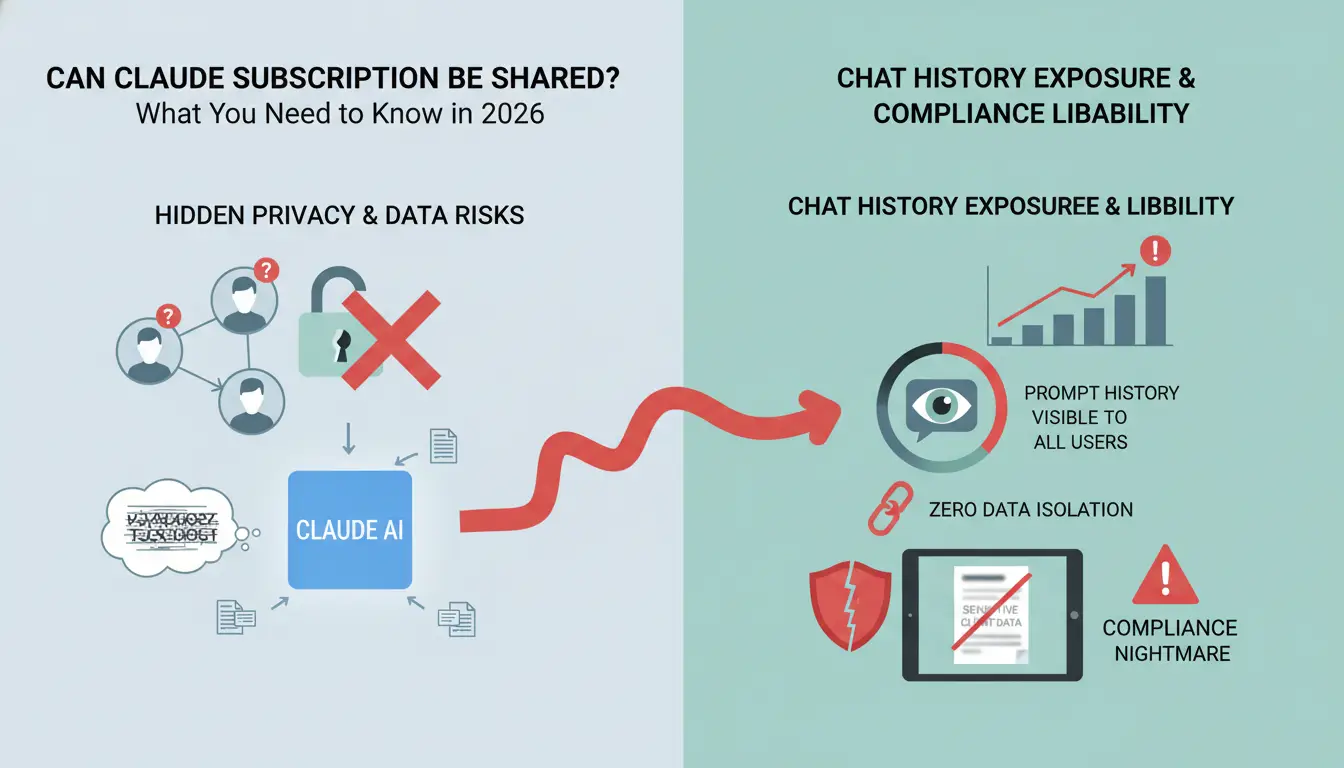
Chat History Exposure and Compliance Liability
In a shared environment, there is zero data isolation. Every user can access the entire prompt history. For a strategist, this is a compliance nightmare. If a colleague prompts Claude with sensitive client data, that data is now visible to everyone sharing the login, potentially violating NDAs and internal security policies.
Prompt Injection and Context Contamination
Claude’s 2026 "Project" and "Memory" features mean that User A’s prompts can inadvertently influence the model’s cache for User B. This "context contamination" can lead to accidental data leaks where User A’s proprietary code snippets appear in User B’s related chat sessions.
Comparing Claude Free vs. Pro vs. Team Plans for Multi-User Access
| Tier |
User Limit |
Primary Intent |
Security Level |
Strategic Cost-Efficiency |
| Claude Free |
1 User |
Casual Discovery |
Standard |
High (No direct cost) |
| Claude Pro |
1 User |
Power Users |
High (Strict detection) |
Moderate/Low for teams |
| Claude Team |
5+ Users |
Enterprise Units |
Managed Compliance |
Opaque pricing for small scale |
The Team plan remains the gold standard for security, yet the high entry barrier for small startups continues to drive the demand for sophisticated "anti-detect" sharing workflows.
Managing Shared AI Access: A Technical Workflow for 2026
For teams that need to organize access to AI tools across multiple members, maintaining a consistent and well-managed working environment can help reduce operational friction and improve collaboration.
Maintaining Consistent Browser Environments
When multiple people participate in the same workflow, differences in devices, browser settings, and session data can create management challenges. Using dedicated browser profiles allows teams to keep work environments organized and separate from personal browsing activity.
Using DICloak for Secure Multi-User Access
DICloak provides browser profile management features that help teams organize account access and maintain consistent working environments across team members.
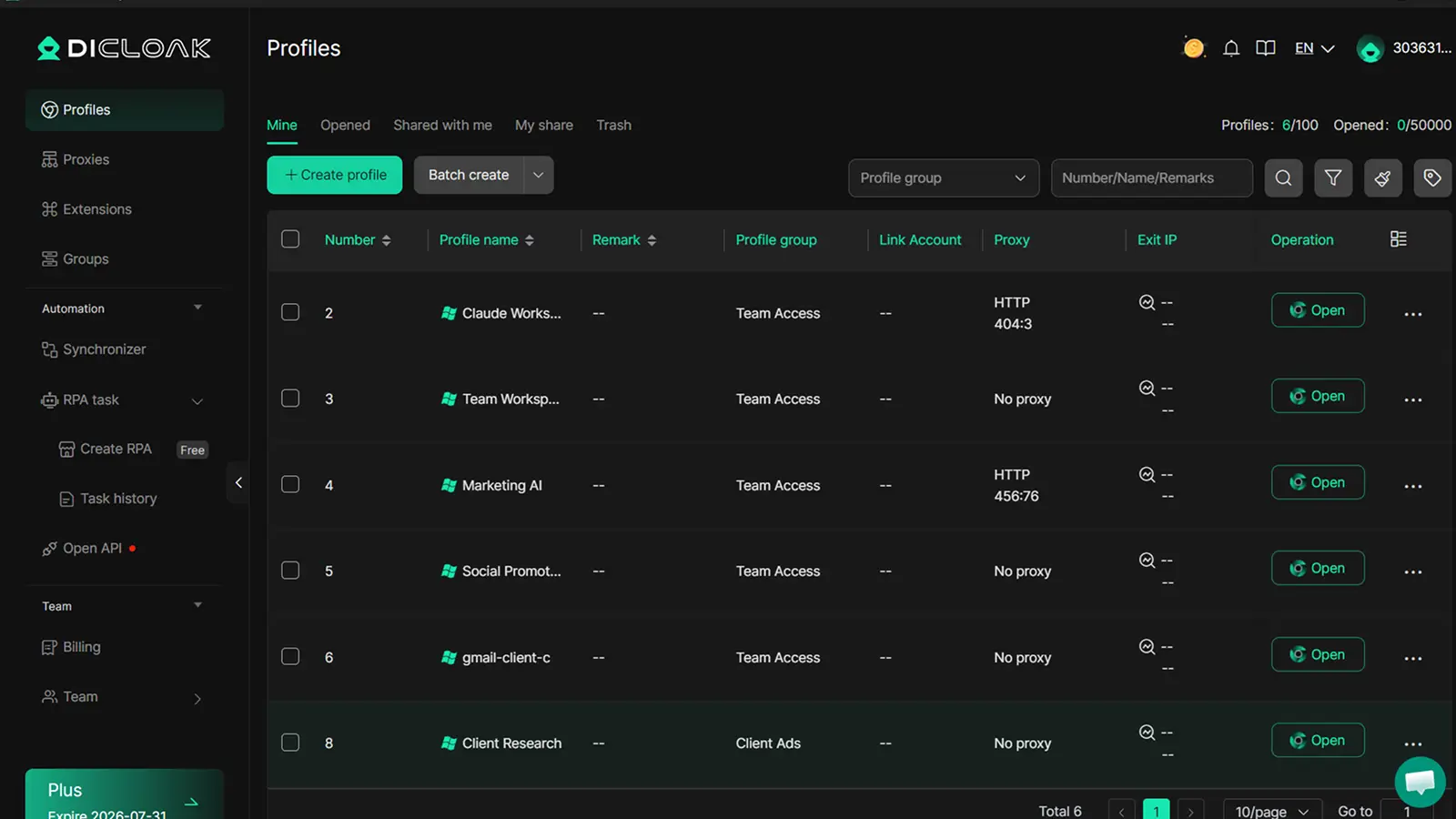
- Environment Synchronization: Using DICloak, a lead user creates a browser profile. This profile, with its customized digital fingerprint (including Canvas, WebGL, and AudioContext), can be shared with the team using DICloak's team collaboration features. This approach supports a consistent digital identity, aiming to present a unified "machine" to platforms.
- Flexible Proxy Configuration: DICloak supports user-configured HTTP, HTTPS, and SOCKS5 proxies. Teams can configure network settings based on their operational requirements while managing browser profiles from a centralized workspace.
Common Mistakes to Avoid When Splitting an AI Subscription
Relying Solely on "Incognito" Mode
Incognito mode provides zero protection against hardware-level telemetry or IP tracking. In 2026, using Incognito to hide account sharing is like wearing a mask but leaving your fingerprints all over the crime scene.
Using Free, Low-Quality Proxies
Free proxies are often on Anthropic’s "Blacklist" of known botnet IPs. Accessing an account through a flagged proxy can lead to an instant, non-appealable ban before you even send your first prompt.
Sharing SMS-Verified Accounts
Anthropic frequently triggers "Step-Up Authentication." If the system detects a suspicious login and sends an SMS code, the account is effectively dead if the original phone holder isn't available within the 60-second window.
The Financial Reality: Is Subscription Sharing Still Worth the Effort?
At first, sharing one Claude Pro subscription may look like an easy way to save money. But the real cost is not only the monthly fee. Teams also need to consider lost work, account interruptions, privacy risks, and the time spent fixing access problems.
The Cost Saving Is Often Smaller Than It Looks
For one or two users, sharing may seem cheaper than paying for separate subscriptions. However, the savings can disappear quickly if the account is logged out often, prompts are lost, or team members cannot access Claude when they need it.
For freelancers and small teams, time is usually more valuable than the subscription fee itself. If one shared account slows down client work or creates confusion around saved chats, files, and prompts, the setup may not be worth it.
Shared Access Can Create Data and Privacy Risks
A shared AI account may contain sensitive prompts, client details, research notes, draft content, and internal business ideas. When several people use the same account, it becomes harder to control who can see past conversations or saved materials.
This is especially important for agencies, marketing teams, and support teams. Even if the users trust each other, mixing client work in one shared account can create unnecessary privacy and compliance concerns.
A Better Approach for Teams
For teams that need regular multi-user access, an official team plan is usually the safer and more sustainable option. It provides clearer user management, better separation, and fewer access conflicts.
Tools like DICloak are more useful when teams need to manage browser profiles, organize access, and separate workspaces across different projects or accounts. With DICloak, teams can create dedicated browser profiles, manage permissions, and keep work environments more organized. This helps improve team operations without relying on crude password sharing.
Frequently Asked Questions About Claude Account Sharing
Can I use Claude Pro on two different devices myself?
Yes, provided the usage doesn't overlap in a way that suggests multiple humans. Anthropic's behavioral biometrics can usually distinguish between a single user moving from a desktop to a mobile device.
Does Claude have a "Family Plan" like Spotify or Netflix?
As of 2026, no such consumer-tier plan exists. Anthropic maintains a strict division between individual Pro accounts and managed Team/Enterprise seats.
Will using a network origin masking tool help prevent my shared account from being restricted?
No. IP addresses are only one layer of the 2026 detection puzzle. Browser fingerprinting and behavioral biometrics will identify you even if your IP is masked.
What is the best way to share Claude chat results without sharing the login?
Use the "Share" link feature. This creates a read-only snapshot of the conversation, allowing others to see the data without risking your account security.
Can I face restrictions for using Claude in a non-supported region via a shared account?
Absolutely. Regional access is strictly enforced. Accessing an account from a non-supported geo, especially via an unmanaged shared login, is a primary reason for immediate account restriction or termination.
 Web Proxy Tools
 Free Tools
 Cookie Plugin
 UA Generator
 MAC Address Generator
 IP Generator
 IP Address List
 2FA Code Generator
 World Clock
 Anonymous Check
 WebRTC Leak Test
 UUID Generator
 Free Web Proxy Site
 Proxy Checker
 FB Ad Checker
 AI Web Scraping
 Free SMM Tools
 Twitter Shadowban Checker
 Instagram Name Checker
 UTM Generator
 Username Generator
 AI Hashtag Generator
 LinkedIn Headline Generator
 Social Media Image Resizer