AdsPower's January 2025 security breach exposed a harsh reality for digital marketers managing multiple accounts. The $5 million hack compromised crypto wallet plugins and left thousands of users questioning whether their current antidetect browser could protect their operations. If you're running affiliate campaigns, managing client social media accounts, or scaling e-commerce stores, this breach likely forced you to reconsider your account management strategy.
The attack exposed serious flaws that caught many marketers off guard: centralized data storage created single points of failure, plugin security had gaping holes, and one breached account could cascade into total operational disaster. But security wasn't the only problem plaguing AdsPower users. Performance would crawl under heavy loads, automation felt clunky and limited, and pricing structures punished growing teams.
What Happened with AdsPower's Security Breach
The January 2025 breach targeted AdsPower's browser plugin infrastructure, specifically compromising crypto wallet extensions that many affiliate marketers and e-commerce operators relied on. Hackers gained access to wallet credentials, private keys, and transaction histories across thousands of browser profiles.
The attack exploited vulnerabilities in how AdsPower handled plugin isolation between profiles. While the company marketed complete profile separation, the breach revealed that certain browser extensions shared underlying data structures. Compromising one profile could potentially expose sensitive information from other profiles on the same system.
For marketers managing high-value accounts, the implications were severe. Crypto affiliate marketers lost access to wallets containing months of earnings. E-commerce operators saw their payment processing accounts flagged due to suspicious activity patterns. Social media managers found their client accounts suspended when platforms detected the security compromise.
AdsPower's response capabilities also came under scrutiny. Users reported waiting days for clear communication about which data was compromised and what steps they needed to take. Many discovered the breach through third-party security researchers rather than official company channels.
Core Problems Driving the Switch from AdsPower
Performance Under Scale
AdsPower struggles when users run more than 50-100 simultaneous profiles. The browser becomes sluggish, profile switching takes longer, and automation scripts frequently timeout. For agencies managing hundreds of client accounts or affiliate marketers running large campaigns, these performance bottlenecks directly impact revenue.
Memory management issues become particularly problematic on Windows systems with limited RAM. Users report browser crashes when running resource-intensive websites like Facebook Ads Manager or Amazon Seller Central across multiple profiles simultaneously.
Limited Automation Capabilities
AdsPower's built-in automation tools require significant technical knowledge to implement effectively. Creating custom scripts for routine tasks like posting content, managing inventory, or responding to messages often requires hiring developers or spending weeks learning their scripting system.
The automation builder lacks natural language processing, meaning users must manually configure each action sequence. For teams managing repetitive workflows across dozens of accounts, this creates a massive time sink that competitors have solved more elegantly.
Team Collaboration Friction
Sharing profiles between team members in AdsPower involves complex permission settings that often break when users try to access accounts from different locations or devices. The system frequently logs out shared accounts, requiring constant re-authentication that disrupts workflows.
The lack of granular access controls creates security risks. Team members often receive broader permissions than necessary because AdsPower's role system doesn't allow fine-tuned restrictions for specific accounts or features.
Top AdsPower Alternatives for 2026
DICloak: Powerful Team-Based Multi-Account Management
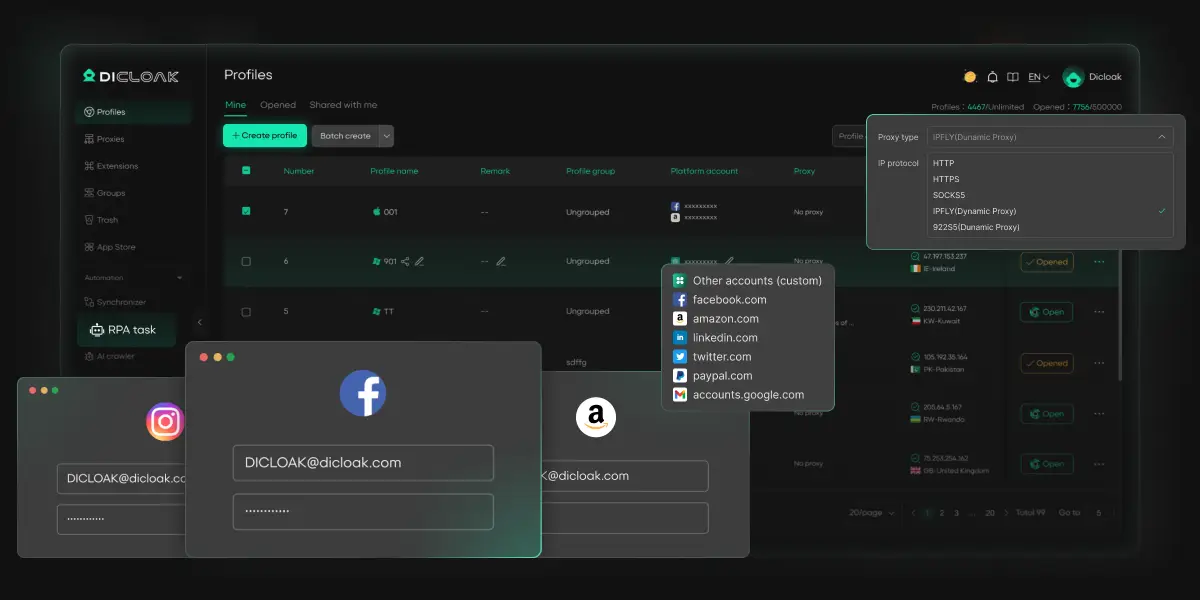
As a reliable AdsPower alternative, DICloak is built to solve real team coordination challenges in multi-account management:
- AI-powered automation lets teams generate workflows using natural language, reducing manual operations without technical setup
- Flexible access controls ensure secure collaboration by assigning profiles while protecting sensitive accounts
- Supports flexible proxy configuration, allowing users to easily assign and manage proxies for each profile
- Seamless team collaboration supports smooth account handoffs with secure session and credential handling
- An all-in-one dashboard gives full visibility into team activity, account status, and automation performance
Compared to AdsPower, DICloak offers a more streamlined experience with easier automation and team collaboration, making it a practical choice for growing teams.
Multilogin: Enterprise-Grade Fingerprinting
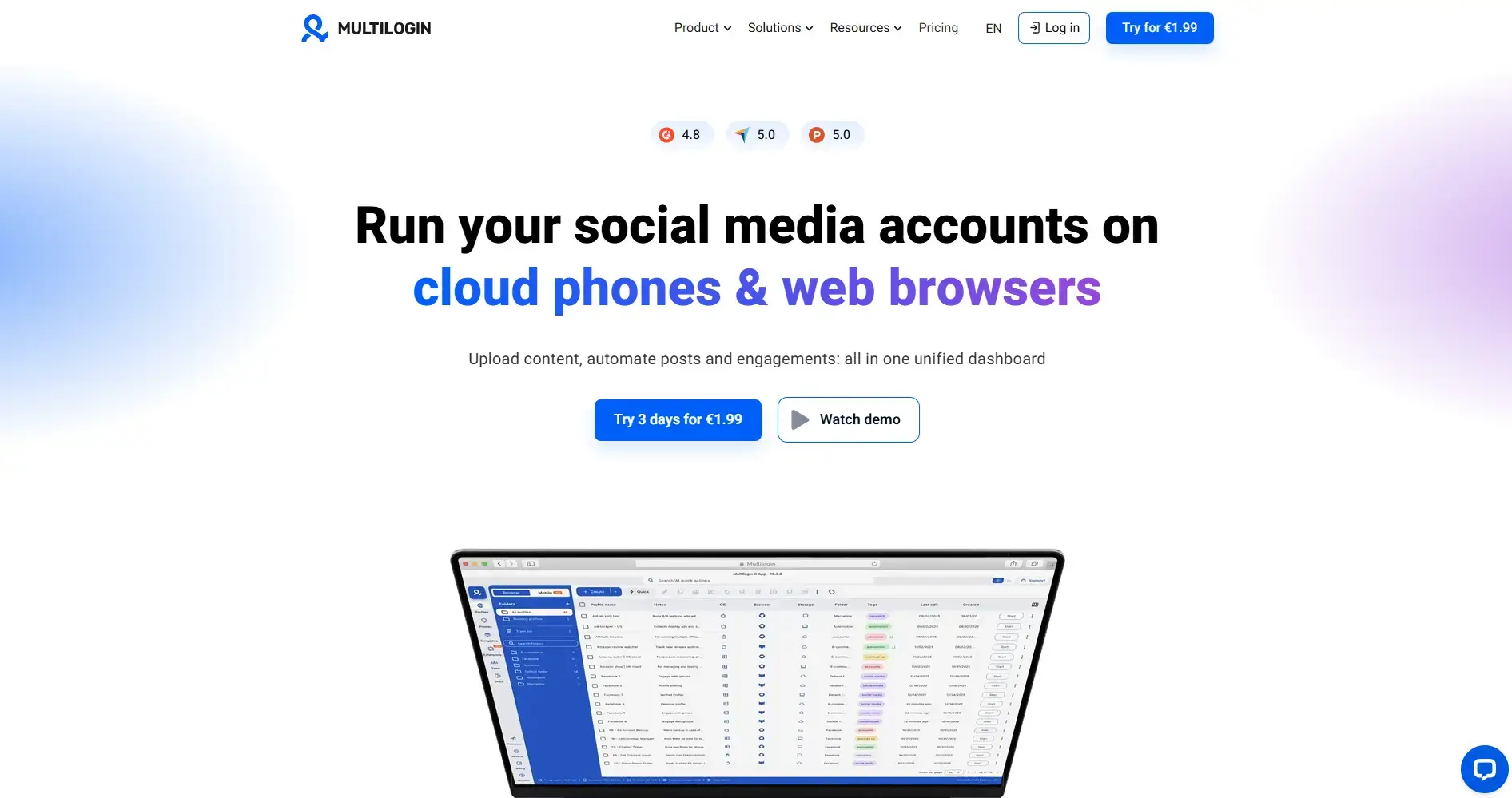
Multilogin sits at the top of the fingerprinting game — their technology makes it genuinely difficult for platforms to connect profiles back to each other. The Mimic browser handles Chromium-based fingerprints while Stealthfox covers Firefox-based profiles, giving you two distinct spoofing approaches depending on your needs.
Where Multilogin really earns its reputation is at scale. Thousands of profiles running simultaneously with minimal slowdown, and their fingerprint database updates automatically as browsers evolve and detection methods improve.
That said, it's not for everyone. At €99 per month just to get started, smaller teams will feel the pinch immediately. The learning curve is real — most users need several weeks before they're running complex workflows confidently. And with no free trial or even a limited test period, you're making a significant financial commitment before you've had a chance to properly evaluate whether it fits your operation.
GoLogin: Cloud-Based Convenience
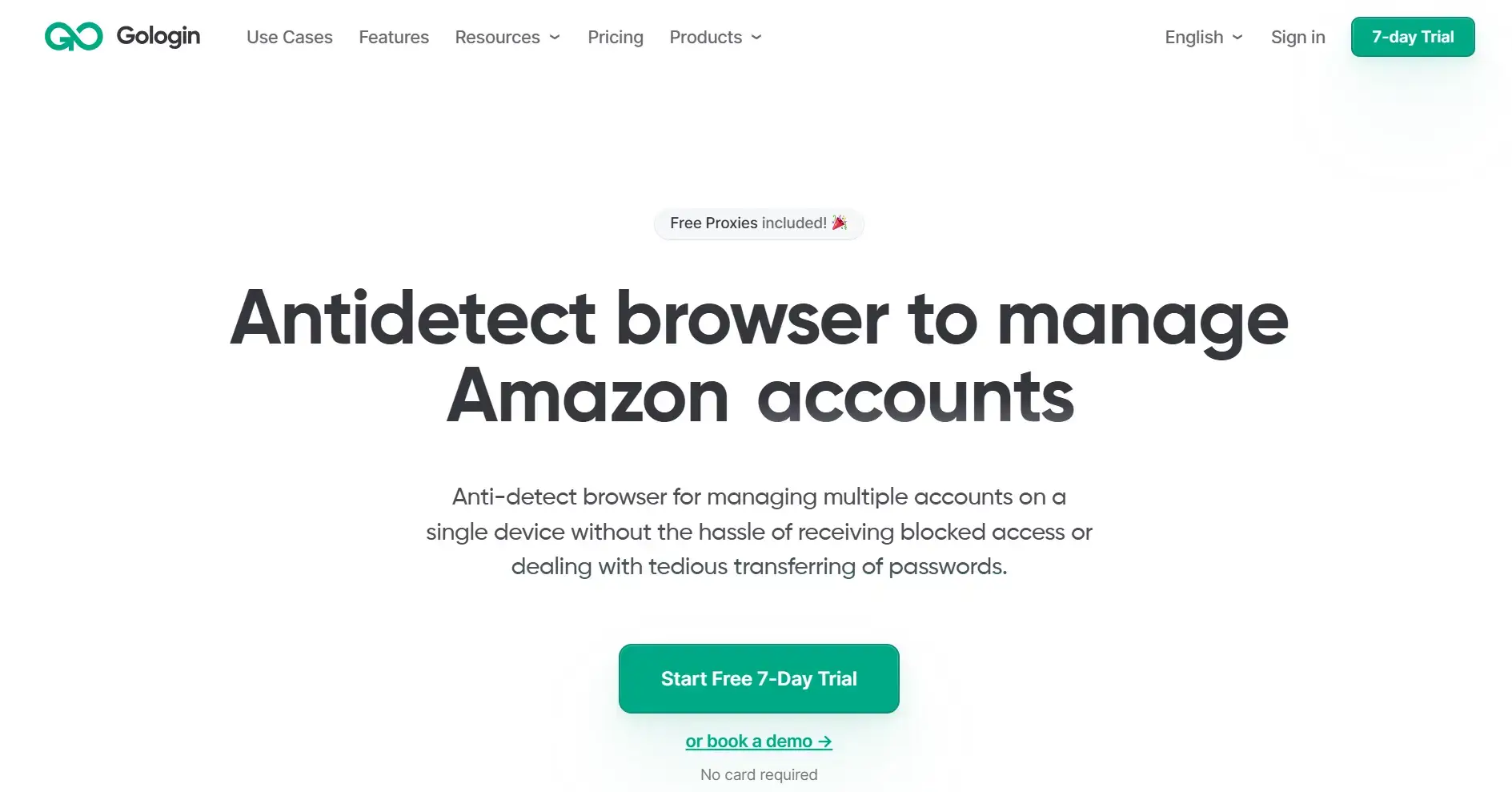
GoLogin operates primarily through cloud browsers, eliminating the need for local software installation and reducing hardware requirements. Mobile profiles work particularly well for Instagram, TikTok, and other mobile-first platforms - something desktop-only solutions struggle with.
Cloud infrastructure means your profiles sync automatically, and remote teams can jump between devices without missing a beat. No more worrying about local browser installations or keeping everything updated across different machines.
But there are trade-offs. Automation feels weaker than desktop alternatives, and you're stuck if your internet goes down. The cloud setup also adds noticeable lag when you're managing time-sensitive campaigns. Pricing starts at $24 per month, but the feature set feels limited compared to desktop alternatives.
Dolphin Anty: Visual Automation Focus
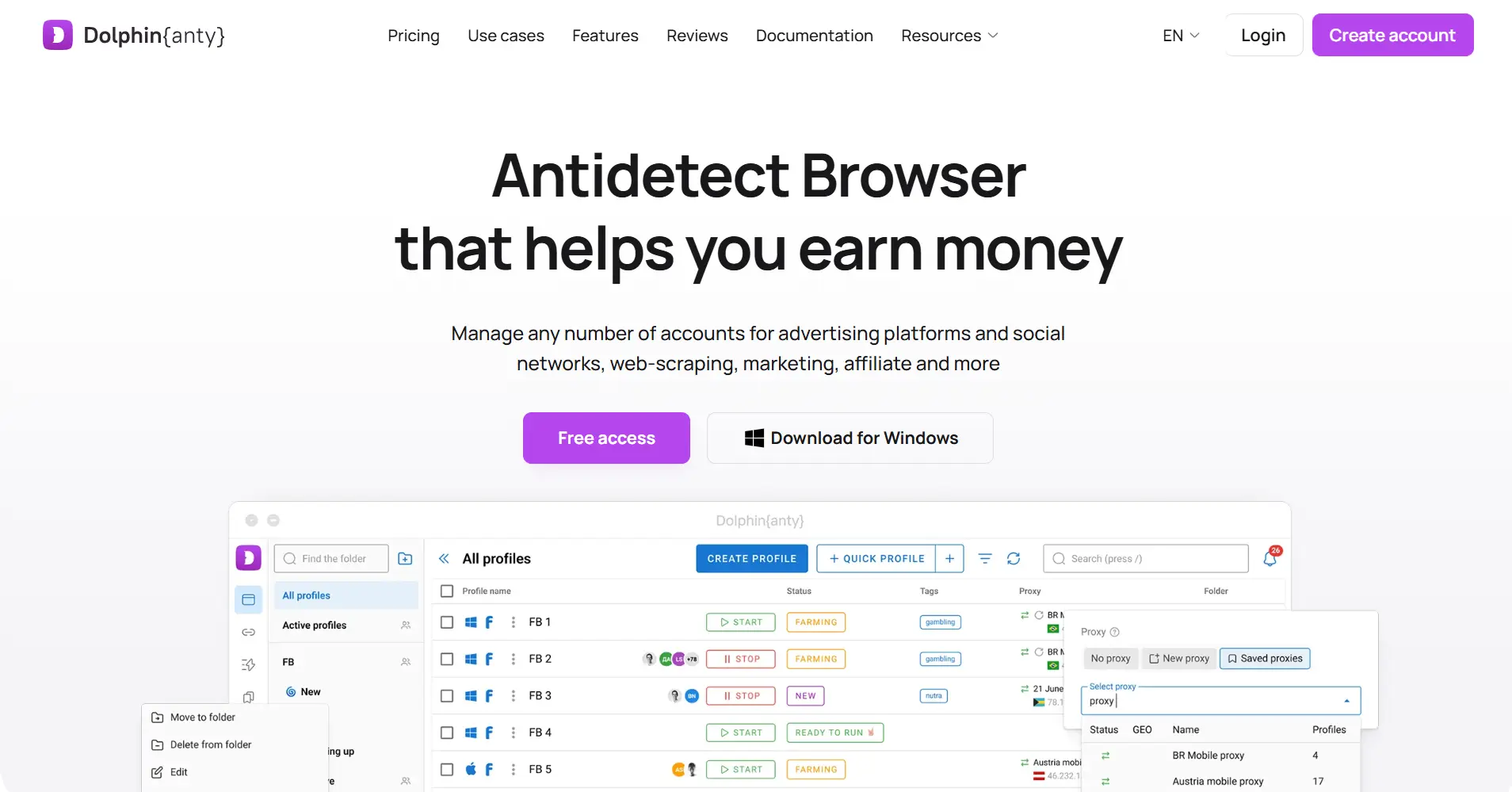
Dolphin Anty built their platform specifically for social media marketers, with particular strength in Facebook and TikTok account management. Their visual automation builder allows users to create workflows by clicking through actions rather than writing code.
The team collaboration features work well for agencies managing client social accounts. The permission system allows granular control over which team members can access specific profiles or perform certain actions.
However, Dolphin Anty's narrow focus limits its usefulness for marketers working across multiple platforms. E-commerce operators and affiliate marketers often find the feature set insufficient for their needs. At $89 per month for the team plan, the pricing feels high given the platform's specialized nature.
Octo Browser: Reputation Without Transparency
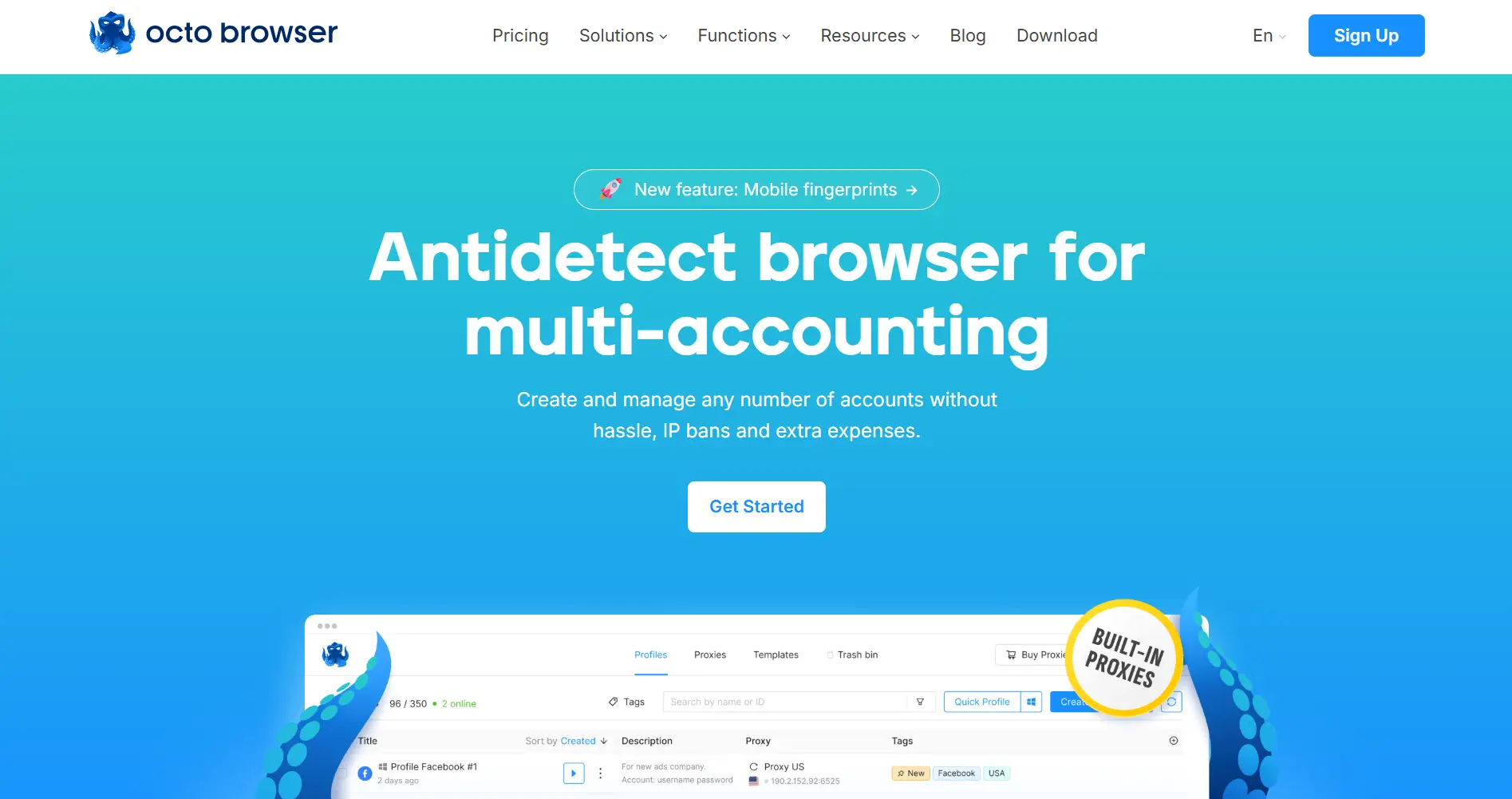
Octo Browser has earned genuine respect among privacy-focused users — the fingerprinting holds up well and performance stays stable under pressure. But getting to that point is frustrating. There's no public pricing, feature documentation is sparse, and you can't even start a proper evaluation without going through a sales call first.
Everything about the platform signals enterprise-only. Pricing details don't surface until you've sat through what users describe as lengthy sales conversations. If you're running a smaller team or working independently, that friction alone may be enough to send you elsewhere before you've seen a single feature in action.
Undetectable.io: Unlimited Local Profiles
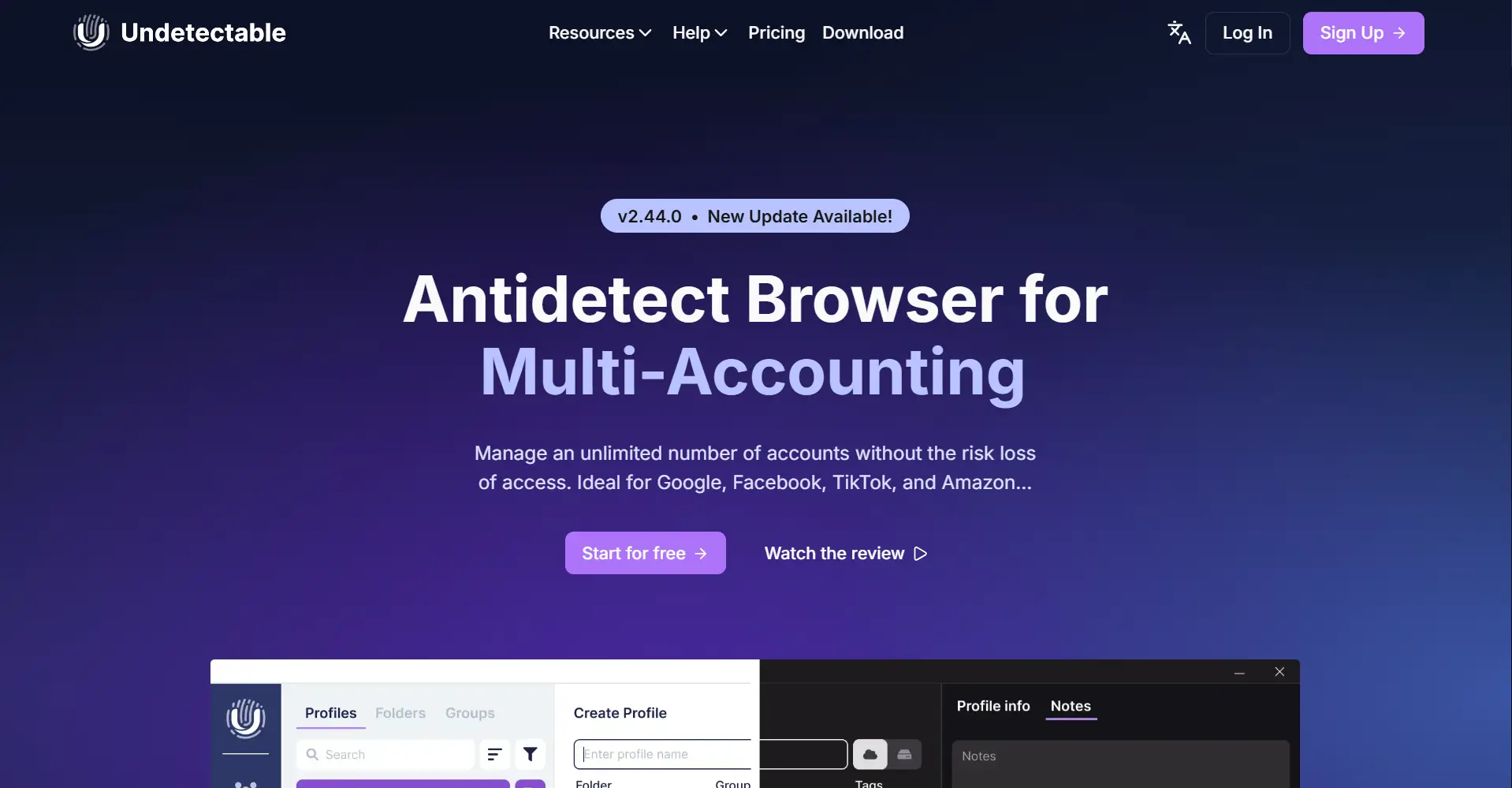
Undetectable.io offers unlimited local profile creation for $49 per month, making it attractive for users who need to manage hundreds of accounts. The local storage approach provides better performance and privacy compared to cloud-based solutions.
The platform includes basic automation features and proxy integration, but the user interface feels dated compared to newer alternatives. Customer support responsiveness varies significantly, with some users reporting excellent service while others experience long delays.
Key Features to Evaluate in Any Alternative
Modern platforms use increasingly sophisticated detection methods that go beyond basic browser fingerprints. Look for solutions that spoof canvas fingerprints, WebGL parameters, audio context fingerprints, and hardware concurrency values. The best alternatives update their spoofing techniques regularly to stay ahead of platform detection improvements.
Test fingerprint quality using tools like CreepJS to verify that profiles appear genuinely unique rather than obviously spoofed. Some platforms generate fingerprints that are too perfect, actually making them easier to detect.
Proxy Integration Flexibility
Effective account separation requires high-quality proxies matched to appropriate geographic locations. Evaluate how easily you can assign different proxy types (residential, datacenter, mobile) to specific profiles and whether the platform supports proxy authentication methods your provider uses.
Avoid solutions that force you to use their proxy services exclusively. The best platforms integrate with multiple proxy providers and allow you to switch providers without rebuilding your entire profile setup.
Automation Capabilities
Modern account management requires automation for tasks like content posting, message responses, and data collection. Evaluate whether the platform's automation tools match your technical skill level and workflow complexity.
Look for solutions that offer both visual workflow builders for non-technical users and advanced scripting capabilities for complex operations. When a platform lets you describe a task in plain language and generates the automation script for you, that's hours of setup time back in your pocket — especially valuable for teams without dedicated developers.
Team Collaboration Security
When multiple people need access to the same accounts, the platform's permission architecture matters more than most buyers realize upfront. All-or-nothing access is a liability — you want role-based controls that let you restrict specific actions, not just limit which profiles someone can open.
Session management is the other piece worth scrutinizing. Some platforms handle team members working from different locations gracefully, while others require layered VPN configurations just to keep geographic fingerprints consistent. Know which situation you're walking into before you commit.
Making the Switch: Migration Considerations
Data Export and Profile Recreation
Most antidetect browsers don't offer direct migration tools, meaning you'll need to manually recreate profiles in your new platform. Document your current proxy assignments, account credentials, and custom browser settings before beginning the migration process.
Plan for temporary disruption in your operations during the switch. Accounts that suddenly show up through a different browser fingerprint can draw attention from platforms, even when the proxy location hasn't changed.
Cost Analysis Beyond Monthly Fees
The subscription price is just the starting point. Before you commit to any platform, work out the full picture: proxy costs, time spent training your team, any automation development you'll need, and whether built-in features can replace tools you're currently paying for separately.
Pricing structures also tend to look friendlier at the entry level than they do once you're actually growing. Some platforms scale reasonably as you add profiles and team members — others quietly become expensive once you're past the starter tier. Map out what the cost looks like at your projected size, not just where you are today.
Testing and Validation
Before fully committing to a new platform, run parallel operations for critical accounts. This allows you to verify that the new solution maintains account health while providing the features you need.
Test the platform's performance under your actual workload conditions. Many solutions work well with a few profiles but struggle when you scale to your full operational requirements.
Advanced Account Management Strategies
Geographic Distribution Planning
Effective multi-account operations require more geographic thinking than simply rotating through a proxy list. Time zones shape when your posts land and how engagement patterns look. Local payment methods matter for e-commerce accounts targeting specific regions. Ad campaigns may need to stay within regional compliance boundaries that vary significantly from one market to the next.
Distribution also reduces risk. Platforms have gotten considerably better at identifying clusters of accounts originating from the same locations — particularly when those accounts share behavioral patterns on top of geographic proximity. Spreading accounts across genuinely different regions makes those clusters harder to spot.
Behavioral Pattern Diversification
Account longevity depends on creating genuinely diverse behavioral patterns rather than just different browser fingerprints. Vary login times, browsing patterns, interaction speeds, and content preferences across profiles to avoid algorithmic detection.
Develop different personas for different account types. A dropshipping store should behave differently from an affiliate review site, and social media accounts should reflect distinct personality traits and interests.
Security Layering
Layer your security beyond just browser fingerprinting. Use different email providers, phone services, and payment methods across accounts — every shared service is a thread that can connect profiles you need kept separate.
Audit your accounts regularly rather than assuming isolation holds indefinitely. Shared passwords, overlapping contact details, and consistent behavioral patterns are the kinds of subtle links that surface during platform reviews. Catching them yourself is considerably better than finding out a platform caught them first.
Scaling Team Operations Effectively
The technical side of running multiple accounts is one challenge — coordinating a team across all of them is another. Handoffs between team members create gaps where account context gets lost. Sharing credentials through informal channels introduces security exposure. And maintaining consistent quality across different people working different accounts is harder than it sounds in practice.
Legal and Compliance Considerations
Platform Terms of Service
Platform rules around multiple accounts vary dramatically. E-commerce sites often welcome multiple seller accounts for legitimate business reasons, while social platforms usually want one personal account per person.
Know the specific rules for each platform you're targeting. Some focus their enforcement on commercial violations rather than technical detection, while others actively hunt for fingerprint similarities.
Geographic Regulations
What's legal for account management in one country might break laws in another. European GDPR rules affect how you handle data for EU-targeted accounts, and some countries ban VPN and proxy usage entirely.
Research the regulatory environment for your specific use cases and target markets. Affiliate marketing, dropshipping, and social media management each carry different legal considerations depending on your location and target audience.
Performance Optimization Tips
Resource Management
Running multiple browser profiles simultaneously requires careful resource allocation to maintain performance. Monitor CPU and memory usage patterns to identify optimal profile limits for your hardware configuration.
Consider profile rotation strategies for operations that don't require constant active sessions. Keeping inactive profiles closed reduces resource consumption and allows you to manage more total accounts on the same hardware.
Network Optimization
Proxy performance significantly impacts user experience and account health. Test proxy speeds and reliability regularly, and maintain backup proxy pools for critical accounts.
Implement connection monitoring to detect proxy failures or IP blocks quickly. Automatic failover systems can maintain account accessibility when primary proxies encounter issues.
Frequently Asked Questions
Is it legal to use antidetect browsers for managing multiple accounts?
The legality depends on your specific use case, location, and the platforms involved. Managing multiple legitimate business accounts is generally legal, while creating accounts to circumvent platform bans or engage in fraudulent activity is not. Consult legal counsel for advice specific to your situation and jurisdiction.
How many profiles can I realistically manage on a single computer?
Profile limits depend on your hardware specifications and the complexity of your workflows. Most users can effectively manage 20-50 active profiles on standard business computers, while high-end systems can handle 100+ profiles. Performance degrades significantly beyond these limits without specialized hardware.
Do I need different proxies for each profile?
Unique proxies per profile give you the best isolation and lowest detection risk. That said, some users run multiple profiles through the same high-quality residential proxy successfully, especially for accounts targeting the same region. It comes down to your risk tolerance and how valuable those accounts are.
Can platforms still detect connections between profiles using the same payment method?
Absolutely. Shared payment info creates ironclad connections between accounts that no browser fingerprinting can hide. Use different payment methods, billing addresses, and financial institutions for accounts that must remain completely isolated.
How often should I update browser fingerprints?
Frequent fingerprint changes can actually increase detection risks, as real users maintain consistent browser characteristics over time. Update fingerprints only when necessary, such as when simulating browser updates or changing geographic locations for legitimate reasons.
Choosing the Right Alternative for Your Needs
The best AdsPower alternative depends on your specific operational requirements, technical expertise, and budget constraints. Security should remain a primary consideration given AdsPower's recent breach. Look for platforms with transparent security practices, regular updates, and clear incident response procedures. The cheapest solution often becomes expensive when account compromises disrupt your operations.
Think about where your operation is headed, not just where it stands today. A platform that handles your current account volume comfortably may become a bottleneck six months from now. Factor growth into the decision so you're not rebuilding your entire setup again when you hit the next threshold.
 Web Proxy Tools
 Free Tools
 Cookie Plugin
 UA Generator
 MAC Address Generator
 IP Generator
 IP Address List
 2FA Code Generator
 World Clock
 Anonymous Check
 WebRTC Leak Test
 UUID Generator
 Free Web Proxy Site
 Proxy Checker
 FB Ad Checker
 AI Web Scraping
 Free SMM Tools
 Twitter Shadowban Checker
 Instagram Name Checker
 UTM Generator
 Username Generator
 AI Hashtag Generator
 LinkedIn Headline Generator
 Social Media Image Resizer