You open Claude for work, school, coding, or writing. Then you see that your account is disabled or banned. It feels sudden, and the first question is simple: why is my Claude account banned? In many cases, the reason is not one single prompt. It may be linked to policy violations, unusual login behavior, account sharing, payment issues, or automated safety checks. This guide explains the common causes, how to appeal, what to do if your account cannot be recovered, and how to reduce the same risk in the future.
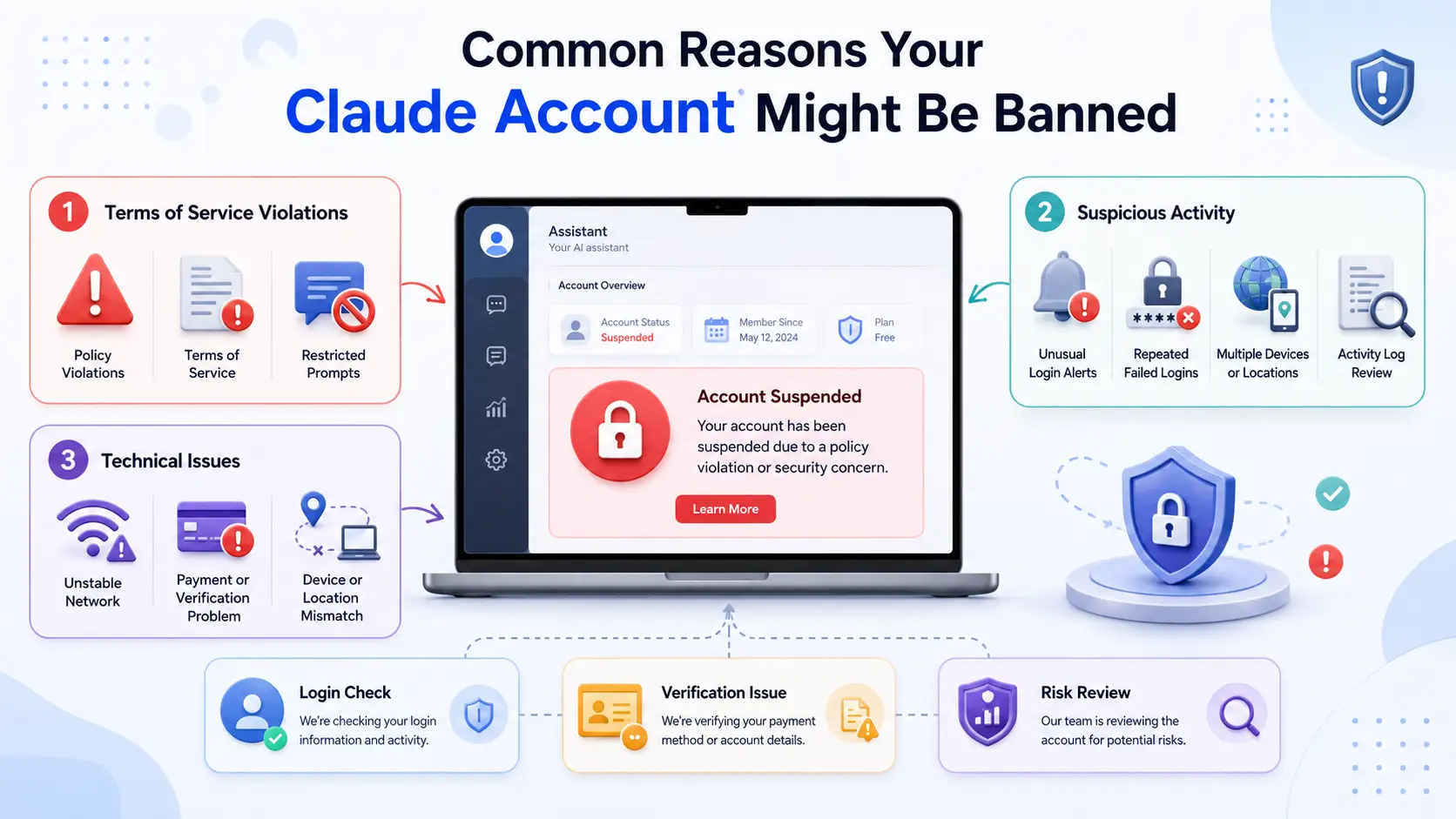
Common Reasons Your Claude Account Might Be Banned
If you are asking, “why is my Claude account banned,” the reason is often tied to safety rules, login behavior, or account checks. Claude may disable an account when its systems see repeated policy issues, risky account activity, or signs that the account was created from an unsupported location.
Violations of Terms of Service: What You May Have Missed
Some users do not mean to break rules. For example, a user may test too many restricted prompts, share access with others, or use Claude in a way that looks unsafe. Later, they may think, “Claude banned my account for no reason,” but the system may have seen repeated rule violations.
Suspicious Activity: How Automated Systems Flag Accounts
Claude may also flag accounts when activity looks unusual. This can include sudden login changes, many failed checks, or behavior that looks automated. If you wonder “why is my Claude account disabled,” review recent logins and account use first.
Technical Issues That Could Trigger a Ban
Sometimes the problem is not one prompt. It may be a mix of location, device, payment, or verification issues. For example, using the account across many unstable environments can make normal use look risky.
How to Appeal a Claude Account Ban Successfully
After you check the possible causes, the next step is to appeal with clear facts. If you are still asking, “why is my Claude account banned,” do not send angry or repeated messages. A calm appeal is more useful.
| Appeal Item |
Why It Matters |
Example |
| Account email |
Helps identify the account |
The email linked to Claude |
| Error message |
Shows the exact issue |
“Account disabled” screenshot |
| Timeline |
Helps reviewers understand context |
Ban appeared after login checks |
| Normal use case |
Shows the account was used for allowed work |
Writing notes, coding, research |
| Payment proof |
Useful for billing-related issues |
Receipt or subscription record |
Steps to Submit an Effective Appeal
Start with the official appeal form from Anthropic. Use the email linked to your Claude account. Explain what happened, when the ban appeared, and why you believe it was a mistake. For example, say: “I was using Claude for work notes, then my account was disabled after several login checks.”
What Documentation to Include in Your Appeal
Add useful proof, but keep it simple. Include your account email, error message, payment record if needed, and a short timeline. If you searched “why is my Claude account disabled” after a sudden login issue, mention the device or network change.
How Long Does the Appeal Process Take?
Anthropic does not promise a fixed review time. Wait for the official reply. If Claude banned my account because of a false flag, one clear appeal gives the review team a better chance to understand the case.
Preventing Future Claude Account Bans
After you appeal, it is smart to reduce future risk. If you once asked, “why is my Claude account banned,” treat it as a warning sign. Small habits can protect your account later.
Best Practices for Staying Compliant with Platform Rules
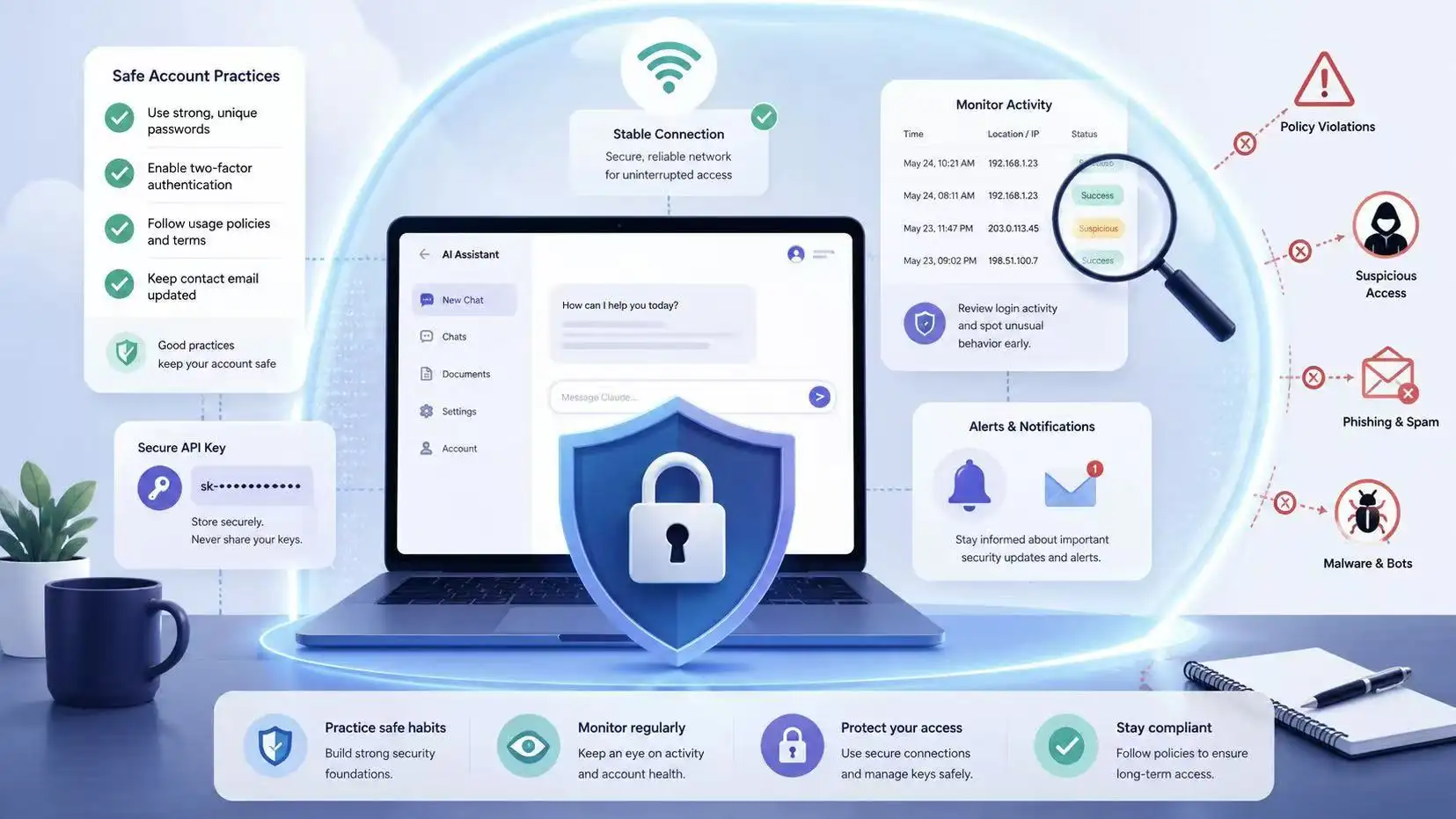
Read Claude’s usage rules before testing risky prompts. Do not ask for harmful content, share your account with unknown users, or run tasks that look abusive. For example, a team should set clear rules before many people use one workspace.
How to Monitor Your Account for Suspicious Activity
Check your login history, billing status, and email alerts often. If you wonder “why is my Claude account disabled,” look for sudden password changes, failed logins, or unknown devices. These signs can make normal use look unsafe.
Tips for Maintaining a Stable Network Environment
Use a stable device and network when possible. Avoid switching between many locations in a short time. If Claude banned my account after repeated checks, unstable access may have added risk, even if the main issue was not technical.
What to Do If Your Claude Account Cannot Be Recovered
Even with careful use, not every appeal will restore access. If you still ask, “why is my Claude account banned,” shift your focus from blame to recovery. The goal is to protect your work and keep projects moving.
| Step |
Action |
Why It Helps |
| 1 |
Check if you still have access |
You may still export data |
| 2 |
Save important prompts and files |
Prevent work loss |
| 3 |
Compare alternative AI tools |
Find the right replacement |
| 4 |
Rebuild your prompt library |
Keep workflows moving |
| 5 |
Review new platform rules |
Avoid repeating the same risk |
Exploring Alternative AI Platforms in 2026
Look for another AI tool that fits your real task. ChatGPT, Gemini, Perplexity, and other platforms may work for writing, coding, search, or research. Do not choose only by hype. Test one small task first. For example, try the same blog outline on two tools and compare accuracy.
How to Safeguard Your Data Before Moving Platforms
If you still have access, export your Claude data from the privacy settings. Save key prompts, project notes, and files in your own drive. If you searched “why is my Claude account disabled” too late, check your email for old outputs or shared documents.
Steps to Transition to a New Service
Move slowly. Rebuild your prompt library, review each new platform’s rules, and avoid repeating risky habits. If Claude banned my account after unusual use, use this change as a chance to build a cleaner workflow.
User Actions That Could Lead to a Claude Account Ban
When you move on or rebuild your workflow, it helps to know which actions may create risk. Many users ask, “why is my Claude account banned,” only after a small habit becomes a bigger account issue.
Sharing Login Credentials: Why It’s Risky
Sharing your Claude login can make one account look like many users are controlling it. For example, if a friend logs in from another device and tests unsafe prompts, you may face the result. Later, you may think, “Claude banned my account,” even though another person caused the risk.
Excessive API Usage: How It Can Trigger a Ban
Heavy API use is not always bad, but sudden spikes can look unusual. Watch your limits, keys, and billing. If an API key leaks, someone else may use it fast and create charges or abuse. That can explain “why is my Claude account disabled” in some cases.
Using Claude for Restricted Activities
Do not use Claude for harmful, illegal, or deceptive tasks. This includes unsafe automation, fraud support, or requests that break platform rules. A clean use case, like drafting emails or summarizing notes, is much safer than testing restricted prompts again and again.
How Claude’s Automated Review Process Works
After knowing risky actions, it helps to understand how Claude detects problems. Many ask, “why is my Claude account banned,” without seeing the automated checks behind the scenes.
What Triggers an Automatic Review?
Sudden spikes in usage, repeated failed logins, unsafe prompts, or login from unusual devices can trigger a review. For example, logging in from a new country while using multiple API keys may flag your account.
Can You Challenge Automated Decisions?
Yes, you can submit an appeal through the official form. Explain your normal usage and provide proof, like account email or error messages. This helps reviewers see why “Claude banned my account” might be a false flag.
Why Some Accounts Are Permanently Banned
Accounts that repeatedly break rules, share credentials widely, or perform restricted actions may face permanent bans. Automated systems combine these signals to protect all users, even if it feels harsh for one person.
By now, it should be clear that many users who ask, “why is my Claude account banned,” are often dealing with login inconsistencies, account-sharing risks, or activity patterns that automated systems may view as unusual. While no tool can guarantee that an account will never be restricted, using a more organized and secure workflow can help reduce avoidable risks.
Manage Multiple Accounts Safely
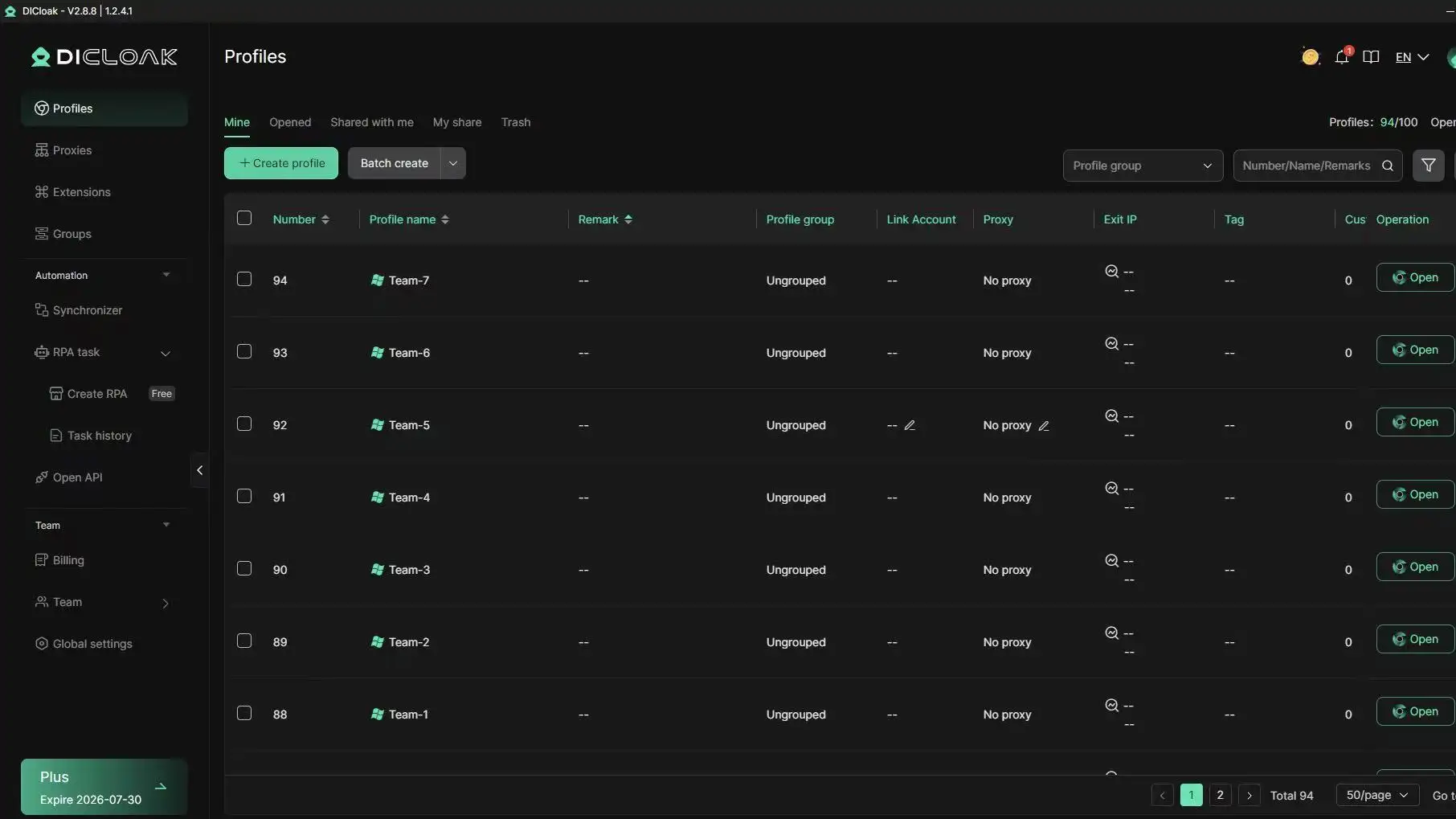
For users who manage multiple AI accounts, workspaces, or client projects, keeping everything separated is important. DICloak Antidetect Browser creates isolated browser profiles, allowing each account to run in its own environment with separate cookies, local storage, and browser settings. This helps prevent accidental cross-account interference and keeps account data organized. DICloak supports large-scale profile management and bulk operations, making it easier to handle multiple accounts from one device without creating unnecessary complexity.
Reduce Risk of Suspicious Activity Flags
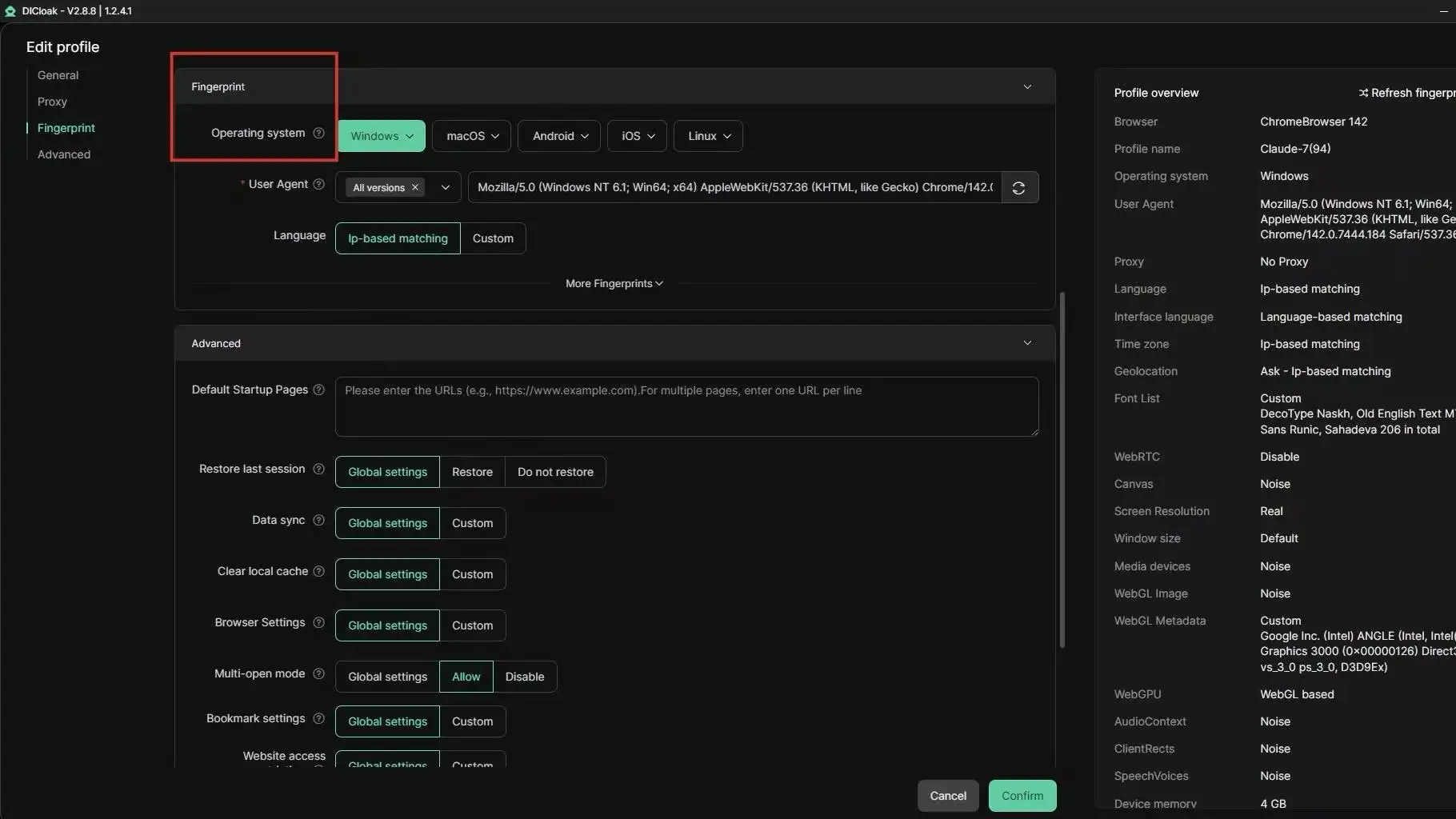
One common reason users wonder, “why is my Claude account disabled,” is that automated systems may detect unusual login patterns or inconsistent device signals. DICloak helps users maintain dedicated browser profiles for different accounts. Each profile can be configured with its own browser fingerprint settings and user-configured proxy connection, helping create a more consistent browsing environment. This is especially useful for professionals working across multiple projects, teams, or business operations where account separation is important.
Maintain Consistent Access Across Devices
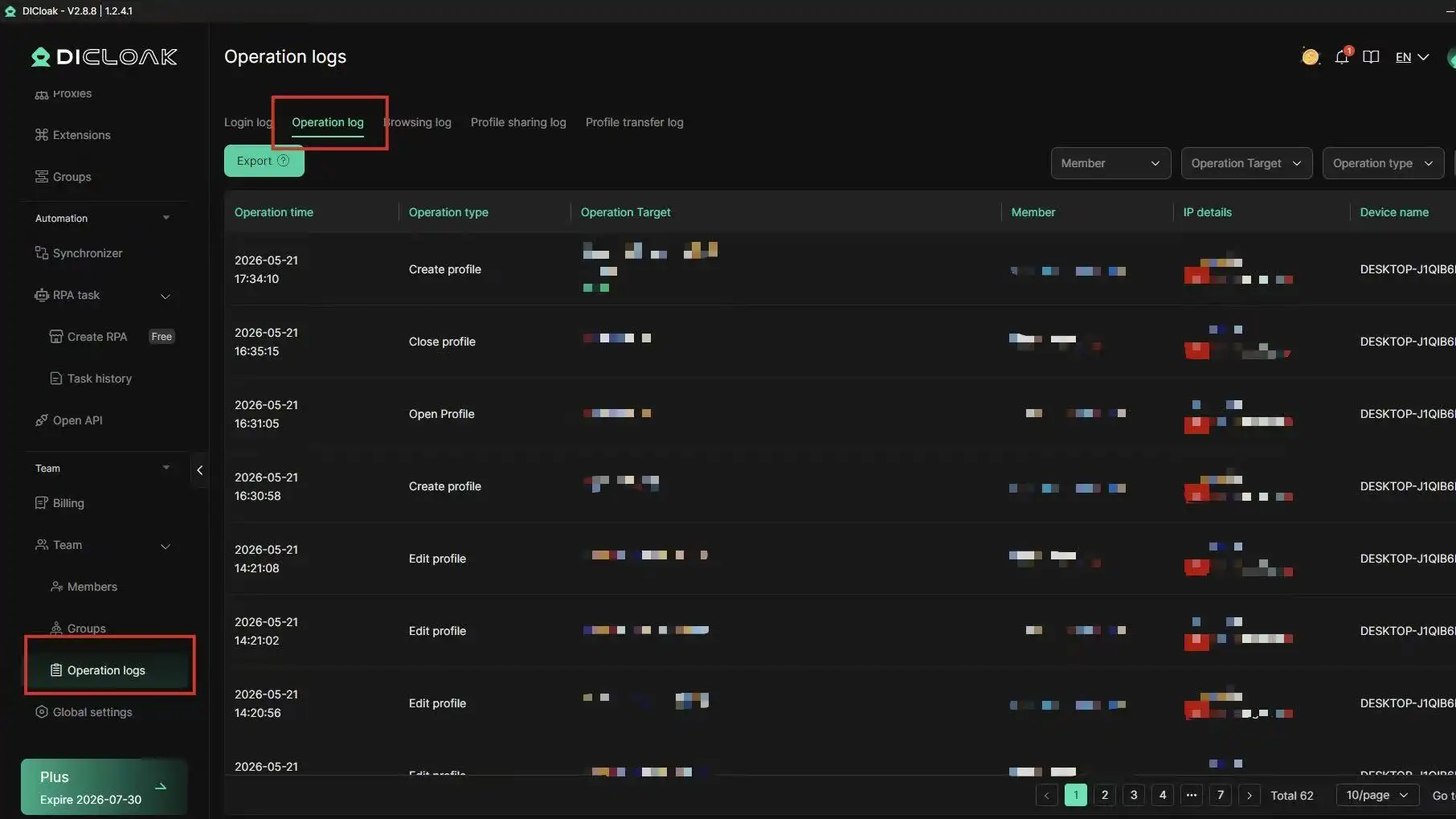
Teams often need to access the same accounts from different locations. However, uncontrolled account sharing can increase security risks and trigger additional verification checks. DICloak provides profile-sharing tools, permission controls, operation logs, and team collaboration features that allow organizations to manage account access in a more structured way. Instead of sharing passwords directly, teams can work within controlled browser profiles while maintaining visibility over profile activity. For businesses that rely on AI tools every day, a stable and consistent access strategy can be just as important as the appeal process itself.
Frequently Asked Questions About Why Is My Claude Account Banned
Why is my Claude account banned even if I did nothing wrong?
If you are asking “why is my Claude account banned,” the answer may not always be one clear action. Claude may restrict an account after repeated policy issues, unsupported location signals, terms violations, or suspicious login activity. Sometimes a user may feel the ban is sudden, but the system may have seen several risk signals over time. If you believe it was a mistake, submit an official appeal with your account email, error message, and a short timeline.
Can I create a new Claude account after being banned?
Creating a new account right after a ban is risky. If the first account was banned for serious or repeated violations, a new account may also be reviewed. A safer step is to appeal first and understand what happened. If you still wonder “why is my Claude account banned,” creating another account before fixing the cause may repeat the same problem.
Does Claude tell users the exact reason for a ban?
Claude may not always provide a detailed reason in the first notice. The message may only say that the account was disabled, suspended, or terminated. This can be frustrating, especially when users search “why is my Claude account banned” and want a direct answer. In your appeal, explain your normal use case and include useful proof. This gives the review team more context.
Can I appeal more than once if my first appeal fails?
You can follow the official appeal process if you believe the decision was wrong. However, sending repeated appeals with the same message may not help. A better second appeal should add new facts, such as a payment record, login timeline, error screenshot, or proof that your account was used for normal work. Keep the tone calm and clear.
Are temporary Claude bans different from permanent bans?
Yes. A temporary restriction may happen during a safety review, verification issue, or unusual activity check. A permanent ban usually means the account is not expected to be restored unless the appeal proves a mistake. If you are asking “why is my Claude account banned,” check the wording in the notice first. Words like “suspended,” “disabled,” and “terminated” may point to different levels of account action.
Conclusion
A Claude ban can feel confusing, especially when the notice gives little detail. But the best response is not panic. Start by checking recent account activity, login changes, API usage, and possible rule violations. Then submit a clear appeal with useful proof. If the account cannot be restored, protect your data and rebuild your workflow carefully. For teams or users managing several AI accounts, a stable and separated browser setup with DICloak can help reduce avoidable security risks and keep daily work more organized.
 Web Proxy Tools
 Free Tools
 Cookie Plugin
 UA Generator
 MAC Address Generator
 IP Generator
 IP Address List
 2FA Code Generator
 World Clock
 Anonymous Check
 WebRTC Leak Test
 UUID Generator
 Free Web Proxy Site
 Proxy Checker
 FB Ad Checker
 AI Web Scraping
 Free SMM Tools
 Twitter Shadowban Checker
 Instagram Name Checker
 UTM Generator
 Username Generator
 AI Hashtag Generator
 LinkedIn Headline Generator
 Social Media Image Resizer