In an era where digital privacy is increasingly scarce, the search for true online anonymity has become more urgent than ever. Did you know that according to recent studies, 83% of websites actively fingerprint users, a technique that tracks you even when you're in Incognito or Private Mode? Standard tools like your browser's private mode are simply no match for this modern tracking, which can create a unique profile of your device and follow you across the web regardless of your IP address or cookies.
This guide provides a comprehensive overview of the best anonymous browser choices available in 2025. We will cut through the marketing myths to explain how these powerful tools actually work, what protections they offer, and which one is right for your specific needs. By the end, you will have the knowledge to select the right tool to reclaim control over your digital footprint and browse with genuine freedom and security.
Why "Incognito Mode" Isn't a Real Anonymous Browser
To appreciate the need for a true anonymous browser, it is crucial to first understand the limitations of the "private" modes built into mainstream browsers. Most people believe that opening an Incognito or Private window makes them invisible online, but in reality, it's a clever illusion that only provides a thin layer of device-level privacy.
What Incognito Mode Actually Does:
- Doesn't save your browsing history after the session ends.
- Deletes cookies and site data created during the session.
- Removes temporary files and autofill information.
What Incognito Mode Fails to Do:
- Your IP address remains visible to websites, your ISP, and network administrators.
- Your unique browser fingerprint is still exposed.
- Downloads and bookmarks are still saved to your device.
- It does not prevent monitoring by employers, schools, or ad networks.
The key takeaway is that Incognito Mode only hides your activity from other people who use your computer. It does not provide network-level anonymity, making it an inadequate defense against the sophisticated tracking prevalent on the modern web.
How a True Anonymous Browser Protects You
Unlike a regular browser's private mode, a true anonymous browser is a specialized tool engineered from the ground up for online invisibility. It operates on the principle of sharing as little information as possible, acting as a digital shield between you and the websites you visit. This technology is essential not only for privacy-conscious individuals but also for businesses that need to manage multiple online accounts without being linked or banned.
Hides Your Digital Fingerprint
The most powerful method websites use to track you is browser fingerprinting. This technique builds a highly accurate profile based on your computer’s specific details, including your screen size, installed fonts, operating system, and even your graphics card. This fingerprint is so unique it can identify you among millions of others. An anonymous browser counters this by either blocking websites from gathering this information or, more effectively, by providing a new, generic fingerprint for each session, helping you blend in with the crowd.
Masks Your True Location
Your IP address acts like a digital home address, revealing your physical location to websites and trackers. An anonymous browser protects your identity by hiding your real IP address, often by routing your internet connection through a network of different servers around the world. To any website you visit, it appears as though you are browsing from a completely different location.
Blocks Website Trackers
Websites use small files called cookies to remember you and track your activity across the internet. This is how an item you view on Amazon can suddenly appear in an advertisement on your Facebook feed. An anonymous browser automatically blocks these trackers or isolates them in separate "containers," ensuring your activity on one site cannot be linked to what you do on another.
By combining these protective shields, a true anonymous browser provides a fresh, secure, and untraceable identity for each browsing session, finally giving you back control.
Exploring the Best Anonymous Browsers for Privacy and Security
When it comes to maintaining privacy and security online, choosing the right anonymous browser is crucial. Whether you're a professional looking to manage multiple accounts securely or someone simply seeking to protect your identity, anonymous browsers offer unique solutions tailored to different needs. In this guide, we'll explore top options, from powerful antidetect browsers like DICloak to privacy-focused browsers like Tor, Brave, and Firefox-based alternatives, each providing essential tools to safeguard your online presence and enhance anonymity.
The Best Anonymous Browser for Professionals: DICloak
For users who require more than just casual privacy, the antidetect browser stands out as the premier solution. This category of professional-grade tools is designed for businesses, marketers, and power users who need total privacy, robust multi-account management, and airtight security to avoid detection and bans. DICloak is a powerful leader in this space.
Antidetect browsers go beyond simple tracker blocking by creating a completely isolated and unique browsing profile for every account you manage, effectively defeating modern tracking systems.
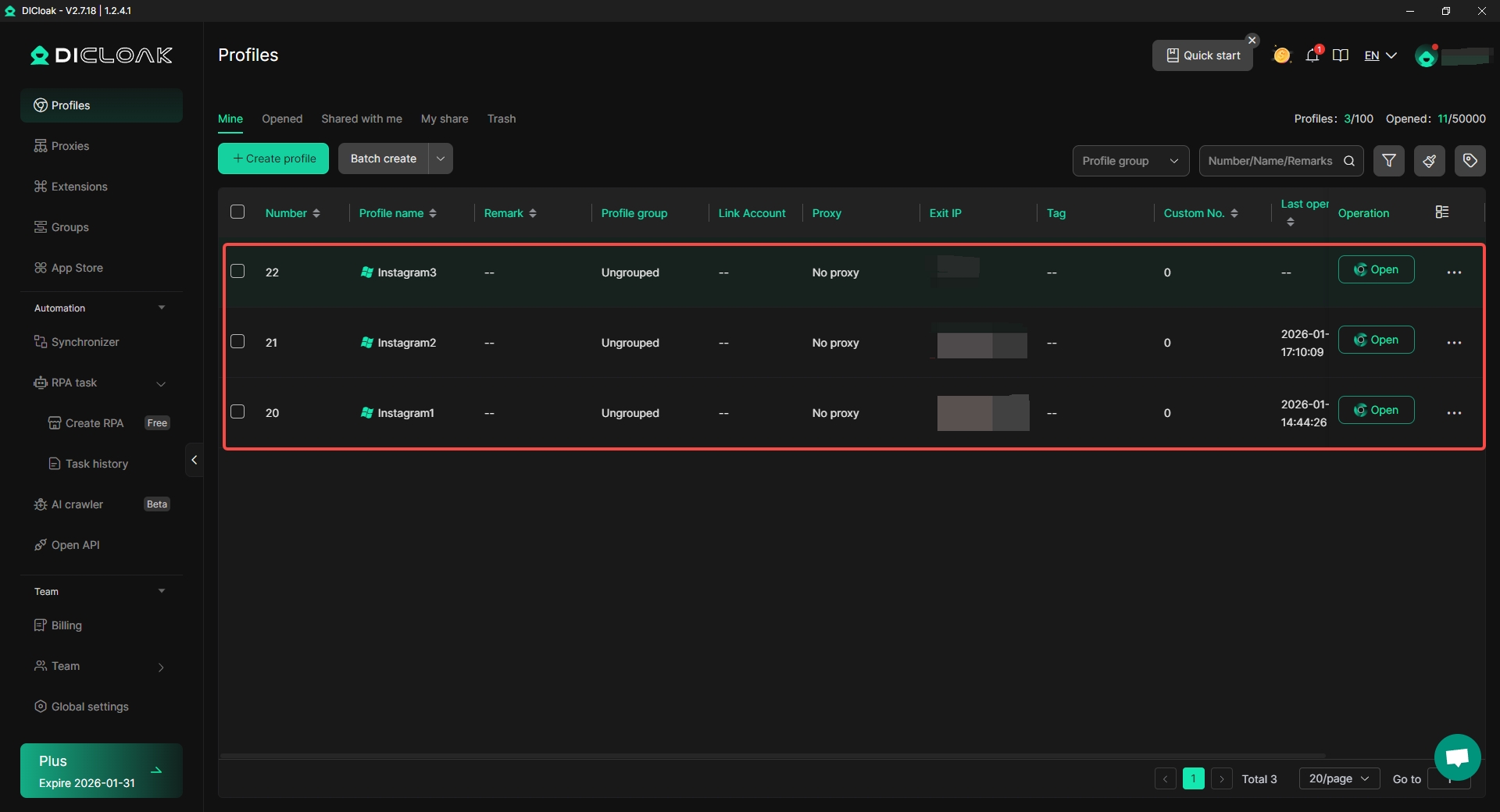
- Protected Fingerprint Technology: Platforms like DICloak generate a unique digital identity for every account by spoofing key fingerprint elements like your IP address, geo-location, cookies, WebGL, and canvas. This ensures that each account appears to websites as a completely separate and authentic user.
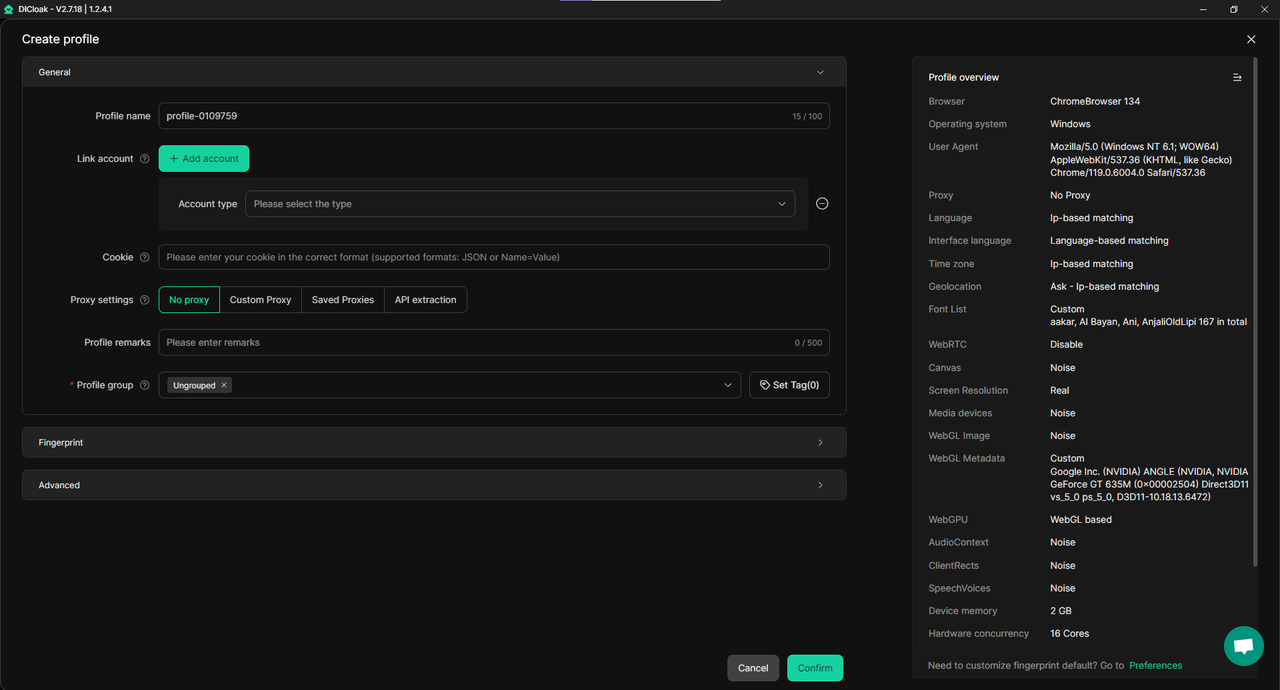
- Advanced Multi-Account Management: Users can securely manage an unlimited number of accounts, with each profile containing its own isolated browser fingerprints, cookies, and history. This technology prevents platforms from associating your accounts with one another. Each profile functions like a separate virtual machine but is significantly faster and more cost-effective, providing enterprise-level isolation without the overhead.
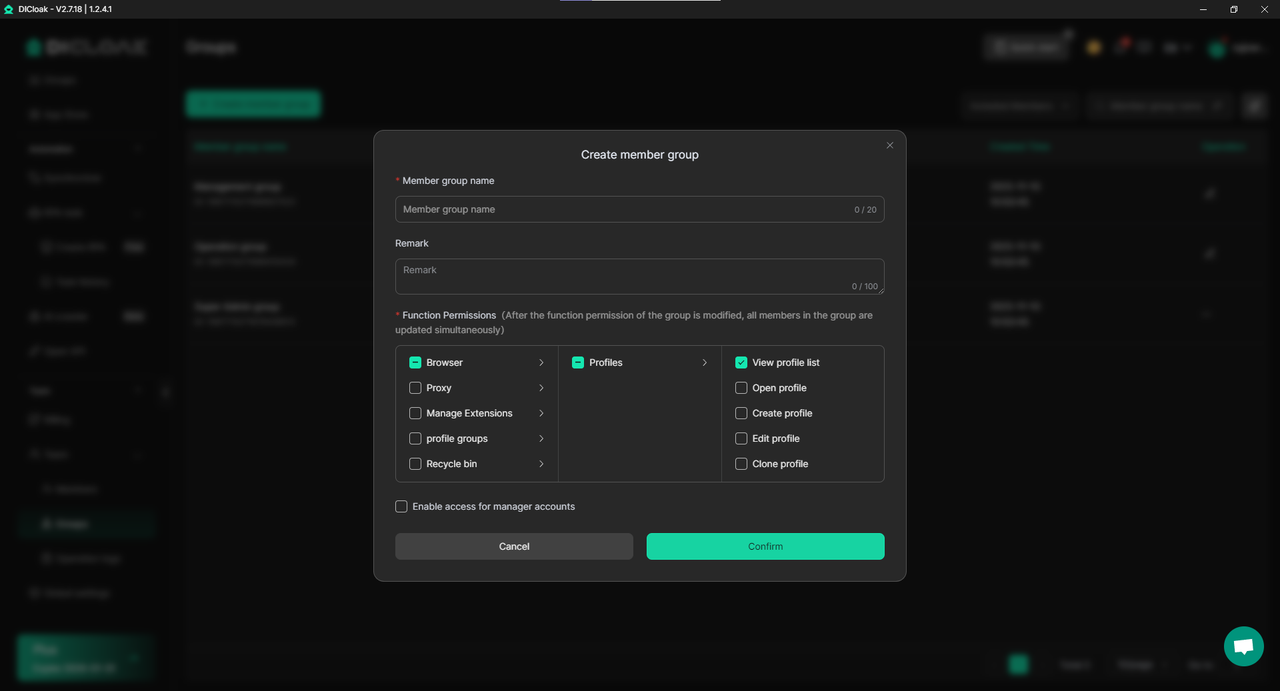
- Shielded Teamwork and Collaboration: Antidetect browsers are built for teams. They offer flexible permissions, secure profile sharing, and member notifications, allowing for seamless and secure collaboration. Team members can work on different accounts from one dashboard without compromising security or leaving a trail.
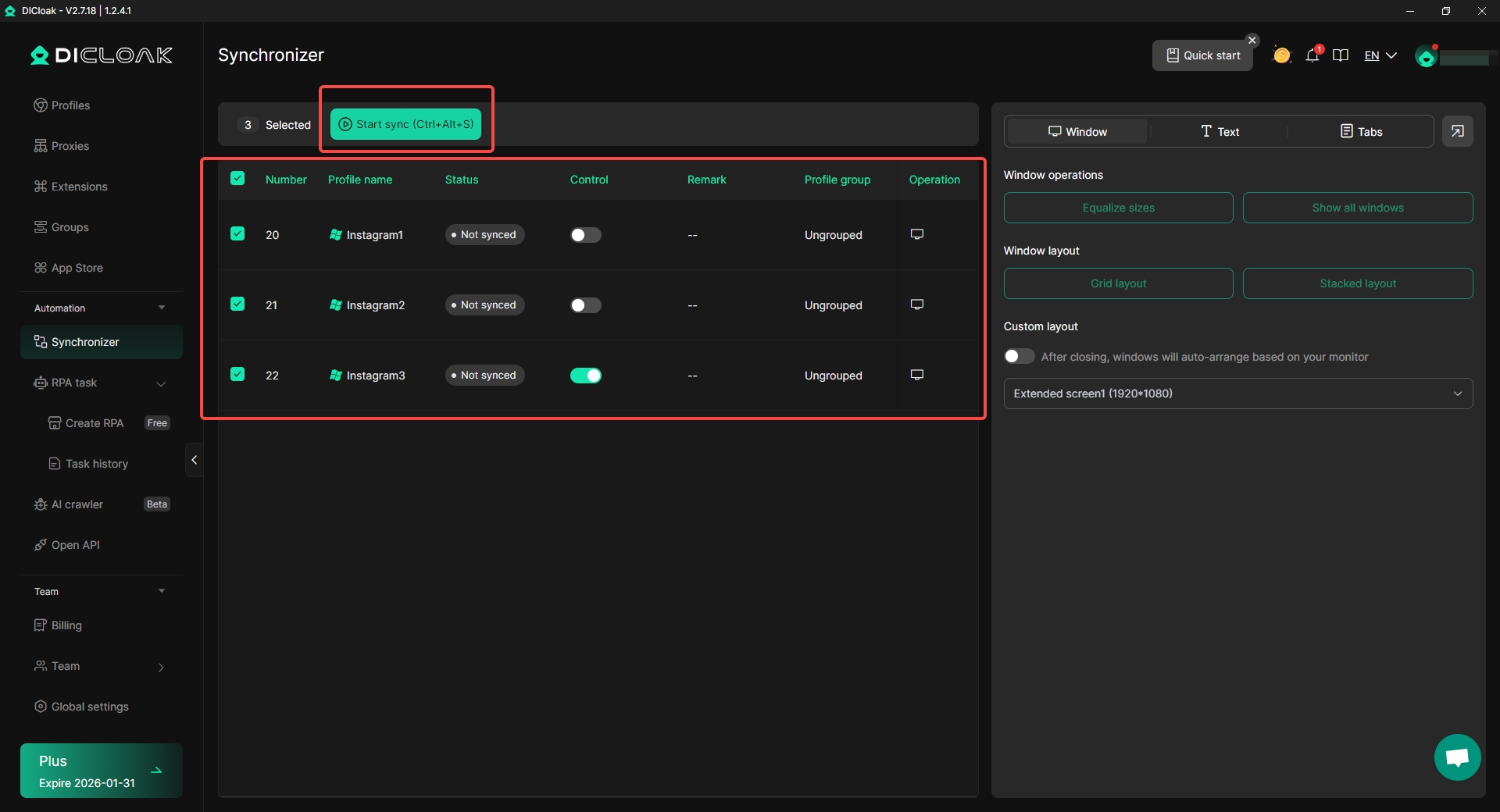
- AI-Powered Automation: To streamline workflows, professional platforms include powerful automation capabilities. You can automate repetitive tasks like web scraping and account management using built-in AI, no-code automation templates, and tools like a Synchronizer, which syncs actions across multiple profiles effortlessly.
Key Advantages:
- Unrivaled security configuration, including full data encryption and secure cloud synchronization.
- Ability to access and sync profiles across multiple devices.
- Ideal for use cases like E-Commerce, Social Media Marketing, Affiliate Marketing, and Web Scraping.
- Offers a free plan to start, with scalable paid plans for teams of all sizes.
For businesses and professionals whose operations depend on managing multiple online identities safely and efficiently, an antidetect browser like DICloak provides an essential, powerful, and reliable solution.
The Original Anonymous Browser: Tor Browser
The Tor Browser is designed with one goal in mind: complete anonymity. Developed by the nonprofit Tor Project, it is the world's most famous private browser, used by journalists, activists, law enforcement, and anyone seeking to protect their identity and location from network surveillance. It achieves this by routing all internet traffic through its global, decentralized network of volunteer-run servers.
At the core of Tor is a process called "Onion Routing." Your data is wrapped in multiple layers of encryption, much like the layers of an onion. This encrypted data then travels through a series of three different servers (nodes) before reaching its destination. The entry node knows your IP address but not where you're going; the middle node knows neither; and the exit node knows your destination but not who you are. This system makes it extremely difficult for anyone to trace your online activity back to you.
| Pros |
Cons |
| Strong anonymity and privacy features. |
Slower browsing speeds due to multiple relays. |
| Layered encryption for enhanced security. |
Potential compatibility issues with certain websites. |
| Ability to access the dark web (.onion sites) and blocked websites. |
Not ideal for streaming or downloading large files. |
While Tor remains the gold standard for pure anonymity, its significant speed trade-offs make it less practical for everyday browsing or tasks that require a fast connection.
A Fast and Private Anonymous Browser: Brave
For users looking for a more balanced approach, Brave Browser offers a user-friendly experience that prioritizes both privacy and speed. Built on the same open-source foundation as Google Chrome, Brave strips out the tracking elements and blocks ads and trackers by default, resulting in a faster, cleaner, and more private browsing experience right out of the box.
Key Privacy Features:
- Brave Shields: This is Brave's core feature, which automatically blocks ads, trackers, and unwanted scripts on every website you visit. Shields also helps prevent browser fingerprinting by randomizing device details to make you harder to identify.
- HTTPS Everywhere: Brave automatically forces websites to use a secure HTTPS connection whenever possible, further protecting your data in transit.
- Brave Rewards: An optional and controversial feature, Brave Rewards allows users to opt into viewing privacy-respecting ads and earn cryptocurrency tokens. This system can be turned off at any time.
|
Pros |
| Default ad and tracker blocking for improved privacy and speed. |
Controversial approach to advertising and revenue generation. |
| Enhanced security features like HTTPS Everywhere. |
Smaller user base compared to mainstream browsers. |
| The only browser in PCMag tests where the EFF's Cover Your Tracks tool reported a truly randomized fingerprint. |
Privacy may be less absolute than specialized tools like Tor. |
Brave is an excellent choice for anyone who wants a significant privacy upgrade over mainstream browsers without needing to configure complex settings.
Excellent Firefox-Based Anonymous Browser Options
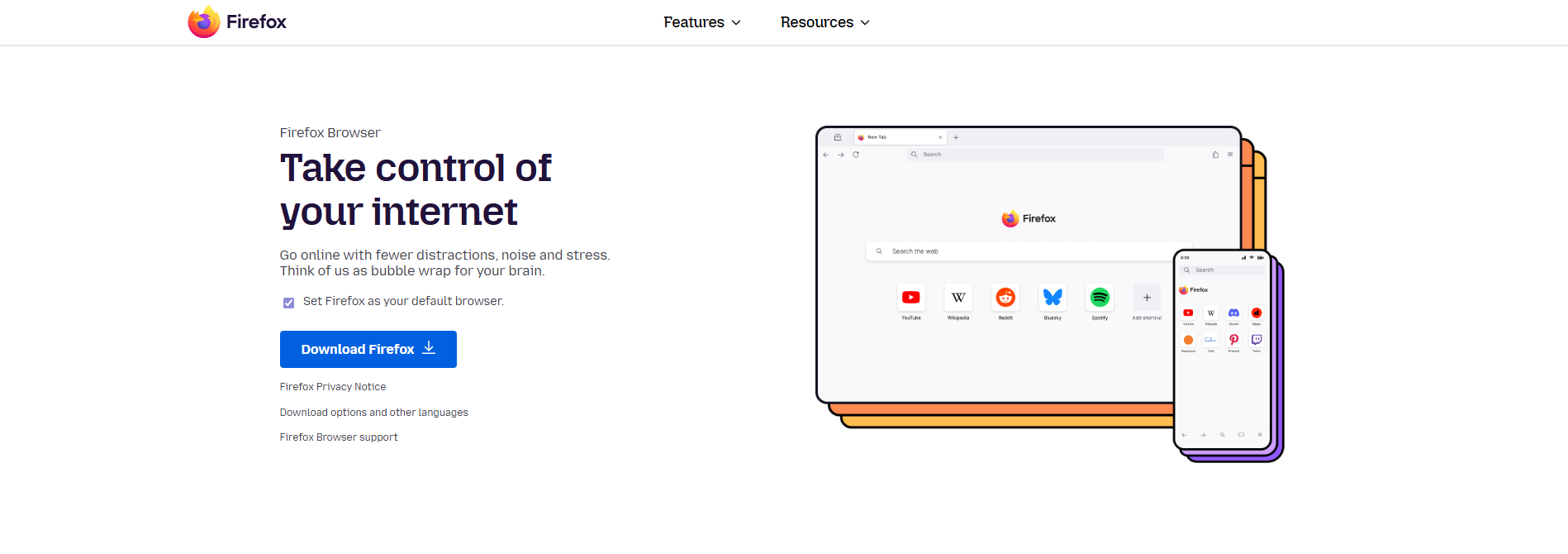
Mozilla Firefox is a free, open-source browser with a long-standing commitment to user privacy. Its strong foundation has inspired several other projects that have taken its code and "hardened" it for even greater security out-of-the-box. These browsers offer a great balance of privacy, customization, and usability.
The original Firefox browser is a powerful privacy tool on its own. Key features include Enhanced Tracking Protection, which blocks social media trackers, cross-site cookies, and cryptominers. Its Total Cookie Protection feature isolates cookies to the site where they were created, preventing companies from using them to track you across different websites. Firefox also supports Global Privacy Control, signaling to websites your preference not to be tracked or have your data sold.
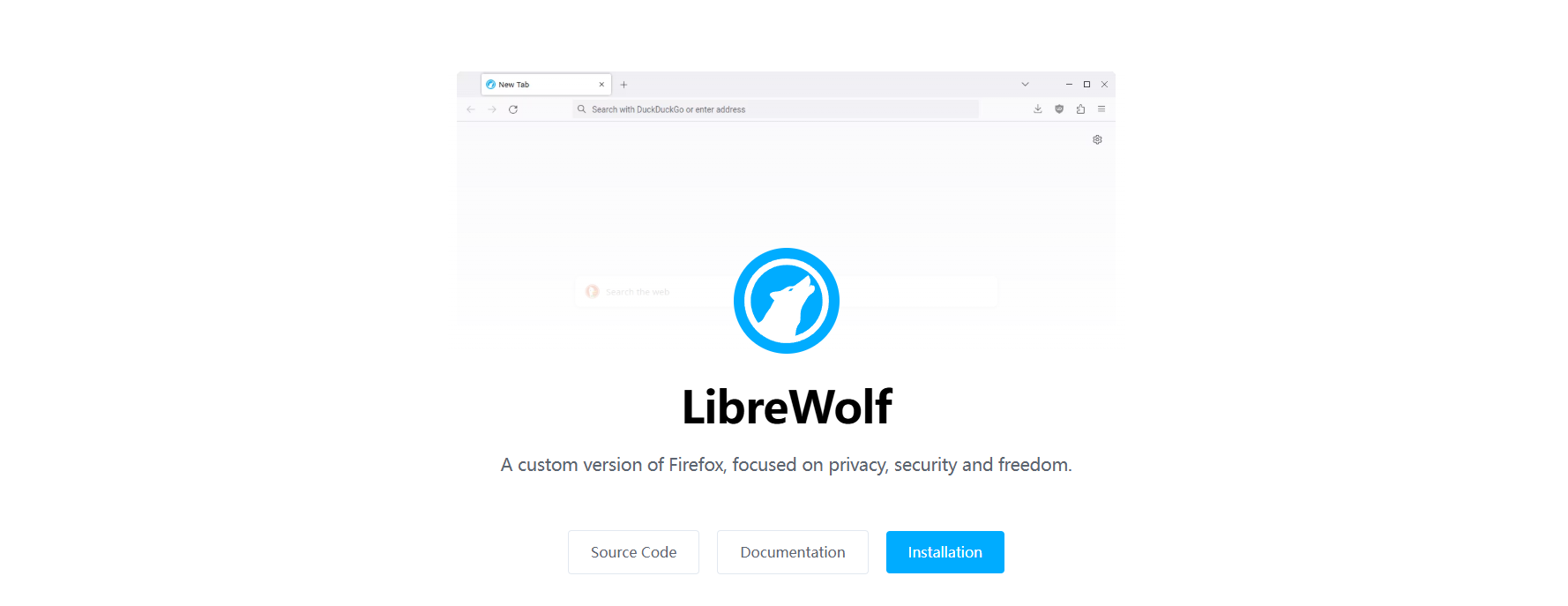
LibreWolf is a community-driven fork of Firefox designed for maximum privacy and security. It removes all telemetry and data collection features that send information back to Mozilla. It comes pre-configured with uBlock Origin to block ads and trackers, and its Enhanced Tracking Protection is set to "Strict" by default, offering more aggressive protection than standard Firefox.
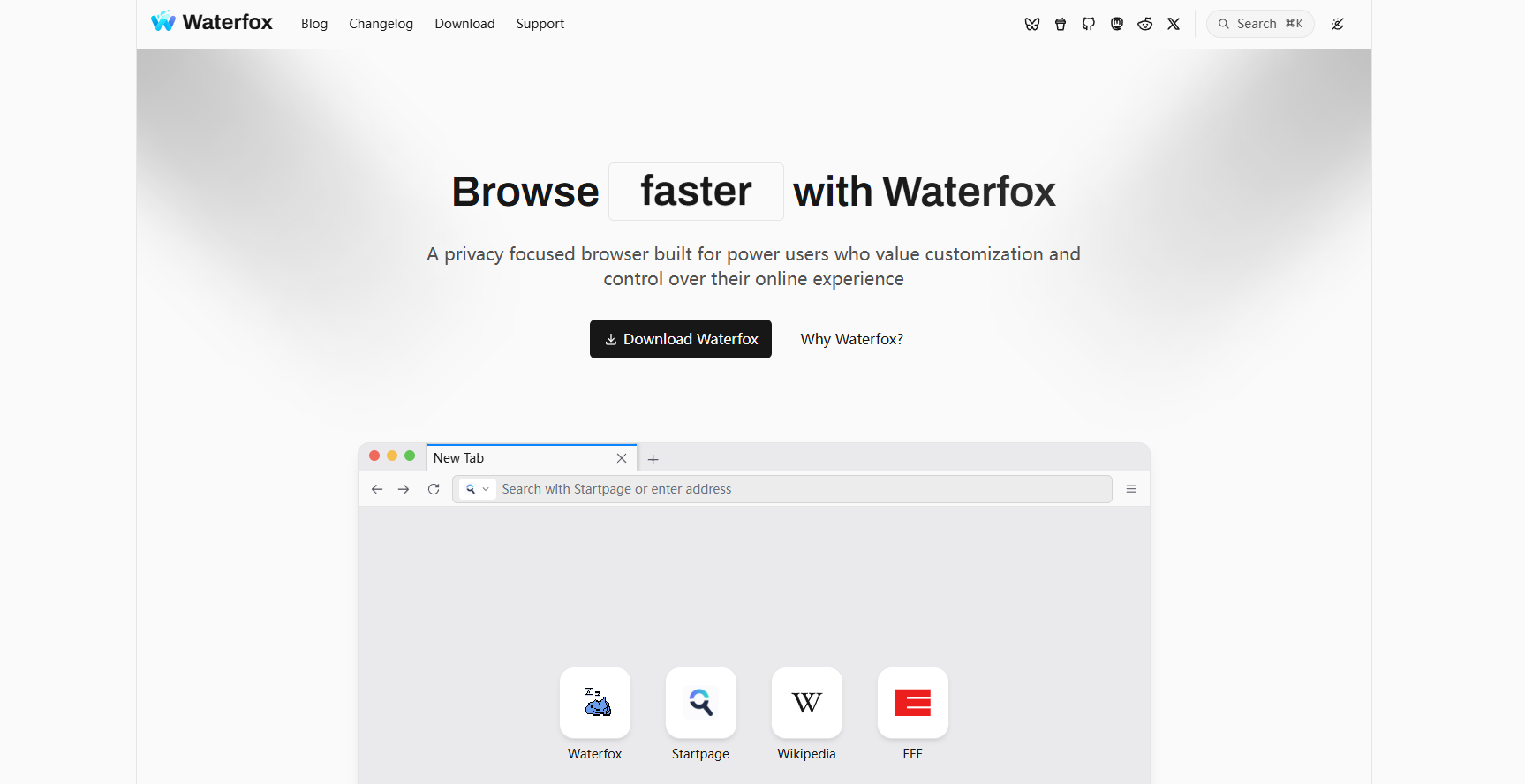
Waterfox aims to strike a balance between privacy and everyday usability. Like LibreWolf, it removes telemetry and data collection from the Firefox code. It also includes unique features like Oblivious DNS, which helps hide your browsing activity from your ISP. A key advantage of Waterfox is its support for both Firefox and Chrome extensions, giving users a wide range of customization options.
Other Notable Anonymous Browser Choices
Beyond the major players, several other browsers offer strong privacy protections, each catering to slightly different user needs.
Best known for its private search engine, the DuckDuckGo browser extends that privacy focus to your entire web experience. It automatically blocks third-party trackers, manages cookie consent pop-ups, and includes unique tools like Duck Player for watching YouTube without targeted ads and Email Protection to block email trackers. Its primary limitation is the lack of support for browser extensions.
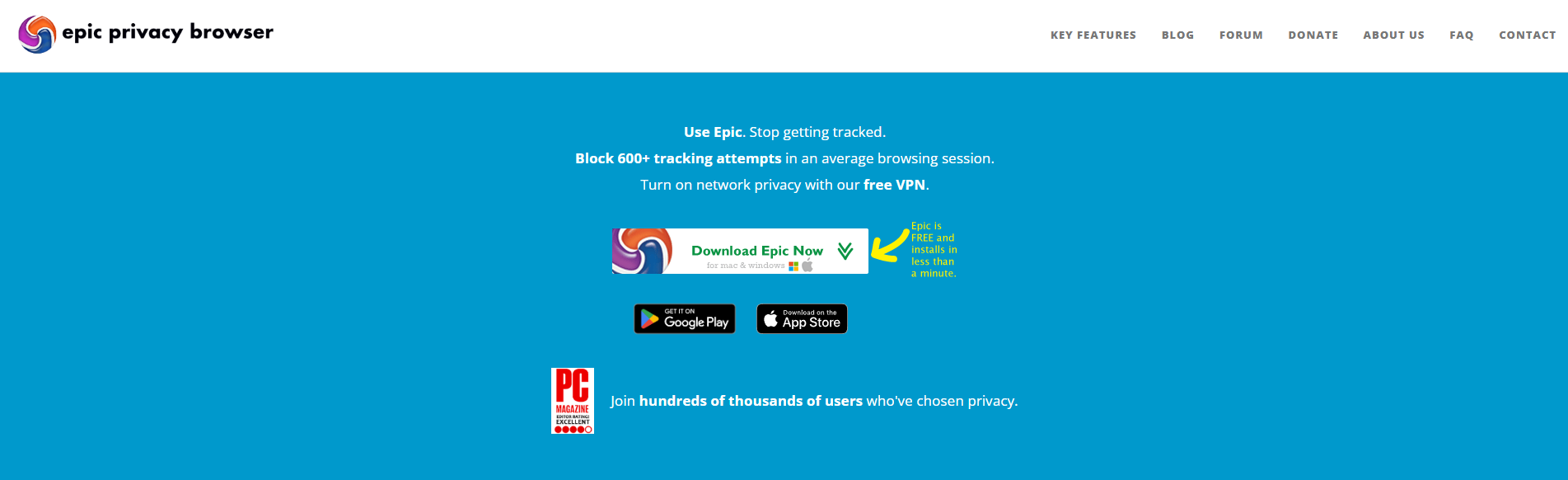
Epic takes an aggressive, privacy-by-default approach. It automatically disables history saving, DNS pre-fetching, third-party cookies, and web caches. When you close your session, it deletes all associated data. Epic also includes a built-in encrypted proxy to hide your IP address, though it offers limited support for extensions.
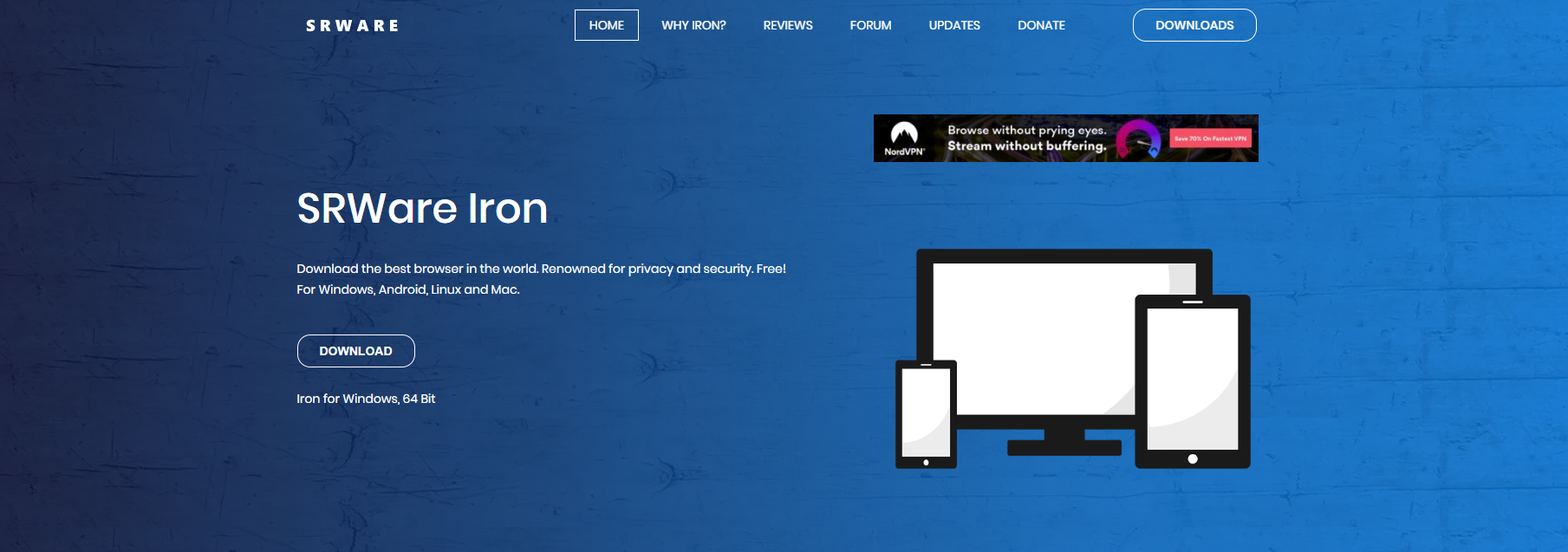
Based on the open-source Chromium project, SRWare Iron will feel instantly familiar to Google Chrome users. Its primary purpose is to provide the Chrome experience without the privacy-invasive features. It removes elements like the "Unique User ID" that Google uses to track user data, offering a more private but still recognizable browsing environment.
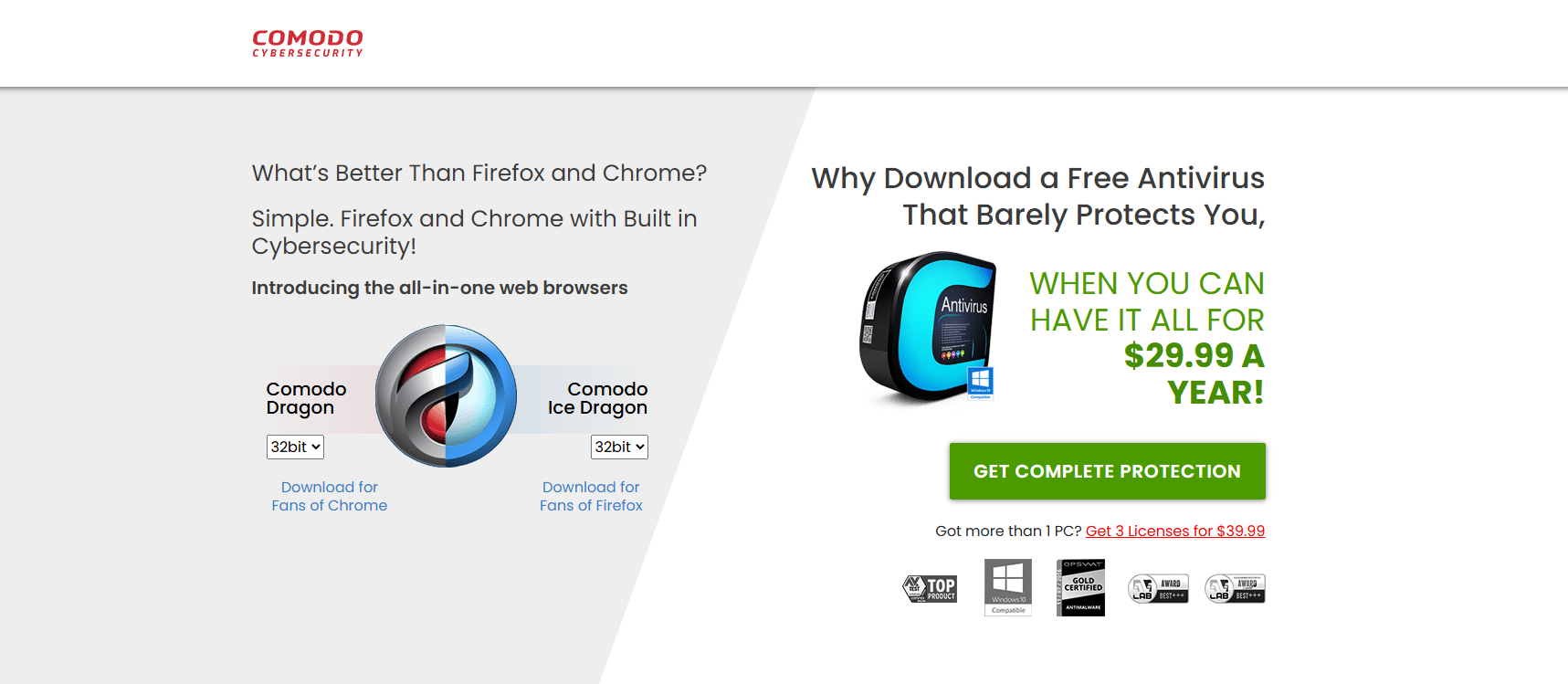
Comodo Dragon is a security-oriented browser that is also based on Chromium. It automatically blocks trackers and web spies and integrates Comodo's domain validation technology to identify the strength of a website's SSL certificate. It also leverages the Comodo antivirus suite to protect users from viruses and malware.
While these browsers excel at enhancing device-level privacy, they don't solve the core issue of a static digital fingerprint. To achieve true network-level anonymity and manage multiple identities without detection, a more robust, multi-layered strategy is required.
How to Stay Fully Anonymous Online: A 3-Step Strategy
An anonymous browser is your foundation, but a foundation alone is not a fortress. True online anonymity is not achieved with a single tool, but through a strategic, three-pronged defense system. Each layer addresses a different vulnerability—your fingerprint, your IP address, and your operational security—creating an airtight setup that defeats modern tracking.
Step1: Start with an Antidetect Anonymous Browser
Your first line of defense should be a purpose-built antidetect browser like DICloak. Unlike standard browsers, these tools are designed to create new, realistic digital fingerprints for every profile, spoofing hardware details and isolating browsing sessions in a way that makes each one appear as a unique user.
Step2: Pair it with High-Quality Proxies
An antidetect browser protects your fingerprint, while a proxy hides your IP address. It is crucial to use high-quality residential, rotating, or mobile proxies, as free or unreliable ones can be slow and make your accounts look suspicious. A good browser will help you automatically match your IP address to the correct language, time zone, and location settings, making your digital identity even more convincing.
Step3: Prevent Data Leaks and Practice Smart Habits
Technology can only do so much; your habits matter too. Never reuse profiles or proxies across sensitive accounts. Avoid logging into personal accounts (like your personal email or bank) within the anonymous profiles you use for work. Tools like DICloak are built to enforce this separation by keeping each profile's data—cookies, cache, and local files—completely isolated.
By combining these three elements—an antidetect browser, quality proxies, and smart privacy habits—you can create an airtight anonymous setup for any task.
Frequently Asked Questions About Anonymous Browsers
Here are answers to some of the most common questions about anonymous browsing.
Is using an anonymous browser legal?
Yes, using an anonymous browser is completely legal in most countries, including the United States, Canada, and the EU. They are used for many legitimate reasons, such as protecting privacy on public Wi-Fi, preventing ISP tracking, and managing multiple business accounts.
Is Incognito Mode the same as an anonymous browser?
No. This is a common misconception. Incognito Mode only deletes your browsing history and cookies on your local device. An anonymous browser goes much further by masking your IP address, browser fingerprint, and online behavior across the entire internet.
Can I still get banned when using an anonymous browser?
Yes. While an anonymous browser significantly reduces the risk of being detected and banned by making each account appear as a separate user, it is not a magic shield. If you violate a platform's terms of service (e.g., through spam or harassment), your account can still be banned based on your actions. The browser makes you invisible to detection systems, not to human moderators.
Do I need a proxy if I use an anonymous browser?
For maximum protection, using both is best. An anonymous browser provides browser-level protection (fingerprinting, cookies, profile isolation), while a proxy adds network-level protection by masking your IP address and routing traffic through a different server. This prevents websites from identifying your true location and enhances your privacy.
Can an anonymous browser make me 100% invisible online?
Complete invisibility is not truly possible. Advanced tracking techniques could potentially identify users even with strong protections. However, a high-quality anonymous browser makes tracking extremely difficult, rendering you effectively invisible to most commercial trackers, advertisers, and platform detection systems.
Final Verdict: Choosing the Right Anonymous Browser for You
In 2026, the old tricks for maintaining online privacy are no longer sufficient. The modern web uses sophisticated tracking technology that requires equally sophisticated defense. True anonymity can only be achieved with a tool specifically designed to defeat modern threats like browser fingerprinting and AI-powered detection systems.
For casual users seeking to reduce ads and basic tracking, browsers like Brave or a privacy-hardened Firefox offer a significant upgrade over mainstream options.
However, for professionals, marketers, e-commerce sellers, and anyone managing multiple accounts where getting detected is not an option, a specialized antidetect anonymous browser like DICloak is the essential solution. It provides the industrial-strength protection needed to operate safely, securely, and without limits.
Ultimately, your online freedom is in your hands. By choosing the right tool for your needs, you can take back control of your privacy and navigate the digital world on your own terms.
 Web Proxy Tools
 Free Tools
 Cookie Plugin
 UA Generator
 MAC Address Generator
 IP Generator
 IP Address List
 2FA Code Generator
 World Clock
 Anonymous Check
 WebRTC Leak Test
 UUID Generator
 Free Web Proxy Site
 Proxy Checker
 FB Ad Checker
 AI Web Scraping
 Free SMM Tools
 Twitter Shadowban Checker
 Instagram Name Checker
 UTM Generator
 Username Generator
 AI Hashtag Generator
 LinkedIn Headline Generator
 Social Media Image Resizer