Ever wonder who’s watching your every move online? Every click, search, and purchase is tracked by tiny files called cookies. While some cookies are harmless, many are used to build a detailed profile of you, invading your privacy without permission. The good news? You can fight back. Cookie editors give you the power to take control of your online data and stop unwanted tracking.
In this guide, we’ll dive into what cookie editors are, why they’re essential for protecting your privacy, and how you can use them to manage your cookies effectively. By the end, you’ll know exactly how to regain control over your online footprint.
What Are Cookies and Why Do They Matter?
Think of a cookie like a digital ticket stub. When you visit a website for the first time, it hands you this stub. On your next visit, the site checks the stub to remember who you are, what you've done, and what your preferences are. These "stubs" are technically small text files that websites store on your computer to enhance your browsing experience by maintaining login sessions and tracking online behavior.
Why You Might Need to Use Cookie Editors?
Cookie editors are practical tools that give you direct control over your online identity for a variety of tasks, from professional development to personal privacy management.
- Debugging and Testing for Developers
Cookie editors are valuable tools for developers as they allow for quick and precise manipulation of cookies during website testing. By adjusting cookies, developers can simulate different user scenarios without the need for complex configurations. For example, a developer could modify a cookie value to simulate a logged-in user or test a different user preference, instantly seeing how the website responds under various conditions without navigating through settings. This enhances efficiency and ensures a smoother testing process across different user experiences.
- Simplified Session Management
Use a cookie editor to take direct command of your session cookies. This gives you the power to extend a login session on a trusted device, saving you from the inconvenience of re-entering credentials frequently.
- Enhancing Your Online Privacy
A cookie editor empowers you to view, alter, or remove third-party tracking cookies. This action directly prevents advertisers and analytics platforms from monitoring your browsing habits across different websites, giving you a greater degree of anonymity.
- Accessing Restricted Content
Some users modify cookies to bypass certain web restrictions, such as paywalls or content that is blocked in their geographic region. It is important to note, however, that doing so may violate a website's terms of service.
How Do Cookie Editors Actually Work?
Cookies are stored either temporarily in your browser's memory (session cookies) or persistently on your hard drive. Cookie editors are typically browser extensions that provide a direct interface to view and interact with these stored cookie files, allowing you to manage them without needing to dig into complex browser settings.
Key Features to Look For in Modern Cookie Editors
When choosing a cookie editor, look for a tool that offers a comprehensive set of features for effective management.
- Viewing Cookies: A transparent view into every cookie a site has stored on your browser is fundamental. A good editor will clearly display each cookie's name, value, domain, and expiration date.
- Modifying Cookies: A crucial feature is the power to directly alter cookie values, whether you're changing a session ID to test security or switching a user preference from
theme=light to theme=dark on the fly.
- Deleting Cookies: Gain granular control with the ability to surgically remove specific, unwanted cookies or wipe the slate clean for an entire site in one action.
- Adding New Cookies: For developers and testers, the ability to create new cookies from scratch is essential for simulating specific user states or behaviors without writing code.
- Importing and Exporting: This powerful feature lets you save entire cookie sessions to a file and load them elsewhere, perfect for transferring a login session between browsers or backing up complex configurations.
A Practical Guide to Using Cookie Editors
Getting started with a cookie editor is a straightforward process.
Step 1: Find and Install Your Editor
Most cookie editors are available as browser extensions. You can find them in official marketplaces like the Chrome Web Store or Firefox Add-ons. Simply search for a well-reviewed editor and click the button to install it in your browser.
Step 2: Open the Editor on a Website
Once installed, navigate to the website whose cookies you wish to manage. Click the cookie editor's icon, which will now appear in your browser's toolbar. This will open the editor's main interface, typically displaying the cookies for the current site.
Step 3: View, Edit, and Save Your Changes
The editor will present a list of all cookies associated with the site. To make a change, click on a specific cookie to open an editing panel. Here, you can modify its value, expiration date, or other attributes. After making your changes, click a "Save" or "Apply" button. A page refresh is often required to see the effects of your edits.
The Potential Risks of Using Cookie Editors
While powerful, cookie editors come with risks that users must understand to avoid potential problems.
- Security Vulnerabilities and Session Hijacking
Improperly modifying session tokens or other sensitive cookies can create security vulnerabilities. If an attacker gains access to your modified session cookie, they could potentially take over your session and gain unauthorized access to your account, an attack known as session hijacking.
- Browser and Website Restrictions
Modern browsers are increasingly implementing built-in privacy protections that can limit what cookie editors can access or modify. These restrictions are particularly common for third-party cookies, which are often used for cross-site tracking.
- Legal and Ethical Considerations
Using cookie editors to bypass paywalls, regional blocks, or other access restrictions may violate a website's terms of service. Depending on your location, it could also have implications under privacy laws like the GDPR. Always be aware of the rules and potential consequences before altering cookies for these purposes.
Best Practices for Safely Managing Cookies with Editors
To mitigate the risks we just discussed and use cookie editors responsibly, follow these key practices.
- Clear Cookies Regularly: Periodically deleting your cookies helps reduce the amount of data that can be used for tracking and enhances your overall privacy.
- Use Private Browsing Modes: When you don't want cookies saved, use your browser's Incognito or Private mode. This ensures that all cookies from the session are automatically deleted when you close the window.
- Focus on First-Party Cookies: When making changes, stick to first-party cookies (those set by the website you are visiting) and avoid tampering with third-party cookies unless you have a specific, knowledgeable reason to do so.
- Understand Privacy Laws: Be aware of local privacy regulations like GDPR, which govern cookie consent and data management. Ensure your actions are compliant with the laws in your region.
Beyond Standard Cookie Editors: The DICloak Antidetect Browser Advantage
When Basic Cookie Editors Aren't Enough
Once you master basic cookie management, you'll inevitably encounter its limitations. Modern websites don't just use cookies to identify you; they analyze your entire digital fingerprint—from your browser version and fonts to your screen resolution. This is where the line is drawn between casual privacy tweaks and professional-grade identity management.
Introducing DICloak
DICloak is a powerful antidetect browser designed for this purpose. It goes far beyond simple cookie editing by allowing you to create and manage multiple, distinct browser profiles. Each profile has a completely unique digital fingerprint, including its own set of cookies, browser headers, fonts, screen resolution, and more.

Why Choose DICloak?
For advanced cookie and profile management, DICloak provides a professional-grade solution.
- Total Profile Isolation: Each browser profile in DICloak operates in a completely isolated profile with its own isolated cookie jar, preventing any cross-contamination between your online identities.
- Advanced Fingerprint Control: You can manage not just cookies, but every aspect of your browser fingerprint, providing ultimate privacy and control over how websites perceive you.
- Streamlined Multi-Account Management: It is the perfect tool for developers, marketers, and testers who need to manage numerous isolated online accounts without any risk of them being linked together.
For users who need a comprehensive solution for managing their online identity, DICloak is the clear choice.
The 6 Best Cookie Editors for Your Browser in 2026
Here are five of the best cookie editor tools available, chosen for their features, usability, and compatibility.
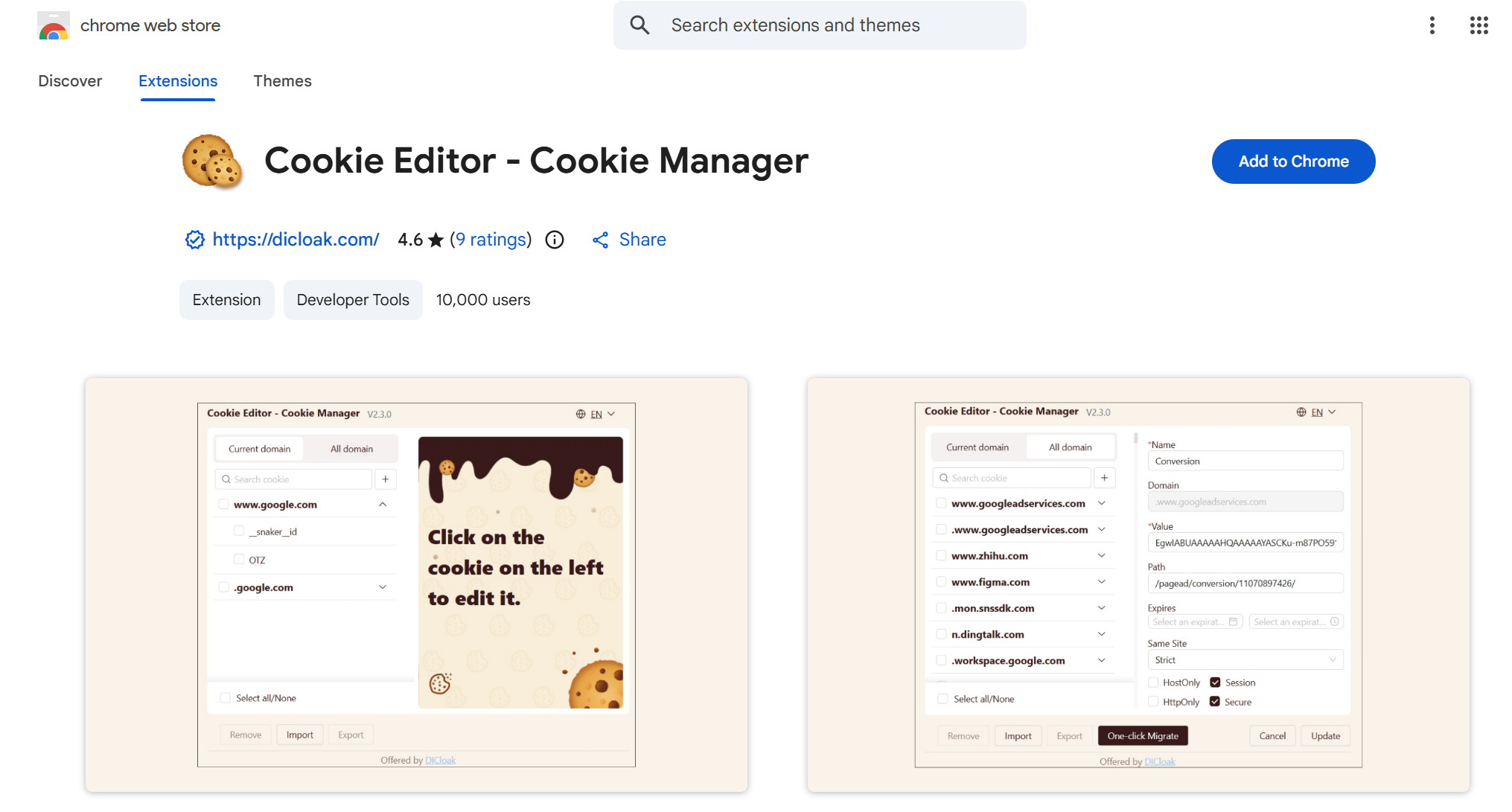
- Available for: Chrome
- Key features: View, edit, delete cookies, import/export functionality, simple interface.
Cookie Editor – Cookie Manager is a Chrome extension that provides an intuitive way to manage browser cookies. Users can easily view, modify, and delete cookies for the current tab, as well as import and export them in various formats. It’s an ideal tool for developers and privacy-conscious users who need precise cookie control.
- Available for: Chrome, Opera
- Key features: User-friendly interface, import/export functionality, quick cookie blocking.
As one of the most popular cookie editors, EditThisCookie is a browser extension that offers an easy-to-use interface for viewing, editing, deleting, and blocking cookies. Its robust import/export functionality is particularly useful for transferring sessions between devices.
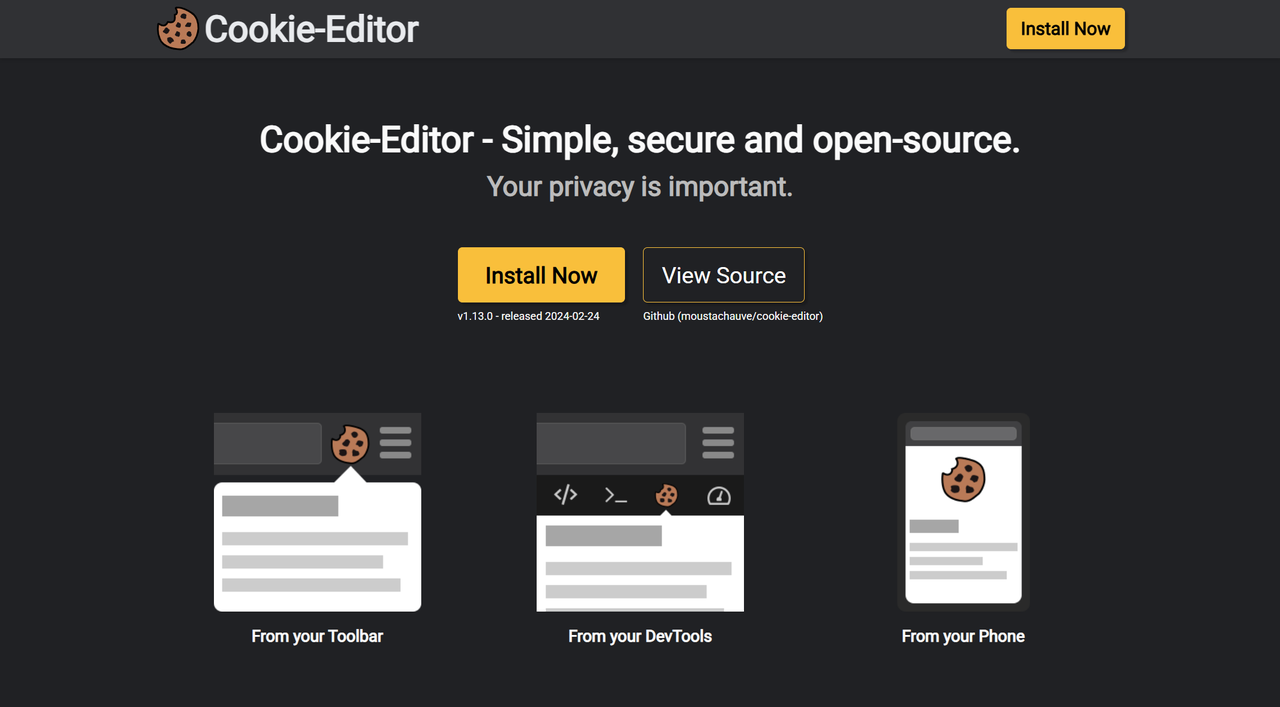
- Available for: Chrome, Firefox, Edge
- Key features: Cross-browser compatibility, simple design, bulk cookie operations.
Cookie-Editor is ideal for users who need a simple, no-frills editor that works across different platforms. It lets you modify and manage cookies effortlessly across Chrome, Firefox, and Edge, making it a versatile choice.
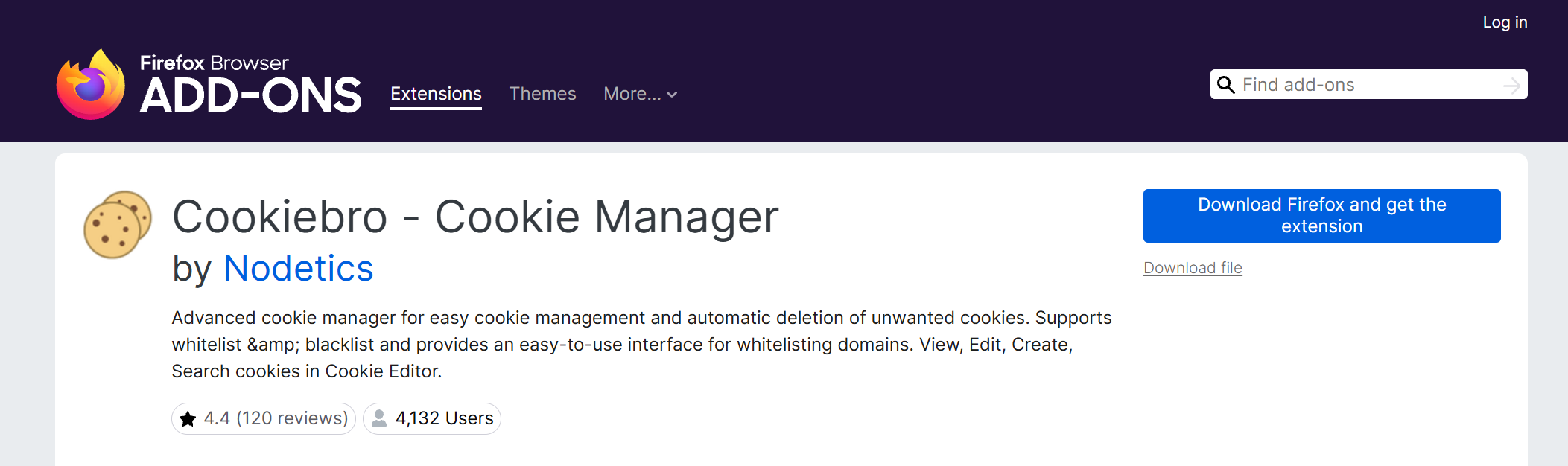
- Available for: Firefox, Edge, Chrome
- Key features: Advanced rule creation, detailed cookie information, automatic cookie cleaning.
Designed primarily for Firefox users but now available for other browsers, CookieBro is perfect for those seeking granular control. It offers comprehensive features, including the ability to create custom rules for automatically accepting or blocking cookies.
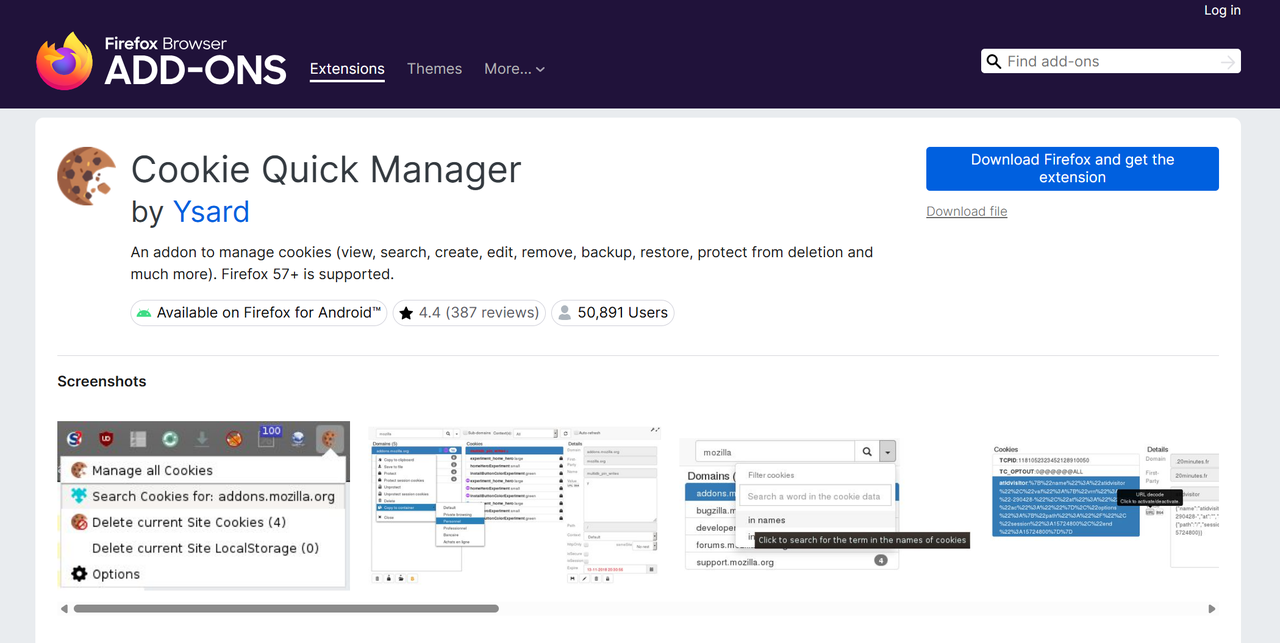
- Available for: Firefox
- Key features: Cookie profile switching, detailed search and filter options, backup and restore functionality.
This Firefox-exclusive manager excels at ease of use. Its standout feature is the ability to quickly switch between cookie profiles, making it a great choice for developers and users managing multiple online accounts or identities.
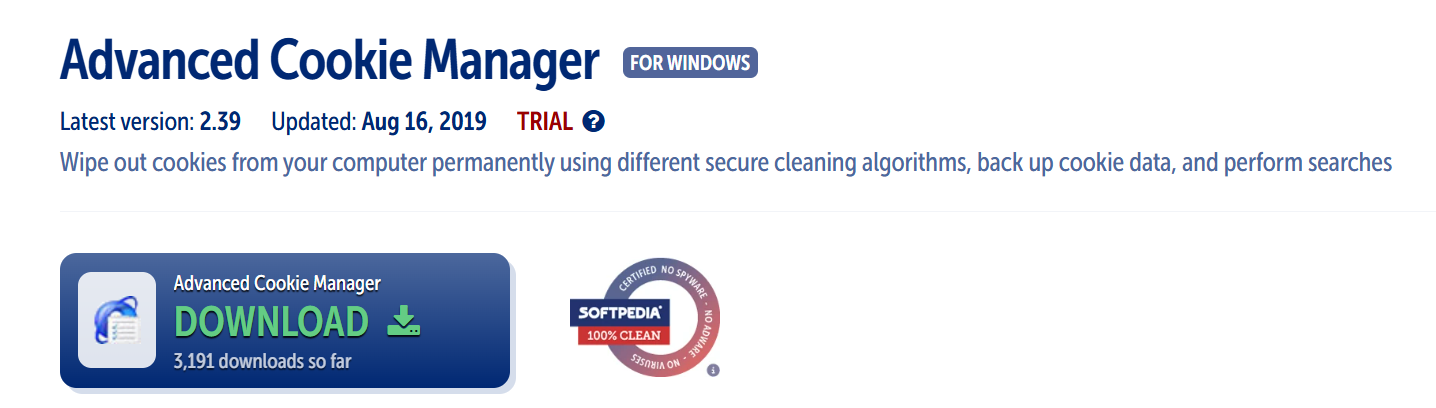
- Available as: Standalone application
- Key features: Browser-independent operation, advanced filtering and sorting, detailed cookie analysis tools.
For those who prefer a powerful solution that operates outside the browser, this standalone application provides a robust interface. It offers advanced filtering options and detailed cookie logs for in-depth analysis and management.
Comparison of Top Cookie Editors
| Feature |
Cookie Editor – Cookie Manager |
EditThisCookie |
Cookie-Editor |
CookieBro |
Cookie Quick Manager |
Advanced Cookie Manager |
| View Cookies |
✓ |
✓ |
✓ |
✓ |
✓ |
✓ |
| Edit Cookies |
✓ |
✓ |
✓ |
✓ |
✓ |
✓ |
| Delete Cookies |
✓ |
✓ |
✓ |
✓ |
✓ |
✓ |
| Add Cookies |
✓ |
✓ |
✓ |
✓ |
✓ |
✓ |
| Import/Export |
✓ |
✓ |
✓ |
✓ |
✓ |
✓ |
| Rule Creation |
✗ |
✗ |
✗ |
✓ |
✗ |
✗ |
| Profile Switching |
✗ |
✗ |
✗ |
✗ |
✓ |
✗ |
| Standalone App |
✗ |
✗ |
✗ |
✗ |
✗ |
✓ |
| Cookie Conversion |
✗ |
✓ |
✗ |
✗ |
✗ |
✗ |
Conclusion: Taking Back Control of Your Digital Footprint
Cookie editors are undeniably valuable tools for developers, privacy enthusiasts, and anyone looking to exercise greater control over their online data. By understanding how they work, choosing the right tool, and following best practices, you can significantly enhance your browsing experience.
Remember, with great power comes great responsibility. Use cookie editors wisely, respect website policies and user agreements, and always prioritise your online security and privacy.
Frequently Asked Questions About Cookie Editors
Is it legal to use a cookie editor?
Yes, using a cookie editor for personal data management, privacy protection, or development and testing purposes is generally legal. However, using it to violate a website's terms of service (for example, by bypassing a paywall) can lead to account suspension or other consequences.
Can editing cookies break a website?
Yes. Incorrectly editing essential cookies, such as those that manage your session or authentication, can cause a website to malfunction, log you out, or prevent pages from loading correctly.
Will a cookie editor protect me from all online tracking?
While cookie editors are effective at managing cookie-based tracking, they do not block other tracking methods like IP address logging or browser fingerprinting. For more complete protection against tracking, advanced tools like the DICloak antidetect browser are more effective.
Can I transfer my login session to another computer using a cookie editor?
Yes, this is often possible. By exporting your session cookies from a browser on one device and importing them into a browser on another, you can transfer a login session. However, be aware of the security risks involved, as anyone who gets that cookie file could potentially access your account.
Are cookie editors safe to install?
It is safest to install well-reviewed cookie editors from official browser extension stores, like the Chrome Web Store or Firefox Add-ons. Before installing any extension, always check the permissions it requests to ensure it only accesses the data it needs to function.
 Web Proxy Tools
 Free Tools
 Cookie Plugin
 UA Generator
 MAC Address Generator
 IP Generator
 IP Address List
 2FA Code Generator
 World Clock
 Anonymous Check
 WebRTC Leak Test
 UUID Generator
 Free Web Proxy Site
 Proxy Checker
 FB Ad Checker
 AI Web Scraping
 Free SMM Tools
 Twitter Shadowban Checker
 Instagram Name Checker
 UTM Generator
 Username Generator
 AI Hashtag Generator
 LinkedIn Headline Generator
 Social Media Image Resizer