We’ve all seen the pop-ups and clicked "accept." Website cookies are small text files that websites place in your browser to remember information about you and your online activities. They can be helpful, saving your preferences or keeping you logged in. But they can also feel invasive by tracking your movements across the web. If you prefer to have more control over your online presence, it's time to get familiar with cookie editors.
This article explores the best cookie editor tools available in 2025. Whether you're a developer, a privacy-conscious user, or just curious, these tools can help you manage your online footprint effectively.
What is a Cookie Editor?
A cookie editor, also known as a cookie manager, is a tool that lets you take control of the cookies stored in your web browser. These tools are typically browser extensions that allow you to view, change, create, and delete the cookies that websites use to remember details like your login status, site preferences, or browsing activity. While cookies can improve your experience, they also raise privacy concerns, and a cookie editor gives you the power to manage that.
How Can a Cookie Editor Be Useful?
A good cookie editor offers several practical benefits for a wide range of users. Here are some of the most common ways they can be helpful:
1. For Debugging and Web Development: Developers and testers frequently use cookie editors to troubleshoot websites. These tools allow them to view and modify cookies to test features like login sessions and personalized settings, making it much easier to identify and fix issues.
2. To Boost Your Privacy: If you're concerned about your online privacy, a cookie editor is a great asset. You can easily delete unwanted cookies, especially third-party trackers that follow you across different sites, to better protect your digital footprint.
3. To Get Around Website Restrictions: Some users employ cookie editors to bypass certain website restrictions, such as paywalls on news sites. This is considered a "gray area" use, as tweaking cookies can sometimes trick a site into thinking you have a subscription.
4. To Juggle Multiple Sessions: A cookie editor simplifies managing multiple accounts on the same website. Instead of constantly logging in and out, you can switch between sessions with ease. This is particularly useful for social media managers or anyone who needs to access different accounts frequently.
5. To Learn More About Web Tech: For those curious about how websites work, a cookie editor is an excellent educational tool. You can inspect the cookies set by various sites to see what kind of information they store and how they use it, giving you a clearer understanding of the technology behind your browsing.
Why Using a Good Cookie Editor Matters
In an online world where your data is a valuable commodity, a cookie editor is more than a utility—it's a declaration of control. Using one effectively matters for four key reasons:
- Privacy Control: A cookie editor lets you manage or delete cookies, so you can decide what data gets shared and keep parts of your browsing history private.
- GDPR Compliance: For website owners, cookie editors can help ensure that a site's cookie practices are compliant with regulations like GDPR.
- Web Development: Developers use these tools to easily test how a website handles cookies, making it easier to see what's happening behind the scenes during development.
- General Awareness: Even if you aren't a technical expert, it’s beneficial to know what information websites are storing about you. A cookie editor provides that transparency.
The 13 Best Cookie Editor Tools for 2025
Here is a breakdown of the top cookie editor tools to help you manage your browser's data.
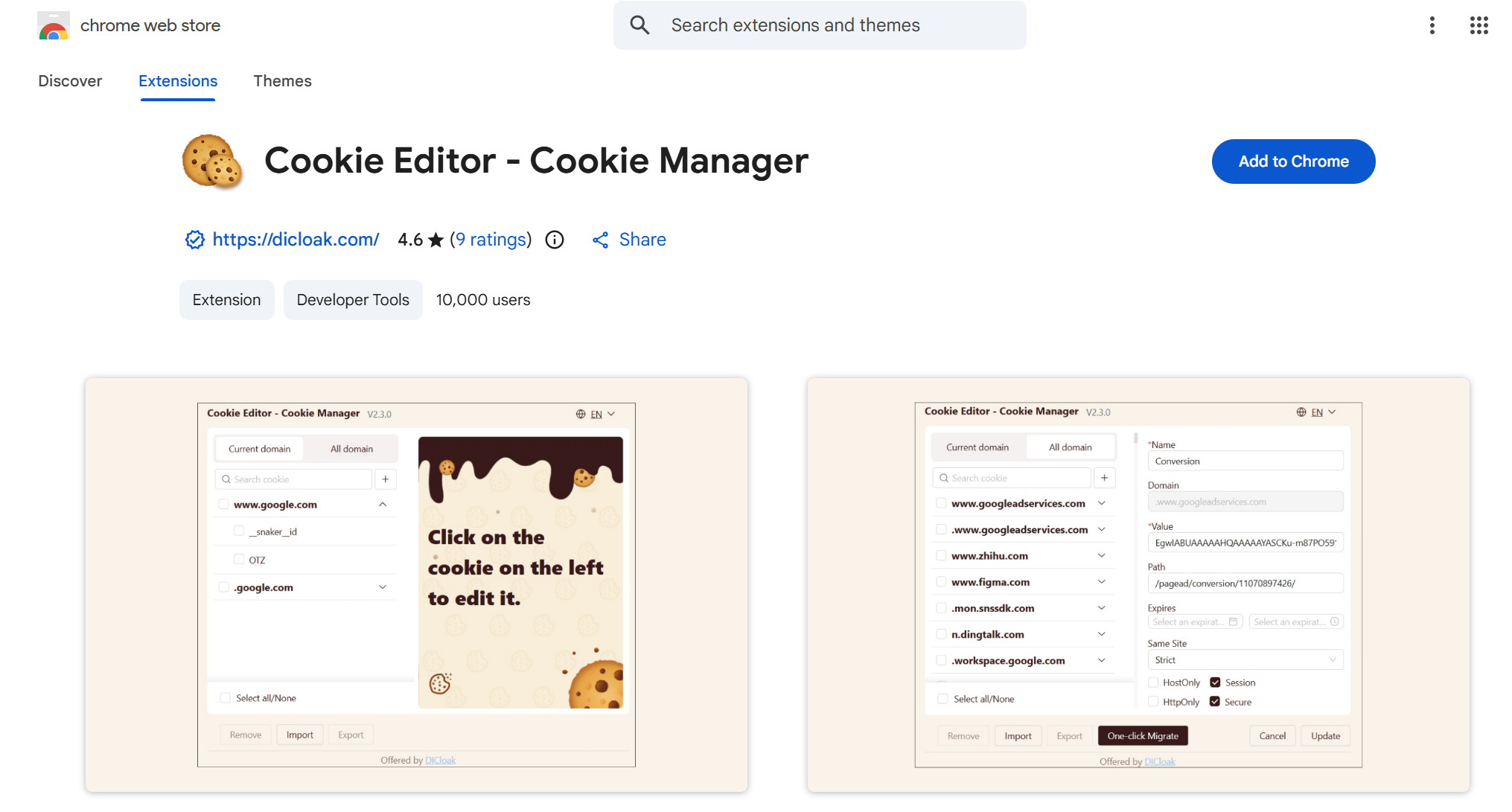
1. Cookie Editor
Cookie Editor is a powerful Chrome extension that allows users to manage, edit, and delete cookies directly from their browser. It's perfect for individuals who want more control over their browsing data and privacy.
Key Features
- Manage and Edit Cookies: Easily view, edit, and delete cookies for any website directly from your browser.
- Privacy Control: Quickly remove unwanted tracking cookies to enhance your online privacy and security.
- User-Friendly Interface: A simple and intuitive interface that allows effortless cookie management without technical knowledge.
2. Cookies.txt
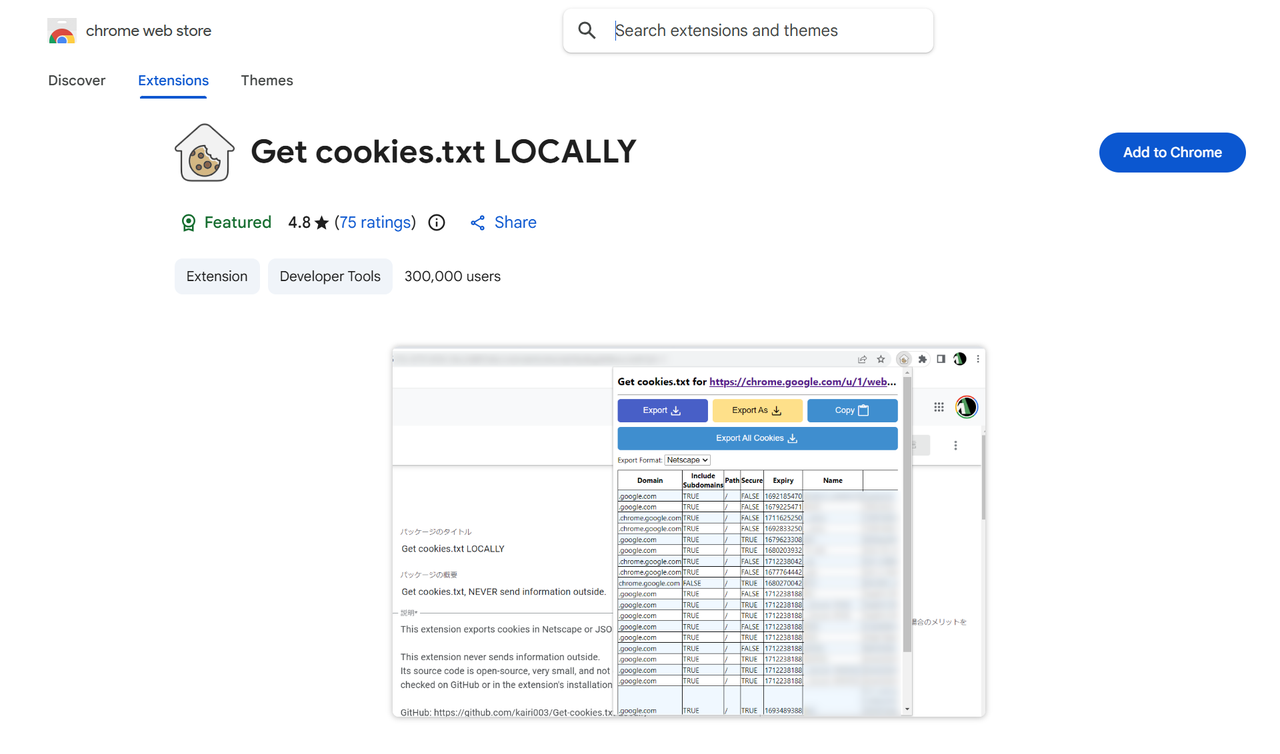
Cookies.txt is a browser extension for Chrome and Firefox that helps users extract, view, and export cookie data in the standard Netscape cookies.txt format. This is the perfect tool for developers and web scrapers who need to share session information with scripts.
Key Features
- Script-Friendly Exports: Lets you export your cookie data into a
cookies.txt file, making it instantly usable with developer tools like Wget and curl.
- Broad Application Support: Enables the use of cookie data across various programs and development environments.
- Minimalist Performance: A lightweight tool that does its job effectively without adding bloat to your browser.
3. Vanilla Cookie Manager
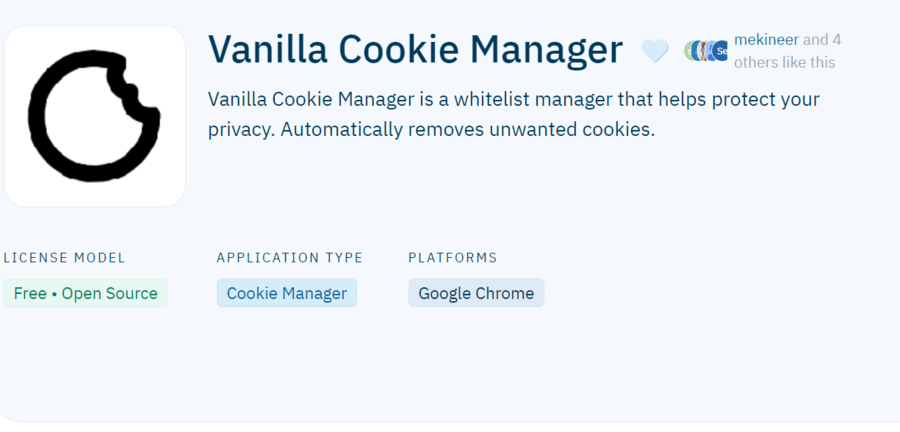
Vanilla Cookie Manager is a straightforward and lightweight cookie editor for Chrome. It's best for everyday users who want a simple, set-and-forget tool for basic privacy.
Key Features
- Whitelist Management: Allows you to create a list of trusted sites whose cookies you want to keep automatically.
- Effortless Deletion: Provides a single-click option to clear all unwanted cookies instantly.
- Unobtrusive Design: Features a clean, simple interface that stays out of your way during browsing.
4. Cookie-Editor
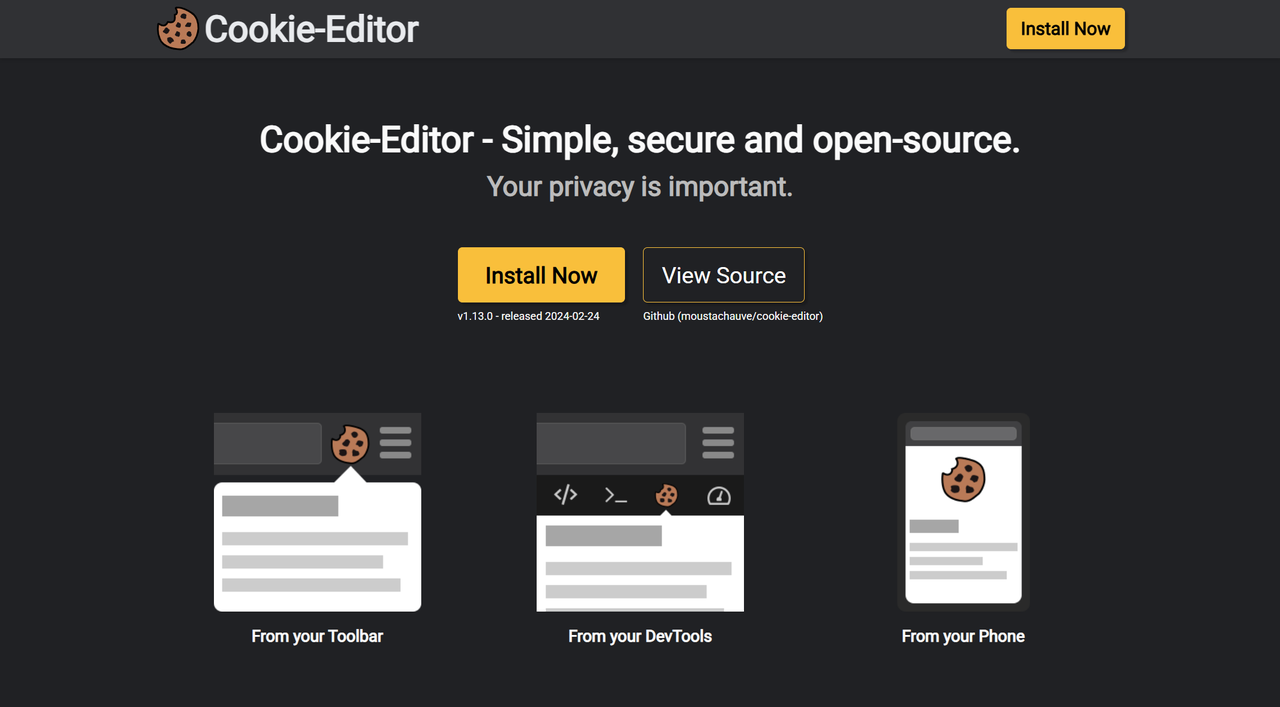
Cookie-Editor is a no-nonsense tool for Chrome and Firefox that provides quick access to cookie management features. Its simple interface makes it a great choice for users who need a straightforward tool to manage their cookies without any extra complexity.
Key Features
- User-Friendly Interface: Offers a clean and intuitive layout that makes finding and editing cookies simple.
- Flexible Data Handling: Allows you to export and import cookie data in the developer-friendly JSON format.
- Quick Access: Lets you view and manage all your browser's cookies with just a few clicks.
5. Forget Me Not
Forget Me Not is a privacy-focused cookie manager for Firefox. It is ideal for users who want to ensure their browsing data doesn’t linger longer than necessary by setting up automatic cleanup rules.
Key Features
- Automated Cleanup Rules: Lets you define rules to automatically delete cookies and other site data on a schedule.
- Site-Specific Controls: Gives you the ability to configure cleanup rules on a per-domain basis for fine-tuned control.
- Comprehensive Data Removal: Manages more than just cookies, including local storage and browser cache, for enhanced privacy.
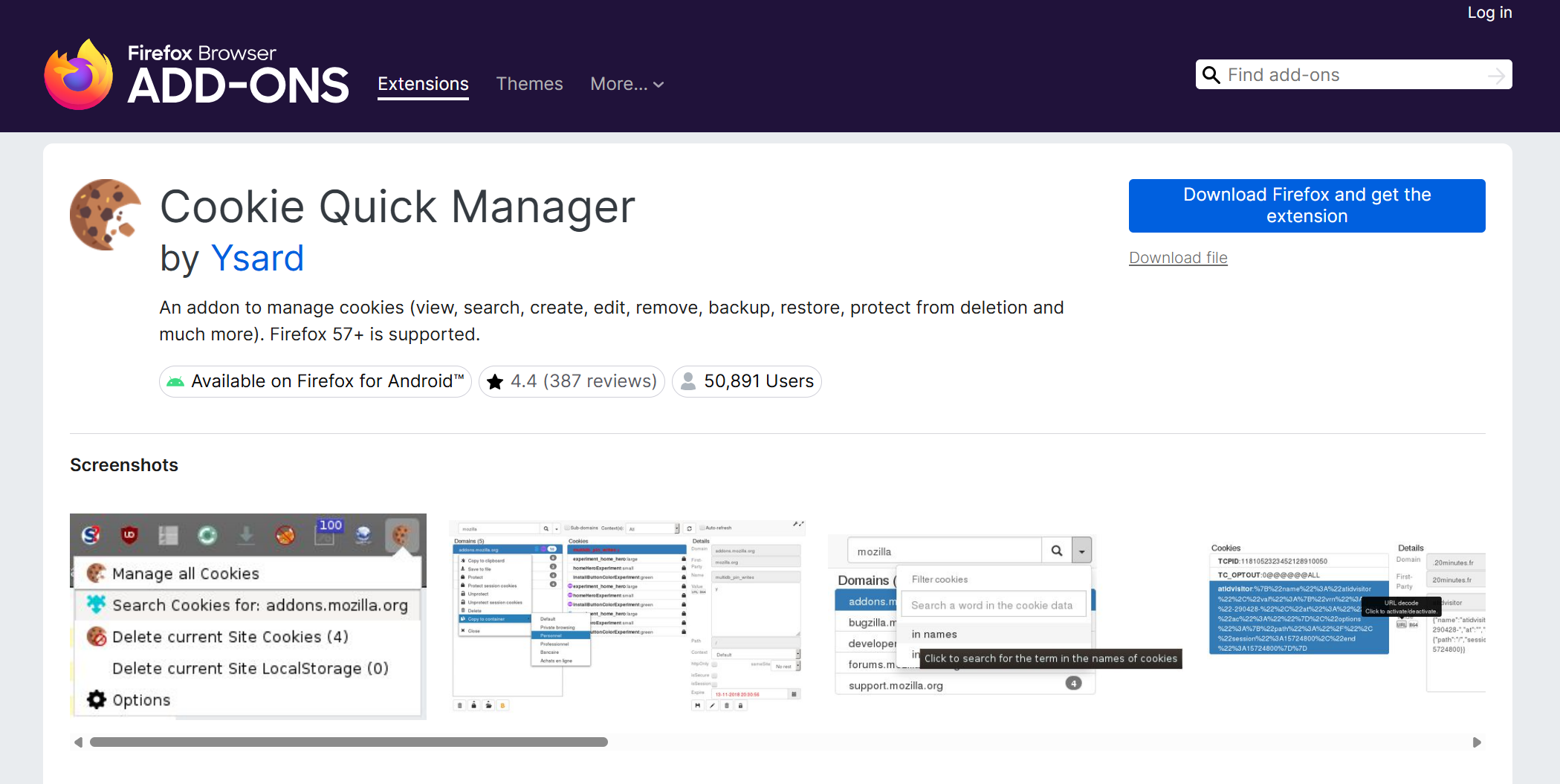
6. Cookie Quick Manager
Cookie Quick Manager is a powerful Firefox add-on that offers advanced cookie management features. It is an excellent tool for those who need in-depth control over their cookies, especially in complex browsing setups.
Key Features
- In-Depth Cookie Data: Displays comprehensive information for each cookie, such as expiration dates and security flags.
- Cross-Window Management: Supports managing cookies separately across different browser windows and private profiles.
- Efficient Bulk Editing: Lets you modify or delete many cookies at the same time to streamline your workflow.
7. EditThisCookie
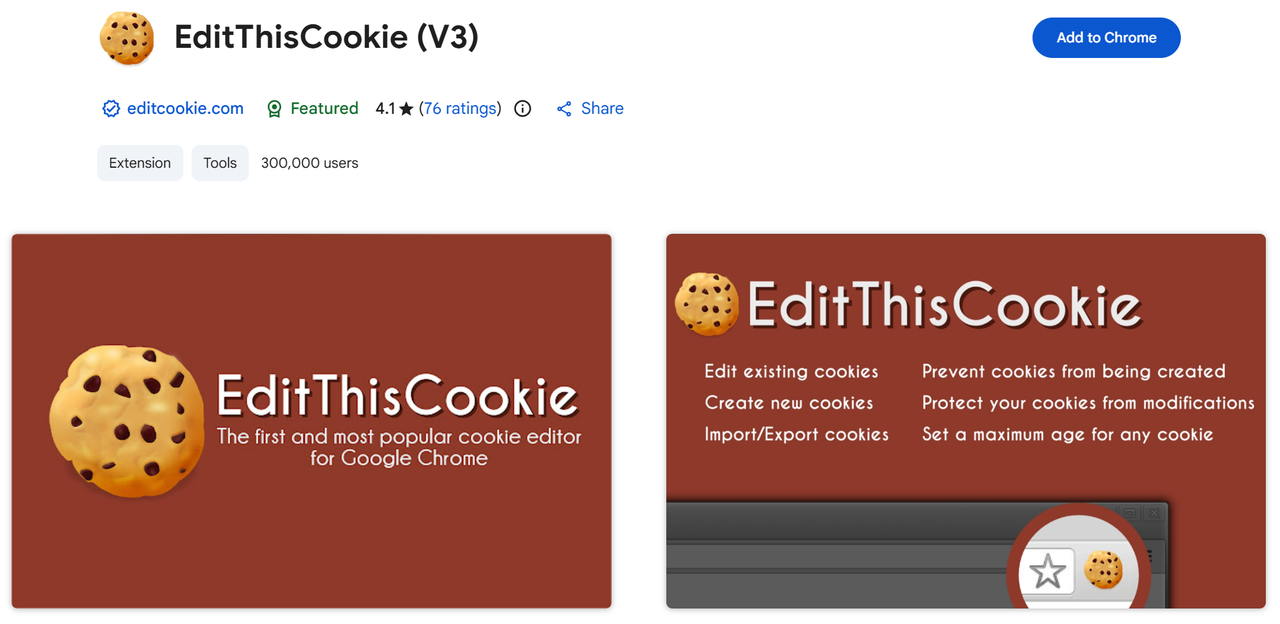
EditThisCookie is a simple and effective cookie management tool for Chrome. This tool is perfect for those who need a quick and easy way to manage cookies, especially in a development or testing environment.
Key Features
- Direct Cookie Editing: Allows you to modify cookie values directly from the extension's popup interface.
- Developer-Focused: Built with web developers in mind, making it easy to test sites with different cookie configurations.
- Fast and Efficient: A lightweight extension that runs quickly without slowing down your browser.
8. Forget Me
Forget Me is a highly customizable Firefox extension that gives users full control over their browsing data. It is ideal for users who prioritize privacy and want to automate their data management processes.
Key Features
- Customizable Deletion Rules: Lets you create rules to delete cookies and site data when a tab closes or after a specific time.
- Intuitive Interface: Features a user-friendly design that makes its powerful capabilities easy to configure.
- Total Data Control: Manages not just cookies but also your cache, local storage, and other browsing data.
9. Cookie Auto delete
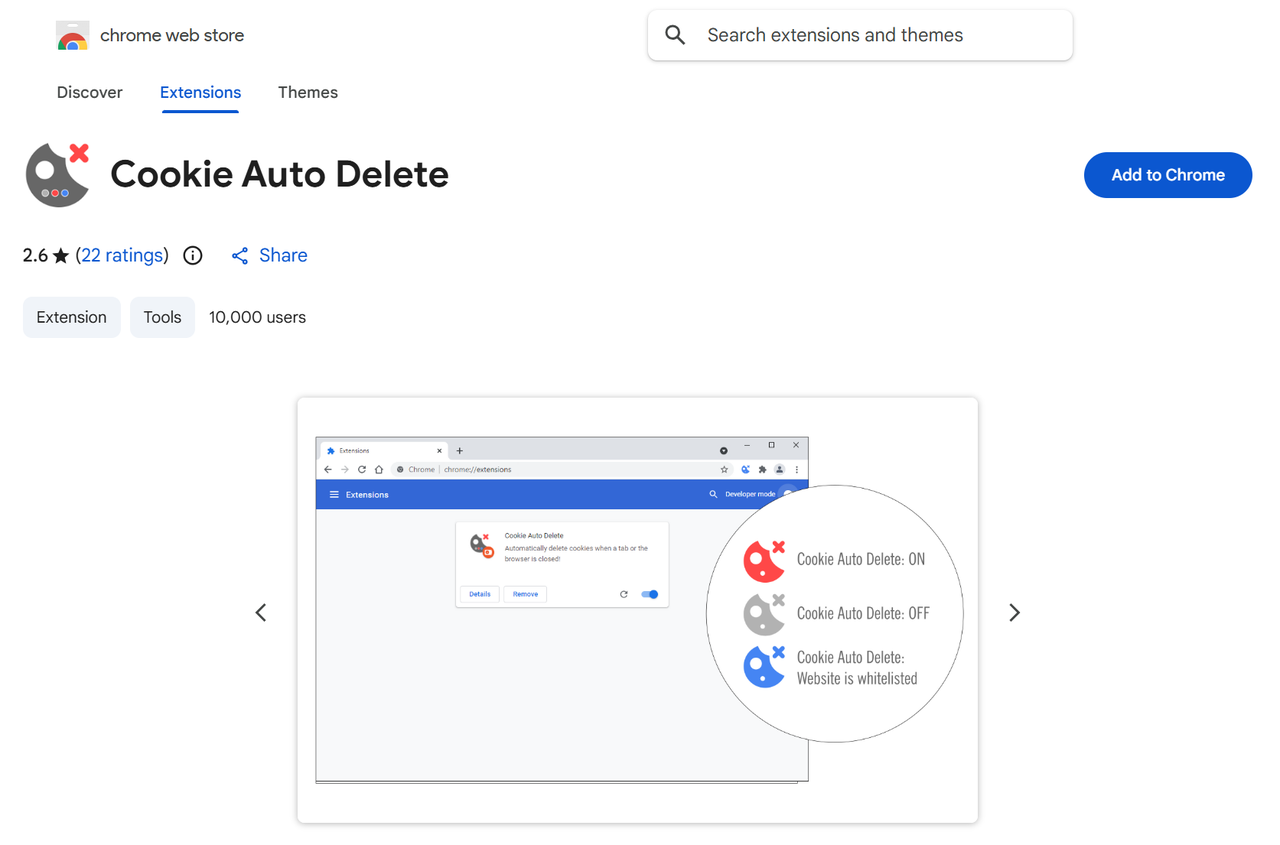
Cookie Auto delete is a popular add-on for Firefox and Chrome that automatically deletes cookies from closed tabs. It's perfect for users who want to maintain a clean browsing environment with minimal effort.
Key Features
- Automatic Tab Cleanup: Wipes cookies automatically as soon as you close a browser tab, leaving no data behind.
- Whitelisting Functionality: Lets you specify trusted websites whose cookies should not be deleted.
- Configurable Settings: Allows you to customize deletion rules to match your browsing habits.
10. Cookies Manager+
Cookies Manager+ is a comprehensive Firefox extension that provides detailed control over your browser's cookies. It is ideal for advanced users who need full control over their cookie data.
Key Features
- Extensive Cookie Details: Provides the ability to view, edit, and manage all attributes of each cookie.
- Powerful Search Tool: Includes a robust search function to help you find specific cookies quickly.
- Custom Filtering: Lets you create custom filters to organize and manage cookies based on specific criteria.
11. Milk Cookie Manager
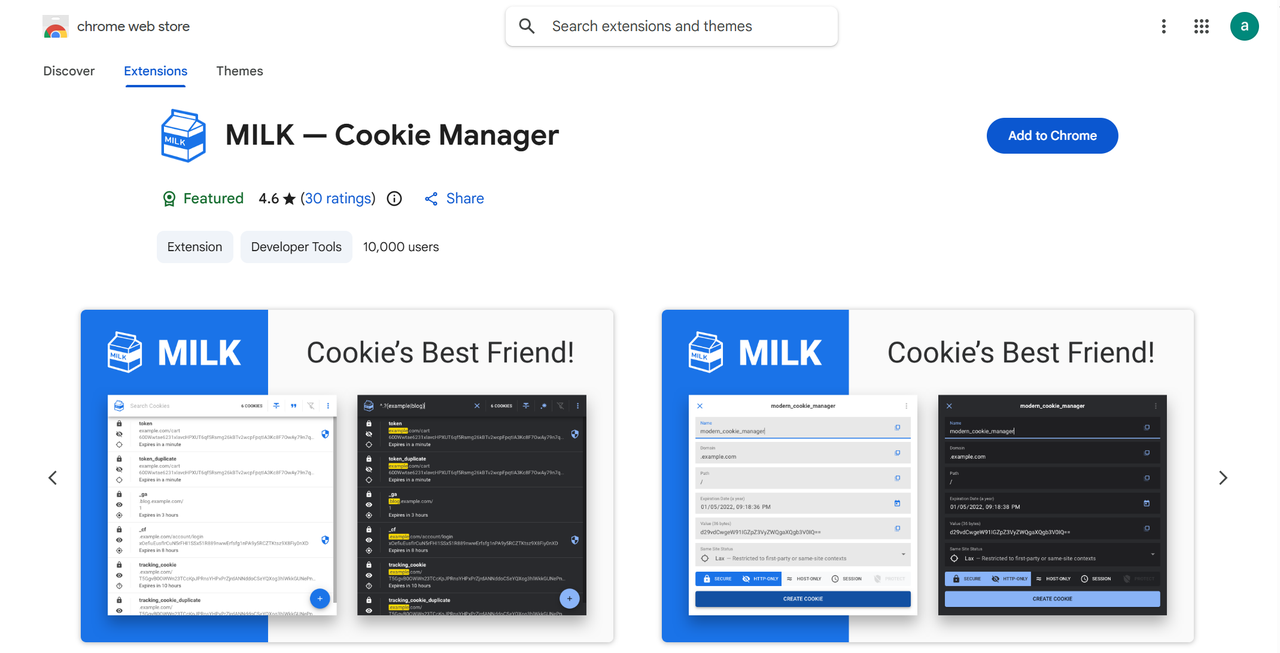
Milk Cookie Manager is a Chrome extension designed to simplify cookie management. It’s a great option for users who want a straightforward tool to keep their browser clean and fast.
Key Features
- Simple Data Removal: Lets you clear cookies and other browsing data with just a couple of clicks.
- Beginner-Friendly Design: Features an easy-to-use interface that is accessible to users of all technical skill levels.
- Actively Maintained: Receives regular updates to maintain compatibility with new versions of Chrome.
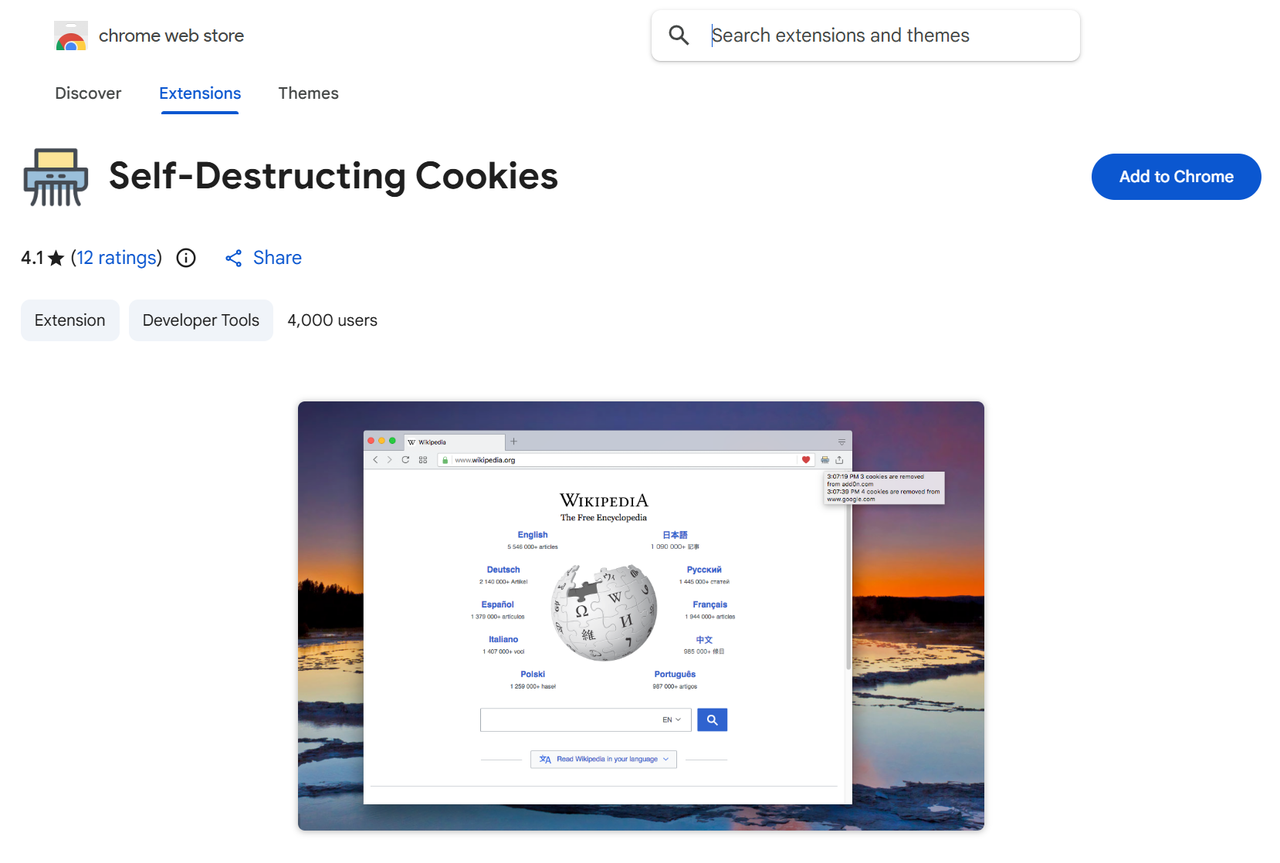
12. Self-Destructing Cookies
Self-Destructing Cookies is a Firefox add-on that automatically removes cookies from sites you are no longer visiting. It is ideal for users who want a hassle-free way to manage cookies and protect their privacy.
Key Features
- Session-Based Deletion: Automatically removes cookies for a specific site once you close its tab.
- Privacy Protection: Ensures that tracking cookies don't linger in your browser after you've left a site.
- Resource-Friendly: A lightweight extension that operates efficiently without impacting browser performance.
13. Cookie Monster
Cookie Monster is a Firefox extension that provides fine-grained control over cookie permissions. It's perfect for users who want to maintain strict control over their cookie permissions without sacrificing usability.
Key Features
- Domain-Level Permissions: Gives you the power to set cookie policies for each individual website you visit.
- Temporary Sessions: Allows you to accept cookies for a single session, which are then deleted when you leave.
- Straightforward Management: Features a simple interface that makes managing site-specific permissions easy.
Bonus: Accept All Cookies Extension
While most tools focus on controlling cookies, some popular extensions do the opposite: they accept all cookies on your behalf. This approach offers convenience but comes with a significant trade-off.
Why People Use It
- Convenience: It eliminates cookie pop-ups that interrupt your browsing by handling them automatically. Its perfect 5-star rating on the Chrome Web Store reflects its ease of use.
The Downside
- Privacy Risks: Accepting all cookies without question means you give websites more access to your data than you might be comfortable with, increasing your digital footprint.
Stay Undetected with DICloak
While a cookie editor gives you control over the data trails you've already left, a tool like DICloak prevents those trails from being created in the first place. It is designed to keep you undetected from even the most sophisticated tracking techniques, making it an essential tool for securely managing multiple accounts or ensuring total anonymity.
Why choose DICloak Antidetect Browsers for your business?
⚡The DICloak Antidetect Browser has become a global favorite for its unparalleled ability to efficiently and securely manage multiple accounts. Designed for professionals in social media management, affiliate marketing, traffic arbitrage, e-commerce, account farming, airdrops, and more, DICloak offers powerful features like RPA automation, bulk operations, and synchronizer. Additionally, it allows you to customize fingerprints and integrate proxies for each profile, ensuring top-level security and operational efficiency. It’s the ultimate tool for seamless, secure, and scalable operations.

What Makes DICloak Stand Out?
✅ Manage 1,000+ Accounts on One Device: Stop wasting money on extra hardware! DICloak allows you to manage multiple accounts on a single device, cutting costs and boosting efficiency.
✅ Guaranteed Account Safety, No Ban Risks: Every account gets its own isolated browser profile with custom fingerprints and IPs, drastically reducing the risk of bans. Your accounts, your control!
✅ Flexible Proxy Configuration for Maximum Performance: Seamlessly integrate with all major proxy protocols (HTTP/HTTPS, SOCKS5) and manage your proxy pool with bulk operations. No more struggling with IP management—DICloak has you covered.
✅ Streamlined Team Collaboration for Better Results: Easily manage your team with advanced tools like profile sharing, permission settings, data isolation, and operation logs. Your team works smarter, not harder.
✅ Automate the Grind with RPA: DICloak's built-in RPA saves you hours of manual work. Automate repetitive tasks, streamline workflows, and focus on what really matters—growing your business.
✅ Powerful Bulk Tools to Scale Your Operations: Create, import, and launch multiple browser profiles in one click. DICloak makes scaling your business as easy as it gets.
✅ Compatible with All Major Operating Systems: Based on the Chrome core, DICloak supports simulating Windows, Mac, iOS, Android, and Linux operating systems. No matter what platform you need, DICloak has you covered.
🔗 Ready to Get Started?
Visit the DICloak website to explore more details and choose the plan that’s right for you. Start for free today and experience the power of secure, efficient, and scalable multi-account management!
Final Thoughts
Taking control of your online privacy doesn’t have to be complicated. With the right cookie editor, you can manage what data gets shared and ensure your browsing experience is both safe and tailored to your preferences. Whether you're a developer, a privacy enthusiast, or simply someone who wants more control, there is a tool on this list for you.
Explore the options and see which one fits your needs best. For those who want to take their privacy to the next level, tools like DICloak are available to help you stay secure in the ever-evolving digital world.
Frequently Asked Questions about Cookie Editors
Q1: What is the main function of a cookie editor?
A: The main function of a cookie editor, or cookie manager, is to allow users to view, edit, create, and delete the cookies that websites store in their browser. This gives users control over their data and online privacy.
Q2: Are cookie editors useful for web developers?
A: Yes, cookie editors are very useful for web developers and testers. They use these tools to debug websites by tweaking cookie values to test how a site handles different user sessions and personalized settings.
Q3: Can using a cookie editor improve my online privacy?
A: Yes, a cookie editor can significantly improve your online privacy. It allows you to delete unwanted tracking cookies and manage what information websites can store about you, thereby reducing your digital footprint.
Q4: How does a cookie editor help with managing multiple social media accounts?
A: A cookie editor makes it easier to manage multiple accounts on the same platform by allowing you to switch between different user sessions without having to log in and out repeatedly. This is a major time-saver for social media managers.
Q5: What is the difference between a cookie editor and a tool like DICloak?
A: A cookie editor helps you manage data trails that have already been created, while a tool like DICloak is a comprehensive privacy solution designed to prevent those trails from being created in the first place. It helps you remain undetected from advanced tracking, making it ideal for securely managing multiple accounts.
 Web Proxy Tools
 Free Tools
 Cookie Plugin
 UA Generator
 MAC Address Generator
 IP Generator
 IP Address List
 2FA Code Generator
 World Clock
 Anonymous Check
 WebRTC Leak Test
 UUID Generator
 Free Web Proxy Site
 Proxy Checker
 FB Ad Checker
 AI Web Scraping
 Free SMM Tools
 Twitter Shadowban Checker
 Instagram Name Checker
 UTM Generator
 Username Generator
 AI Hashtag Generator
 LinkedIn Headline Generator
 Social Media Image Resizer