Why Ad Accounts Fail: The Growing Challenge for Media Buyers
Media buying in 2026 is a war for attention. If you rely on a single ad account, your entire revenue stream is at risk. This is especially true for the traffic arbitrage business model, where volume and speed are critical. Platforms like Facebook and Google have become smarter. They can now link your accounts together instantly using hidden data. If one account fails, they all fail. You need a better strategy to survive.
The Evolution of Platform Surveillance in 2026
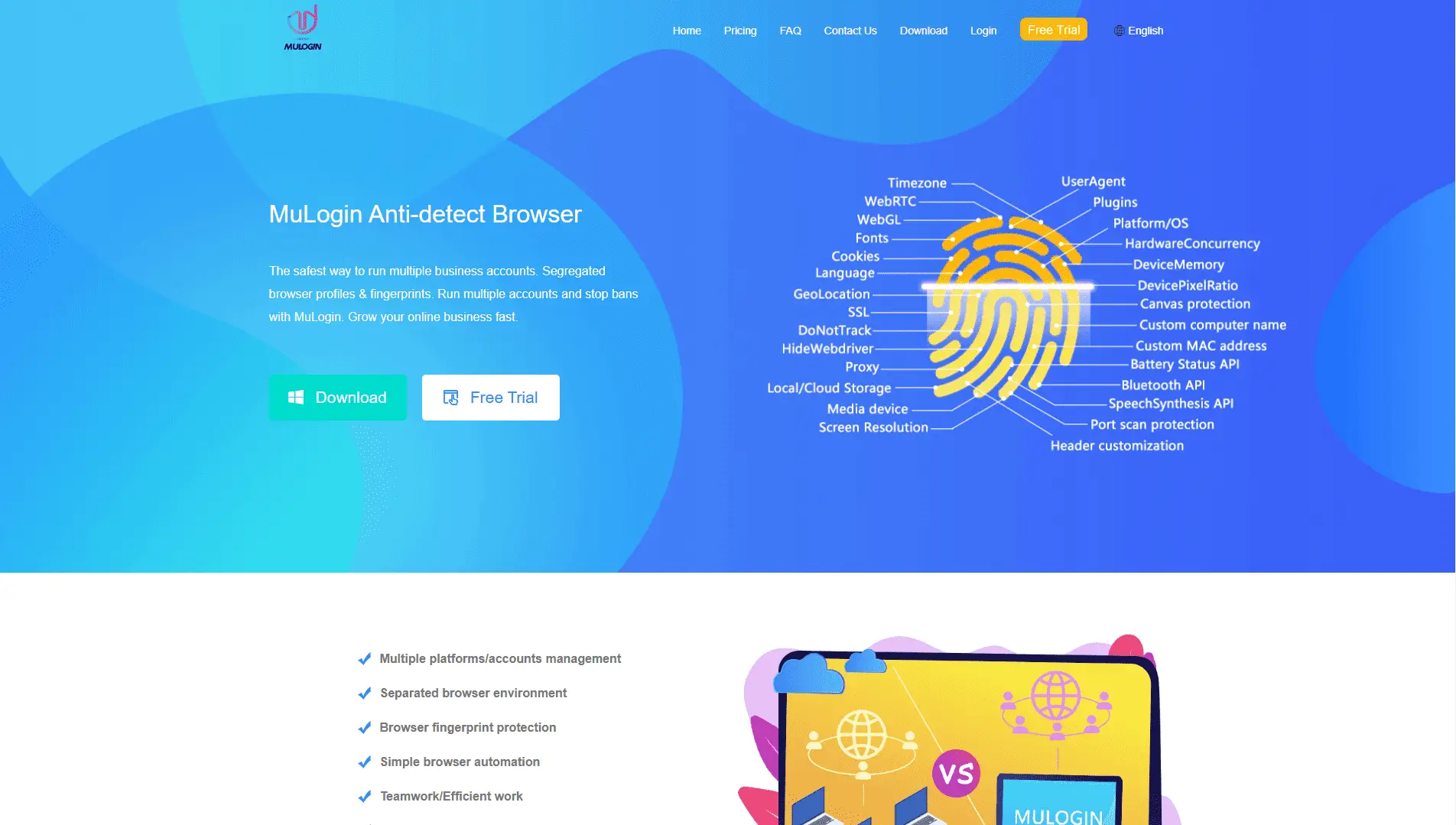
Platforms do not just look at your IP address anymore. They use advanced tracking techniques called browser fingerprinting to identify you. This technology scans your hardware, installed fonts, screen resolution, and battery status. It combines this data to create a unique ID for your computer.
When you try to create a new account on the same device, the system recognizes this ID. It flags the new account as a duplicate. This often leads to a google ads suspicious payment suspension before you even spend a dollar. The platform knows it is you, even if you use "Incognito Mode" or clear your cookies.
The Red Flags: Why You Face Facebook and Google Bans
Why do accounts get banned so fast? It usually happens because of "linked assets." Platforms look for patterns that connect bad accounts to new ones. Common triggers include:
- Shared Payment Methods: Using cards with the same Bank Identification Number (BIN) across multiple accounts.
- Unrealistic Behavior: Launching ads immediately after creating an account without a "warm-up" period.
- IP Leaks: Using low-quality proxies that reveal your real location through WebRTC.
Avoiding Facebook business manager bans requires acting like a distinct, real human user for every single profile. You cannot just copy and paste campaigns. If the algorithm detects a link between a banned account and your new one, it will restrict your access immediately.
Risk Compartmentalization as a Survival Strategy
The only way to scale safely is through risk compartmentalization. This means treating every ad account like a completely separate business. Each account needs its own digital fingerprint, its own unique IP address, and its own payment method.
If one account gets banned, the others must remain safe. This isolation prevents a "chain ban" that wipes out your entire operation. This is the core logic behind using professional tools like DICloak. You stop relying on luck and start building a secure infrastructure that separates your assets.
The Technical Defense: How an Antidetect Browser for Media Buyers Prevents Fingerprinting
Since we identified that platform detection relies on hardware data, we need a technical solution that goes beyond clearing cookies. You cannot fix this problem by simply using "Incognito Mode." That only stops your computer from saving history; it does not stop Facebook or Google from reading your hardware.
To survive, you need professional browser fingerprinting protection. This technology does not block trackers, because blocking data looks suspicious. Instead, it "spoofs" or fakes your digital identity. An antidetect browser takes your real computer data and replaces it with a generic, verified fingerprint. This makes your single device look like hundreds of distinct, valid computers to the ad networks.
Beyond Cookies: Canvas and WebGL Fingerprint Spoofer Technology
Cookies are no longer the primary way platforms track you. Modern algorithms use "stateless" tracking methods that read your physical hardware. Two of the most common tracking points are the HTML5 Canvas API and WebGL.
When you visit a site, the platform asks your graphics card to render a specific 3D image or text. Because every graphics card is slightly different, the resulting image has a unique "hash" or code. This code is your fingerprint.
If you block this request, the platform flags you as a bot. You need a webgl fingerprint spoofer to solve this. This tool adds tiny, invisible noise to the image your computer draws. The image looks the same to humans, but the code is completely unique. This allows you to run 50 ad accounts on one machine, and every account generates a different, valid hardware readout. High-end tools like DICloak handle this automatically, keeping your readout matches a real user device like a MacBook Pro or a standard Windows PC.
Digital Identity Management for Agencies in the Age of AI
For agencies managing dozens of client accounts, the risk is not just about hardware. It is about consistency. Ad platforms use AI to detect "impossible travel" or device switching. If a media buyer in London logs out, and a manager in New York logs in ten minutes later using a different device, the account gets flagged.
This requires centralized digital identity management for agencies. This system bundles the fingerprint, the proxy IP, and the user behavior into one "Profile." This profile lives in the cloud. When your team opens the profile, the browser loads the exact same digital fingerprint every time.
It does not matter if your team works from different cities. The ad platform sees the traffic coming from the exact same "computer" and IP address every session. This consistency builds trust with the algorithm and prevents the security checkpoints that usually lead to bans.
Session Persistence and Local Storage Isolation
The most dangerous moment for an ad account is the login screen. Every time you enter a password, you trigger a security check. Advanced media buyers avoid logging in entirely by using session persistence.
Standard browsers store login data in "Local Storage" and cookies. When you close a standard browser, this session often breaks or resets. Antidetect browsers sync the entire Local Storage state to the cloud.
This allows you to pause work on Friday and resume on Monday exactly where you left off. The tabs remain open, and the session stays active. Because you do not need to log in again, you avoid triggering two-factor authentication (2FA) requests or suspicious activity flags. This stability is critical for keeping buy warmed up Facebook ad accounts alive after you transfer them from a vendor.
Transitioning to Isolation: Why Every Media Buyer Needs an Antidetect Browser
Understanding the technology behind tracking is the first step. The second step is applying it to your daily operations. You cannot manually edit your digital fingerprint for every single account you manage. That is slow, prone to human error, and impossible to scale. This is why using a dedicated Antidetect Browser for Media Buyers is mandatory, not optional.
These tools serve as the command center for your business. They bridge the gap between technical anonymity and operational efficiency. Instead of fighting the algorithms, you give them exactly what they want: consistent, trustworthy user profiles.
Profile Isolation vs. Simple Incognito Modes
Many beginners make a fatal mistake. They believe using "Incognito" or "Private" mode protects them. This is false.
Private browsing modes only stop your computer from saving history locally. They do not hide your digital fingerprint from the website. When you open ten Incognito tabs, Facebook and Google still see the exact same canvas hash, screen resolution, and hardware readout for all of them. To the algorithm, this looks like one person trying to log into ten accounts from the same device. This is immediate grounds for a ban.
An Antidetect Browser for Media Buyers works differently. It creates true profile isolation.
- Incognito: Same device, no history (Suspicious).
- Antidetect Profile: New device, distinct history (Trustworthy).
Tools like DICloak create a virtual container for every account. Profile A looks like a Windows PC from Texas. Profile B looks like a Mac from London. The data never crosses between them. The ad platform sees two completely different physical machines, protecting your traffic arbitrage business model from chain bans.
The Role of Residential Proxies for Media Buying Success
Your browser hides what device you are using. A proxy hides where you are located. You need both to succeed.
If you create a browser profile that mimics a generic Windows user but connect via a cheap data center IP address, you will get flagged. Data center IPs are owned by cloud companies (like AWS or DigitalOcean). Real humans do not browse Facebook from cloud servers. Real humans use home Wi-Fi or mobile data.
You must pair your profiles with residential proxies for media buying. These IPs belong to real Internet Service Providers (ISPs) like Verizon, AT&T, or Comcast.
When you use a residential proxy inside a tool like DICloak, the platform sees a consistent story:
- Device: Valid consumer hardware (managed by the browser).
- Connection: Valid home internet connection (managed by the proxy).
This combination passes the "trust score" checks that block most automated traffic. Advanced teams use the DICloak API to auto-assign a fresh residential IP to every new profile they create.
Creating High-Trust 'King' Accounts for Traffic Arbitrage
In the traffic arbitrage business model, your greatest asset is a "King Account." This is an ad account that has survived the initial review, paid multiple bills, and has no spending limits.
You cannot buy these accounts cheaply; you must build them. This process is called "Farming."
According to our ad account farming guide 2026, consistency is key. You need to simulate a real user's life for 14 days before running ads.
- Day 1-3: Browse news sites and watch videos.
- Day 4-7: Log into the social platform and scroll.
- Day 8-14: Post organic content and interact with friends.
This history must be stored perfectly. If you switch browsers or lose your cookies, the trust score resets. An antidetect browser saves every cookie and opens the tab. This allows you to hand off a warmed-up account to a team member without triggering a "New Login" alert.
Using team collaboration browser software features allows a manager to "farm" the account and then transfer it instantly to a media buyer for ad launch. The browser fingerprint remains static, preserving the "King" status you worked hard to build.
Top 6 Antidetect Browser for Media Buyers Tools Evaluated for 2026
You understand the strategy about farming accounts, warming up profiles, and isolating risks. Now you need the software to execute it. We evaluated the market leaders to find the best Antidetect Browser for Media Buyers. We tested them for stability, fingerprint accuracy, and team safety features.
A standard browser cannot handle affiliate marketing multi-accounting without leaking data. You need a tool that spoofs fingerprints at the kernel level while allowing your team to work together seamlessly. Below is our comparison of the top tools for 2026.
Quick Comparison Matrix
| Tool |
Starting Price |
Key Feature |
Best For |
| DICloak |
$8/mo |
RPA & Team Sync |
Overall Best for Agencies |
| Incogniton |
$19.99/mo |
Bulk Creator |
High Volume Farming |
| Browser.lol |
$9/mo |
Web-Based |
Quick/Disposable Tasks |
| Octo Browser |
€29/mo |
Universal Kernel |
Enterprise Security |
| MoreLogin |
$9/mo |
Cloud Phone |
Mobile/TikTok Ads |
| Hidemium |
$15/mo |
Auto-Farming |
Social Media Automation |
DICloak: Precision for Affiliate Marketing Multi-accounting
DICloak stands out as the most robust solution for growing agencies. It strikes the perfect balance between advanced browser fingerprinting protection and ease of use. If you manage a team, this is your safest bet. It allows you to create unlimited member seats on Share+ plan, meaning you don't pay extra just to add a new media buyer to your dashboard.
The built-in RPA (Robotic Process Automation) is a game changer. You can program the browser to automatically "warm up" accounts by visiting sites and scrolling, saving you hundreds of hours of manual work.

- Price: Free (5 profiles), Base Plan $8/mo (20 profiles).
- Key Features: Unlimited team members (Share+), Residential proxy integration, RPA automation bots.
- Pros: High-quality fingerprint spoofing, very affordable entry price, excellent team permissions.
- Cons: Available only on Windows and macOS.
- Verdict: The top choice for serious affiliate marketing multi-accounting operations that need to scale safely.
Incogniton: The High-Volume Account Farming Solution
Incogniton is built for volume. If your business model involves creating hundreds of accounts per week because you expect a high burn rate, this tool helps you generate them quickly. It integrates well with Selenium for users who write their own scripts.
The interface is functional but can feel dense for beginners. However, its "Paste as Human" typing emulation helps avoid detection during the account creation phase.
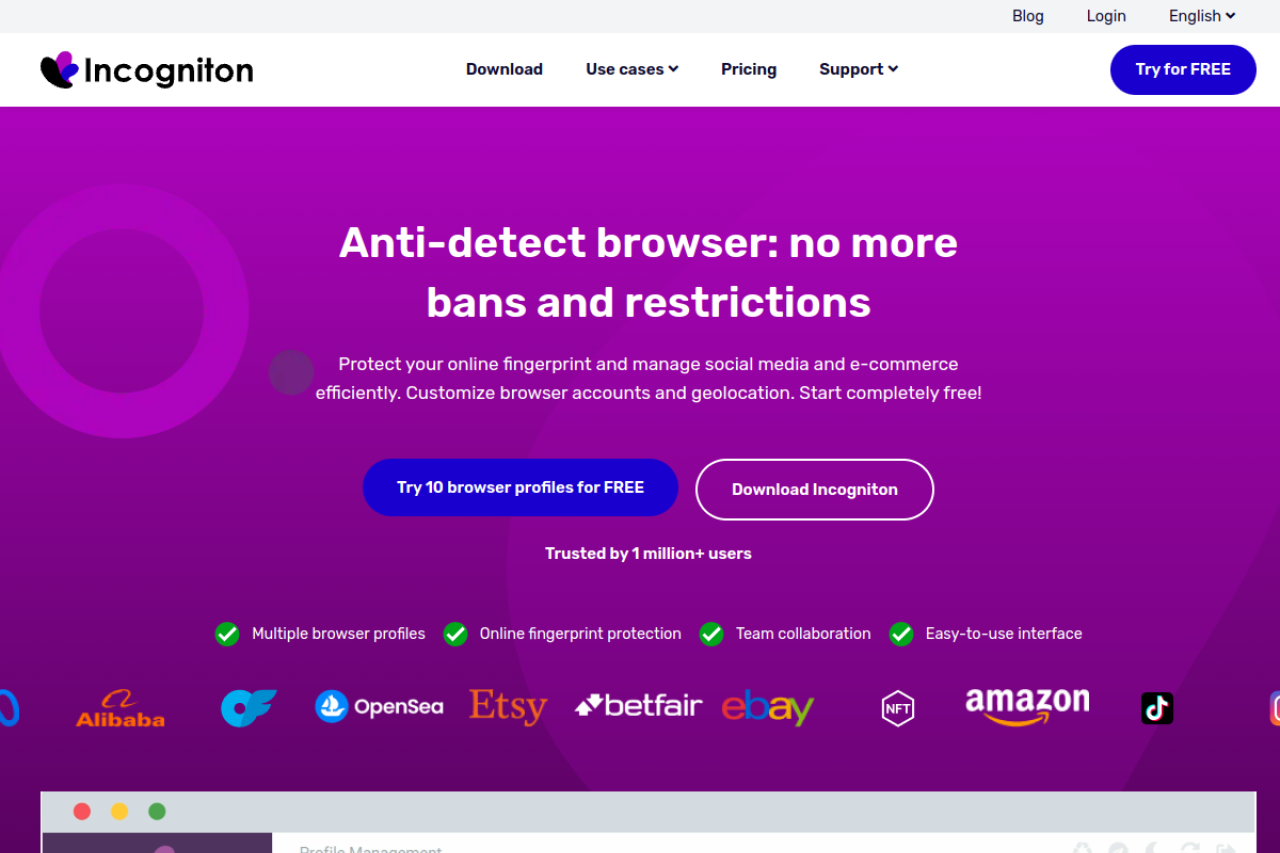
- Price: Free (10 profiles), Starter Plus $19.99/mo.
- Key Features: Bulk profile creator, cookie management, Selenium integration.
- Pros: Generous free plan, great for technical users who code.
- Cons: The interface is slower than competitors; customer support can be delayed.
- Verdict: A strong runner-up for solo developers or technical teams.
Browser.lol: Web-Based Isolation for Immediate Scaling
Browser.lol takes a different approach. It is not an installed software but a web-based service. This effectively creates a disposable cloud browser. This is excellent for quick tasks where you need a fresh identity instantly without setting up a full profile.
It lacks the persistent storage features needed for long-term "King Accounts," but it is perfect for ad verification or checking how your landing pages look from different geos.
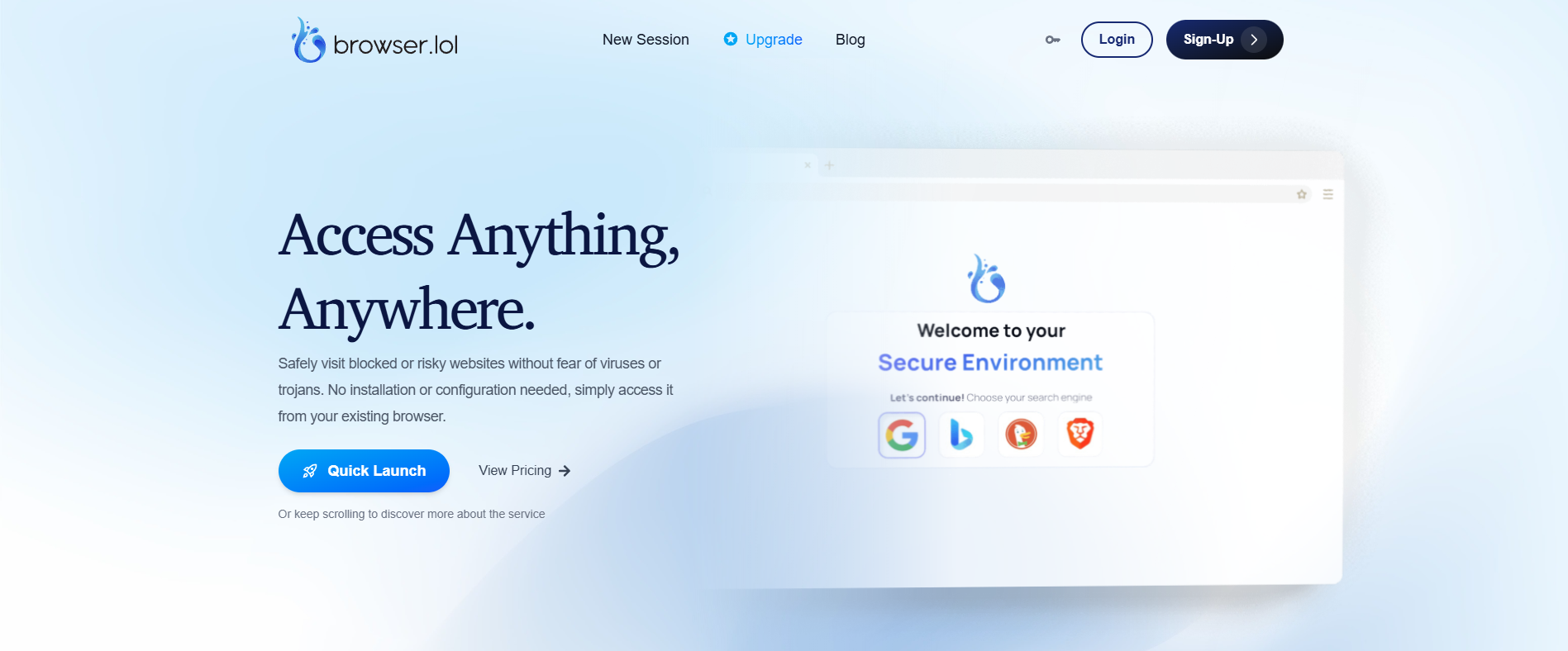
- Price: Free (Ad-supported), Premium $9/mo.
- Key Features: No installation, works in your existing browser, instant disposal.
- Pros: Zero setup time, great for one-off tasks.
- Cons: Not suitable for long-term account farming; limited fingerprint customization.
- Verdict: Use this as a utility tool alongside your main antidetect browser.
Octo Browser: Universal Performance for Agencies
Octo Browser is a premium tool designed for heavy enterprise use. It supports both Chrome and Firefox kernels, giving you flexibility in how your digital fingerprint appears. It is known for speed and stability, rarely crashing even when hundreds of profiles are open.
This performance comes at a higher price point. It targets large teams that need antidetect browser automation API capabilities to integrate with complex internal CRMs.
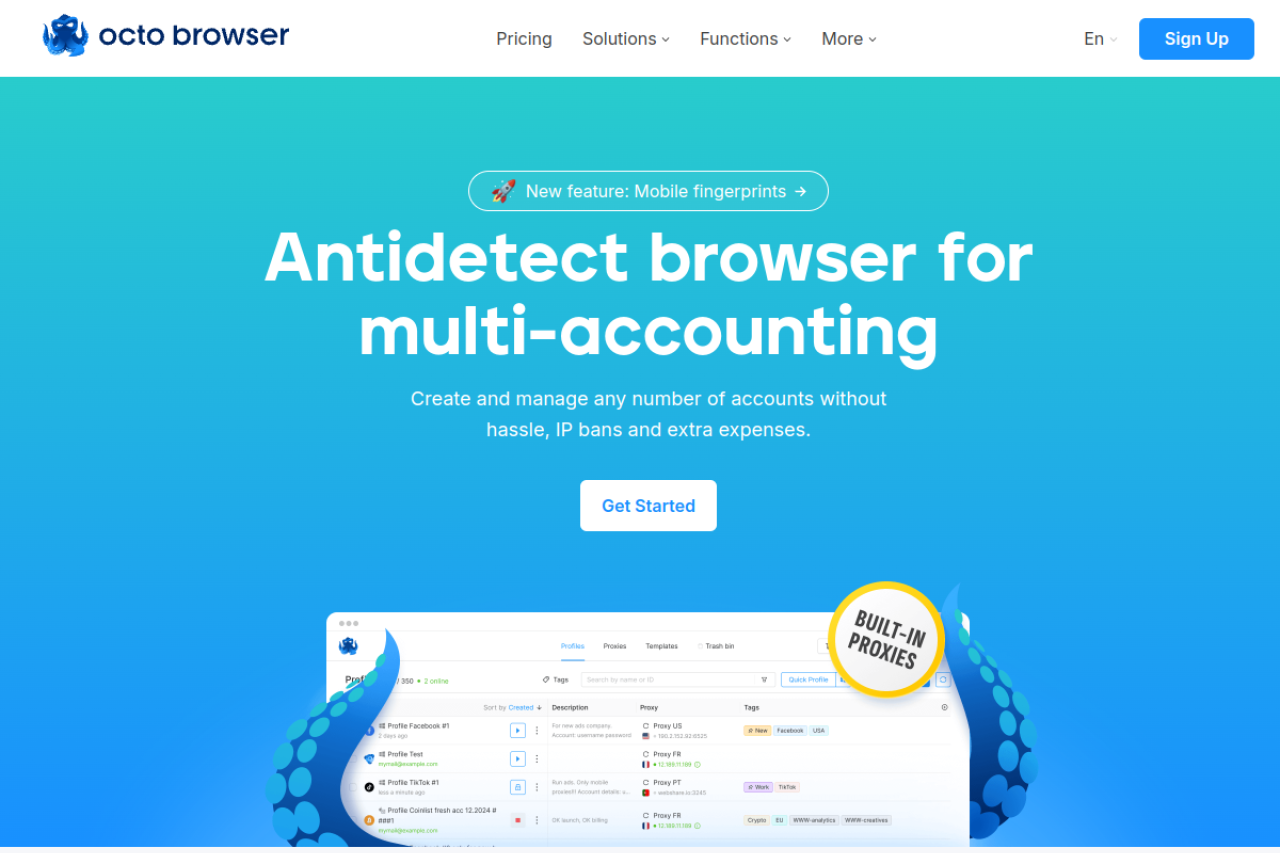
- Price: Starter €29/mo (10 profiles).
- Key Features: Real device fingerprints, high-speed API, unlimited cloud storage.
- Pros: Extremely stable, mimics real hardware very well.
- Cons: Expensive compared to DICloak; no free plan for testing long-term.
- Verdict: Good for large enterprises with a dedicated IT budget.
MoreLogin: Integrating Cloud Phones and Mobile Fingerprints
MoreLogin addresses a specific need: mobile apps. Platforms like TikTok and Instagram trust mobile devices more than desktops. MoreLogin allows you to emulate Android environments or even use "Cloud Phones."
This helps avoid the "suspicious login" flags that occur when a mobile-first app sees a desktop user agent.
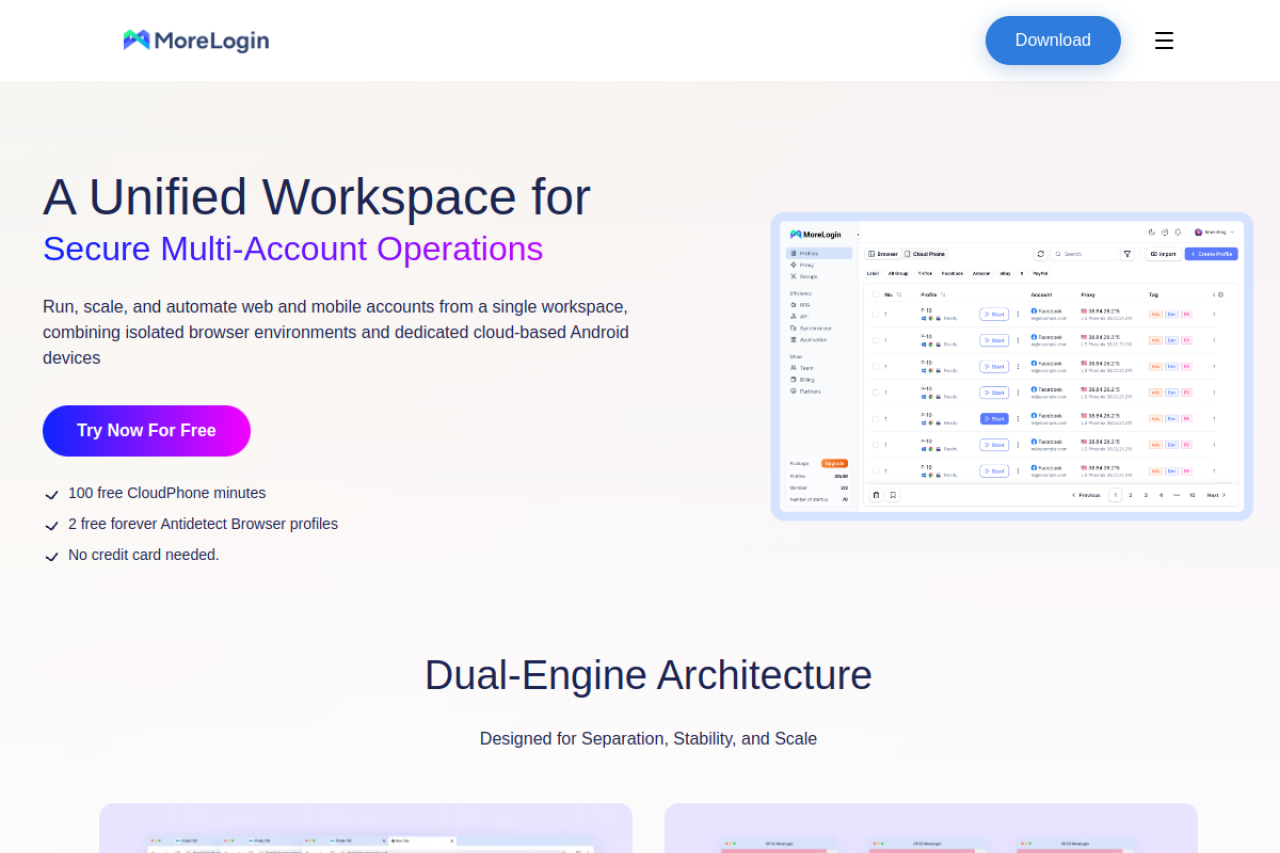
- Price: Free (2 profiles), Pro $9/mo.
- Key Features: Real Canvas fingerprinting, Cloud Phone (Android), Synchronizer.
- Pros: Best for TikTok/Instagram ads, unique mobile emulation features.
- Cons: Desktop interface is less intuitive than others.
- Verdict: Important if your primary traffic source is a mobile app.
Hidemium: Automation-First Browser for MMO and Social Media
Hidemium focuses heavily on automation for social media tasks. It includes tools to auto-view, auto-like, and boost engagement. While often used for gaming (MMO), these features transfer well to the "warm-up" phase of ad accounts.
It offers a "Ghosty" feature that attempts to make the browser undetectable to advanced trackers, though this can sometimes slow down browsing speeds.
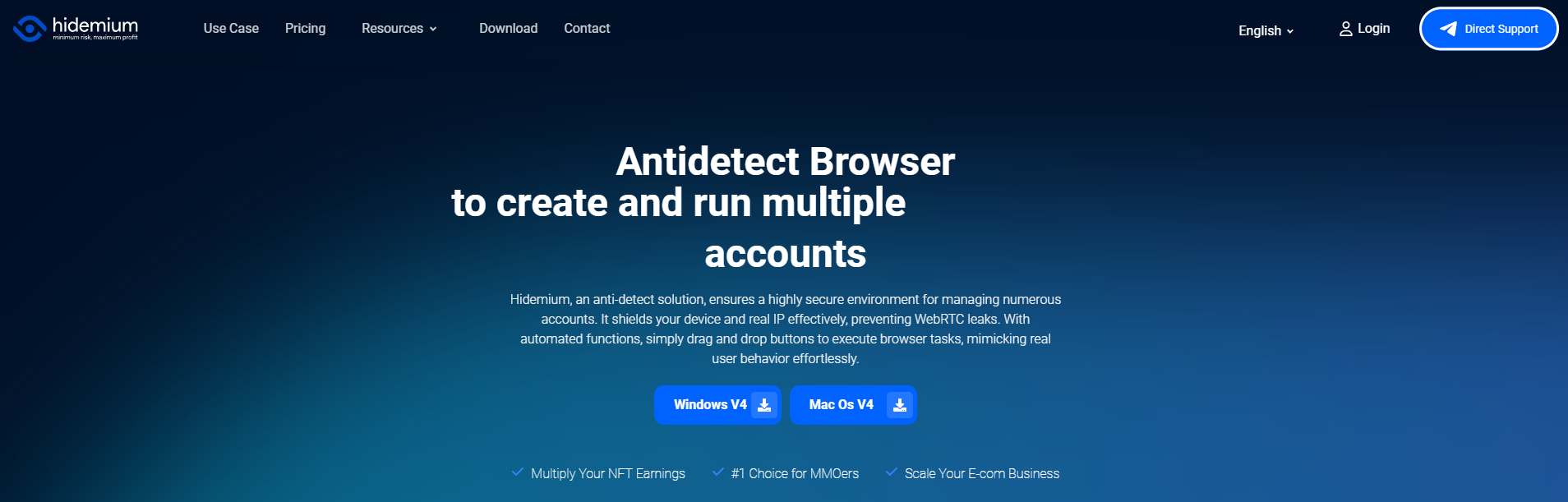
- Price: Free (5 profiles), Basic $15/mo.
- Key Features: Mobile device support, drag-and-drop automation builder.
- Pros: Good for automating repetitive social tasks.
- Cons: Pricing scales up quickly for large teams.
- Verdict: Strong option for teams that rely heavily on social farming scripts.
Implementation Strategy: Scaling with an Antidetect Browser for Media Buyers
Choosing the right software is only step one. To see a return on investment, you must pair your tool with strict operational procedures. The best Antidetect Browser for Media Buyers is useless if your behavior triggers security algorithms immediately.
This section outlines the exact Standard Operating Procedures (SOPs) successful teams use to scale without bans. We will cover how to farm accounts, when to purchase assets, and how to handle mobile-first platforms.
Ad Account Farming Guide 2026: The 14-Day Warmup Protocol
You cannot launch ads on day one. Platforms like Facebook and Google trust longevity. You must build a history of "human" behavior before spending money. This process is called "farming."
Here is the standard 14-day cycle used by top media buyers:
- Profile Setup: Create a new profile in your browser. DICloak is ideal here because it generates a unique digital fingerprint automatically. Assign a high-quality residential proxy that matches the location of your payment card.
- Days 1-3 (Cookie Building): Do not log in to Facebook yet. Browse popular, safe sites like Amazon, CNN, and Wikipedia. This builds a history of trusted HTTP cookies.
- Days 4-7 (The Login): Create your social account. Upload a real photo. Scroll through the feed for 20 minutes a day. Join two public groups. Do not post ads.
- Days 8-14 (Engagement): Create a Fan Page. Run a low-budget "Page Like" campaign ($5/day). This tests the billing connection without triggering high-risk flags.
Once the first payment clears, your account is "farmed." You can now safely move to high-budget ad account farming guide 2026 strategies for conversion campaigns.
When to Buy Warmed Up Facebook Ad Accounts
Farming takes time. Sometimes, you need to launch campaigns immediately. This is common in the traffic arbitrage business model, where trends move fast. In these cases, it makes financial sense to buy warmed up Facebook ad accounts from trusted vendors.
Purchasing accounts saves you the 14-day warmup period. However, it carries risks. You must import the account correctly to avoid an immediate ban.
How to Import Safely:
- Cookie Import: Ask the seller for the JSON or Netscape cookie file.
- Browser Match: Ensure your antidetect browser profile matches the User Agent (OS and Browser version) of the original account.
- Proxy Consistency: If the account was formed in the UK, you must use a UK proxy.
Using a tool like DICloak makes this safer. It allows you to paste the cookie file directly into the profile. This syncs the previous user's session data, so the platform does not see a "new device" login.
Optimizing TikTok Ads Agency Account Warmup Sequences
TikTok is stricter than Facebook regarding device types. It expects mobile traffic. If you run 50 accounts from a standard Windows PC setup, you will get flagged.
To optimize your tiktok ads agency account warmup, you need to mimic mobile behavior.
- Mobile Fingerprints: Set your antidetect browser to emulate Android or iOS devices. This changes your digital signature to look like a phone.
- Vertical Scrolling: TikTok tracks mouse movement. Use touch-simulation modes if available.
- Video Consumption: Watch videos until the end. Fast scrolling signals a bot. Like and comment on viral content before launching your own ads.
This approach to digital identity management for agencies helps your TikTok accounts survive the first week of operation.
FAQ: Frequently Asked Questions about Antidetect Browser for Media Buyers
Scaling your agency requires the right infrastructure, but new tools often bring technical questions. When implementing an Antidetect Browser for Media Buyers, you need certainty regarding security and workflow. Below, we address common concerns to help your team navigate digital identity management for agencies and protect your revenue streams.
How does an antidetect browser for media buyers differ from a standard browser?
Standard browsers like Chrome or Safari expose your unique hardware identity to every website you visit. An antidetect browser, such as DICloak, creates a separate virtual environment for each profile. It alters your digital fingerprint—including Canvas, WebGL, and fonts—so platforms see distinct users rather than one person managing multiple accounts.
Can I use an antidetect browser to avoid Google Ads suspicious payment flags?
Yes, but the browser is only one part of the equation. A Google Ads suspicious payment suspension often occurs when your device location conflicts with your card's billing address. You must pair your antidetect profile with a high-quality residential proxy that matches the country of your payment method to pass these security checks.
Does using an antidetect browser guarantee I won't get banned on Facebook?
No tool offers a 100% guarantee against bans if your ad content violates policy or your behavior is aggressive. However, using DICloak is the best defense for avoiding Facebook business manager bans caused by device linking. By isolating your profiles, you ensure that one flagged account does not trigger a chain reaction that bans your entire business manager.
How do I handle the TikTok ads agency account warmup process?
TikTok is a mobile-first platform and is suspicious of desktop traffic. To succeed with tiktok ads agency account warmup, you must configure your browser to emulate Android or iOS mobile fingerprints. You should also use 4G mobile proxies to mimic a real user scrolling on a phone before you ever launch an ad campaign.
Is it safe to buy warmed up Facebook ad accounts for traffic arbitrage?
It is safe only if you transfer the digital identity correctly using team collaboration browser software. When you buy an account, you must import the cookies and match the original User Agent string. DICloak allows you to import these session files directly, letting you access the account without triggering a "New Login" security alert.
 Web Proxy Tools
 Free Tools
 Cookie Plugin
 UA Generator
 MAC Address Generator
 IP Generator
 IP Address List
 2FA Code Generator
 World Clock
 Anonymous Check
 WebRTC Leak Test
 UUID Generator
 Free Web Proxy Site
 Proxy Checker
 FB Ad Checker
 AI Web Scraping
 Free SMM Tools
 Twitter Shadowban Checker
 Instagram Name Checker
 UTM Generator
 Username Generator
 AI Hashtag Generator
 LinkedIn Headline Generator
 Social Media Image Resizer