The Silent Death of Digital Identities: Why Standard Scaling Fails in 2026
In the high-stakes world of agency ad account scaling, relying on old methods is a guaranteed way to lose revenue. By 2026, ad platforms like Meta and Google have evolved significantly. They no longer just block bad actors; they wipe out entire business operations that look suspicious. The days of simply clearing your cookies and restarting your router are over. If your team manages multiple client accounts without advanced protection, you are building your business on quicksand. You need to understand why standard tools fail before you can fix your infrastructure.
The End of IP-Based Stealth: Why Proxies Alone Can't Protect You
For years, agencies believed that hiding their IP address was enough. They would buy a high-quality static residential IP and assume they were safe. In 2026, this is a dangerous myth. Platforms now use sophisticated "trust scores" that look far beyond your internet connection.
Think of your IP address like your house number. Changing it helps, but if you walk into a bank wearing the same clothes and using the same ID, the security guards still know who you are. Proxies only mask where you are connecting from. They do not hide what device you are using. If you log into five different accounts from the same computer, even with five different IPs, the platform detects the hardware match. This triggers an immediate "chain ban." To survive, you need comprehensive multi-accounting software 2026 capabilities that mask the device itself, not just the connection.
Canvas Fingerprinting: The Invisible Hardware Signature Killing Your Accounts
The most common trap for growing agencies is Canvas Fingerprinting. This technology allows websites to identify your device based on how its graphics card renders text and images. It creates a unique "hash" or digital signature for your specific computer.
When your team scales ads, every account managed on the same PC shares this signature. It does not matter if you use different browsers or incognito windows. The hardware signal remains identical. Once one account gets flagged, the algorithm searches for every other account with that matching canvas hash and shuts them down. Standard ad blockers cannot stop this because the website asks your browser to draw a hidden image in the background. You need a specialized canvas fingerprint blocker that alters this drawing just enough to look like a different, unique device for every single client profile.
WebRTC and WebGL: How Modern Websites See Past Your Mask
Even with a strong proxy, your browser might be betraying you through WebRTC (Web Real-Time Communication). This protocol is designed for video calls and file sharing, but it has a major flaw for privacy: it can leak your true local IP address directly to the website, bypassing your proxy entirely.
Similarly, WebGL provides specific information about your graphics driver and hardware model. Combined, these elements create a highly accurate profile of your machine. Modern platforms run a background check the moment you log in. If they detect a mismatch—like a proxy IP paired with a timezone or graphics setup that doesn't match—they restrict advertising access immediately.
Reliable browser fingerprinting protection ensures that these leaks are plugged. It forces the browser to report consistent data that aligns perfectly with your proxy location. Without this technical alignment, your agency ad account scaling efforts will hit a permanent wall.
Understanding the Antidetect Browser for Digital Marketing Agencies Solution
Technical leaks like Canvas and WebRTC expose your true identity, making standard browsers unsafe for business. The solution is the Antidetect Browser for Digital Marketing Agencies. This software does not just hide your tracks. It constructs entirely new digital identities. It serves as a command center where you control how websites see your hardware. Instead of fighting the algorithms with simple proxies, you feed them the exact data they want to see to verify you as a "trustworthy" user.
Spoofing vs. Privacy: Why Active Fingerprint Manipulation Wins
Most privacy tools, like ad blockers or "Incognito" modes, try to hide information. This is a mistake for marketers. When you block data, platforms like Facebook see a "hole" in your profile. This looks suspicious and triggers security checks.
Digital fingerprint spoofing takes a smarter approach. It does not hide your device data; it replaces it. The software intercepts requests from the website. If a site asks for your graphics card model, the browser provides a fake, valid model name. It injects "noise" into the Canvas API readout. To the website, you look like a standard user on a regular PC. This active manipulation creates a ban-proof browser profile that blends in perfectly with normal traffic.
Profile Isolation: Creating Discrete Digital Silos for Every Client
Managing multiple clients on one standard browser is risky. Cookies and local storage can leak between tabs. Antidetect browsers solve this with strict isolation.
Think of isolation like having 50 separate laptops on your desk. Each profile acts as a completely independent "silo."
- Separate Cookies: Client A’s session data never touches Client B’s data.
- Separate Local Storage: Cached images and history are strictly contained.
- Separate Hardware IDs: Each profile has a unique fingerprint.
This means a ban on one account stays contained. It cannot jump to your other clients. This isolation provides robust browser fingerprinting protection required for high-stakes agency work.
The Automation Edge: Integrating APIs with Multi-Accounting Workflows
Scaling an agency manually is impossible in 2026. You cannot click through hundreds of accounts by hand. Modern multi-accounting software 2026 solutions are built for automation.
Top-tier tools offer local APIs that connect with scripts like Selenium or Puppeteer. This allows you to build agency ad account scaling workflows. You can program the browser to:
- Open a new profile automatically.
- Visit trust-building websites to generate history.
- Scroll and click like a human to warm the account.
This automation turns hours of manual labor into a background task. It ensures every account is primed and ready without burning out your staff.
Top 6 Antidetect Browser for Digital Marketing Agencies: 2026 Analysis
Now that we understand the automation workflow, we need to select the right infrastructure. Not all tools can handle the aggressive scaling required in 2026. Agencies need robust Antidetect Browser for Digital Marketing Agencies software that balances security, team access, and cost.
Below is a breakdown of the top market performers. We analyzed these tools based on their ability to prevent bans, manage static residential ip connections, and facilitate team collaboration.
Market Overview: Agency Tools Comparison
| Software |
Core Strength |
Starting Price |
Best For |
| DICloak |
Enterprise Isolation & Team Scaling |
$8 mo |
Agencies & Teams |
| Incogniton |
Remote Team Sync |
$19.99 mo |
Remote Staff |
| Browser.lol |
Virtualized Disposable Sessions |
$9 mo |
Quick Checks |
| Octo Browser |
Universal Cloud Management |
€29 mo |
High Volume |
| MoreLogin |
Mobile Fingerprint Emulation |
$9 mo |
Social Media |
| Hidemium |
High-Frequency Automation |
$15 mo |
E-commerce / MMO |
DICloak: Superior Isolation for Enterprise-Grade Ad Account Management
DICloak stands out as the premier multi-accounting software 2026 solution for agencies. It is designed specifically to solve the "chain ban" problem. While other browsers focus on single users, DICloak builds its infrastructure around team scalability and absolute data isolation.

Why It Wins for Agencies: The platform uses advanced browser fingerprinting protection that creates a unique environment for every single profile. It alters the Canvas, WebGL, and AudioContext fingerprints so platforms like Facebook see a different, valid device every time. It also features a built-in webrtc leak test protection to help your real IP not slip past the proxy.
For agencies, the "Share+" plan is critical. It allows unlimited members to access profiles without sharing passwords. You can assign a profile to a media buyer, and they can launch ads immediately. The RPA (Robotic Process Automation) features allow you to automate repetitive warming tasks without needing complex code.
Key Features:
- Deep Fingerprint Spoofing: Customizes Hardware Concurrency, Device Memory, and Fonts.
- Team Collaboration: Granular permission settings for staff (Share+ Plan).
- Cost Efficiency: Offers a generous Free Plan (5 profiles) and scalable paid options.
- Automation: Built-in RPA for cookie farming.
Pricing:
- Free Plan: 5 Profiles.
- Base Plan: $8/month (20 Profiles).
- Plus Plan: $28.8/month (100 Profiles).
- Share+ Plan: $138/month (200 Profiles, Unlimited Members).
Verdict: If your agency manages client assets worth thousands of dollars, DICloak offers the highest security-to-cost ratio. It is the definitive choice for preventing cross-account contamination.
Incogniton: Streamlining Multi-Account Collaboration for Remote Teams
Incogniton has been a reliable name in the industry for years. In 2026, it remains a strong contender for agencies that rely heavily on remote workers. Its primary focus is on data synchronization across different devices.
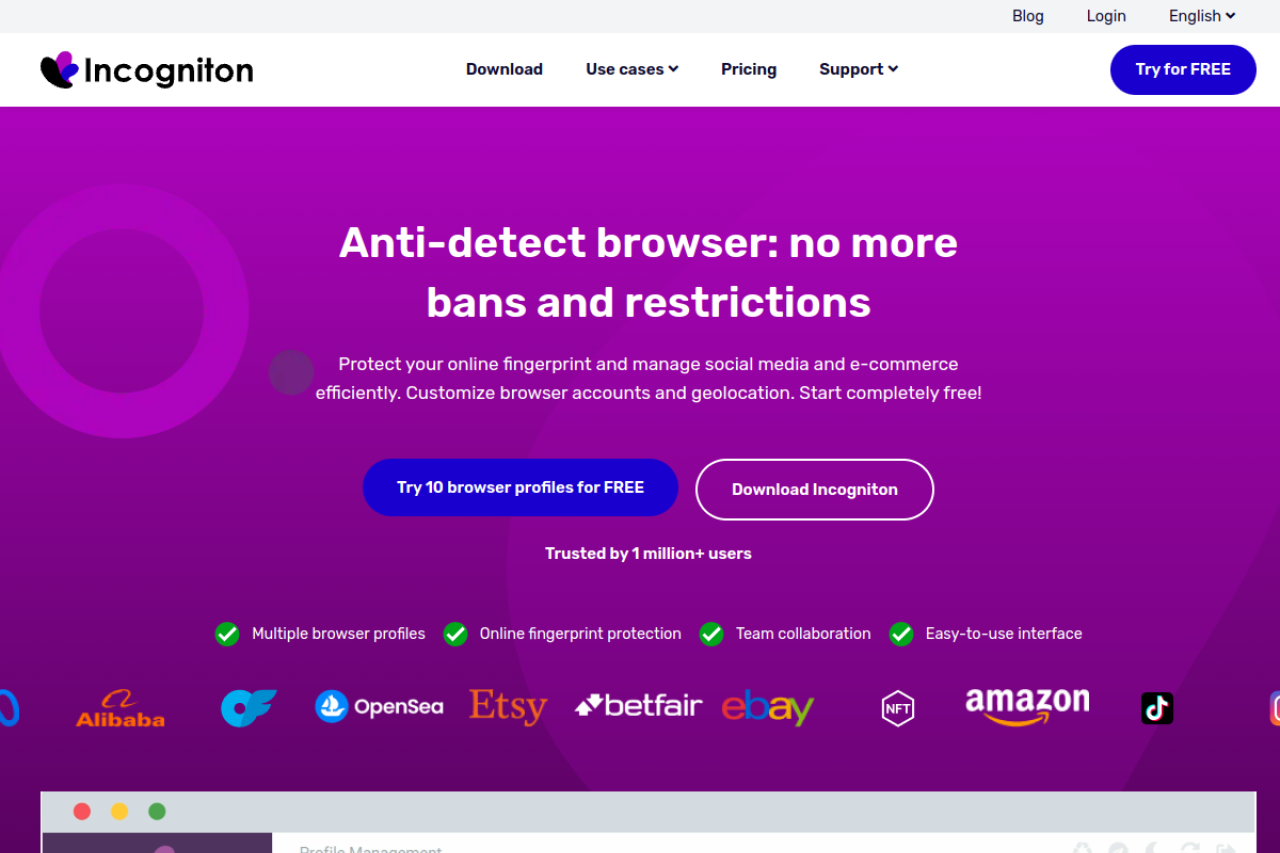
How It Works: Incogniton stores your browser profiles in the cloud. When a team member in a different country opens the software, the profile data (cookies, tabs, history) syncs down to their local machine. This makes it effective team profile sharing software. The tool integrates well with standard proxy providers and offers a straightforward interface for managing bulk profiles.
However, the synchronization process can sometimes be slower than direct cloud execution, depending on internet speeds. It supports automation via Selenium and Puppeteer for those with coding knowledge.
Key Features:
- Cookie Management: Import/Export cookies easily for account transfers.
- Synchronizer: Keeps profile data consistent across team devices.
- Paste as Human: Simulates human typing to avoid detection.
Pricing:
- Starter: Free (10 profiles, limited time).
- Starter Plus: $19.99/month (10 profiles).
- Entrepreneur: $29.99/month (50 profiles).
- Professional: $79.99/month (150 profiles).
Verdict: Incogniton is a solid Antidetect Browser for Digital Marketing Agencies with distributed teams. It offers reliable syncing capabilities, but is slightly more expensive per profile .
Browser.lol: Immediate Access with Disposable Virtualized Sessions
Browser.lol takes a completely different approach. Instead of managing long-term profiles for ad farming, it provides instant, disposable browsers. This is useful for specific, low-risk agency tasks.
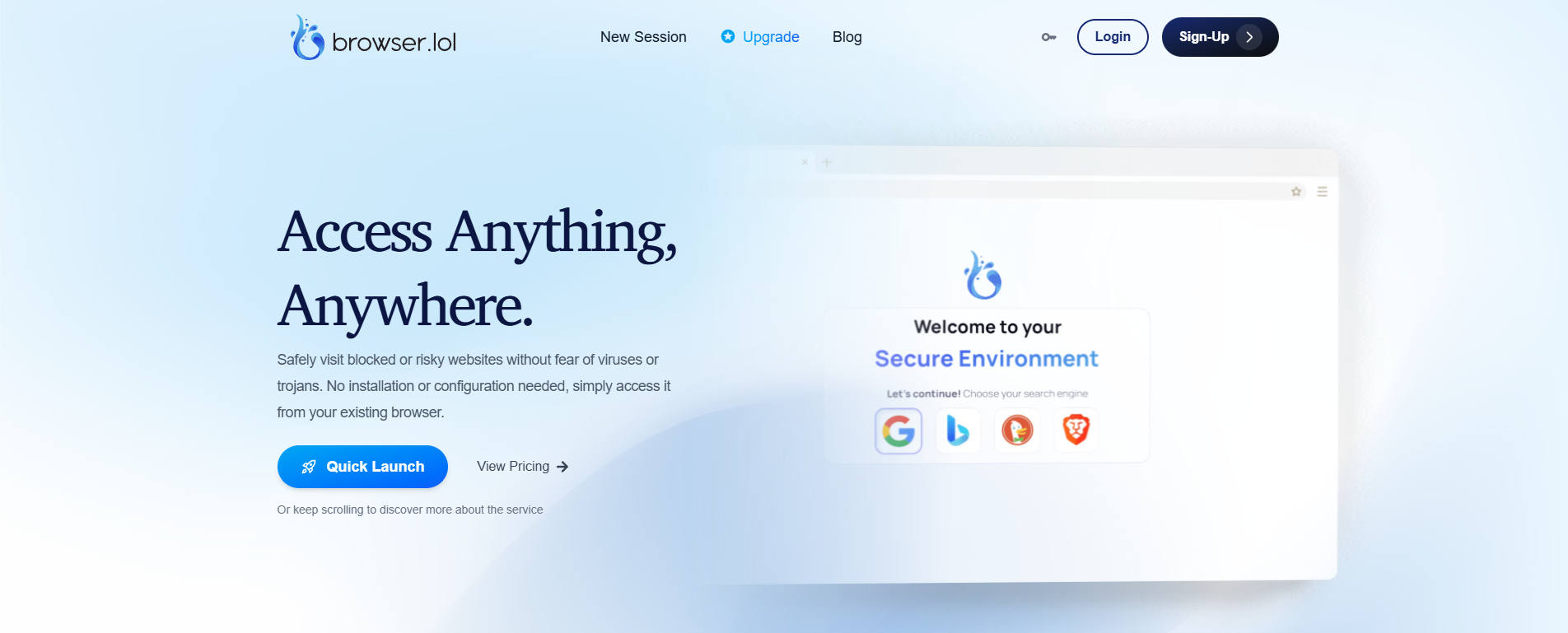
The Use Case: This tool runs the browser in the cloud and streams the visual feed to you. This means no code ever runs on your local machine. It is perfect for checking how an ad displays in a different country or quickly verifying a landing page without leaving a trace. It is not designed for long-term agency ad account scaling because the sessions are often temporary or non-persistent in the lower tiers.
Key Features:
- Zero Installation: Runs entirely in your web browser.
- Malware Protection: Isolates your local network from malicious sites.
- Instant IPs: Quick access to different geo-locations.
Pricing:
- Free: Ad-supported, limited usage.
- Premium: $9/month.
- Business: Custom pricing.
Verdict: Browser.lol is a utility tool, not a primary infrastructure. Agencies should use it for quick verification tasks, but not for managing high-value client assets.
Octo Browser: Precision Cloud-Based Profile Management at Scale
Octo Browser positions itself as a universal tool for serious affiliates and crypto enthusiasts. It is known for high performance and the ability to handle thousands of profiles without UI lag.
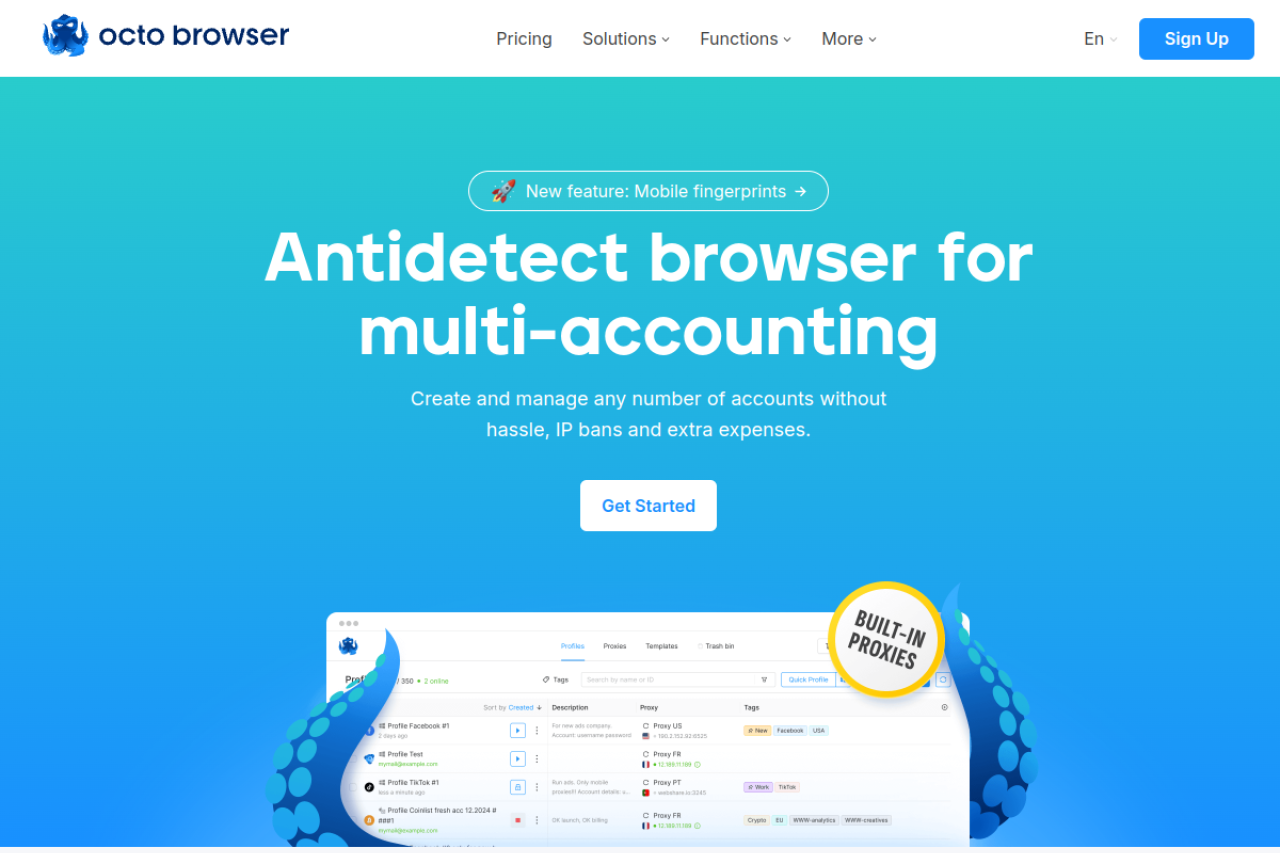
Performance Focus: Octo Browser uses a core written in fast languages to ensure speed. It mimics real device fingerprints accurately. The interface is clean and allows for tag-based management, which helps when you have hundreds of affiliate marketing automation tools running at once.
The pricing model is in Euros, which can be a factor for some agencies. It offers good API access for developers who want to build custom dashboards on top of the browser.
Key Features:
- Real Fingerprints: Uses data from real systems to generate profiles.
- Tag System: efficient organization for large profile lists.
- API Access: Robust documentation for custom automation.
Pricing:
- Lite: €10/month (3 profiles).
- Starter: €29/month (10 profiles).
- Base: €79/month (100 profiles).
- Team: €169/month (350 profiles).
Verdict: Octo Browser is powerful but expensive. It fits large agencies that need to manage thousands of profiles and have the budget to support the higher monthly costs.
MoreLogin: Integrating Cloud Phone Tech for Mobile Ad Campaigns
MoreLogin addresses a specific gap in the market: mobile fingerprinting. In 2026, platforms like TikTok and Instagram prioritize mobile traffic over desktop traffic.
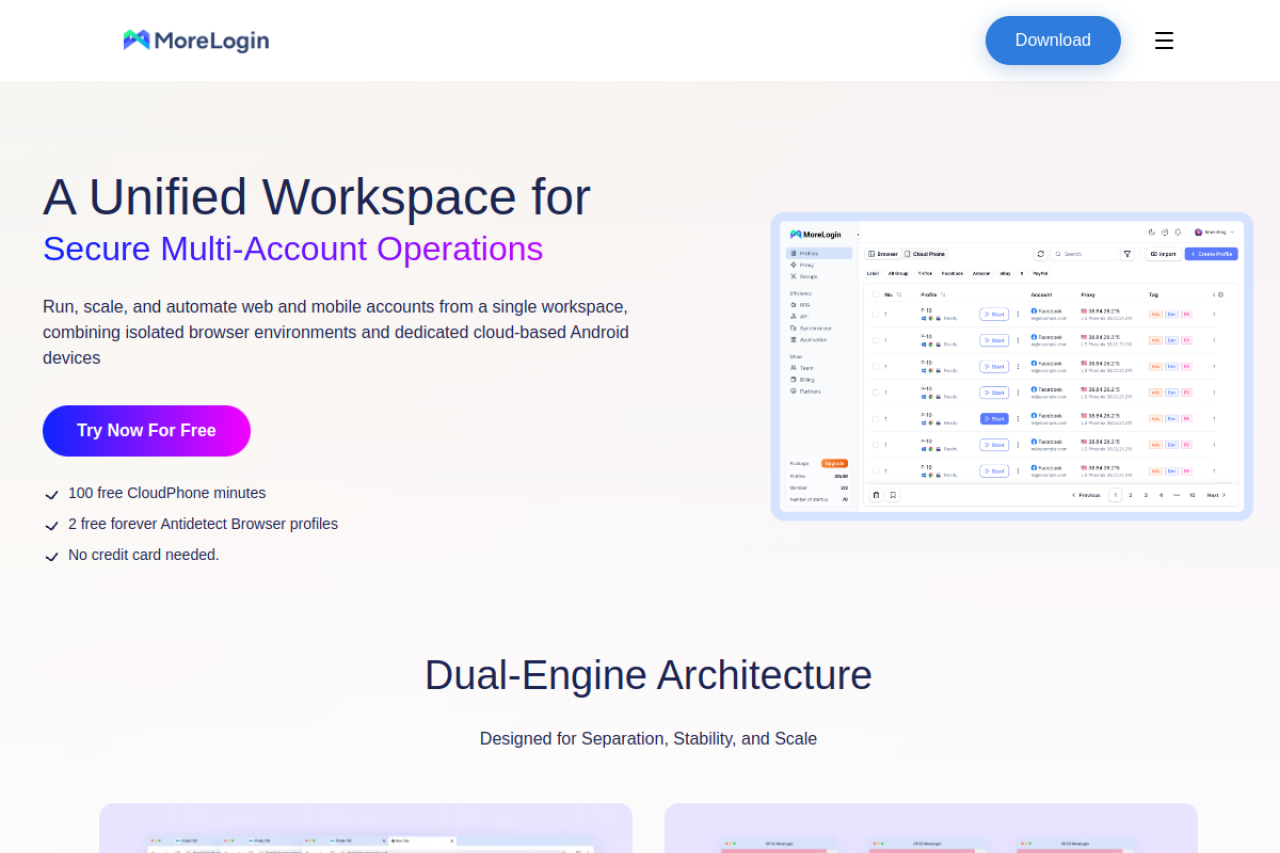
Mobile First: This tool offers a "Cloud Phone" feature. It doesn't just spoof a mobile user agent; it emulates an Android environment. This is crucial for digital fingerprint spoofing on apps that detect PC-based browsers. If your agency focuses on TikTok Ads or Instagram influencer management, appearing as a mobile device is safer.
It also supports standard browser profiles for desktop work. The interface is user-friendly and allows for quick profile creation.
Key Features:
- Android Emulation: operate as a real mobile device.
- Canvas Fingerprint: Standard spoofing for web browsers.
- Collaboration: Share profiles with team members.
Pricing:
- Free: 2 profiles.
- Pro: Starts at $9/month (10 profiles).
- Higher Tiers: $25/mo (50 profiles), $35/mo (100 profiles).
Verdict: MoreLogin is the specialist choice for social media agencies. If your clients are primarily on TikTok or Instagram, the mobile emulation features are a major asset.
Hidemium: Optimized for MMO and High-Frequency E-commerce Marketing
Hidemium is a favorite among technical marketers and those in the MMO (Make Money Online) space. It is built for density and automation.
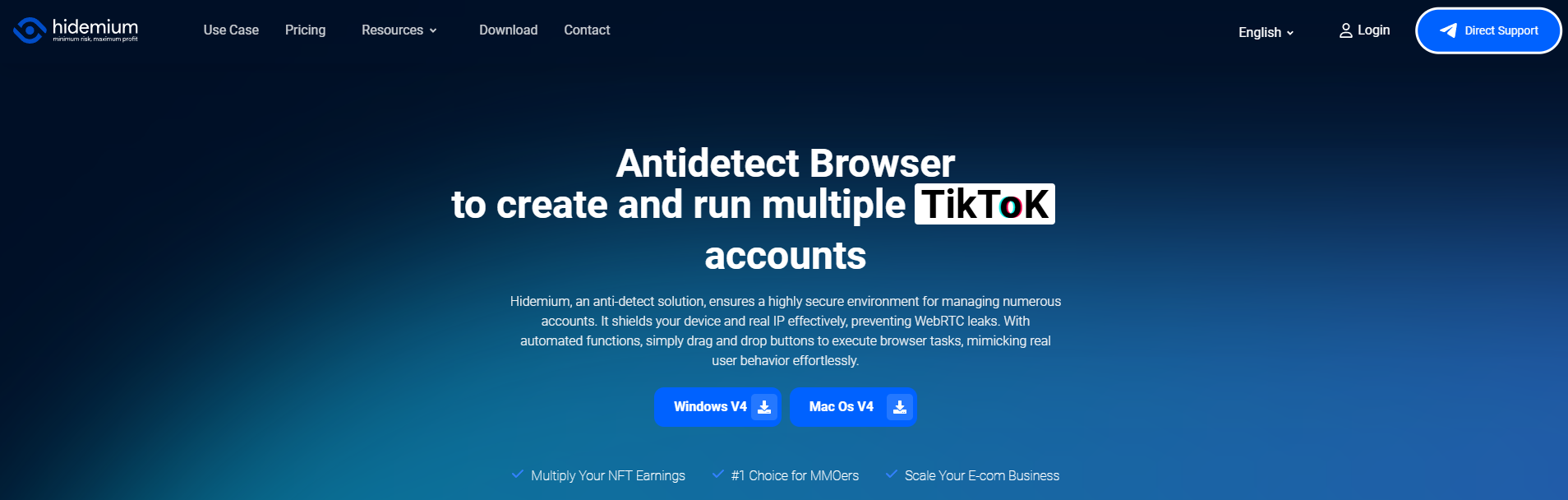
Automation Powerhouse: Hidemium is heavy on features for e-commerce (Etsy/eBay) and bulk account creation. It includes tools to customize mobile device parameters and offers deep integration with automation scripts. It is often used for tasks that require high-frequency actions, like managing hundreds of buyer accounts.
The software allows for extensive customization of the browser fingerprint, giving advanced users total control. However, this complexity can be overwhelming for non-technical agency staff.
Key Features:
- Mobile Support: Can simulate mobile environments.
- Cookie Robot: Automated history building.
- Bulk Actions: Create and manage profiles in mass batches.
Pricing:
- Free: 5 profiles.
- Basic: $15/month (30 profiles).
- Advanced: $20/month (100 profiles).
- Business: $420/month (13,000 profiles - Enterprise scale).
Verdict: Hidemium offers immense scale for the price. It is ideal for agencies doing high-volume e-commerce work where you need hundreds of profiles for a low cost per unit.
Success with your Antidetect Browser for Digital Marketing Agencies
Buying the right software is only the first step. To achieve real agency ad account scaling, you must follow strict operational rules. A tool like DICloak provides the infrastructure, but your workflow determines your profit. Without the right Standard Operating Procedures (SOPs), even the best Antidetect Browser for Digital Marketing Agencies cannot save you from bans.
You need to move from simple browsing to active identity management. This section outlines the exact steps to turn your software investment into revenue growth.
The 7-Day Cookie Injection: Building Trust with Cookie Robot Automation
Platforms like Facebook and Google are suspicious of new, empty profiles. If you create a new browser profile and immediately try to launch ads, you will get banned. The account lacks "trust." In 2026, you must simulate a history of normal human behavior before you spend money.
You need to use cookie robot automation. This feature, found in advanced tools like DICloak, automatically visits popular websites to build a realistic browsing history.
The Warm-Up Schedule:
- Days 1-2: Set the robot to visit 20-30 high-trust sites (news, retail, weather). This gathers harmless data cookies.
- Days 3-5: Manually log into non-ad platforms. Create accounts on sites like Pinterest or Reddit using the same profile.
- Day 6: Visit the target platform (e.g., Facebook). Do not log in yet. Just browse the home page.
- Day 7: Log in or create your ad account.
This process creates a "digital fingerprint" that looks aged and authentic. It prevents the immediate security flags that kill fresh accounts.
Proxy Hygiene: Integrating Static Residential IPs for Geo-Consistency
Your IP address is the most visible part of your digital identity. Many agencies fail because they use cheap, low-quality proxies. To ensure stability, you must use a static residential ip.
A residential IP looks like a real home internet connection to ad platforms. A "static" IP means the address never changes. If your ad account logs in from New York in the morning and London in the afternoon, it triggers a security lock.
Key Rules for Proxy Management:
- One Profile, One IP: Never switch IPs for a single active ad profile.
- Match the Geography: If your payment card is from Texas, your proxy must be from Texas.
- Check for Leaks: Always perform a webrtc leak test inside your isolated profile. This ensures your real office IP is not visible behind the proxy.
Using a premium browser like DICloak simplifies this. It allows you to bind a specific proxy to a specific profile permanently. This guarantees that every time you open that client's account, the connection is safe and consistent.
Structuring Team Roles to Prevent Internal Fingerprint Leaks
The biggest threat to your agency is often your own team. If a remote assistant logs into a client account using their personal Chrome browser, they ruin the isolation you built. They mix their personal digital fingerprint with your client's clean profile. This links accounts together and causes chain bans.
You must use team profile sharing software features to control access. Do not share passwords via email. Instead, share the browser profile itself via the cloud.
Workflow for Secure Teams:
- Cloud Sync: The admin creates the profile and sets the fingerprint parameters.
- Granular Access: Assign the profile to a team member. They see a "Launch" button on their dashboard.
- Hidden Credentials: The team member enters the account without ever seeing the raw login password.
Tools like DICloak excel here, especially with plans offering unlimited team members. This keeps every action contained within the safe, spoofed environment. It reduces the risk of human error destroying your high-value ad accounts.
Frequently Asked Questions about Antidetect Browser for Digital Marketing Agencies
Scaling an agency requires robust infrastructure, not just good ad copy. Many digital marketing teams face technical friction when moving from standard Chrome windows to dedicated privacy tools. This section addresses the technical hurdles and operational queries you might face when adopting an Antidetect Browser for Digital Marketing Agencies.
How does an antidetect browser differ from a simple browser extension?
A browser extension is like a paper mask; it only hides your face. Extensions can spoof a User-Agent or change an IP, but they cannot hide your computer's hardware details. Websites can still track you through your graphics card, fonts, and screen resolution.
An antidetect browser builds a completely new "digital person." It creates a virtual environment where every hardware signal is customized. This prevents digital fingerprint spoofing failures. For high-stakes agency work, extensions are too risky because they leak data that leads to immediate account bans.
Does canvas fingerprinting protection affect website loading speed?
No, proper protection should not slow down your browsing. A canvas fingerprint blocker works silently in the background. Instead of blocking the website from reading your screen, it adds tiny amounts of "noise" to the image data. This makes your device look unique but real.
Advanced tools like DICloak optimize this process to ensure zero lag. You can run dozens of profiles simultaneously without noticing a drop in page load speed. If a tool slows down your connection, it is likely poorly optimized.
How many browser profiles can a single agency team manage?
The limit is usually human, not technical. Enterprise-grade software allows you to create thousands of cloud-based profiles. The real bottleneck is how you organize your team.
Using team profile sharing software features is essential for scale. You can assign 50 accounts to one media buyer and 50 to another. Since the profiles live in the cloud, they do not consume your local computer's memory when they are closed. A structured team can easily manage 500+ active client accounts without hardware issues.
Is using an Antidetect Browser for Digital Marketing Agencies legal for ad management?
Yes, managing multiple accounts for different clients is a standard business practice. Agencies use these tools to protect client data and prevent "chain bans." If one client gets suspended, the isolated environment ensures other clients remain safe.
The software is a tool for privacy and asset protection. It becomes illegal only if used for fraud, carding, or theft. For legitimate agencies running ads, affiliate campaigns, or e-commerce stores, it is a necessary layer of business security.
How do I perform a WebRTC leak test correctly within an isolated profile?
WebRTC is a communication protocol that can accidentally reveal your real IP address, even if you are using a proxy. To test this, open your isolated browser profile and connect to your proxy.
Visit a trusted detection website (like BrowserLeaks) inside that profile. Run the webrtc leak test. The results should display only your proxy's IP address. If you see your real office IP listed anywhere in the WebRTC results, your configuration is leaking. Secure browsers like DICloak have built-in settings to block these leaks automatically.
 Web Proxy Tools
 Free Tools
 Cookie Plugin
 UA Generator
 MAC Address Generator
 IP Generator
 IP Address List
 2FA Code Generator
 World Clock
 Anonymous Check
 WebRTC Leak Test
 UUID Generator
 Free Web Proxy Site
 Proxy Checker
 FB Ad Checker
 AI Web Scraping
 Free SMM Tools
 Twitter Shadowban Checker
 Instagram Name Checker
 UTM Generator
 Username Generator
 AI Hashtag Generator
 LinkedIn Headline Generator
 Social Media Image Resizer