Sharing a Netflix account used to be as simple as handing over your password, but since the latest netflix account sharing policy update, that shortcut now comes with new limits and real risks. People who once split a single subscription between family or friends are being caught off guard by stricter Netflix password sharing rules in 2026. Getting locked out, seeing surprise verification screens, or losing access mid-stream isn’t just a minor annoyance, it’s a sign Netflix is actively enforcing its household policy update, not just talking about it.
What’s tricky is the line between “household” and “guest.” Netflix’s crackdown means you can’t just add devices or users whenever you want. If you try, you might trigger extra fees, forced device verification, or even permanent blocks. That leaves users scrambling for workarounds, rethinking how they share accounts, and wondering if there’s a safer way to keep access without risking a ban.
The real challenge now is adapting your workflow before you get flagged. It’s not about loopholes or hoping Netflix won’t notice, it’s about understanding how device checks, IP tracking, and account activity are actually used to spot non-household users. If you skip this step, you’re likely to lose access, pay more, or spend hours on recovery you could have avoided.
So what changed, and how can you share a Netflix account in 2026 without getting locked out? Here’s what you need to check first.
What’s Actually Changed in Netflix’s Account Sharing Policy for 2026?
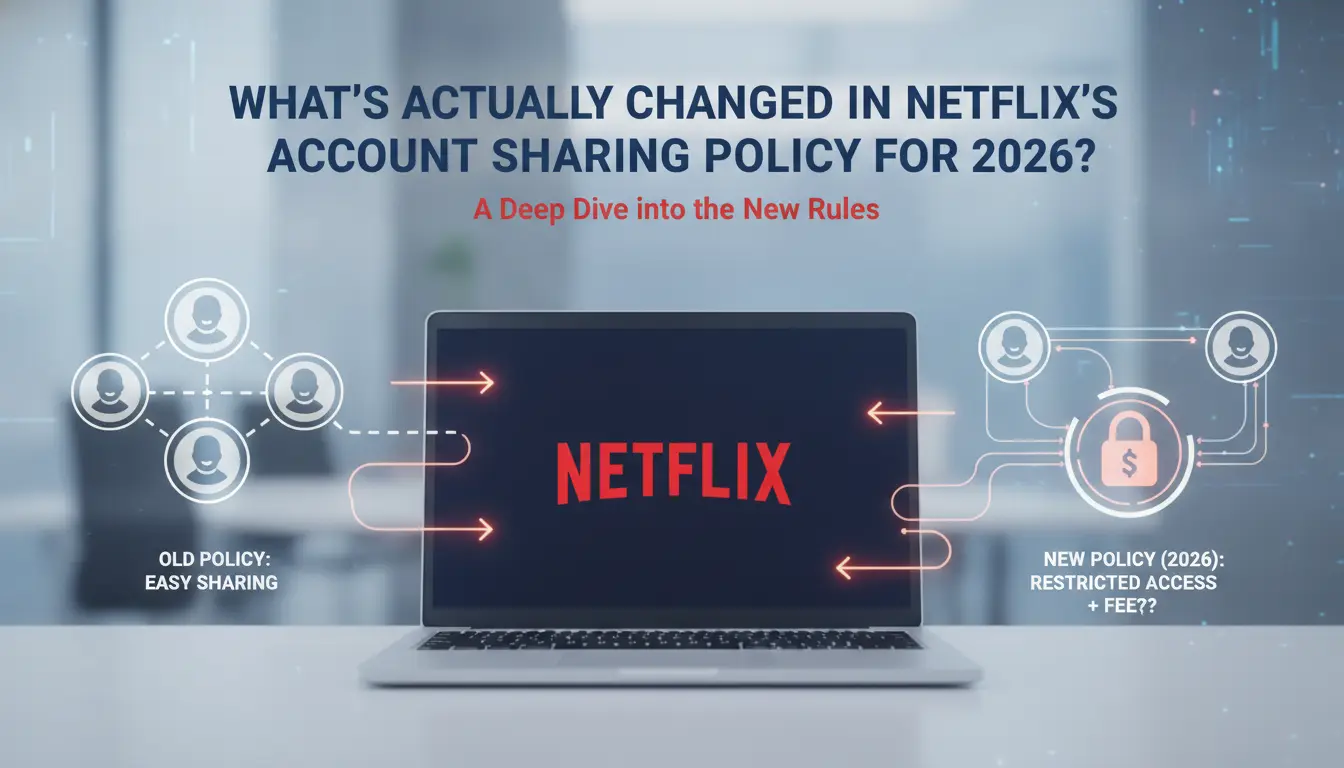
Netflix’s account sharing rules for 2026 aren’t just a tweak, they’re a full reset. If you’re used to letting friends in other cities log in, or sharing with a remote team, the new policy means you’ll need to rethink your setup. The core change is strict enforcement around what counts as a “household” and how Netflix checks who’s really using the account. If you miss a step or try to skirt the system, you’ll likely face device blocks, forced verification, or even account bans.
How Netflix Defines a Household in 2026
In 2026, Netflix treats a "household" as people living at the same physical address, using devices on the same Wi-Fi and local IP. If you stream from a hotel, office, or a friend’s place, even for a weekend, the platform will flag you as outside the household. Location is tracked by device IP and Wi-Fi network, not just the billing address. That means even family members who travel often or split time between homes need to be careful. Any sign that a device is used far from the main address, or switches networks, triggers account review.
New Verification and Monitoring Methods
Netflix’s new monitoring tools go beyond the old password checks. Now, every device linked to an account must pass frequent location and network verification. When you log in, Netflix cross-references your device’s IP and Wi-Fi against the primary household location. If a device shows up in another city, or connects through a proxy, you’ll see an instant prompt: verify the device by entering a code sent to the main account holder’s email or phone.
What’s changed most is the frequency, devices are checked every time they stream, not just at login. If you miss a prompt or can’t verify within the time limit (usually under 30 minutes), the device loses access until the main account owner resets it. This can mean getting locked out while traveling, or if your team is working remotely.
Here’s what counts as a violation now:
- Logging in from a device outside the primary address without verification
- Repeated failed device checks
- Sharing credentials with people at different physical locations
- Using proxies to mask location (even short-term)
- Trying to add new devices without approval
If you’re flagged, Netflix may restrict streaming, force a password reset, or demand a fee for each extra device. The crackdown isn’t subtle, most users see restrictions within days if their usage pattern looks like password sharing. Skipping household verification is now the fastest way to lose access, even if you just occasionally stream on another device.
| Policy Area |
2025 Rules |
2026 Update |
| Household Definition |
Billing address + devices |
Physical address + local IP |
| Verification |
Occasional device prompts |
Every stream, immediate checks |
| Violations |
Multiple logins, weak enforcement |
Strict checks, fast lockouts |
If you’re used to flexible sharing, these changes mean more risk and fewer loopholes. Next, it’s worth seeing why Netflix is pushing this crackdown, and what penalties you might face if you ignore the warning.
Why Netflix Is Cracking Down on Account Sharing: Risks and Penalties
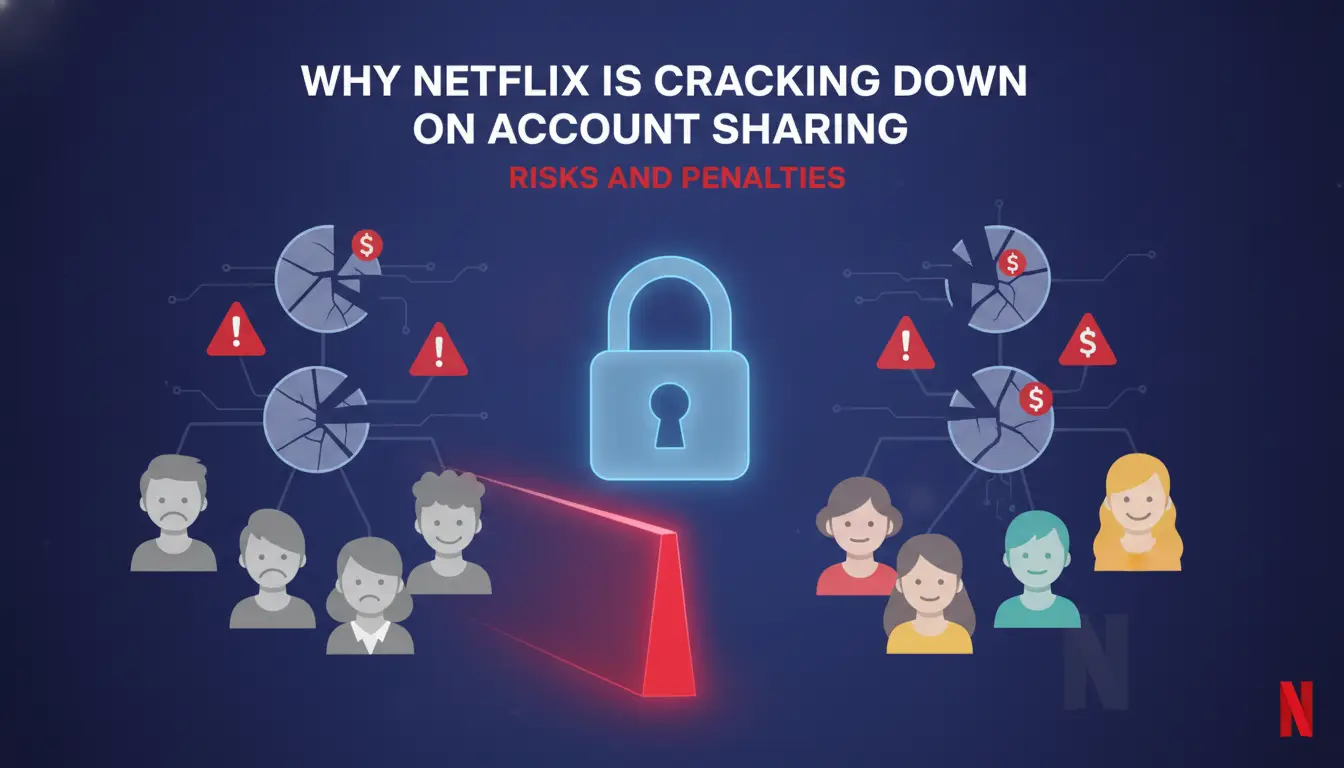
Netflix’s shift to strict account sharing rules isn’t just about chasing extra fees. The goal is to stop entire regions, friend circles, or remote teams from getting unlimited access with a single subscription. If you ignore these changes, you risk losing your account, not just a warning. Here’s what actually puts you at risk and what happens when you get caught.
Common Triggers for Account Restrictions
Netflix’s system looks for patterns that signal sharing outside your household. The biggest red flags are logins from different locations, especially if those logins happen in different cities or countries within short time frames. If your account starts showing up on new devices every week, Netflix’s checks will flag that too.
For example, if you watch from your home on Monday, a friend in another city logs in on Wednesday, and someone else streams from a hotel two days later, that jump in location and device history is a clear match for the Netflix account sharing crackdown. Even device resets or swapping phones too often can put you under review, since Netflix tracks unique hardware IDs alongside IP addresses.
Penalties for Policy Violations
Once Netflix’s system detects possible policy abuse, you usually get a temporary restriction first. This means some or all devices lose access until you verify ownership, often through a code sent to the account email or phone. Skip verification or keep triggering location mismatches, and the restrictions get harsher.
The real risk is a permanent ban. Netflix can close your account, wipe your profiles, and block your payment method from new signups. There’s no warning if their system decides you’re breaking the rules on purpose. In some cases, even if you pay for a “Standard” or “Premium” plan, sharing outside one household can lead to a forced downgrade or removal of extra members, costing you access you thought you had.
If you’re relying on shared accounts for work or family, these consequences hit hard. Once Netflix locks or deletes an account for policy violations, there’s almost no way to get it back, even customer support can’t restore deleted profiles. Before sharing your login, check the new rules and prepare for what happens if your setup looks suspicious.
What to Check Before Sharing Your Netflix Account in 2026
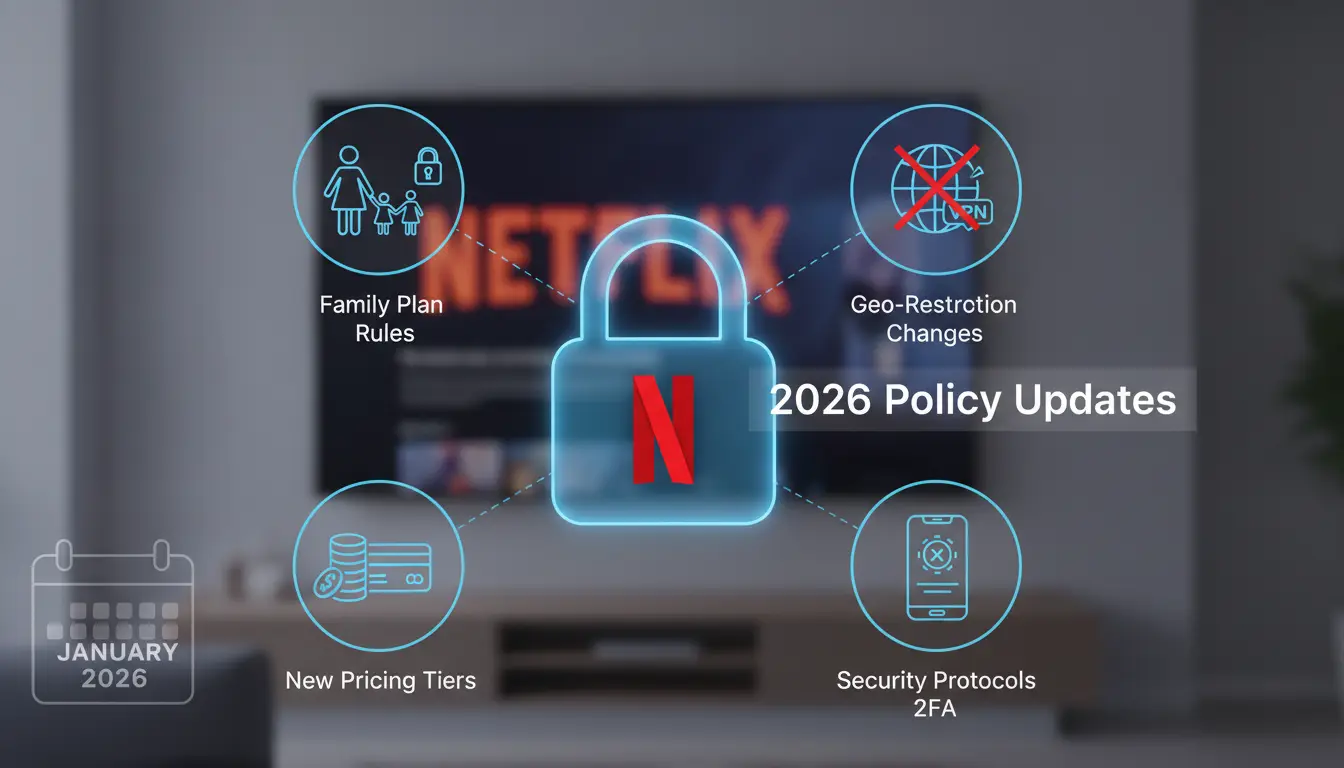
If you want to share your Netflix account safely after the recent crackdown, skipping a basic checklist is what usually gets people locked out or flagged. It’s not enough to guess who counts as “household”, Netflix now uses device checks, location tracking, and login patterns to spot rule-breakers. Before you hand out your password, check these points so you don’t get hit with surprise fees or lose access.
Checklist for Legal Sharing
Netflix’s 2026 rules are strict: only people living together can use one account, and all devices must regularly connect from the main household WiFi. If you add a new device from a different city, Netflix will demand verification or block it. Sharing with friends or family outside your home almost always triggers a warning.
Checklist:
- Confirm everyone you add lives at your main address (not just “family” in name).
- Set up each device on your home WiFi before sharing, avoid remote activation.
- Check for extra fees: new device, new location, or too many profiles can mean higher charges.
- Make sure every device logs in from your household monthly; skip this and Netflix may lock the account.
- Avoid using public or office WiFi for setup, Netflix flags these as non-household.
- If sharing with roommates, update account address to match your current home.
- Plan for device verification: Netflix may text or email a code whenever a new device appears.
- Use only supported devices. Smart TVs, phones, and tablets are fine; old streaming sticks sometimes fail verification.
If you follow these steps, you’ll avoid most automatic blocks. But if you try to share with someone far away, expect a restriction or extra fee within days.
Common Mistakes That Trigger Restrictions
The biggest mistake is sharing your account with remote users, if someone logs in from a different city or country, Netflix will spot it fast. Another common error is ignoring device verification prompts; if you skip these, the account can get frozen until you respond.
Quick mistake checklist:
- Sharing passwords with anyone outside your home.
- Letting a device stay idle for too long without logging in from your household WiFi.
- Missing or ignoring verification emails or texts.
- Using a proxy or unfamiliar network for setup (often flagged).
Just getting the setup right isn’t enough. If you miss a device check or let someone use your account from a distant location, you’ll be dealing with restrictions and support headaches. Getting the basics right here sets you up for safer sharing, next, you’ll want to focus on the exact workflow to keep your account stable.
How to Share Netflix Accounts Safely: Step-by-Step Workflow for 2026
You can still share your Netflix account in 2026, if you follow a clear, risk-aware workflow. The trick is to avoid mismatches in device, location, and activity that trigger Netflix’s household checks. Miss a step, and you’ll usually get flagged for “too many devices” or “suspicious access,” not just a temporary warning.
Preparing Devices and Locations
Start by setting up one primary device in your main household. This should be your “anchor”, the device Netflix expects to see most often. Add secondary devices only after you’ve streamed from the primary device at least once. If you’re sharing with someone outside your home, have them connect using your home Wi-Fi first (even if just for a short session). This sets the right device fingerprint and location.
Afterward, they can switch to their own Wi-Fi, but keep device changes to a minimum. If you add multiple phones or tablets in one day, Netflix often marks the account for extra verification. Only add new devices on days when the main device is active, and never from locations far apart.
Verification and Access Management
Once devices are set, watch for verification codes. Netflix sends these when it spots a login from an unusual location or device. Always have the main account holder ready to approve new access within ten minutes, if you miss the window, you’ll need to repeat the login and risk triggering household checks.
Keep user profiles tight: don’t make extra profiles for each person unless you’re sharing with family or close roommates. Too many profiles for remote users can flag the account. If you need to share with a remote team, use one shared profile and rotate access. Never share the password directly in chat apps, use a secure method like a password manager or a browser profile tool.
If someone loses access or gets logged out, check if the device was removed or if Netflix asked for a new verification. Reset only through the main device; random resets often trip extra security checks.
Done right, this lets you share access without constant interruptions or risking a ban. Next, you’ll want to see how sharing changes with family, roommates, and remote teams, since the policy treats each group differently.
When Account Sharing Gets Risky: Comparing Family, Roommates, and Remote Teams
You might think sharing your Netflix account is safe as long as everyone knows the password, but the risk changes depending on who’s using it, and where. With tighter device checks after the netflix account sharing policy update, the difference between family, roommates, and remote teams is more than just wording.
Family vs Roommates: What’s Allowed
Netflix’s official rules focus on “household” sharing, people living at the same address, not just relatives. Family members who actually live together usually get the least scrutiny. Roommates, though, may hit issues if devices move in and out or people travel often.
Here’s how the risk stacks up:
| Scenario |
Official Policy |
Detection Risk |
Common Triggers |
Enforcement Frequency |
| Family (Same Home) |
Allowed |
Low |
Device swaps, travel |
Rare |
| Roommates (Same Address) |
Allowed |
Moderate |
Device location changes |
Sometimes |
| Roommates (Different Homes) |
Not Allowed |
High |
IP mismatch, device ID |
Common |
Device swaps and IP changes are the main reasons accounts with roommates get flagged. If someone moves out and keeps using the account, Netflix can spot that with location checks. The biggest risk is ignoring address rules, if devices show up on different networks, you’ll likely face forced verification or even a ban.
Remote Teams and Long-Distance Sharing
Remote sharing, passing access to coworkers, friends, or anyone outside your home, now triggers instant alerts. Netflix uses IP tracking and device fingerprints to spot non-household users. If two logins happen from distant cities or countries, you’ll see verification requests or get locked out. For remote teams, safe sharing isn’t possible under the current rules. Even careful device setup can’t hide these patterns for long.
Next, you’ll see how DICloak can help families and teams reduce these risks.
How DICloak Makes Netflix Account Sharing Safer for Teams and Families
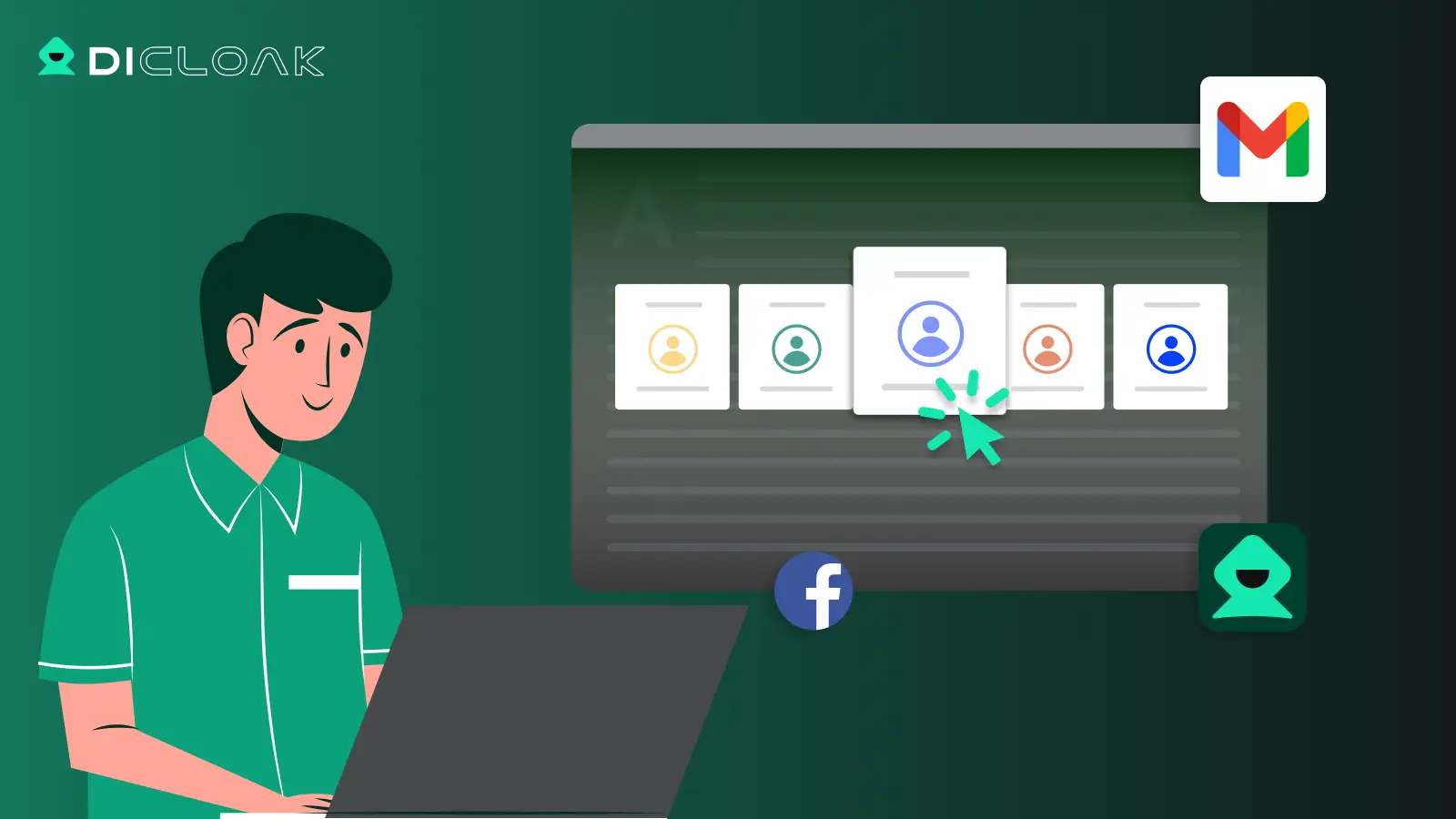
Sharing a Netflix account with family or remote teams gets tricky under the new rules. DICloak solves the main detection risk by letting everyone access the account with unified fingerprint and IP settings, so Netflix sees all activity as coming from one device.
You can use DICloak to set up proxies and keep every login under the same fingerprint. This means even if five people sign in, Netflix’s device checks can't spot new users or flag sudden IP changes.
Team Collaboration and Access Control
DICloak’s profile sharing lets you assign permissions, so only trusted team members see credentials. Passwords and subscription data stay locked down, and you can track who accesses what, making it much less likely someone resets the password or triggers a household check.
What to Do If Your Netflix Account Gets Restricted or Flagged
When your Netflix account gets restricted during sharing, you need fast, clear steps to recover access and avoid getting flagged again.
Immediate Actions After Restriction
If Netflix locks your account, don’t waste time guessing. Here’s what works:
- Contact Netflix support and explain the situation. Use chat for faster response, phone queues can run over an hour.
- Reset device access in your account settings. Remove unrecognized devices, then reauthorize only those you control.
- Change your password if you suspect credentials were shared beyond your household. This stops unwanted logins.
- Watch for any forced device verification requests. Complete them promptly, or you’ll get stuck in a loop.
Preventing Future Restrictions
To avoid repeat restrictions under the latest Netflix account sharing policy update, shift how you share:
- Limit account access to trusted people in your household. Remote friends and team members trigger most bans now.
- Use features like device profiles and clear session logs. This helps you spot risky activity early.
- Set up a routine, review devices monthly. Catch problems before Netflix does.
Next up: answers to the most common questions about the 2026 policy.
FAQ: Netflix Account Sharing Policy Update 2026
Netflix’s new rules for 2026 create strict limits on who can share an account, how often devices get checked, and what happens if you break the rules. Here are the top questions users keep asking now.
Is sharing a Netflix account with friends still allowed?
No. The 2026 policy only allows sharing among people living at the same main address. Connecting from different homes, countries, or ongoing travel usually triggers device checks or blocks.
How often does Netflix check device locations?
Netflix checks location and device data at random and during logins from new networks. Sudden changes or repeated logins from distant places raise red flags.
What counts as a “household” in Netflix’s rules?
A household means devices that connect from one physical address. Sharing with people outside that home is now against the rules.
Can you add extra members for a fee?
Yes, but only in supported regions. The extra member gets their own login but must still be tied to the main account’s location.
What happens if you get flagged for breaking the rules?
Netflix may lock your account, ask for device verification, or charge extra fees. Repeat issues can lead to permanent bans.
Frequently Asked Questions About netflix account sharing policy update
Can I share my Netflix account with someone in another city under the 2026 policy?
No, Netflix password sharing rules 2026 say you must only share with people in your household. Sharing with someone in another city risks detection. Netflix checks location and device info. If you share outside your household, your account may get blocked or limited. Only people living together count as a household.
What happens if Netflix detects unusual activity on my account?
If Netflix sees strange login locations or devices, it may restrict your account. You could be asked to verify your household or devices. Sometimes, streaming stops until you confirm your info. You can recover your account by following Netflix’s steps, like checking emails for verification links.
Is it legal to share Netflix with family members living together?
Yes, you can share with family living at the same address. Netflix household policy update says everyone must use the same Wi-Fi at home. Sharing with roommates or family at home is allowed. Sharing with people outside your home is against the rules and may result in account action.
How often does Netflix check device locations and IPs?
Netflix regularly checks device location and IP addresses each time you log in or stream. If you use a new device or switch networks often, Netflix may trigger extra checks. The system looks for patterns that don’t match your household, especially after sudden changes in usage.
Can DICloak help avoid Netflix account bans for teams?
DICloak masks device locations and IPs, helping teams appear as one household. This can reduce the risk of account bans during the netflix account sharing policy update. However, Netflix’s systems may still notice unusual patterns or repeated device changes. Use DICloak carefully and follow Netflix’s rules for best results.
As users weigh their options in light of the new sharing rules, it may be worth considering alternative streaming strategies or privacy tools. Taking proactive steps can help maintain viewing flexibility while safeguarding personal data. Try DICloak For Free
 Web Proxy Tools
 Free Tools
 Cookie Plugin
 UA Generator
 MAC Address Generator
 IP Generator
 IP Address List
 2FA Code Generator
 World Clock
 Anonymous Check
 WebRTC Leak Test
 UUID Generator
 Free Web Proxy Site
 Proxy Checker
 FB Ad Checker
 AI Web Scraping
 Free SMM Tools
 Twitter Shadowban Checker
 Instagram Name Checker
 UTM Generator
 Username Generator
 AI Hashtag Generator
 LinkedIn Headline Generator
 Social Media Image Resizer