Are you tired of being blocked from accessing content online? Or perhaps you're worried about your privacy while browsing the web? Nebula Proxy could be the solution you've been looking for. It’s a simple yet powerful tool that allows you to browse the internet securely, access geo-restricted sites, and maintain your anonymity online. In this guide, we’ll walk you through everything you need to know about Nebula Proxy—its benefits, use cases, and how to set it up. Whether you’re a casual browser or someone with more advanced needs, you’ll find practical insights on how Nebula Proxy can enhance your online experience. Keep reading to discover how you can unlock the internet with ease and security!
What is Nebula Proxy?
Nebula Proxy is a web proxy that routes internet traffic through its servers, hiding your real IP address. It allows users to access blocked websites and maintain privacy online by masking their location and identity.
Nebula Proxy works by forwarding your requests to websites through its servers. This keeps your IP address hidden from the website. It is simple to use, often requiring just a proxy link to start browsing without restrictions. Nebula Proxy can also handle complex network blocks and ensure smooth browsing.
How Nebula Proxy Works?
Nebula Proxy builds on the idea of routing traffic through an intermediary server. When you use nebula proxy, your device sends web requests to the proxy’s server first. Then the proxy server sends those requests to the target website or online service. The response from the website goes back to the proxy server, and then it is passed back to you. This process hides your real IP address from the website and protects your identity online.
This traffic routing helps create a layer between you and the sites you visit. Instead of connecting directly to a site, your connection goes through the nebula proxy links or proxy servers. The site sees the proxy’s IP address, not your own. This makes your online actions harder to trace and improves anonymity.
Nebula proxy also work with secure connections. When you access a site using HTTPS, the proxy server keeps the encrypted connection intact between you and the site. This means the data you send and receive stays private and cannot be easily read by outside parties during transmission. Many proxy tools also use additional protections like service workers or encryption to handle strict network blocks and keep connections secure.
In this way, nebula proxy helps you browse with more privacy and security. It reroutes your traffic, hides your identity, and maintains safe connections without complex setup.
Use Cases for Nebula Proxy
Now that you know how Nebula Proxy works, let’s look at the real ways people and businesses use it. Nebula proxy serve many needs online. Each use case below shows how this tool can help you do tasks that might otherwise be hard or blocked.
Bypassing Censorship
Nebula Proxy can help you access content that is blocked or restricted. In many places, networks block certain websites or services. Using a nebula proxy link, your request is sent through the proxy server instead. That server then fetches the blocked site and shows it to you. This way, you can reach content that might be unavailable due to censorship or network limits.
Private Browsing
One key use of nebula proxy is to enhance privacy. Your real IP address is hidden when you use a proxy. Instead, websites see the proxy’s IP. This helps protect your identity online. It also reduces tracking by websites and advertisers. People use nebula proxy when they want to browse without leaving a clear trail of their online activity.
Web Scraping and Data Extraction
Nebula Proxy can support data collection tasks like web scraping. When scraping data from many web pages, sites may block the requests. Proxies help avoid these blocks by rotating or masking IPs. With nebula proxy, data analysts can gather large sets of information for research or automation without being stopped.
SEO Monitoring and SERP Analysis
In SEO work, professionals check search engine rankings from different locations. This helps them understand how keywords perform in places like New York versus Los Angeles. Nebula proxy make it possible to view search results as if you are in different regions. SEO teams use this data to refine their strategies and improve website visibility.
Online Gaming
Some online games restrict access by region or network type. Using nebula proxy can help connect to game servers that are otherwise blocked. Proxies also help reduce regional lag by routing traffic in ways that may improve connectivity. In this way, nebula proxy tools enhance gaming access and performance on restricted networks.
Ad Verification
Ad verification is a key task for advertisers and brands. It checks whether ads appear correctly in the right locations and on the right devices. Nebula proxy is used to load web pages as if the viewer is in a specific place. This helps teams confirm that ads display properly and meet campaign requirements without bias or blockers.
Benefits of Using Nebula Proxy
- Enhanced Privacy and Security
Nebula Proxy improves your privacy by hiding your real IP address. Websites only see the proxy’s IP, protecting your identity and browsing history. It also blocks risky sites and filters harmful content, keeping your online activity safe.
- Improved Network Performance
Nebula Proxy can speed up your browsing. They cache frequently visited pages, reducing load times and saving bandwidth. This makes browsing faster and smoother, especially on slow or busy networks.
- Bypassing Geo-Restrictions
With nebula proxy, you can bypass geo-blocks. By routing your traffic through servers in different regions, you can access content that’s restricted in your area, giving you global access to websites.
- Safer Online Transactions
Using Nebula Proxy helps protect sensitive data during online transactions. While not a full encryption tool, it keeps your personal details safer by masking your IP and reducing visibility to potential threats.
How to Use Nebula Proxy?(Step-by-Step Guide)
Step 1: Signing up for a Service
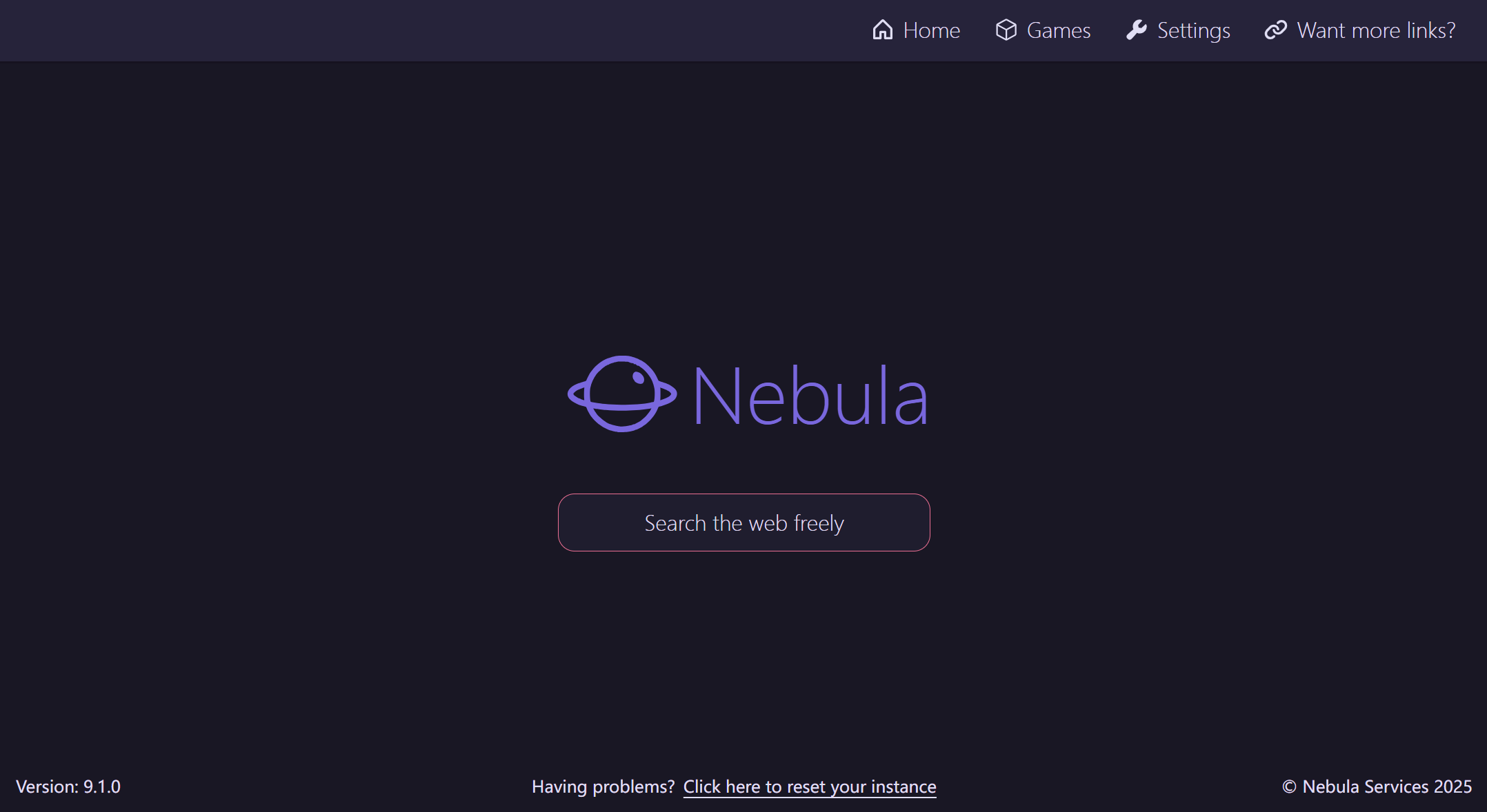
First, go to the official Nebula Proxy website in your browser. This is often done by entering the web address directly into your browser’s address bar. Once the page loads, you may see a search box labeled something like “Search the web freely.” This interface lets you use nebula proxy links without installing software. Some versions of Nebula Proxy also offer account options, so you can sign up or log in if needed.
If a sign‑up is available, enter your email address and create a password. Some services may ask you to verify your email before you proceed. A valid account helps you manage settings and track usage. This step ensures you use the proxy responsibly and may unlock features not available to free users.
Step 2: Configuring Settings for Optimal Use
Once you have access, check for any configuration settings or options. On many Nebula Proxy sites, you can choose how the proxy handles your traffic, such as which server region to connect through or whether to use standard or enhanced privacy options. These settings help you get the best speed and security for your needs.
To configure nebula proxy in a browser, you might need to adjust network or proxy settings in the browser’s advanced options. For browsers like Chrome or Firefox, you find these under system or network settings. You paste the proxy server address and port given by your provider. After that, save your settings so your traffic goes through the nebula proxy by default.
Step 3: Starting to Use Nebula Proxy Effectively
After setup, begin using the nebula proxy by entering the website address you want into the proxy site’s search box or through your browser. Press Enter to load the content. The proxy server fetches the page for you and displays it within your browser. This means your browsing is routed through the proxy, keeping your real IP hidden and helping you access the content you want.
To be effective, use nebula proxy when you need privacy or access to restricted content. Keep your proxy configuration updated and check for any notices from your proxy service about speed or security changes. This ensures smoother and safer browsing with nebula proxy tools.
These steps help you get started with nebula proxy easily, improving your browsing experience with enhanced privacy and access.
Alternatives to Nebula Proxy
If nebula proxy are not enough, it is useful to look at other options. These alternatives offer different features, strengths, and prices. Understanding them helps you choose the best tool for your needs.
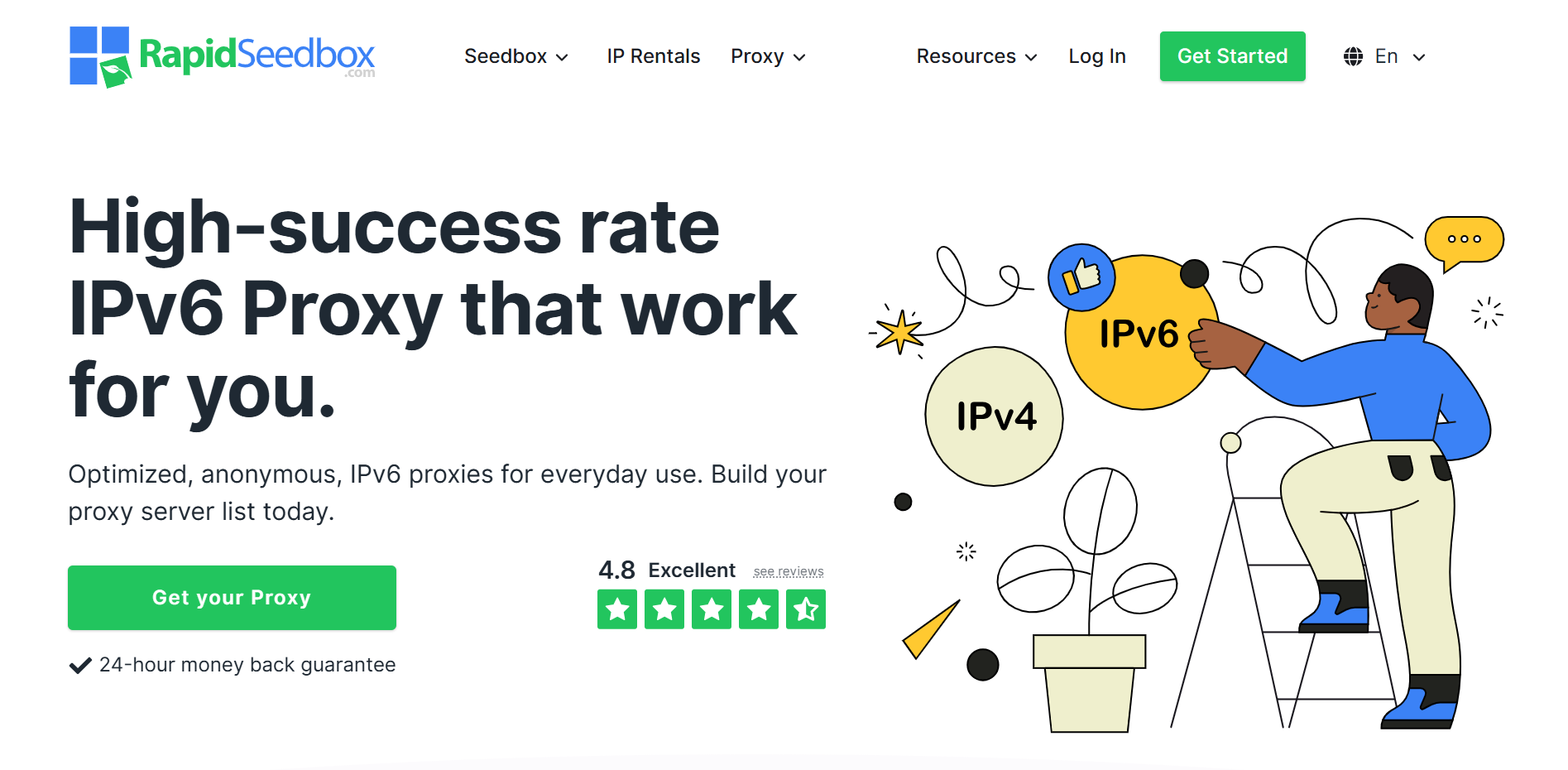
RapidSeedbox – Fast and Simple Proxy Service
- RapidSeedbox offers reliable datacenter proxies with steady speed and good uptime.
- It is easier to set up than some big providers, making it a solid choice for general browsing and web tasks.
- It may not have as large an IP network as enterprise services, but its performance is strong for many users.
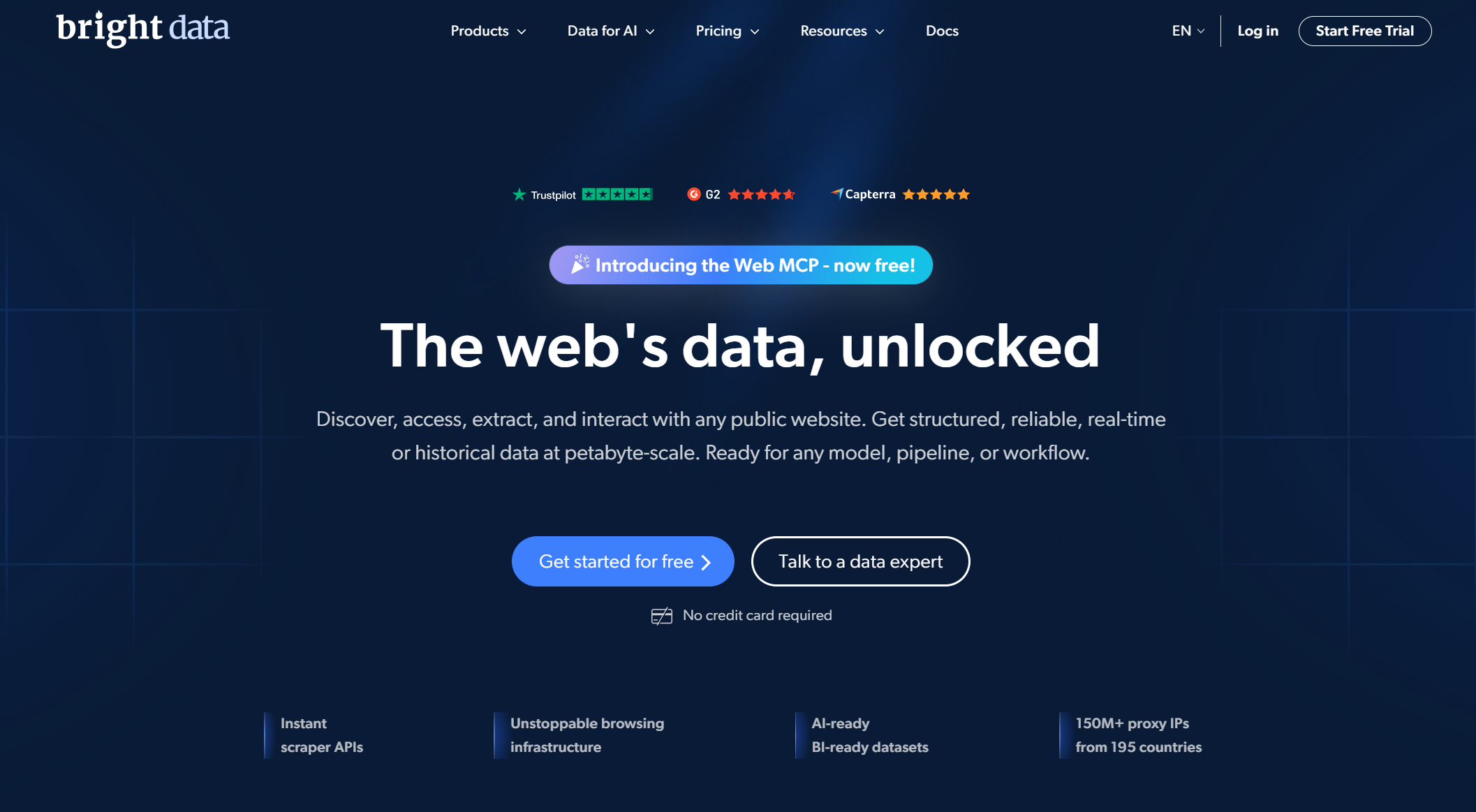
Bright Data – Large Proxy Network with Tools
- Bright Data is a major proxy provider with millions of IPs worldwide.
- It supports many proxy types, such as mobile, residential, and datacenter proxies.
- It also offers advanced tools for data collection and management, but it can be more expensive than smaller services.
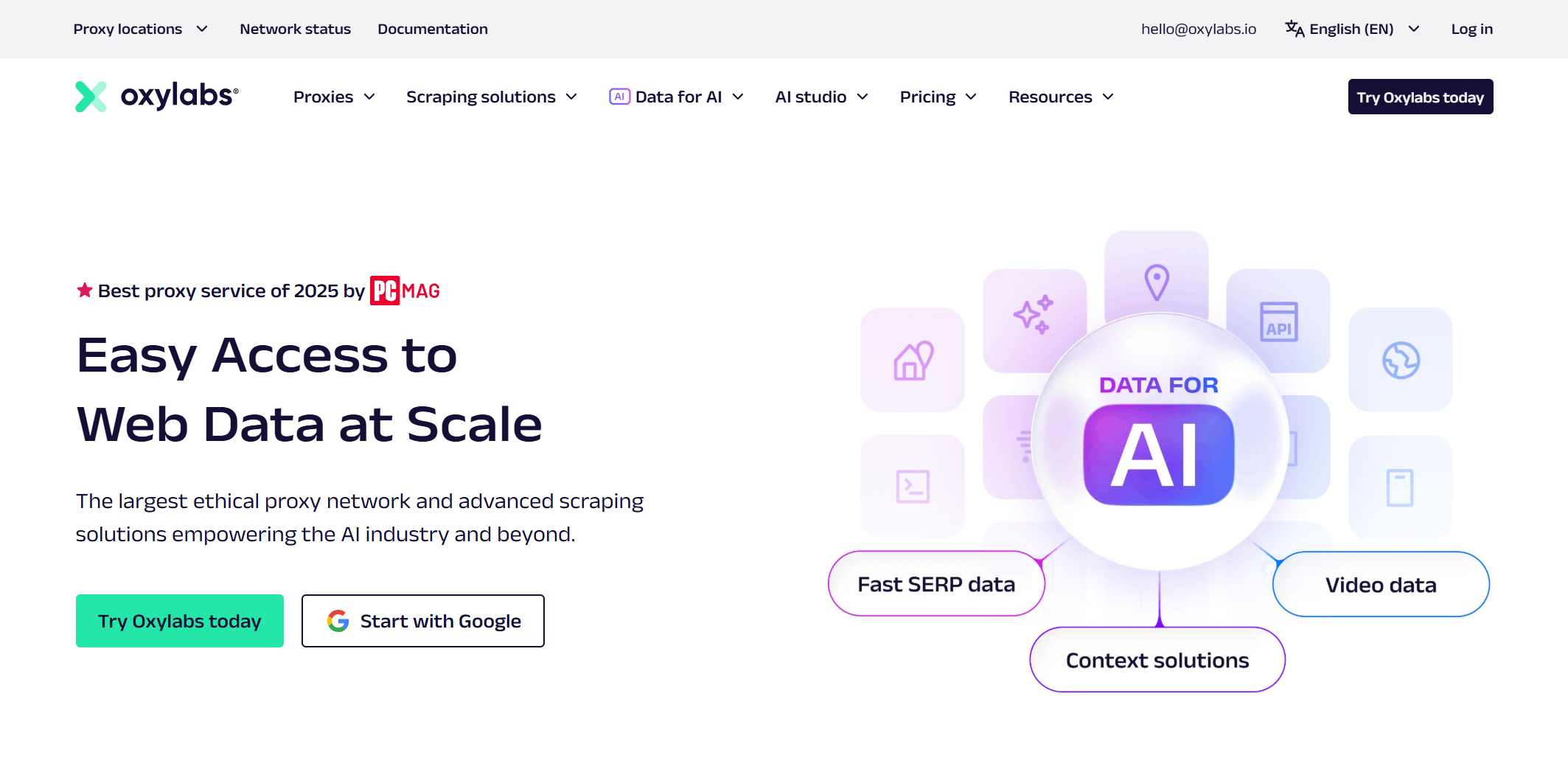
Oxylabs – Enterprise‑Grade Proxies
- Oxylabs provides one of the largest proxy networks with over 100 million IPs globally.
- It is suitable for heavy tasks like large‑scale data scraping, SEO analysis, and market research.
- The service is reliable and trusted by many businesses, but pricing is higher for enterprise use.
Comparative Analysis for Informed Decision‑Making
When comparing these services with nebula proxy, consider the following factors:
- Network Size: Bright Data and Oxylabs have larger IP pools, offering better access to global content. Larger networks help prevent IP blocking.
- Performance and Speed: RapidSeedbox offers fast speeds, while enterprise services like Bright Data and Oxylabs provide excellent performance for large-scale projects.
- Ease of Use: Some alternatives, like RapidSeedbox, come with easier-to-use dashboards, making them more user-friendly than free nebula proxy.
- Security Features: While Nebula Proxy hides your IP, alternatives like Bright Data and Oxylabs provide stronger control and additional features.
- Price and Value: Free services like nebula proxy are cost-effective for simple tasks, while paid services like Bright Data or Oxylabs are more suitable for advanced users with larger budgets.
Choosing the right proxy depends on your needs. For everyday browsing, nebula proxy may still be enough, but for more complex tasks like large-scale data scraping, Bright Data or Oxylabs offer better performance and features.
Limitations and Considerations of Nebula Proxy
While nebula proxy tools offer value, they are not perfect for every situation. Knowing the limitations helps you make better choices. These points connect naturally from learning how to use nebula proxy to understanding its real‑world constraints.
Potential Drawbacks of Nebula Proxy
Nebula Proxy is simple and free, but it may not suit all users. It lacks professional support, so beginners might struggle if something goes wrong. Also, free services like nebula proxy can be unstable or go offline without warning, which makes them unreliable for critical tasks. These issues mean users should consider their needs before relying fully on this tool.
Feature Limitations Compared to Alternatives
Compared with advanced proxy services, nebula proxy often lack strong features. Paid solutions typically provide better performance, dedicated support, more server locations, and advanced tools for automation and testing. Free proxies do not offer as many customization options or scalability, which limits their usefulness in business or large‑scale applications.
Security Concerns
Although nebula proxy hides your IP, they do not always encrypt all data. This means your traffic may still be visible to others if you connect to unsecure sites, and some free proxy services might log or sell your browsing data. For sensitive tasks like online banking or health accounts, stronger security tools are recommended.
Network Performance Issues
Free proxies, including many nebula proxy sites, often suffer slower speeds and unstable connections. High user volume can lead to buffering, slow page loads, and disconnects, especially during heavy or data‑intensive activities. This can affect streaming, gaming, and work that needs steady performance.
Why choose DICloak Antidetect Browsers for your business?
⚡The DICloak Antidetect Browser has become a global favorite for its unparalleled ability to efficiently and securely manage multiple accounts. Designed for professionals in social media management, affiliate marketing, traffic arbitrage, e-commerce, account farming, airdrops, and more, DICloak offers powerful features like RPA automation, bulk operations, and synchronizer. Additionally, it allows you to customize fingerprints and integrate proxies for each profile, ensuring top-level security and operational efficiency. It’s the ultimate tool for seamless, secure, and scalable operations.

What Makes DICloak Stand Out?
✅ Manage 1,000+ Accounts on One Device: Stop wasting money on extra hardware! DICloak allows you to manage multiple accounts on a single device, cutting costs and boosting efficiency.
✅ Guaranteed Account Safety, No Ban Risks: Every account gets its own isolated browser profile with custom fingerprints and IPs, drastically reducing the risk of bans. Your accounts, your control!
✅ Flexible Proxy Configuration for Maximum Performance: Seamlessly integrate with all major proxy protocols (HTTP/HTTPS, SOCKS5) and manage your proxy pool with bulk operations. No more struggling with IP management—DICloak has you covered.
✅ Streamlined Team Collaboration for Better Results: Easily manage your team with advanced tools like profile sharing, permission settings, data isolation, and operation logs. Your team works smarter, not harder.
✅ Automate the Grind with RPA: DICloak's built-in RPA saves you hours of manual work. Automate repetitive tasks, streamline workflows, and focus on what really matters—growing your business.
✅ Powerful Bulk Tools to Scale Your Operations: Create, import, and launch multiple browser profiles in one click. DICloak makes scaling your business as easy as it gets.
✅ Compatible with All Major Operating Systems: Based on the Chrome core, DICloak supports simulating Windows, Mac, iOS, Android, and Linux operating systems. No matter what platform you need, DICloak has you covered.
🔗 Ready to Get Started?
Visit the DICloak website to explore more details and choose the plan that’s right for you. Start for free today and experience the power of secure, efficient, and scalable multi-account management!
Conclusion
Nebula Proxy is a useful tool for enhancing online privacy, bypassing geo-restrictions, and accessing blocked content. It offers an easy setup and helps protect your identity by routing traffic through its servers. However, its limitations in speed, security, and scalability may make it less suitable for heavy or sensitive tasks. For those seeking a more secure and advanced solution for privacy protection, DICloak is an excellent tool that provides stronger security features. Ultimately, choosing the right proxy depends on your needs, whether for simple browsing or complex operations.
FAQs About Nebula Proxy
1. What is Nebula Proxy and how does it work?
Nebula Proxy is a web proxy service that routes your internet traffic through its servers, hiding your real IP address and providing privacy while browsing. It allows you to access restricted content and improve security by masking your identity. The proxy works by forwarding your requests to websites, keeping your real location and identity hidden.
2. How can I use Nebula Proxy for private browsing?
Using Nebula Proxy for private browsing is easy. Simply configure the proxy settings in your browser. This will hide your real IP address, making it harder for websites to track your activity and improve your privacy.
3. Are there any limitations when using Nebula Proxy?
While Nebula Proxy offers benefits like privacy and access to blocked content, it has limitations. These include slower speeds, limited server locations, and possible security concerns for sensitive data. For more advanced needs, alternative services like Bright Data or Oxylabs may be better options.
4. Can Nebula Proxy help me bypass geo-restrictions?
Yes, Nebula Proxy can help bypass geo-restrictions. By routing your internet traffic through different servers worldwide, you can access content that is restricted to specific regions. This makes it possible to view global content, such as videos or websites that are unavailable in your country.
5. What are the benefits of using Nebula Proxy over other proxy services?
Nebula Proxy offers enhanced privacy, the ability to access restricted content, and easier setup compared to other proxies. It is ideal for users who want a simple, cost-effective solution for private browsing and bypassing content blocks. However, for larger-scale or more complex tasks, other proxy services might provide better features and performance.
 Web Proxy Tools
 Free Tools
 Cookie Plugin
 UA Generator
 MAC Address Generator
 IP Generator
 IP Address List
 2FA Code Generator
 World Clock
 Anonymous Check
 WebRTC Leak Test
 UUID Generator
 Free Web Proxy Site
 Proxy Checker
 FB Ad Checker
 AI Web Scraping
 Free SMM Tools
 Twitter Shadowban Checker
 Instagram Name Checker
 UTM Generator
 Username Generator
 AI Hashtag Generator
 LinkedIn Headline Generator
 Social Media Image Resizer